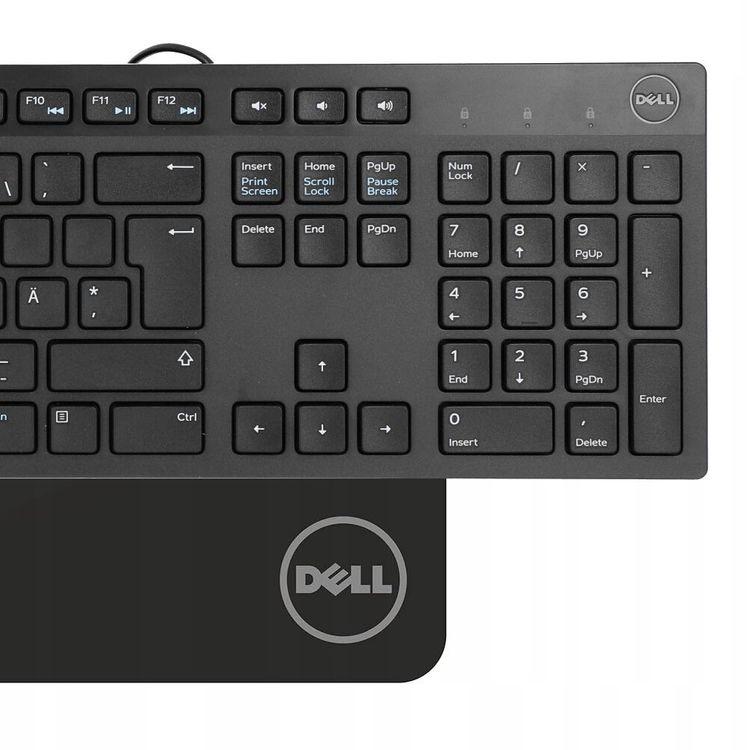
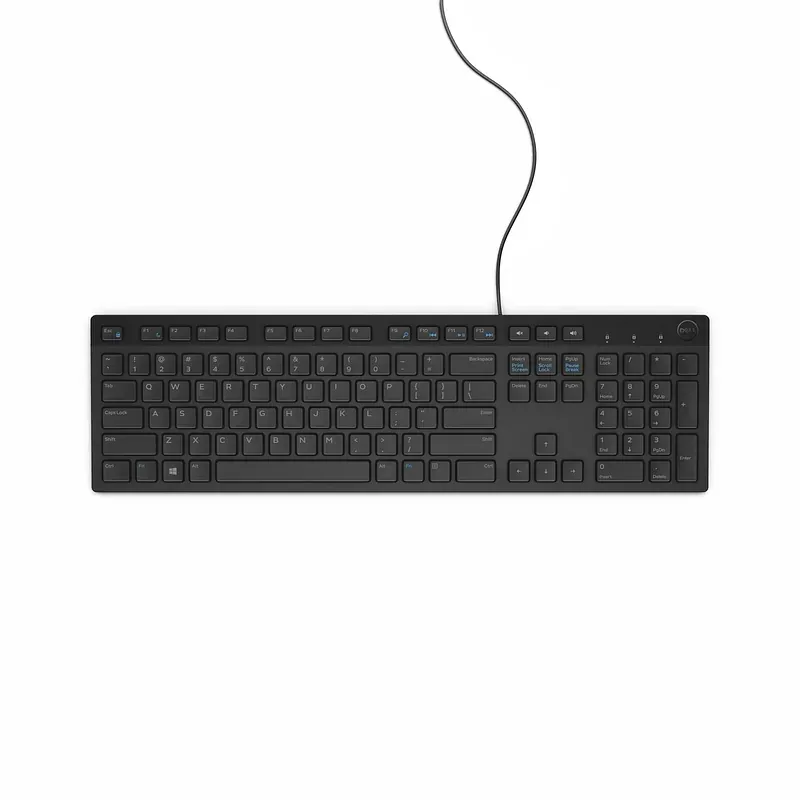
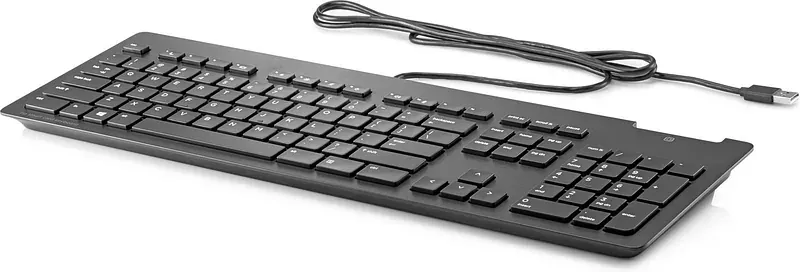
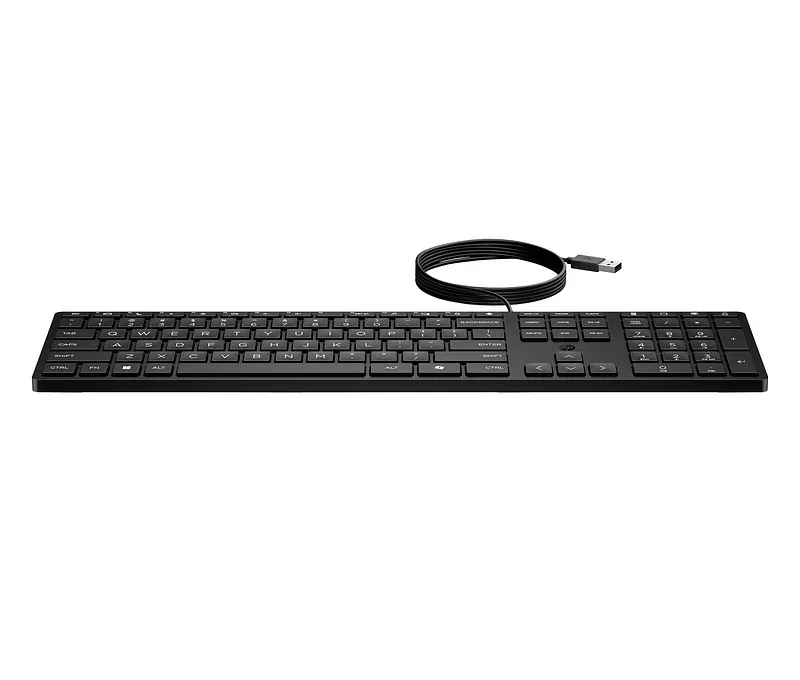
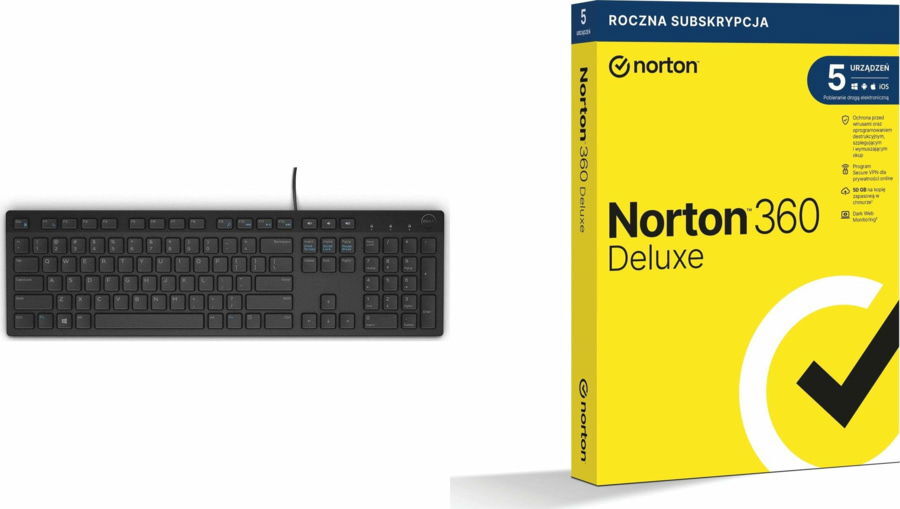
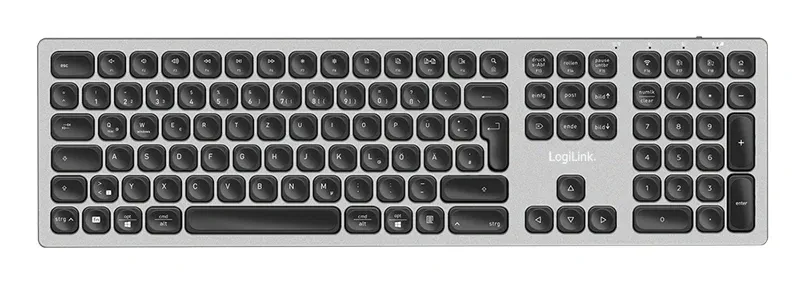
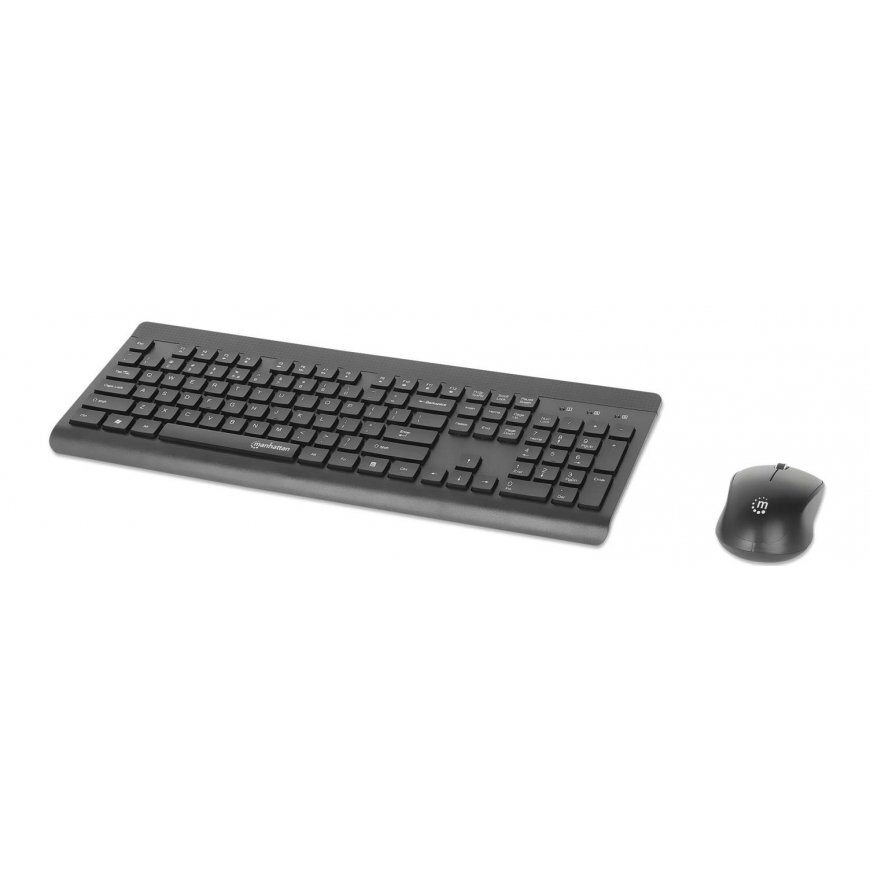
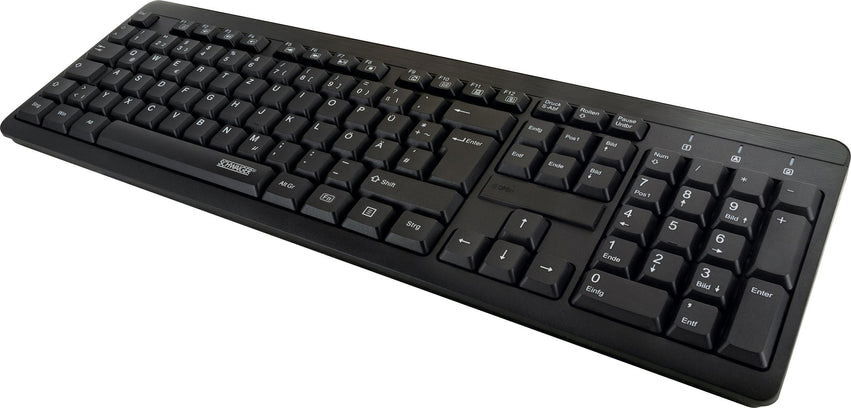
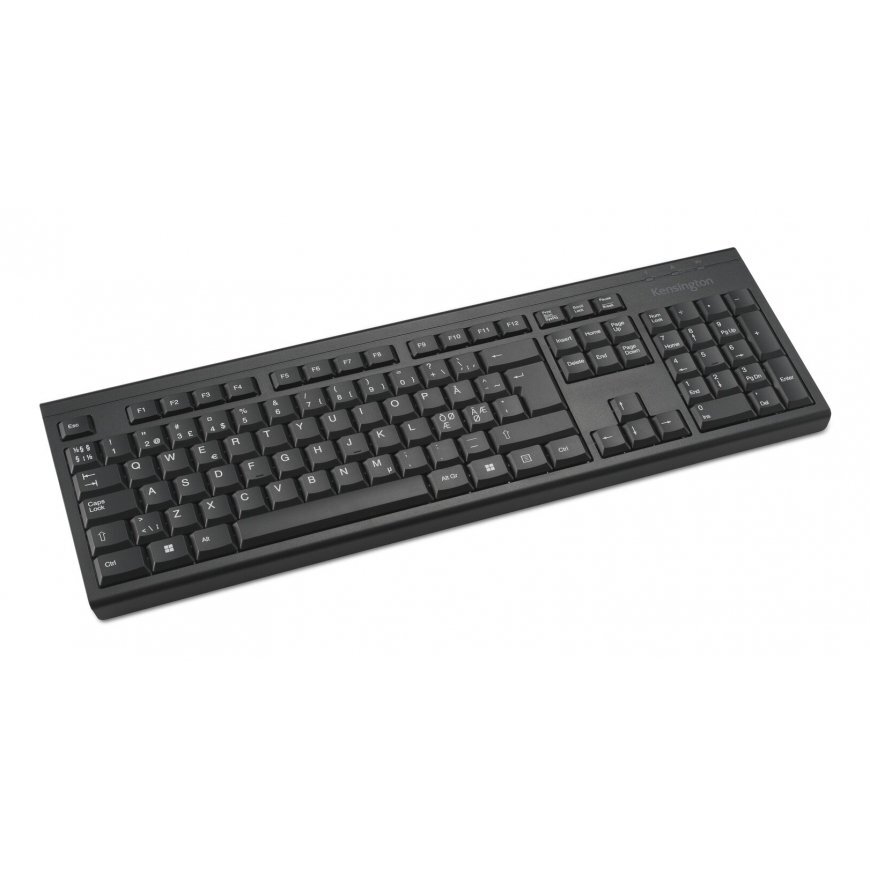
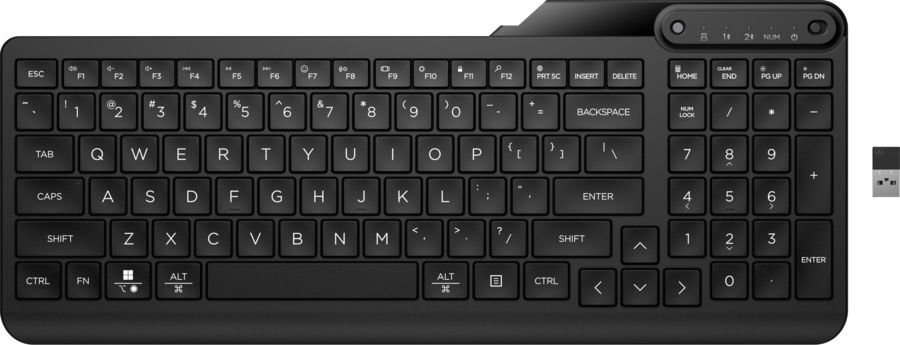
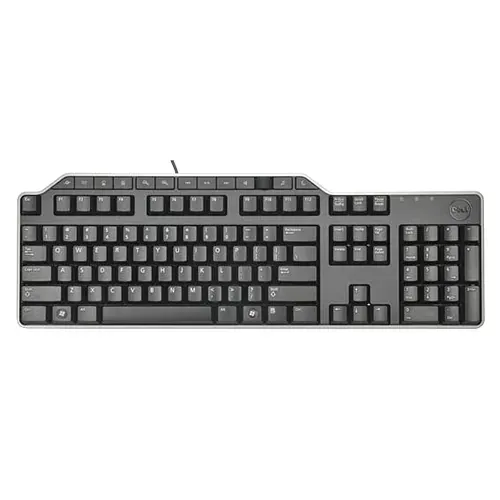
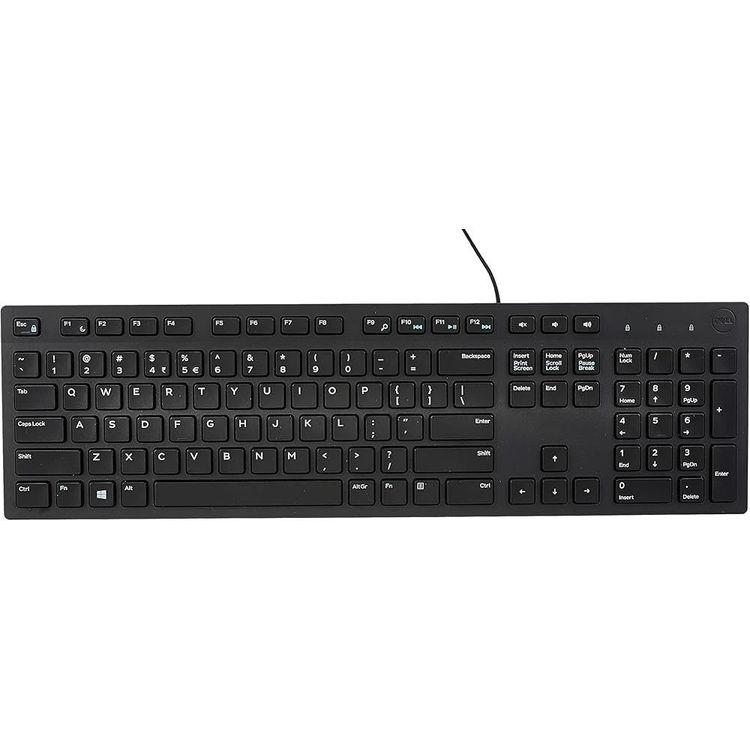
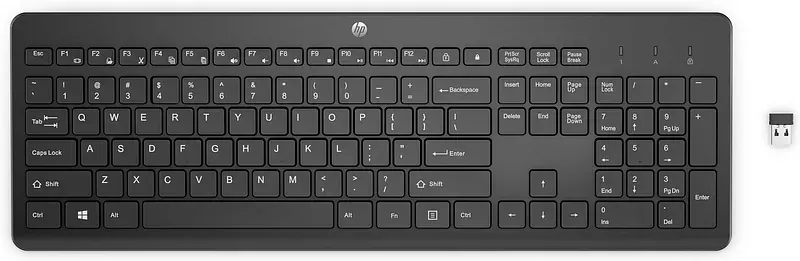
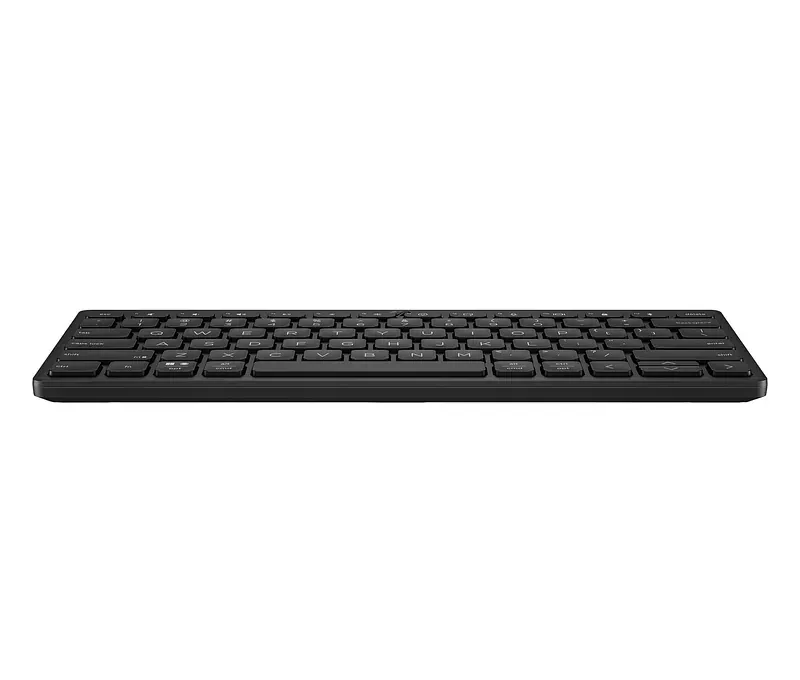
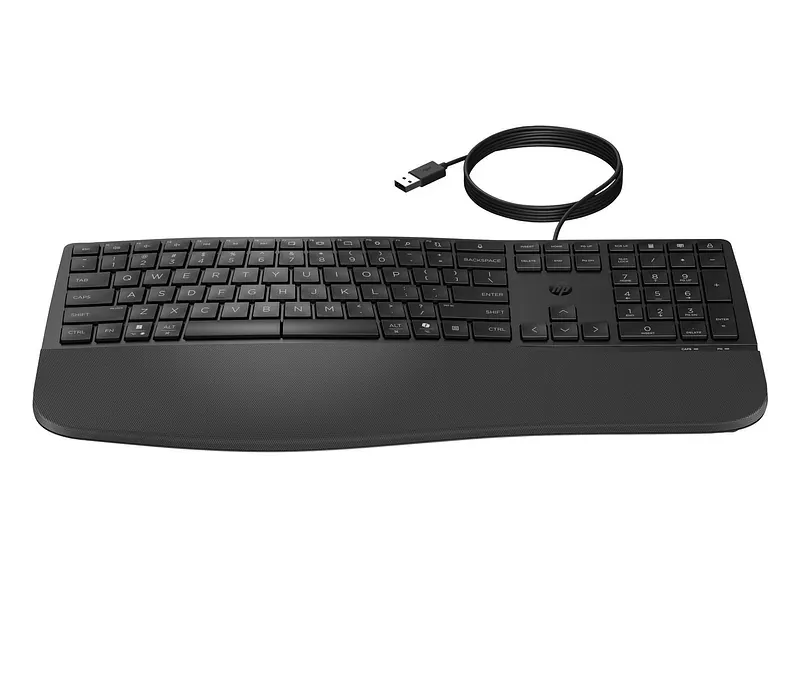
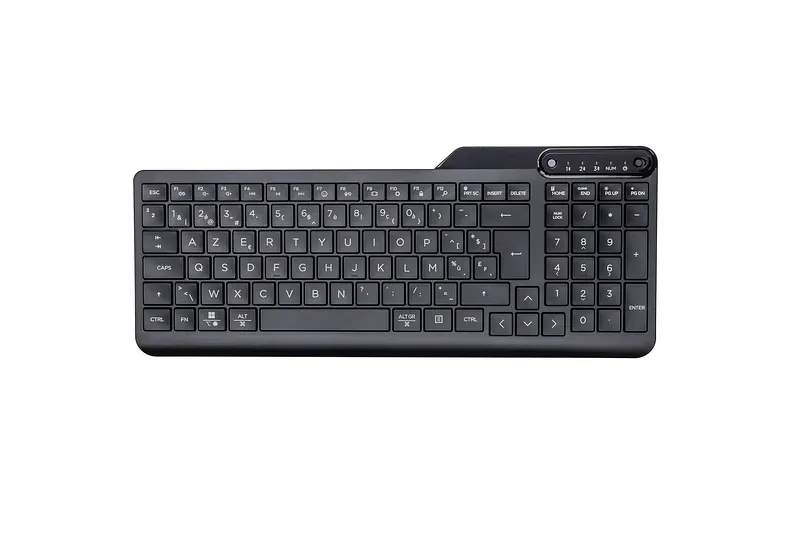
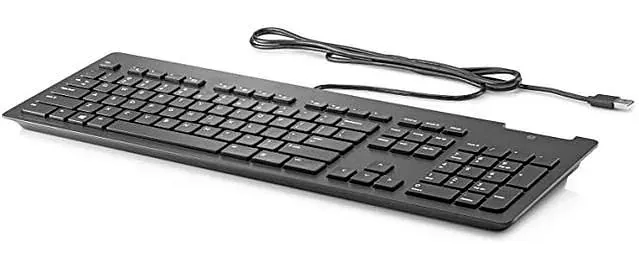
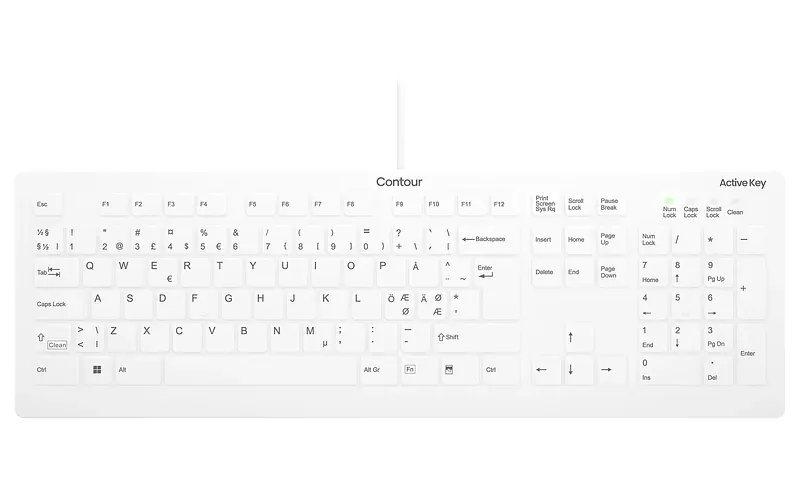
• Kontor • USB • QWERTZ Saksa keel • Täissuuruses (100%) Numbriklaviatuur • Must DELL KB-522, Täissuuruses (100%), Juhtmega ühendatud, USB, QWERTZ, Must
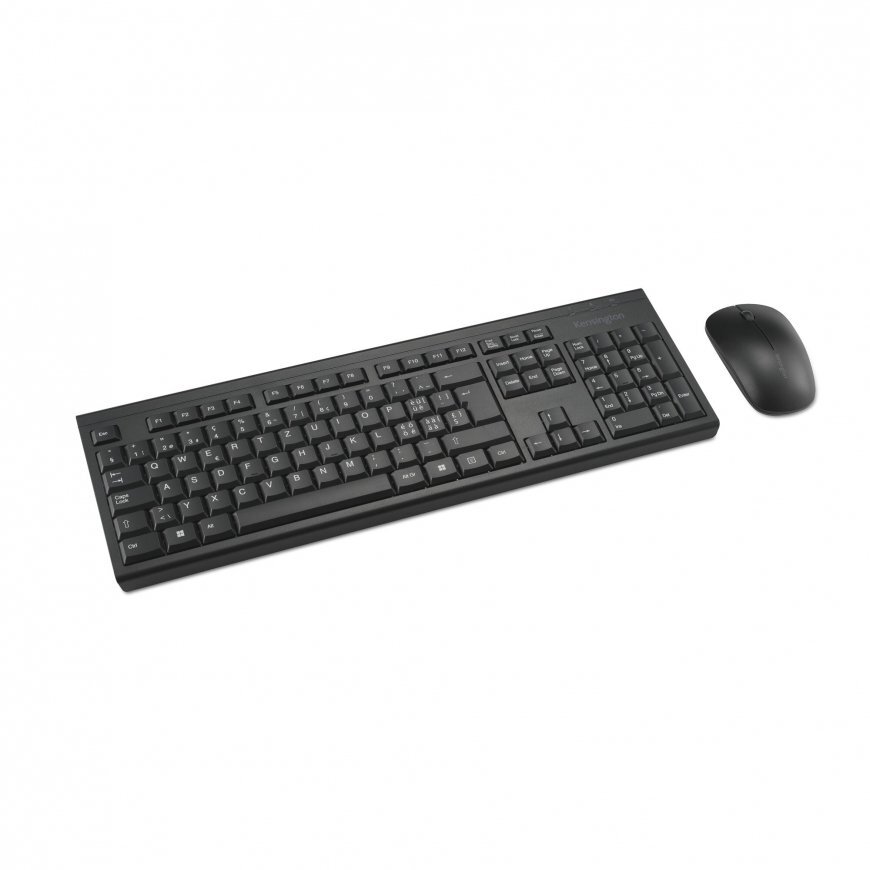
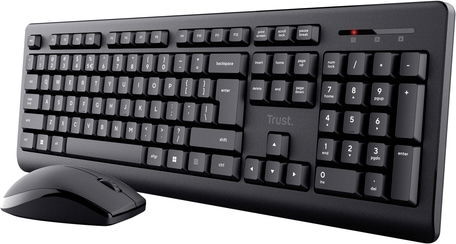
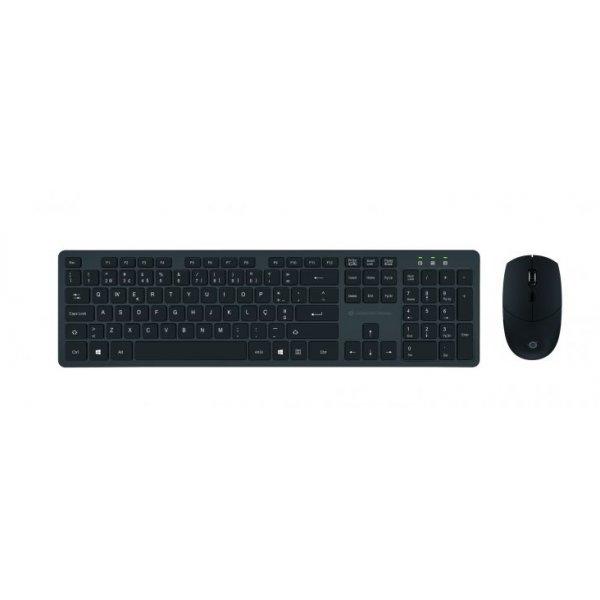
• Kontor • Raadioside • Ameerika inglise keel • Täissuuruses (100%) Numbriklaviatuur • Hiir kaasa arvatud • Must DELL KM5221W, Täissuuruses (100%), Juhtmevaba, Raadioside, Must, Hiir kaasa arvatud
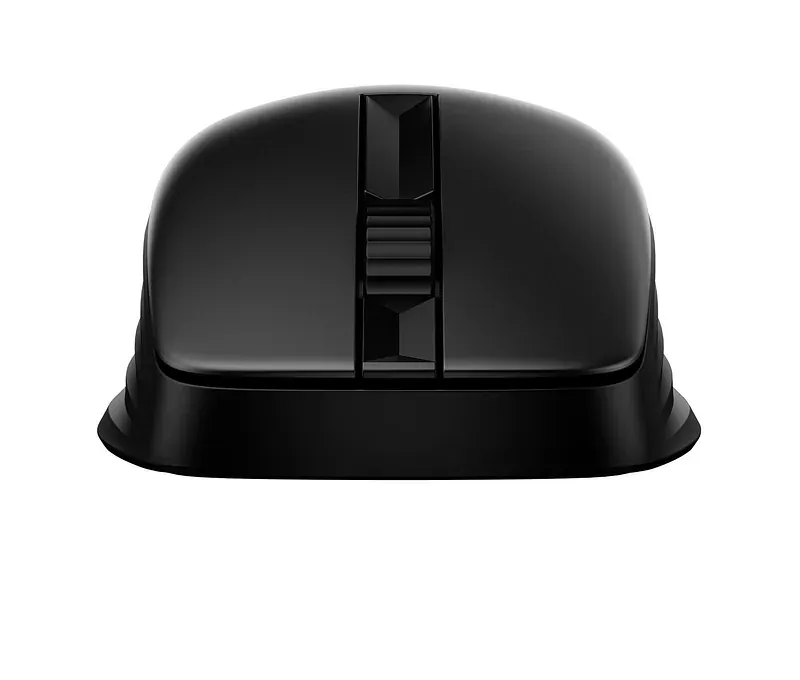
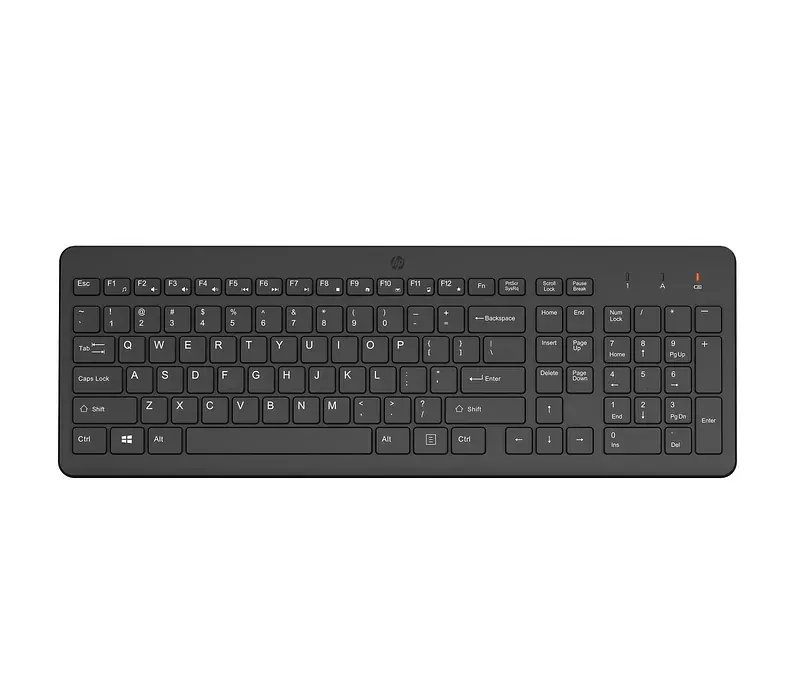
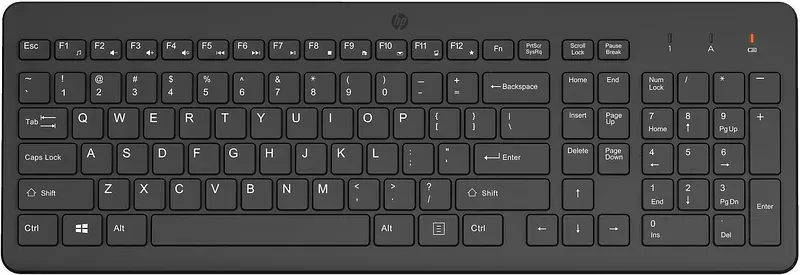
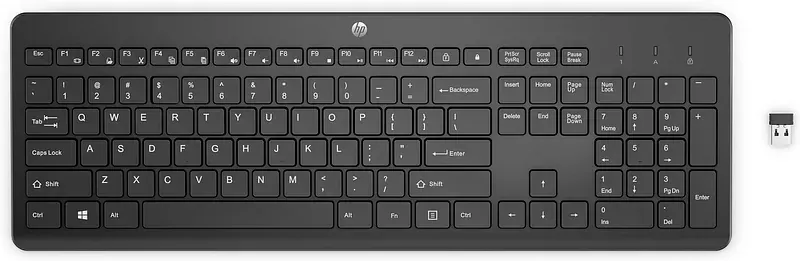
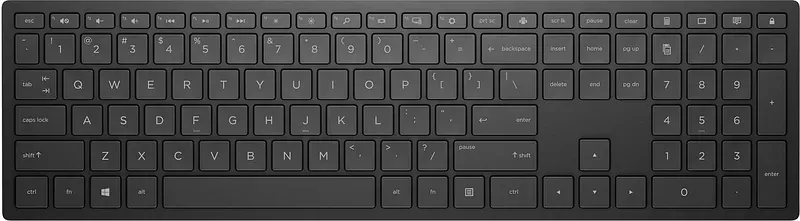
• This sleek, stylish keyboard includes legs that can be adjusted by up to 6 degrees while contoured keycaps and 2.0 mm travel delivers an accurate typing experience. A contoured mouse and grip design delivers every day comfort for left or right-handed users. • Program 20+ keys on this keyboard with HP Accessory Center[1] so you can reduce keystrokes and work smarter in your most used apps. Plus you can easily customize mouse DPI settings to control cursor speed and sensitivity. • Working on different surfaces can cause your mouse to work erratically. Problem solved with a Multi-Surface Sensor[4]. With better tracking, you’re now free to mouse on more surfaces like marble. Plus this new sensor is more power efficient for an increased battery life. • This keyboard and mouse combo contains post-consumer recycled materials that make up more than 60% of the plastics in the keyboard and mouse[6].
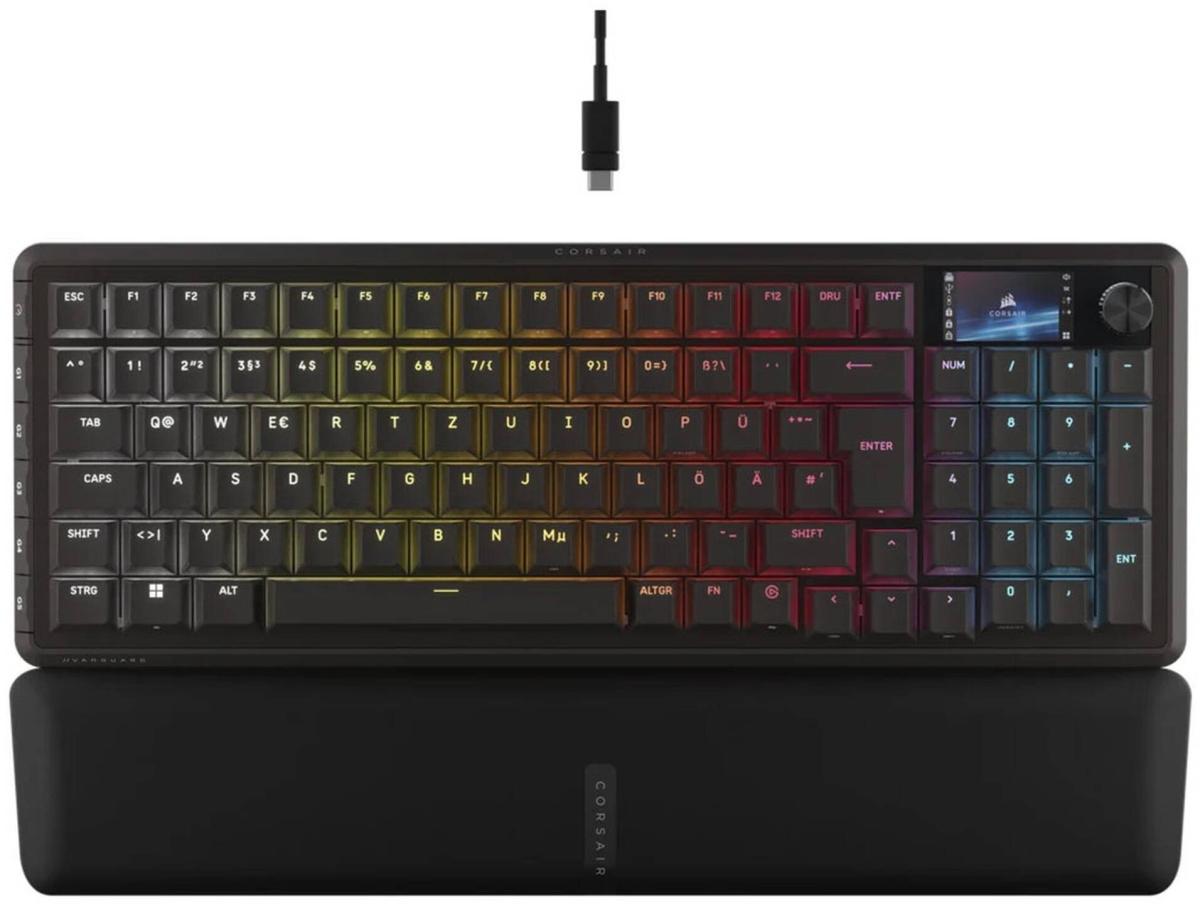
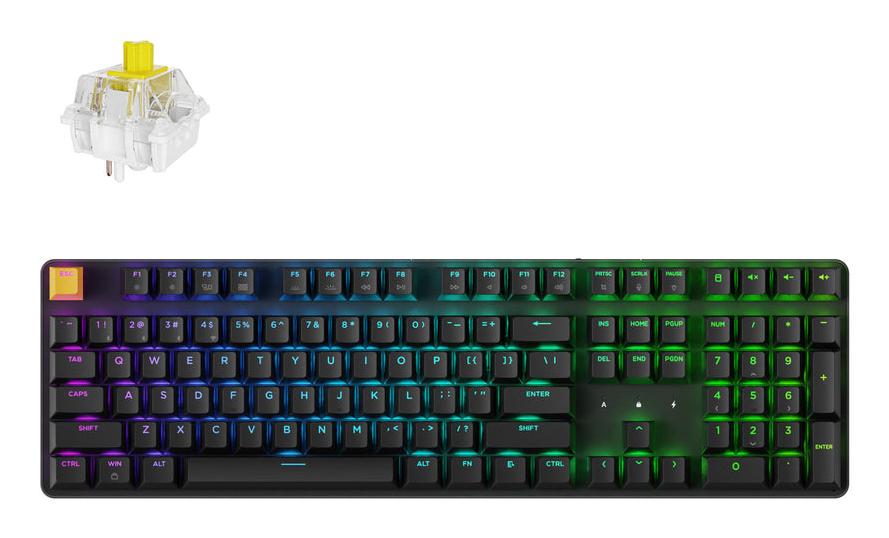
The Corsair Vanguard Pro 96 gaming keyboard is designed for ambitious gamers and esports users who demand maximum responsiveness and flexibility. With magnetic Hall-effect switches, a high polling rate, and a compact yet functional layout, it takes conventional gaming keyboards to a new level. MGX Hyperdrive switches enable dynamic actuation points for responsive keystrokes. A polling rate of up to 8,000 Hz ensures lightning-fast signal processing. The hot-swap feature allows tool-free switch replacement. The 96% layout saves space without sacrificing the number pad or arrow keys. A 1.9-inch IPS LCD, control wheel, and G-keys expand control and customization options. Technology & Responsiveness The MGX Hyperdrive switches are based on Hall-effect technology and allow for adjustable actuation depth—ideal for fast reactions and a personalized gaming feel. When wired, the keyboard offers a polling rate of up to 8,000 Hz, providing latency-free performance even in the most demanding esports scenarios. Compact Form, Full Layout The 96% format reduces the footprint on your desk but retains all important keys, including the number pad and navigation cluster. This leaves more space for mouse movement—perfect for competitive players or space-conscious setups. Personalized & Functional An integrated IPS color display, multifunctional aluminum control wheel, and six programmable G-keys open up versatile application possibilities—whether for gaming, streaming, or workflow automation. The premium aluminum surface and internal dampening provide pleasant acoustics and durable tactile feedback.
Expressive control for your creativity ProArt Keyboard KD300 is a 26.8 mm-slim, 65% low-profile keyboard with navigation keys and a premium aluminum top cover. This versatile keyboard features tri-mode connectivity to support up to five devices simultaneously via 2.4 GHz wireless, Bluetooth® and USB. For convenience, ProArt Keyboard KD300 has a PC/Mac toggle switch, a storage slot for its magnetic dongle, and an innovative touch panel for intuitive control of volume, media playback and lighting. Meanwhile, the web-based ASUS Gear Link interface allows you to customize profiles, key mappings, macros and lighting to personalize the keyboard for your creative workflows. ASUS RX Red Low-Profile optical switches deliver smooth, fast, and precise keystrokes, while two adjustable keyboard tilt angles ensure an ergonomic typing position. Inspiring endless creativity ProArt Keyboard KD300 incorporates navigation keys into its compact 65% low-profile layout to keep footprint dimensions down to a minimum, enabling creators to maximize desk space for cameras, sketches, and other tools. Boasting a slim 26.8 mm profile and premium aluminum top cover, ProArt Keyboard KD300 combines refined aesthetics with durability. Seamlessly switch between devices and systems ProArt Keyboard KD300 features tri-mode connectivity to support up to five devices via 2.4 GHz wireless, USB, and Bluetooth — including laptops, PCs, and tablets.1 You can switch effortlessly between devices, and toggle the dedicated PC/Mac switch to instantly adapt the keyboard layout to your preferred operating system. Additionally, a built-in magnetic dongle storage slot offers a convenient and secure way to keep the dongle within easy reach. Intuitive control at your fingertips You can use the built-in touch panel and multi-function switch to adjust volume, control media playback, and customize keyboard lighting — giving you effortless control right at your fingertips. The web-based Gear Link offers more in-depth customization options to tailor the keyboard to suit various creative workflows. Ultimate customization for creative workflows Gear Link seamlessly integrates system and lighting controls, allowing you to easily create, define, and customize scenario profiles, key mappings and macro recordings. AI hot keys provide ten preset showcards for Adobe shortcuts for seamless creative workflows2. You can also use Gear Link to customize shortcuts that match your working style. Use the Macro feature to assigns complex actions to a single key. You can also effortlessly adjust volume, media playback, keyboard lighting, or perform a customized action — all with a gentle swipe of the touch panel. Ergonomic design Engineered for comfort, ProArt Keyboard KD300 offers 4.5°-flat and 8°-angled tilt positions to relieve pressure off your wrists for comfortable typing. In addition, red low-profile switches provide fast 1.0 mm actuation, a smooth linear feel, and responsive 40–55 gram-force key feedback — making every keystroke instant and precise. Smooth and precise keystrokes ASUS RX Red Low-Profile optical switches deliver quick, responsive input with a smooth, linear feel. The switches are designed to minimize accidental presses while offering satisfying rebound, so every keystroke feels effortless and precise. 2-level adjustable kickstands ProArt Keyboard KD300 has two pairs of keyboard feet of different heights, giving it two ergonomic tilt angles to suit your preferences. Integrated sound dampening Two layers of integrated silicone dampening foam absorb pinging noises and echoes for improved keystroke acoustics. Battery levels at a glance A quick glance at the top row of keys shows the keyboard’s battery level in real time. Each key from Esc to 9 represents 10% of battery life, and emits a vibrant white glow when above 20% capacity. When the battery falls below 20%, the Esc to 1 keys light up in red to indicate a low-battery status. ProArt Keyboard KD300 delivers extended endurance — up to 16 months with RGB lighting off, and up to 100 days even with full-brightness lighting — so you can focus on creating without worrying about battery life3. Can be paired with up to five devices, connects with only one device at a time. ↑ Please follow the AI-related shortcut functions supported in Adobe applications based on the officially listed available regions. ↑ Battery life varies by connection mode and lighting settings. In 2.4 GHz wireless mode, the keyboard lasts up to 16 months with RGB lighting off, or up to 100 days with full-brightness lighting enabled (tested with white light). In Bluetooth mode, it lasts up to 9 months with RGB lighting off, or up to 86 days with full-brightness lighting enabled. Actual battery life may vary based on real-world usage, device settings, and environmental conditions. Products certified by the Federal Communications Commission and Industry Canada will be distributed in the United States and Canada. Please visit the ASUS USA and ASUS Canada websites for information about locally available products. All specifications are subject to change without notice. Please check with your supplier for exact offers. Products may not be available in all markets. Specifications and features vary by model, and all images are illustrative. Please refer to specification pages for full details. PCB color and bundled software versions are subject to change without notice. Brand and product names mentioned are trademarks of their respective companies. The terms HDMI and HDMI High-Definition Multimedia Interface, HDMI trade dress and the HDMI Logos are trademarks or registered trademarks of HDMI Licensing Administrator, Inc. in the United States and other countries.
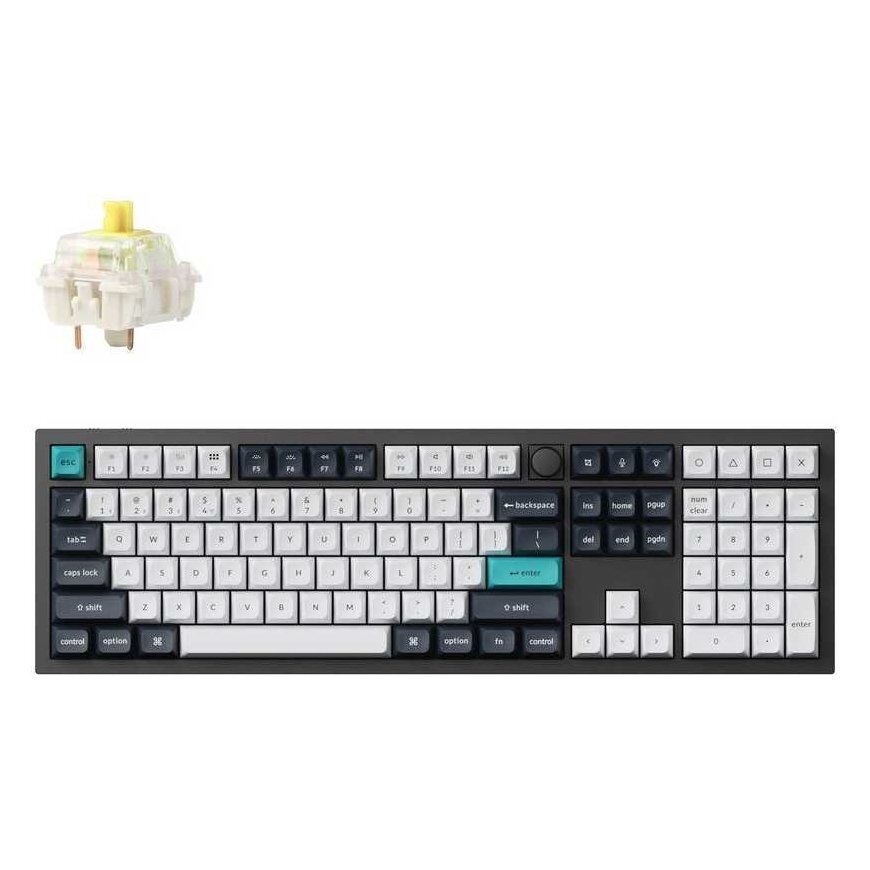
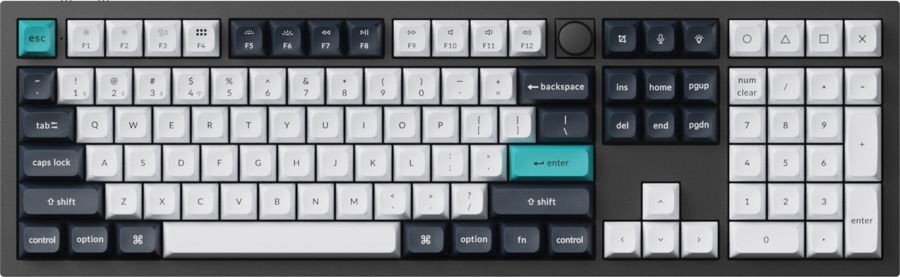
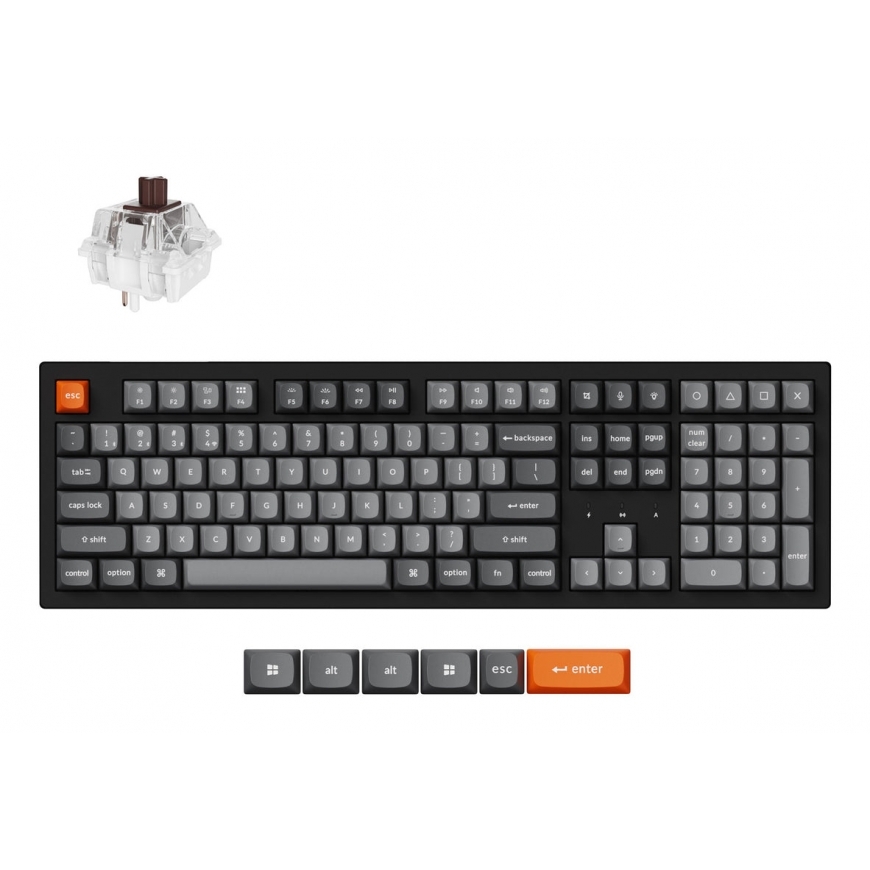
Belaidė žaidimų klaviatūra Keychron J5 Wireless KJ5-H4 Super Banana, Anglų (US), juoda sp., Keychron J5 Wireless (KJ5-H4) - US Layout - Hot-Swappable Super Banana - Black (Juoda) Mechaninė Belaidė Žaidimų Klaviatūra