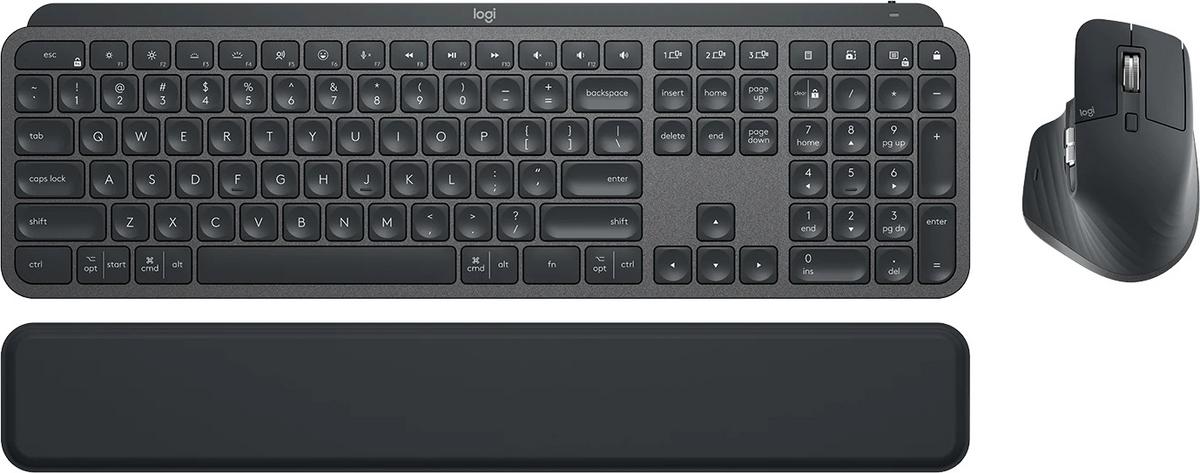
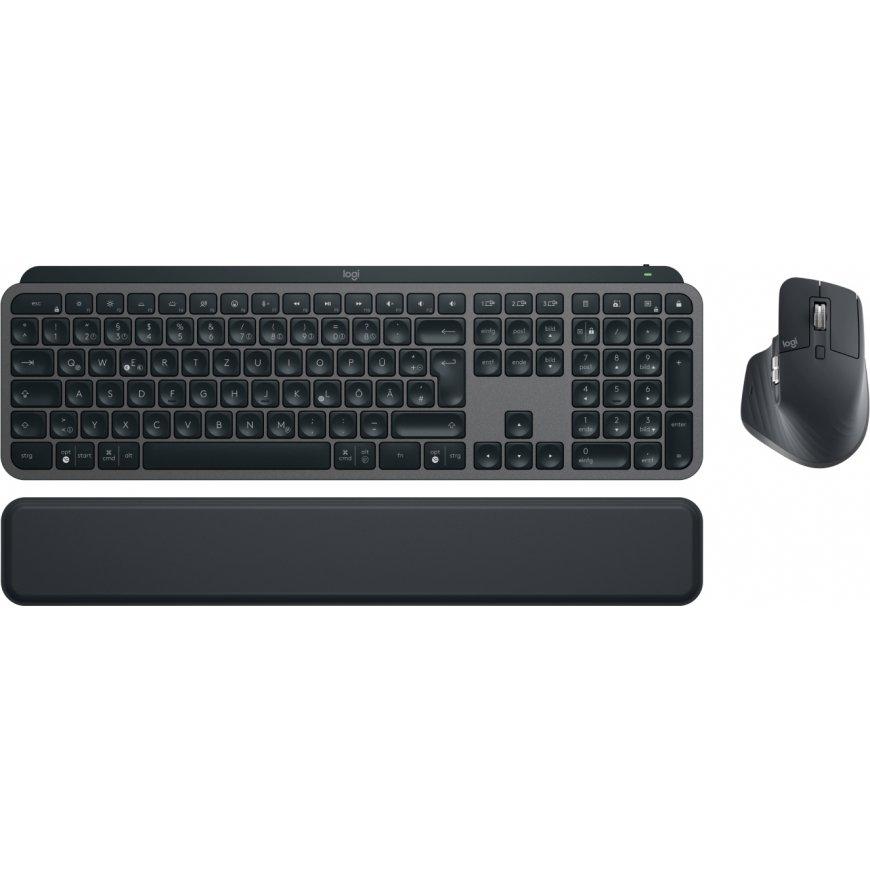
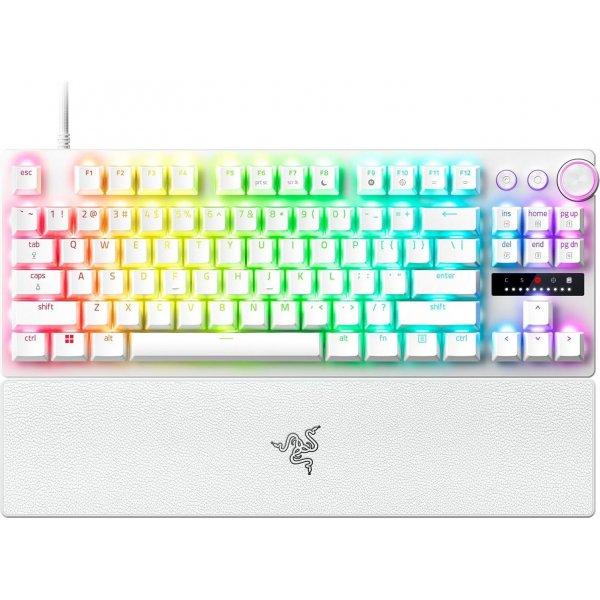
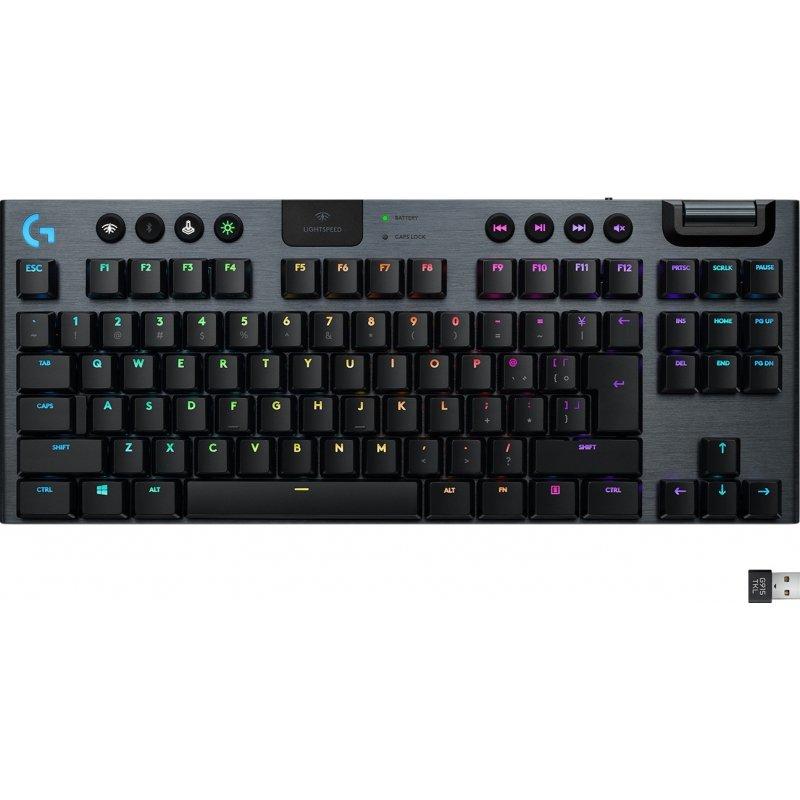
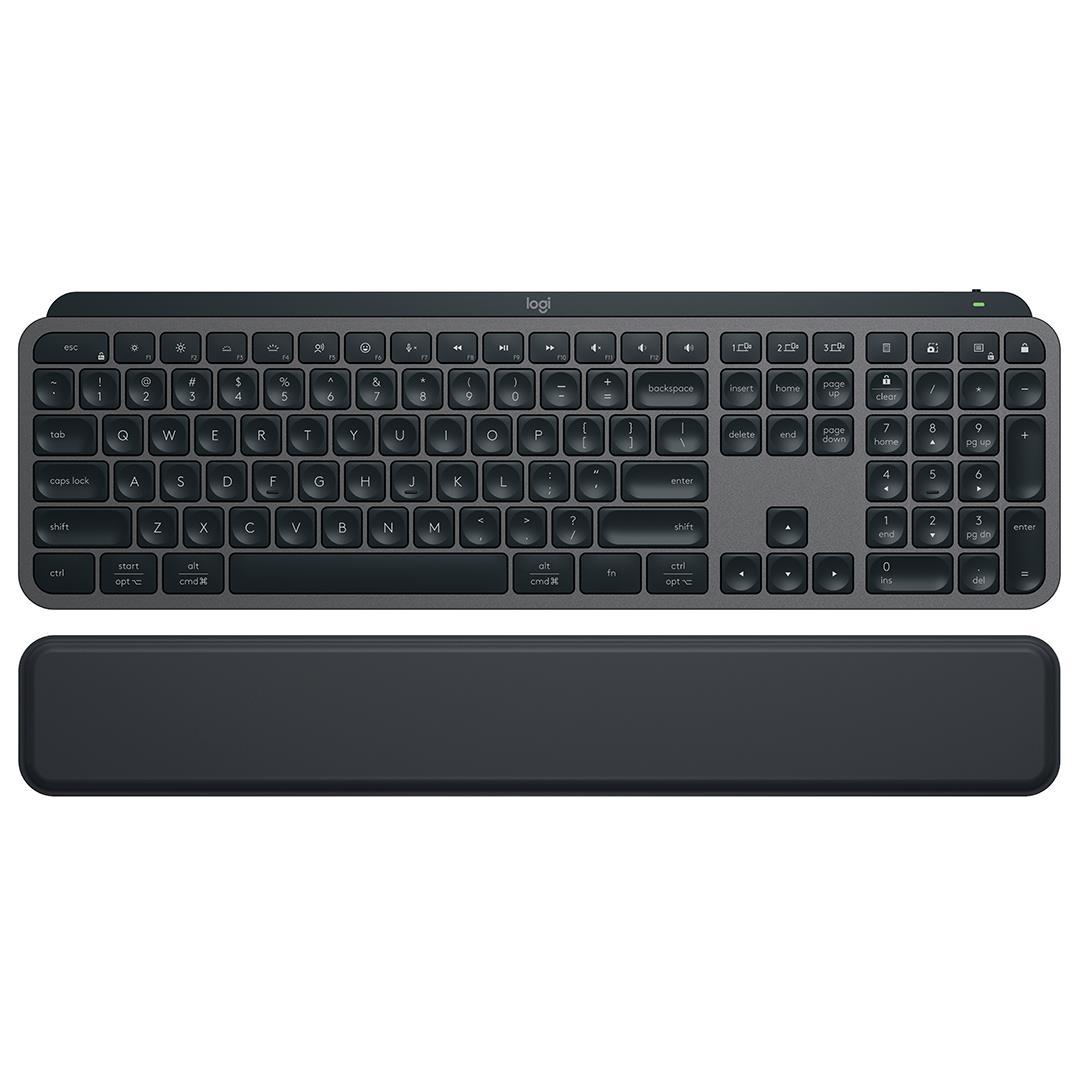
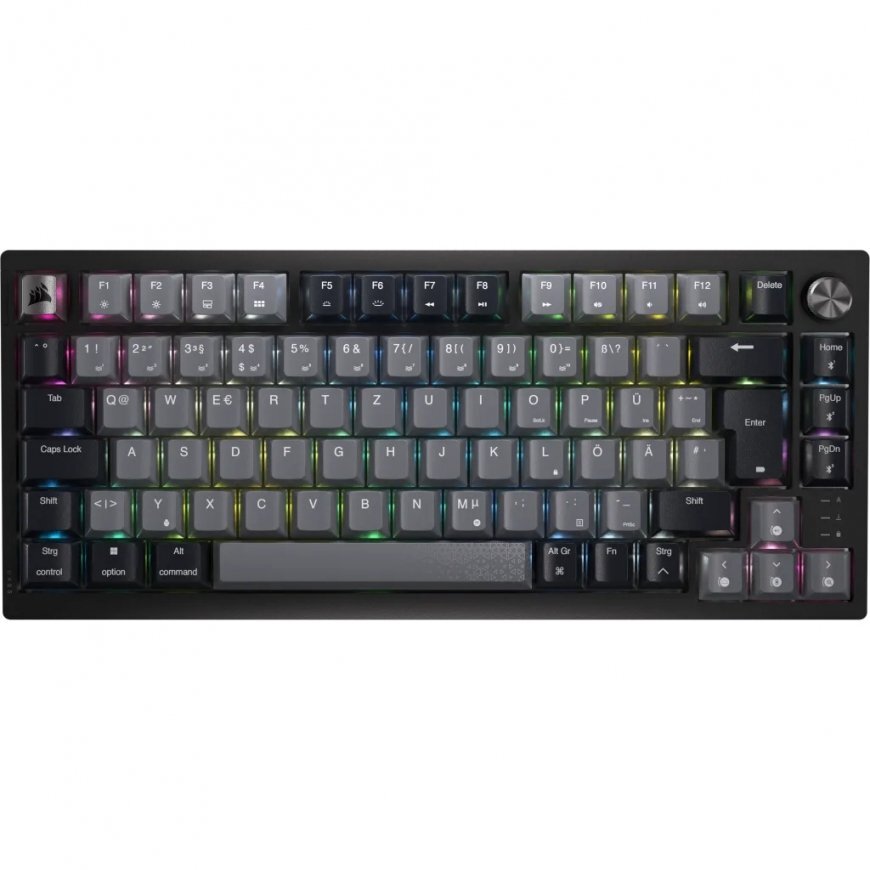
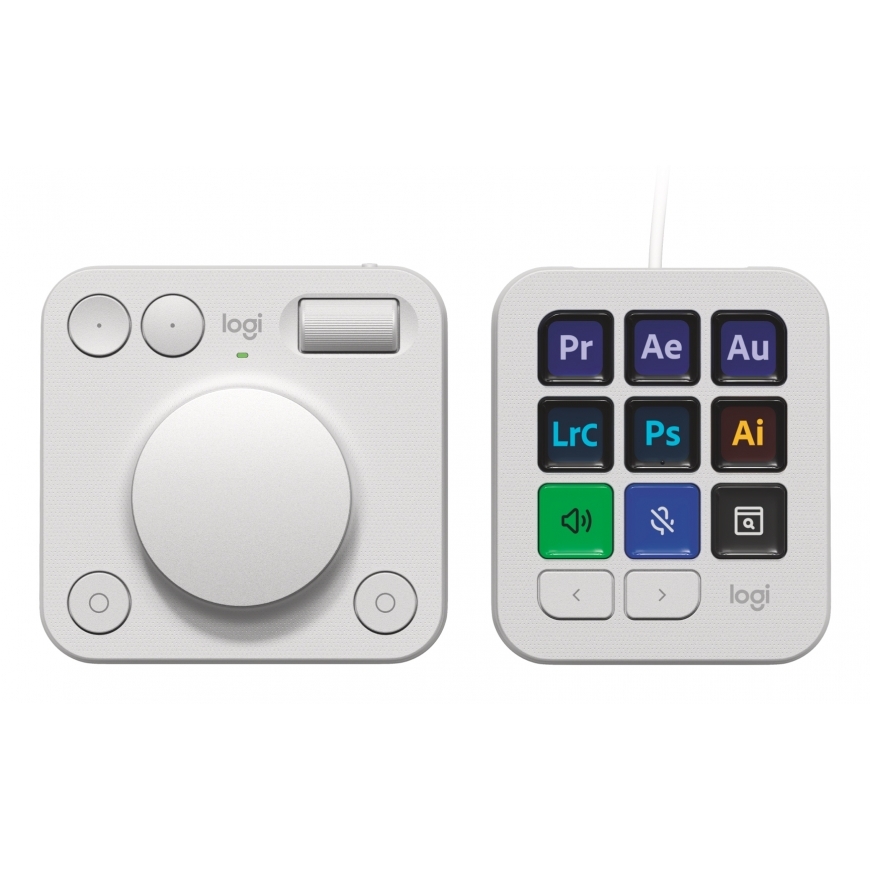
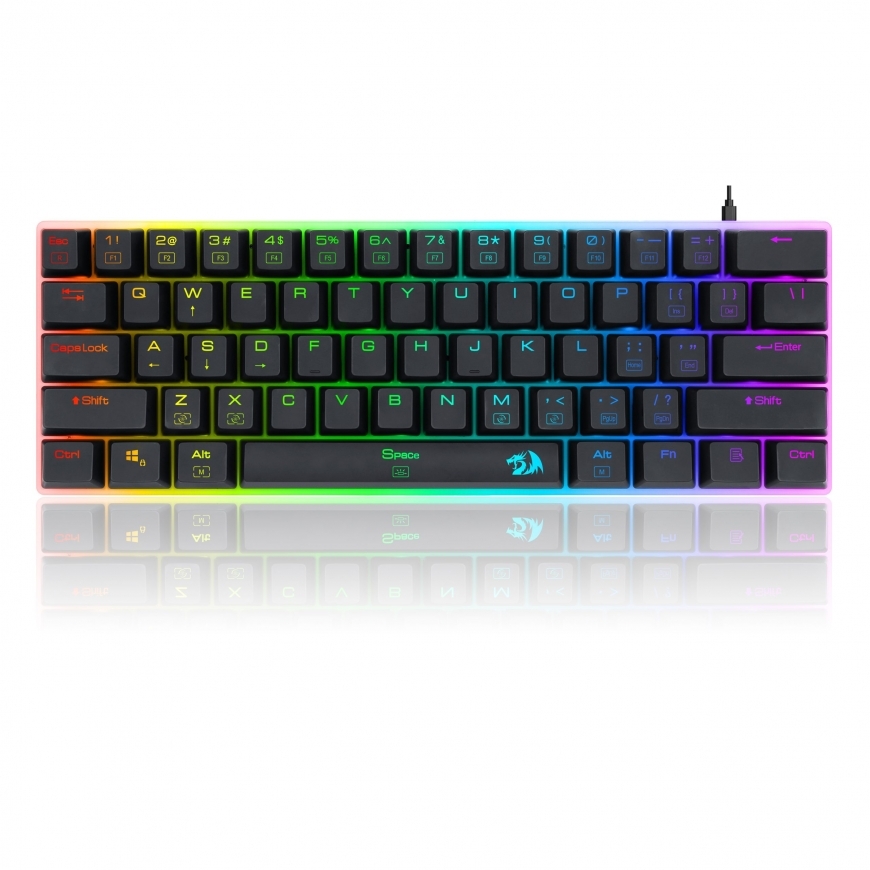
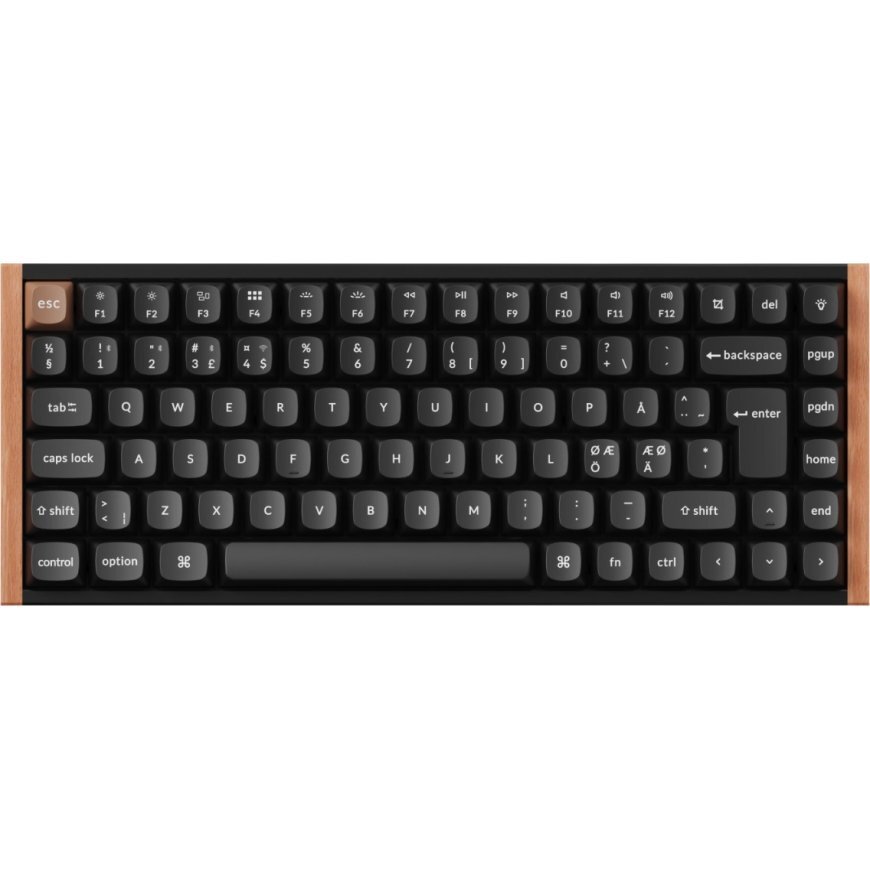
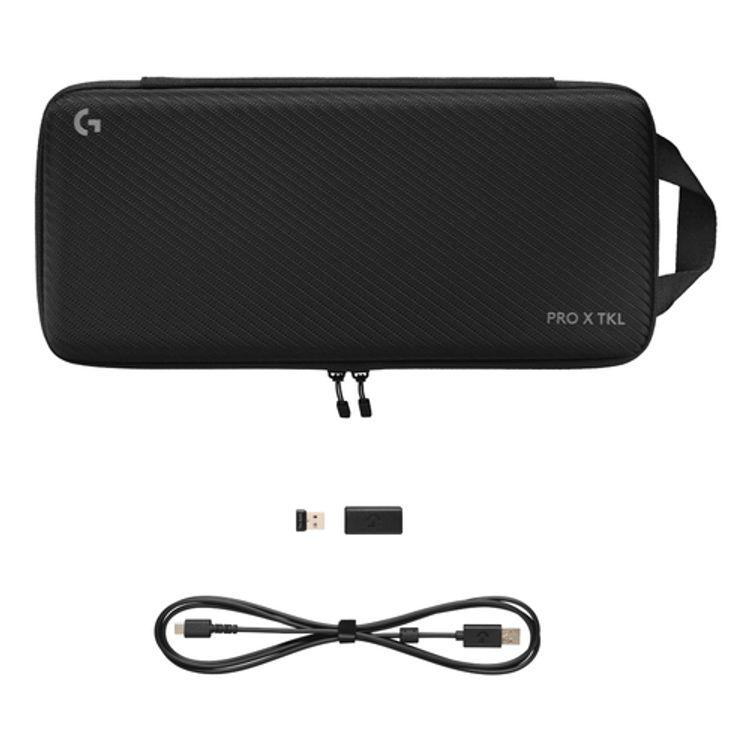
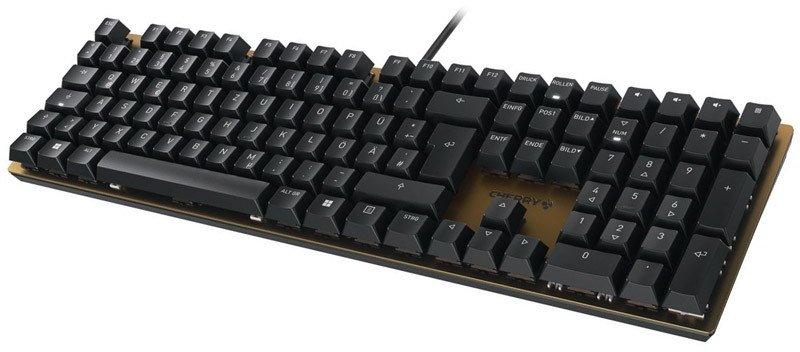
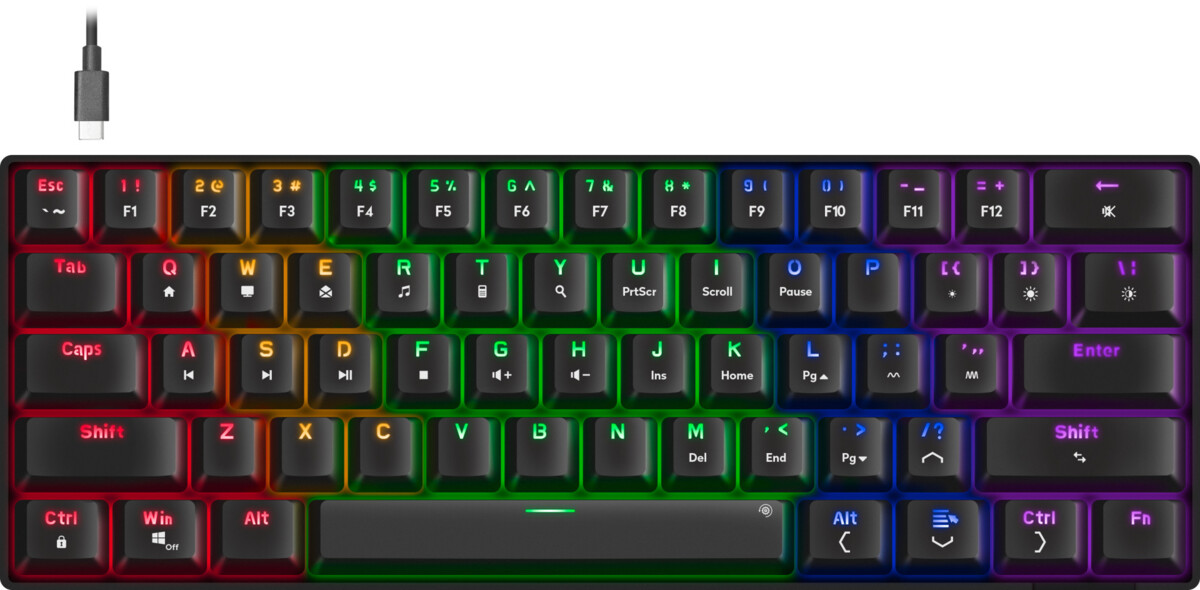
Logitech MX Business Combo features advanced wireless keyboard, MagSpeed Electromagnetic scroll wheel mouse, memory foam palm rest, and bolt wireless technology. It's the ultimate key to productivity, giving analysts, creators, and coders with advanced workflow needs the power to truly master what they make.
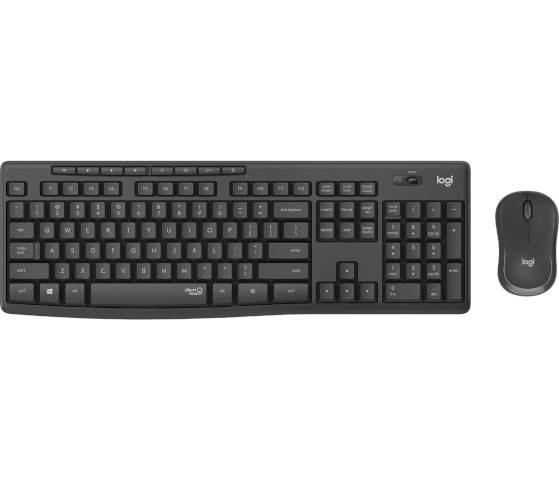
Juhtmevaba klaviatuur koos hiirega Täissuuruses US paigutusega klahvistik Madala profiiliga klahvid Töökindel Bluetooth & 2,4 GHz ühendus Kauakestev aku, USB-C ühendus
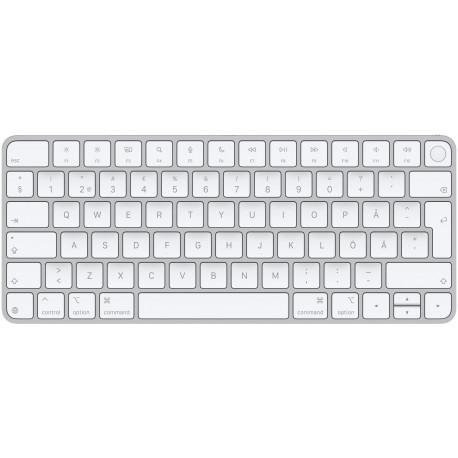
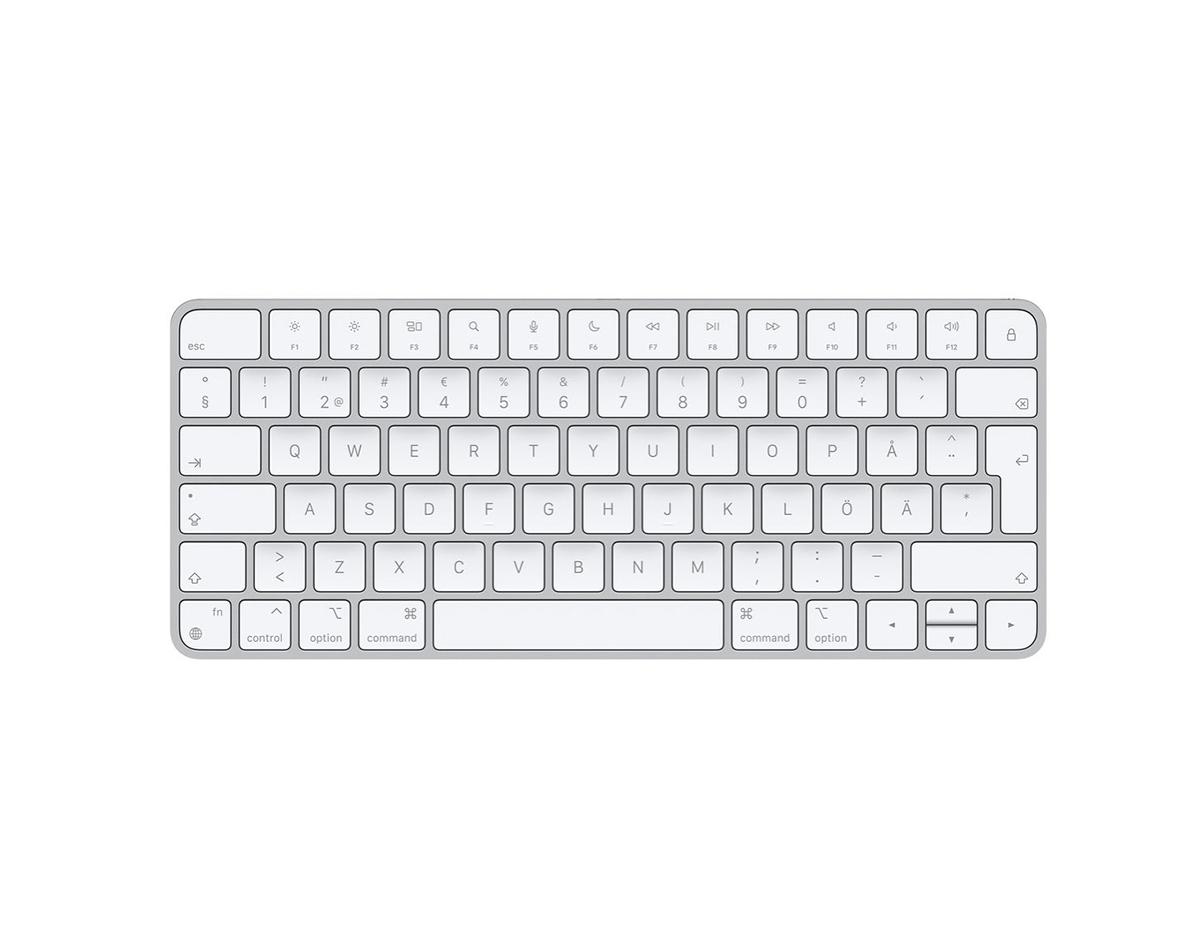
Magic Keyboard on saadaval Touch ID-ga, pakkudes kiiret, lihtsat ja turvalist autentimist sisselogimisteks ja Mac'i avamiseks. Magic Keyboard koos Touch ID-ga tagab erakordselt mugava ja täpse kirjutamiskogemuse. Klaviatuur on juhtmevaba ja laetav, pikaealise sisemise akuga, mis kestab ühe laadimisega umbes kuu või kauem. See ühendub automaatselt sinu Mac'iga, et saaksid kohe tööle asuda. Klaviatuuril on USB-C port ja komplektis on punutud ümbrisega USB-C laadimiskaabel, mis võimaldab klaviatuuri ühendada ja laadida, ühendades selle Mac'i USB-C pordiga. Nii saad laadida kõiki oma lemmikseadmeid vaid ühe kaabliga.
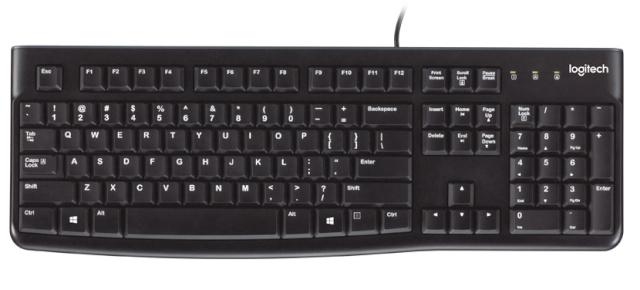
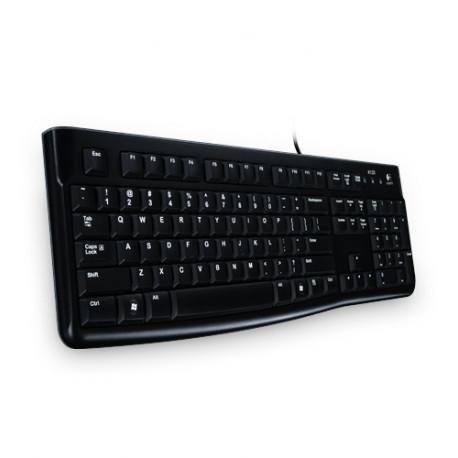
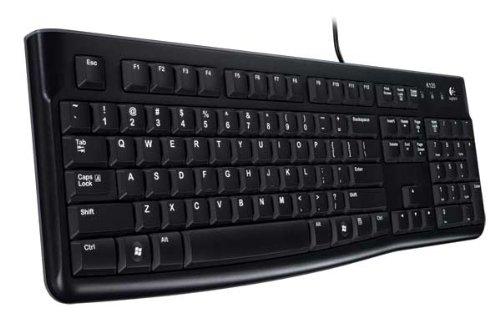
Logitech® Keyboard K120. A better typing experience that"s built to last. You’ll enjoy a comfortable and quiet typing experience thanks to the low-profile keys that barely make a sound, and standard layout with full-size F-keys and number pad. This spill-resistant keyboard* also features a sleek yet sturdy design, a plug-and-play USB connection and easy-to-read keys.
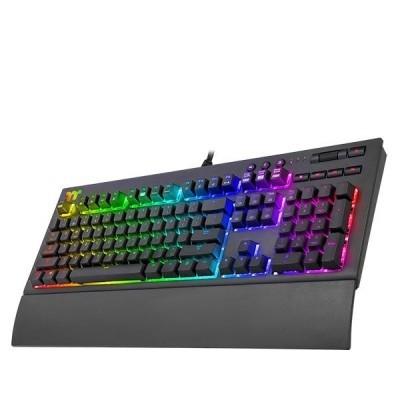
Cable length: 1.8 Dimensions: 464.98 x 170.52 x 40.39 mm Other features: Detachable magnetic wrist rest AUDIO AND USB PASS THROUGH A clause compatible with the TT X1 RGB Sync system
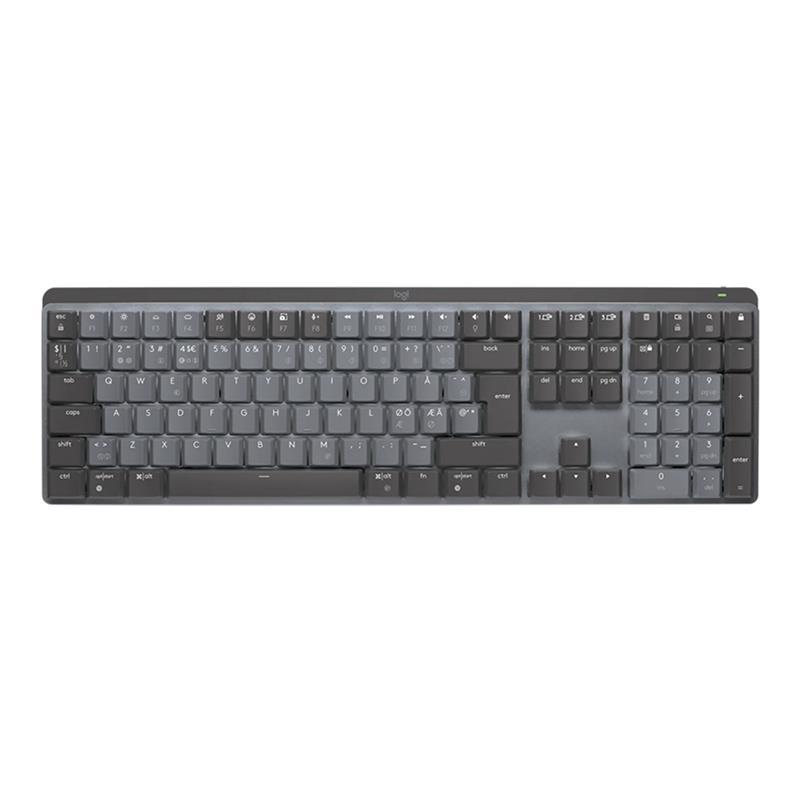
Nutikas taustavalgustusSisseehitatud lähedussensorid tunnetavad, kui Sinu sõrmed on klaviatuurile maandumas ning automaatselt lülitavad sisse taustavalgustuse. Kui töölaua juurest eemaldud, siis klaviatuuri taustavalgustus sujuvalt lülitab end välja. Taustavalgustus suudab ka ümbritsevate valgustingimustega kohaneda.Mitu arvutit, üks MX MechanicalMX Mechanical järgib Sinu MX Master 3s või teist Flow seadet ühest arvutist teise. See muudab Sinu tööprotsessi märkimisväärselt sujuvamaks. USB-C laadimineMX Mechanical suudab ühe laadimisega vastu pidada kuni 15 päeva (või ilma taustavalgustuseta kuni 10 kuud). Klaviatuuri laadimine toimub USB-C juhtme abil. Võimalik on kasutada ka kiirlaadimist, kus 15-minutilise laadimisega saad terve päeva jagu kasutusaega.
Logitechi MX Keys S Plus on täiustatud juhtmevaba klaviatuur, mis toob esile Logitechi tuntud madala profiiliga trükkimiskogemuse. Klaviatuuri klahvid on kohandatud just sinu sõrmeotste jaoks, pakkudes kiiret, sujuvat ja ülimugavat trükikogemust. Nutikas taustavalgustus tunneb ära sinu käte läheduse klaviatuurile ja kohandab valgustust automaatselt, võttes arvesse ruumi valgustingimusi. Nüüd on see kohandamine võimalik ka Logi Options+ rakenduses. Grafiidi- ja helehalli värvitoonis MX Keys S Plus klaviatuuril on nüüd kolm uut klahvi, mis suurendavad tootlikkust ja suhtlusvõimalusi: kõnetekst, mikrofoni sisse-/väljalülitus ja emotikon. Logitech MX Keys S Plus - trükkige stiilselt ja tõhusalt! Komplekti kuulub ka klaviatuuri randmetugi!
Stand out from the crowd with superior skill and distinctive design. The CORSAIR K65 PLUS WIRELESS is a 75% gaming keyboard that maxes out on performance and personality.
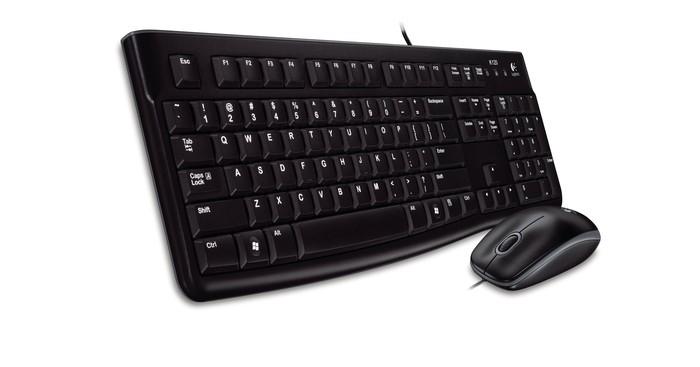
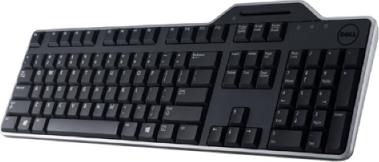
Eelised: Secure ja convenientReliableComfortable ja quiet Type: klaviatuur Klaviatuuri tüüp: Juhtmega Klaviatuuri asetus: EE NumberOfKeys: 104 värv: must
Keychron B6 Pro Full-Size Ultra-Slim Wireless Keyboard (gray)The Keychron B6 Pro is a full-size wireless keyboard that features an ultra-slim design, a weight of just 623 grams and wide compatibility. It is equipped with a powerful battery that provides up to 1,200 hours of battery life and supports various connectivity modes, including Bluetooth 5.2, 2.4 GHz and USB-C. You can also customize it according to your needs and habits with the Keychron Launcher app.Up to 1,200 hours of useEnjoy long-lasting performance with an 800 mAh battery that provides up to 1,200 hours of operation on a single charge. That translates to about 8 months of use for about 5 hours each day! You can also use the keyboard while charging - don't worry about unwanted interruptions.Various wireless connectivity optionsKeychron B6 Pro offers two wireless connection modes. Connecting in the 2.4 GHz band, it provides a polling rate of 1000 Hz, which is perfect for gaming. Forget about lag and gain an advantage right from the start! You can also pair the keyboard with different devices via Bluetooth 5.2 and switch between them freely.Personalization with the Keychron Launcher appDiscover almost unlimited configuration possibilities with the Keychron Launcher browser app. It allows you to map keys, create macros and set shortcuts - now you can easily customize the keyboard to your expectations!Universal compatibility and precise keysThe keyboard offers a macOS-specific layout, but is also compatible with Windows devices. You can also use the Keychron Launcher app to map the keys for both options and conveniently switch between settings - without having to change keycaps.Durability and ergonomicsThe keyboard is designed for long-lasting comfort. An ultra-thin design of just 5.2 mm and a 3.2° tilt angle minimize wrist fatigue during long hours of work, while contoured, concave keycaps increase typing precision and comfort. You can also comfortably use emoji by using the right key combination. The kit also includes a silicone cover that protects the keyboard from dust or spills, making it easier to keep clean and more durable.IncludedKeyboardUSB-C cableUSB-A to USB-C adapter2.4GHz USB-A receiverSilicone cover ManufacturerKeychronModelB6 ProTypeScissorsNumber of keys109Layout100%Number of multimedia keys17Housing materialABSKeycapsABSLayoutANSIPolling rate1000 Hz (2.4 GHz and wired mode) / 90 Hz (Bluetooth)BacklightingNoneN-key rollover (NKRO)NoBattery capacity800 mAhBattery typeLi-poOperating timeUp to 1200 hCharging timeApprox. 2.5 hConnection2.4 GHz / Bluetooth / wired USB-CBluetooth version5.2Bluetooth device nameKeychron B6 ProCompatible systemsmacOS, Windows, LinuxDimensions429 x 130 mmWeight623 gHeight at front5.2 mmRear height14.5 mmTilt angle3,2°MCUNRF52840-QIAA-R_AQFN73Operating temperatureFrom -10°C to 50°C
Uus Magic Keyboard ühendab endas kauni uue disaini sisseehitatud taaslaetava akuga ning teiste uute funktsioonidega. Arenduse läbinud nuppude mehhanism tagab nende stabiilsuse ning mugava kui ka täpse trükkimiskogemuse. Klaviatuur ühendub automaatselt sinu Mac-ga, mis lubab sul koheselt tööle asuda. Aku on uskumatult vastupidav ning hoiab klaviatuuri töös kuni kuu või isegi kauem.
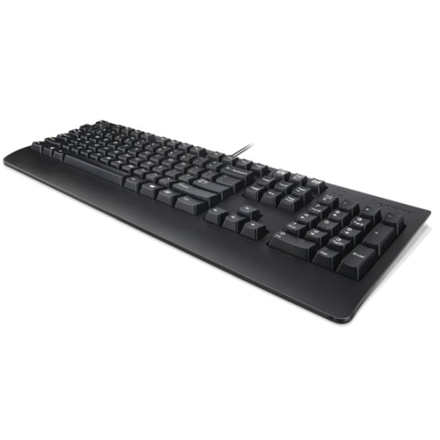
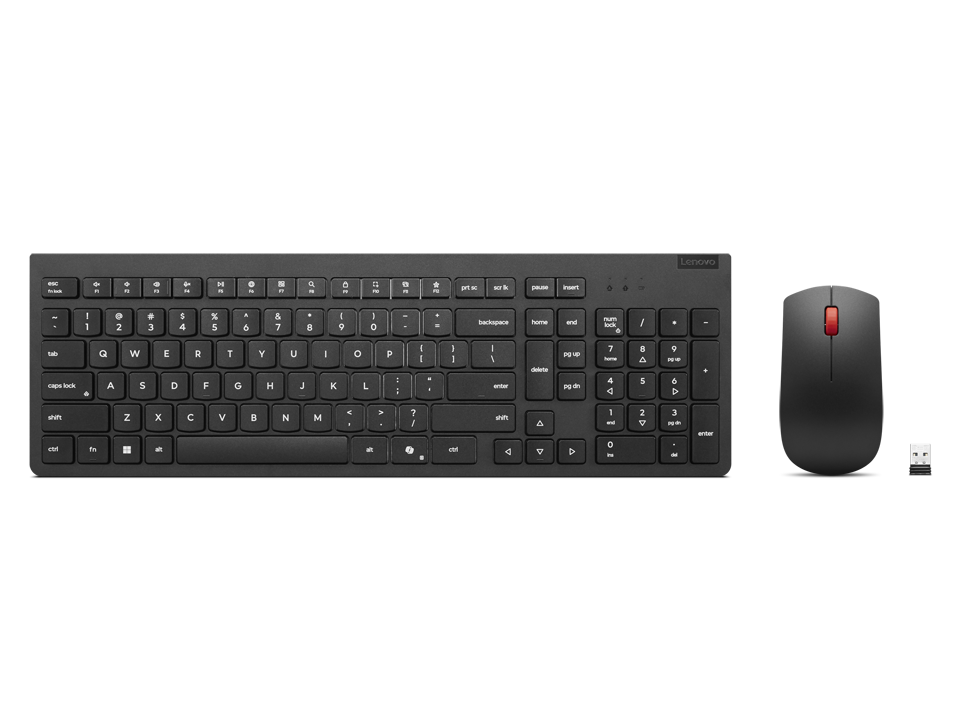
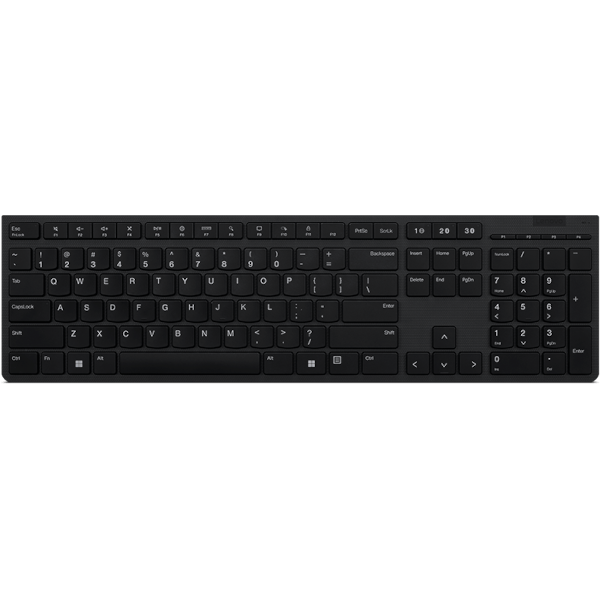
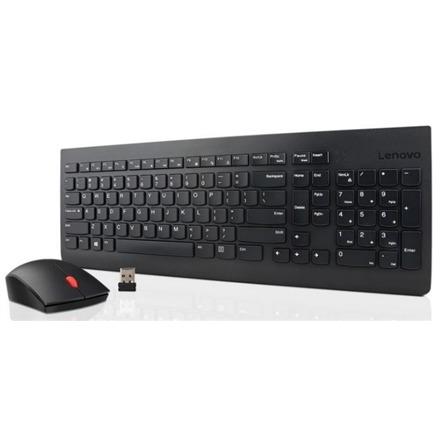
Lenovo Professional on igapäevaseks aktiivseks kasutamiseks mõeldud sisseehitatud akuga klaviatuur, millel on eestikeelse paigutusega klahvid. Tänu vaiksetele ja madala käiguga klahvidele on klaviatuuri kasutamine mugav ning trükkimine sujub kiirelt. Bluetooth ühendus võimaldab aga USB pesa mugavalt vabana hoida. Sisseehitatud aku. Komplektis on kaasas 2.4 GHz vastuvõtja. Madalad ja vaiksed klahvid ning eraldi numbriklahvid.
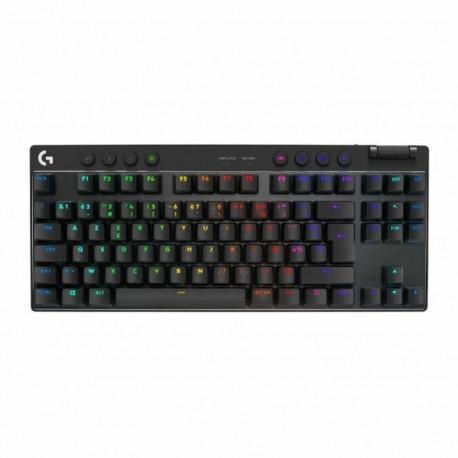
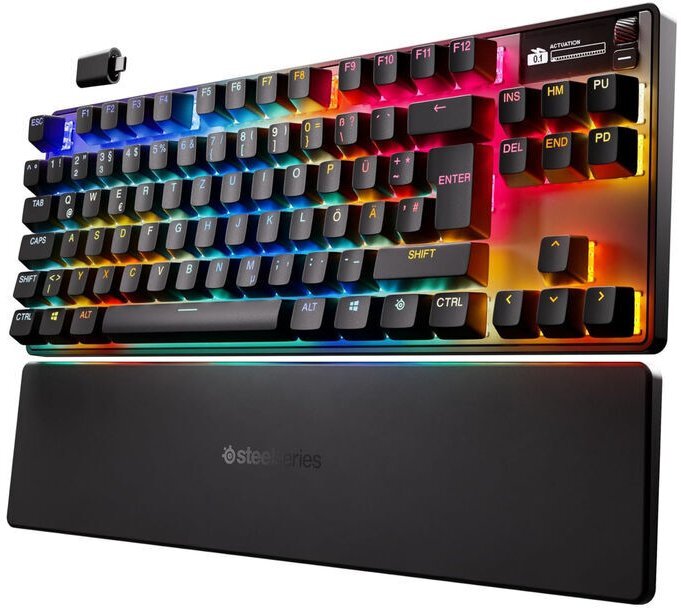
Mechanical gaming keyboard in TKL format Up to 45 hours of wireless operation via Wireless or Bluetooth Linear OmniPoint 3.0 switches with adjustable sensitivity Features such as Rapid Trigger and Rapid Tap for fast, precise inputs Integrated OLED smart display for game and app info Dynamic RGB lighting thanks to SteelSeries Prism Magnetic soft-touch wrist rest SteelSeries Apex Pro TKL Gen 3 Wireless: Innovation and Precision The Apex Pro TKL Gen 3 Wireless from SteelSeries offers advanced technologies for your gaming experience. Thanks to the improved Hall effect technology of the OmniPoint 3.0 switches, the keyboard responds even more precisely than its predecessor and allows you to individually adjust the actuation point, giving you a decisive advantage especially in competitive games. The OmniPoint 3.0 switches in detail The actuation range of the linear OmniPoint 3.0 switches can be individually set from 0.1 mm to 4.0 mm. This makes them perfect for lightning-fast reactions in gaming or for precise keystrokes during productive work. With an impressive response time of just 0.7 ms and a switch lifespan of 100 million keystrokes, they are designed for maximum performance and durability. Additional features such as Rapid Trigger and Rapid Tap as well as the exclusive protection mode further improve the keyboard's response times and minimize erroneous inputs. This way, you benefit from even more precise and faster inputs, especially in competitive games. Design and features Thanks to the integrated OLED display, important information is shown directly on the keyboard. You always have your settings, profiles, and updates in view without having to open or close additional windows or programs. With its TKL form factor, the Apex Pro Gen 3 eliminates the number pad but still provides navigation and arrow keys as well as a media control. This compact format is perfect for competitive gaming and productive work, saving desk space while offering full functionality. With up to 45 hours of wireless use via 2.4 GHz Wireless or Bluetooth 5.0, you enjoy maximum flexibility with no compromises in performance. With the magnetically attached wrist rest and its comfortable soft-touch surface, you'll experience high comfort and ergonomics even during long gaming sessions. Dynamic RGB lighting The visual highlight of the Apex Pro TKL Gen 3 Wireless is the dynamic RGB LED lighting, which allows you to customize the keyboard just the way you want. Each key can be individually configured via the SteelSeries Prism software. Thanks to the floating keycaps and transparent RGB switches, the stylish RGB lighting is showcased impressively and creates the effect of underglow illumination.
Gateroni kahe rööpaga magnetlülitid; Reguleeritav pressimissügavus; Neli funktsiooni ühes klahvis; Analoogrežiim mängupuldi sarnase täpsuse jaoks; 4000 mAh aku, kuni 110 h kasutusaega ilma valguseta
Feel-good typingYour hands will enjoy the low-profile, whisper-quiet keys and standard layout with full-size F-keys and number pad.Rugged good looksThe slim keyboard isn’t just sleek—it’s tough with a spill-resistant design, sturdy tilt legs and durable keys.Easy does itYou simply plug it into a USB port on your desktop, laptop or netbook computer and start using it right away.Comfortable, quiet typingYou’ll enjoy a comfortable and quiet typing experience thanks to the low-profile keys that barely make a sound and standard layout with full-size F-keys and number pad.Spill-resistant designLiquid drains out of the keyboard, so you don’t have to worry about ruining your investment with accidental spills.Thin profileThe keyboard has a thin profile that adds a sleek look to your desk while keeping your hands in a more comfortable, neutral position.Durable keysThe keys can last up to 10 million keystrokes so you can keep typing long after many keyboards have called it quits.Sturdy, adjustable tilt legsYou can extend the sturdy folding legs to increase the keyboard tilt by 8 degrees to address your personal ergonomic needs.Plug-and-play USB connectionSetup is simple—you just plug it into a USB port on your desktop, laptop or netbook computer and start using it right out of the box.Curved space barIt keeps your hands in a more natural position so you can type in greater comfort.Seadme liidesUSBSoovituslik kasutusUniversaalneKlaviatuuri paigutusQWERTYKlaviatuuri keelHispaaniaÜhenduvustehnoloogiaJuhtmega ühendatudOtstarvePC/serverKlaviatuuri kujutegurStandardKlaviatuuri stiilSirgeOsutamisseadeEiUSB-jaoturEiSõrmejäljelugejaEiToote värvMustSisemineEiKaabli pikkus1,5 mHiir kaasa arvatudEiKlaviatuuri mõõdud (l x s x k)450 x 155 x 23,5 mmKlaviatuuri kaal550 gÜhilduvad operatsioonisüsteemidWindows XP/Vista/7Linux 2.6+
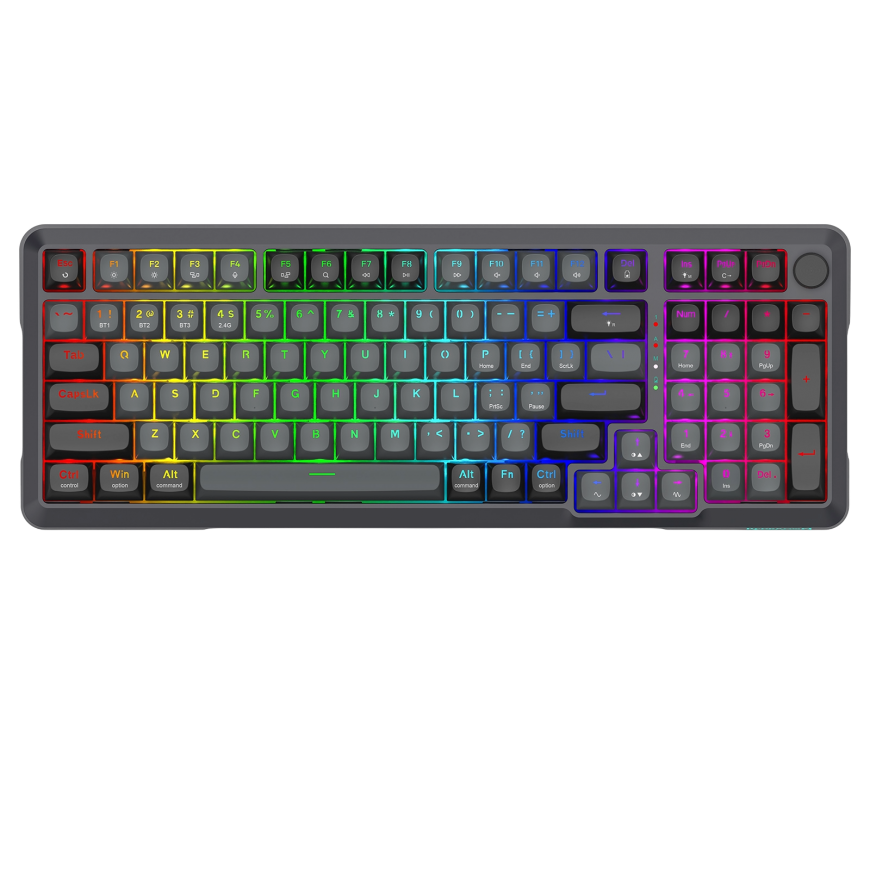
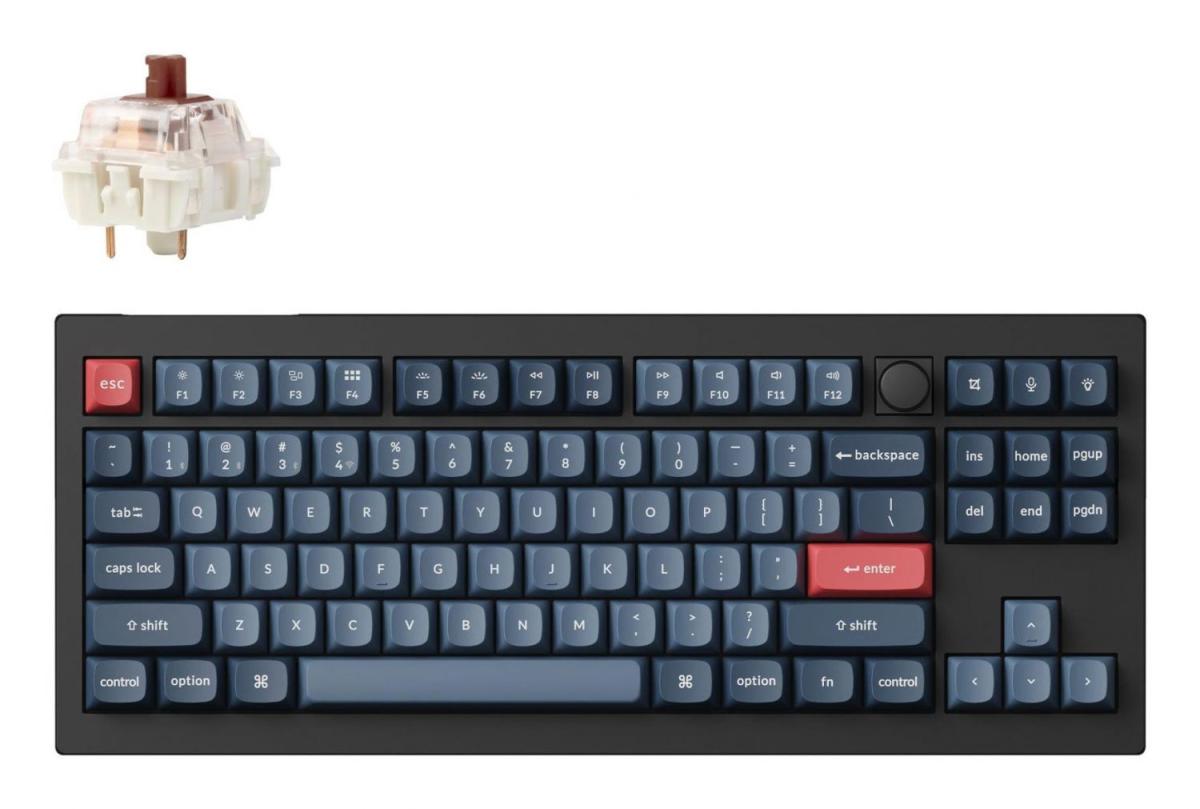
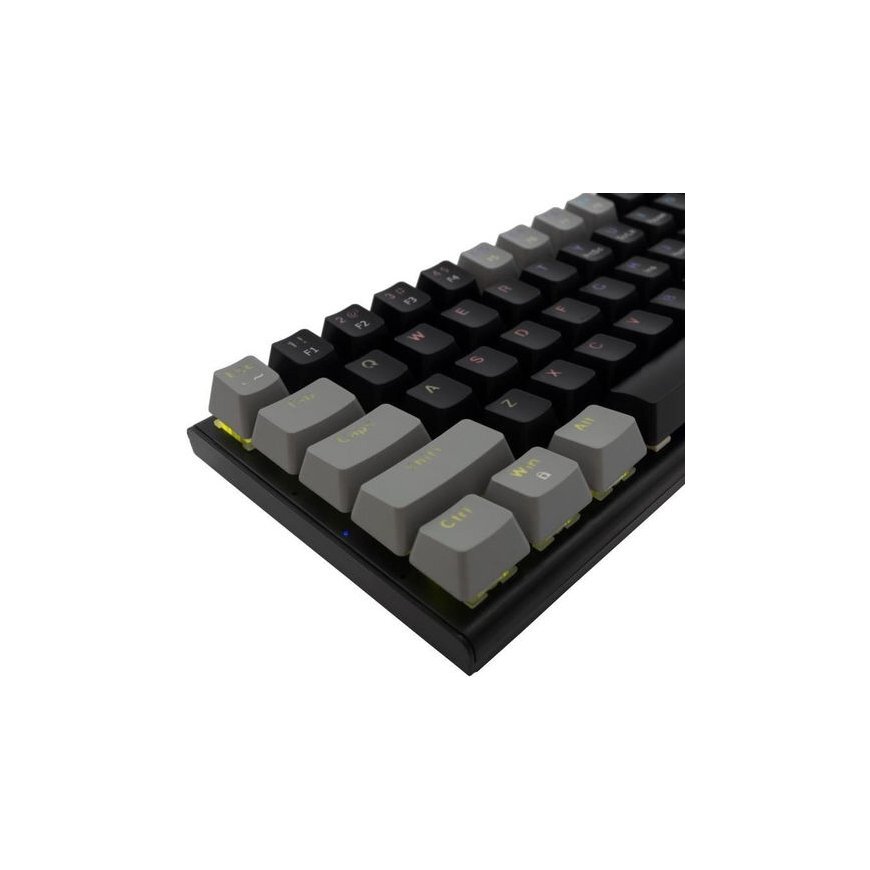
Mechanical gaming keyboard, Cherry MX2A Brown switches, fast response time, quiet keystroke sound, USB N-Key rollover and anti-ghosting, LED status indicators, connection via USB cable, aluminum and plastic housing
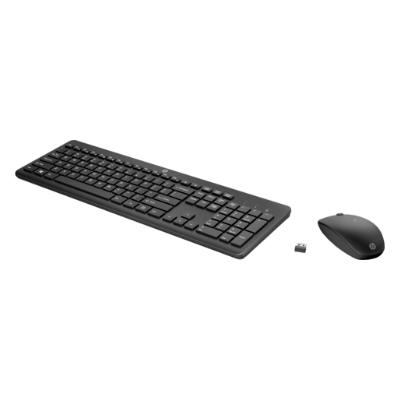
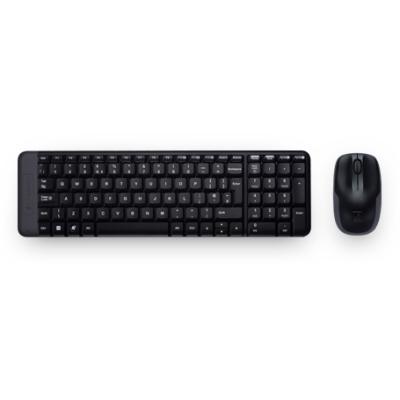
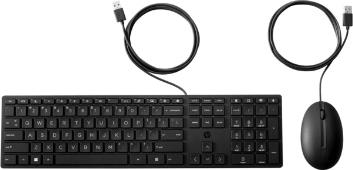
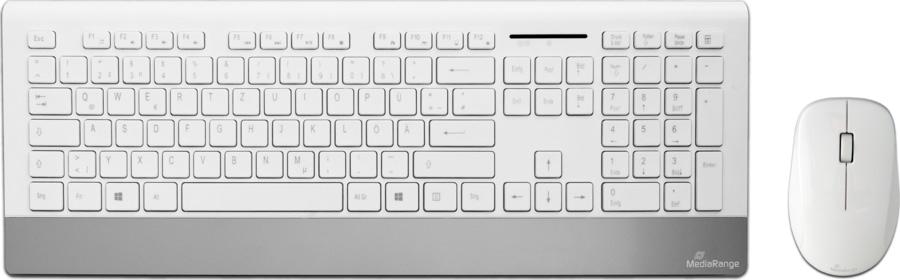
MediaRange input devices are perfect for all applications in the office or at home. Our set, consisting of a wireless keyboard and mouse, can be quickly and easily connected via the USB wireless receiver with any computer and is ready to use with all common operating systems. With more than 10 million keystrokes and splash protection, our keyboards are perfectly protected against everyday wear and tear. The practical height adjustment allows you a better writing comfort./ MediaRange input devices are perfect for all applications in the office or at home. Our set, consisting of a wireless keyboard and mouse, can be quickly and easily connected via the USB wireless receiver with any computer and is ready to use with all common operating systems. With more than 10 million keystrokes and splash protection, our keyboards are perfectly protected against everyday wear and tear. The practical height adjustment allows you a better writing comfort. Model: Set consisting of keyboard with 107 keys and optical 3-button mouse Keyboard layout: QWERTZ Height of key caps: 3mm Resolution: 1000 dpi Connection: USB 2.0 2.4GHz nano-reciever, wireless, approx. 10m operating distance Mouse with on-/off switch 10 million keystrokes Splash-proof Practical height adjustment Compatible with Windows, Mac and Linux Plug & Play Weight (Keyboard): 558g (without batteries) Dimensions (Keyboard): 448 x 167 x 22 mm Color (Keyboard): black/silver Weight (Mouse): 56g (without batteries) Dimensions (Mouse): 109 x 67 x 32 mm Color (Mouse): glossy white Required batteries: 2x Micro AAA (Mouse), 2x Micro AAA (Keyboard) Batteries not included
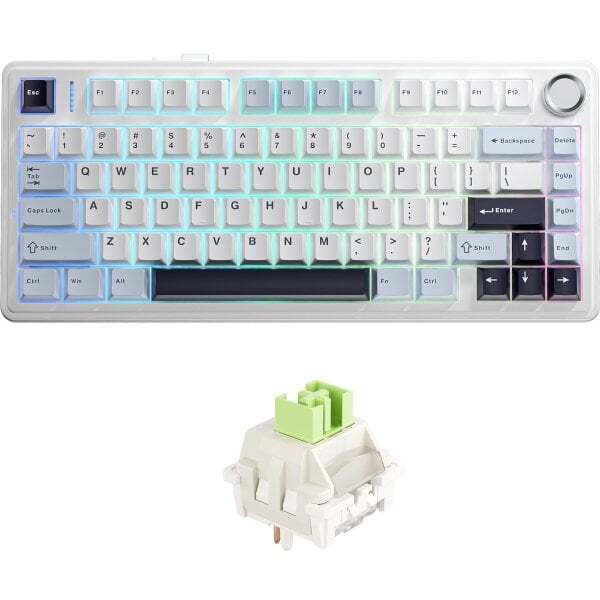
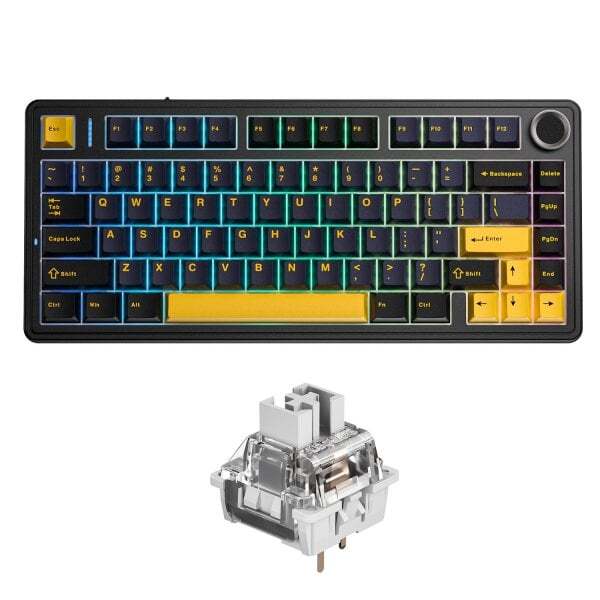
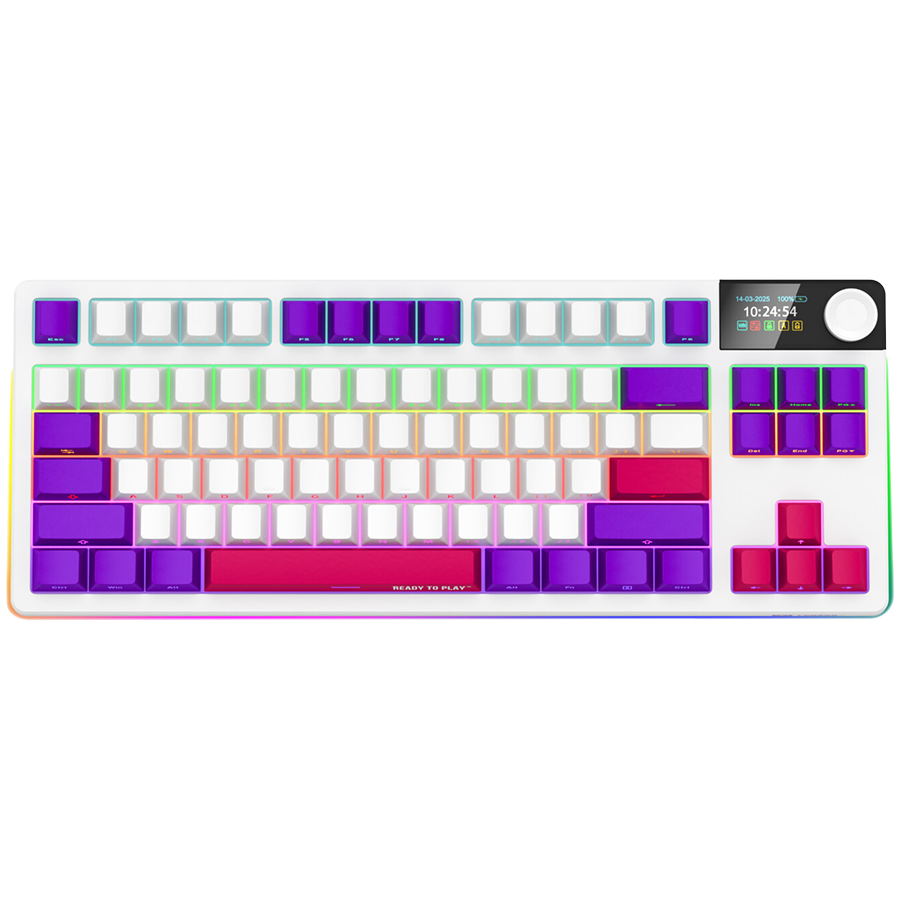
LORGAR™ WIRELESS GAMING KEYBOARD KBP70TKLW THE CONFIGURABLE RGB DISPLAY AND MULTIMEDIA SMART KNOB ELEVATE THIS WIRELESS MECHANICAL GAMING KEYBOARD PRO KBP70TKLW BEYOND THE ORDINARY. WIRELESS FREEDOM, WIRED STYLE Experience lag-free gaming with dual wireless connectivity options. Choose between high-speed 2.4 GHz with included wireless transmitter or BT 5.0 for multi-device compatibility. Premium-grade 2.3 m coiled USB (C) to USB (A) cable is included for charging and wired operation. «TOXIC PURPLE» LINEAR SWITCHES Experience premium mechanical performance with LORGAR™ «Toxic Purple» silent and pre-lubed linear switches. Engineered for gaming excellence, these switches provide a smooth, consistent feel with a balanced 55 gf actuation force. Built to last with a 50 million keystroke lifespan, they deliver reliable performance for years of intense gaming. HOT-SWAP CAPABILITY Customize your typing experience with hot-swappable switches. The keyboard supports easy switch replacement without soldering, allowing you to experiment with different switch types or replace switches instantly. Perfect for enthusiasts who want to fine-tune their keyboard's feel and sound signature. GASKET MOUNT DESIGN The sophisticated gasket mount system provides optimal typing comfort and sound dampening. Each keystroke feels smooth and consistent, enhancing both gaming and typing experiences. BUILT-IN DISPLAY The 1.47-inch TFT screen (320×172 px) shows essential information including connection status, battery level, date, time, and current settings. Customize the display with your preferred home screen content and GIF animations via LORGAR PLATFORM. MULTIMEDIA SMART KNOB The multifunctional control provides quick access to keyboard settings and media features. Rotate to adjust volume or press to enter the options menu for lighting modes, brightness, effects, and colors configuration. TKL LAYOUT The optimized 85-key (“tenkeyless”) layout maintains full functionality while reducing desk space requirements. This tenkeyless design removes the numpad while keeping all other keys, including the function row and navigation cluster. KEYCAP DESIGN Double-shot PBT keycaps feature side-printed legends for clear visibility of secondary functions. The keyboard includes 6 accent keycaps in contrasting colors (arrows, Enter, and Space) to add a touch of personality to your setup. The side-printed design keeps the keyboard looking clean while ensuring all functions are easily accessible. RGB LIGHTING SYSTEM Enjoy vibrant RGB lighting with 16.8 million color variations. Adjust lighting effects to your preferences and synchronize with other LORGAR™ devices through the LORGAR PLATFORM. BATTERY PERFORMANCE Powered by a 7,200 mAh lithium polymer battery, the keyboard delivers up to 50 hours of continuous operation with single charge. Operating time can be extended up to 153 hours with lighting off. Charging time is up to 14.5 hours, with a battery level on the display to keep you informed of the remaining power. LORGAR PLATFORM CUSTOMIZATION Take full control of your keyboard with advanced customization options. Create and manage gaming presets with application detection, record complex macros, and remap keys to your preference. When using game distribution service, enjoy additional features like automatic preset switching, name synchronization, and performance tracking for select games including Dota 2 and CS2 win rates. PERFORMANCE ANALYTICS Monitor your gaming sessions with the analytics dashboard of LORGAR PLATFORM. Track daily gaming intensity and review detailed statistics about your keyboard usage patterns. Access metrics to help improve your results and optimize your setup. COLOR OPTIONS The KBP70TKLW comes in four sophisticated variants: two classic models with red and yellow accents, white variation, and elegant beige. Each version features color-matched PBT keycaps and an ABS plastic casing. GIFTS FROM LORGAR™ A keychain switch with keycap – you can swap it with any key on your keyboard; six replacement keycaps to match your device model's style, five spare switches, a keyboard cleaning brush to keep your device pristine, a universal switch/keycap puller for easy customization, two hand warmers for comfortable gaming sessions, a cup coaster for your desk setup, and a carrying bag for transportation. LORGAR IS ALL ABOUT LEVELING UP YOUR GAMING