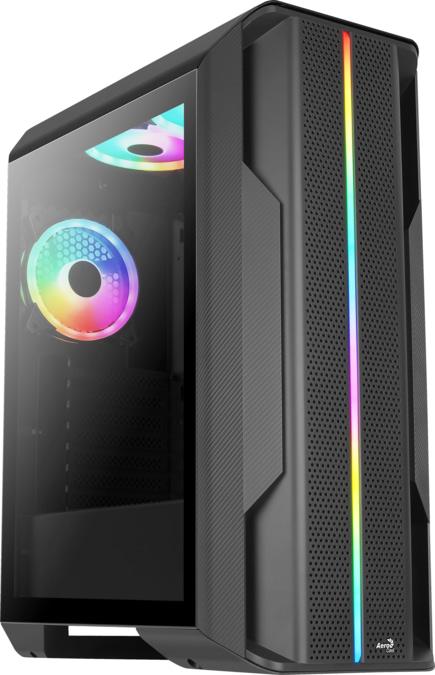
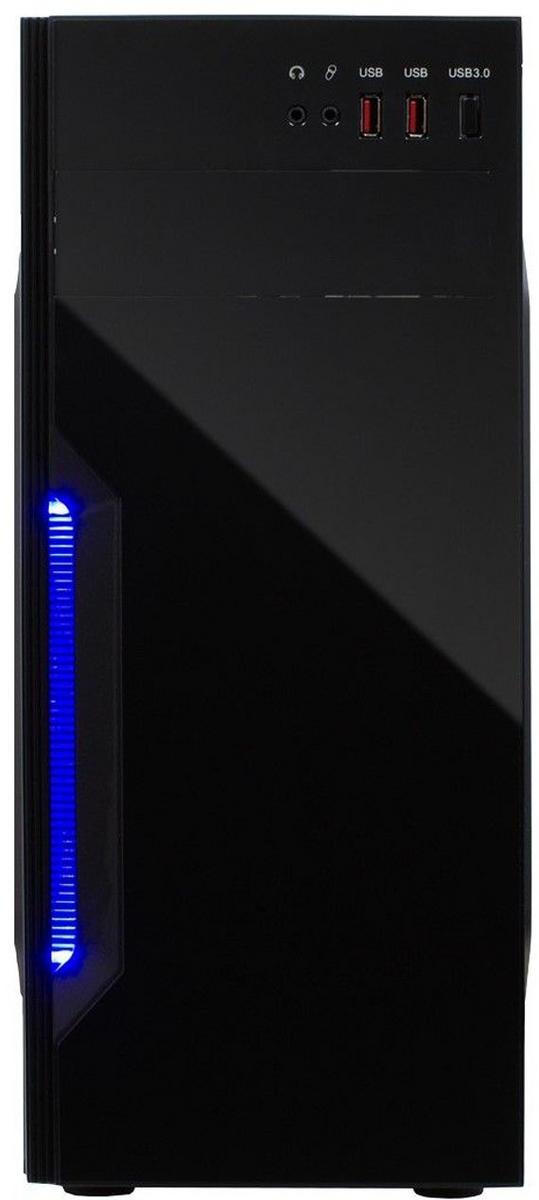
No. of drive bays: 4 MOLEX power connectors: 0 Floppy power connectors: 0 SATA power connectors: 0 PCI-E 6-pin power connectors: 0 Number of power supply connectors PCI-E 6 +2 pin: 0 PCI-E 8-pin power connectors: 0 Number of power supply connector 4-pin 12V: 0 Number of power supply connector 4+4-pin 12V: 0 8-pin 12V power connectors: 0 Weight: 6.1
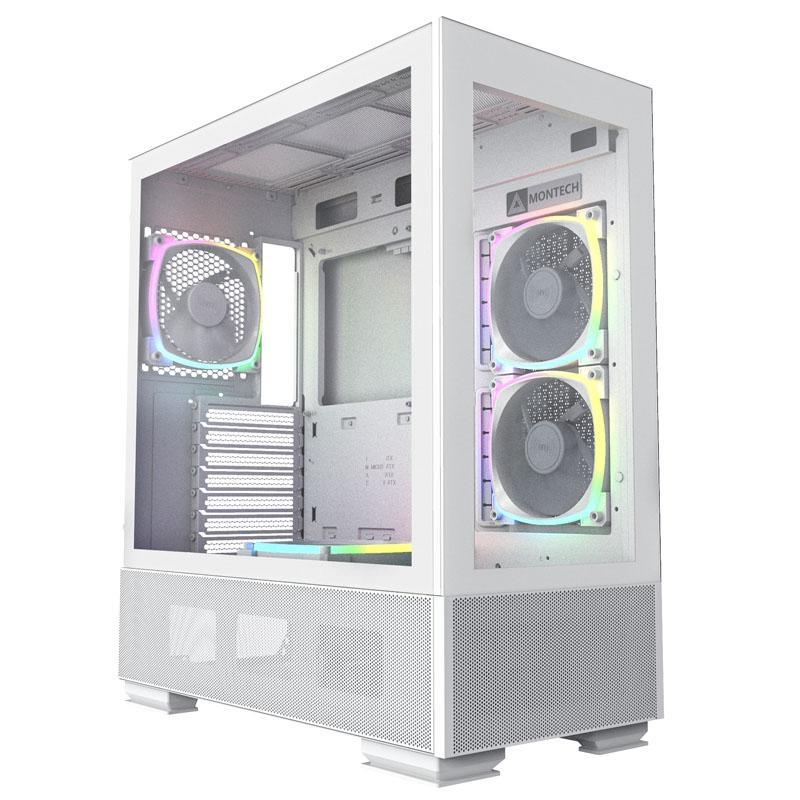
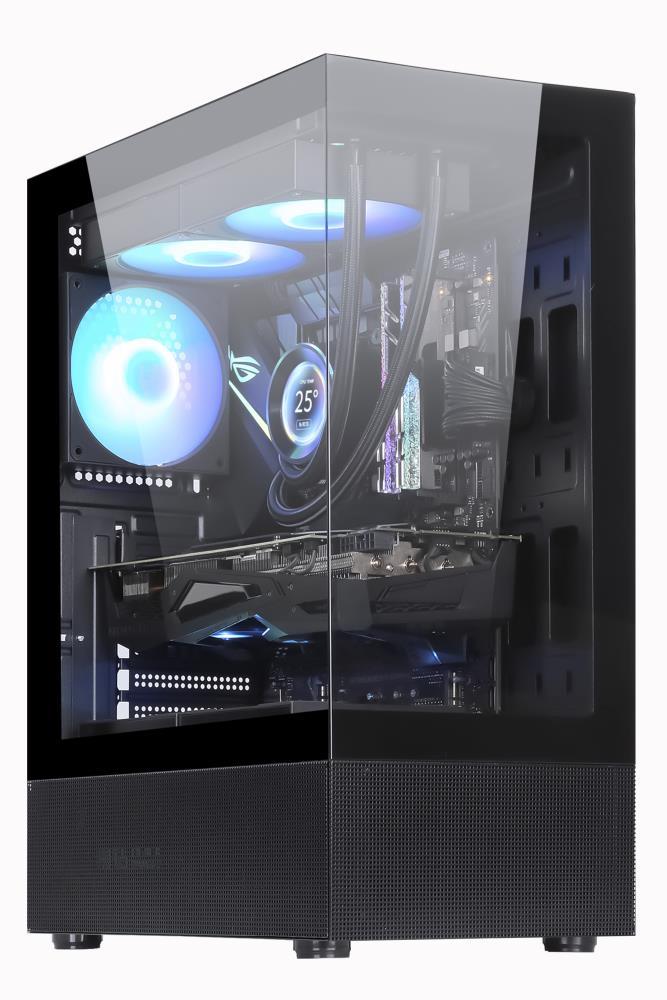
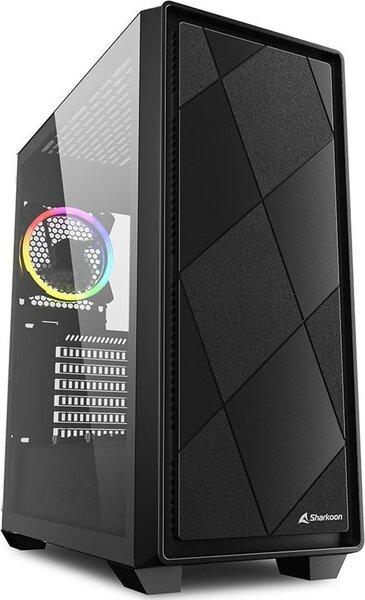
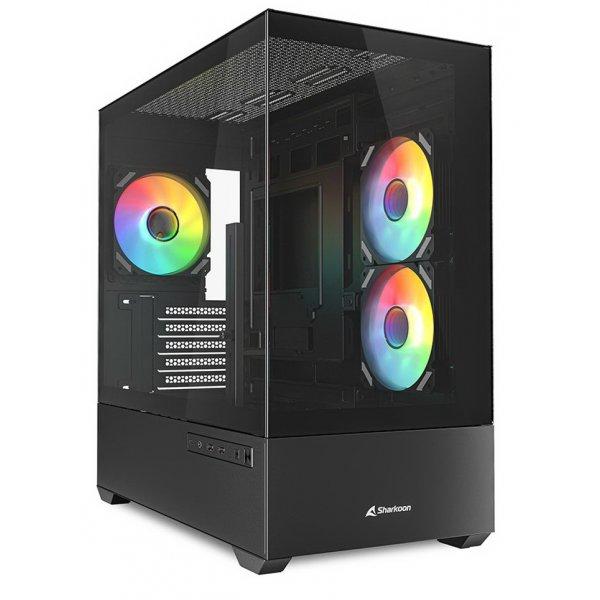
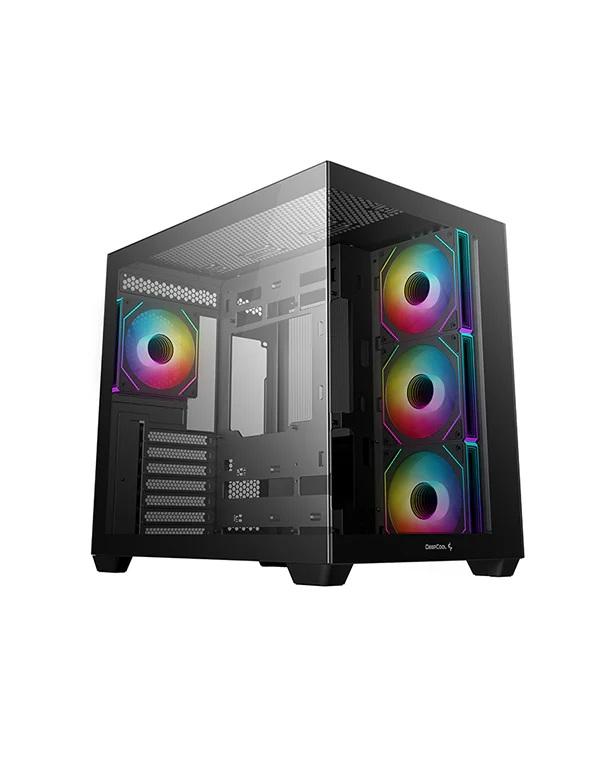
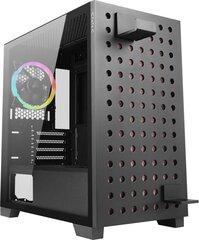
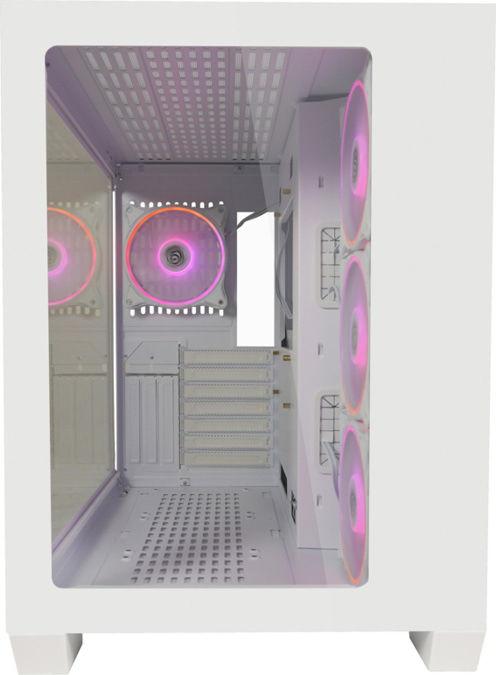
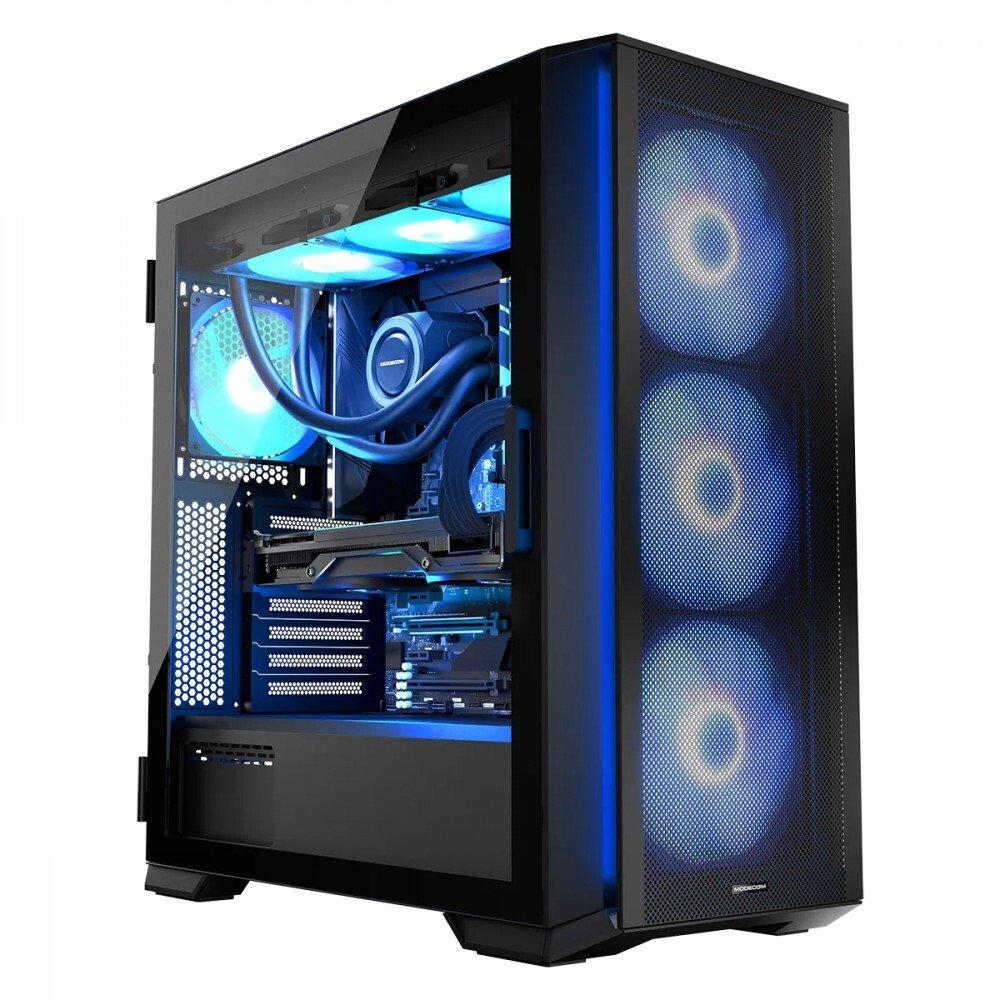
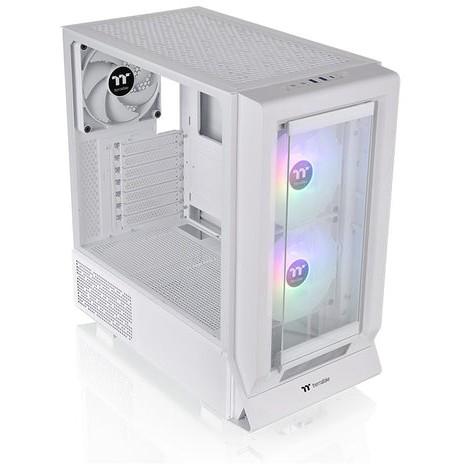
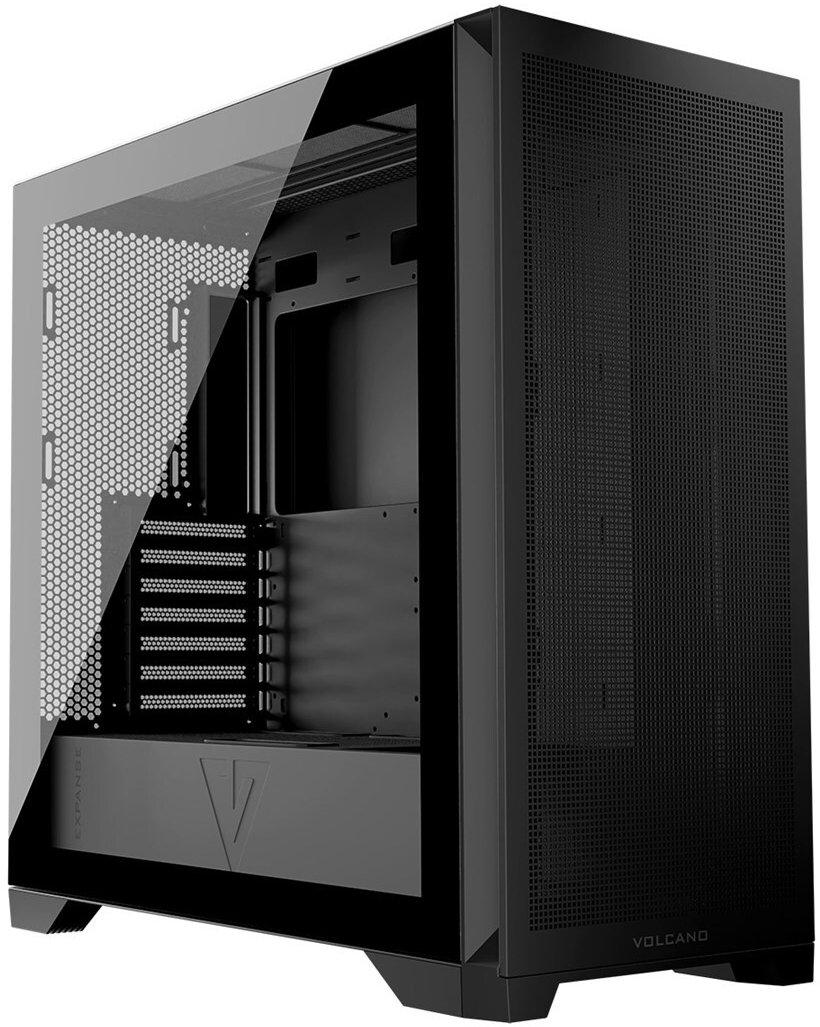
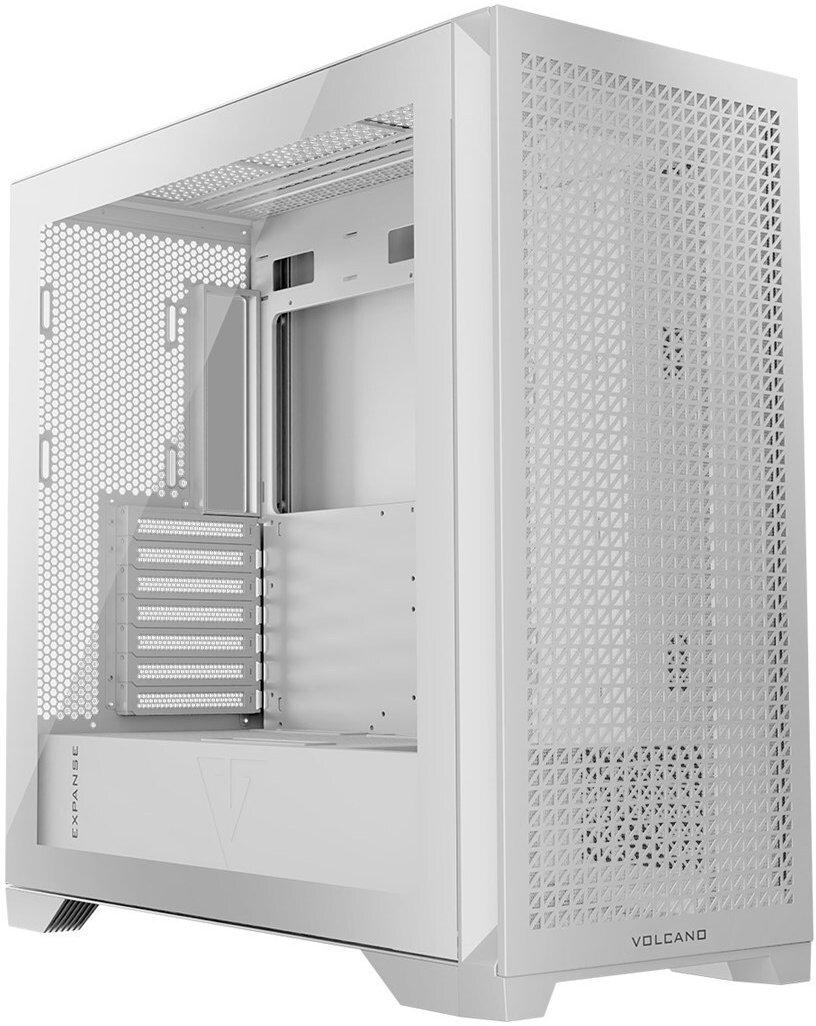
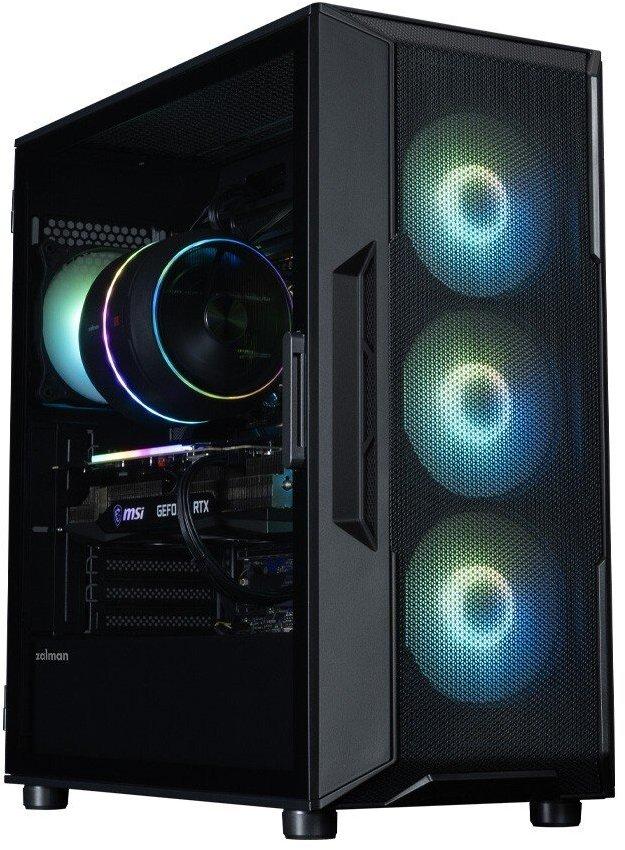
Horizon ARGB FLOW Midi Black Three 140 mm ARGB fans are installed in the case at the front, pushing air into the computer, while one 120 mm ARGB, mounted on the rear panel, is designed to blow hot air out. 3 140 mm ARGB fans pre-installed on the front of the case. 1 120 mm ARGB fan pre-installed on the rear of the case. Glass side panel in the form of hinged doors. Airy front and top panels. 2 x USB 3.0 and 1 x USB-C. Screw-out PCI-E slot brackets. Possibility of mounting E-ATX motherboards. Ready for water cooling. Power supply tunnel. Available in fashionable white or elegant black. Four dust filters at the bottom, top, front and side of the case. Easily removable mesh on the front. Space for 4 hard drives (in a configuration of 2 SSD / 2 HDD or 3 SSD / 1 HDD or 4 SSD). ARGB fan controller. Your dream case is here, not over the horizon. MODECOM Horizon is one of those cases that fully meets the need for a decent, solidly made and functional computer case. This classic-looking case has a lot to offer. There are three 140 mm ARGB fans installed as standard at the front and one 120 mm ARGB at the back of the case. In addition, inside you will find plenty of space even for E-ATX boards, high CPU cooling and long graphics cards. And all this is closed behind a glass panel in the form of a door, surrounded by airy mesh panels with dust filters. The whole thing is enclosed in one, perfectly designed MODECOM Horizon case. Don't close yourself off to new things The side panel made of tempered glass in the form of an opening door is the very convenience of assembling and cleaning the computer. You can easily and conveniently open the door and assemble the set, replace RAM, graphics card and other components. There is no simpler and more convenient solution for assembling and modifying the interior of the computer and cleaning it, like the one used in the MODECOM Horizon case. Tempered glass, in turn, allows you to expose the installed graphics card and other expensive components. Nothing can stop this wind The case has three 140 mm ARGB fans installed on the front, which force air into the computer, while one 120 mm ARGB, mounted on the rear panel, is designed to blow hot air out. You get a case ready to use right out of the box, all you need to do is mount the components in it and work on a well-cooled and ventilated computer. Create a storm But that's not all, you can install additional 3 120 mm fans or 2 x 140 mm on the top of the case yourself. There is also the possibility of mounting two 120 mm fans on the motherboard wall. A computer configured in this way will be optimally cooled, ensuring that components operate at low temperatures, while contributing to their longer lifespan. Ready for anything The case is adapted to mount E-ATX boards. The wide possibilities of arranging and expanding the computer will work well in both gaming computers and professional solutions. The unlimited freedom of computer configuration allows for the installation of modern components with the possibility of further expansion. Games and programs will find their place here The MODECOM Horizon case has space for 4 hard drives. Two 2.5 SSD drives will find their place on the motherboard tray. Placed in a convenient place for connection, they will work great as media for games and programs. The disk basket in the power supply tunnel allows for the installation of two 3.5 HDD drives or a configuration of 1 x 2.5 SSD and 1 x 3.5 HDD. You can also simply put on 2.5 SSD drives and mount two such drives in the power supply tunnel. If you add space for M.2 drives on the motherboard, the MODECOM Horizon computer will become a real storage for games and documents.
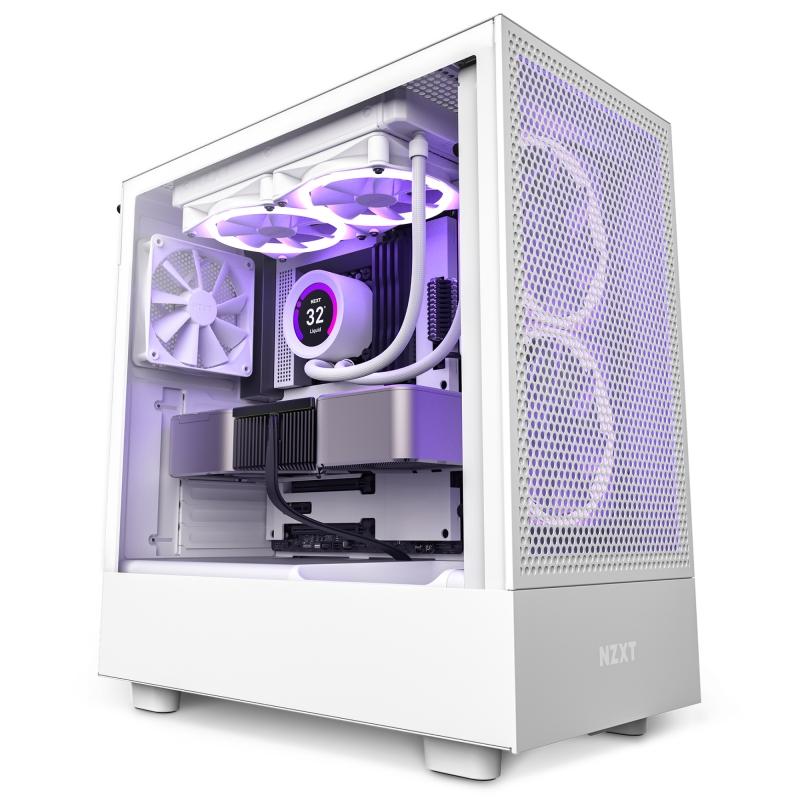
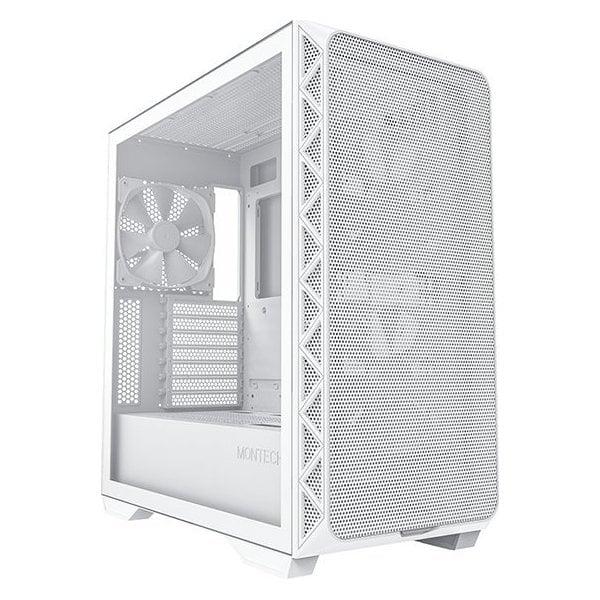
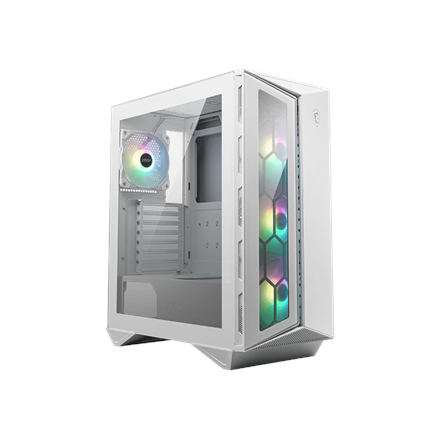
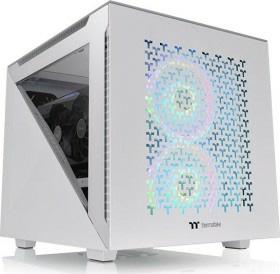
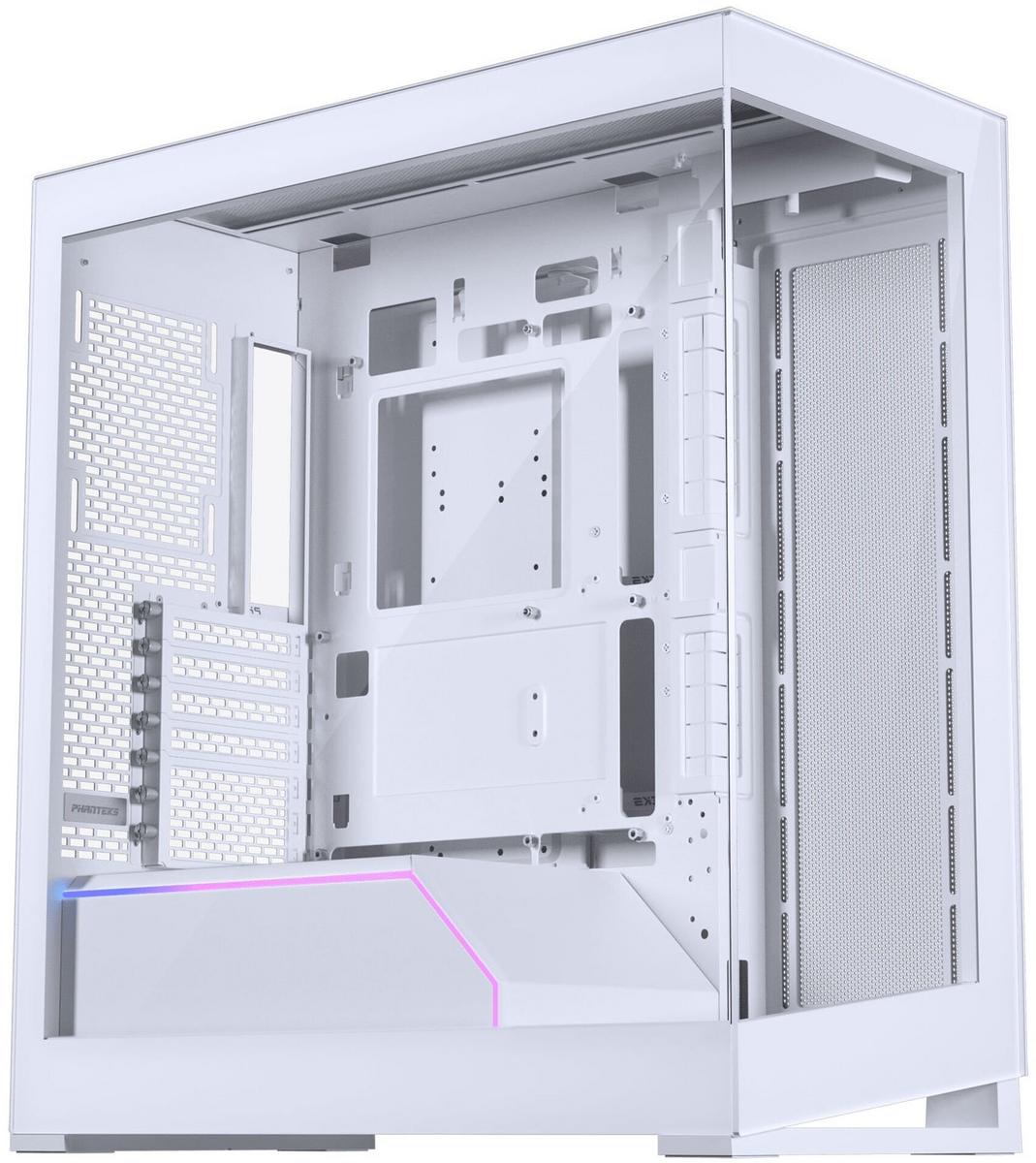
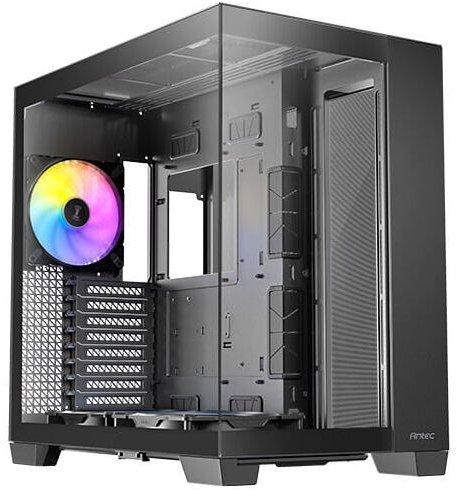
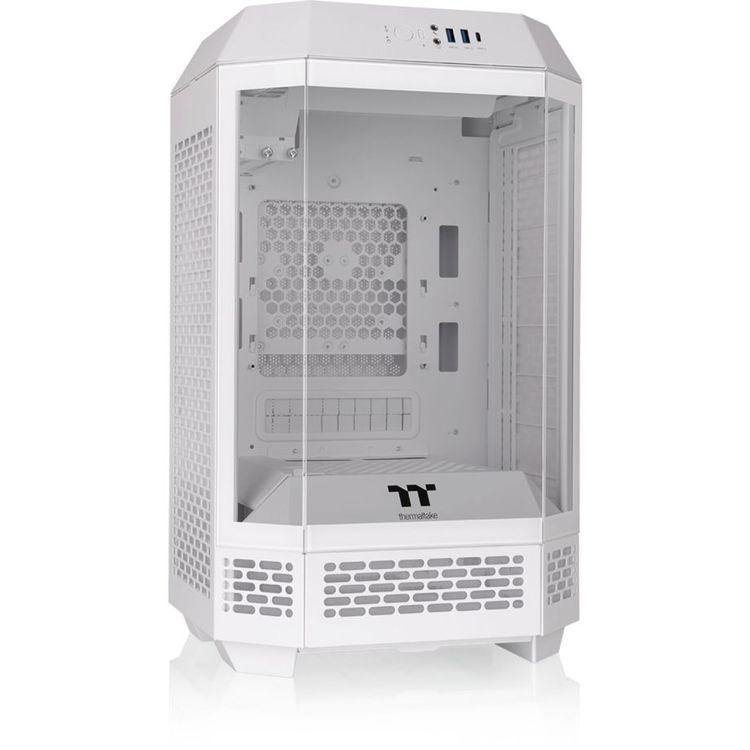
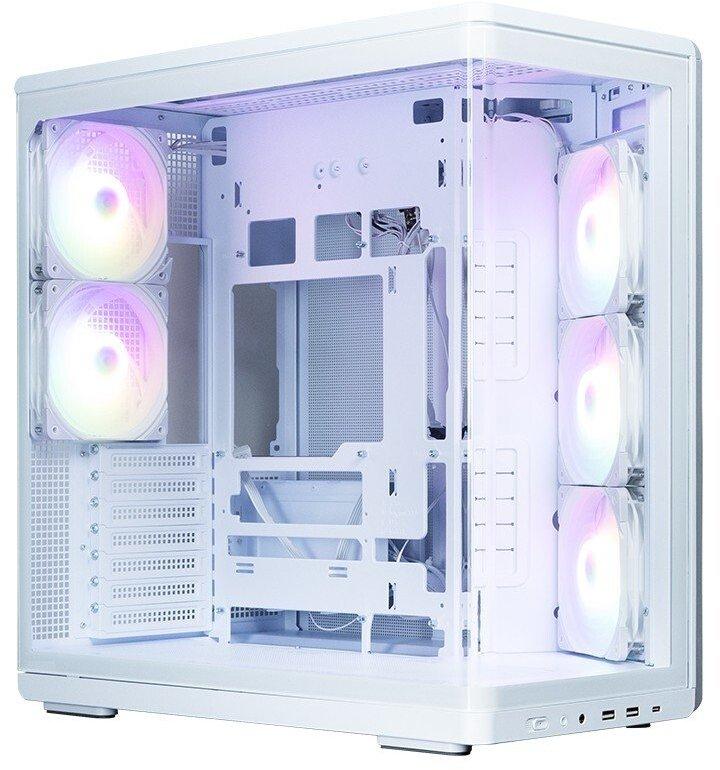
Stylish midi-tower in white, with side panel and front made of tempered glass, excellent airflow thanks to very fine mesh, supports up to 8x 120mm fans & 2x 360mm radiators, integrated DRGB lighting (with controller), supports Back-Connect (ASUS & MSI)
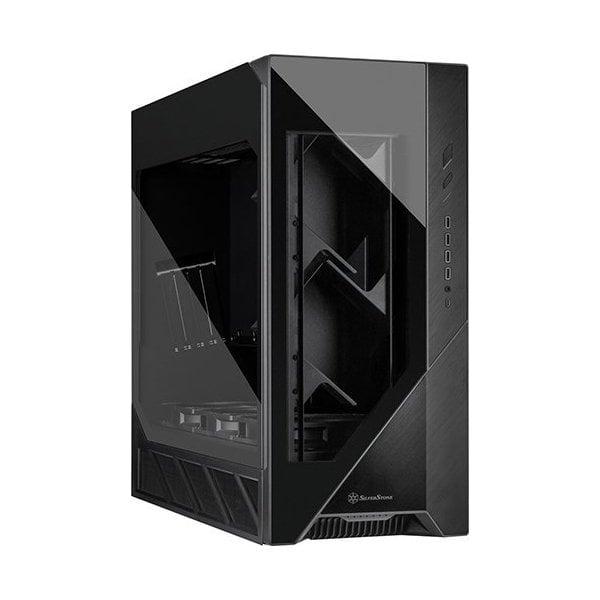
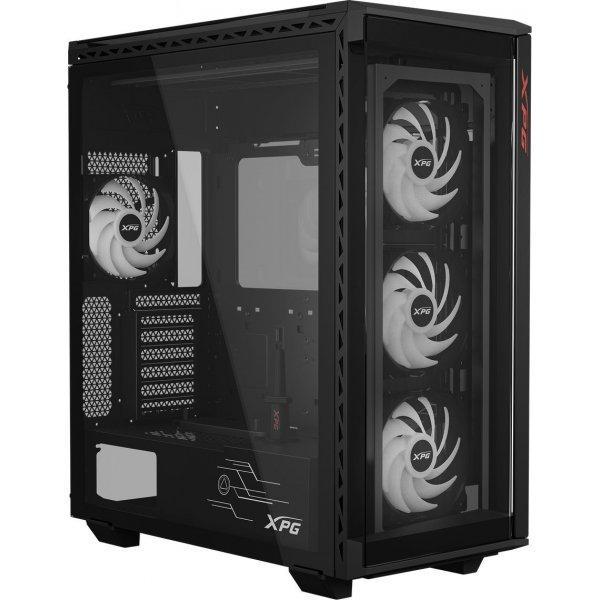
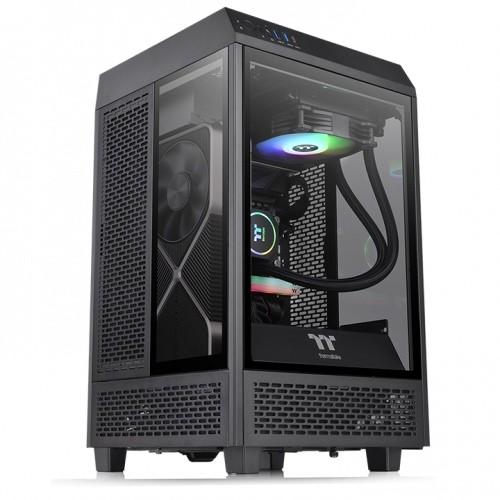
XPG BATTLECRUISER II ST. Formfaktor: Midi Tower, Type: PC, Produktfarve: Sort. Frontventiler installeret: 3x 120 mm, Understøttede diametre for frontventilatorer: 120,140 mm, Bagerste ventilatorer installeret: 1x 120 mm. Understøttede HDD-størrelser: 2.5,3.5". Bredde: 225 mm, Dybde: 506 mm, Højde: 550 mm. Pakkebredde: 339 mm, Pakkedybde: 643 mm, Pakkehøjde: 615 mm
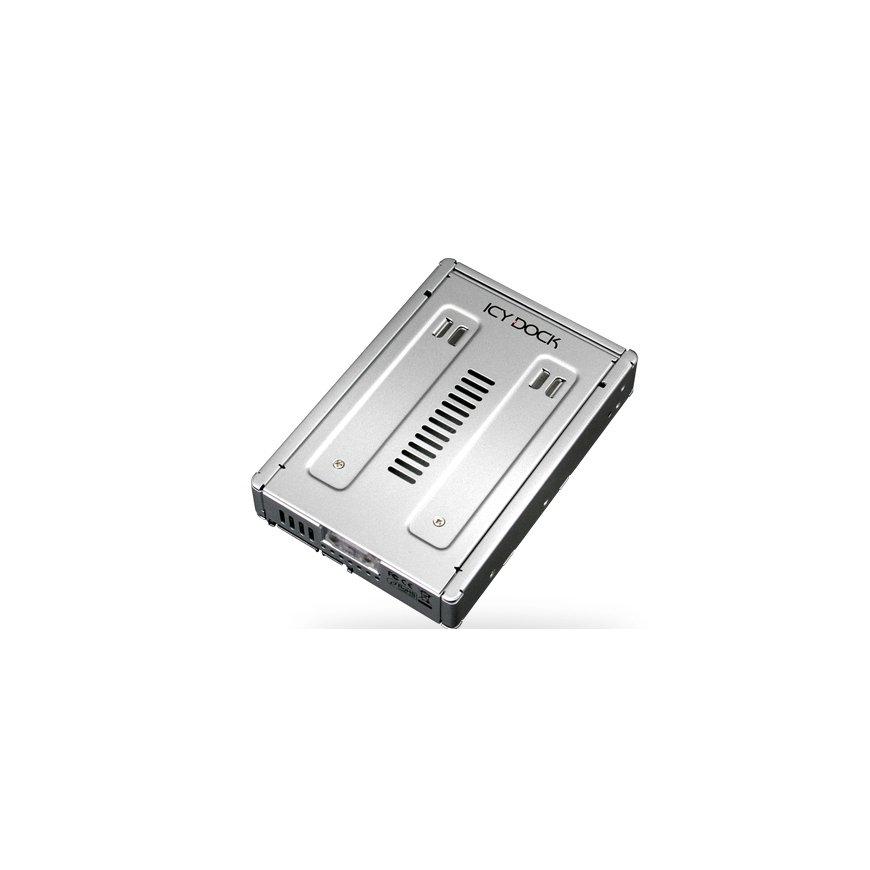
The IcyDock MB982SP-1S is a 2.5" to 3.5" SAS/SATA converter with improved properties. This product was developed with the same dimensions, connector positions, and mounting holes as a conventional 3.5" HDD, so it can be used in any internal drive bay, as well as in any backplane or hot-swap device designed for 3.5" drives.TypeMounting frameColorsilverEAN4711132868746Manufacturer No.MB982SP-1SIntended useInstallation in a 3.5" drive bay in a PC caseUseDrive frameSuitable for2.5" SATA I / II / III HDD/SSD (7 - 15mm)MaterialMetal (SECC)Installable drives1x 2.5 inch internalRequired drive bays1x 3.5 inch internalFurther informationData transfer: 6 Gbit/sDimensionsWidth: 102 mm x Height: 25 mm x Depth/Length: 147 mmWeight327 grams
Das Intel® Wi-Fi 7 BE201 vPro ist ein hochmoderner WLAN-Adapter, der die neueste Wi-Fi 7-Technologie nutzt, um eine unübertroffene drahtlose Konnektivität zu bieten. Mit seinem innovativen Design und der vPro-Integration ist dieser Adapter ideal für geschäftliche Anwendungen geeignet. Die Wi-Fi 7-Technologie ermöglicht ultraschnelle Datenübertragungsraten und eine verbesserte Netzwerkeffizienz, während die vPro-Funktion eine einfache Verwaltung und Integration in Unternehmensumgebungen ermöglicht. Mit seinem kompakten Formfaktor bietet der Intel® Wi-Fi 7 BE201 vPro eine zuverlässige und leistungsstarke drahtlose Netzwerkverbindung, die den Anforderungen anspruchsvoller Unternehmensumgebungen gerecht wird.
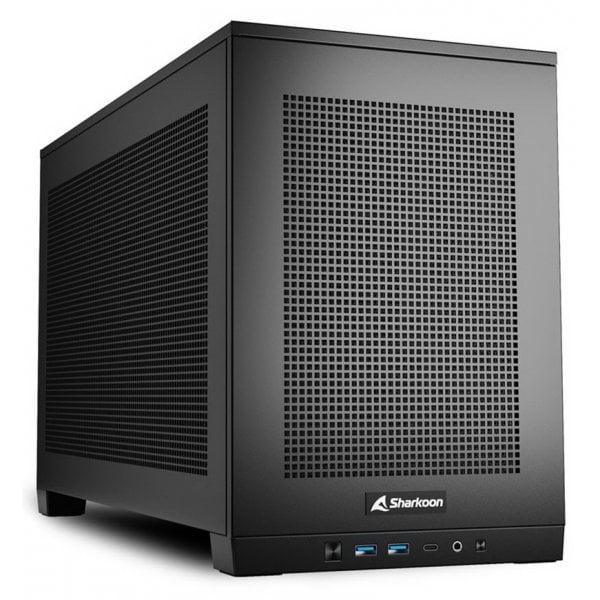
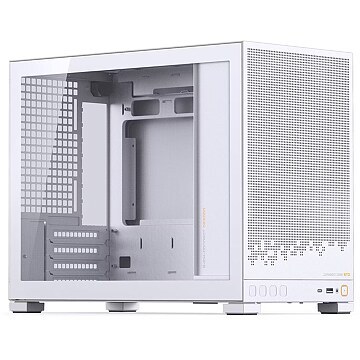
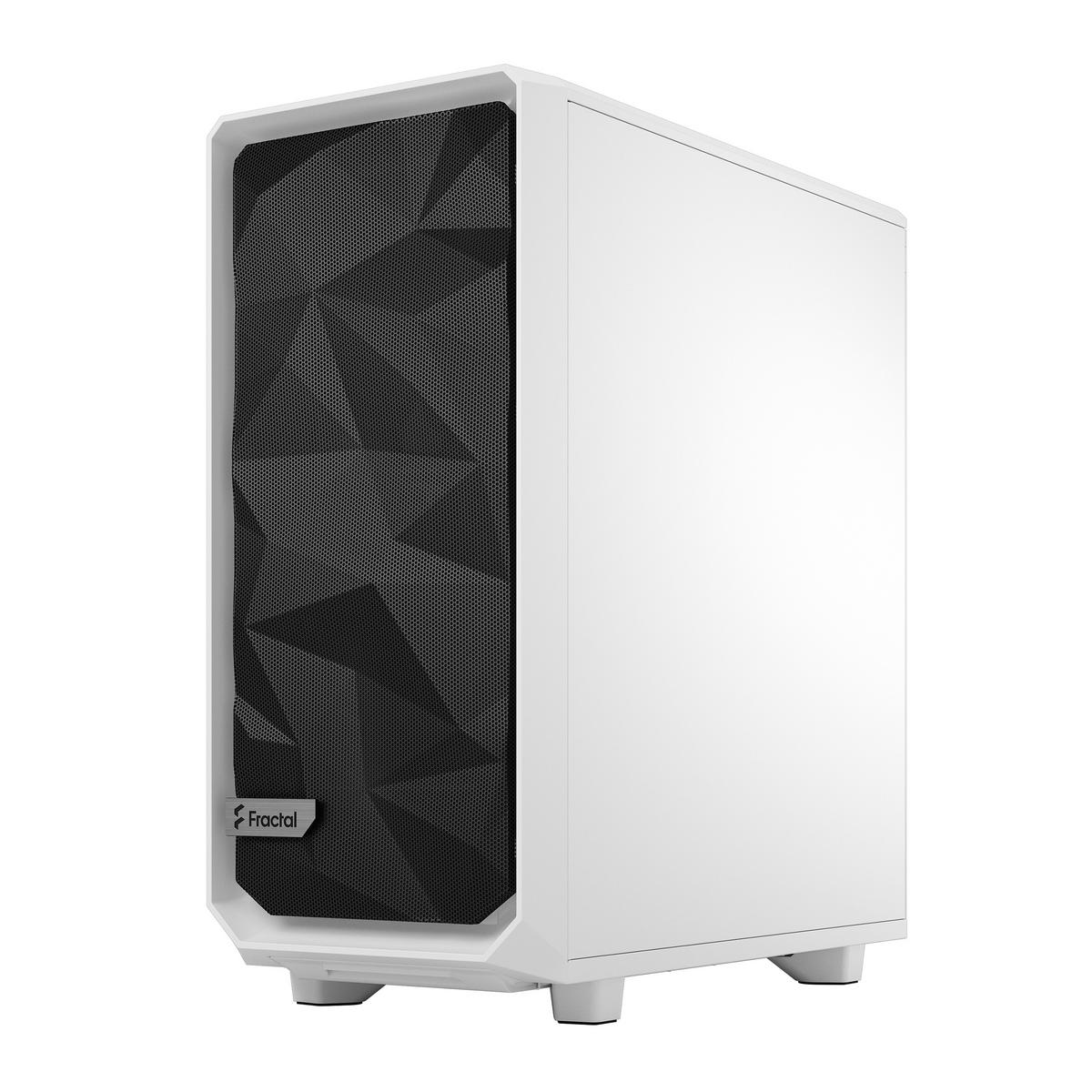
With the D32 series, Jonsbo targets everyone who wants to build their PC in a space-saving way. Compared to the D32 PRO, the D32 STD PC case addresses the midrange and budget segment with key features such as back-connect support and minimal front I/O.Elegant and space-saving design for mATX motherboardsSeamless cable management with cutouts for back-connect motherboardsTempered glass side panel provides a subtle appearanceAmple space for cooling solutions allows the installation of high-performance hardwareDust filter protects your hardware from annoying dust particlesThe Jonsbo D32 STD White: Space-saving and subtle case for a wide range of hardwareWhether a midrange HTPC or a high-end PC, builds of all kinds comfortably fit into the D32 STD White from Jonsbo. This minimalistic case accommodates graphics cards up to 365 mm long and CPU coolers up to 164 mm high.Thus, even with the compact design of the case, adequate cooling of your hardware is ensured. In combination with up to six 120 mm fans, or one 120 mm fan and four 140 mm fans, the fans also provide enormous airflow inside the case.No cable clutter with back-connectWith back-connect motherboards such as ASUS's BTF series, MSI's PROJECT ZERO series, or GIGABYTE's Stealth series, the case is virtually free of visible cable clutter despite having the same footprint.Because most power and connection cables can be connected at the rear of the motherboard, you save time on cable management while still enjoying a clean look inside your case. Combined with the tempered glass side window, the view of your hardware is especially appealing.Powerful cooling in a small spaceTo ensure your high-performance hardware is sufficiently cooled even in the compact case, Jonsbo has developed an optimal cooling solution for the available space. With six 120 mm fans for sufficient airflow, a large dual-tower CPU cooler, or even an installable 240 mm AIO, your hardware will always remain cool, even under load.The dust filter on the bottom and mesh side panel design ensure your hardware stays free of dust and dirt. This keeps your temperatures optimal at all times and helps increase the lifespan of your hardware.