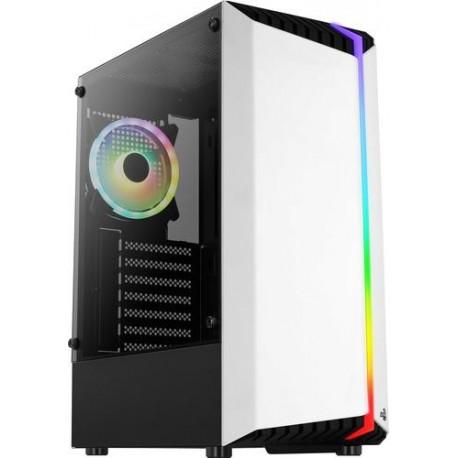
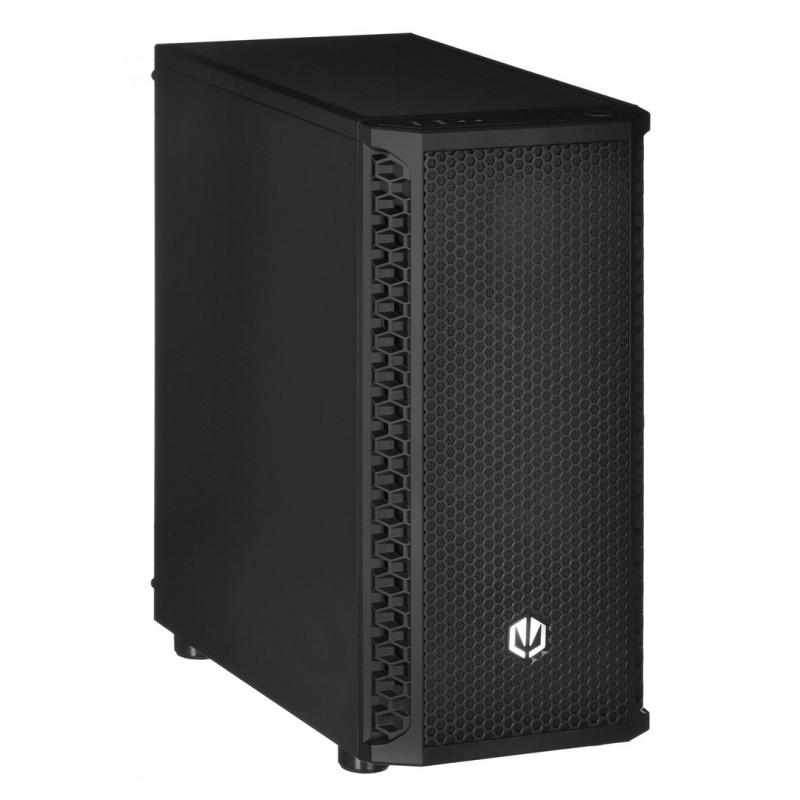
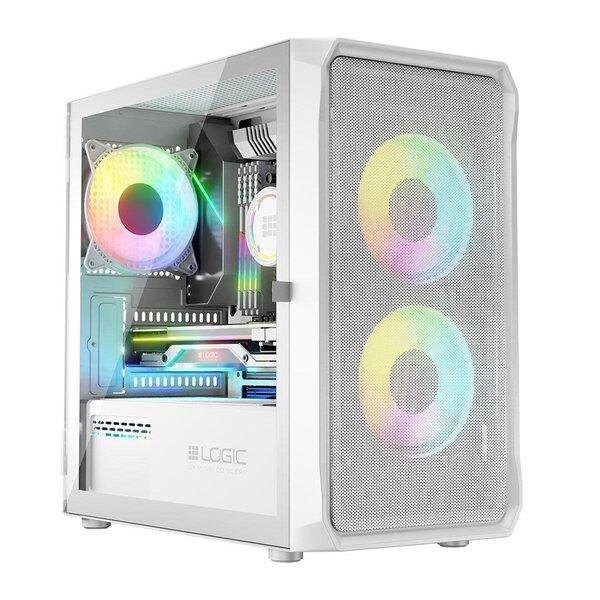
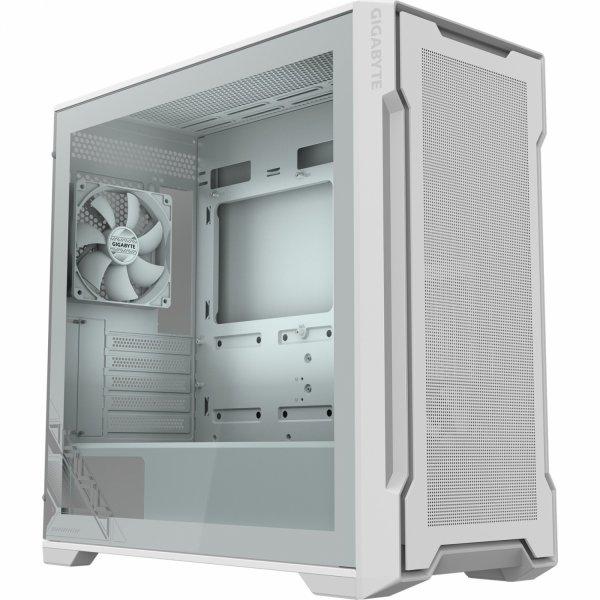
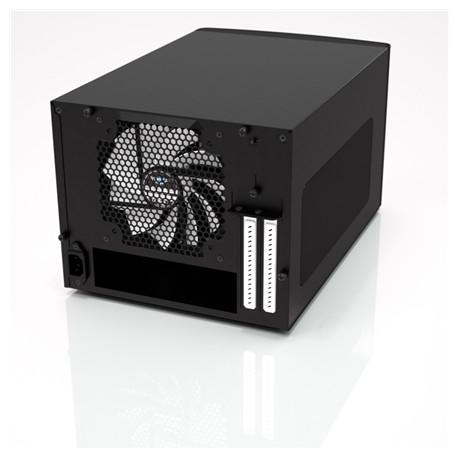
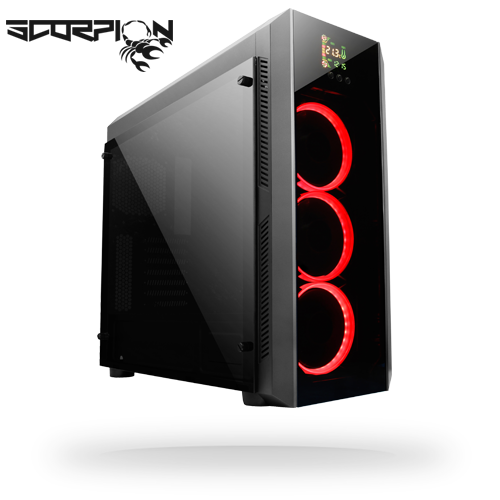
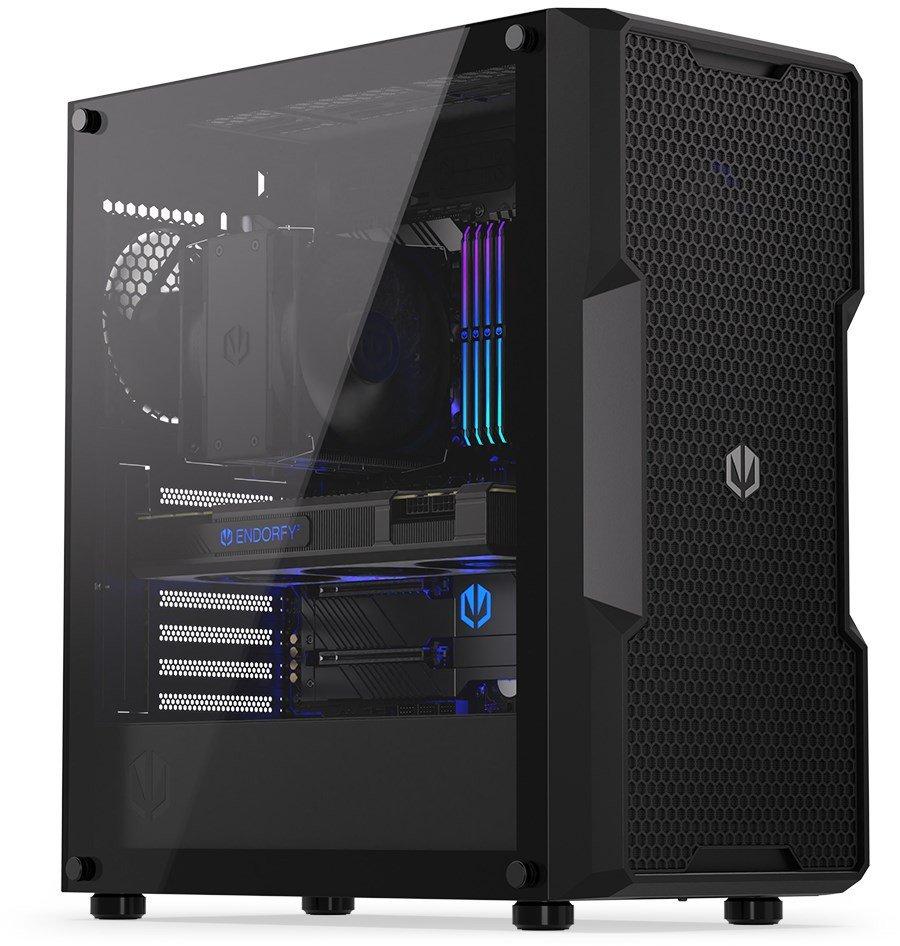
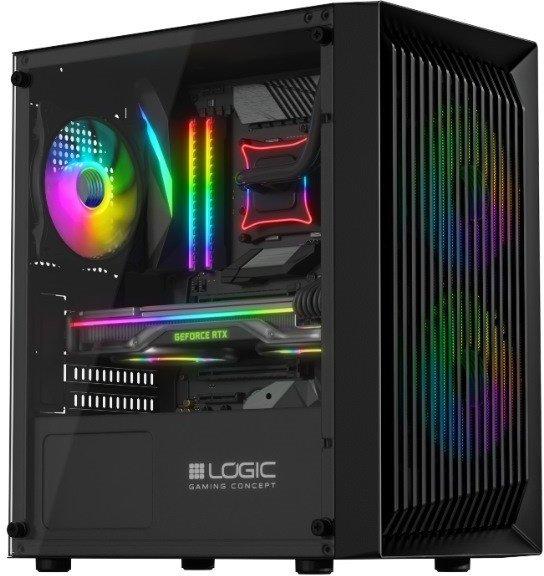
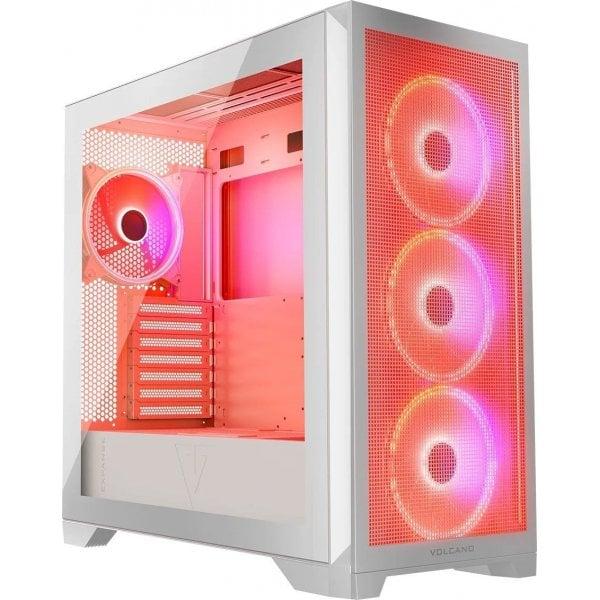
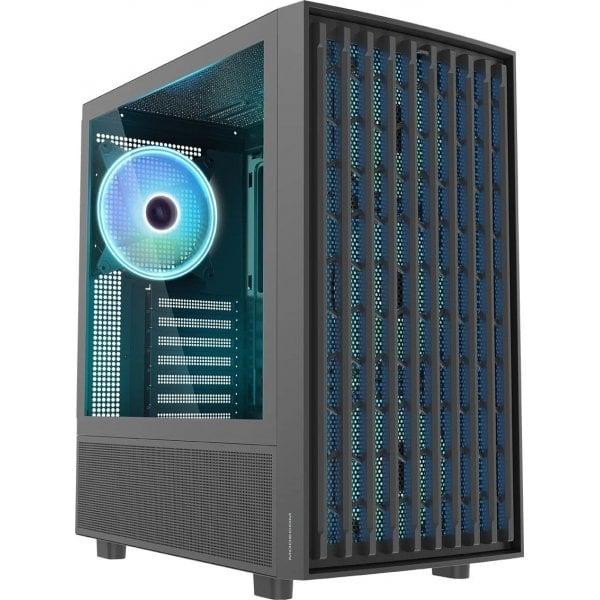
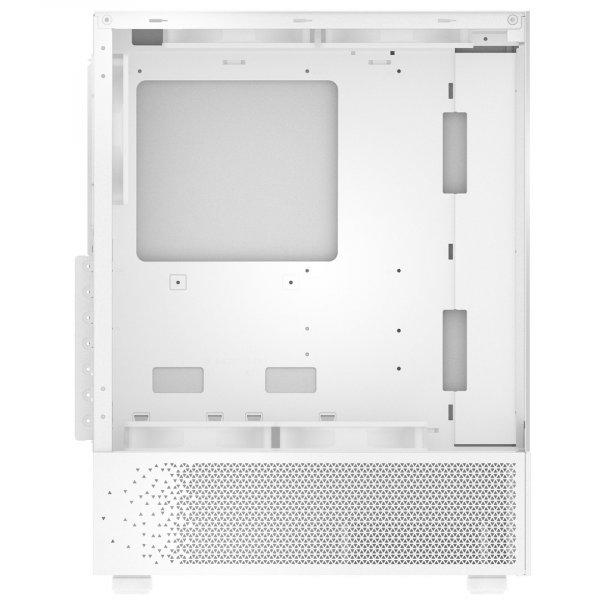
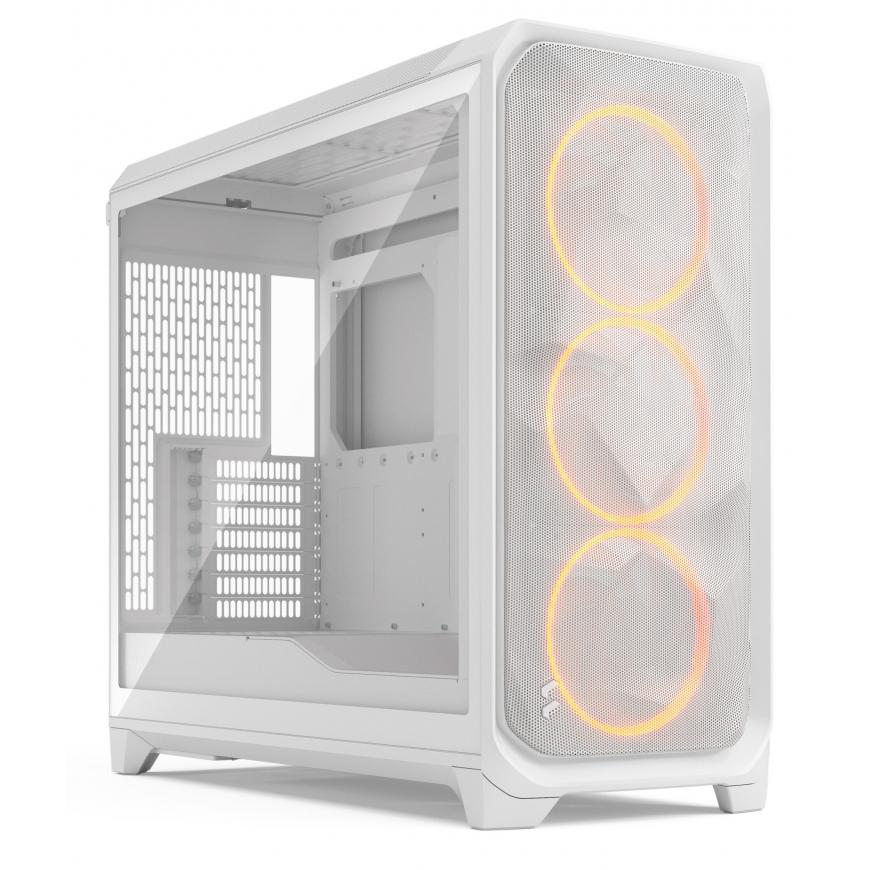
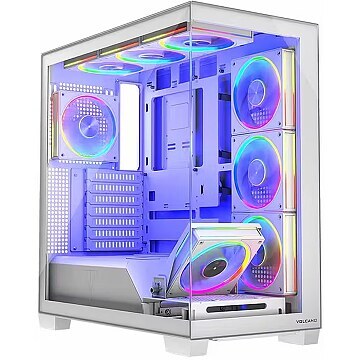
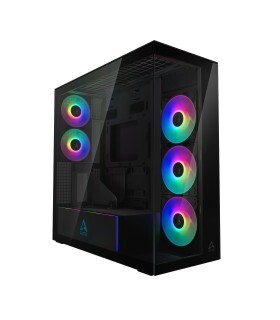
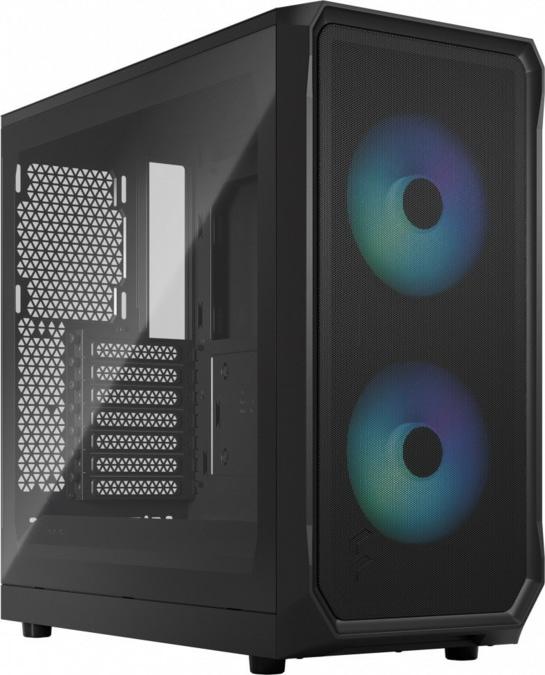
Atos Logic Atos is a case created to build a powerful and modern gaming PC. Optimal airflow, practical solutions and the pre-installed ARGB fans define its gaming character. READY FOR GAMING Logic Atos is a case created to build a high-performance and modern gaming PC. Optimal airflow, practical solutions and the pre-installed ARGB fans add to its gaming character. INDUSTRIAL STYLE The front panel designed in a strikingly similar industrial style not only fits perfectly into the gaming PC, but also ensures excellent air circulation. TEMPERED GLASS As befits a gaming PC case, Logic Atos features tempered glass on the side of the case. It was intentionally limited to the side panel only, in favour of the airy front panel. 160 mm CPU COOLING The mounting space for a CPU air cooler with a maximum height of 160 mm is an optimal amount of space for powerful cooling systems, especially for such a compact case. In addition, the possibility to mount graphics cards up to 290 mm allows the installation of most high-performance components available on the market. OPTIMAL AIRFLOW The ventilated front panel provides an air intake with two high-performance 120mm fans. This effectively cools down the installed components inside the PC, and has a positive impact on the cooling performance and service life of the PC components. As an option, two 140 mm fans can be installed at the front of the case instead of the pre-installed ones. ARGB BEAUTY A gaming case has to look good. This is why the pre-installed ARGB fans add to the beauty of the case and the gaming stand. The colour of the backlighting can be freely changed from the predefined settings by pressing the RESET button on the case control panel. HOME & OFFICE Despite its gaming pedigree, the case is also suitable for office tasks and everyday work. The possibility to build a versatile and high-performance PC is a definite advantage. OPTIMISED AND PRACTICAL SOLUTIONS The installation of HDD or SSD is of course also well thought out here. Inside the case, there is a basket for 2 x 3.5 or 2.5 HDDs at tunnel level and on the mainboard tray, an additional 1 x 2.5'' drive can be installed (prior to the installation of the mainboard). SIMPLE INSTALLATION Everything here is well thought-out and intuitive. Building a PC with this case is a pleasure and is child's play. CONVENIENT ACCESS TO THE TOP PANEL Convenient access to the top panel with two USB 2.0 and one USB 3.0 ports, HD audio jacks for headphones and microphone, power and reset button (for controlling the ARGB backlighting). POWER SUPPLY IN THE TUNNEL The small openings under the PSU mounting position act as a filter to prevent dust and dirt from entering the case. At the same time, they provide an air flow to the PSU. 4 PCIe expansion card slots Four PCIe extension card slots. This is the optimal number for the installation of e.g. graphics cards and network cards. IDEAL FOR EVERY ROOM Supporting mini-ITX and Micro-ATX motherboards, it is a compact solution for building a computer for study, work and play. It takes up less space in the room than other standard ATX cases, yet is highly functional.
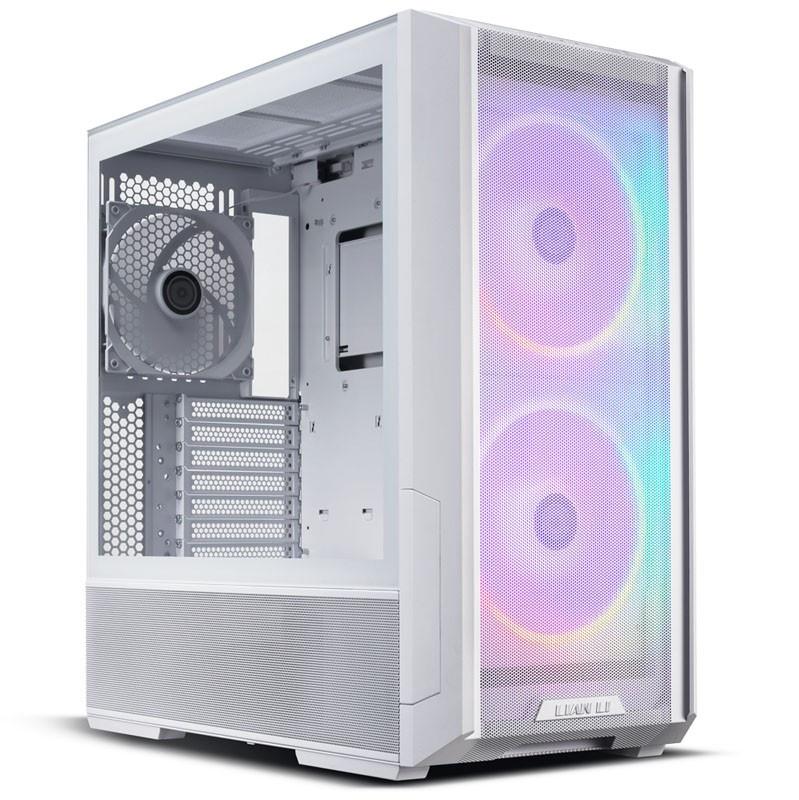
The Lian Li LANCOOL 216 RGB White E-ATX Case is a stylish mid-tower case designed for E-ATX motherboards. It features three radiator mounts for water cooling (1x 240mm / 2x 360mm), a tempered glass side panel, and comes with three pre-installed fans (2x 160mm ARGB / 1x 120mm). It also includes a fan and ARGB hub for easy customization and control.
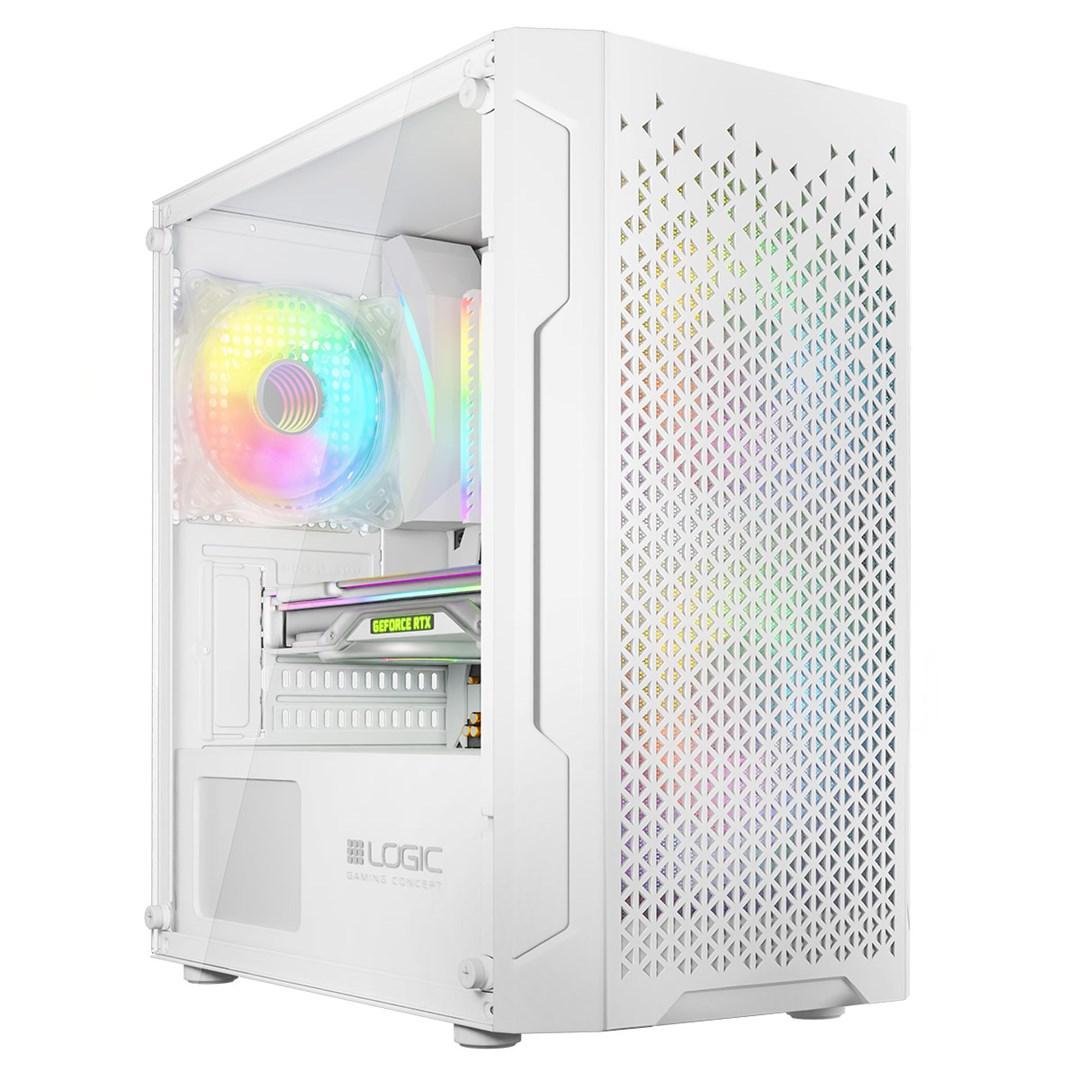
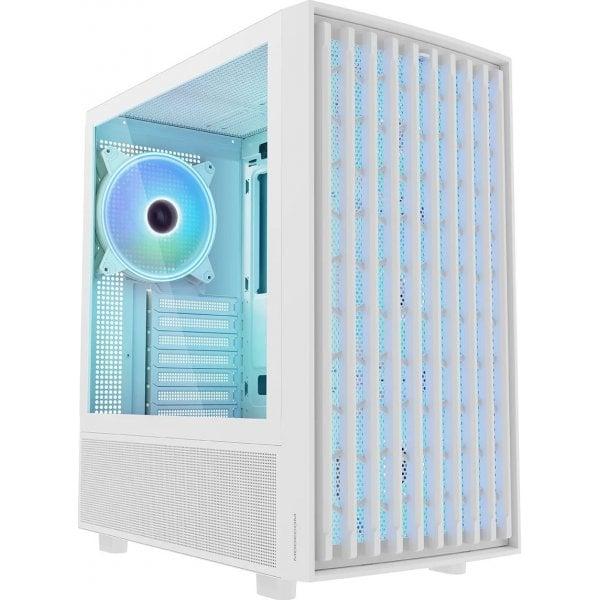
Atos ARGB Mini White Logic Atos is a chassis created to build an efficient and modern gaming PC. Optimal airflow, practical solutions and pre-installed ARGB fans make up its gaming character. READY FOR GAMES Logic Atos is a chassis created to build an efficient and modern gaming PC. Optimal airflow, practical solutions and pre-installed ARGB fans make up its gaming character. INDUSTRIAL STYLE The front panel designed in a confusingly similar industrial style not only fits well with a gaming PC, but also provides great airflow. TEMPERED GLASS As befits a gaming PC case, Logic Atos features tempered glass on the side Cases. It was intentionally limited to the side panel only, in favor of an airy front panel. 160 mm CPU COOLING Space for mounting an air cooler for a CPU with a maximum height of 160 mm is the optimal amount of space for high-performance cooling systems, especially for such a compact case. In addition, the ability to mount graphics cards up to 290 mm allows the installation of most high-performance components available on the market. OPTIMUM AIR SUPPLY The ventilated front panel provides airflow with two, efficiently operating 120mm fans. This allows you to effectively cool the installed components of the computer's interior, positively influencing the culture of their operation and service life. As an option, it is possible to mount two 140 millimeter fans on the front of Cases on your own, in place of the factory-installed ones. ARGB BEAUTY Case for gamers must look nice. That's why the pre-installed ARGB fans add beauty to the case and the gaming stand. The backlight color can be changed at will from the predefined settings using the RESET button on the control panel Cases. HOME & OFFICE Despite its gaming pedigree, Case will also perform well in office tasks and everyday work. The ability to build a versatile and powerful computer is undoubtedly its advantage. OPTIMAL AND PRACTICAL SOLUTIONS The mounting of HDD or SSD drives is obviously thought out here as well. Inside Cases at tunnel level there is a basket for 2 x 3.5" or 2.5" drives. On the motherboard tray, on the other hand, there is the possibility of mounting an additional 1 x 2.5'' drive (installation before mounting the motherboard). SIMPLE INSTALLATION Everything here is well thought out and intuitive. Building a computer in this case is a pleasure and is child's play. CONVENIENT ACCESS TO THE TOP PANEL Convenient access to the top panel, and there are two USB 2.0 and one USB 3.0 connectors, plus HD audio jacks for headphones and a microphone, a power button and a reset button (which allows control of ARGB backlighting). POWER SUPPLY IN THE TUNNEL The small holes under the PSU's mounting location serve a filtering function by restricting dust and dirt from entering Cases. At the same time, they provide air flow to the power supply. 4 PCIe expansion card slots Four slots for PCIe expansion cards. This is the optimal number for mounting, for example, a graphics card and a network card. IDEAL FOR ANY ROOM Supporting mini-ITX and Micro-ATX motherboards, it is a compact solution for building a computer for study, work and play. It takes up less space in the room than other standard Cases ATX motherboards, yet is highly functional.
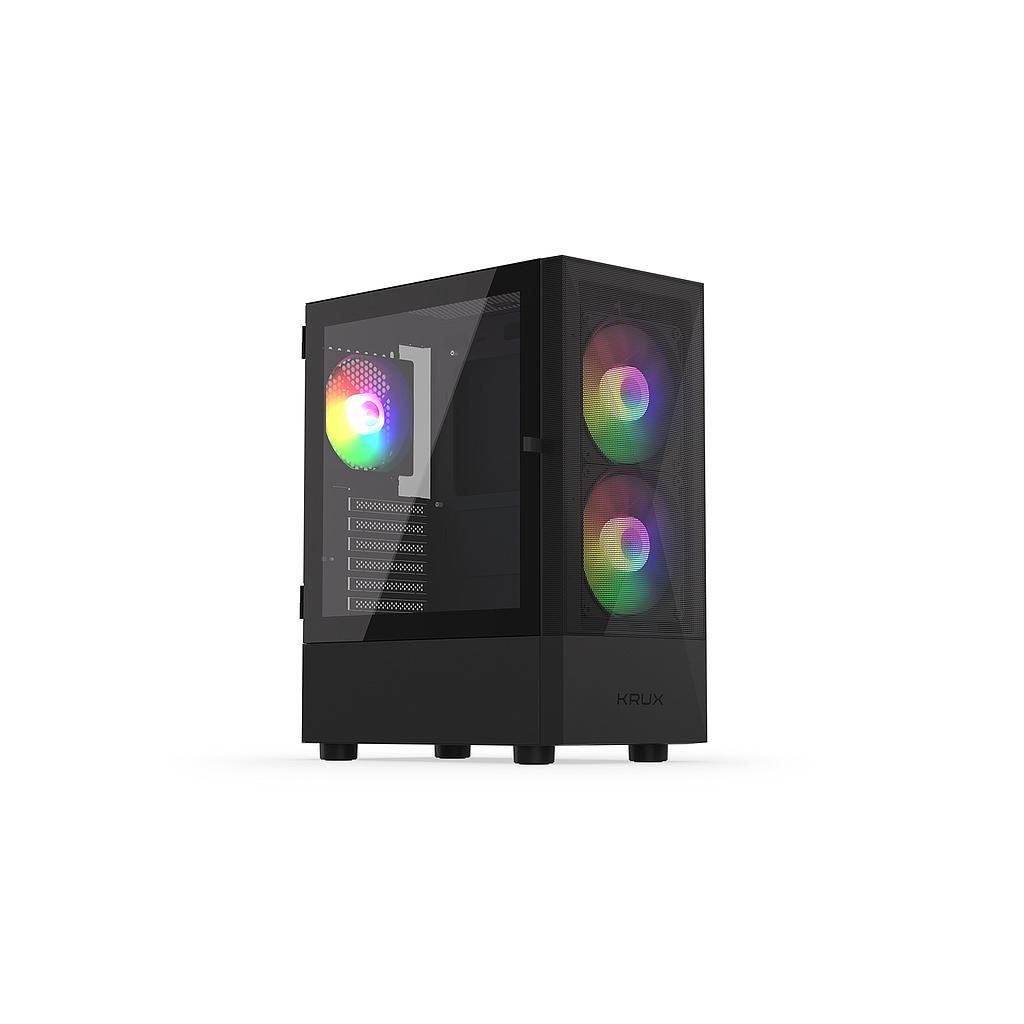
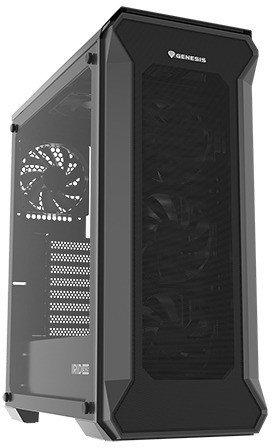
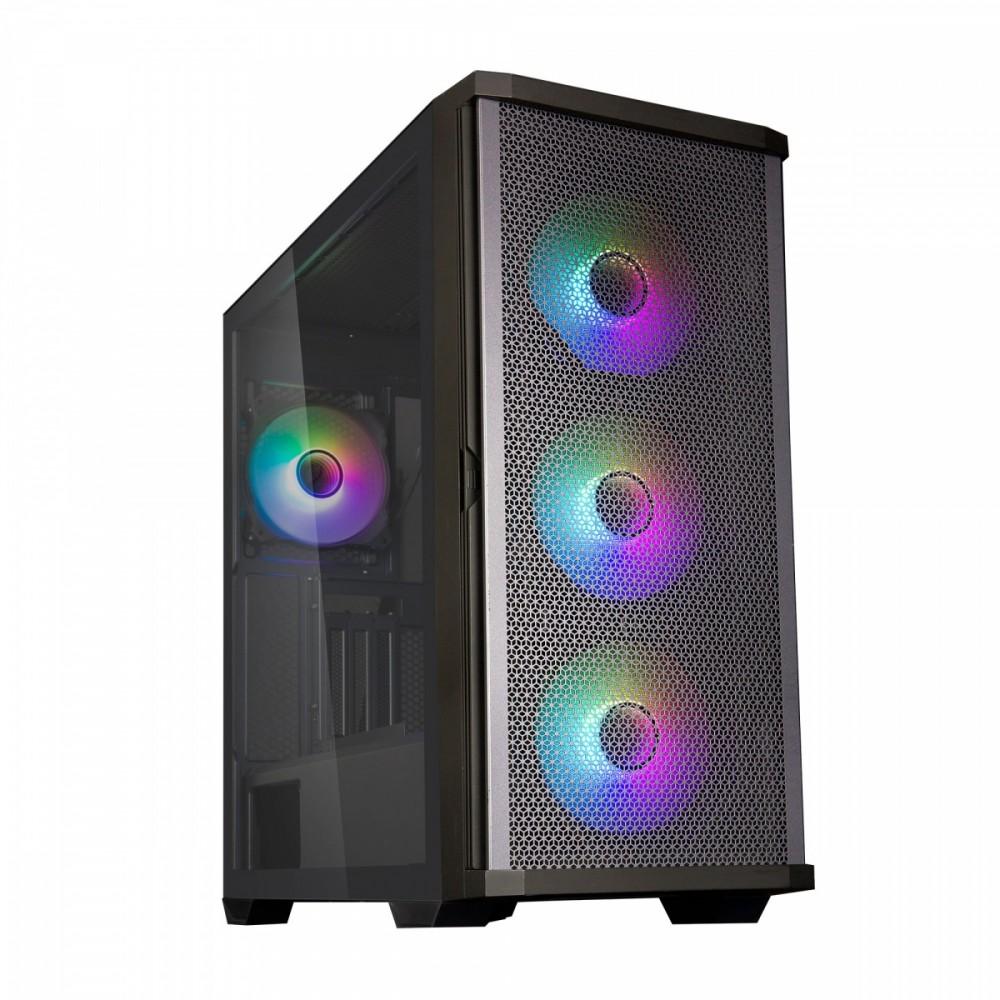
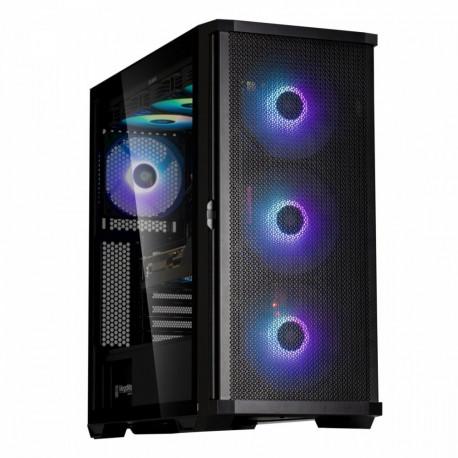
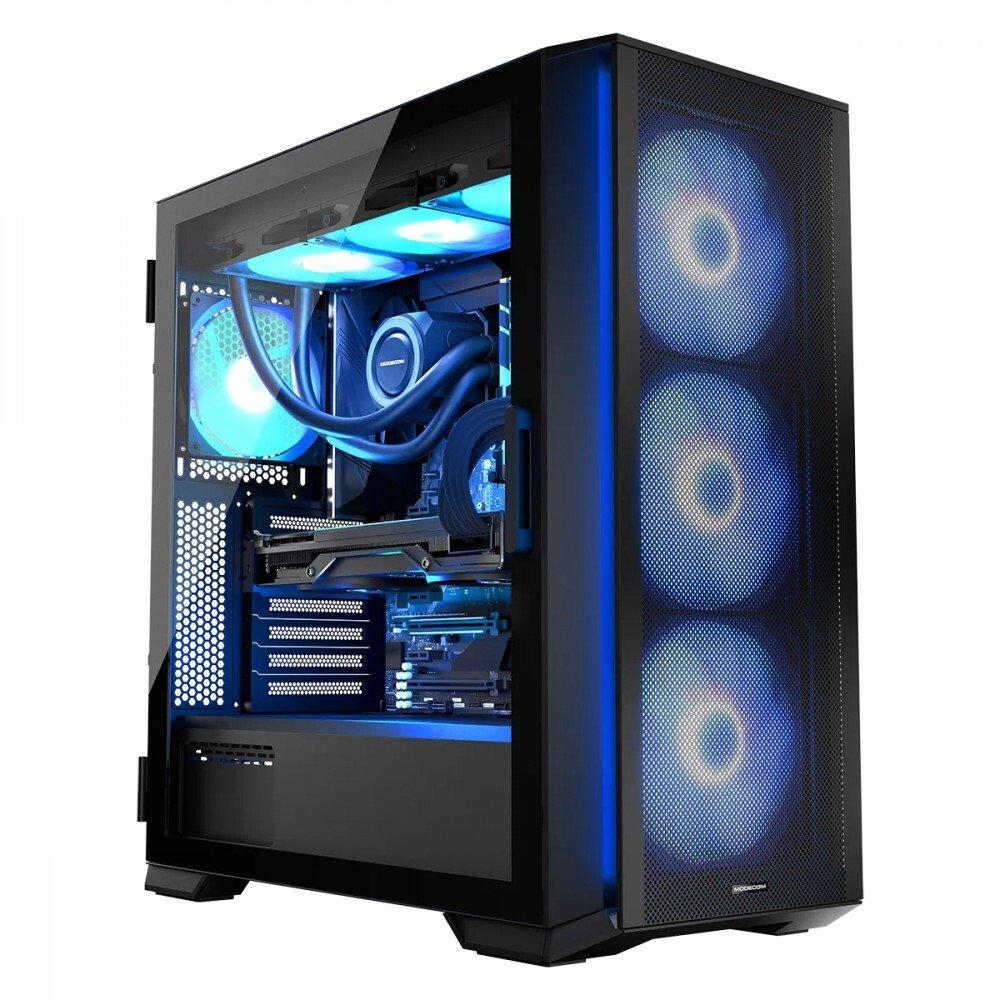
Horizon ARGB FLOW Midi Black Three 140 mm ARGB fans are installed in the case at the front, pushing air into the computer, while one 120 mm ARGB, mounted on the rear panel, is designed to blow hot air out. 3 140 mm ARGB fans pre-installed on the front of the case. 1 120 mm ARGB fan pre-installed on the rear of the case. Glass side panel in the form of hinged doors. Airy front and top panels. 2 x USB 3.0 and 1 x USB-C. Screw-out PCI-E slot brackets. Possibility of mounting E-ATX motherboards. Ready for water cooling. Power supply tunnel. Available in fashionable white or elegant black. Four dust filters at the bottom, top, front and side of the case. Easily removable mesh on the front. Space for 4 hard drives (in a configuration of 2 SSD / 2 HDD or 3 SSD / 1 HDD or 4 SSD). ARGB fan controller. Your dream case is here, not over the horizon. MODECOM Horizon is one of those cases that fully meets the need for a decent, solidly made and functional computer case. This classic-looking case has a lot to offer. There are three 140 mm ARGB fans installed as standard at the front and one 120 mm ARGB at the back of the case. In addition, inside you will find plenty of space even for E-ATX boards, high CPU cooling and long graphics cards. And all this is closed behind a glass panel in the form of a door, surrounded by airy mesh panels with dust filters. The whole thing is enclosed in one, perfectly designed MODECOM Horizon case. Don't close yourself off to new things The side panel made of tempered glass in the form of an opening door is the very convenience of assembling and cleaning the computer. You can easily and conveniently open the door and assemble the set, replace RAM, graphics card and other components. There is no simpler and more convenient solution for assembling and modifying the interior of the computer and cleaning it, like the one used in the MODECOM Horizon case. Tempered glass, in turn, allows you to expose the installed graphics card and other expensive components. Nothing can stop this wind The case has three 140 mm ARGB fans installed on the front, which force air into the computer, while one 120 mm ARGB, mounted on the rear panel, is designed to blow hot air out. You get a case ready to use right out of the box, all you need to do is mount the components in it and work on a well-cooled and ventilated computer. Create a storm But that's not all, you can install additional 3 120 mm fans or 2 x 140 mm on the top of the case yourself. There is also the possibility of mounting two 120 mm fans on the motherboard wall. A computer configured in this way will be optimally cooled, ensuring that components operate at low temperatures, while contributing to their longer lifespan. Ready for anything The case is adapted to mount E-ATX boards. The wide possibilities of arranging and expanding the computer will work well in both gaming computers and professional solutions. The unlimited freedom of computer configuration allows for the installation of modern components with the possibility of further expansion. Games and programs will find their place here The MODECOM Horizon case has space for 4 hard drives. Two 2.5 SSD drives will find their place on the motherboard tray. Placed in a convenient place for connection, they will work great as media for games and programs. The disk basket in the power supply tunnel allows for the installation of two 3.5 HDD drives or a configuration of 1 x 2.5 SSD and 1 x 3.5 HDD. You can also simply put on 2.5 SSD drives and mount two such drives in the power supply tunnel. If you add space for M.2 drives on the motherboard, the MODECOM Horizon computer will become a real storage for games and documents.
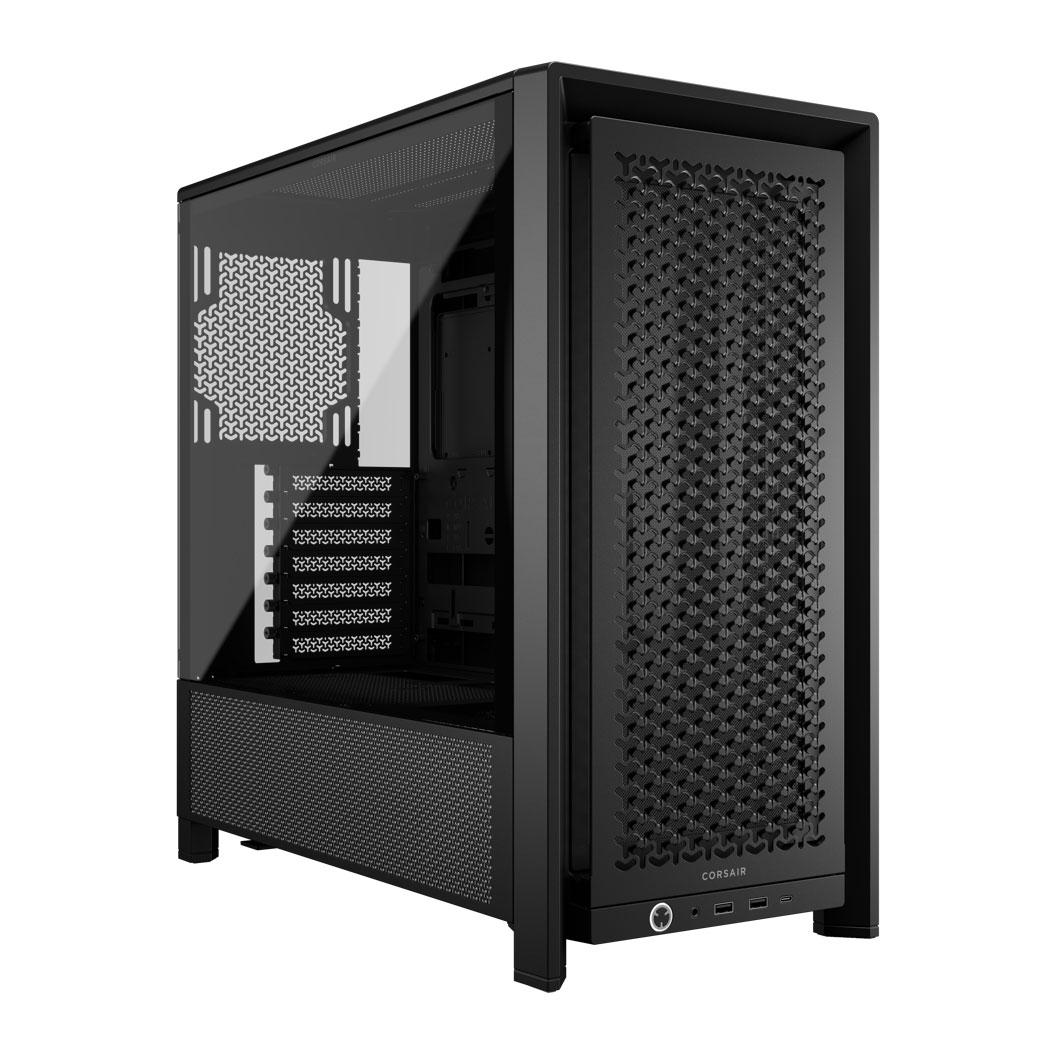
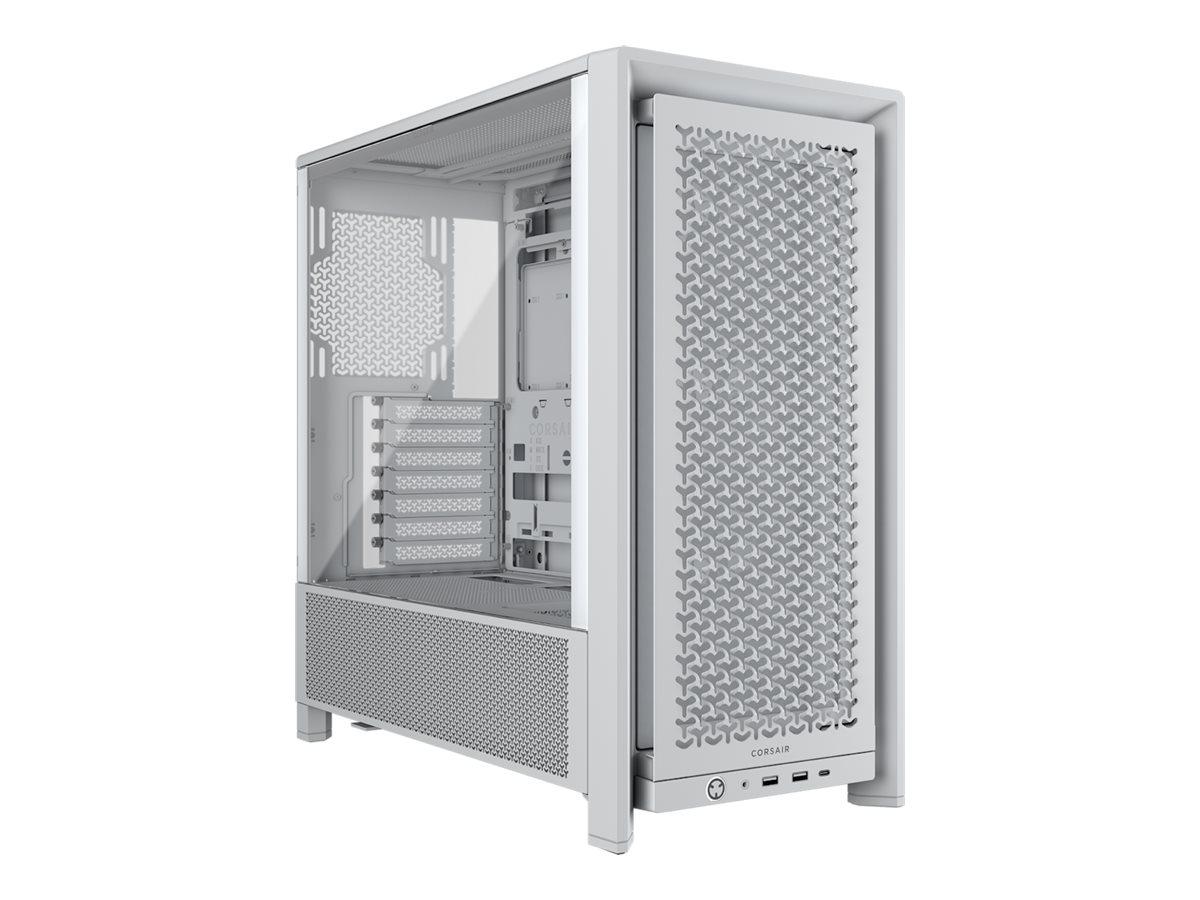
The CORSAIR FRAME 4000D is a modular tower chassis designed for airflow and cooling capabilities. Featuring a 3D Y-pattern airflow front panel and an InfiniRail fan mounting system, it ensures your system remains cool and efficient. The dual-windowed tempered-glass side panels provide a clear view of your internal components while adding to the aesthetic appeal of any build.With support for various radiator sizes and fan configurations, this chassis accommodates cooling setups, including space for 2 x 140 mm fans or up to 360 mm radiators in the front. Its layout includes multiple internal bays, allowing for a customizable storage solution. With connectivity options like USB 3.2 Gen 1 and USB-C 3.2 Gen 2 on the front panel, the FRAME 4000D elevates convenience and accessibility for users.
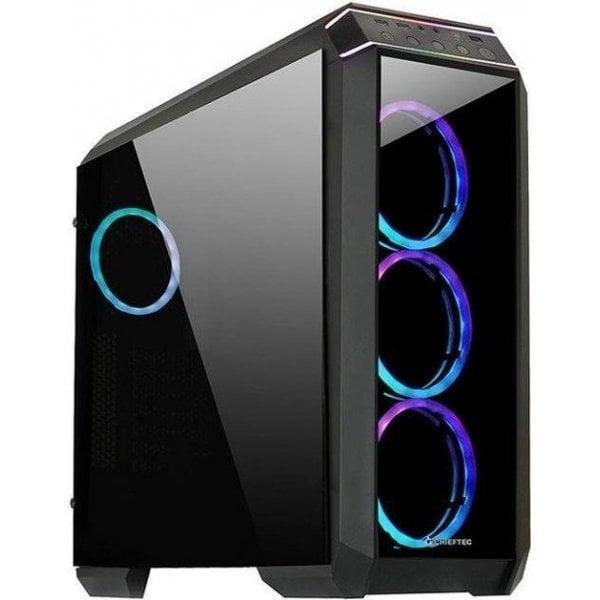
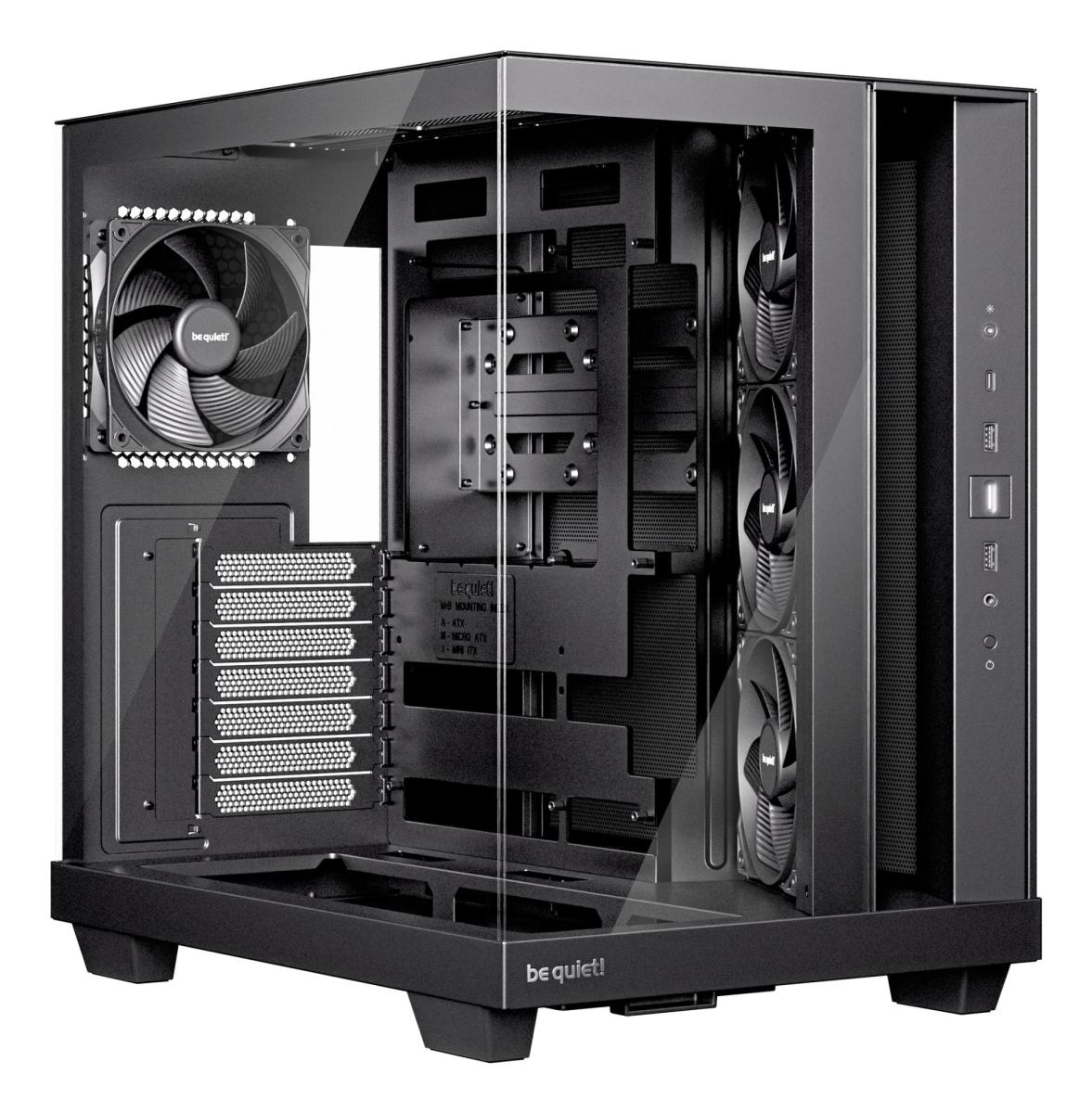
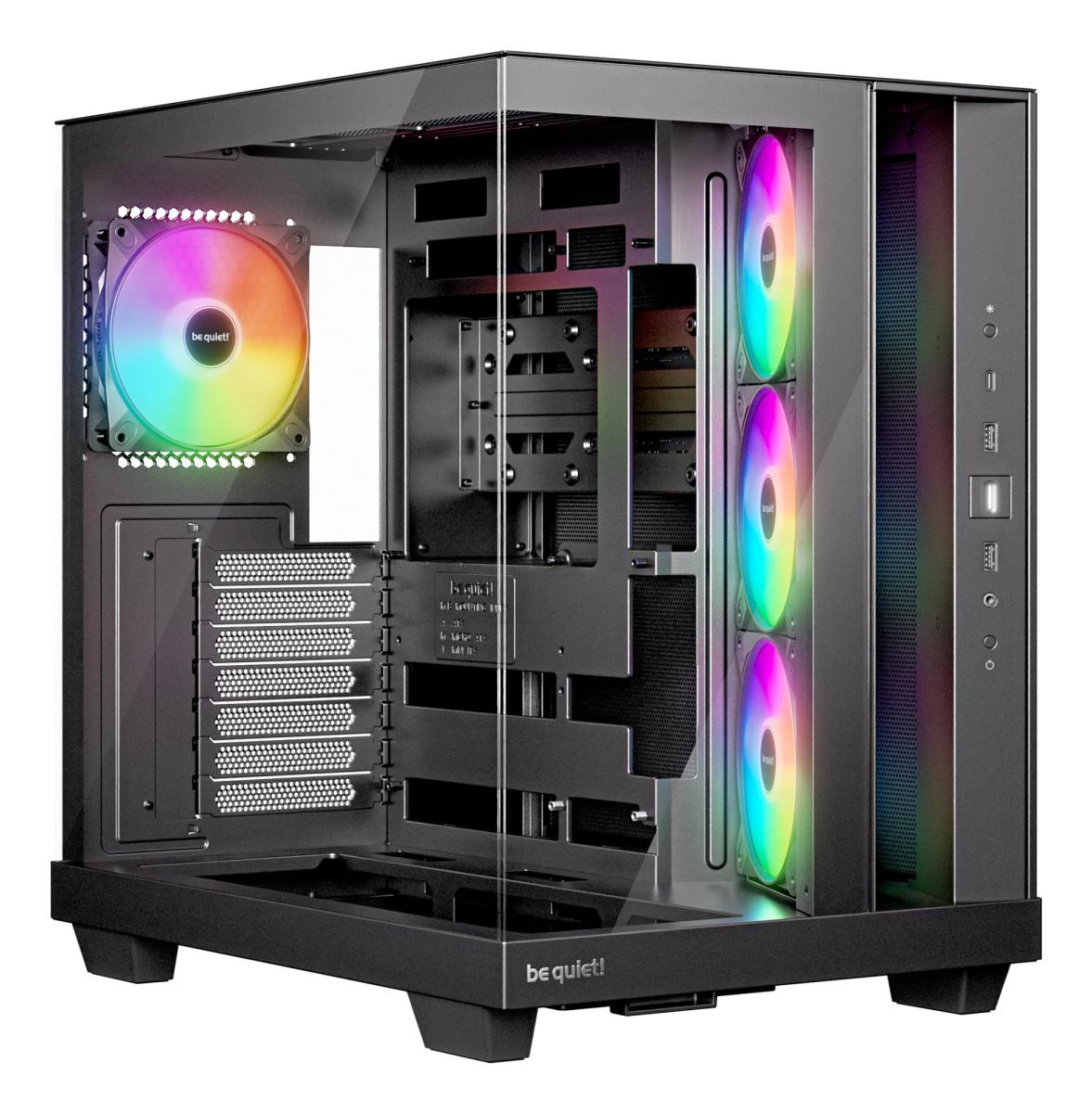
Xtender VG (Mirror Black) | PSU Not included | 2x P12 Pro A-RGB (pre-installed at rear), 3x P14 Pro Reverse A-RGB (pre-installed at side) | Dimensions 529 x 231 x 529 mm
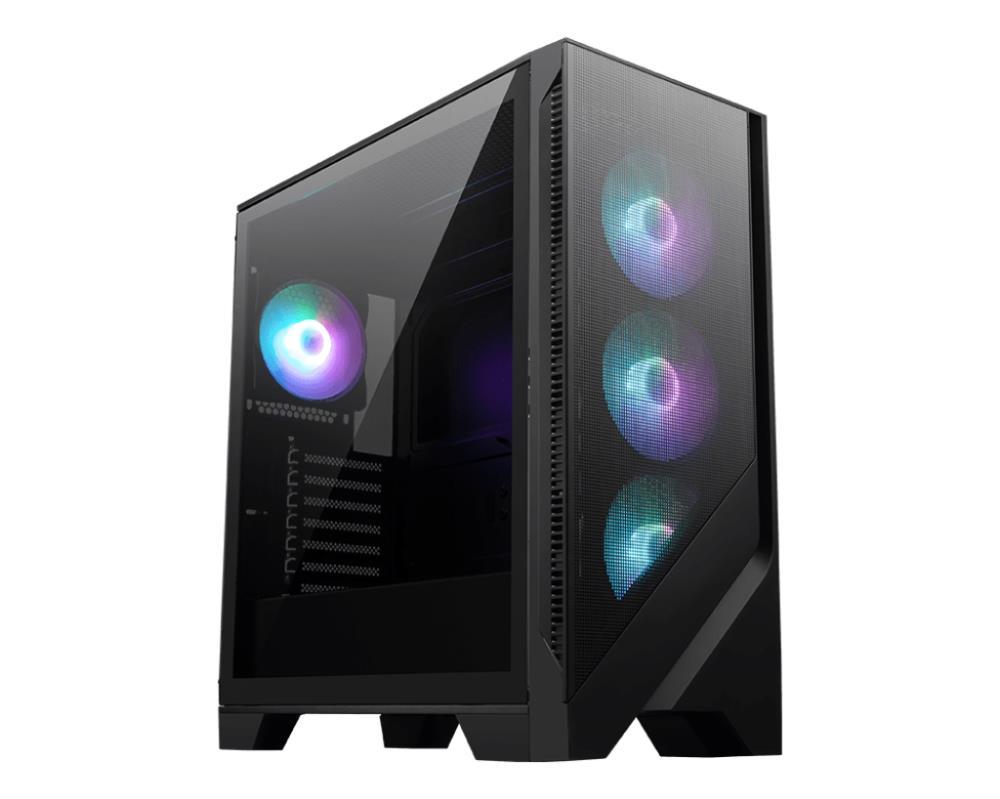
Internal 2x 2.5 "/3.5", Front I / O 2x USB-A 3.0, 1x USB-A 2.0, 1x headphones, 1x microphone, PCI slots 7, Fan (front) 3x 120mm (RGB illuminated), Fan (rear) 1x 120mm (RGB illuminated), Fan (top) 2x 120mm (optional), Radiator sizes 240mm front, 240mm top, Motherboard up to ATX, Power supply ATX (max 200mm deep), Power supply position below, CPU cooler up to max. 166mm height, Graphic cards up to max. 349mm, Color black, black painted inside, Dimensions (WxHxD) 203x505x436mm, Volume 44.70l, Weight 6.90kg, Special features Cable management, glass viewing window, GL-02B-OP
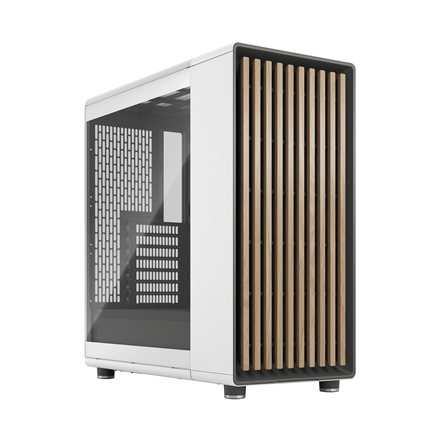
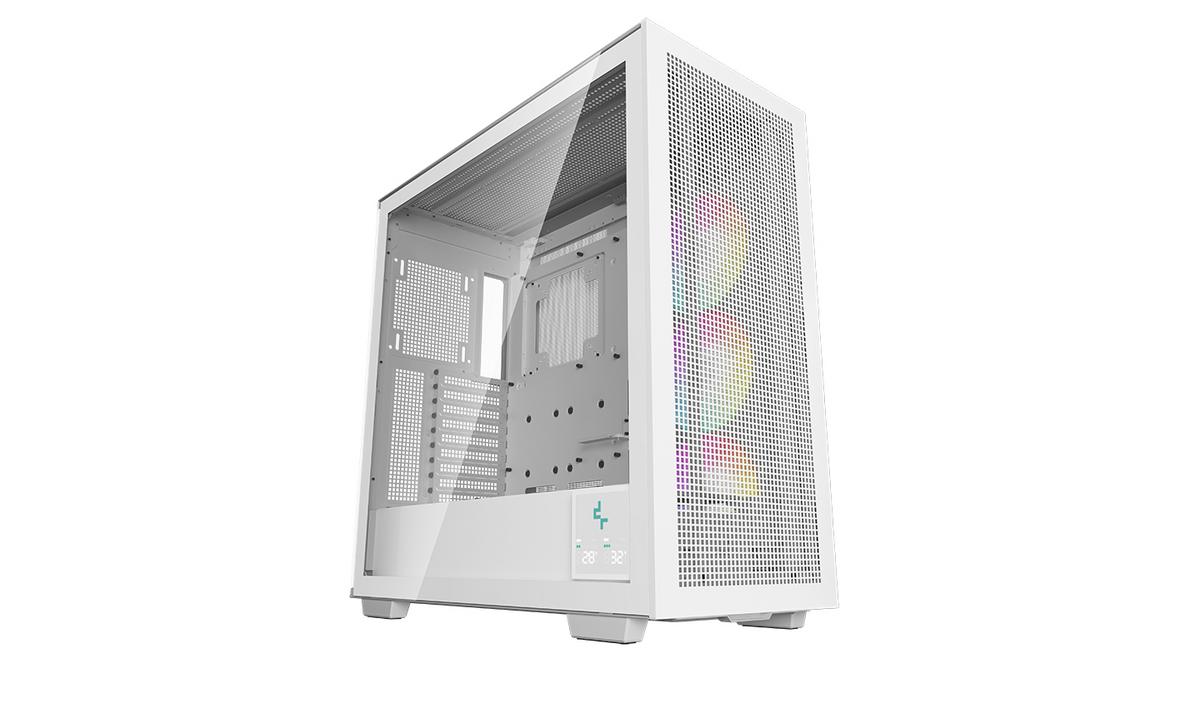
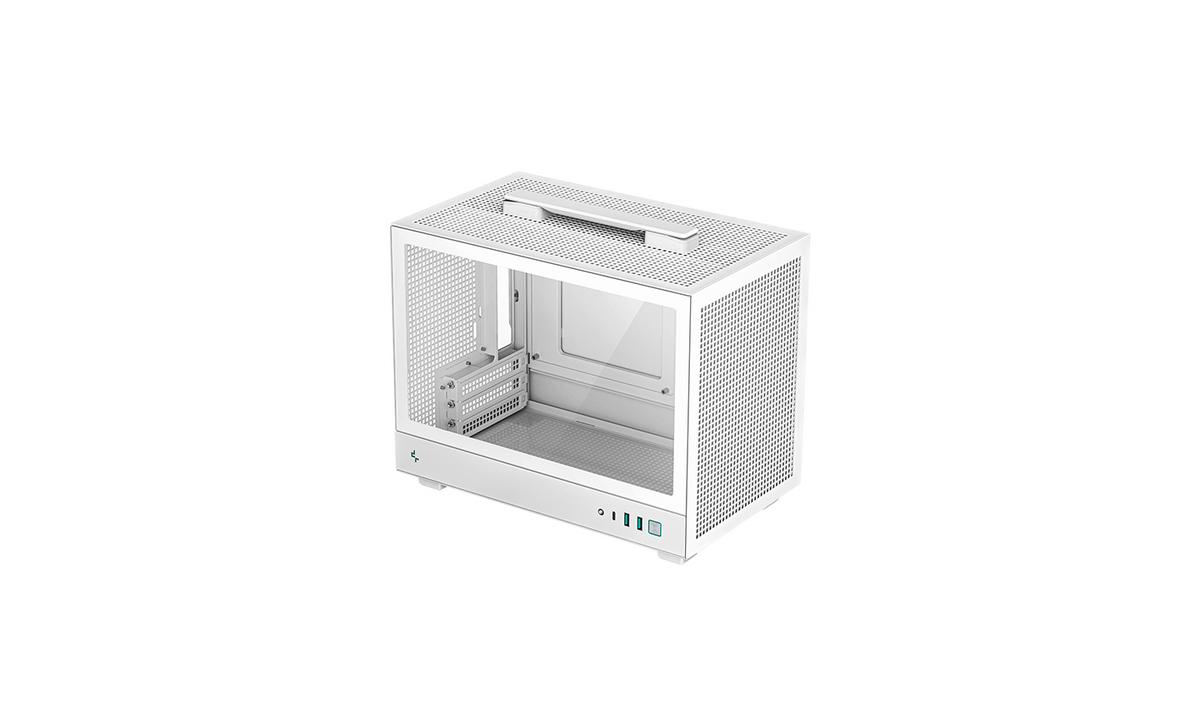
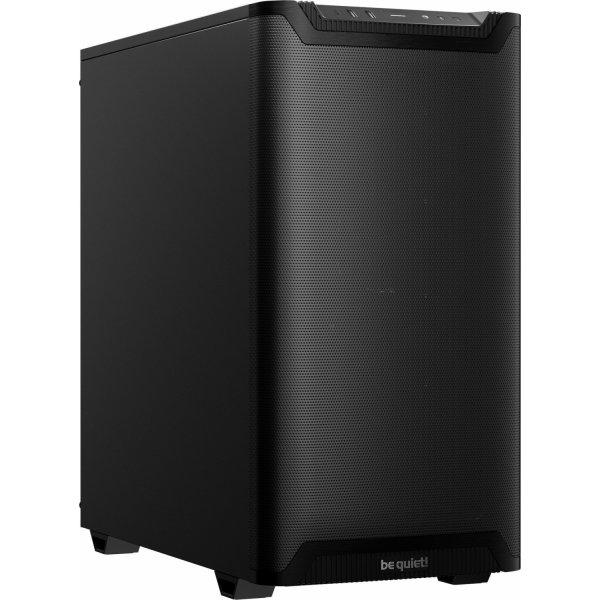
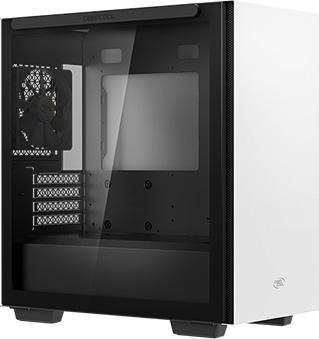
Internal 2x 3.5 "(transverse, hard drive cage), 2x 2.5", Front I / O 2x USB-A 3.0, 1x headphones, 1x microphone, PCI slots 4, Fan (front) 3x 120mm (optional) or 2x 140mm (optional), Fan (rear) 1x 120mm, Fan (top) 2x 140mm (optional), Radiator sizes 120/140/240 / 280mm at the front, 120/140/240 / 280mm at the top, 120mm at the back, Mainboard up to µATX, Supported mainboards Mini-ITX (6.7 "x6.7") / µATX (9.6 "x9.6"), Power supply ATX (max.160mm deep), PSU position below, CPU cooler max. 165mm height, Graphics cards max. 320mm, Color white, inside black, Lighting without lighting, Dimensions (WxHxD) 225x431x400mm, Volume 38.79l, Weight 6.20kg, Housing type minitower, Special features Cable management, dust filter, graphics card holder, viewing window made of glass, w/o psu, R-MACUBE110-WHNGM1N-G-1
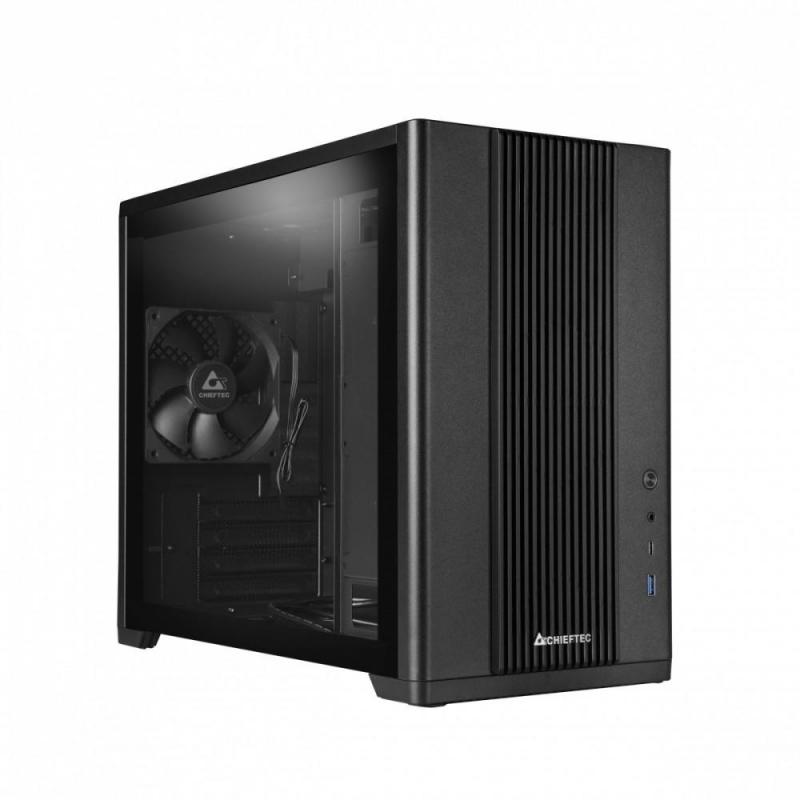
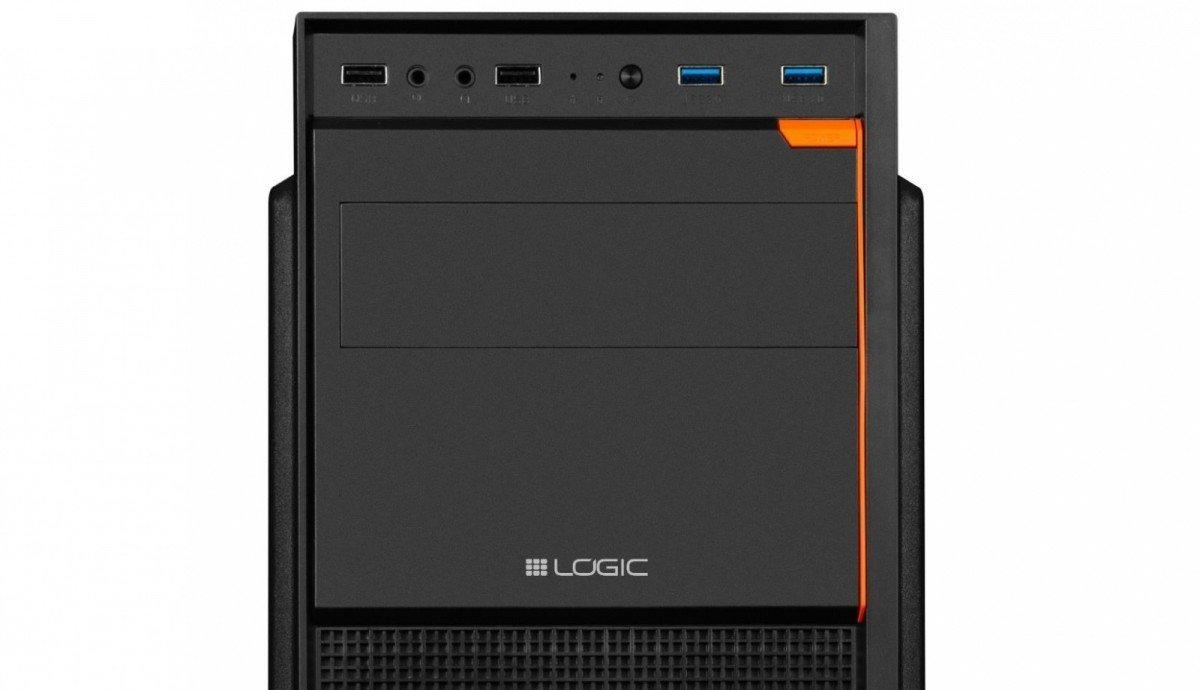
Computer Case J23 A computer for work and study should be characterised by components, which are tailored to the tasks at hand. Working with MS Office or CRM systems does not require extensive configurations. The Logic J 23 computer case was developed for this purpose. This airy design is ideal for most energy-efficient computers with integrated graphics. Convenient access to the USB ports (including 2 x USB 3 0 audio/microphone ports and space for a CD/DVD drive or an extension card reader in the 5.25" bay are also provided here. The front and the side panels of the case are partly ventilated, so that the air circulation for the cooling of the PC components is facilitated. The mounting of the PSU on top of the case allows the PSU fan to support the heat dissipation to the outside. For more demanding configurations, additional fans can be installed (not included). The case allows the installation of two 120 mm fans at the front and one 120 or 80 mm fan at the back. A POWER button and a decorative element to make the computer design more attractive in a vivid orange colour complete the package. Optimal solution for building a PC for studying and working. Partially ventilated front and side panel for an easier airflow to cool PC components Convenient arrangement of USB and audio ports