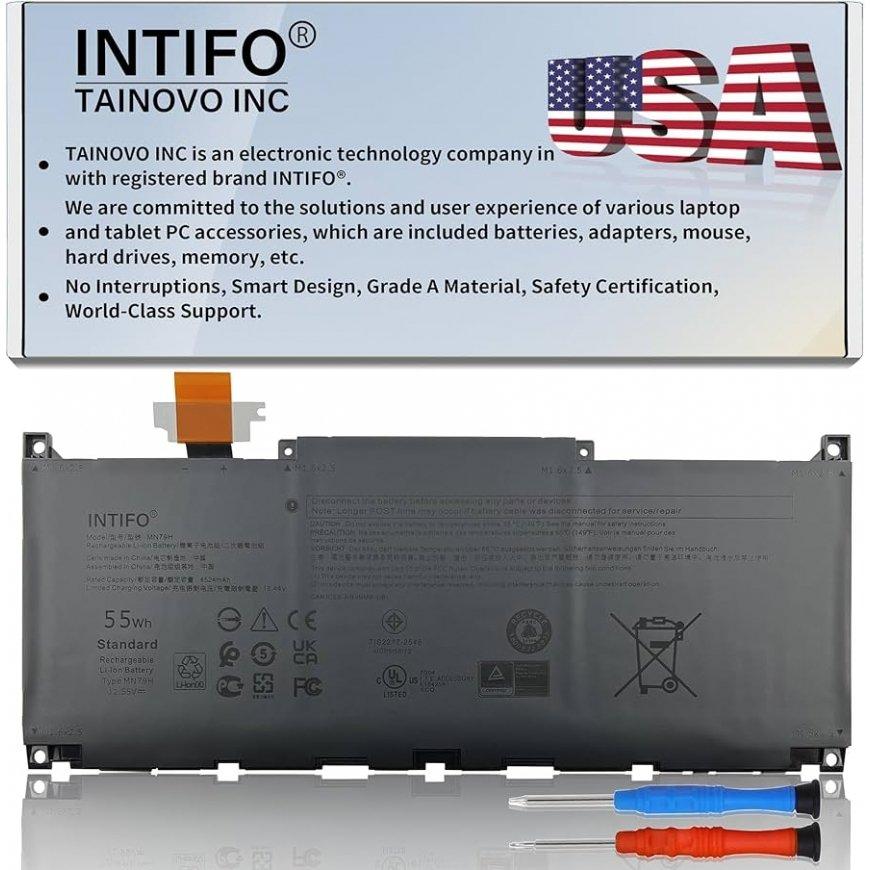
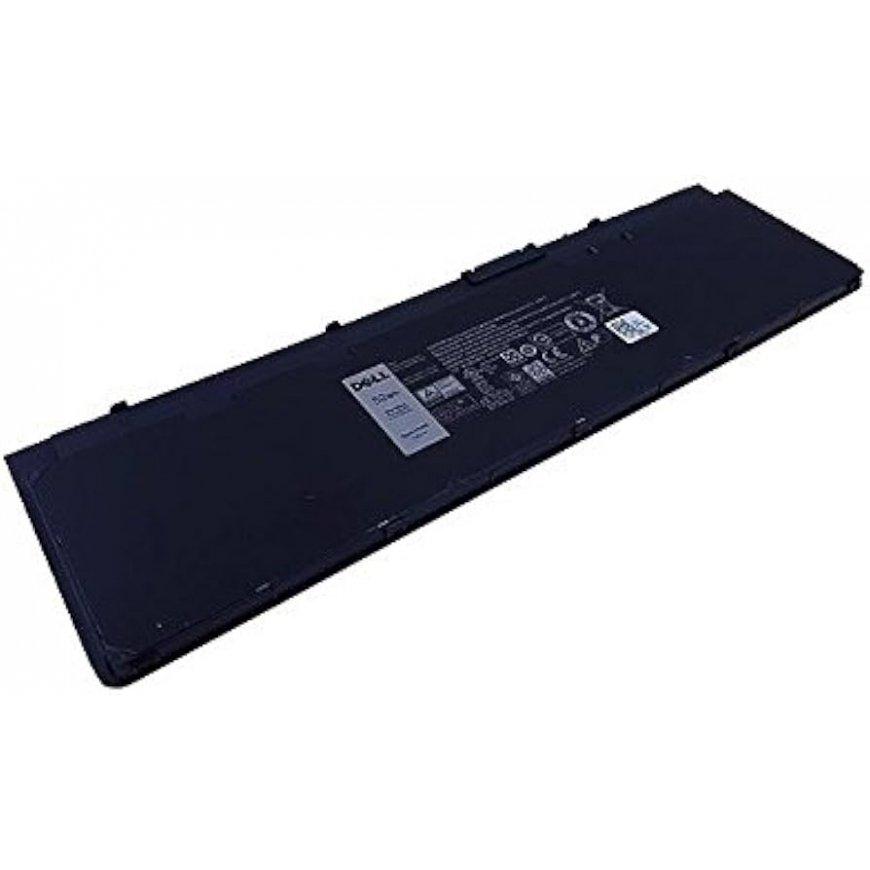
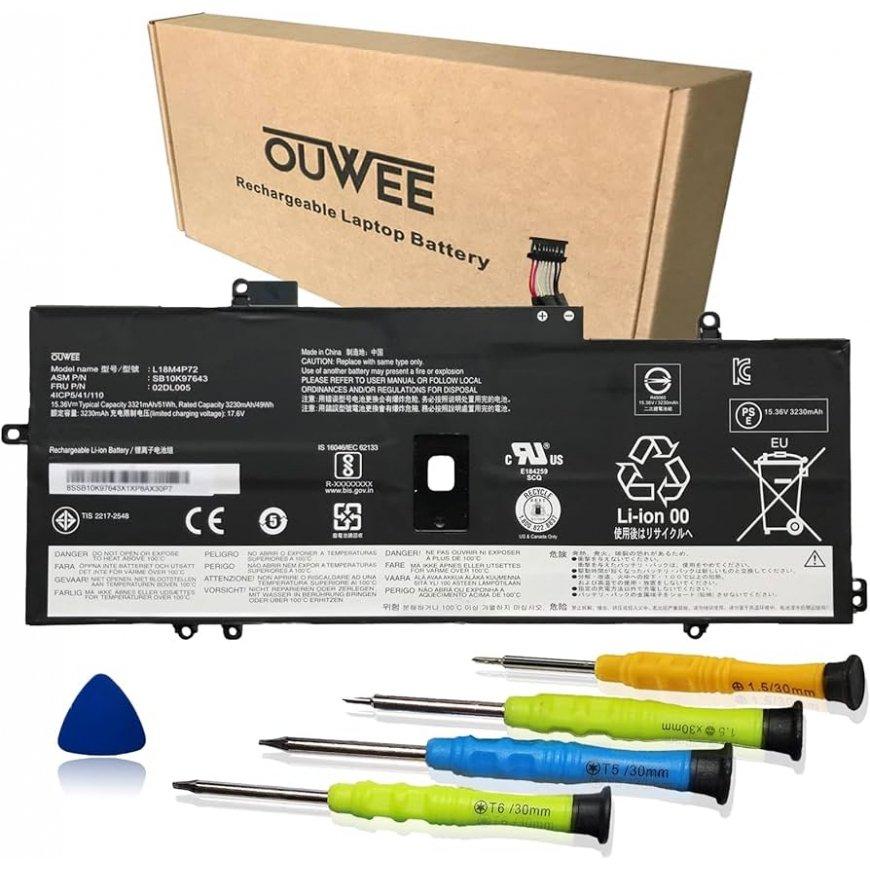
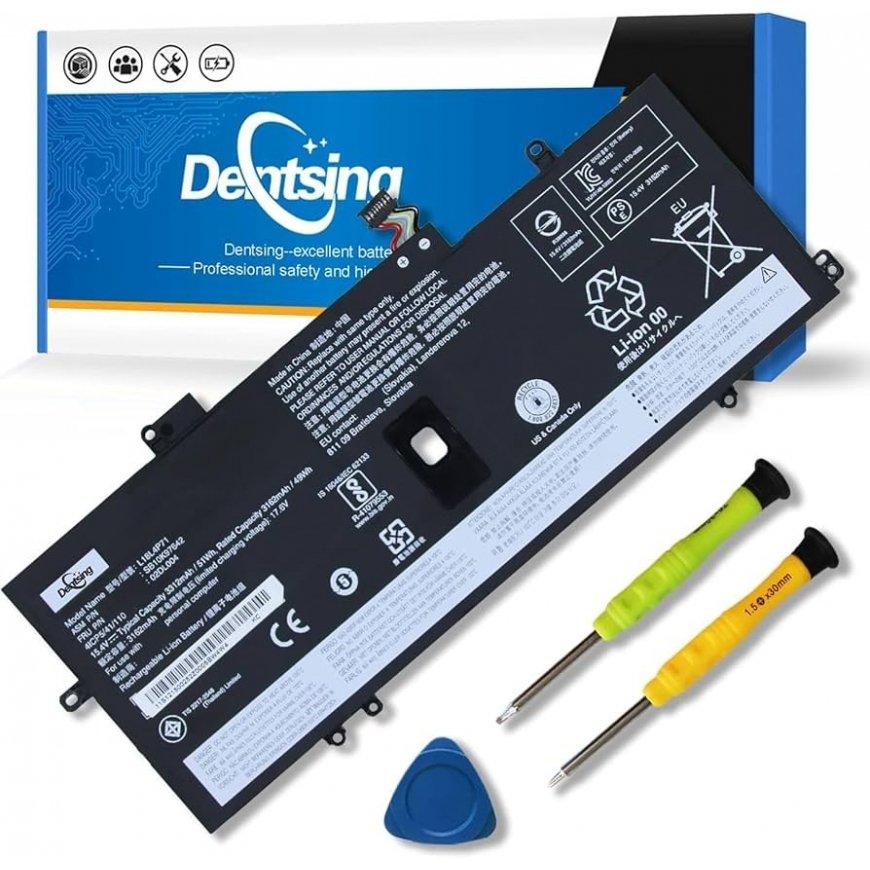
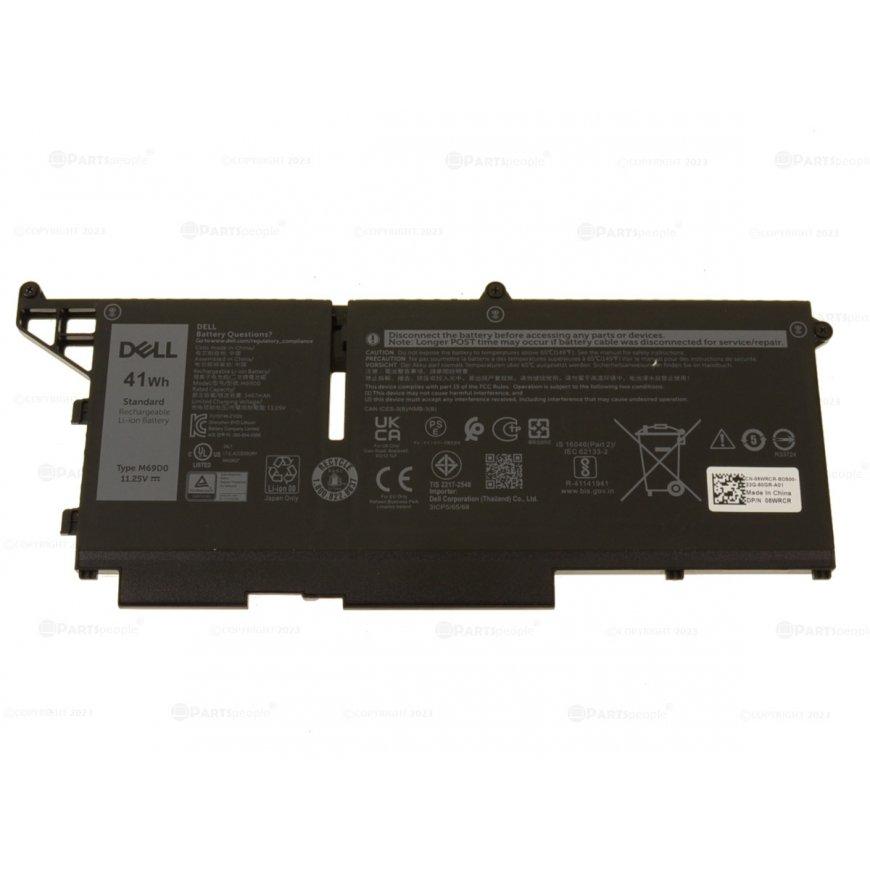
Originaal Dell MN79H aku – usaldusväärne asendus XPS 13 9320 / 9340 / 9345 sülearvutile Dell MN79H aku on täisvõimsusega, kvaliteetne li-polümeer aku, mis on mõeldud spetsiaalselt Dell XPS 13 seeria sülearvutitele. Kui sinu sülearvuti aku on hakanud kiiresti tühjeks minema või ei lae enam korralikult, siis see aku on ideaalne lahendus. See aku pakub stabiilset pinget, piisavat mahutavust ja täielikku ühilduvust originaaltoodetega. Tehnilised andmed & spetsifikatsioonid Parameeter Nähtav / kirjeldatav väärtus Mudel / tüüp MN79H Nominaalne pinge 11,55 V Mahutavus / energiamaht 55 Wh / 4 524 mAh Rakke / tüüp 3‑cell li‑polümeer P/N ja varukoode MN79H, 0MN79H, NXRKW, J7H5M, 0J7H5M Sobivad mudelid Dell XPS 13 9320, Dell XPS 13 9340, Dell XPS 13 9345 Kaitsemehhanismid Ülelaadimise, lühise, ülekuumenemise, süvatühjenemise kaitse Sobivus ja ühilduvus Dell MN79H aku sobib eelkõige järgmistele sülearvutitele: Dell XPS 13 9320 Dell XPS 13 9340 Dell XPS 13 9345 Mõnel juhul ka Dell XPS 13 Plus 9320 versioonid (sõltuvalt konfiguratsioonist) Aku asendab/ühildub järgmiste P/N koodidega: MN79H 0MN79H NXRKW J7H5M 0J7H5M 07R7FC TR7FC Soovitame alati enne ostmist kontrollida oma sülearvuti vana aku P/N koodi – see peaks olema üks neist – ning veenduda, et see matchib ülaltoodud koodidega. Eelised ja kasutegurid ✅ Täielik sobivus – aku on täpselt disainitud sobima Dell XPS 13 9320 / 9340 / 9345 seadetega, nii füüsiliselt kui ka elektrooniliselt. ✅ Hea tööaeg – 55 Wh maht võimaldab pikemat kasutusaega võrreldes kulunud akudega, olenevalt kasutusest võib saavutada 5–7 tundi normaalset kasutust. ✅ Kõrge kvaliteet & ohutus – aku sisaldab kaitsefunktsioone ülekuumenemise, lühise, ülelaadimise ja süvamagnetimise vastu, mis kaitsevad nii akut kui ka sülearvutit. ✅ Keskkonnasõbralik valik – aku vahetus on mõistlik ja odav viis sülearvuti eluiga pikendada, vähendades elektroni jäätmeid.
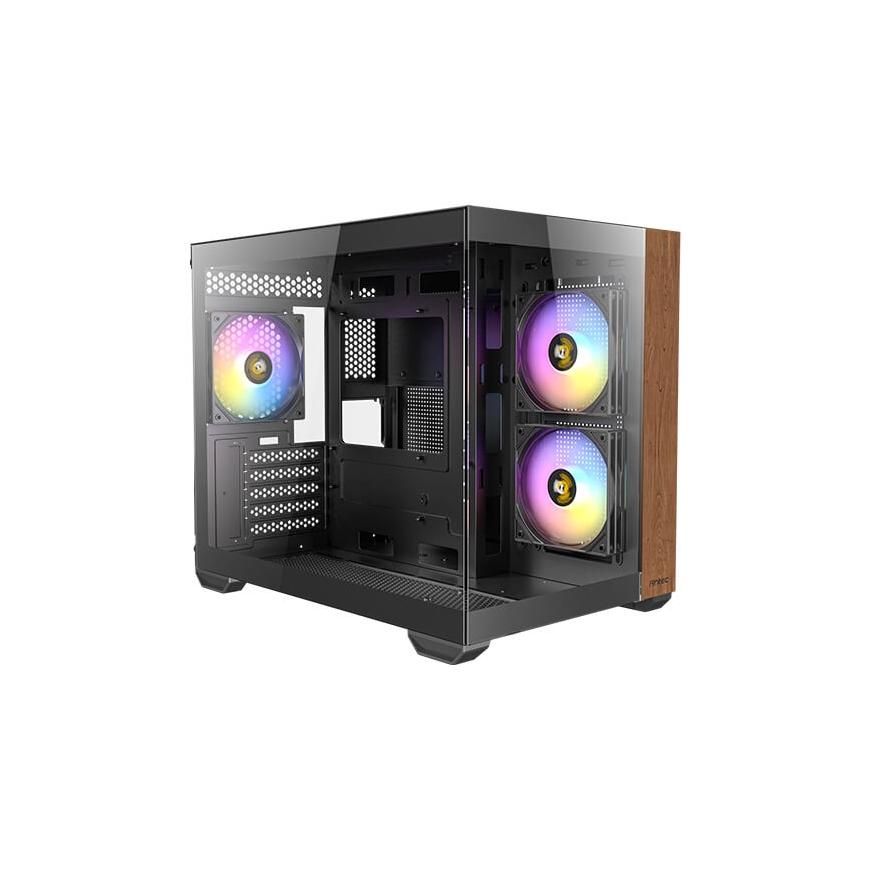
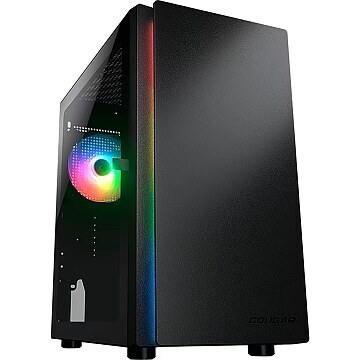
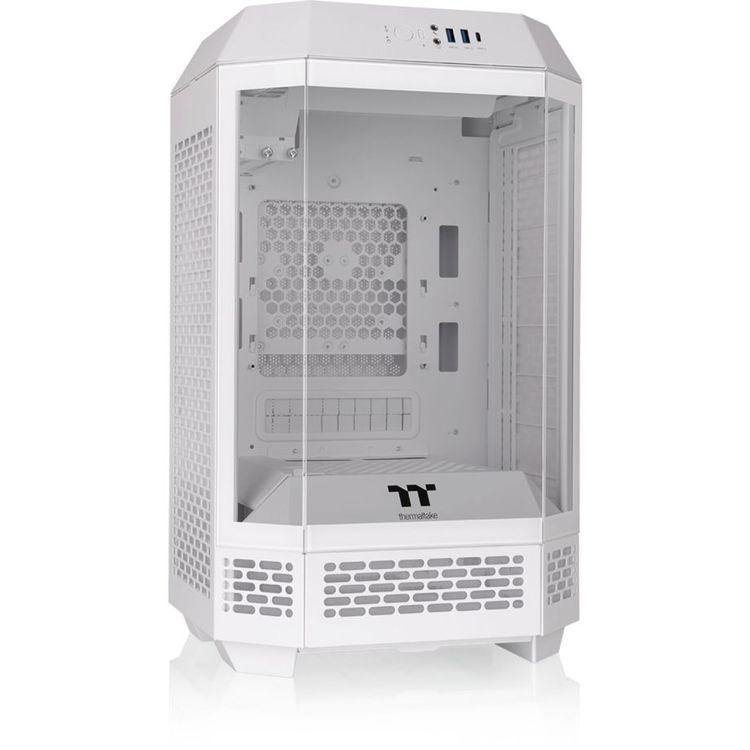
Stylish midi-tower with tempered glass on the side and front, wood embellishment on the front, supports up to nine fans, space for radiators up to 360 mm, motherboards up to Micro-ATX, GPU up to 410 mm, and CPU coolers up to 160 mm in height, dual-chamber design, supports up to three drives, includes three 120 mm fans
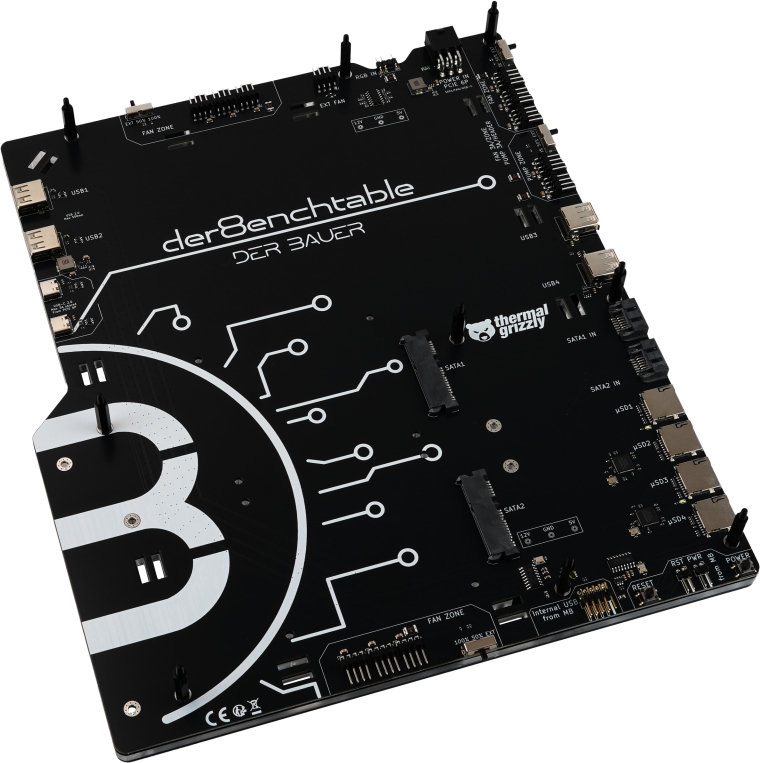
The der8enchtable is a collaboration between Thermal Grizzly, Jon “elmor” Sandström (ElmorLabs), and Roman “der8auer” Hartung. In addition to the features of a standard benchtable—such as integrated mounts for radiators and a power supply—the der8enchtable includes a base unit with an integrated printed circuit board (PCB) for connecting the hardware under test. For consistent test results, fans can be controlled via three fan controllers, each providing three 4-pin fan headers. Each fan zone can be switched independently to 50% or 100% speed, supplies 3 A of power to the fans, and is protected by its own fuse. Additionally, the der8enchtable’s fan zones can be managed externally by the motherboard. Professional benchtable with active PCB Developed in collaboration with ElmorLabs and der8auer 3+1 control zones for fans and AIOs Supports SSD, USB, or microSD for OS and test software Compact, modular, and user-friendly frame design Compatible with air and AIO coolers A-RGB lighting In addition to the fan-control zones, the base unit with integrated PCB offers a secondary control zone with two 4-pin headers for pumps or fans, featuring the same control options as the fan zones. The pump zone supplies 3 A per port—6 A total—and each port has its own fuse. Peripherals can be connected to the der8enchtable via USB (4× Type-A, 2× Type-C). Testing and benchmarking hardware typically requires drivers, a BIOS, or an operating system. To simplify this, storage media can be mounted directly on the benchtable. Up to two 2.5-inch SSDs can be installed on the PCB, and the PCB also provides four microSD card slots—a cost-effective alternative to solid-state drives (SSDs) in terms of price per gigabyte. The test motherboard is connected to the der8enchtable via the 9-pin USB header. The der8enchtable itself is powered by the PSU via a PCIe 6-pin cable. For control of the addressable RGB lighting (aRGB), the der8enchtable can be connected to the motherboard via a 3-pin header. Alternatively, an external RGB controller may be used (not included). A power button and reset function are also provided on the PCB and wired to the motherboard. The der8enchtable’s PCB features preinstalled standoffs for ATX motherboards, which can be reconfigured for Micro-ATX and Mini-ITX boards. On the lower section of the black-anodized aluminum frame, a power supply can be mounted, and a custom-cuttable Velcro strap is provided for cable management. If the lower frame section is not needed, the feet can be attached directly to the base unit with integrated PCB, making the der8enchtable significantly more compact. Port Overview: 1× 9-pin USB header (data connection to motherboard) 1× PCIe 6-pin header (power supply from PSU) 1× 4-pin header (for PWM signal to external fan control) 3× Fan Zones (each with 3× 4-pin fan headers) 1× Pump Zone (2× 4-pin pump headers) 4× MicroSD slots for memory cards 2× On-board SATA connectors 2× SATA out connectors 4× USB 2.0 Type-A (max. 500 mA) 2× USB 2.0 Type-C (max. 3 A) 1× 2-pin header for power button 1× 2-pin header for reset button 1× 3-pin aRGB header (GND / – / D / 5V)