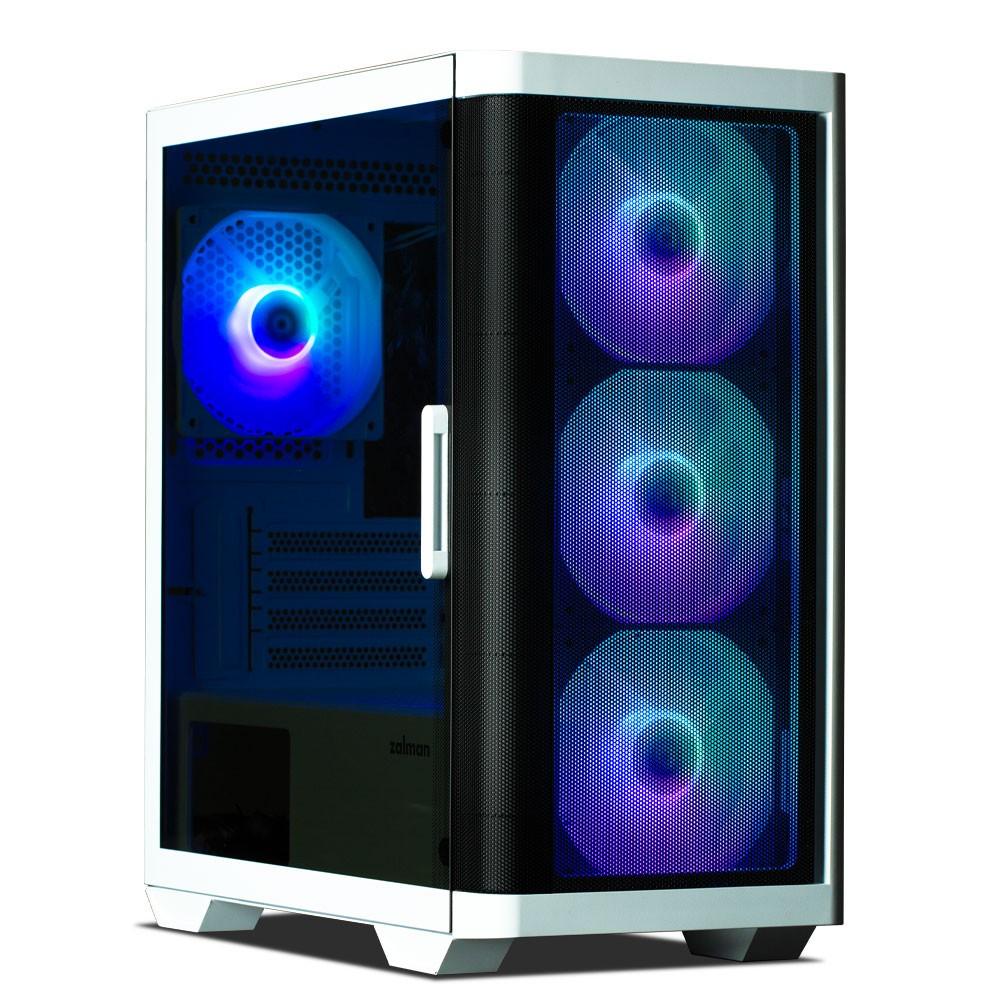
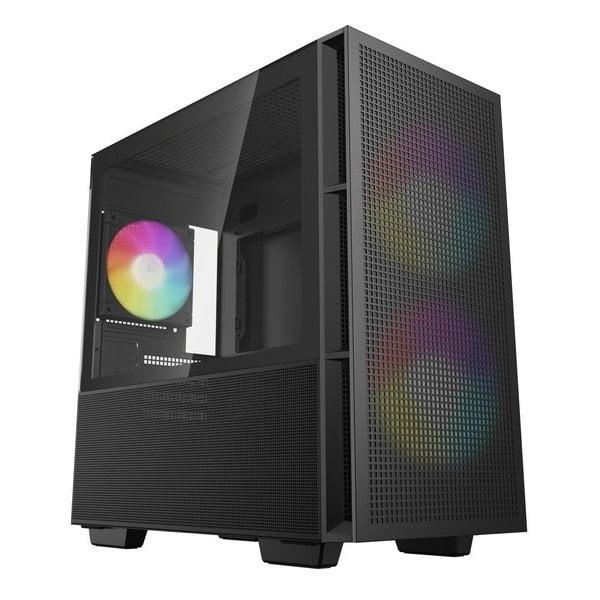
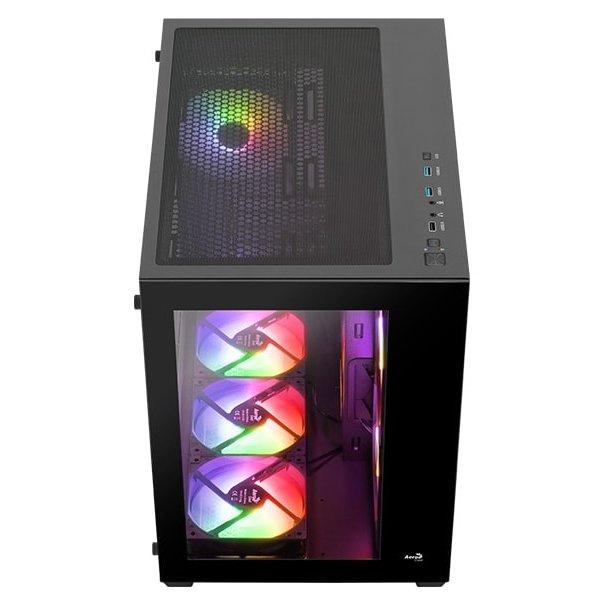
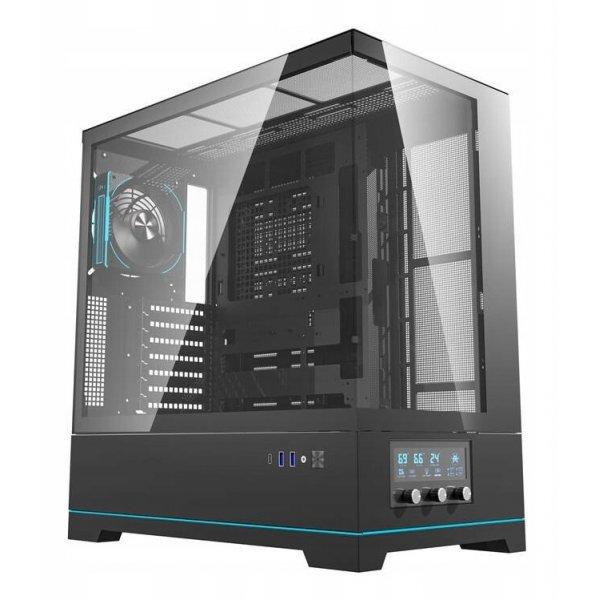
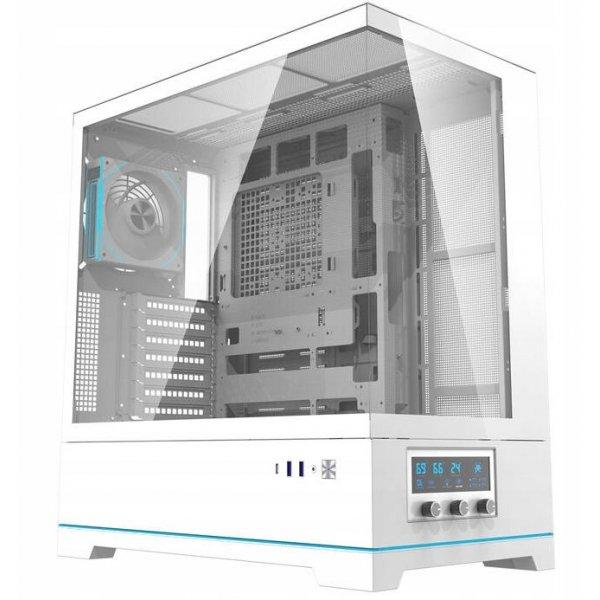
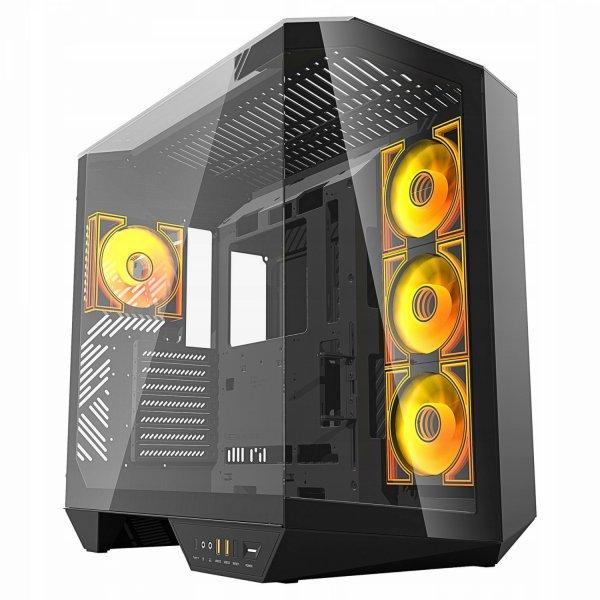
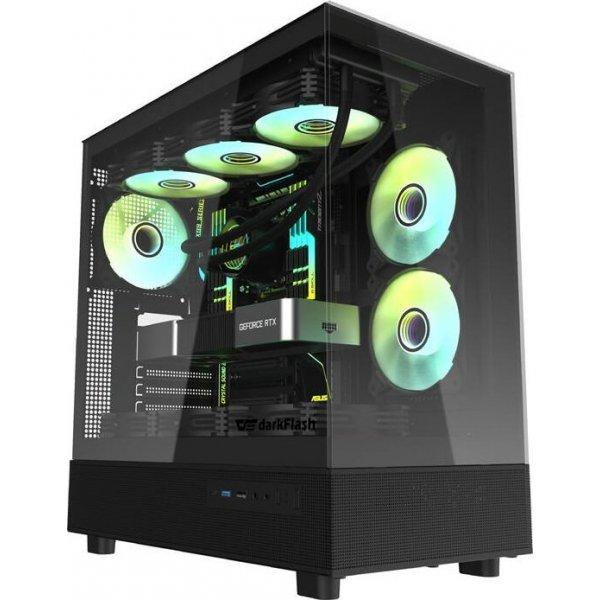
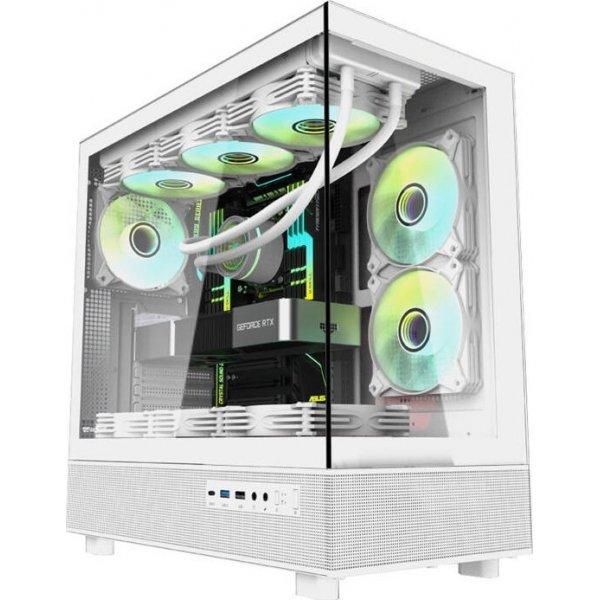
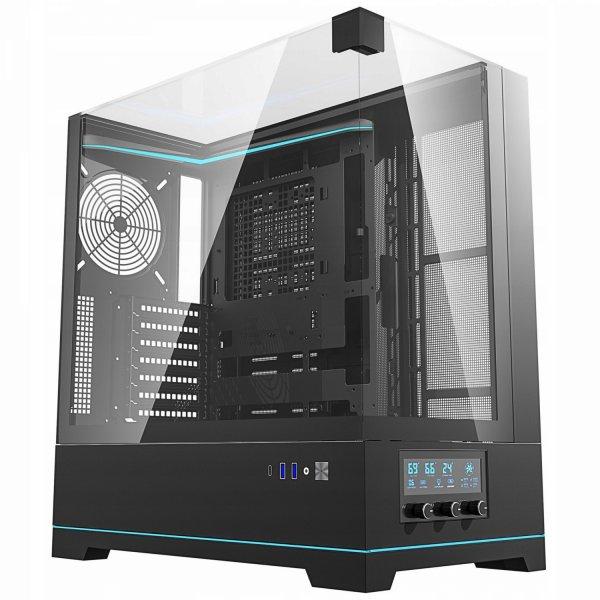
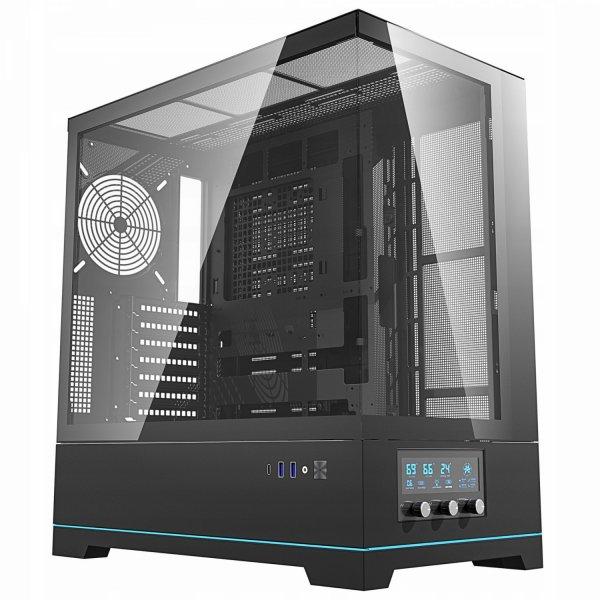
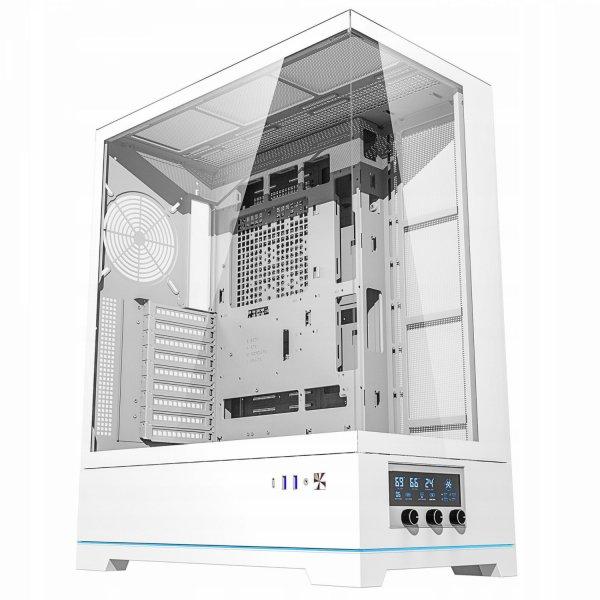
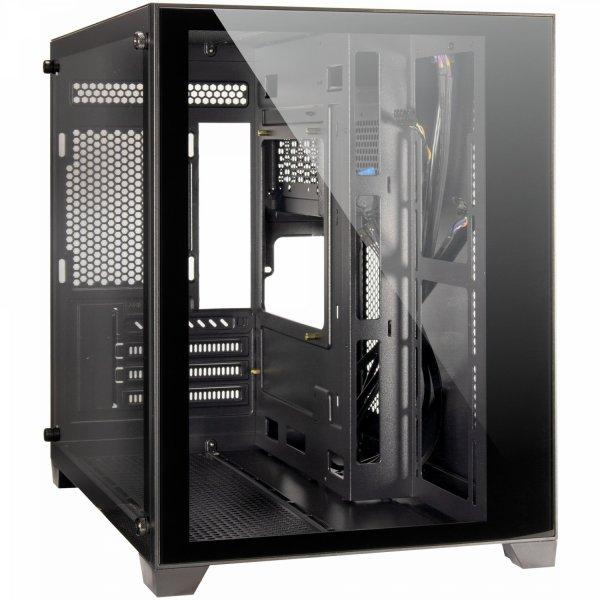
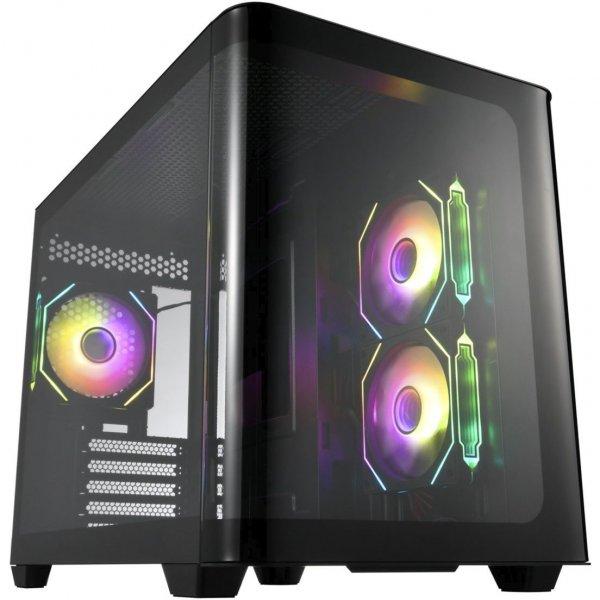
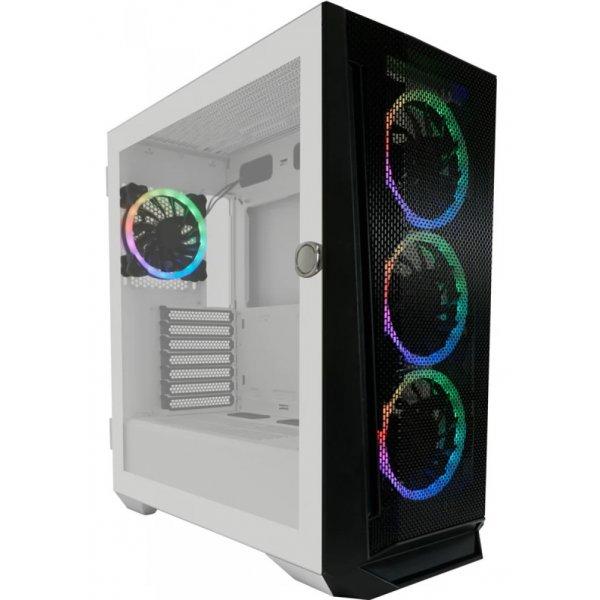
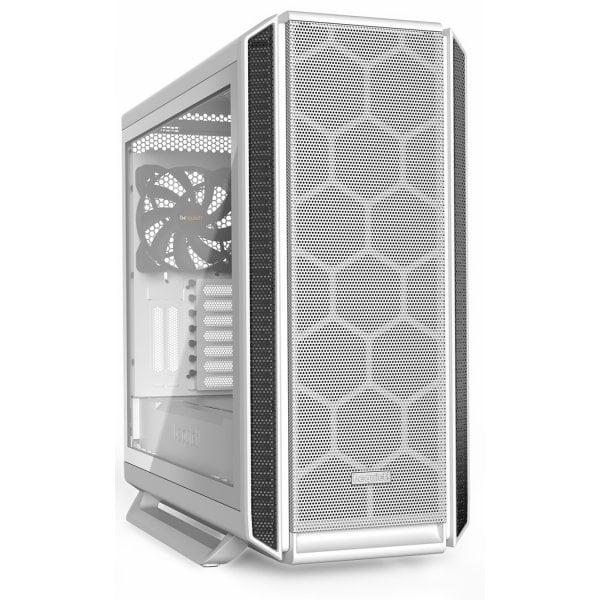
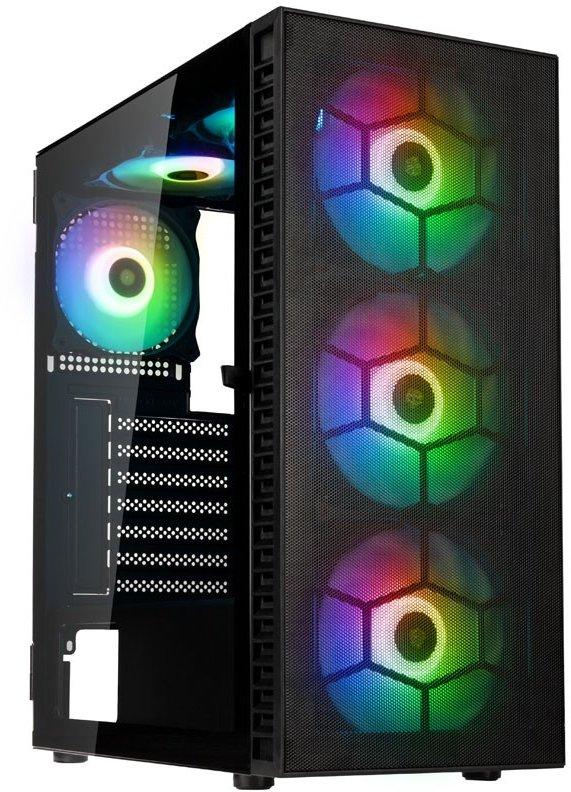
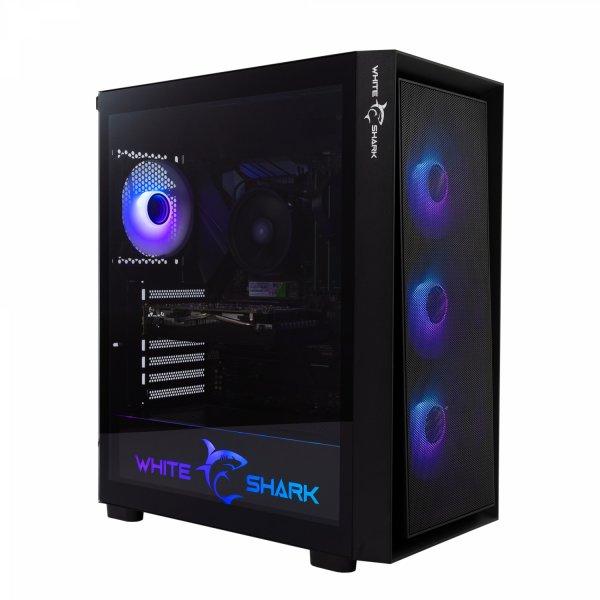
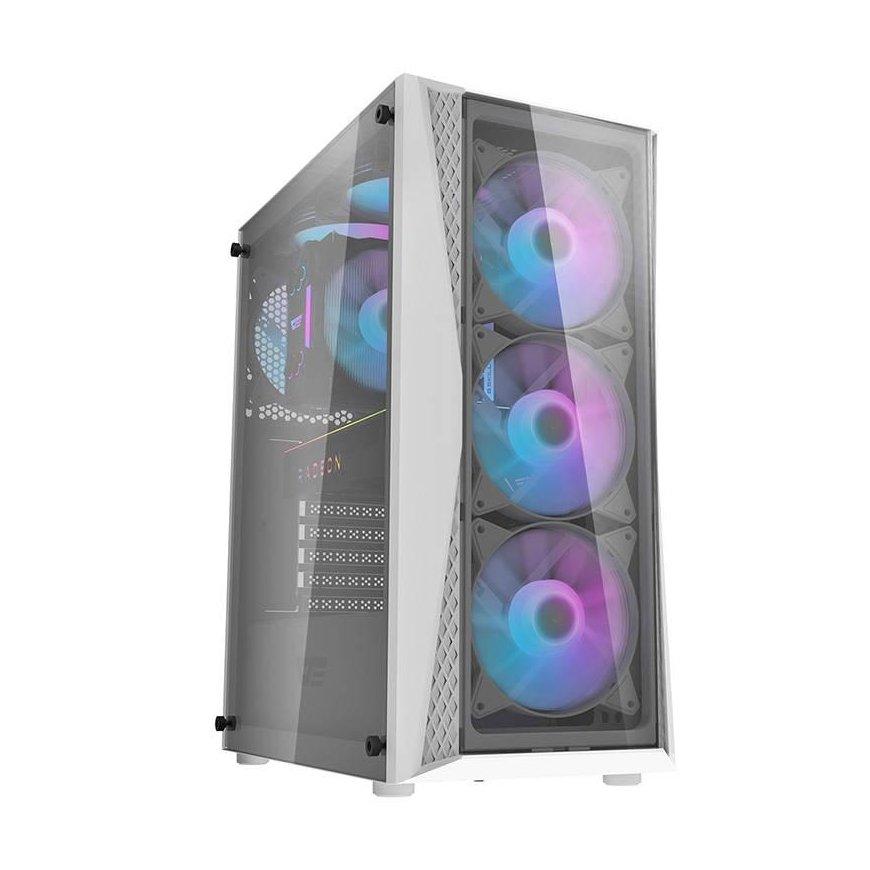
Full mesh construction on the front ensures optimal ventilation The sense of unity between the front mesh and the tempered glass on the side panel creates a unique Zalman design. Exceptional airflow Designed for optimal air intake with a full mesh front panel and pre-installed addressable RGB fans allows for optimal and maximum airflow. High performance addressable RGB fan The mesh front panel and RGB fans provide optimal airflow and stunning RGB lighting effects (supports up to 8 fans). ARGB controller Press the LED I/O button to change the LED pattern and color (26 patterns) Press and hold the LED button for 3 seconds to sync the motherboard after the white light flashes once Press and hold the LED button for 6 seconds to turn off the LED after the white light flashes twice Press the LED button again to disconnect the motherboard sync and change the controller mode Magnetic dust filter Protects components and ensures unobstructed airflow by filtering dust. Bottom dust filter Protects the power supply from dust accumulation. Easy-to-use hinged glass side panel A hinged glass panel provides easy access to the interior.
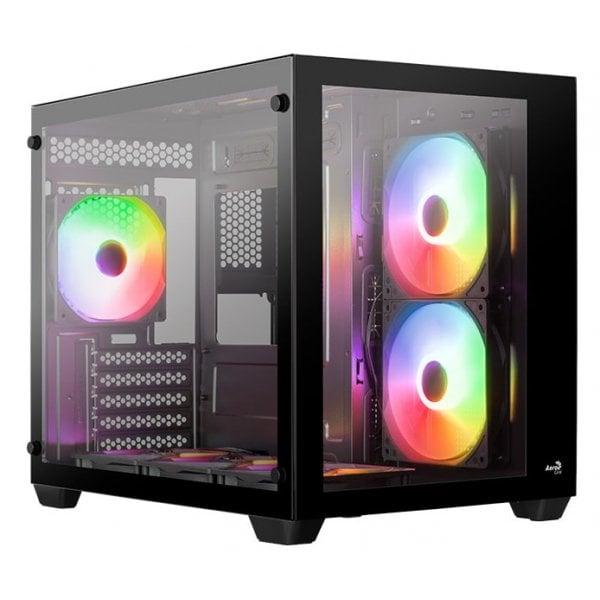
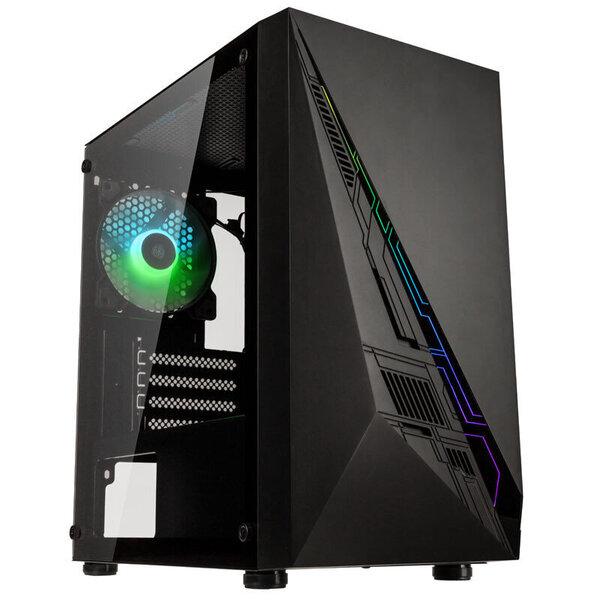
Well-equipped Midi-Tower, front and side panel made of Tempered Glass, left side panel and top with ventilation slots, space for up to 9x 120mm or 6x 140mm fans, GPU length up to 420mm, ARGB strip on the front, up to two power supplies possible
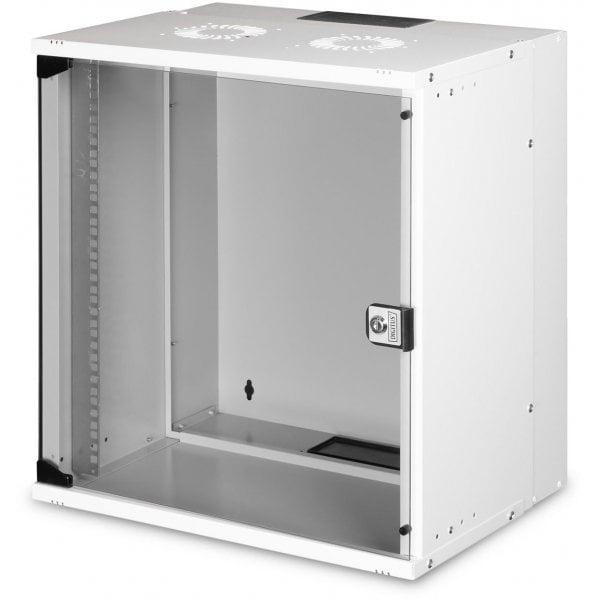
The DIGITUS wall-mounted data communications cabinet is equipped with a glazed door and a cable gland in the roof and floor. The steel structure is made of steel sheet up to 1.5 mm thick. It is possible to change the side of the door hinges and adjust the depth. The rack cabinets are delivered unassembled, in a flat package. Assembly takes place in a few simple steps thanks to the included step-by-step instructions. Installation cabinet supplied unassembled Quick installation Door opening angle: 200° 1-point locking on front door 483 mm (19") rack profiles mounted at the front inside the cabinet, galvanized 483 mm (19") rack profiles with depth adjustment 1.1-1.5 thick, high-strength sheet steel, powder-coated Cable inlet with brush strip in the roof and plastic cover in the floor Ventilation slots for active and passive air supply and exhaust Front door: glass, single Side panels: on two sides Assembled: no
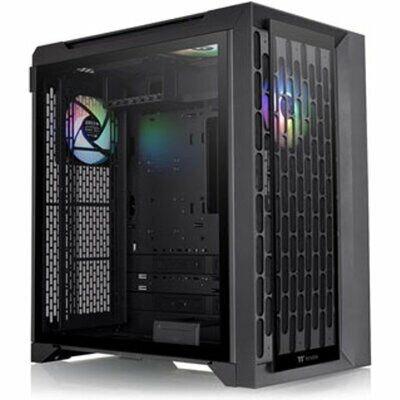
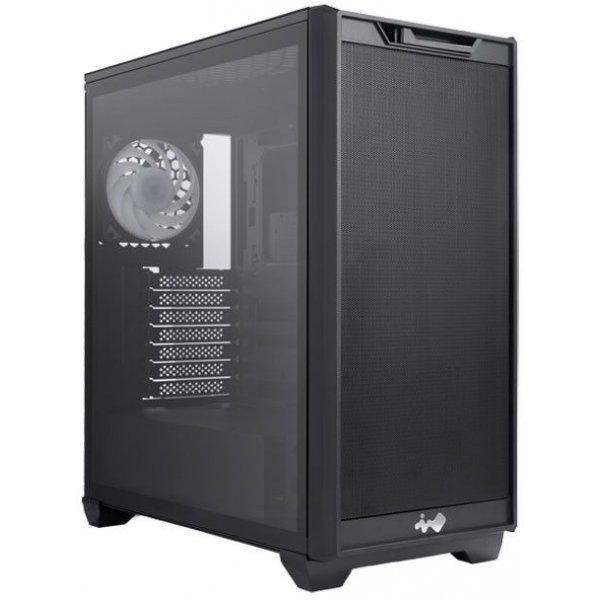
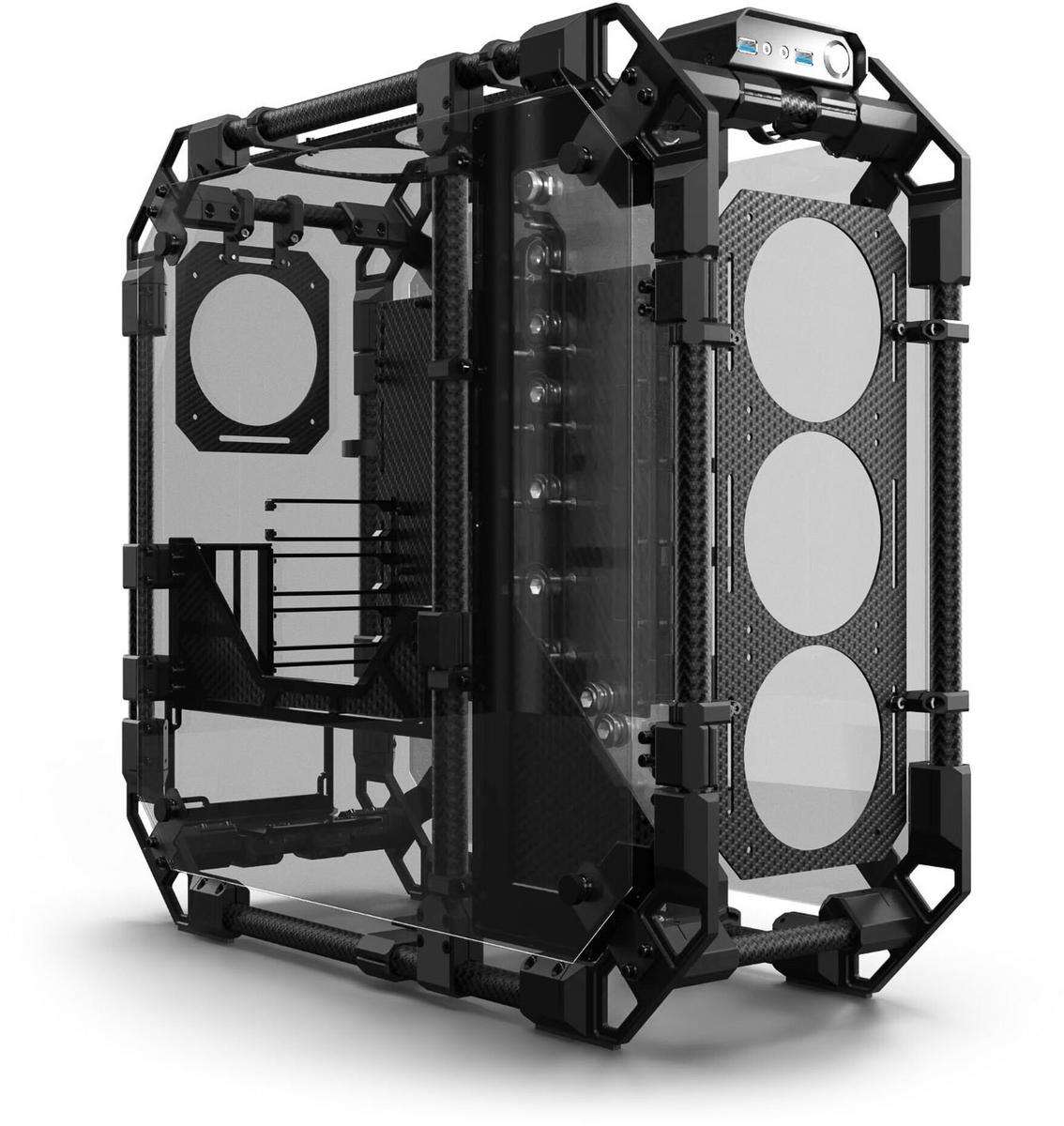
Midi tower up to E-ATX (12 x 10 inches), with pre-installed inWin Neptune AN120 fan, water cooling capabilities, supports GPUs up to 365 mm, motherboards with rear connections.
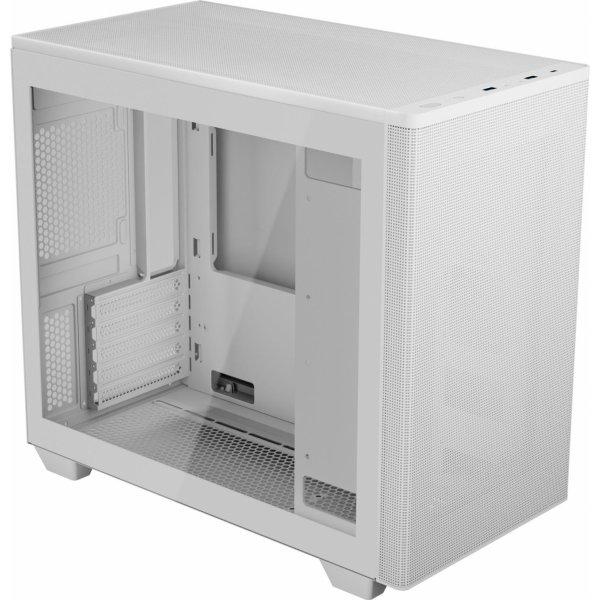
Elegantes und vielseitiges mATX-Gehäuse, geschlossene Front für Silent-Builds, Seitenteil aus Temperglas, bis zu 8 Lüfter und 3 Radiatoren möglich, für GPUs mit max. 400 mm Länge, versetzbares Netzteil für optimale Raumaufteilung
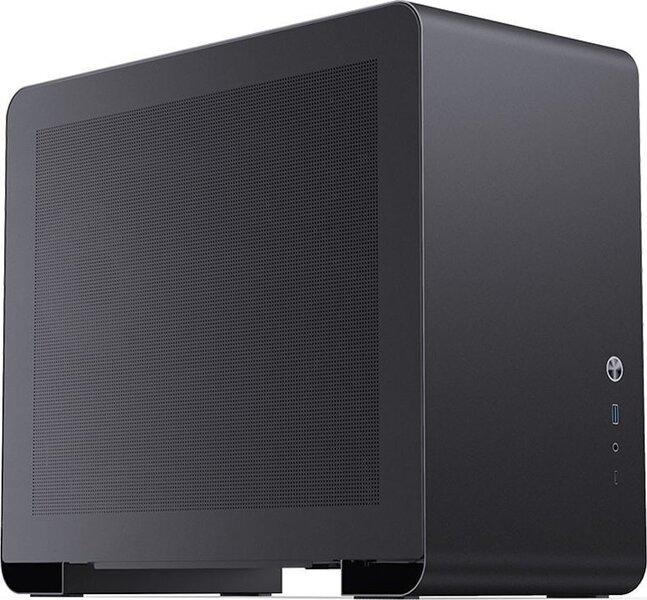
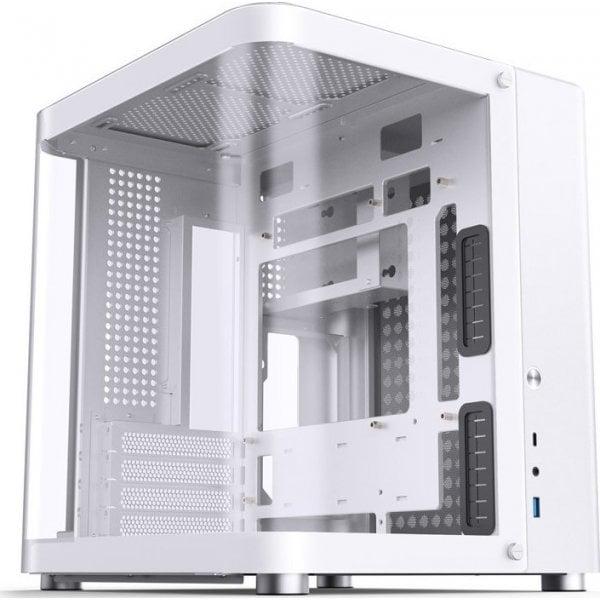
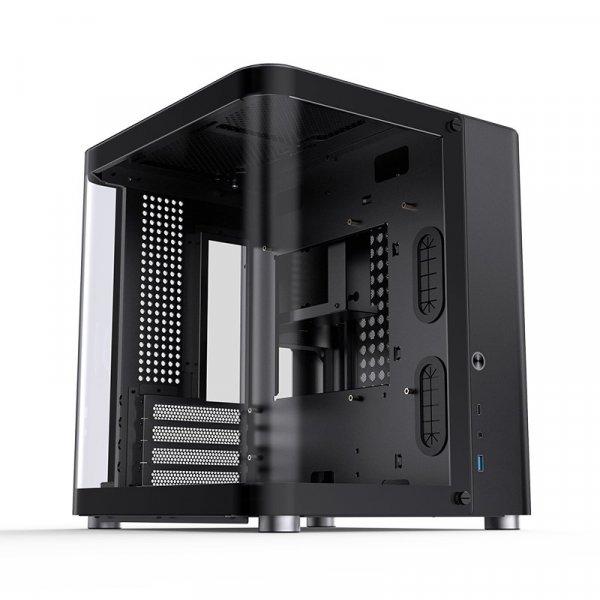
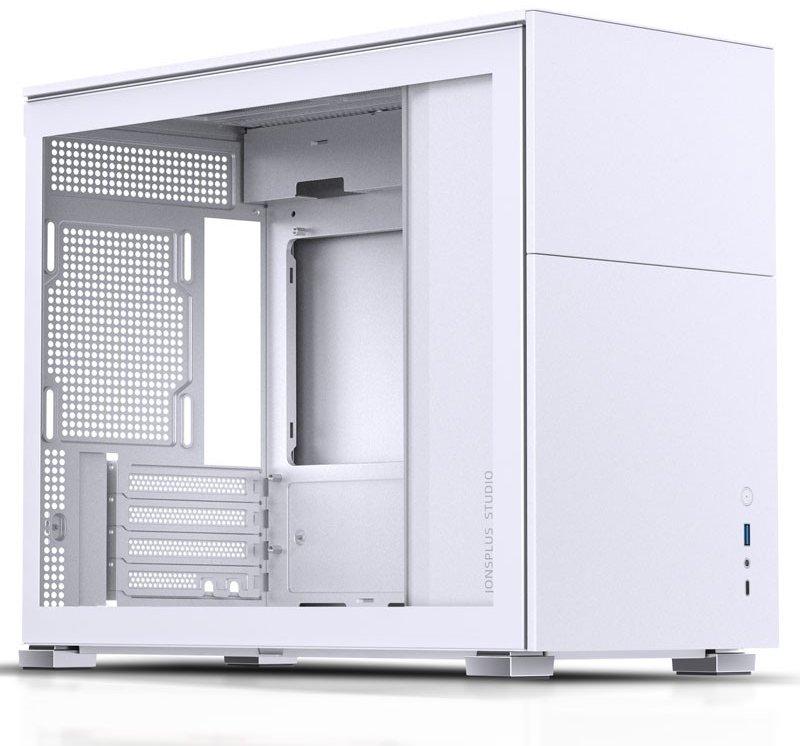
Modern Micro-ATX case from Jonsbo in black, striking steel design, with u-shaped tempered glass on the side and front, graphics cards up to 280 mm, up to 4x 120-mm fans possible, space for a 240-mm radiator, motherboards up to Micro-ATX
Tootekood: HERITAGE PRO (W)GTIN: 4710562749175Korpused
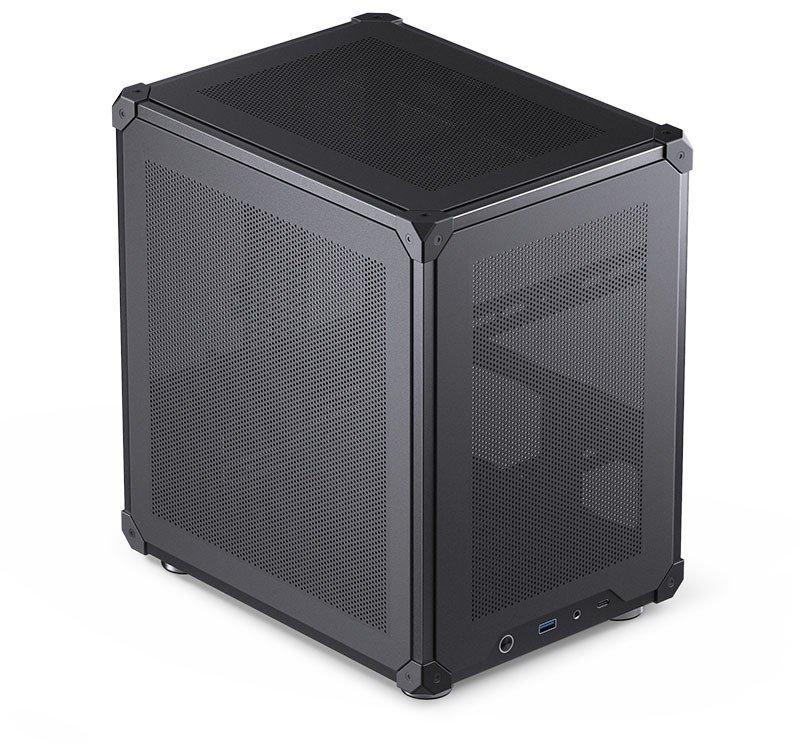
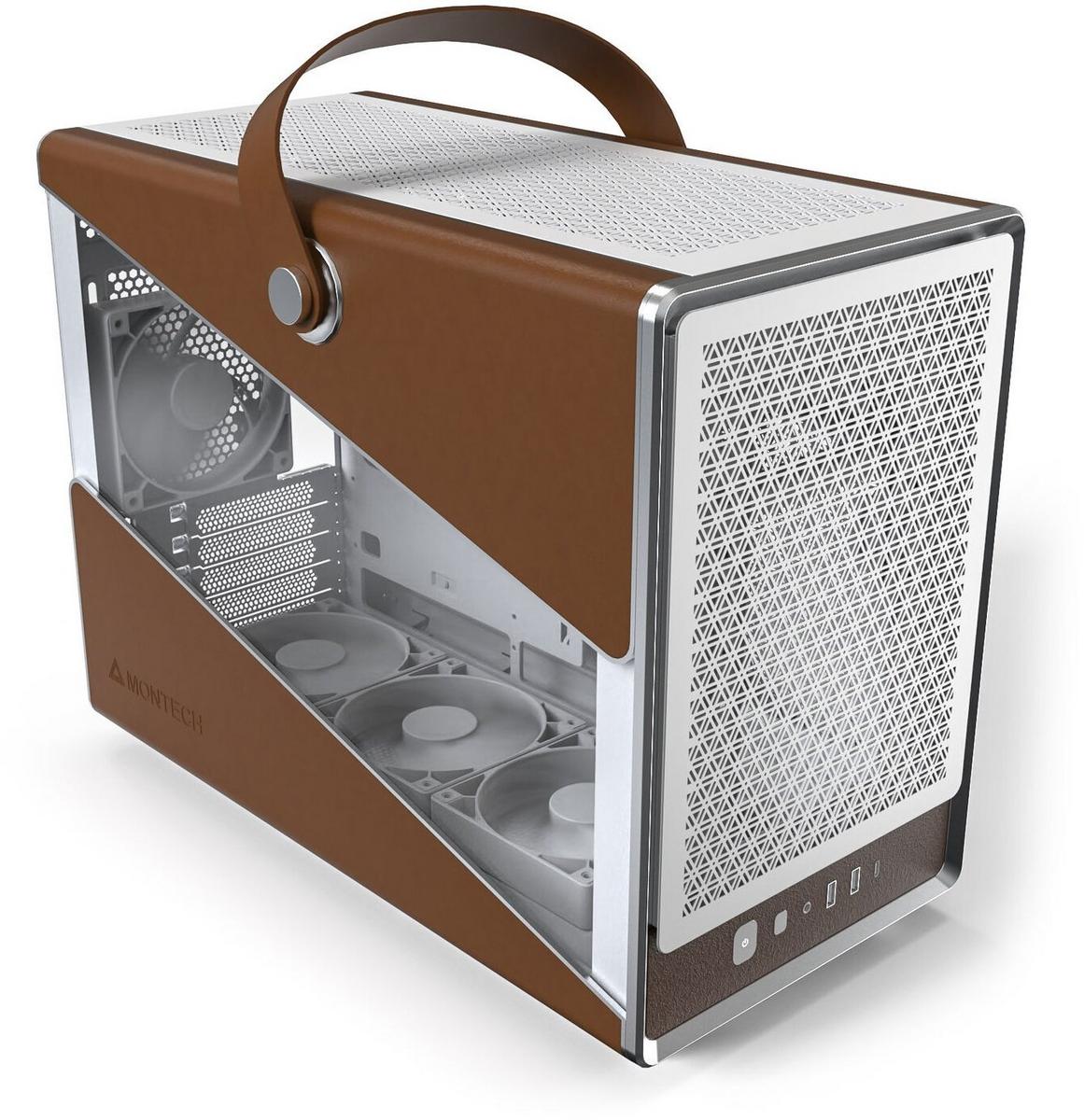
Compact Midi-Tower with stylish designNine fans ensure efficient airflow, four 120-mm fans already installedSupport for motherboards up to Micro-ATXSpace for graphics cards up to 370 mm and CPU coolers with a height of up to 170 mmPractical carrying handle for transportThe Montech HERITAGE PRO: Stylish Midi-Tower with ample spaceThe Montech HERITAGE PRO is a Midi-Tower that stands out at first glance with its design. It offers you more than enough space to install your high-end components. Fans ensure very good airflow, which efficiently cools your hardware. Additionally, the tower can even be transported with the practical carrying handle.Efficiently cooled with fans and radiatorsEffective cooling is the most important thing in a high-end PC. That's why up to nine fans can be installed in the Montech HERITAGE PRO. The top can accommodate either three 120 mm fans or two 140 mm fans, while the bottom can accommodate three more 120 mm fans. The back also supports a 120 mm fan, as well as two 120 mm fans on the side. This ensures that your hardware stays cool even in performance-intensive games.For the installation of a custom water cooling system, a radiator up to 360 mm can be installed on the top.Space for your high-end hardwareThe Midi-Tower supports the installation of graphics cards up to a size of 370 mm. Motherboards up to the Micro-ATX format can be accommodated.The CPU cooler should not exceed a height of 170 mm. For storing programs and games, two 2.5-inch drives or one 3.5-inch drive can be installed.
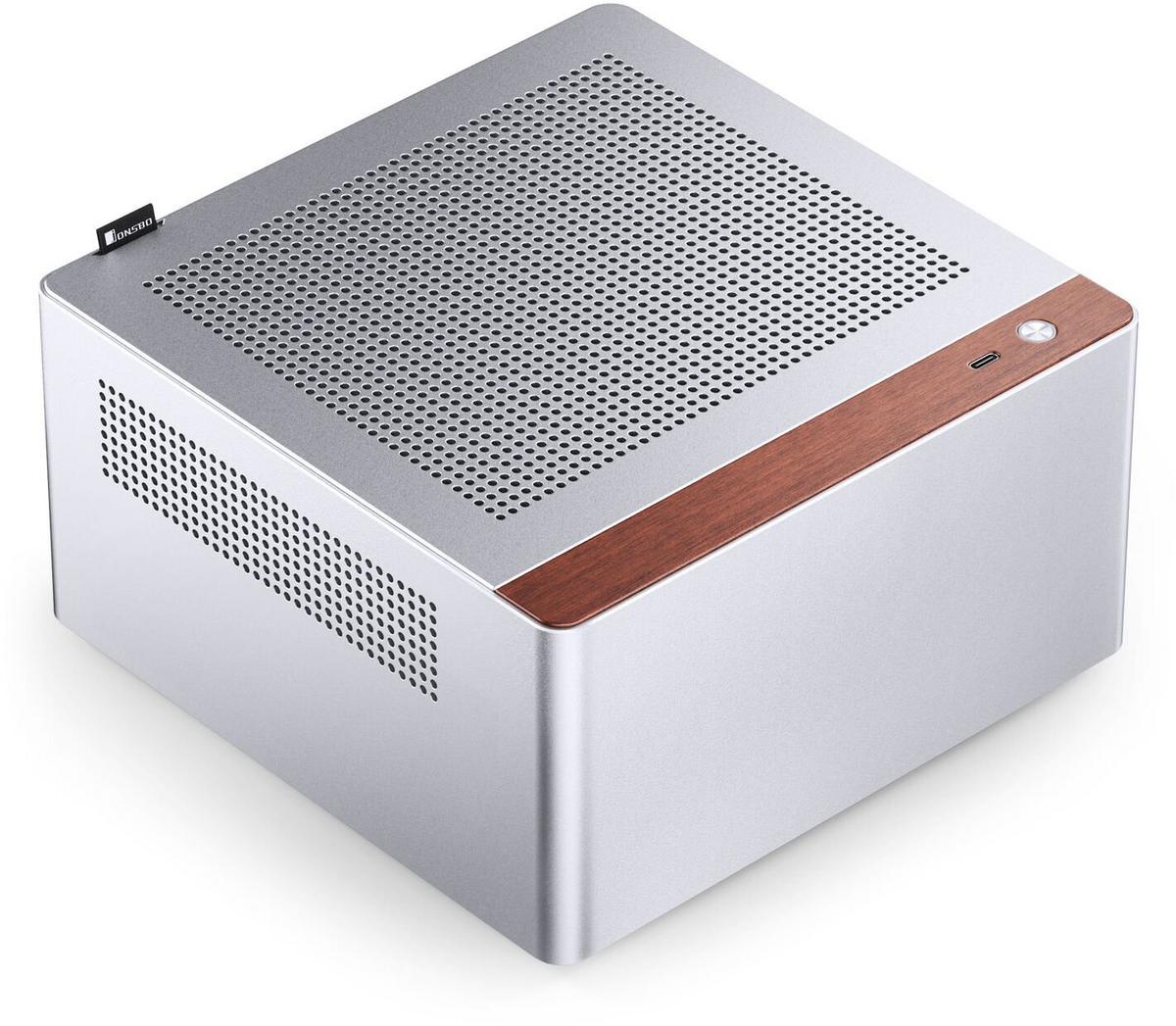
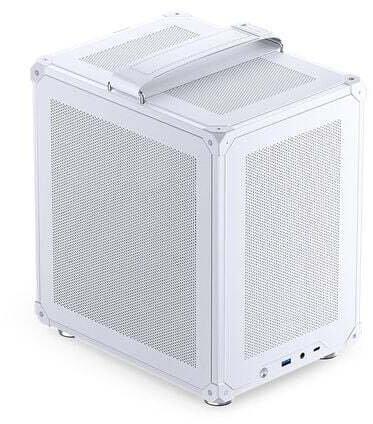
Small case for simple systems Two fans installed Supports ITX size motherboards and CPU cooler height up to 38 mm Up to four 2.5-inch SSDs possible Power supply: 1U Flex up to 150 mm The Jonsbo N10 in detail The Jonsbo N10 is a small case that can be placed on the desk due to its light weight and fits into any setup thanks to its simple silver design. Cooling The mini-tower already comes with two small fans installed, providing sufficient cooling. Additional fans cannot be installed. For this reason, the tower does not support the installation of graphics cards, as these require more cooling. Nevertheless, a processor with integrated graphics can be installed without any problems. Hardware options The mini-tower supports the installation of ITX size motherboards. The CPU cooler should not exceed a height of 38 mm. To store programs and games, up to four 2.5-inch SSDs can be installed. For the power supply, note that only a 1U Flex power supply is possible, which should not exceed 150 mm in length.
Small case for simple systems Two fans installed Supports ITX-size motherboards and CPU cooler height up to 38 mm Up to four 2.5-inch SSDs possible Power supply: 1U Flex up to 150 mm The Jonsbo N10 in detail The Jonsbo N10 is a small case that can be placed on a desk thanks to its low weight and fits into any setup with its silver, minimalist design. Cooling The mini-tower already has two small fans installed, providing sufficient cooling. Additional fans are not possible. For this reason, the tower does not support the installation of graphics cards, as they require more cooling. However, a processor with integrated graphics can be installed without any problems. Hardware options The mini-tower supports the installation of ITX-size motherboards. The CPU cooler should not exceed a height of 38 mm. For saving programs and games, up to four 2.5-inch SSDs can be installed. For the power supply, make sure only a 1U Flex unit is possible, and it should not be larger than 150 mm.
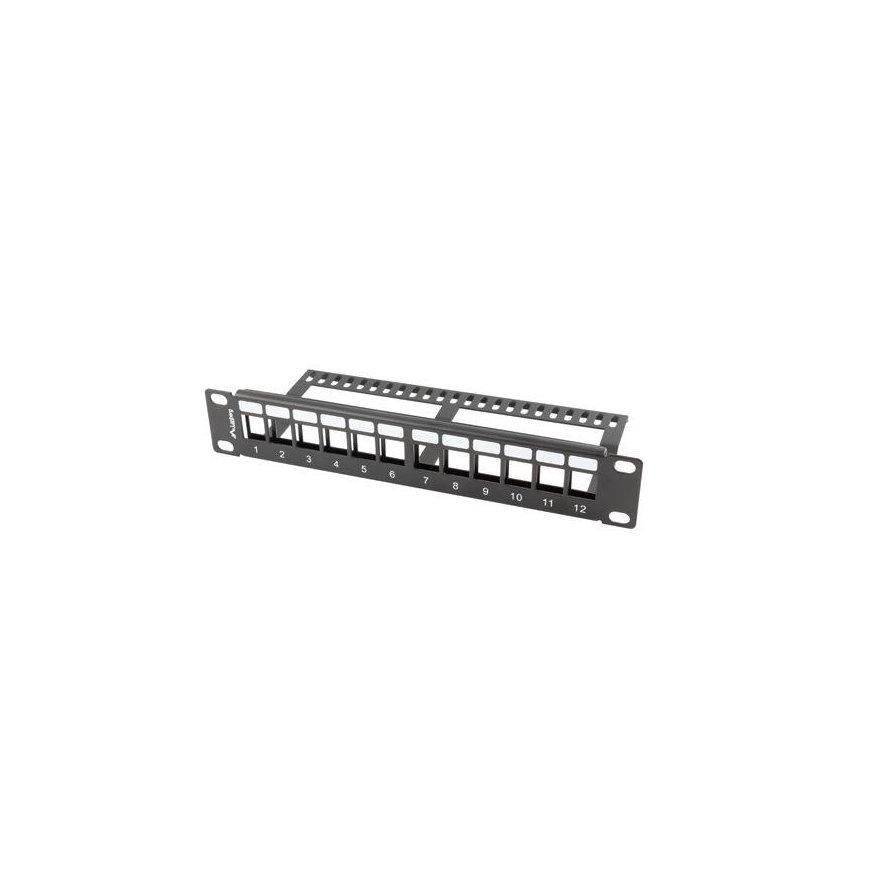
Lanberg's blank patch panel is designed to be fitted with keystone modules, both network-related like RJ45, RJ11, RJ12, as well as, for audo-video-data eg. HDMI, USB, F, BNC etc.
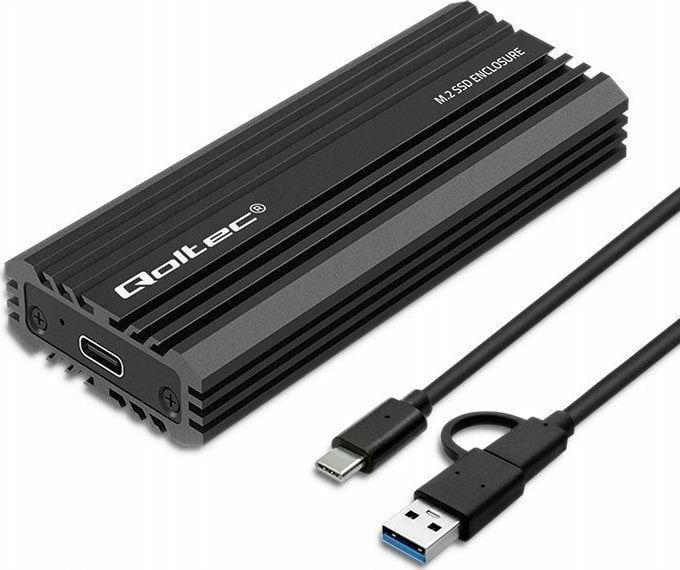
We create solutions that make a difference in everyday lifeQoltec's SSD Drive Pocket is the ideal solution for those looking for mobile and easy-to-use data storage options, and is an interesting alternative, not only for those with documents or private files on disks, but also for small businesses wishing to archive their computer data without investing in other costly solutions.Data transfer of up to 10GB/sThe M.2 drive enclosure from Qoltec is a: suitable for M.2 SSD NVMe with M-Key and SATA with B+M-Key with sizes: 2230, 2242, 2260, 2280, UASP support, allows multiple commands to be executed at the same time, OTG support, works with laptops and smartphones USB 3.1 Gen2 interface enables data transfer at a speed of 10 Gb/s, device is compatible with USB 3.1 Gen1 and USB 2.0, LED indicates copy status, Single M.2 drive supports up to 2TB, Useful when there is no other way to connect an SSD, USB cable included, no need to install drivers, simply plug into a USB port and use thanks to the simplicity of the Plug&Play function. Maximum mobility in an elegant aluminium housingThe compact and handy enclosure for your M.2 SSD is a stylish protection for your valuable data. The case is made of high-quality aluminium, which further helps to dissipate heat. The compact size of the enclosure will allow you to take it with you to work or wine places, the pocket fits easily into a backpack. The durable enclosure provides effective protection against crushing and prevents any damage to the drive.Support for M.2 SATA and NVME drivesTo install the SSD, you don't need any special tools, just unscrew and slide out the case, insert the drive accordingly and slide it back into the case and screw it on. After connecting the pocket to the device of your choice, you are ready to go, the device is ready to operate.