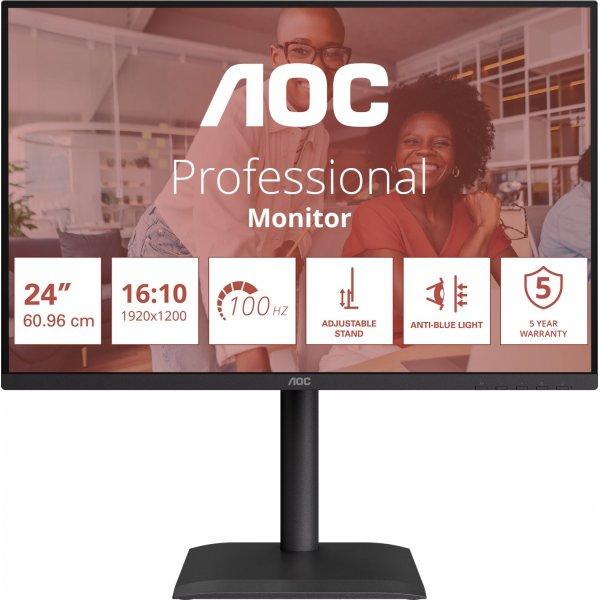
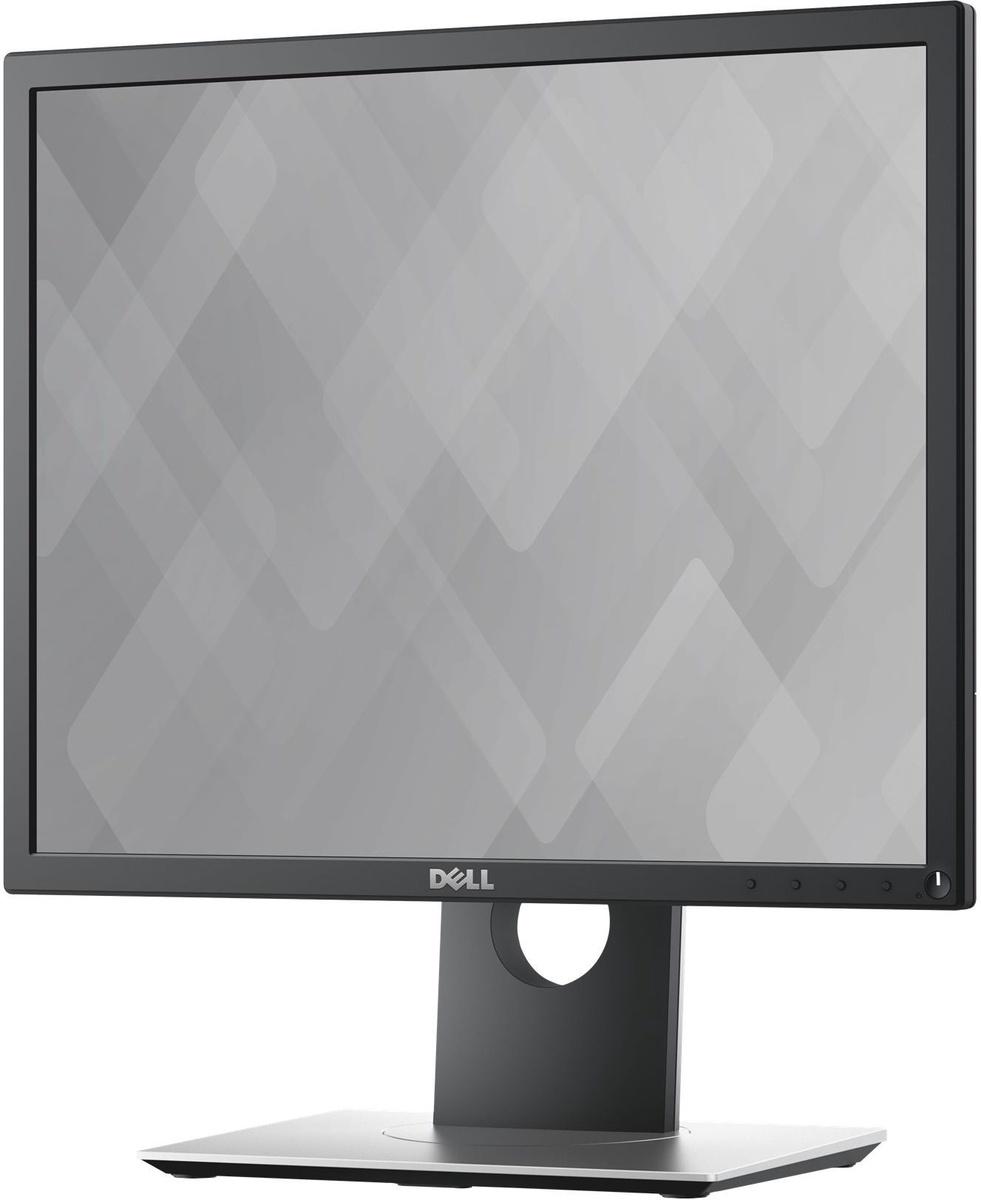
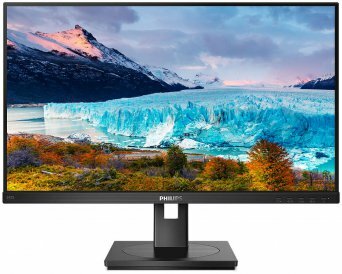
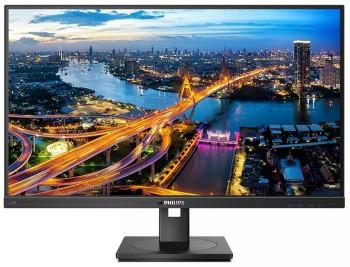
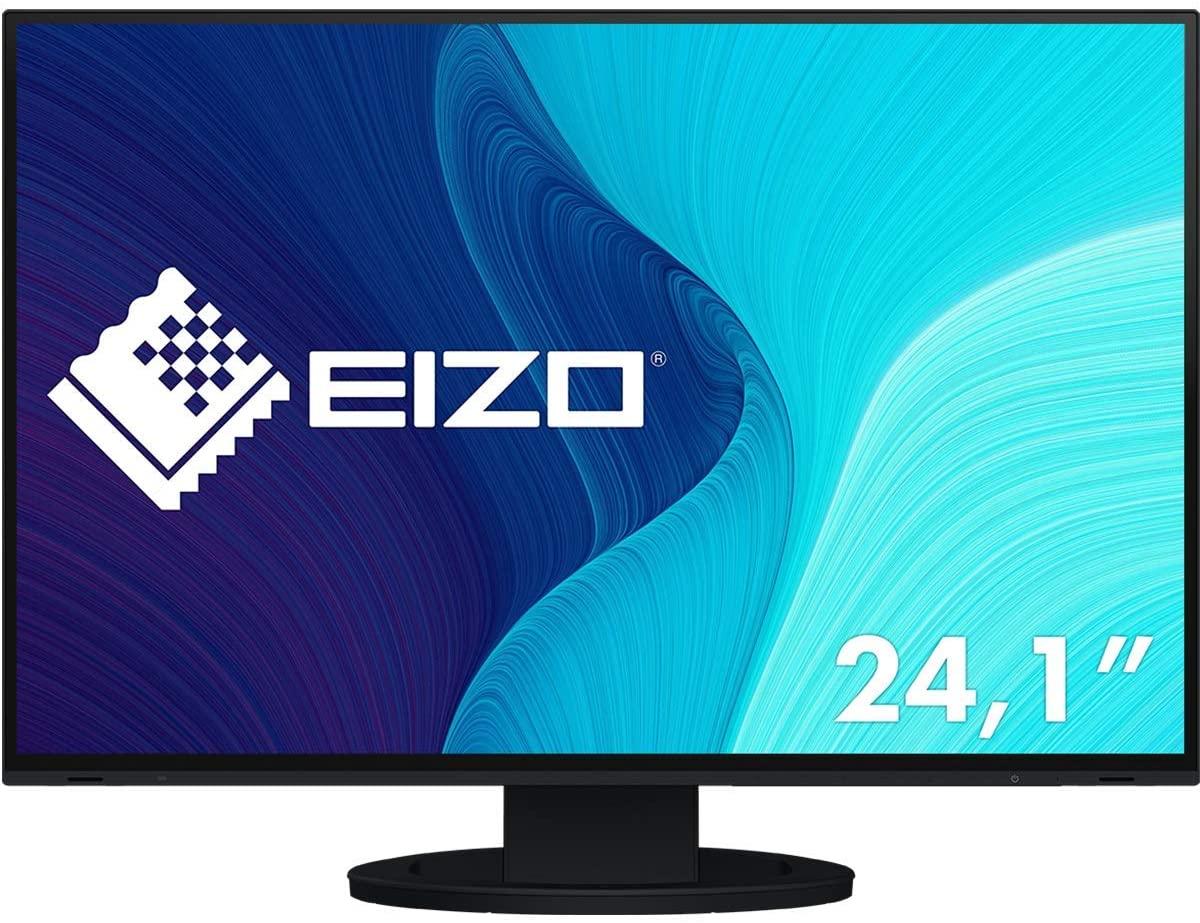
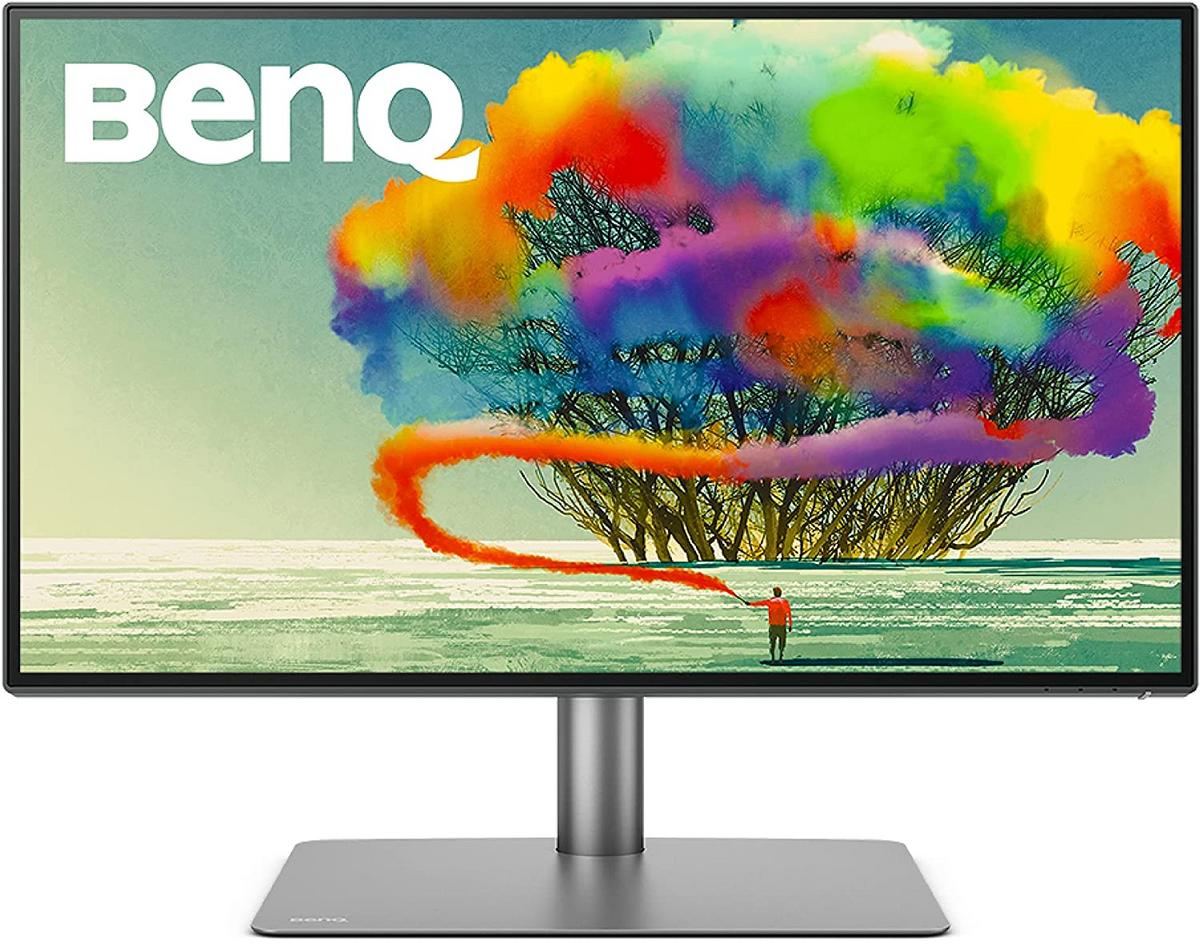
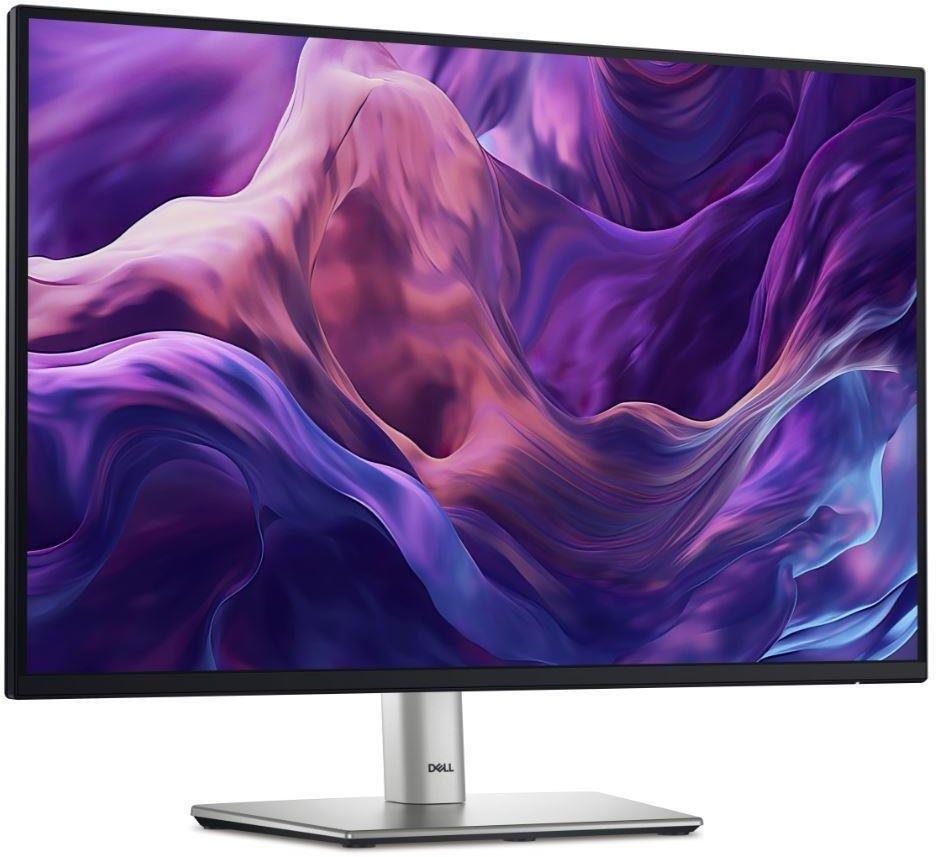
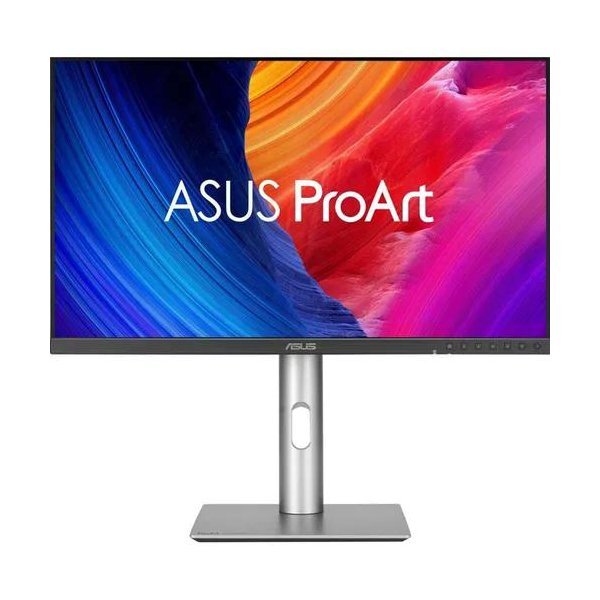
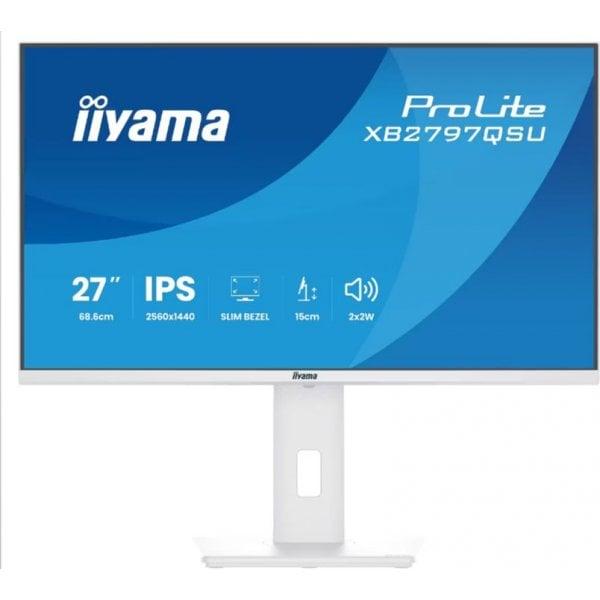
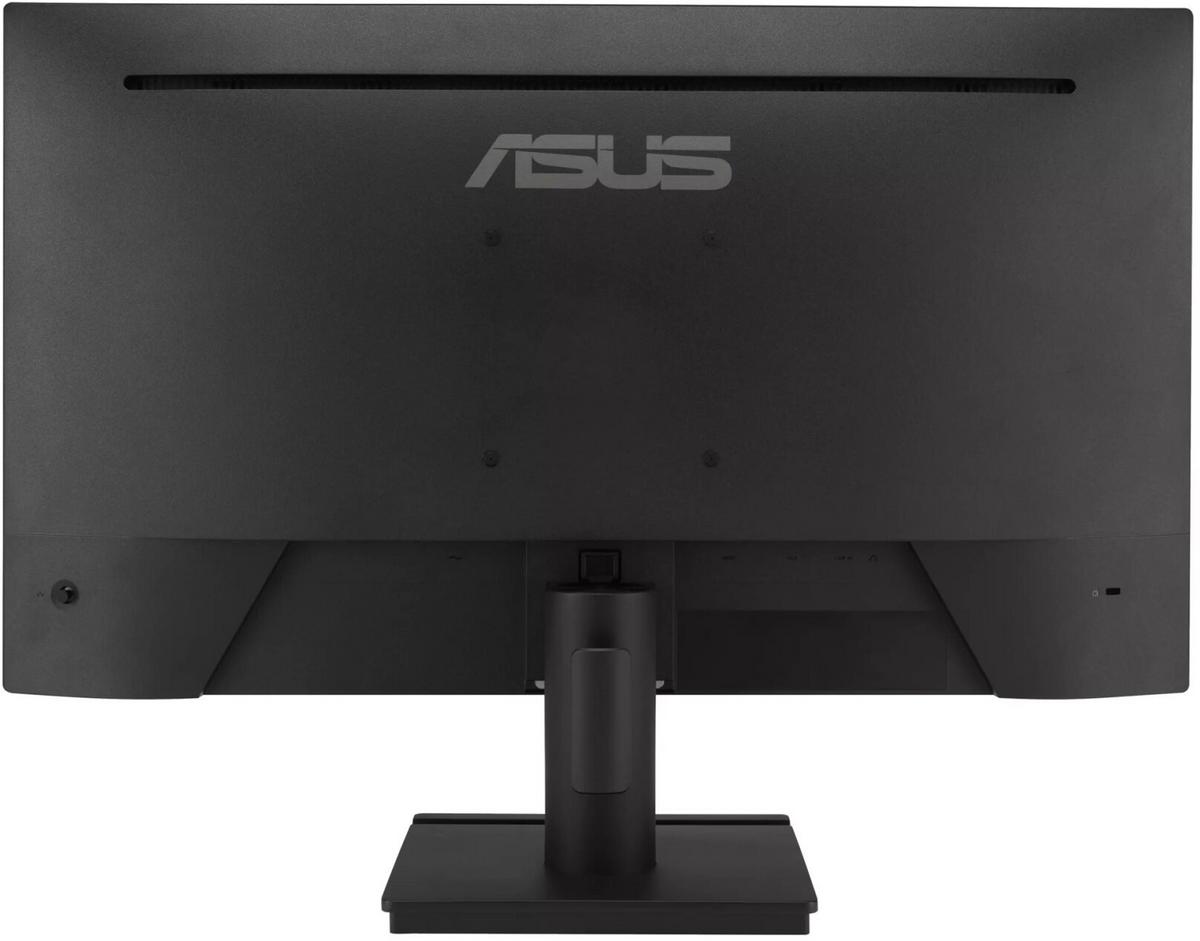
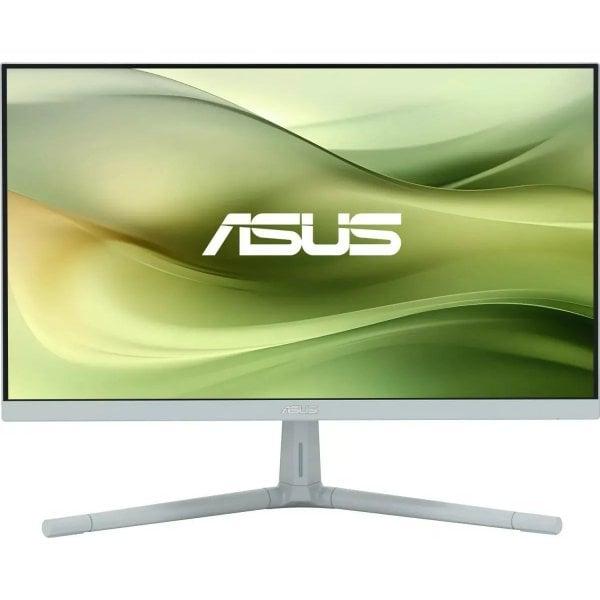
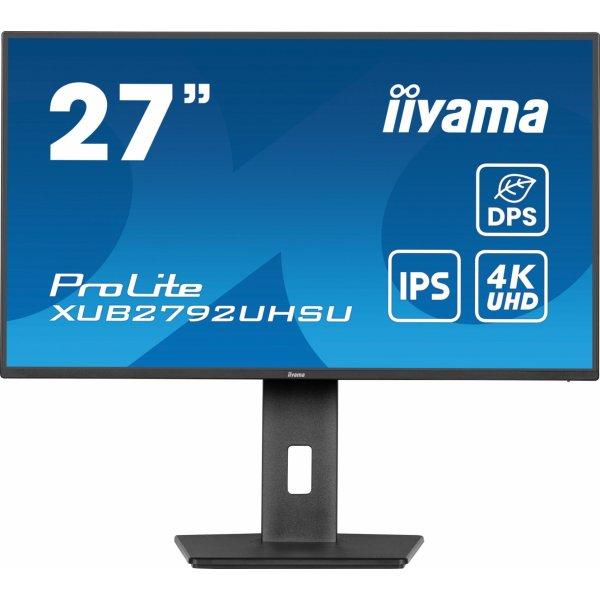
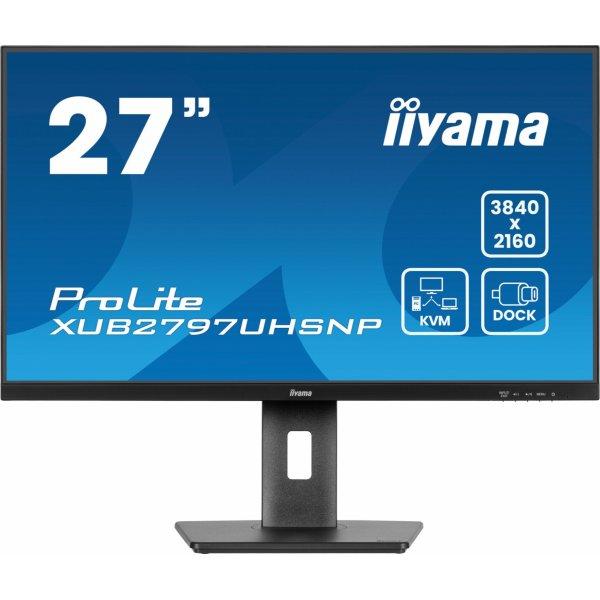
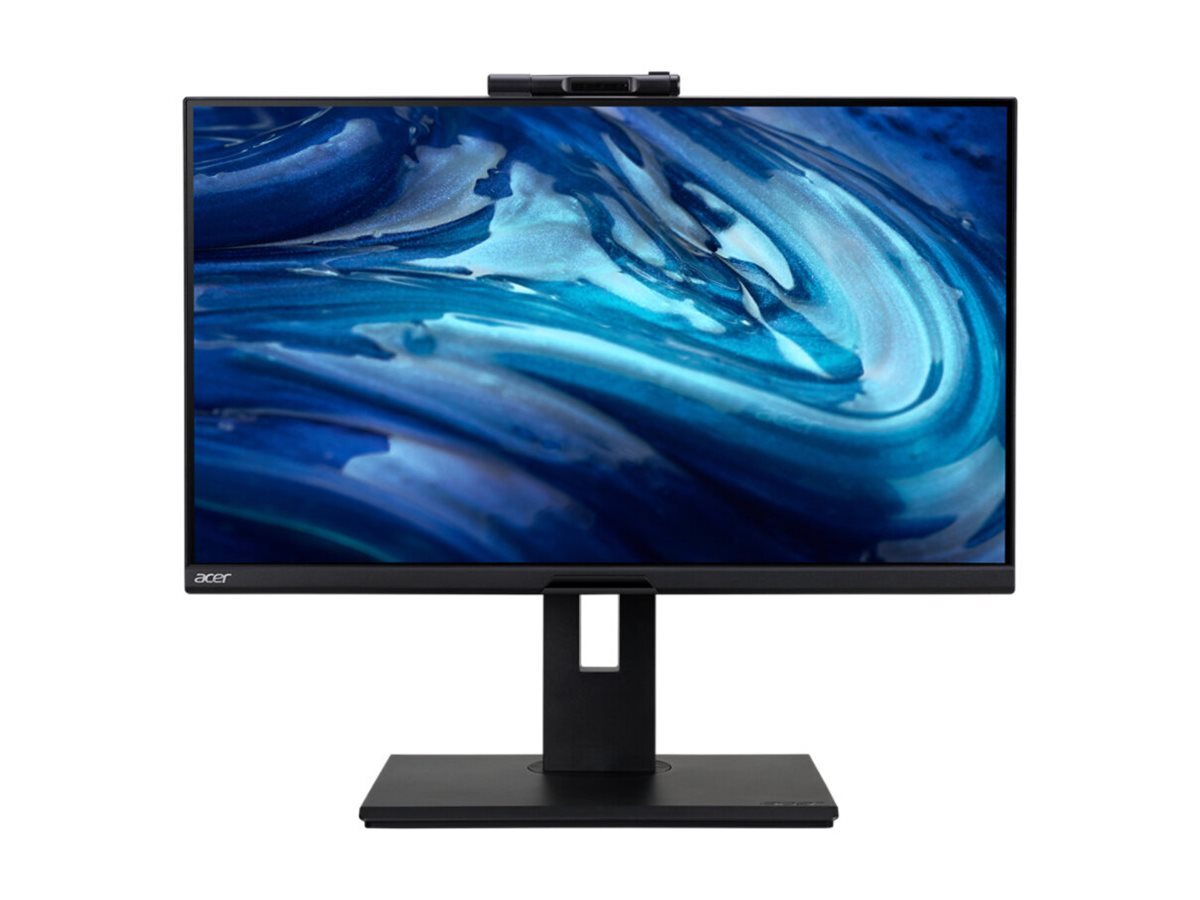
The Dell P2425 Professional is a 24-inch WUXGA IPS monitor designed for business use. It features a 1920x1200 resolution, a 16:10 aspect ratio, and a 100Hz refresh rate for smooth visuals. The display offers a matte finish to reduce glare, a 1500:1 contrast ratio, and a 8 ms response time, ensuring clear, sharp images from any viewing angle with 178 degrees horizontal and vertical viewing angles. It supports 16.7 million displayable colors and includes a variety of connectivity options such as 1xHDMI, 2xDisplayPort, 3xUSB 3.2, 2xUSB-C, and 1xRJ45. Additionally, it is equipped with swivel, pivot, height adjustment, and tilt features, a 100 mm x 100 mm VESA mount, and a Kensington lock, making it a versatile and secure choice for any professional setting.
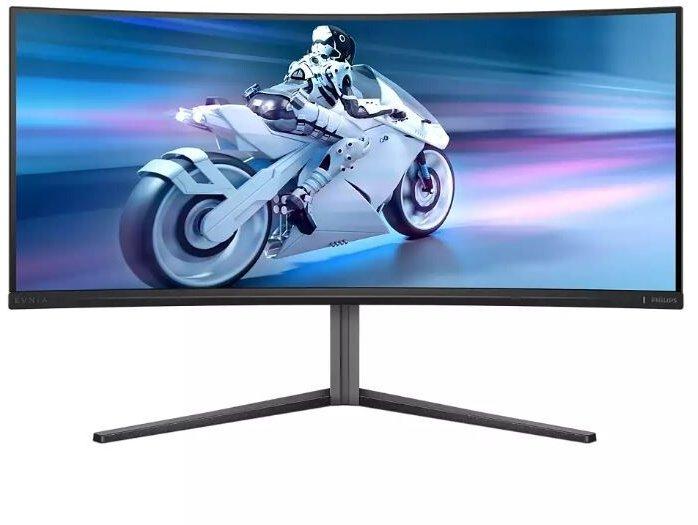
3440x1440 | QD OLED | Curved | 0.03ms | 175Hz the Philips Evnia 6000, a 34-inch curved OLED monitor that redefines visual excellence and ergonomic design. With its Quantum Dot technology and an expansive 21:9 aspect ratio, this monitor delivers a wide color gamut of 148.8% sRGB, 97.8% Adobe RGB, and 99.3% DCI-P3, ensuring vibrant and accurate colors for professional photo and video editing tasks. The VESA DisplayHDR 400 True Black certification ensures deep blacks and bright whites, providing a dynamic contrast that brings content to life.Designed for gamers and professionals alike, the Philips Evnia 6000 features a 0.03 ms response time and a refresh rate of up to 175 Hz, supported by Adaptive-Sync technology, to offer a fluid, tear-free gaming experience. Its ergonomic stand allows for height, swivel, and tilt adjustments, ensuring comfort during long sessions. Moreover, the monitor's 3-sided Ambiglow enhances the ambiance of your gaming setup or workspace, while the built-in USB hub offers easy connectivity for your devices. Embrace the future of display technology with the Philips Evnia 6000.
Slim design. Excellent performance. Introducing QMC, the slimmest display in Samsung UHD Signage. It adds elegance to your business while maximizing space. Its improved internals and intuitive home screen UX make it easy to use. Companies across industries can achieve growth with QMC's efficiency and innovation. Ultra Slim Depth The unrivaled, ultra-thin 28.5mm thickness makes QMC the thinnest option in Samsung's UHD series. QMC optimizes space with an elegant design that perfectly suits your business. Even frame The frames are even and uniform on all four sides of the display, with the same thickness and dimensions. The new, even bezel design prevents any visual problems when the display is in portrait mode. Centered VESA holes The central arrangement of VESA holes on the back of the monitor evenly distributes its weight, ensuring safe installation. By moving the VESA holes to the center, users can place the display in portrait mode without accidentally tilting it. Dynamic Crystal Color Each image is more immersive with billions of color shades. Dynamic Crystal Color provides realistic variations, allowing customers to see every subtle detail. Quantum Processor Lite 4K Samsung's industry-leading video processing technology enhances every element of your content for clarity and consistency. Intelligent UHD upscaling technology, powered by Samsung Quantum Processor Lite 4K, upscales lower video resolution to UHD for professional image quality. No reflections QMC displays feature reliable, glare-free panels that provide improved visibility from any angle, at any time of day. Non-reflective displays enable companies to provide accurate information in critical locations such as airports and train stations. Homemade UI QMC offers greater functionality with an improved home screen user interface. Popular categories such as Favorites, Sources and Settings are displayed on the same screen for convenient access. The Favorites folder gives users quick and easy access to frequently used features with just one click. Smartview+ SmartView+ enables wireless screen sharing without cable connections, ensuring easy collaboration. Users can now enable screen sharing at the start of a meeting, allowing the meeting admin to quickly switch between screens with a single click. Intelligent calibration Ensure complete brand consistency across every display in every location. Using the Samsung mobile app, Smart Calibration ensures each display is properly calibrated, presenting brand logos and other materials in the exact colors required. Professional modes Built-in professional modes give you more options in specific industries. Director Mode minimizes post-processing, tailoring content to the director's original intent. Medical teams can view medical images, such as X-rays, in simulation mode, in DICOM-compliant grayscale. Samsung VXT Samsung VXT CMS is a cloud-based solution that combines content management and remote device management, enabling users to remotely manage hardware settings and troubleshoot issues while easily creating and deploying content without the need for prior training.