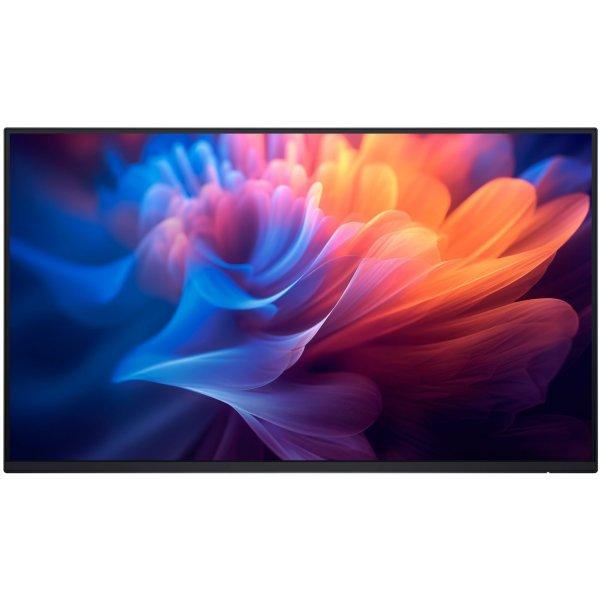
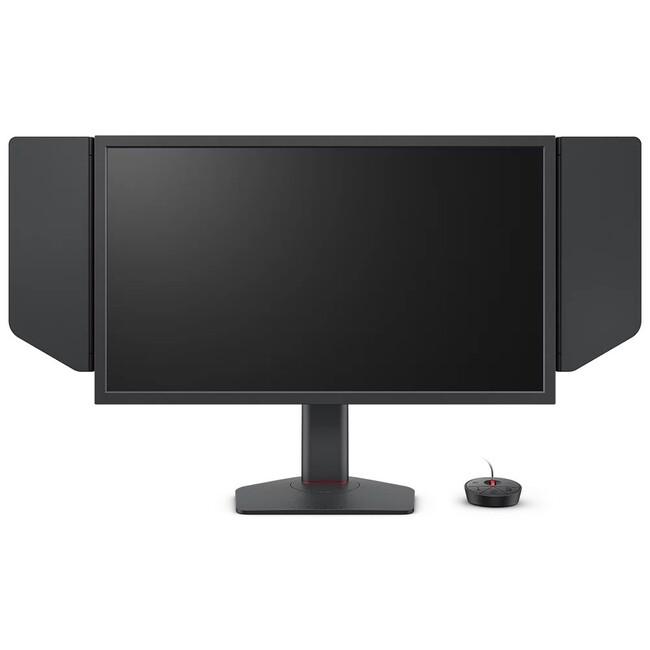
Experience unparalleled visual performance with the Xiaomi G34WQi Monitor. Featuring a stunning 34-inch WQHD display with a 21:9 aspect ratio and a resolution of 3440 x 1440 pixels, this monitor delivers crystal-clear images and vibrant colors. With a refresh rate of 180 Hz and a 1 ms response time, it ensures smooth and responsive gameplay. Additionally, it offers 350 cd/m² brightness, 2 HDMI ports, and is height adjustable, making it a versatile choice for both work and play.
ASUS ZenScreen MB27ACF combines impressive features with portability, making it an ideal companion for on-the-go professionals. Enjoy a 27-inch display with a native resolution of 2560 x 1440, providing sharp and vibrant visuals. With a brightness of 300 cd/m2 and a contrast ratio of 1500:1, this monitor ensures clear images in various lighting conditions. The anti-glare coating enhances viewing comfort while the flicker-free panel and Low Blue Light Plus technology help reduce eye strain during extended use. The versatile design includes a kickstand for tilt adjustments between -5 and 20 degrees and a 180-degree rotation for flexible positioning. Packed with features like ASUS Splendid Video Intelligence Technology and GamePlus, the MB27ACF caters to both productivity and leisure activities, making it a practical choice for diverse users.
Lenovo L27-4e pakub sujuvat ja selget pilti 100 Hz värskendusega ning kolmest küljest raamita disainiga. Sinine valgus on vähendatud ilma värve moonutamata, et saaksid vaadata kauem ja mugavamalt. • 99% sRGB katvus • 1500:1 kontrastisuhe • HDMI ja VGA • Kallutusjalg ja VESA kinnitus • Paberpakend, vähem plastikut 1920 x 1080 pixels Full HD 300 nits
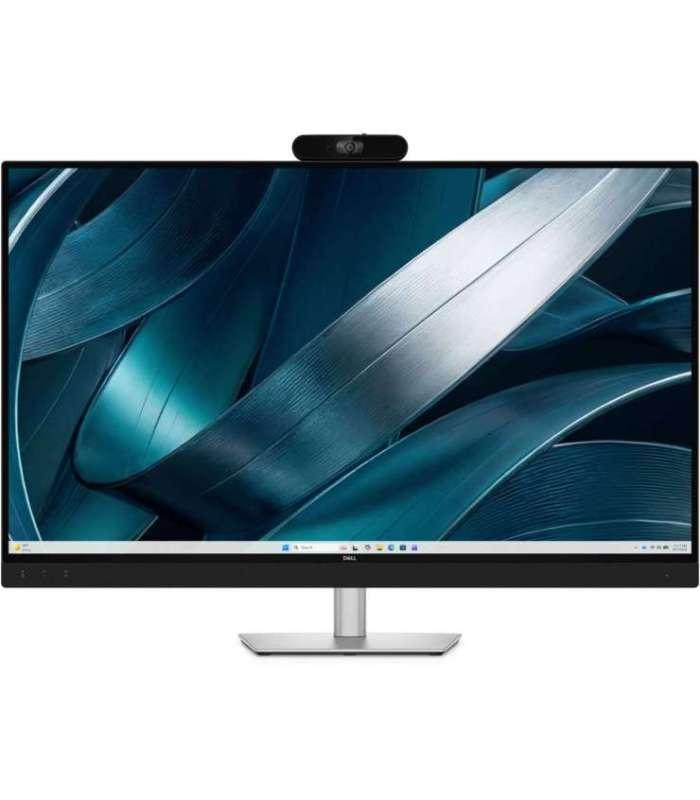
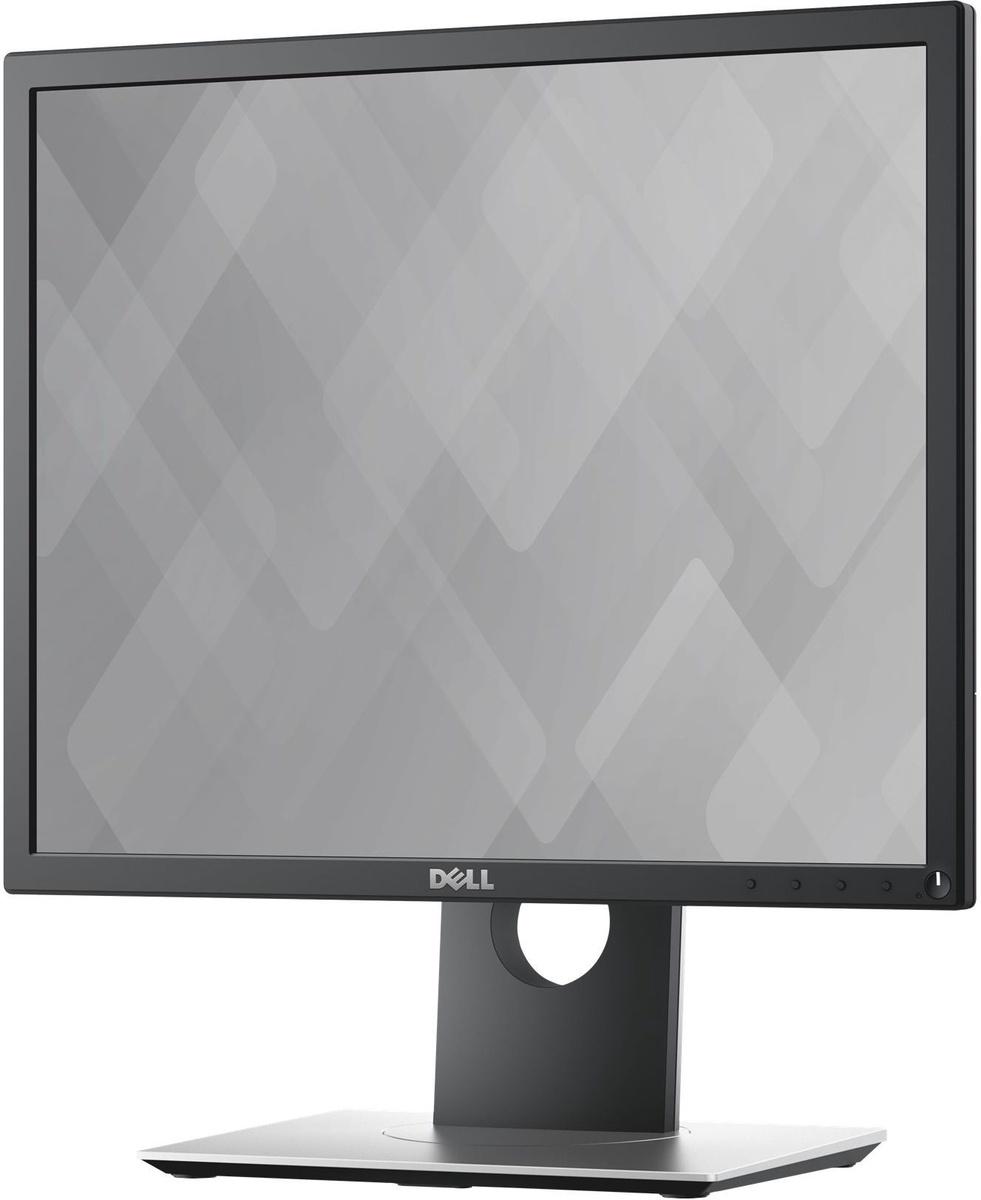
Dell Pro P 43 4K Huddle Conferencing Monitor P4326QEB Dell Pro P4326QEB is a large 42.5-inch 4K conferencing monitor designed for small meeting rooms, team meetings and collaborative work. UHD resolution, an IPS panel and 99% sRGB colour coverage deliver a sharp image, natural colours and wide 178-degree viewing angles. The integrated 8 MP Sony STARVIS camera, four-microphone array and two 8 W front-firing speakers provide a comprehensive video conferencing solution. The camera supports 4K video, HDR technology, AI-powered group framing and face detection-based automatic exposure. The USB-C connection carries video, data and power through a single cable and charges a compatible laptop with up to 100 W. The integrated USB hub and Gigabit Ethernet connection reduce the need for a separate docking station. Zoom Rooms certification, a physical camera shutter and front-facing conferencing controls make the monitor a practical solution for modern meeting rooms. Key Features: Screen Size: 42.5" Panel Type: IPS with LED backlight Aspect Ratio: 16:9 Resolution: 4K UHD (3840 × 2160) Refresh Rate: 60 Hz Response Time: 8 ms (Normal) Brightness: 350 cd/m² Contrast Ratio: 1000:1 Colour Reproduction: 1.07 billion colours, 99% sRGB (CIE 1931) Viewing Angles: 178° horizontally and vertically Coating: Anti-glare 3H hard coating Eye Comfort: Dell ComfortView Plus, flicker-free image and integrated Low Blue Light technology Speakers: 2 × 8 W, front-firing Software: Dell Display and Peripheral Manager for Windows and macOS Power Consumption: 49.2 W in operation, 0.5 W in standby mode, maximum 230 W Camera and Audio Features: 8 MP Sony STARVIS camera, 4K UHD at 30 fps 120° diagonal field of view 4x digital zoom at Full HD resolution Sony DOL-HDR AI-powered group framing for up to 10 people Face detection-based automatic exposure Camera tilt adjustment: 0° to 20° Physical camera shutter 4x beamforming microphones with a range of up to 3 metres Echo-cancelling speakerphone and AI-powered noise cancellation Microphone mute and volume controls on the front of the monitor Connectivity: 1x HDMI 2.1 TMDS, HDCP 2.2 (rear) 1x USB-C 5 Gbps, DisplayPort 1.4 Alt Mode, data and Power Delivery (rear) 1x USB-B 5 Gbps upstream (rear) 2x USB-A 5 Gbps downstream (rear) 1x RJ-45 Gigabit Ethernet (rear) USB-C Power Delivery: Up to 96 W for general compatibility Up to 100 W for compatible Dell laptops and systems supporting DDM 2 technology Ergonomics: Height Adjustment: 60 mm Tilt: -5° to 10° Swivel: -20° to 20° Slant Adjustment: -3° to 3° VESA Mounting: 100 × 100 mm and 200 × 200 mm Removable adjustable stand Cable management and USB-C cable retention clip Security lock slot Certifications: Zoom Rooms certified TÜV Rheinland Eye Comfort 3.0, 3-star rating TÜV Rheinland Hardware Low Blue Light, Category 3 ENERGY STAR EPEAT registered where applicable RoHS BFR/PVC-free monitor, excluding external cables Arsenic-free glass and mercury-free panel Dimensions and Weight: Dimensions with Stand, Extended (W × D × H): 967.21 × 258.76 × 721.20 mm Dimensions with Stand, Compressed (W × D × H): 967.21 × 258.76 × 661.20 mm Dimensions without Stand (W × D × H): 967.21 × 67.46 × 630.90 mm Weight with Stand and Cables: 17.85 kg Weight without Stand and Cables: 12.70 kg Package Contents: Dell Pro P 43 4K Huddle Conferencing Monitor P4326QEB Stand riser and stand base USB-C to USB-C 10 Gbps / 100 W cable (3 m) Power cable QR card Safety, environmental and regulatory information Warranty: 3-year Advanced Exchange Service and Premium Panel Exchange.
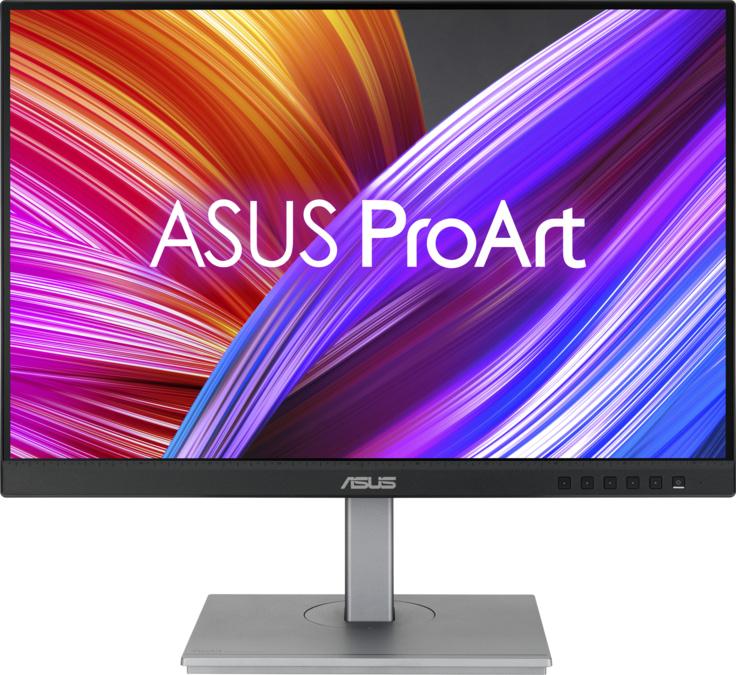
ASUS ProArt PA248CNV. Ekraani diagonaal: 61,2 cm (24.1"), Ekraani resolutsioon: 1920 x 1200 pikslit, HD tüüp: Full HD+, Reaktsiooniaeg: 5 ms, Loomulik kuvasuhe: 16:10, Vaatenurk, horisontaalne: 178°, Vaatenurk, vertikaalne: ...
Slim design. Stunning performance. Introducing QBC, the thinnest display in the Samsung UHD Signage lineup. It brings elegance to business while maximizing space. Improved internals and an intuitive home screen user interface make it easy to use. Businesses across a variety of industries can achieve growth with QBC's performance and design innovations. Maximum effect in minimum space QBC's unrivaled 28.5mm ultra-slim design makes it the thinnest model in Samsung's UHD series. QBC optimizes space with an elegant design that blends seamlessly with your business. Clean graphics in landscape or portrait mode. Even the frame The frames are consistent and even on all four sides of the display, have the same thickness and dimensions. The new, even frame design prevents any visual problems when the display is in portrait mode. Safe and even installation. Centered VESA holes The central location of the VESA holes on the back of the display evenly distributes its weight, ensuring a secure installation. By moving the VESA holes inward, users can set the display to portrait mode without unintentionally tilting the display. Lifelike color, born in pure condition with fine crystal. Dynamic crystal color Each image is more immersive with billions of color shades. Dynamic Crystal Color provides realistic variations, allowing customers to notice every subtlety. Watch realistic color tones in powerful 4K resolution. 4K Crystal Processor Samsung's industry-leading video processing technology enhances every piece of content for clarity and consistency. Intelligent UHD upscaling technology, powered by Samsung's Quantum Lite 4K processor, upscales lower resolution video to UHD for professional image quality. Connect conveniently. UI home page QBC offers greater usability with an improved home screen interface. Popular categories such as Favorites, Sources and Settings are displayed on the same screen for convenient accessibility. The Favorites folder gives users quick and easy access to frequently used features with just one click. Simplified calibration between screens using the mobile app. Intelligent calibration Ensure complete brand consistency across every display and location. Using the Samsung mobile app, Smart Calibration ensures that each display is calibrated correctly, displaying brand logos and other advertising materials in the exact colors required. Enhance professional environments with specialized tools. Professional modes Built-in professional modes provide more opportunities in specific industries. Director Mode minimizes post-processing, tailoring content to the director's original intent. Medical teams can simulate medical images such as X-rays in DICOM simulation mode, meeting full DICOM grayscale standards. Change the way you manage your display. Samsung VXT Samsung VXT CMS is a cloud-based solution that combines content management and remote device management capabilities, enabling users to remotely manage hardware settings and troubleshoot issues, while easily creating and deploying content without the need for prior training.