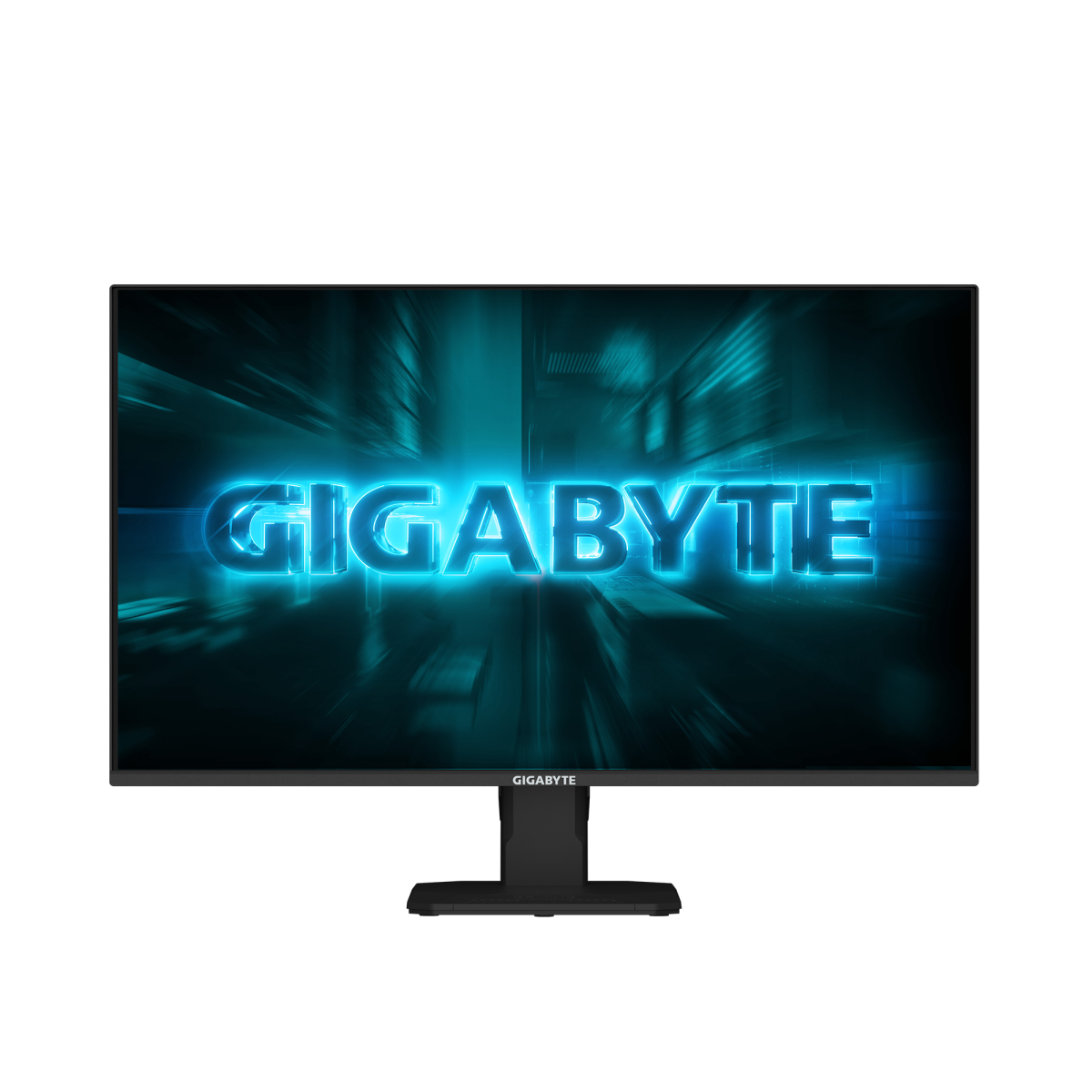
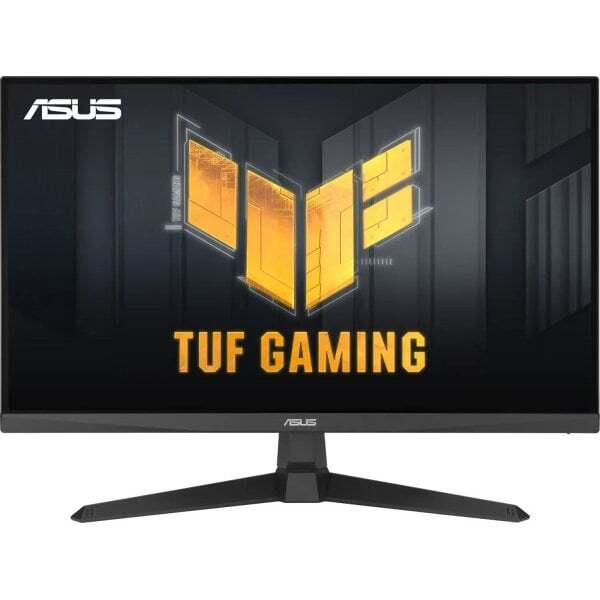
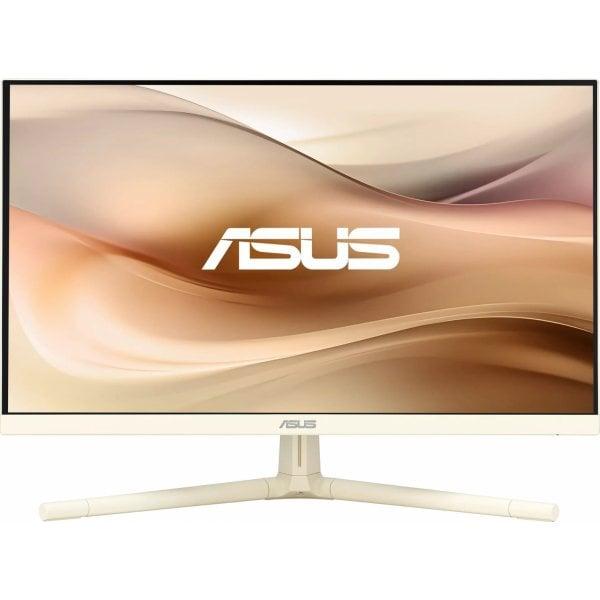
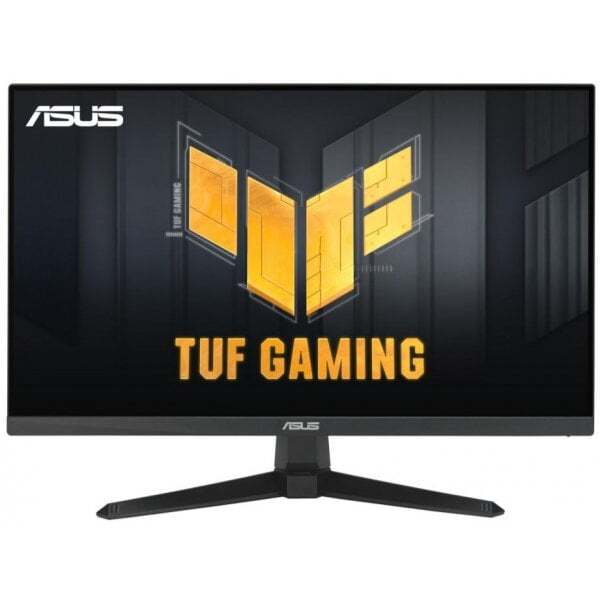
Asus TUF Gaming VG259QL5A on 24,5-tolline Full HD mängurimonitor, mis pakub ülikiiret 200 Hz värskendussagedust ja 0,3 ms reaktsiooniaega. Fast IPS paneel, ELMB tehnoloogia ja FreeSync Premium tagavad sujuva ja terava mängukogemuse. • 200 Hz värskendussagedus ja 0,3 ms GTG • Fast IPS paneel täpseks värviedastuseks • ELMB ja Variable Overdrive tehnoloogiad • FreeSync Premium ja G-Sync ühilduvus • reguleeritav kõrgus, kalle, pööramine ja pööre
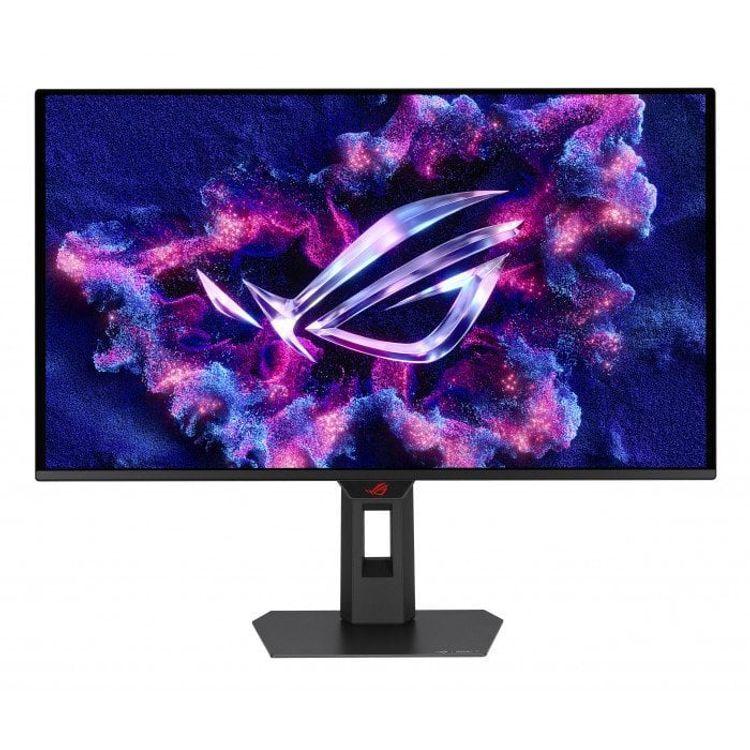
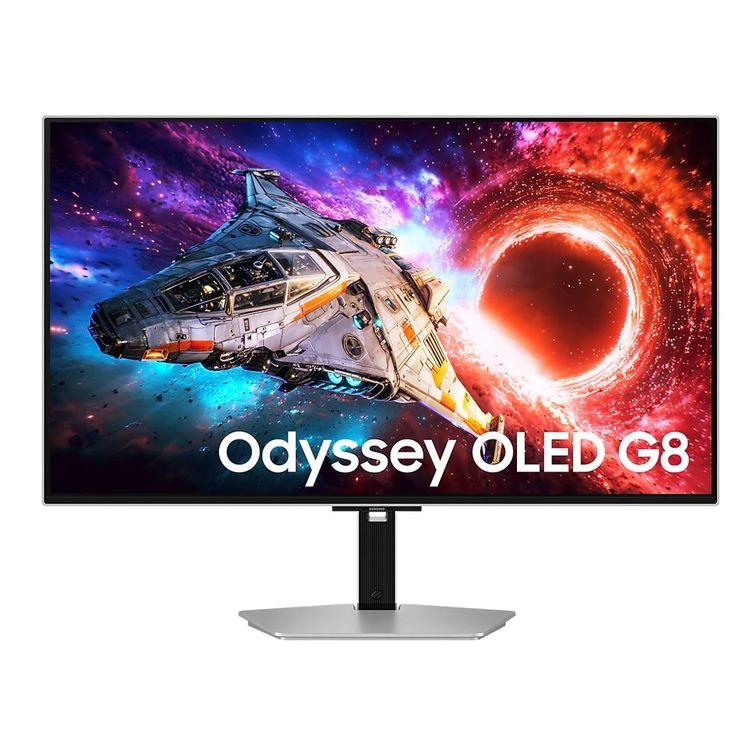
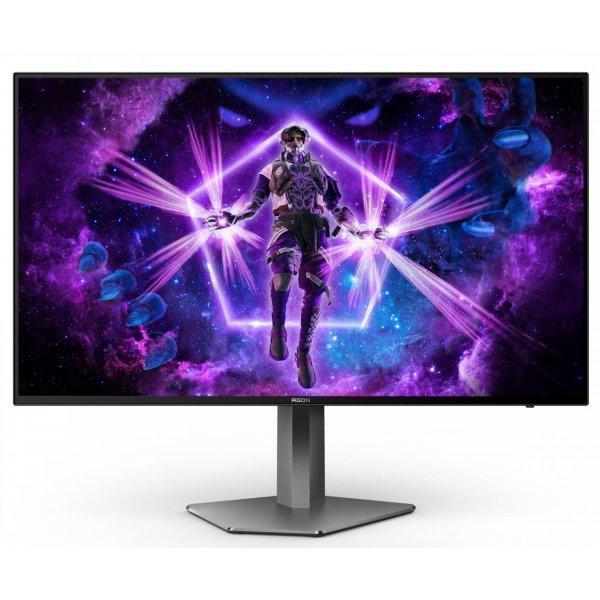
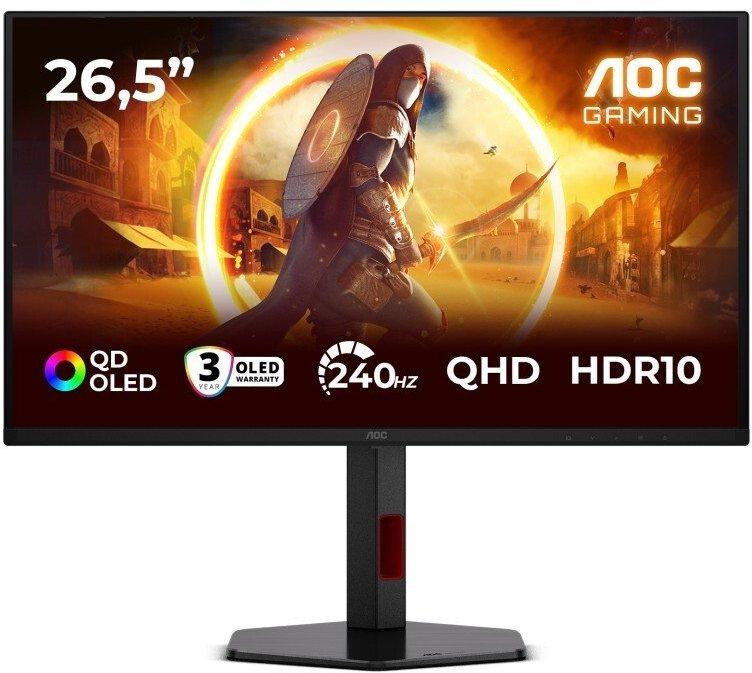
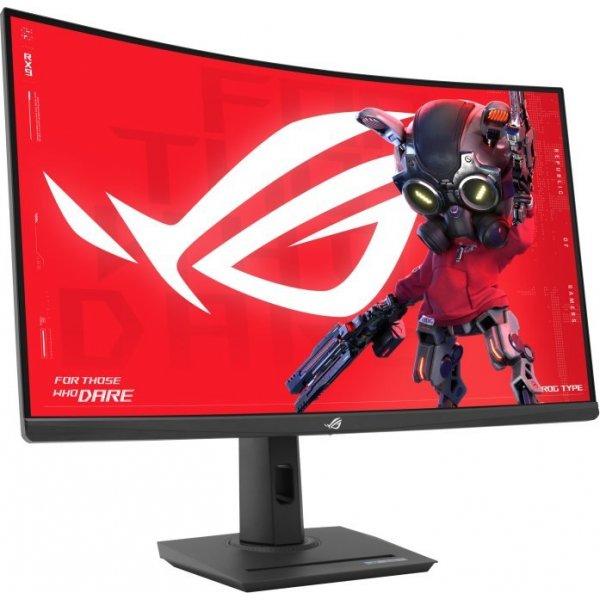
ROG Strix OLED XG27ACDMS on 26,5″ QHD QD-OLED mängurimonitor, mille 280 Hz värskendussagedus ja 0,03 ms reageerimisaeg tagavad erakordselt sujuva ja elava pildi. OLED Care Pro pikendab paneeli eluiga, Neo Proximity Sensor aitab vältida sissepõlemist. Suurepärane valik mänguritele ja loojatele. • QD-OLED paneel, 2560 × 1440, 280 Hz, 0,03 ms • VESA DisplayHDR True Black 400, 99% DCI-P3, ΔE < 2 • OLED Care Pro + Neo Proximity Sensor • G-SYNC ja FreeSync Premium Pro tugi • USB-C (15W PD), HDMI 2.1, DisplayPort 1.4
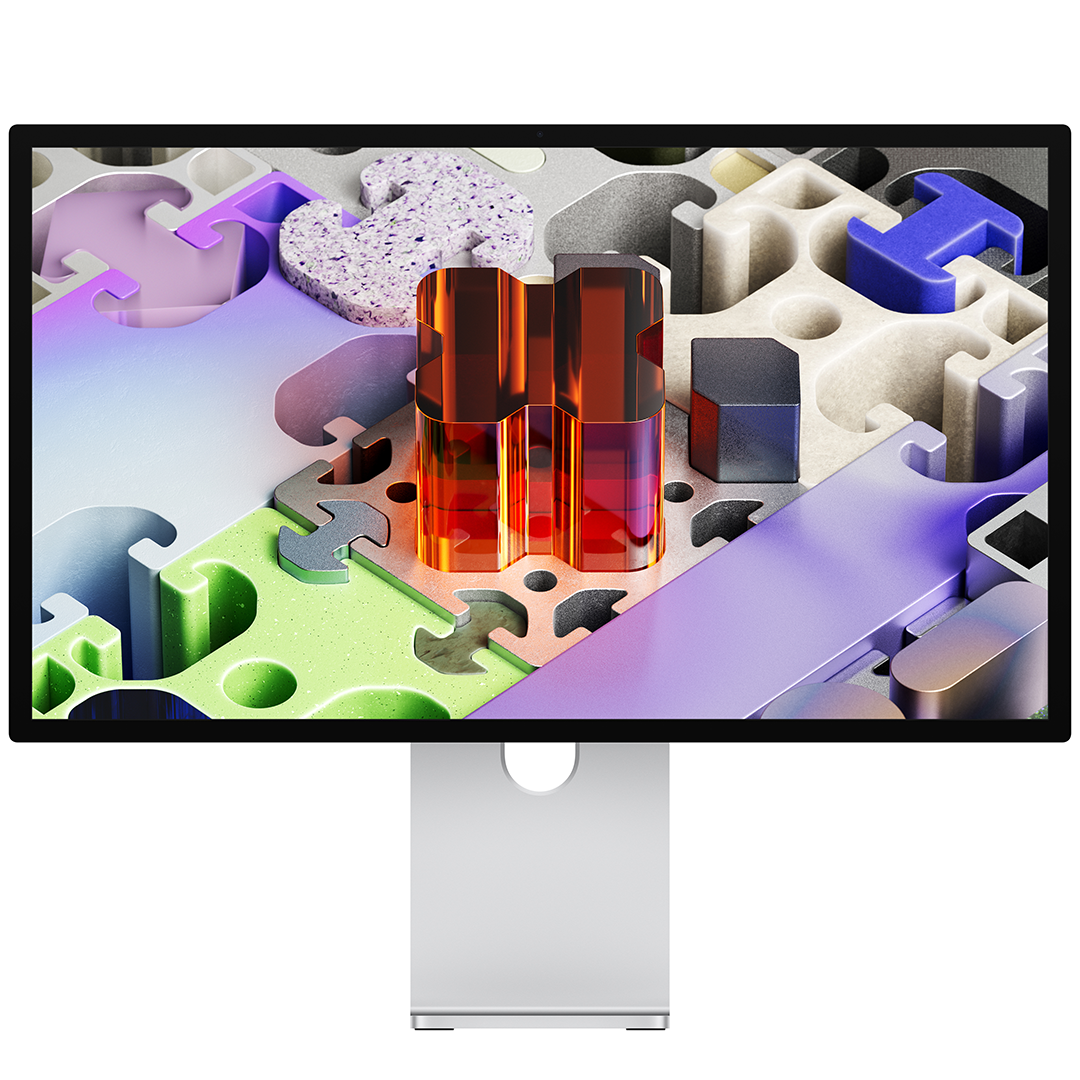
Apple Studio Display XDR on 27-tolline 5K Retina XDR monitor, mis pakub erakordset heledust, kontrasti ja värvitäpsust. Mini-LED taustvalgustus, 120 Hz värskendussagedus ja lai värviruum teevad sellest tugeva tööriista video, foto, disaini ja mängude jaoks. • 27" 5K Retina XDR ekraan • Kuni 2000 niti HDR heledus • 120 Hz ja Adaptive Sync • Thunderbolt 5 ja USB-C ühendused • Tilt and height statiiviga saab kohandada kallet ja kõrgust vastavalt oma soovile Studio Display XDR, Standard Glass, 27 ", 5K, 16:9, 120 Hz, 5120 x 2880 pixels, 2000 cd/m², Silver
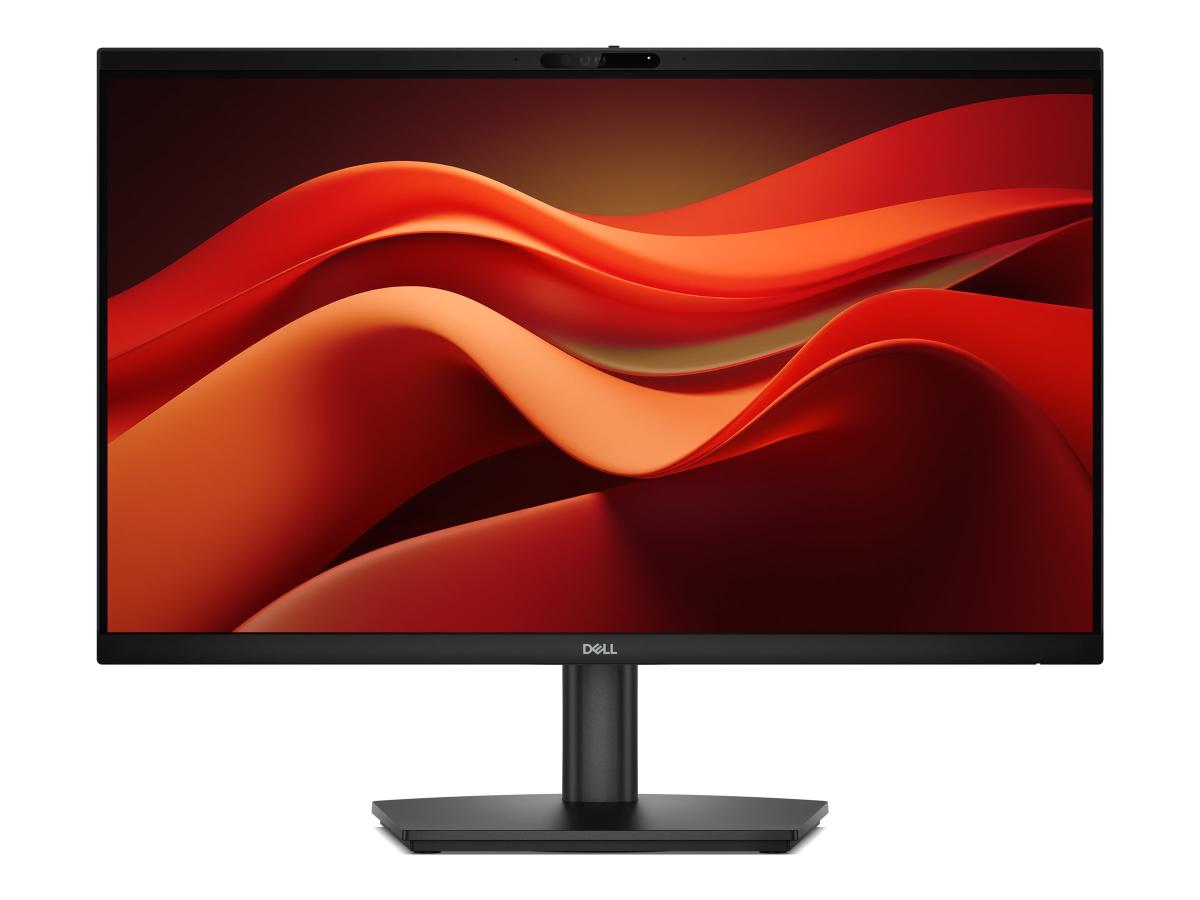
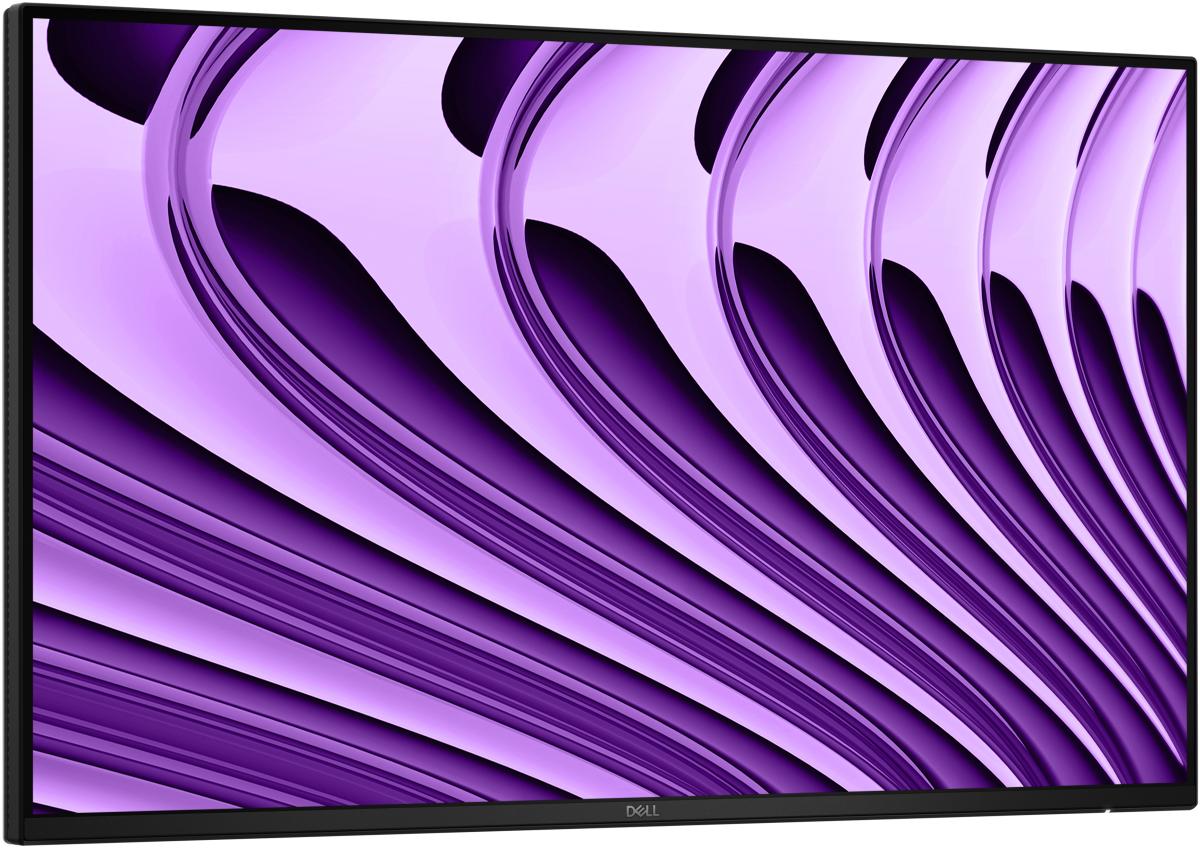
Der Dell Pro 24 Videokonferenzmonitor E2426HB ist ein moderner 24 Zoll (23,8") Full-HD Monitor, der speziell für produktives Arbeiten und Videokonferenzen entwickelt wurde und mit seiner Auflösung von 1920 × 1080 Pixeln sowie IPS-Technologie klare, farbtreue Bilder und weite Betrachtungswinkel bietet. Ausgestattet mit einer integrierten 5 MP Webcam, Lautsprechern und Mikrofon ermöglicht er unkomplizierte Videocalls ohne zusätzliches Zubehör, während die Bildwiederholrate von bis zu 120 Hz für eine flüssige Darstellung sorgt und Funktionen wie flimmerfreies Display sowie Blaulichtreduzierung die Augen schonen. Über Anschlüsse wie HDMI, DisplayPort und USB lassen sich verschiedene Geräte problemlos verbinden, und der ergonomisch verstellbare Standfuß mit Höhenverstellung, Neigen, Drehen und Pivot-Funktion sorgt für eine optimale Arbeitsposition. Dank seines schlanken Designs und der durchdachten Ausstattung eignet sich der Monitor ideal für Homeoffice, Büro oder hybrides Arbeiten und überzeugt insgesamt durch ein starkes Gesamtpaket.
UHD 4K for more screen space, sharper detail With 4K UHD (3840x2160) IPS and 3-side borderless design, it allows you to provide a workspace with four times the resolution of Full HD screen while editing multiple track without enlarge or reduce the timelines. True-to-life color with advanced color accuracy UltraFine™ is compatible with industry standard HDR10 (High Dynamic Range), based on the DCI-P3 90% color gamut, supporting specific levels of color and brightness that enable creators to experience the visual clarity with precise colors of the content and fine details. Multiple connections Our monitor’s HDMI 2.0 and DisplayPort 1.4 compatibility enables seamless connection to various devices, supporting an efficient and streamlined desk setup. Switch swiftly LG Switch app optimizes your monitor for both work and life. Effortlessly customize your preferred image quality and brightness, also possible to split the display into 11 options and quickly launch your video call platform, making it even more convenient. Ultra-slim design. Almost floating Experience more screen and less distraction with the ultra-slim bezel and minimal slim stand base, featuring a virtually borderless design. The floating-like stand enhances the clean, weightless aesthetic, while the seamless screen feel delivers an immersive visual experience—ideal for dual setups or minimalist workspaces. 27” UHD 4K (3840x2160) IPS DCI-P3 90% (Typ.) with HDR10 3-side Virtually Borderless LG Switch
4K UHD The visual excellence demanded by professionals. UHD resolution (3840x2160) delivers even greater detail thanks to a higher pixel density on the display panel. Now you can immerse yourself in greater image detail and a larger screen workspace to bring your most complex ideas to life. HDR10 HDR10 delivers realistic colour reproduction, capturing both darker and brighter shades. By seeing a wider colour gamut and every nuance, youll rediscover the satisfaction of creating your projects. Wide viewing angle Thanks to this monitors ergonomic design, you can find the angle that offers you the greatest comfort. Simply tilt, swivel and adjust the screen height to achieve the optimal position and maximum functionality. Multiple ports With HDMI and DP ports, connecting peripherals is as simple as it gets. This incredible convenience not only simplifies setup but also boosts productivity. TÜV-Certified Smart Eye ProtectionTÜV-certified Smart Eye Protection, combined with Adaptice Picture technology, automatically adjusts brightness and color temperature to the surrounding environment, especially when working on projects late at night. Eye Saver and Less Screen Flickering protect your eyes from blue light and flickering.Samsung Display ManagerThe Samsung Display Manager app simplifies access to features such as split-screen configuration, brightness adjustment, KVM, PIP/PBP, and precise color calibration. Simply click the desktop menu to access advanced display control options at your fingertips. For business users, the MAPT (Mac Address Pass Through) feature enables asset managers to reliably identify and track network-connected devices.
Slim design. Stunning performance. Introducing QBC, the thinnest display in the Samsung UHD Signage lineup. It brings elegance to business while maximizing space. Improved internals and an intuitive home screen user interface make it easy to use. Businesses across a variety of industries can achieve growth with QBC's performance and design innovations. Maximum effect in minimum space QBC's unrivaled 28.5mm ultra-slim design makes it the thinnest model in Samsung's UHD series. QBC optimizes space with an elegant design that blends seamlessly with your business. Clean graphics in landscape or portrait mode. Even the frame The frames are consistent and even on all four sides of the display, have the same thickness and dimensions. The new, even frame design prevents any visual problems when the display is in portrait mode. Safe and even installation. Centered VESA holes The central location of the VESA holes on the back of the display evenly distributes its weight, ensuring a secure installation. By moving the VESA holes inward, users can set the display to portrait mode without unintentionally tilting the display. Lifelike color, born in pure condition with fine crystal. Dynamic crystal color Each image is more immersive with billions of color shades. Dynamic Crystal Color provides realistic variations, allowing customers to notice every subtlety. Watch realistic color tones in powerful 4K resolution. 4K Crystal Processor Samsung's industry-leading video processing technology enhances every piece of content for clarity and consistency. Intelligent UHD upscaling technology, powered by Samsung's Quantum Lite 4K processor, upscales lower resolution video to UHD for professional image quality. Connect conveniently. UI home page QBC offers greater usability with an improved home screen interface. Popular categories such as Favorites, Sources and Settings are displayed on the same screen for convenient accessibility. The Favorites folder gives users quick and easy access to frequently used features with just one click. Simplified calibration between screens using the mobile app. Intelligent calibration Ensure complete brand consistency across every display and location. Using the Samsung mobile app, Smart Calibration ensures that each display is calibrated correctly, displaying brand logos and other advertising materials in the exact colors required. Enhance professional environments with specialized tools. Professional modes Built-in professional modes provide more opportunities in specific industries. Director Mode minimizes post-processing, tailoring content to the director's original intent. Medical teams can simulate medical images such as X-rays in DICOM simulation mode, meeting full DICOM grayscale standards. Change the way you manage your display. Samsung VXT Samsung VXT CMS is a cloud-based solution that combines content management and remote device management capabilities, enabling users to remotely manage hardware settings and troubleshoot issues, while easily creating and deploying content without the need for prior training.
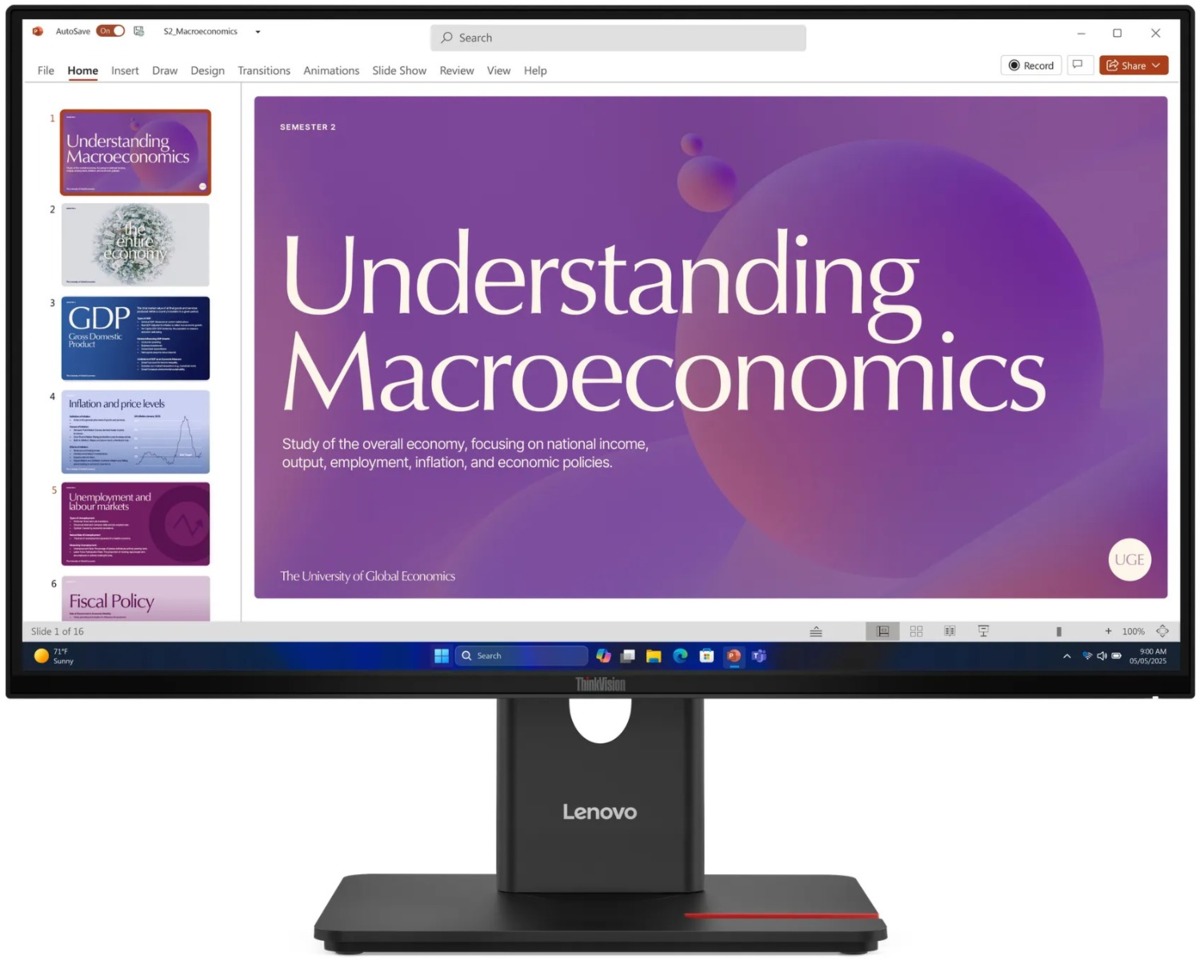
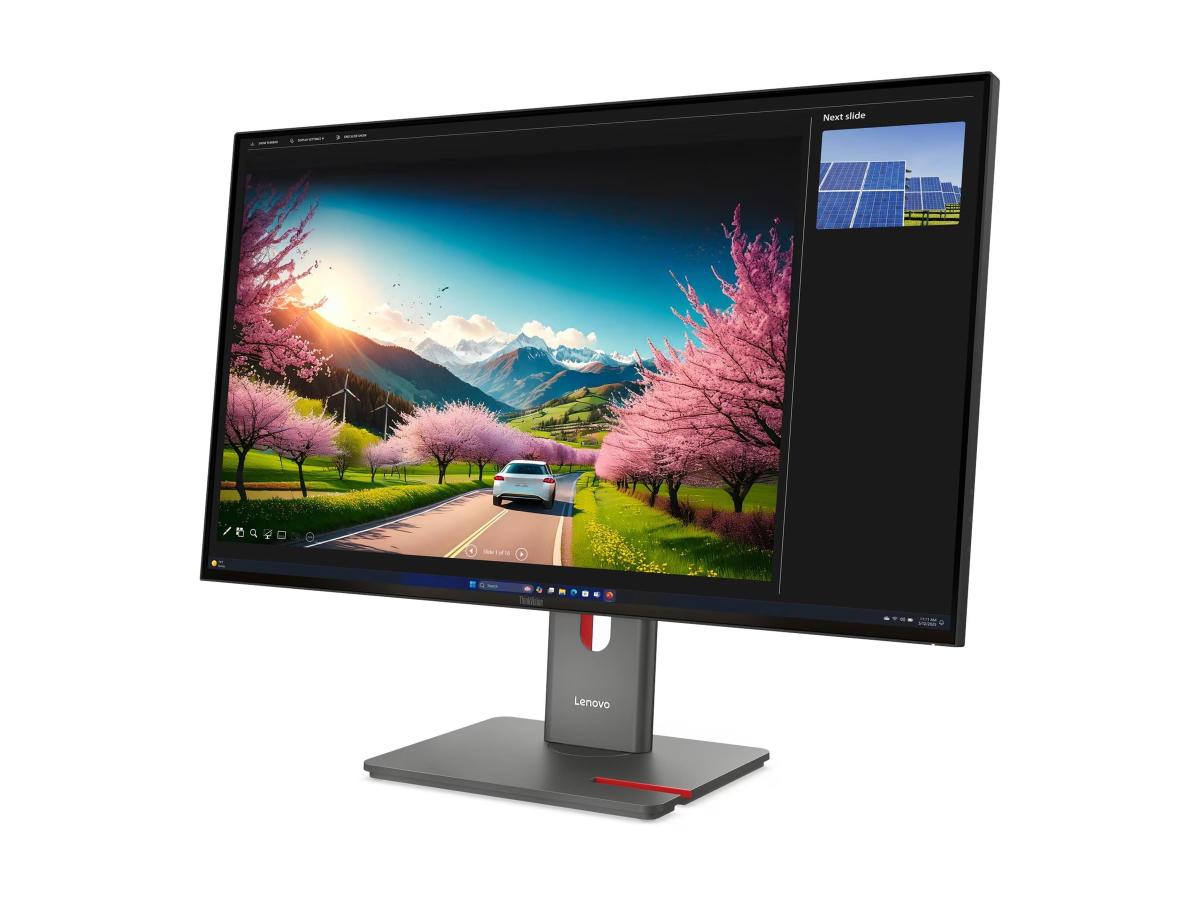
Versatile connectivity and an eye-friendly display panel make the T24D-40 a cost-effective and reliable choice for businesses. The ThinkVision T24D-40 is designed for users who value efficient work, high-quality visuals, and versatile connectivity. Its 48?120 Hz dynamic refresh rate adapts energy-efficiently to the content being displayed. A single USB-C cable connects the end device to the monitor, transmitting video, data, and delivering up to 100W of power. Comprehensive USB ports and an RJ45 Ethernet connection make the monitor the central hub of the workstation. The DisplayPort-Out connection allows daisy-chaining multiple displays. A perfect companion display is the Lenovo ThinkVision T24-40. The eye-friendly panel reduces harmful blue light and supports eye comfort even during long workdays. An adjustable stand (height, tilt, swivel, and pivot) and smart cable management enhance the overall user experience. The ThinkVision T24D-40 is also an environmentally friendly choice, meeting strict energy efficiency standards such as ENERGY STAR, TCO 10.0, and EPEAT Gold. Lenovo Display Fleet Manager (LDFM) provides a tool for monitor management and firmware updates. Top Features: Display size: 23.8" Resolution: 1920x1080 Full HD Panel type: IPS Aspect ratio: 16:9 Refresh rate: 48?120Hz Brightness: 250 cd/m² Contrast ratio: 1500:1 Response time: 6ms (Typical), 4ms (Extreme) Color gamut: 99% sRGB, 99%BT.709 Color depth: 8-bit (6+FRC) Connectivity: HDMI 1.4, DP 1.4 (HBR2), DP-Out, USB-C 3.2 Gen2 (DP 1.4 Alt Mode), 1xUSB-C 3.2 Gen1 (15W PD, data only), 3xUSB-A 3.2 Gen1, RJ45 USB-C charging power: max. 100W (PD 3.0) Speakers: 2 x 2W Power consumption (Typ/Max): 16W / 75W Viewing angles (horizontal/vertical): 178° / 178° Tilt: -5° / 23.5° Swivel: -45° / 45° Height adjustment: 155mm Pivot -90° / 90° VESA mount support: 100 x 100 mm Kensington lock slot: 2.5 x 6 mm Lenovo ThinkColour and Display Fleet Manager Includes USB-C (1.8m) and DP (1.8m) cables Weight: 5.6kg with stand, 3.5kg without stand Three-year replacement warranty Environmental & Energy Certifications ENERGY STAR® Certified, TCO 10.0, TCO Edge 2.1, EPEAT? Gold, EU Energy Efficiency Level (Level-D) Ergonomic Certifications Eyesafe® Display 2.0, TÜV Low Blue Light (Hardware solution), TÜV Rheinland® Eye Comfort (5 Stars)
Das formschöne, schlichte Gehäuse des GW2790C LED-Monitors überzeugt genauso wie das leuchtstarke 144 Hz Panel und seine besonders konstante Bildwiedergabe. Mit 68,6 cm (27 Zoll) und schmalen Displayrändern ist der GW2790C bestens für Multi-Monitor-Anwendungen geeignet. Dank der verwendeten IPS-Technologie bleibt das Bild dabei auch aus großen Betrachtungswinkeln einwandfrei und ohne verwaschene Farben erkennbar. Um eine gesunde Arbeitsweise zu unterstützen, ist der GW2790C mit einem Blaulichtfilter und flimmerfreien LEDs ausgestattet, die zum einen die Ermüdung der Augen reduzieren und zum anderen eine Schädigung der Netzhaut verhindern. Ein neigbarer Standfuß, HDMI-, USB-C- und DisplayPort-Eingänge, Eye Comfort 3.0 und EyeSafe 2.0 sowie ein Kopfhörerausgang und Lautsprecher runden die Ausstattung des GW2790C ab.
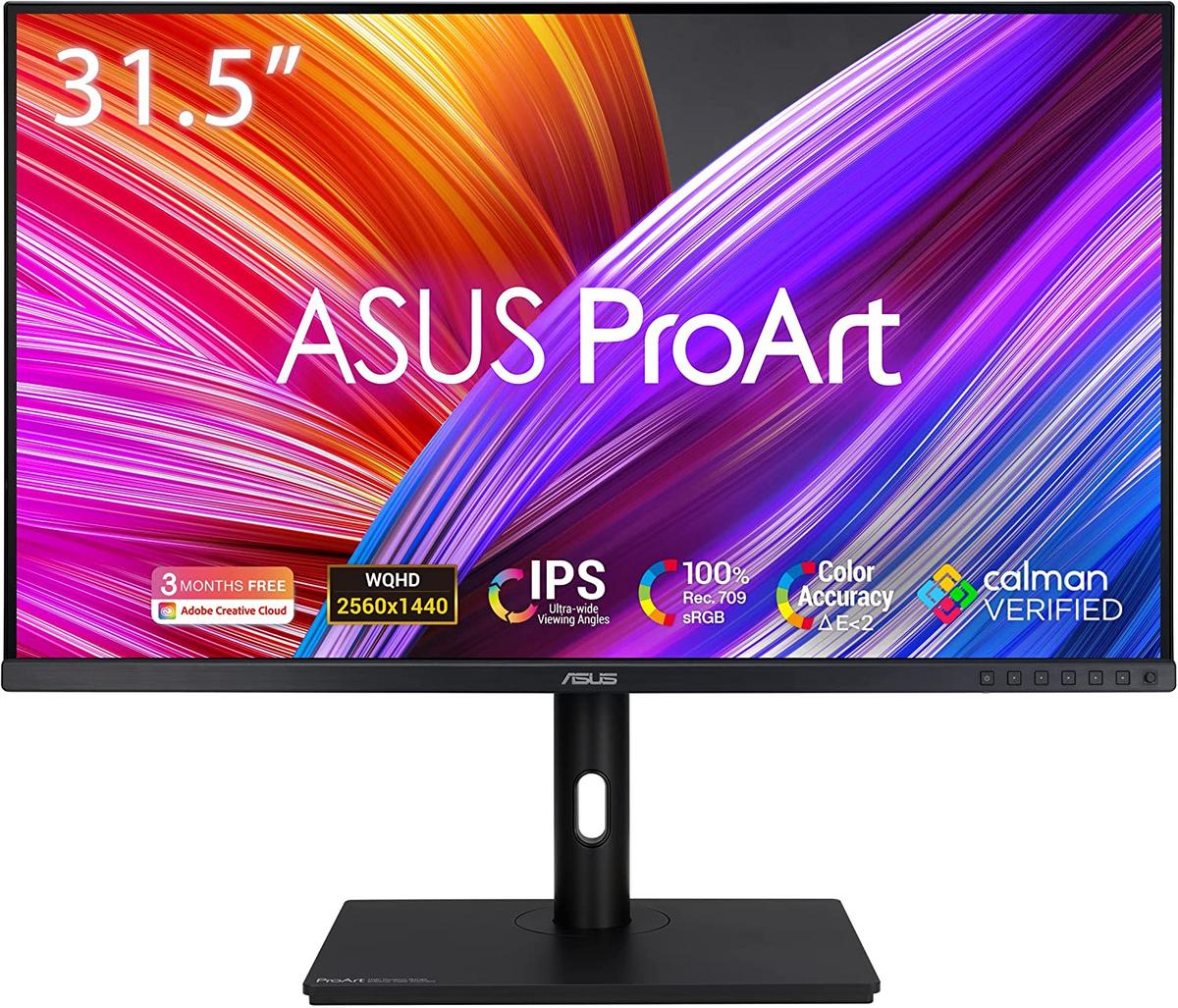
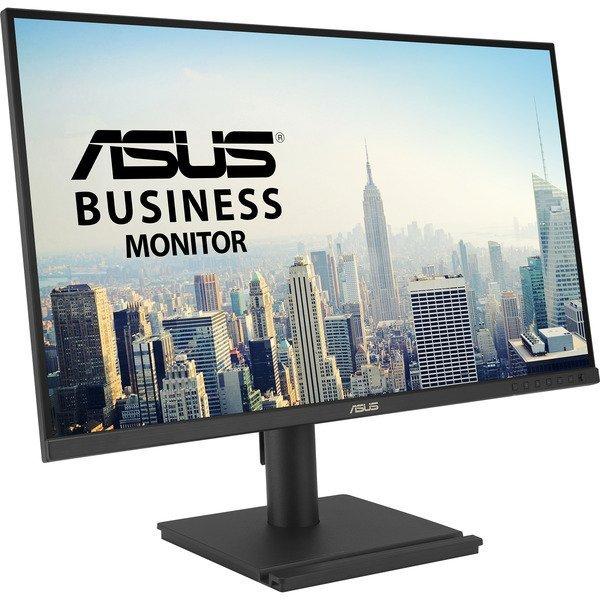
Der Asus BE27AQ Business-Monitor ArtNr: 90LM03I1-B01171 verfügt über ein 27-Zoll-IPS-Display mit einer WQHD-Auflösung von 2560 x 1440 Pixeln, das gestochen scharfe Bilder und lebendige Farben bietet. Dank seines ergonomischen Designs lässt sich der Monitor in Höhe, Neigung, Drehung und Pivot anpassen, sodass stets eine komfortable Arbeitsposition gefunden werden kann. Die Flicker-Free- und Low Blue Light-Technologien tragen dazu bei, die Augenbelastung zu verringern und ermöglichen eine angenehme Nutzung, auch bei langen Arbeitsstunden. Mit den Anschlussmöglichkeiten DisplayPort und HDMI ist der Monitor vielseitig einsetzbar und lässt sich problemlos mit verschiedenen Geräten verbinden. Ein integrierter USB-Hub bietet zusätzlichen Komfort, indem er eine einfache Verbindung von Peripheriegeräten ermöglicht. Integrierte Lautsprecher runden das Paket ab und machen den Monitor zu einer praktischen Lösung für den Büroalltag. Der Asus BE27AQ Business-Monitor bietet exzellente Bildqualität, hohe Ergonomie, eine Vielzahl von Anschlussmöglichkeiten und zusätzlichen Komfort durch den USB-Hub, was ihn zur idealen Wahl für professionelle Anwendungen macht.