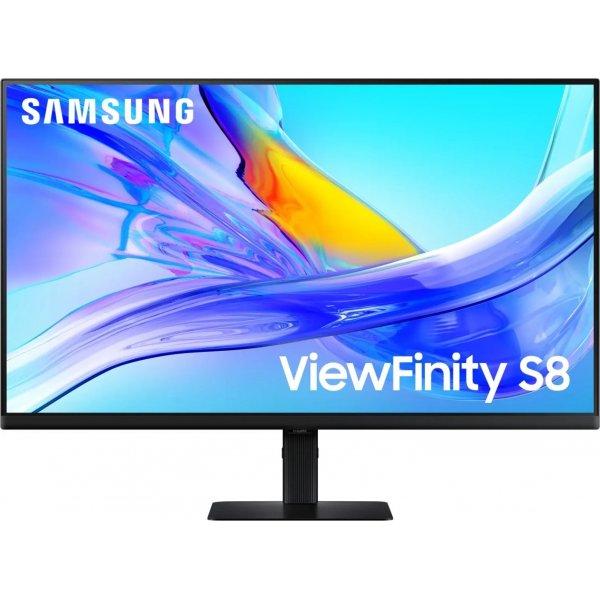
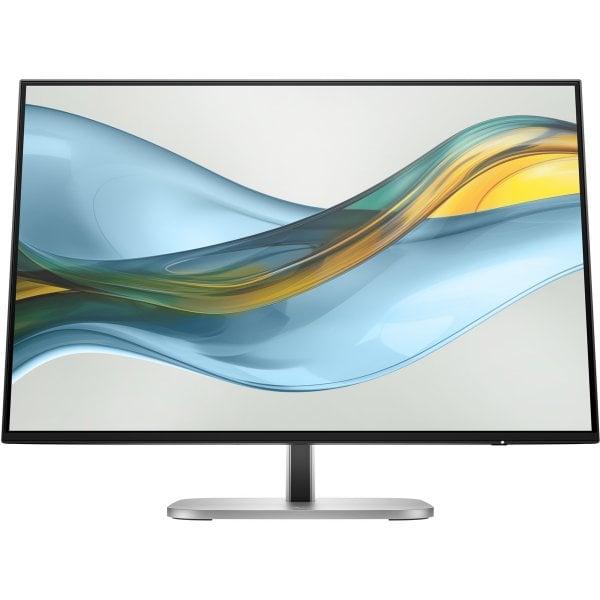
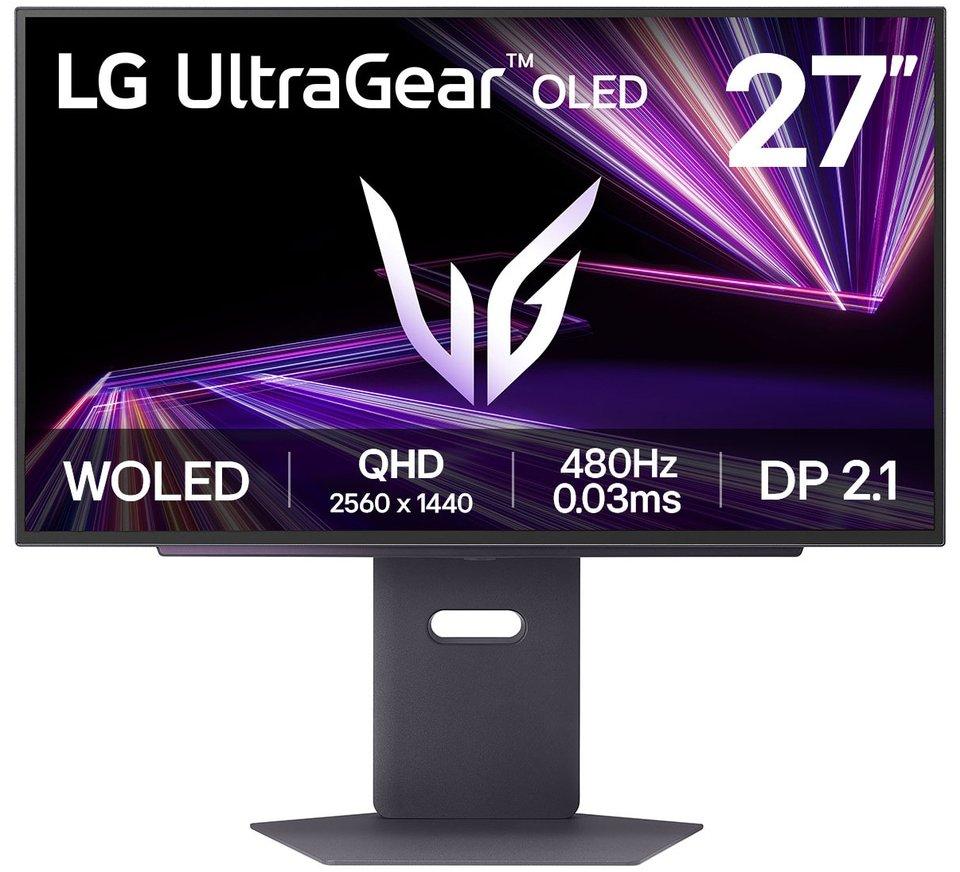
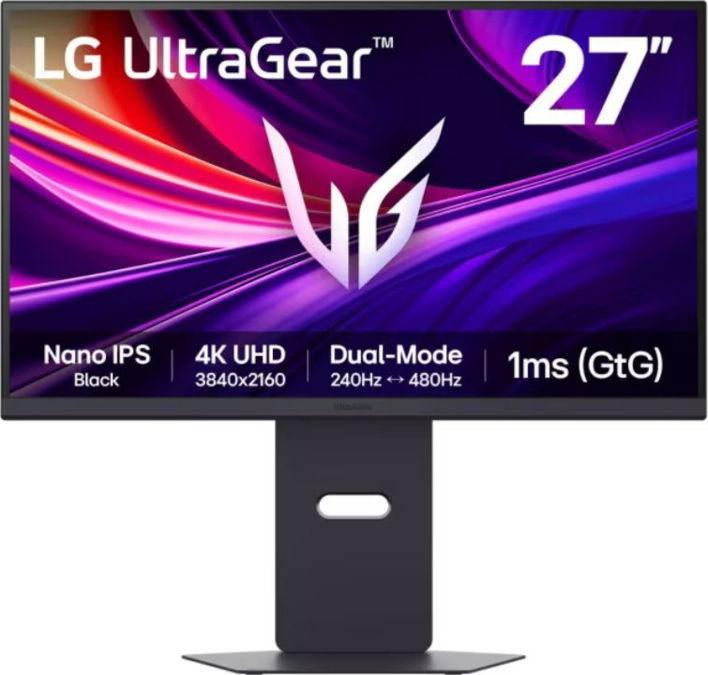
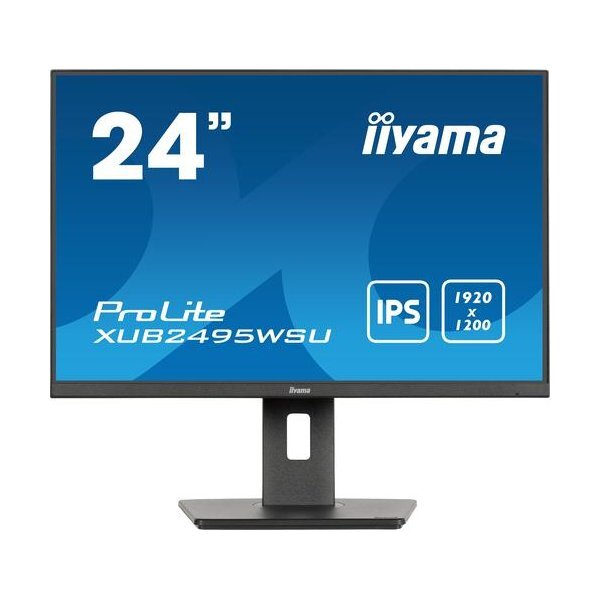
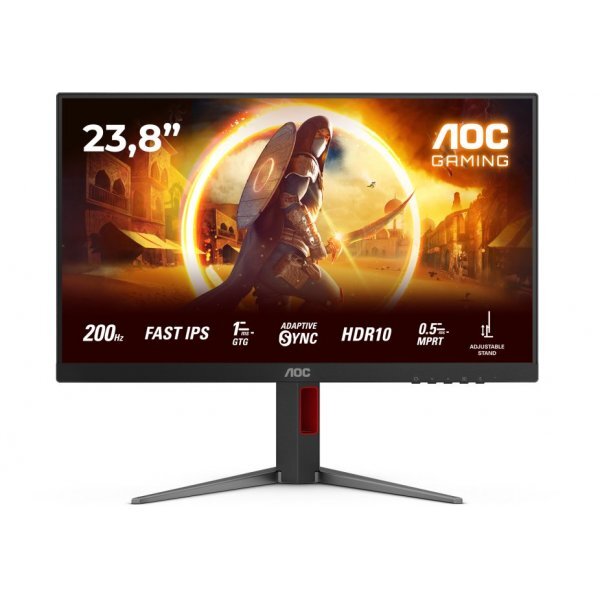
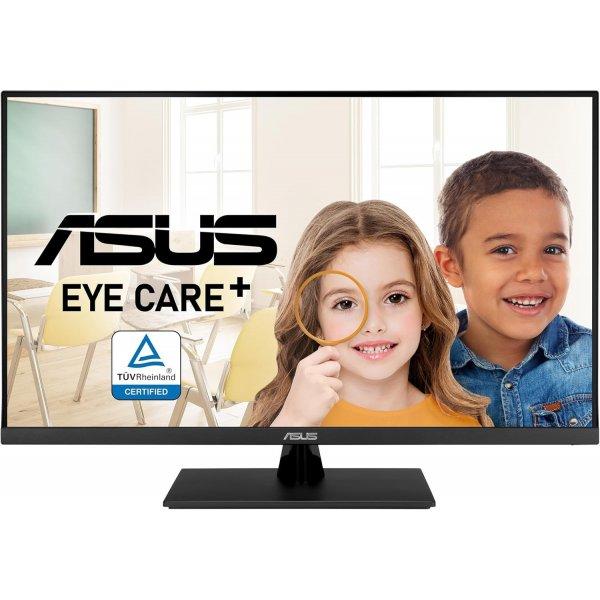
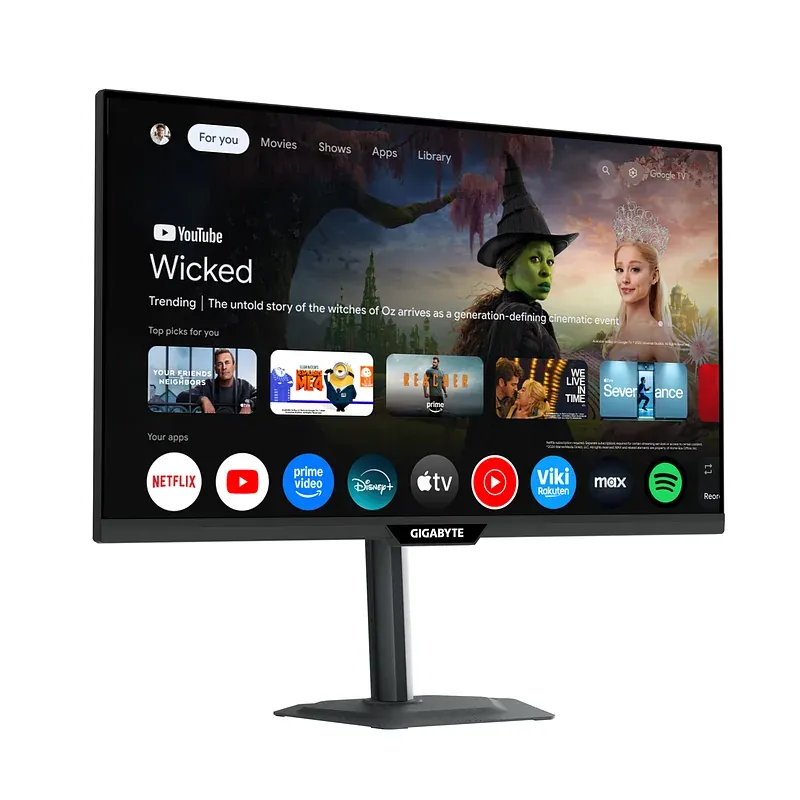
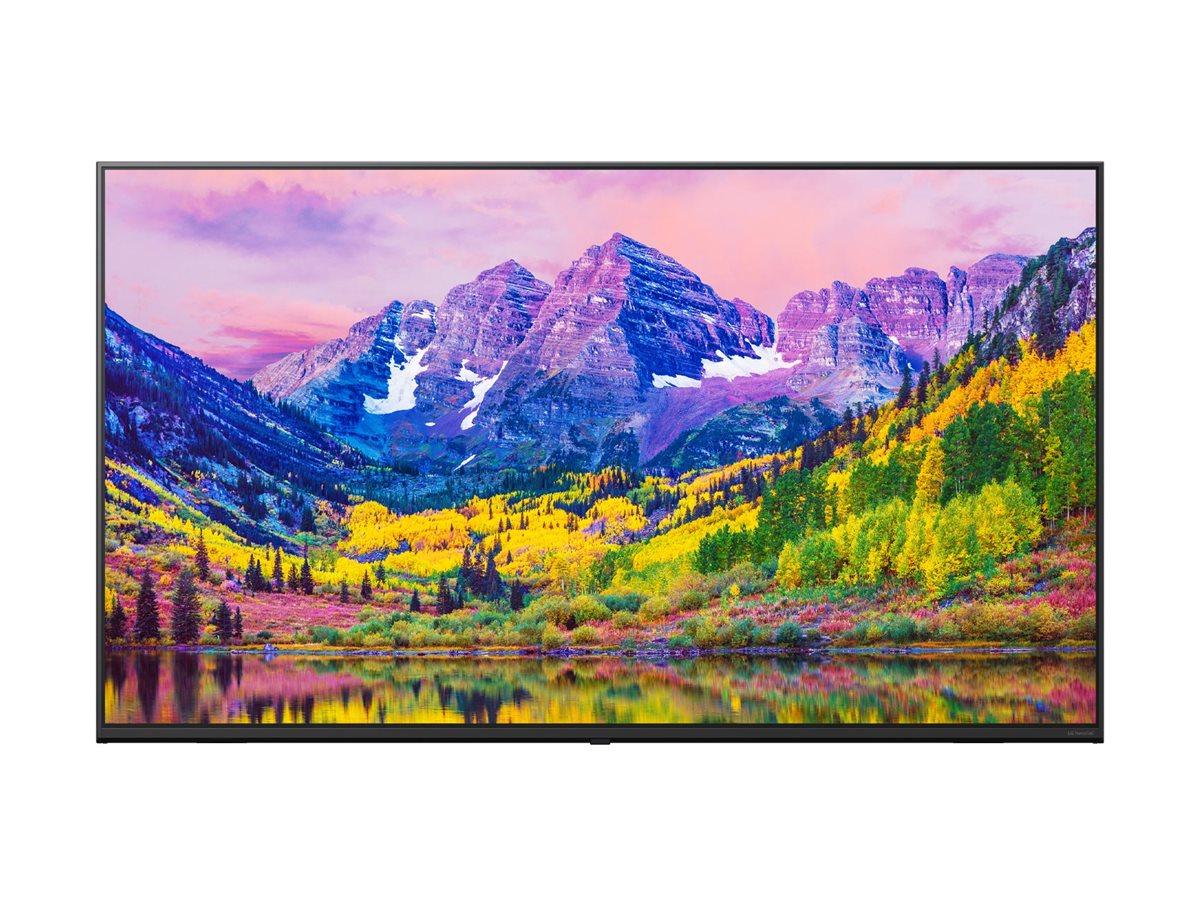
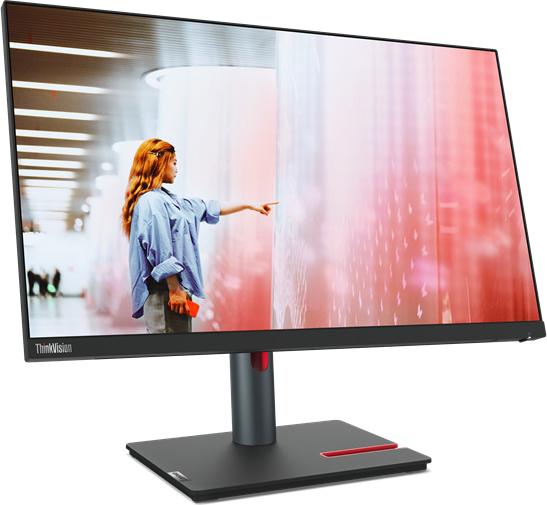
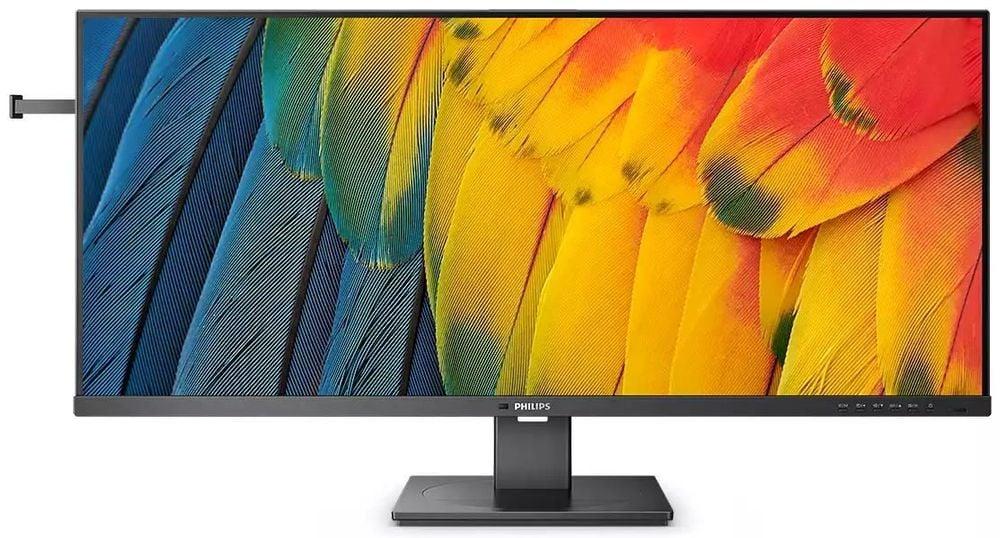
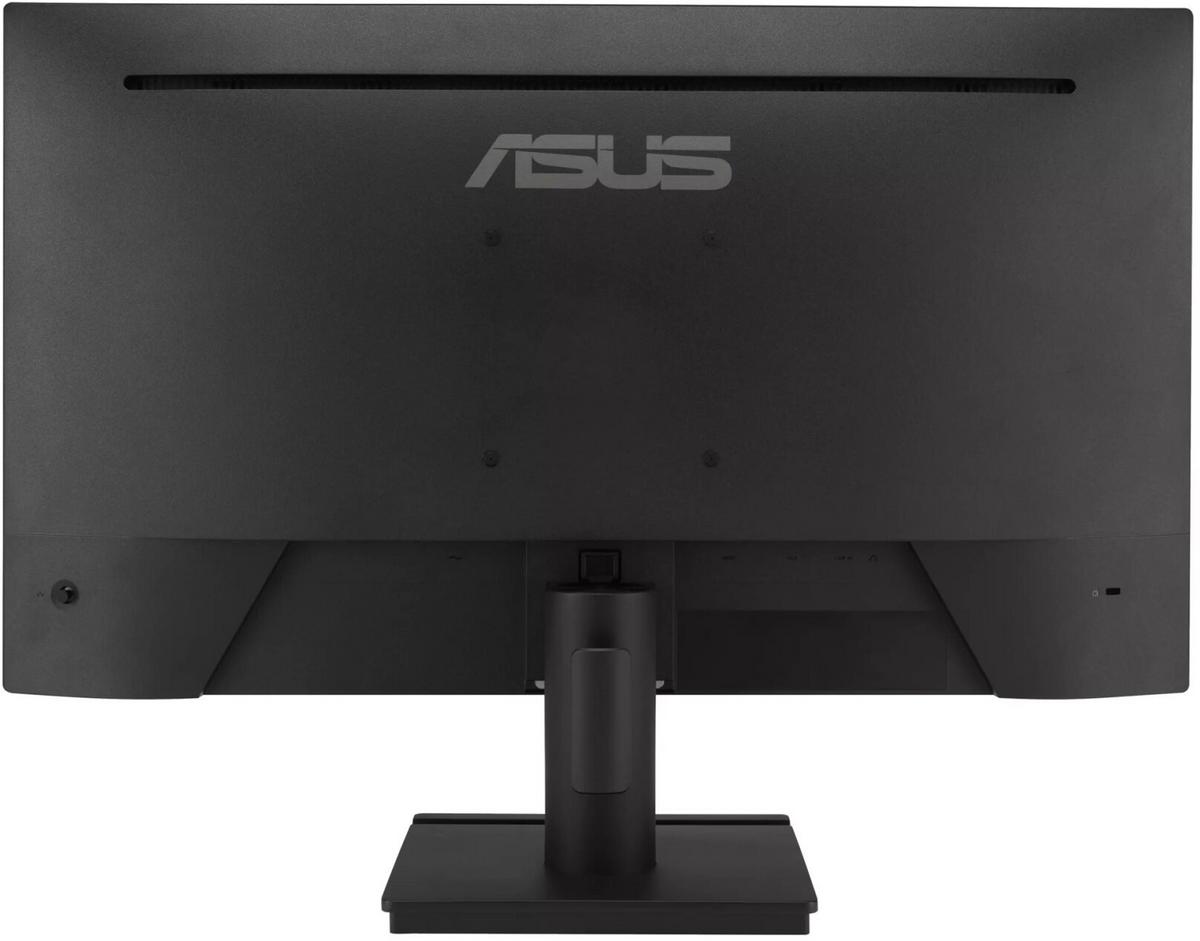
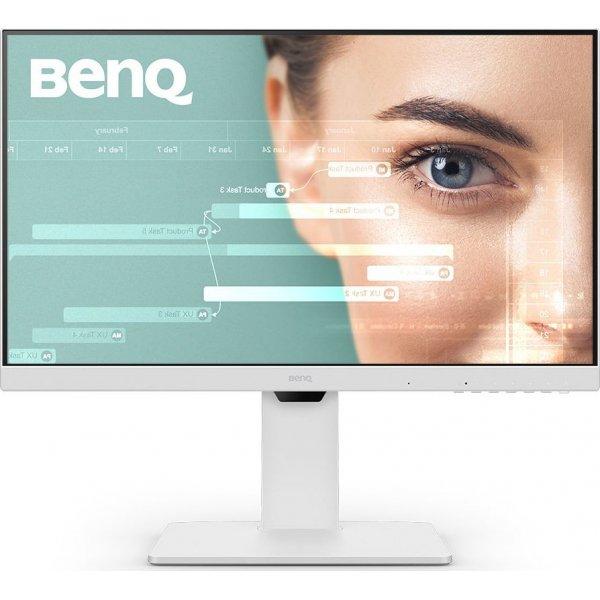
The Samsung ViewFinity S8 combines sophisticated design with advanced technology, tailored for professionals who seek quality and functionality. This 32-inch LED-backlit LCD monitor delivers stunning 4K UHD resolution and supports HDR10, enhancing the depth of blacks and the vibrancy of colors in visual content. With a dynamic contrast ratio of Mega ∞ DCR and a wide color gamut covering 99% sRGB, it achieves precise color accuracy and lifelike images. The monitor also offers advanced connectivity options, including a built-in KVM switch for controlling multiple devices with a single set of peripherals, and a USB 3.0/USB-C hub for efficient data transfer and power delivery up to 90 watts. Designed to provide a clutter-free workspace without compromising performance, its ergonomic design with flexible height adjustment, pivot, swivel, and tilt functions, ensures comfort during prolonged use, making it an excellent choice for enhancing productivity and viewing experience.
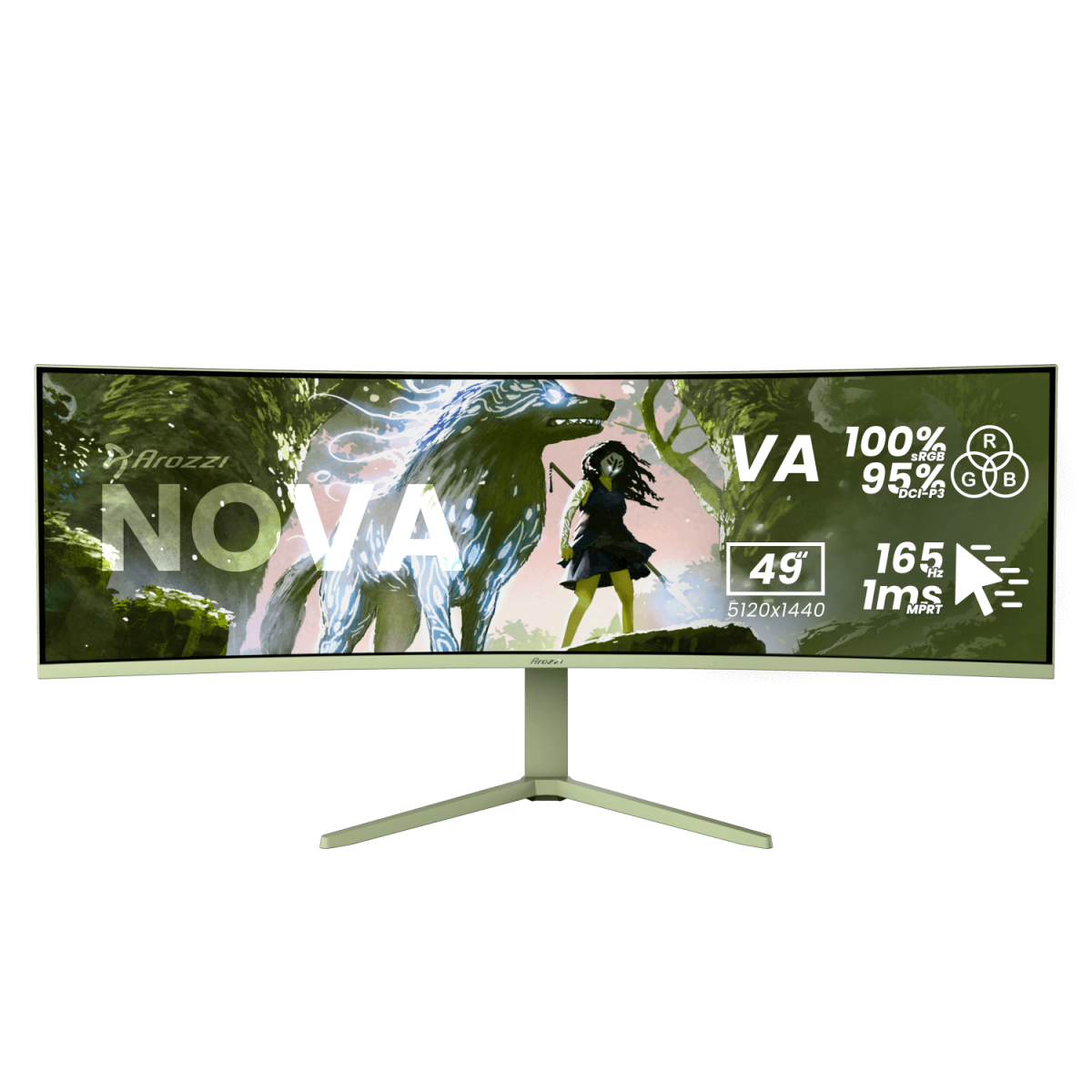
Prillideta 3D-kogemus: mängi täiesti uues dimensioonis,AI 3D Video Konverteerimine: ava oma lemmiksisu uued mõõtmed tehisintellektiga,165Hz värskendussagedus ja 1ms reaktsiooniaeg: naudi katkematut ja sujuvat mängimist
Adaptive-Sync tehnoloogiaga täiustatud G242L E14 suudab ülisujuva mängukogemuse tagamiseks luua koostöö ekraani värskendussageduse ja videokaardi vahel.
VZ249HG Gaming Monitor - 24-inch (23.8-inch), IPS, Full HD, 99% sRGB, Frameless, 120 Hz, SmoothMotion, 1 ms (MPRT), Adaptive Sync, Eye Care Plus, Low Blue Light, Flicker-Free, Wall-Mountable The 23.8-inch Full HD (1920 x 1080) gaming monitor features an IPS panel and a sleek, ultra-thin profile just 5.5 mm thick. The 120 Hz refresh rate with SmoothMotion technology delivers smooth, tear-free visuals thanks to VRR (Variable Refresh Rate) support. Eye Care Plus technology includes Color Augmentation mode, which helps individuals with color vision deficiencies distinguish colors more easily, and the Rest Reminder feature, which prompts regular breaks from the screen. DisplayWidget Center provides easy access to the on-screen display (OSD) menu and allows quick monitor adjustments using a mouse.
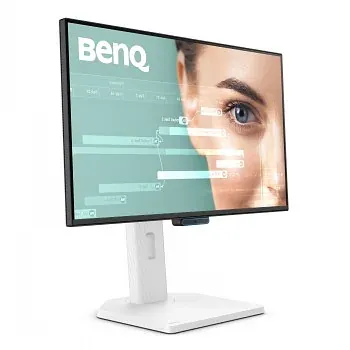
• 61 cm (24") LED IPS • Full HD 1920 x 1080 pikslit 16:9 • 144 Hz 5 ms 250 cd/m² 1500:1 • AMD FreeSync Võbelust ärahoidev tehnoloogia • D 13 kWh 12 W BenQ GW2490TC, 61 cm (24"), 1920 x 1080 pikslit, Full HD, LED, 5 ms, Must, Valge
Das formschöne, schlichte Gehäuse des GW2790C LED-Monitors überzeugt genauso wie das leuchtstarke 144 Hz Panel und seine besonders konstante Bildwiedergabe. Mit 68,6 cm (27 Zoll) und schmalen Displayrändern ist der GW2790C bestens für Multi-Monitor-Anwendungen geeignet. Dank der verwendeten IPS-Technologie bleibt das Bild dabei auch aus großen Betrachtungswinkeln einwandfrei und ohne verwaschene Farben erkennbar. Um eine gesunde Arbeitsweise zu unterstützen, ist der GW2790C mit einem Blaulichtfilter und flimmerfreien LEDs ausgestattet, die zum einen die Ermüdung der Augen reduzieren und zum anderen eine Schädigung der Netzhaut verhindern. Ein neigbarer Standfuß, HDMI-, USB-C- und DisplayPort-Eingänge, Eye Comfort 3.0 und EyeSafe 2.0 sowie ein Kopfhörerausgang und Lautsprecher runden die Ausstattung des GW2790C ab.
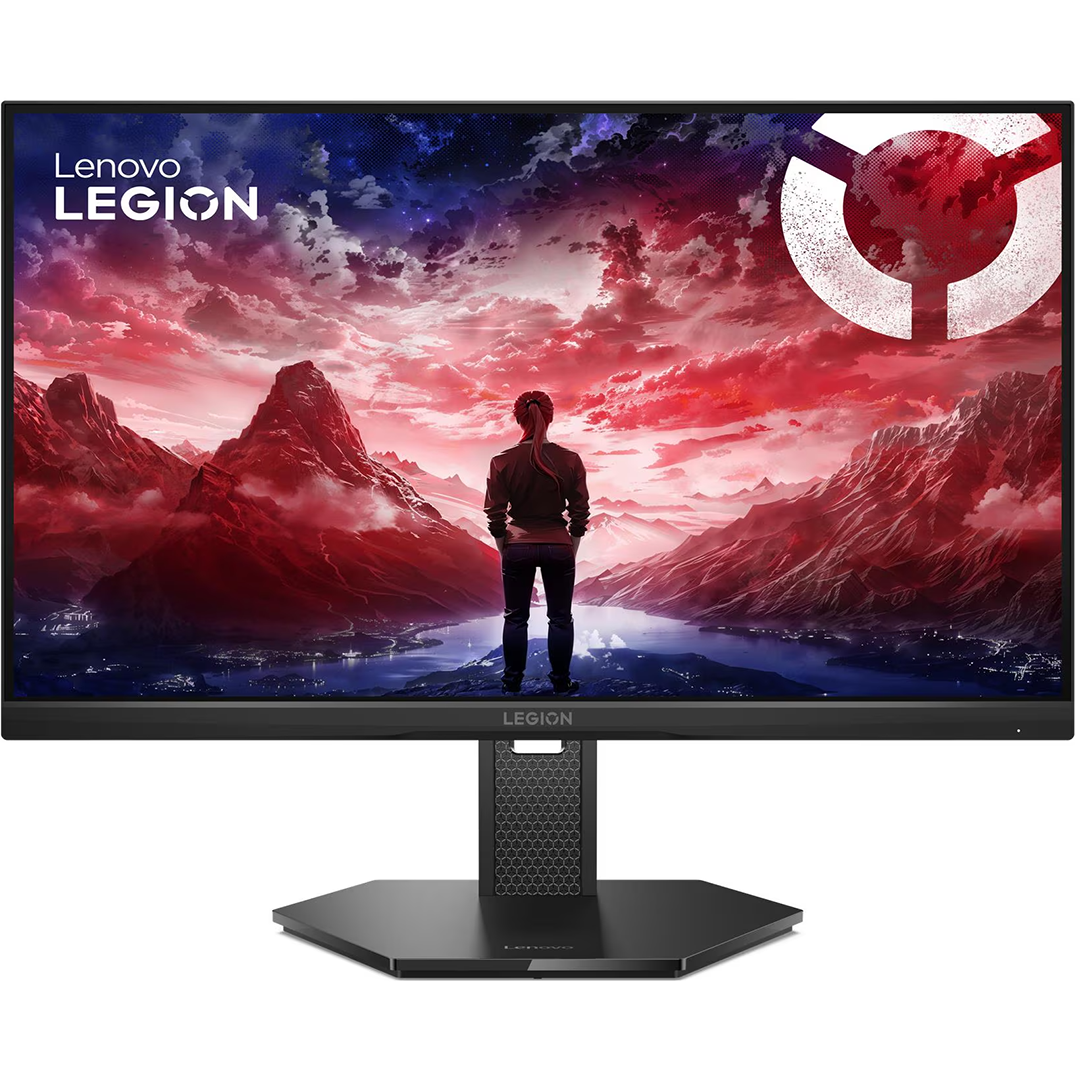
Legion 25-10 on kõrge jõudlusega 24,5-tolline mängumonitor, mis on loodud e-spordi ja võistlusliku mängimise jaoks. Ülikiire 320 Hz värskendussagedus, väga lühike reageerimisaeg ja täpne värviedastus tagavad sujuva, terava ja usaldusväärse pildi ka intensiivsetes mänguolukordades. Ergonoomiline disain ja lai sünkroonimistugi teevad sellest kindla valiku nii professionaalidele kui entusiastidele. • 24,5-tolline Full HD IPS-ekraan 320 Hz värskendussagedusega • Ülikiire 0,5 ms MPRT reageerimisaeg • NVIDIA G-SYNC, AMD FreeSync Premium ja Adaptive Sync tugi • 99% sRGB värviruum ja HDR10 tugi • Täielikult reguleeritav ergonoomiline jalg
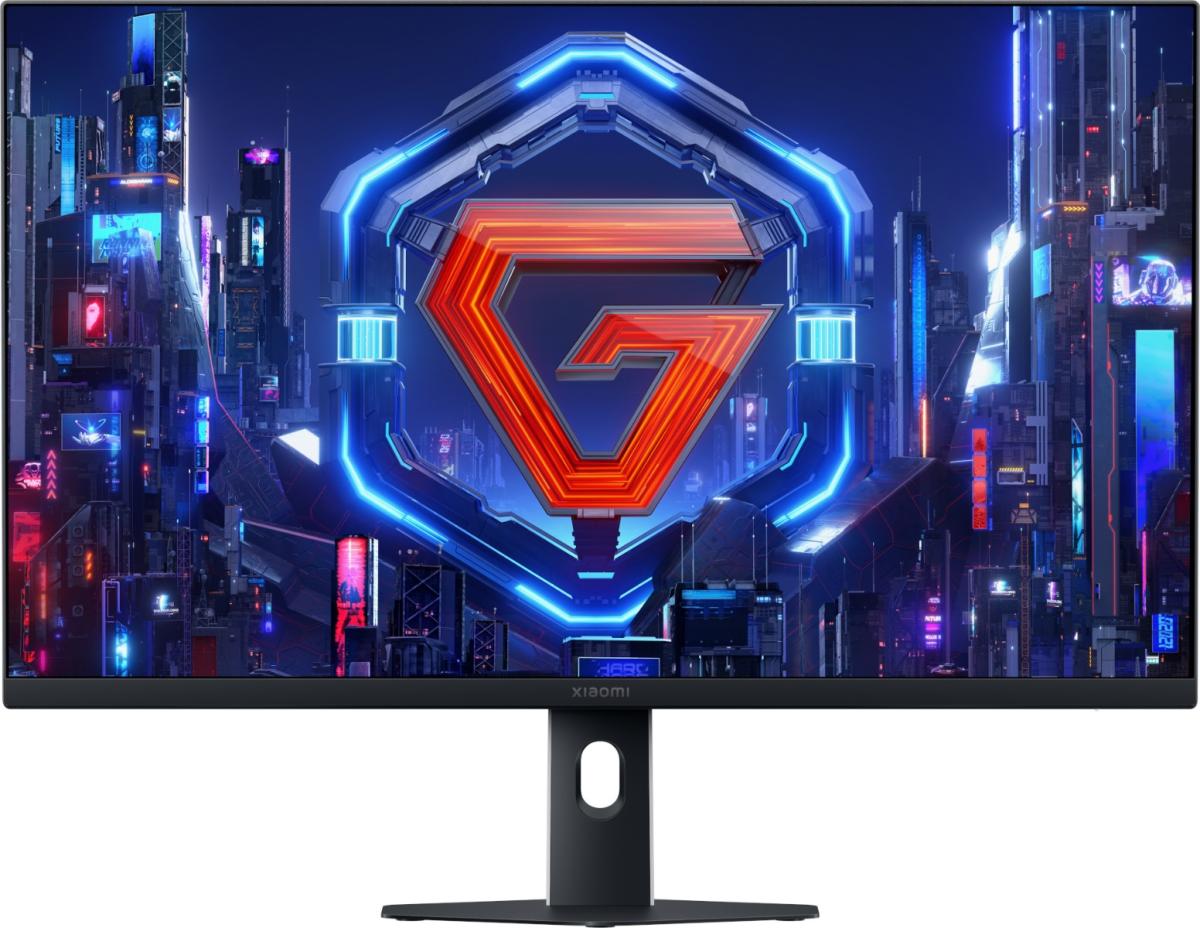
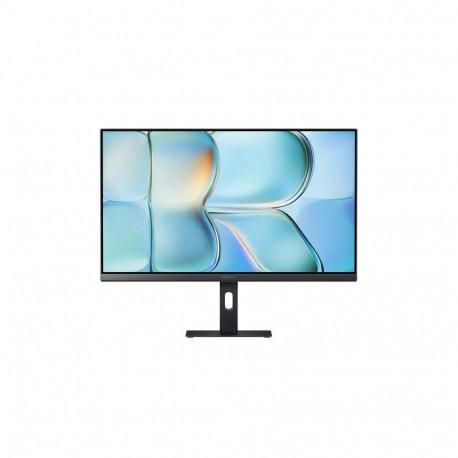
A24i 2026The Xiaomi Monitor A24i 2026 features a 23.8-inch IPS FHD display, a 144 Hz refresh rate, 99% sRGB color gamut, and 300 nits brightness. It delivers smooth visuals, accurate colors, and comfortable performance for both work and entertainment in any environment.Xiaomi Monitor A24i 2026Slim and minimalist design for maximum working comfort.Detailed, natural, and sharp imageThe monitor is equipped with an IPS panel with an ultra-wide 178° viewing angle, ensuring a broad perspective and comfortable use. The 1920x1080 FHD resolution guarantees clear detail reproduction—from complex spreadsheets and precise designs to multitasking displays—providing full visual support for professional work.144 Hz refresh rateSmooth performance for work and entertainmentThe ultra-smooth 144 Hz refresh rate enables display of up to 144 frames per second, ensuring fluid document scrolling, seamless task switching, and comfortable handling of complex operations. It also performs excellently in gaming and multimedia entertainment, enhancing the overall user experience.99% sRGB color gamut and 16.7 million colorsProvides smooth, natural tonal transitions without banding and accurate color reproduction, making it an ideal choice for professionals in graphics, design, and multimedia editing.300 nits brightnessWith brightness up to 300 nits, the screen remains clear and vivid even in brightly lit offices. Documents and spreadsheets are easy to read, ensuring visual comfort during extended use.
23.8 "/ 60.5cm, resolution: 1920x1080, 16: 9, 93dpi, brightness: 250cd / m², contrast: 1, 000: 1 (static), 20, 000, 000: 1 (dynamic), response time: 5ms, viewing angle: 178 ° / 178 °, panel: IPS, shape: straight, coating: matt (non-glare), backlight: white LED, color depth: 8bit (6bit with FRC), color space: not specified (sRGB), not specified (Adobe RGB ), not specified (DCI-P3), Refresh rate: 60Hz, Variable sync: N / A, Blur reduction: N / A, Signal frequency: not specified (horizontal), not specified (vertical), Connections: 1x VGA, 1x HDMI 1.4, 1x DisplayPort 1.2, Other Ports: N / A, USB Hub Out: N / A, USB Hub In: N / A, Audio: Speaker (2x 2W), 1x Line-Out, Ergonomics: N / A (height), N / A (pivot), N / A (rotation), + 21.5 ° / -3.5 ° (inclination), color: black (frame), black (bar), black (base ), VESA: 100x100 (occupied), Power Consumption: not specified (maximum), 20W (typical), 0.5W (standby), annual consumption: 29.20kWh, Energ ieefficiency class: A, Power supply: AC-In, Dimensions (WxHxD): 539x539x199mm (with base), not specified (without stand), Weight: 3.10kg (with stand), not specified (without stand), Special features: Slim bezel, mechanical Keys, security lock (Kensington)
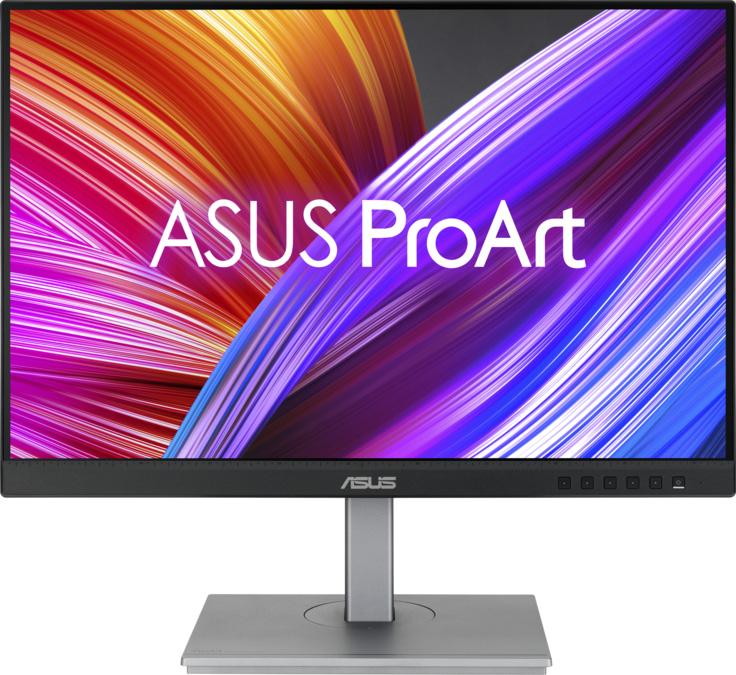
ASUS ProArt PA248CNV. Ekraani diagonaal: 61,2 cm (24.1"), Ekraani resolutsioon: 1920 x 1200 pikslit, HD tüüp: Full HD+, Reaktsiooniaeg: 5 ms, Loomulik kuvasuhe: 16:10, Vaatenurk, horisontaalne: 178°, Vaatenurk, vertikaalne: ...
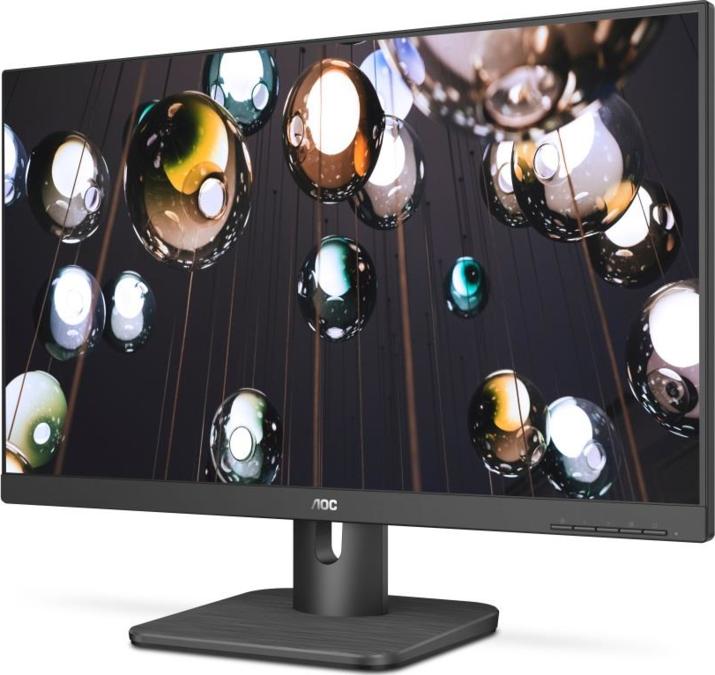
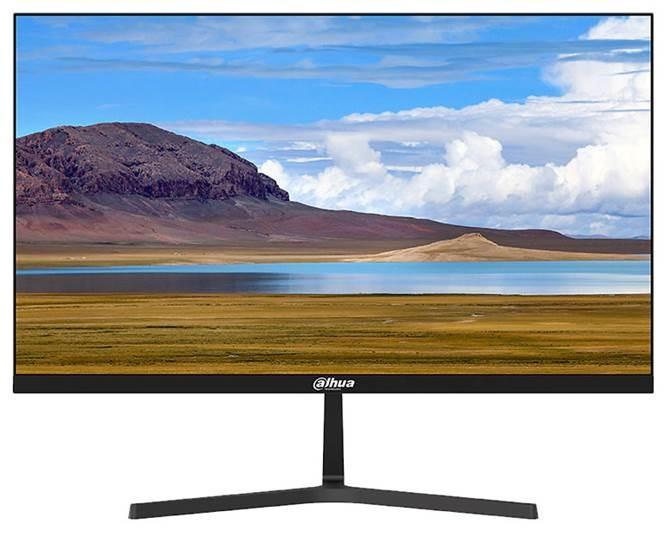
- Light and cost-effective plastic housing; - Ultra-narrow bezel , elegant appearance, metal base; - 178°H/178°V extra-wide viewing angle for overall viewing performance; - High fidelity digital processing for a brilliant and vivid video; - Support multiple signal inputs such as HDMI, VGA; - Built-in speakers; - Physical button control mode; - Low energy consumption, long service life; - Anti-blue light design,eye-protective.