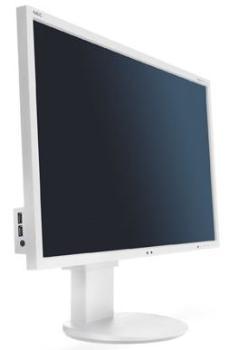
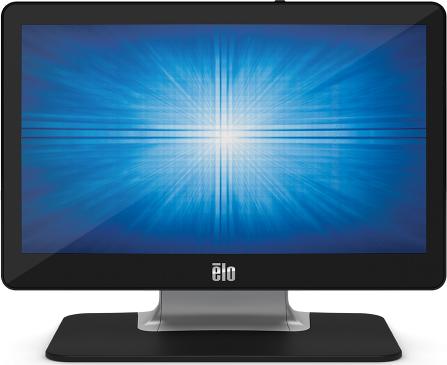
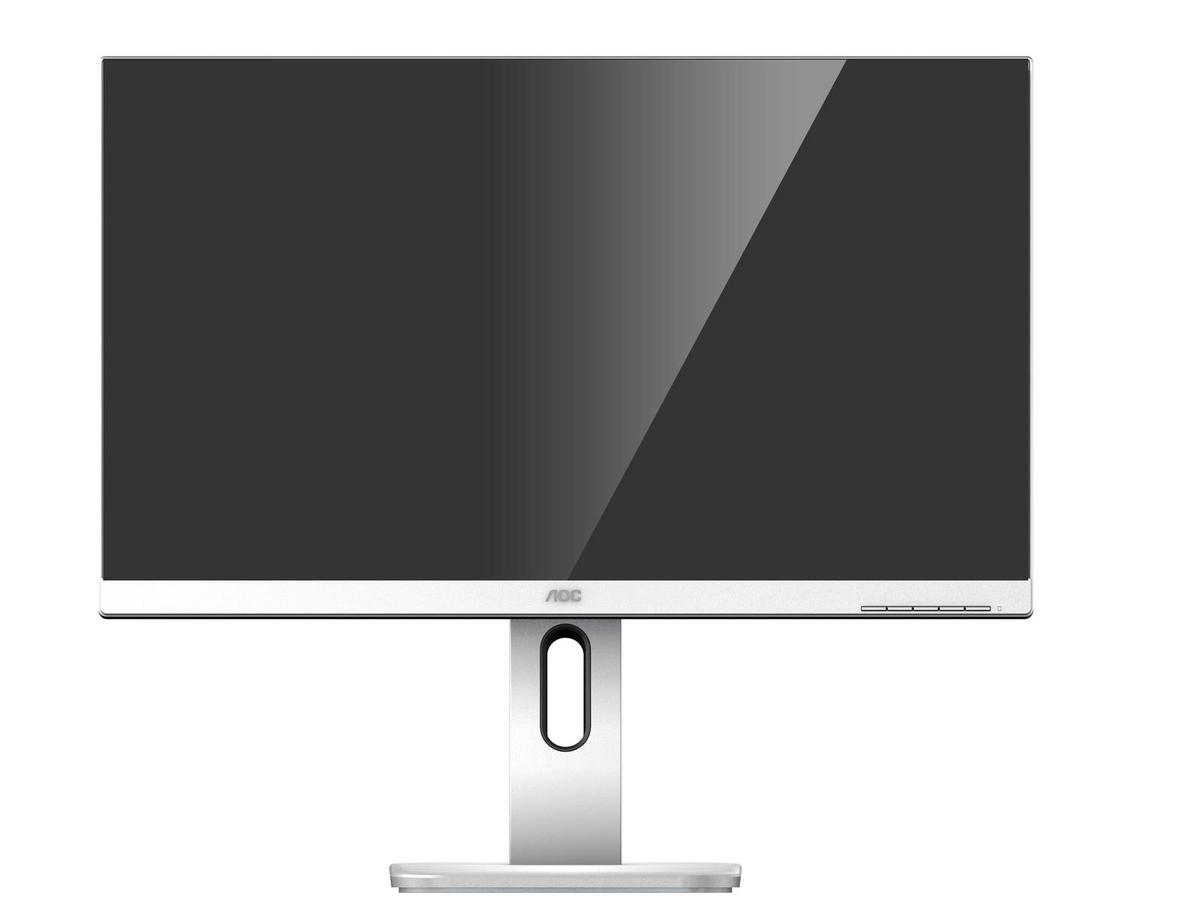
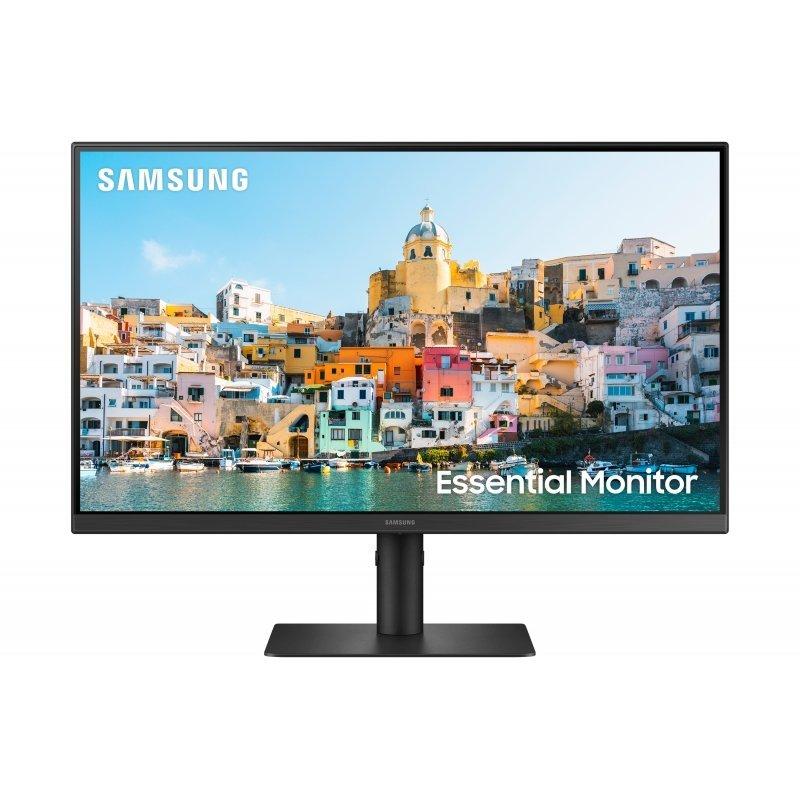
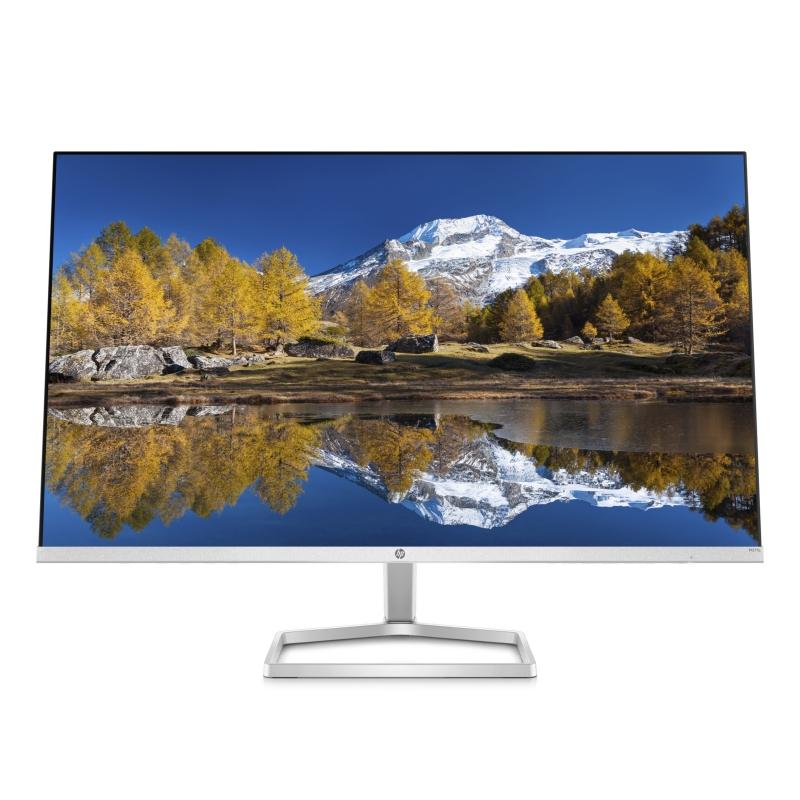
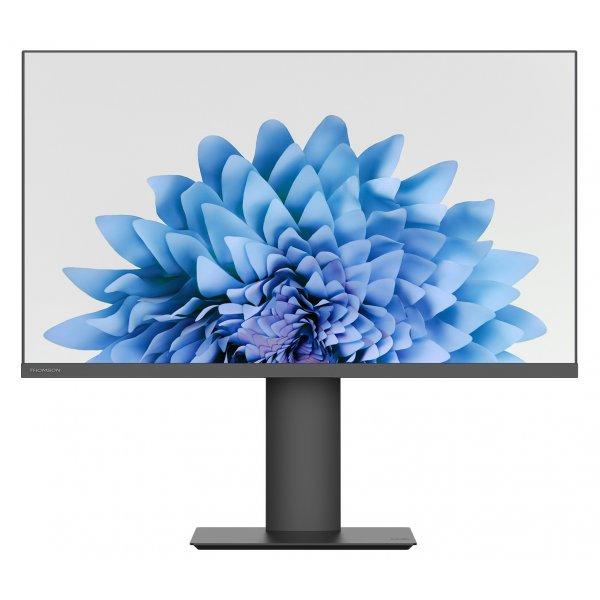
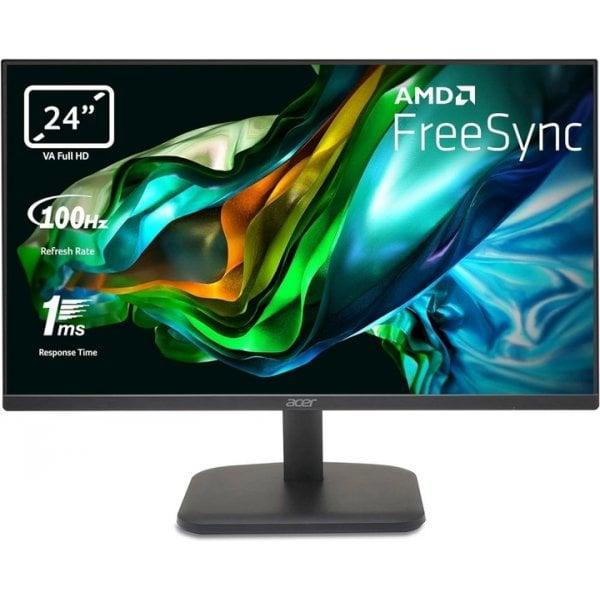
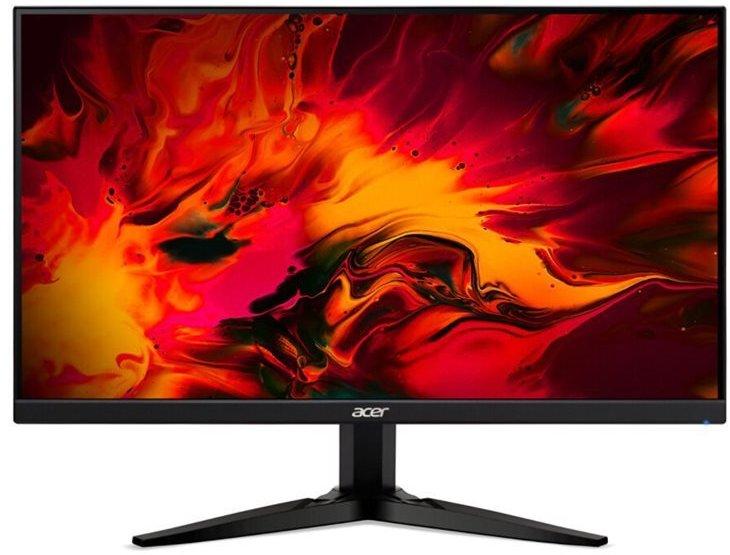
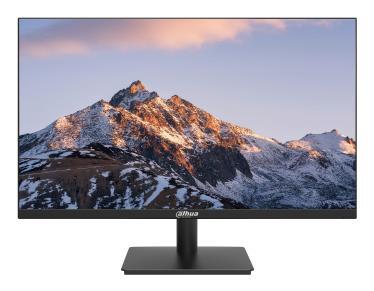
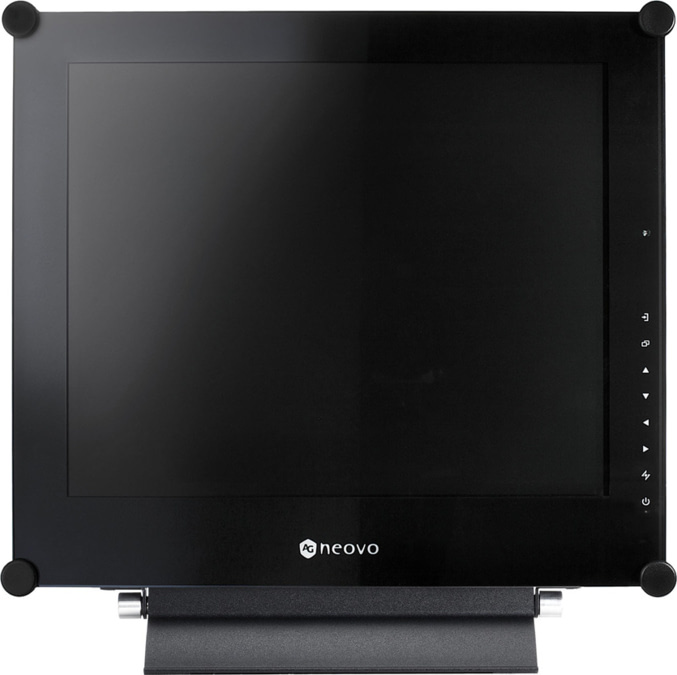
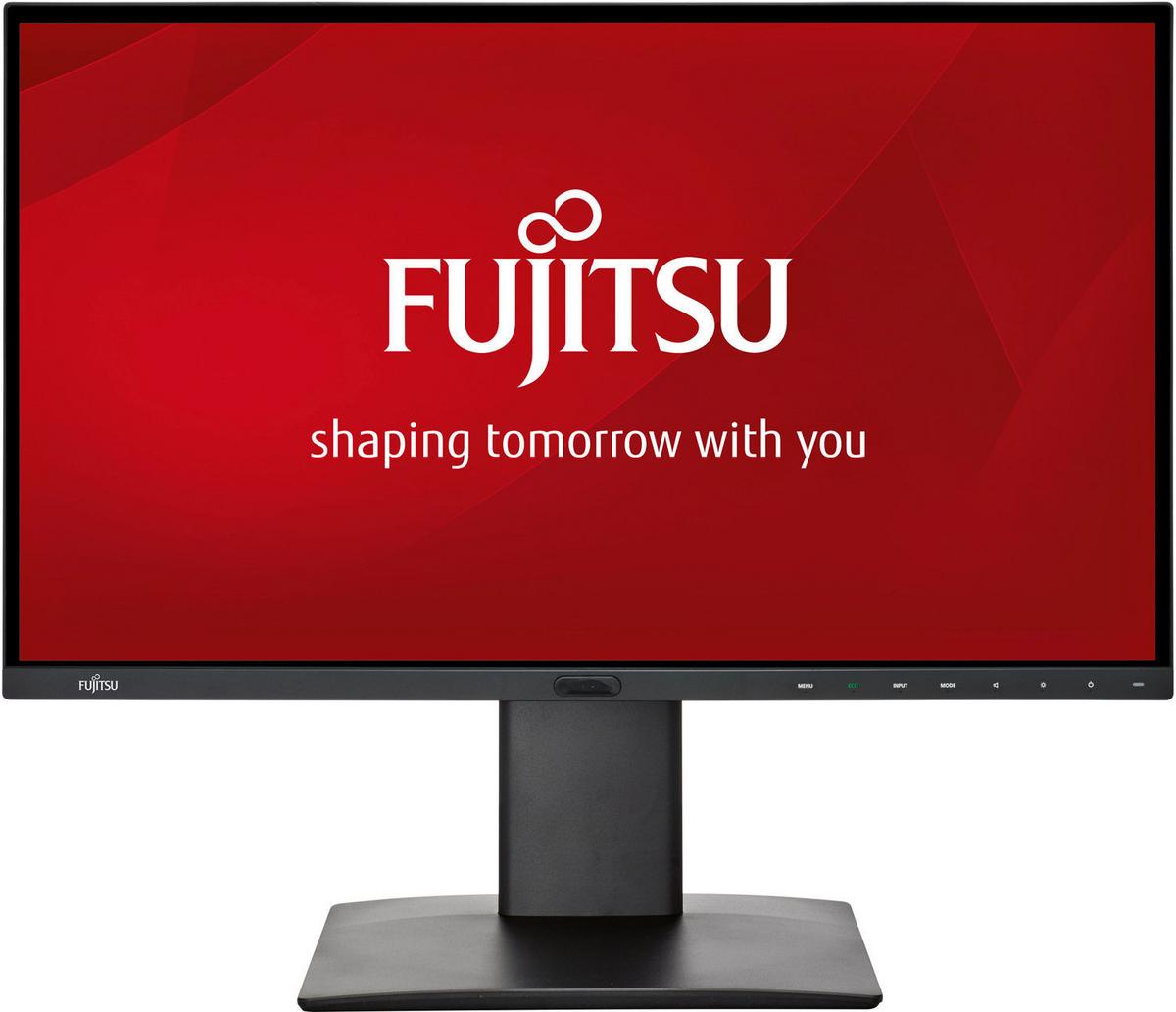
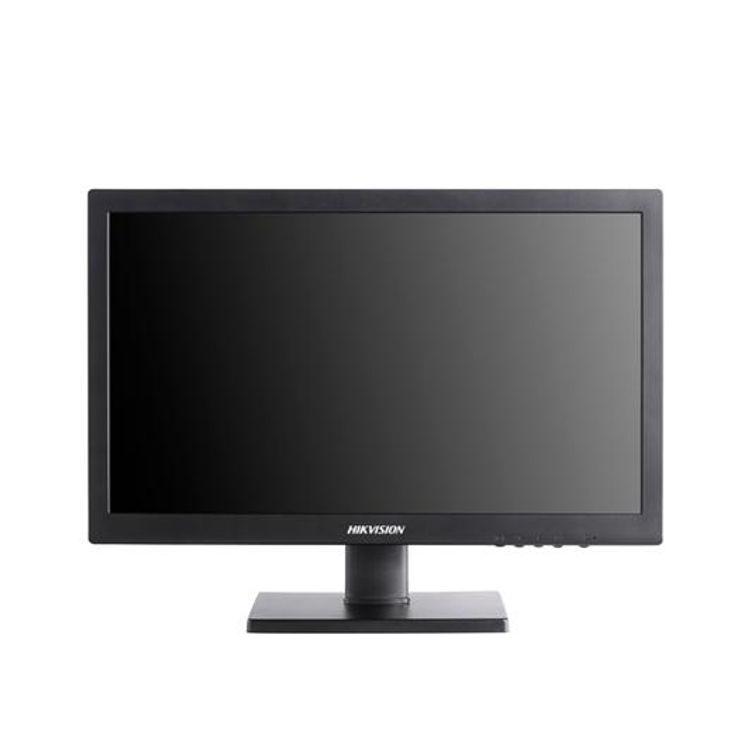
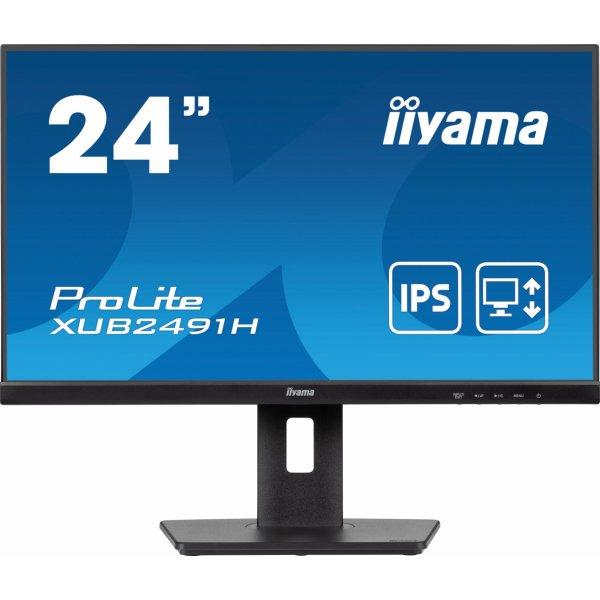
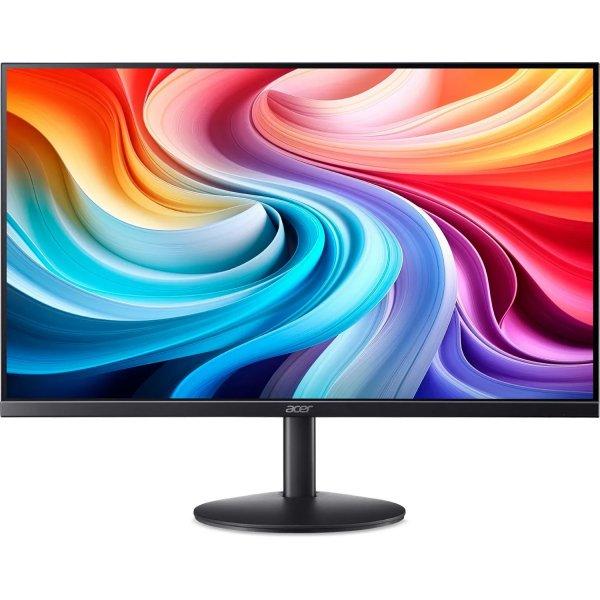
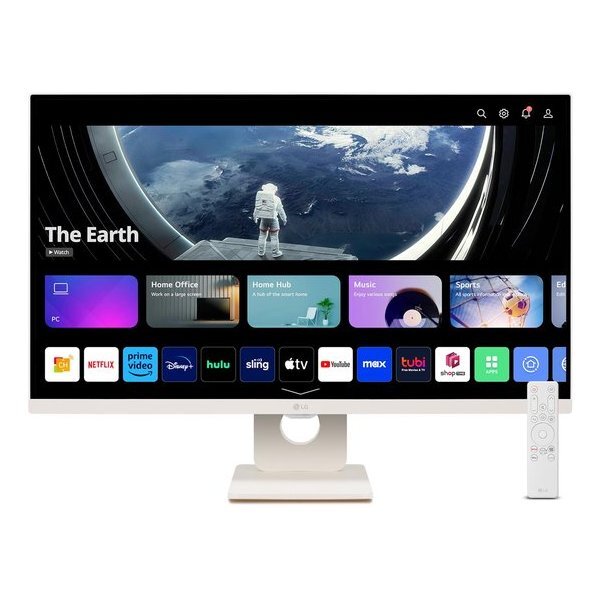
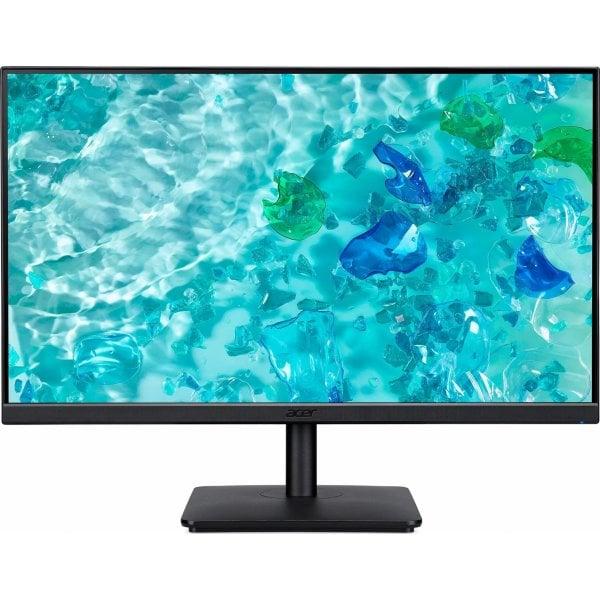
21.5"/ 54.6cm, Resolution 1920x1080, 16: 9, 102dpi, Brightness 250cd / m², Contrast 1, 000: 1 (static), 100, 000, 000: 1 (dynamic), Response time 5ms (GtG), not specified (MPRT), Angle of view 179 ° / 179 °, Panel IPS (AHVA), Panel manufacturer AU Optronics, Shape straight (flat), Coating matt (non-glare), Backlight white LED, flicker-free, blue light filter, 8bit color depth (16.8 million colors), FRC unknown, Color space not specified (sRGB), not specified (Adobe RGB), not specified (DCI-P3), not specified (REC 709), Refresh rate 75Hz, Variable synchronization Adaptive Sync, AMD FreeSync (48-75Hz via DisplayPort, 48-75Hz via HDMI, without LFC support, without HDR), Signal frequency 85-85kHz (horizontal), 48-75Hz (vertical), Connections 1x VGA, 1x HDMI 1.4, 1x DisplayPort 1.2, Audio speakers (2x 1.5W), 1x line-in, 1x line-out, Ergonomics not available (height), not available (Pivot), not available (rotation), + 23 ° / -5 ° (tilting), Color black (display frame), black (lower bezel), black (stand), black (rear), VESA 100x100 (free), Power consumption not specified (maximum), 12W (typical), not specified (energy label), 0.5W (standby), Annual consumption 17.52kWh, Energy efficiency class A + Power supply AC-In (internal power supply), Screen-to-body ratio 87.3% (calculated), Dimensions (WxHxD) 490x363x199mm (with pedestal), 490x298x53mm (without pedestal), Weight 3.00kg (with stand), 2.60kg (without stand), Special features slim bezel, mechanical keys, security lock (Kensington)
Viewsonic VX Series VX3276-MHD-3. Ekraani diagonaal: 81,3 cm (32"), Ekraani resolutsioon: 1920 x 1080 pikslit, HD tüüp: Full HD, Ekraani tehnoloogia: LED, Reaktsiooniaeg: 4 ms, Loomulik kuvasuhe: 16:9, Vaatenurk, ...
AOC Gaming AG493UCX - AGON seeria - LED monitor - curved - 49" - HDR seadme tüüp: LED-backlit LCD monitor - 49" Energiaklass: Class G energiatarbimine (On mode): 53 W Curved Screen: Jah Adaptive-Sync tehnoloogia: AMD FreeSync Premium Pro Features: USB 3.2 Gen 1 hub Panel Type: VA Aspect Ratio: 32:9 Native resolutsioon: Dual Quad HD 5120 x 1440 at 120 Hz Pixel Pitch: 0.2331 mm eredus: 550 cd/m² kontrast Ratio: 3000:1 / 80000000:1 (dynamic) HDR Capable: DisplayHDR 400 reageerimisaeg: 1 ms (MPRT) värv Support: 16.7 million colours Sisendühendused: 2xHDMI, 2xDisplayPort, USB-C Display Position Adjustments: Height, swivel, tilt Screen Coating: 3H Hard Coating pinge: AC 120/230 V (50/60 Hz) värv: must, hõbe mõõtmed (WxDxH) - with stand: 119.44 cm x 30.8 cm x 46.74 cm kaal: 14.4 kg Compliant Standards: FCC, EAC, ISO 9241-307 Class 1 Manufacturer Warranty: 3-year garantii
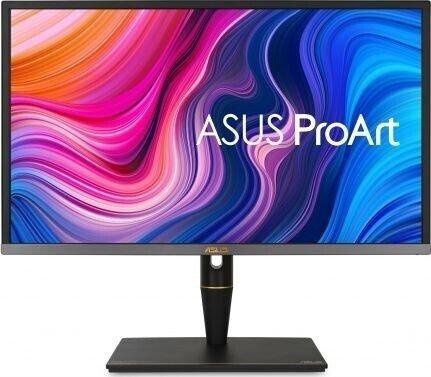
The ASUS ProArt Display PA27UCX-K is aimed at discerning content creators including videographers, cinematographers, and colorists who are seeking the finest display for their workflow. With Off-Axis Contrast Optimization (OCO) technology that reduces halo effects when viewing the screen from a wide angle, ProArt PA27UCX-K ensures on-screen content is displayed accurately to all viewers. The PA27UCX-K is the world's first 27-inch 4K HDR monitor with peak brightness of 1,000 nits and mini-LED back-lighting, enabling 576 zones of local dimming control and support for multiple HDR formats, including Dolby Vision, HLG and HDR-10. The PA27UCX-K's impressive panel reproduces the brightest whites and the deepest blacks with sharper, more detailed visuals. With Quantum Dot technology, support for DCI-P3, Rec.709, Rec.2020, and Adobe RGB color spaces, together with a rich selection of connectivity, the PA27UCX-K is primed to take on any studio workflow. mini dLED IPS 4K HDR10 1200nit USB-C DP HDMI PIVOT 100% sRGB Speaker 3840 x 2160 pikslit 4K Ultra HD LED
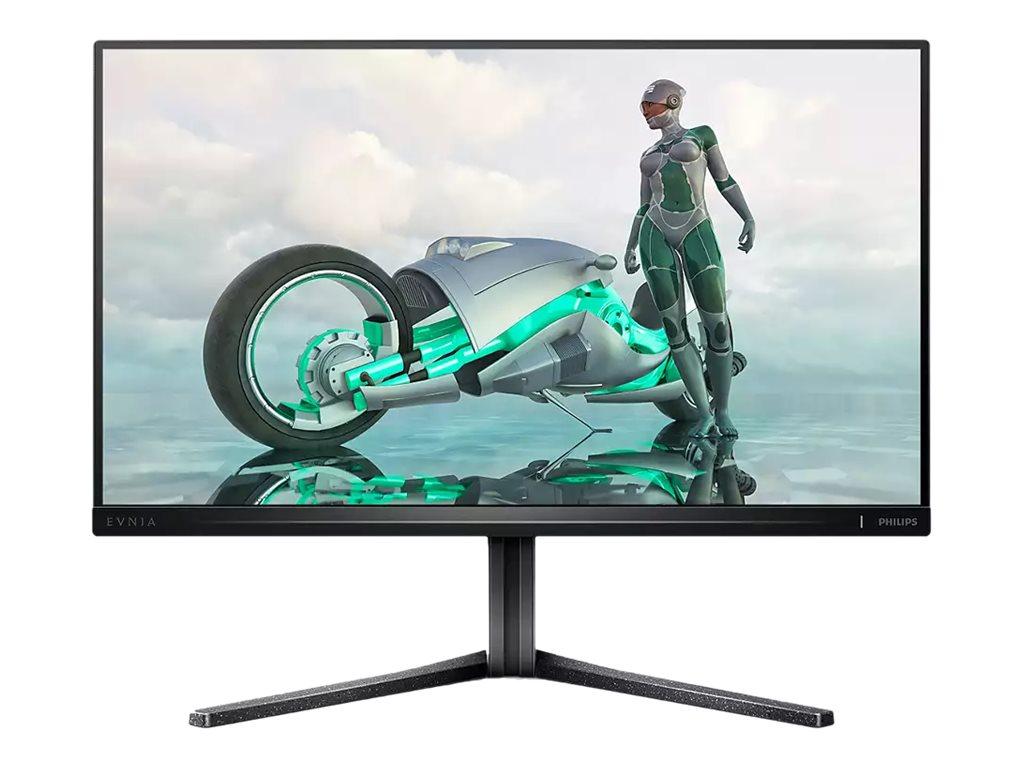
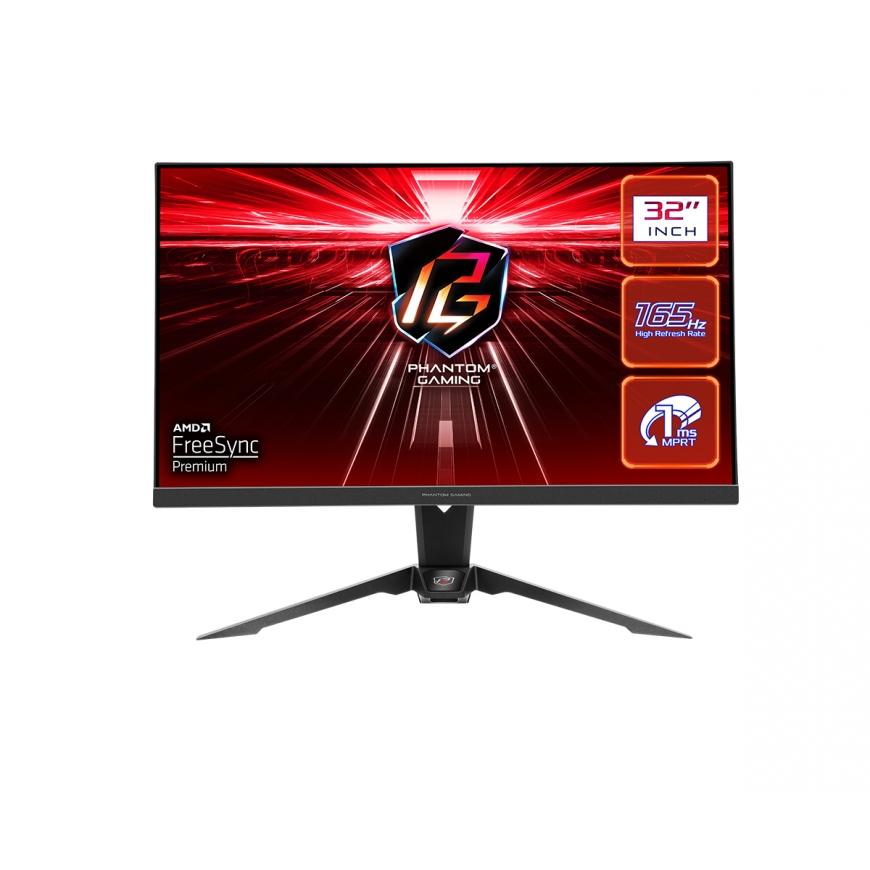
165 Hz frame rate for a particularly smooth and clear pictureIf you like to game and compete, you need a screen that doesn't freeze and has a super smooth picture. This Philips display creates a screen image at a speed of up to 165 times per second, which is significantly more efficient than a standard display. A lower frame rate makes characters "jump" from place to place, making them difficult to capture. However, the 165 Hz frame rate creates an image that allows you to follow the movement of enemies very smoothly, which also makes it easier to hit them. Thanks to its ultra-low input lag and uninterrupted picture, this Philips display is the perfect gaming partner 1ms (MPRT) fast response time for a clear image and smooth gaming experience MPRT (motion picture response time) is a more intuitive way of describing screen response time. This directly refers to the time it takes to display a clear image instead of a blurry noise. The Philips gaming monitor offers a 1ms MPRT response time that removes motion blur and provides a clearer and more accurate image, enhancing your gaming experience. The best choice for exciting and action-packed games. A small input delay reduces the delay between the devices and the monitor Input lag refers to the time it takes to perform an action on the connected device and see its result on the screen.A small input delay reduces the time delay in transmitting the command from the device to the monitor, significantly improves the playing of motion-sensitive video games (especially important for fast-paced competitive games). The VA screen provides mesmerizing images and a large viewing angle Philips VA LED displays use advanced MVA technology, which ensures an extremely high static contrast ratio for extra clear and bright images. While common office applications are also easy to use with this screen, it is especially suitable for photos, web browsing, movies, games and demanding graphics applications. Its optimized pixel management technology gives you an extra-wide viewing angle of 178/178 degrees, resulting in a sharp image. 16:9 full HD screen for clear, detailed images Image quality is important. The standard screens are of good quality, but you expect more. This screen has an enhanced Full HD 1920 x 1080 resolution. Full HD delivers vivid details with high brightness, incredible contrast and realistic colors, creating a lifelike picture. Menu EasySelect toggle button for quick access to the on-screen menu The unobtrusive EasySelect menu toggle button allows you to quickly and easily adjust the display settings from the on-screen menu.