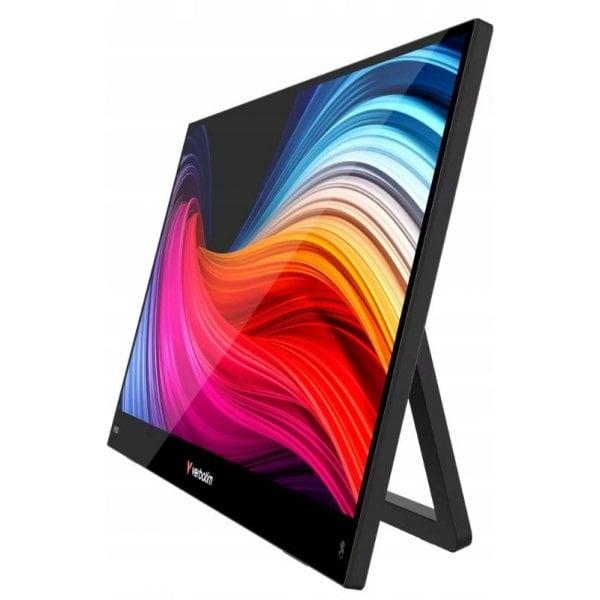
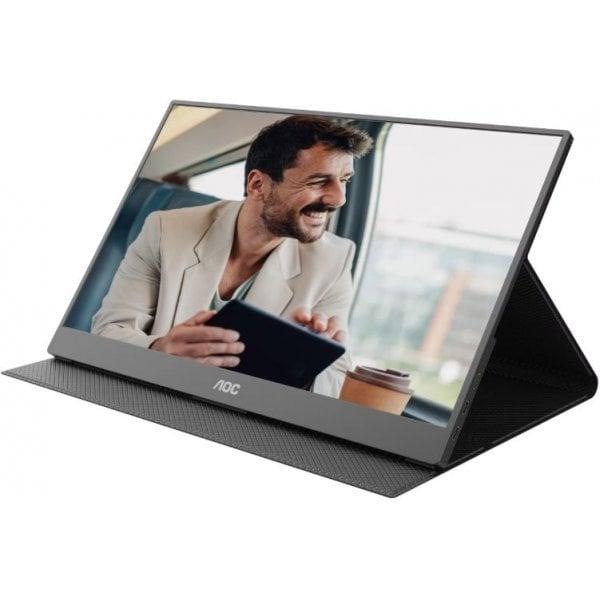
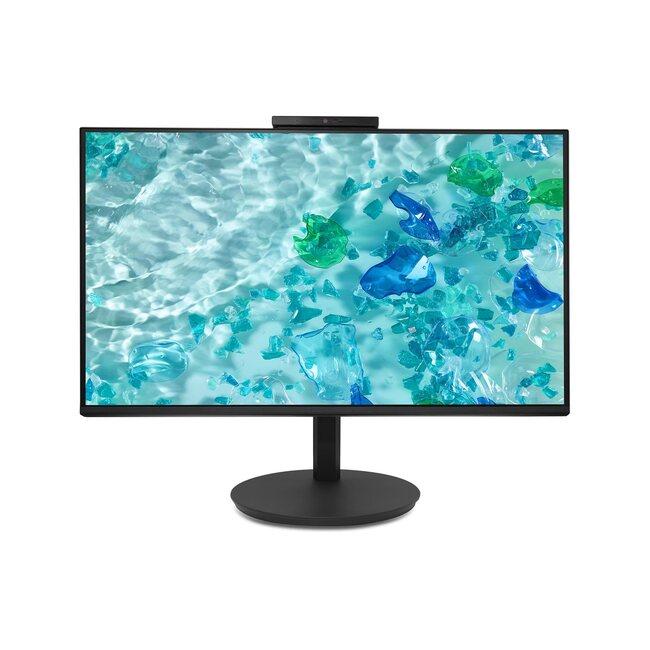
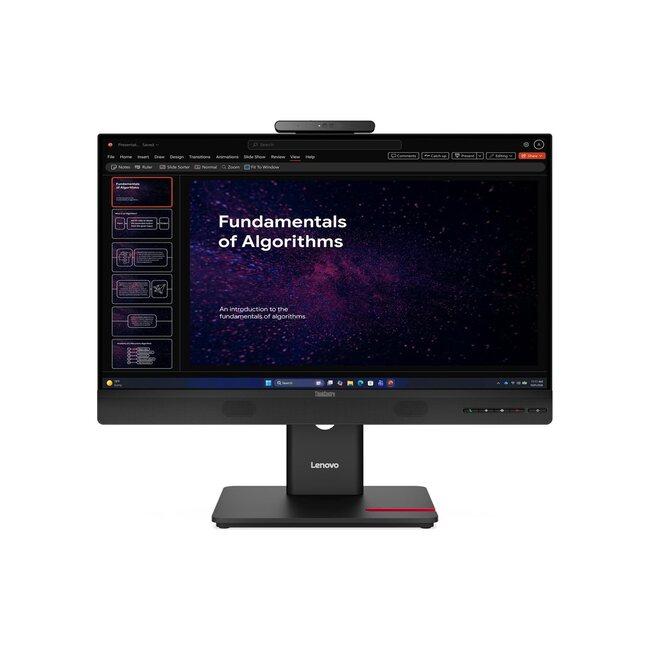
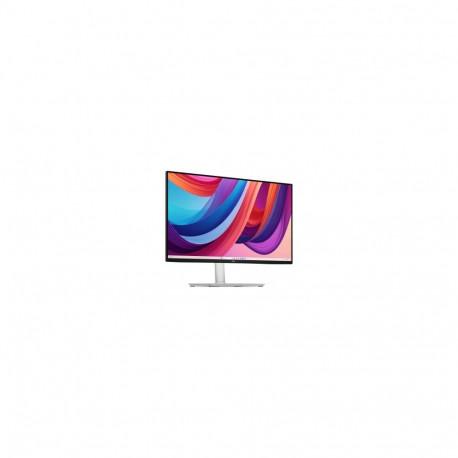
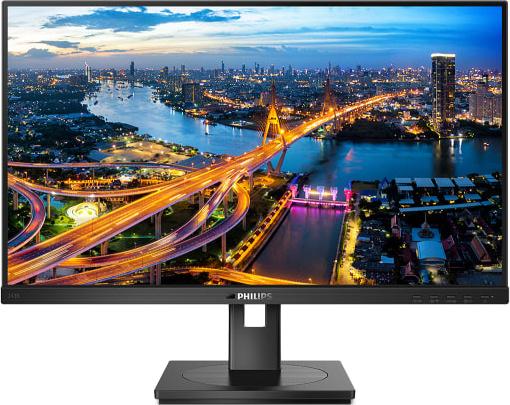
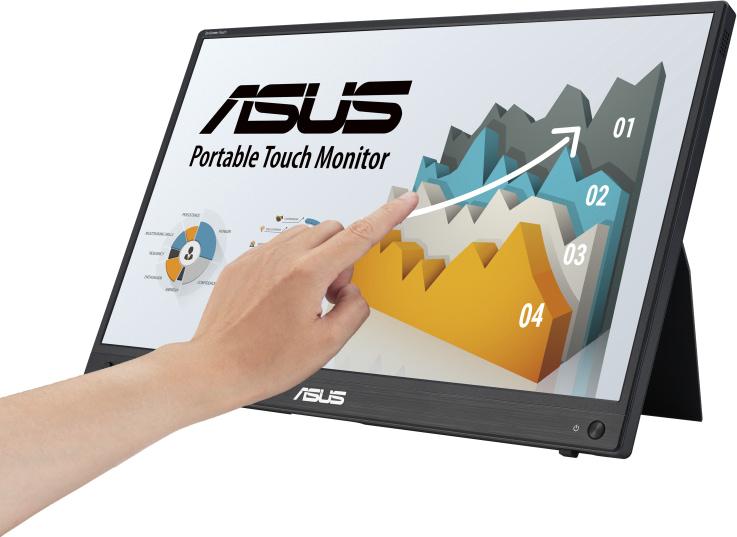
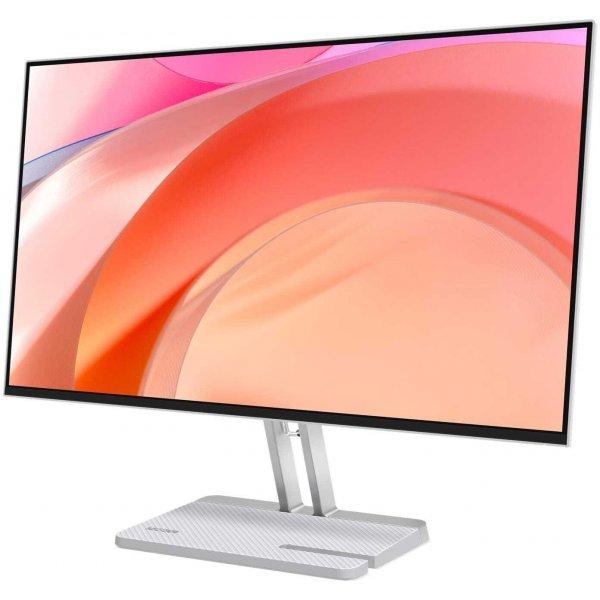
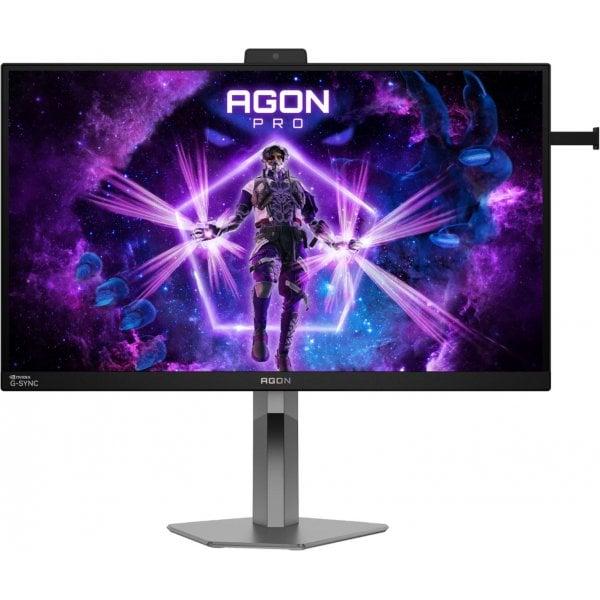
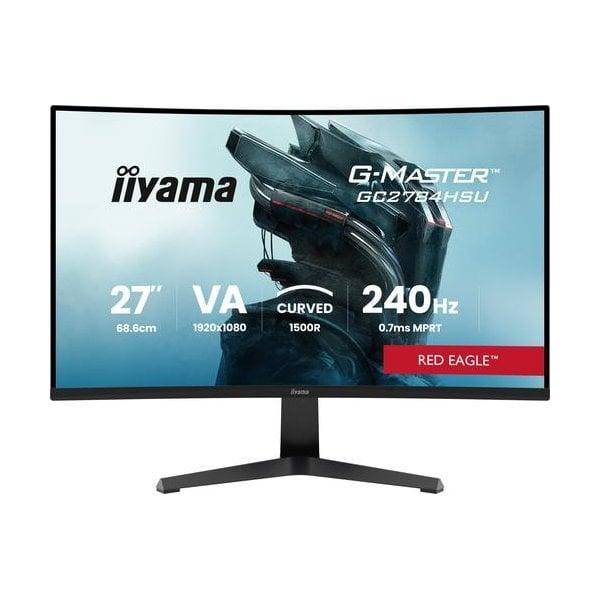
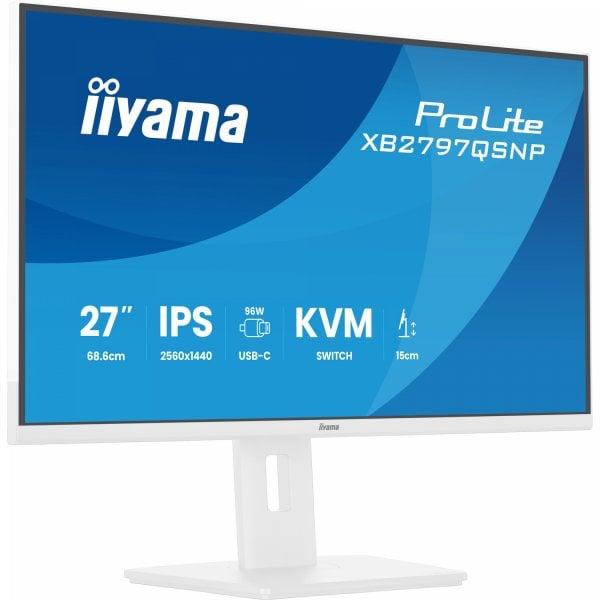
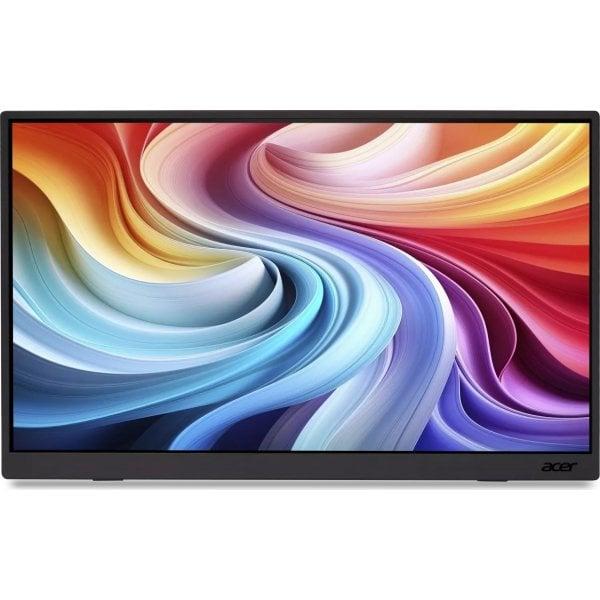
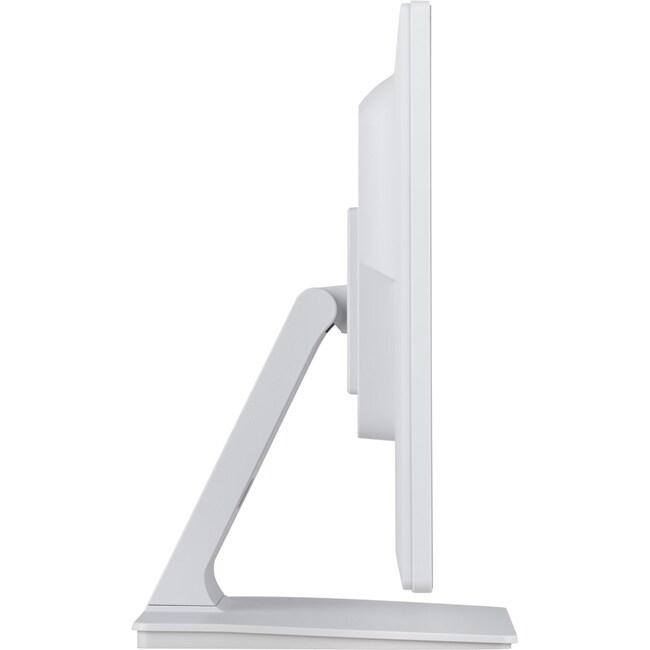
Lenovo ThinkCentre TIO 24 Gen6 is a modular display solution for modern work environments. The Lenovo ThinkCentre Tiny-In-One (TIO) 24 Gen6 display is designed to be used with Lenovo ThinkCentre Tiny computers. The Tiny computer can be installed directly into the integrated compartment at the back of the display, keeping the workspace clean and saving space. This solution is ideal for modern work environments where ease of installation, a clean setup, and a smooth user experience are valued. The display enhances the video conferencing experience with its integrated 5MP camera, while the energy-efficient, adaptive refresh rate ensures comfortable viewing. TÜV Rheinland Eye Comfort certification helps reduce eye strain during long workdays. Top features: Display size: 23.8" Resolution: 1920x1080 FHD Panel type: IPS Aspect ratio: 16:9 Refresh rate: 48-120 Hz Brightness: 250 cd/m² Contrast ratio: 1500:1 Response time: 6ms (Typical), 4ms (Extreme) Integrated 5MP webcam Integrated microphone and 2x3W speakers Color gamut: 99% sRGB, 99% BT.709 Color depth: 8-bit (6+FRC) Ports: HDMI 1.4, DP 1.2, USB-A 3.2 Gen1 (downstream), USB-B 3.2 Gen1 (upstream) Power consumption (Typ/Max): 15W / 42W Viewing angle (H/V): 178° / 178° Tilt: -5° / 23.5° Swivel: -45° / 45° Height adjustment: 155mm Pivot 0°/-90° VESA 100 x 100 mm support Kensington lock slot 2.5 x 6 mm Lenovo ThinkColour and Display Fleet Manager 135W Slim Tip power adapter Weight: 5.8kg with stand, 3.6kg without stand Three-year exchange warranty Environmental and energy certifications ENERGY STAR® Certified, TCO 10.0, TCO Edge 2.1, EPEAT? Gold, RoHS, Volatile Organic Compound Certification, EU Energy Level Certification (Level-D) Ergonomic certifications Eyesafe® Display 2.0, TÜV Low Blue Light (Hardware solution), TÜV Rheinland® Flicker Free, TÜV Rheinland® Eye Comfort 5 Stars
The Dell S2426HS is a 23.8-inch Full HD monitor for everyday work, entertainment and gaming. Its IPS panel offers wide viewing angles and 99% sRGB colour coverage, while a 165 Hz refresh rate and AMD FreeSync support deliver smooth motion. Built-in speakers and a stand with height, tilt, swivel and pivot adjustments make it easy to create a comfortable workspace. Key Features Panel: 23.8-inch IPS, 1920 × 1080 Full HD, 16:9 (anti-glare, 3H hard coating) Refresh rate: 165 Hz via HDMI at native resolution Brightness: 300 cd/m² Contrast ratio: 1500:1 Colour coverage: 99% sRGB (CIE 1931) Colour depth: 16.7 million colours Viewing angles: 178° horizontal / 178° vertical Response time: 4 ms GtG (Extreme mode), 5 ms GtG (Fast mode), 8 ms GtG (Normal mode); 1 ms in MPRT mode Adaptive sync: AMD FreeSync, 48?165 Hz; HDMI VRR support. FreeSync is unavailable in MPRT mode. Audio: 2 × 3 W built-in speakers Eye comfort: Integrated hardware low blue light technology and flicker-free display Software: Dell Display and Peripheral Manager support Ports 2 × HDMI 2.1 (TMDS) with VRR support (1920 × 1080 at 165 Hz, 8-bit) HDCP 1.4 support Ergonomics and Mounting Height adjustment: 110 mm Tilt adjustment: ?5° to +21° Swivel adjustment: ?30° to +30° Pivot adjustment: ?90° to +90° Removable stand VESA mounting: 100 × 100 mm Integrated cable management Security Features Kensington security lock slot (lock sold separately) Power button and joystick control lock Certifications TÜV Rheinland Eye Comfort 3.0 ? 4-star rating TÜV Rheinland hardware low blue light certification ? Category 2 ENERGY STAR certified RoHS compliant Power Consumption On mode: 14 W Maximum: 38 W Standby: 0.30 W Off mode: 0.30 W Integrated power supply: 100?240 V AC, 50/60 Hz Dimensions (W × D × H) With stand (lowered): 537.64 × 191.82 × 347.03 mm With stand (raised): 537.64 × 191.82 × 457.03 mm Without stand: 537.64 × 58.72 × 313.73 mm Weight With stand and cables: 4.70 kg Without stand and cables: 3.01 kg Included Cables HDMI cable ? 1.8 m Power cable Warranty 3-year Advanced Exchange Service
Slim design. Stunning performance. Introducing QBC, the thinnest display in the Samsung UHD Signage lineup. It brings elegance to business while maximizing space. Improved internals and an intuitive home screen user interface make it easy to use. Businesses across a variety of industries can achieve growth with QBC's performance and design innovations. Maximum effect in minimum space QBC's unrivaled 28.5mm ultra-slim design makes it the thinnest model in Samsung's UHD series. QBC optimizes space with an elegant design that blends seamlessly with your business. Clean graphics in landscape or portrait mode. Even the frame The frames are consistent and even on all four sides of the display, have the same thickness and dimensions. The new, even frame design prevents any visual problems when the display is in portrait mode. Safe and even installation. Centered VESA holes The central location of the VESA holes on the back of the display evenly distributes its weight, ensuring a secure installation. By moving the VESA holes inward, users can set the display to portrait mode without unintentionally tilting the display. Lifelike color, born in pure condition with fine crystal. Dynamic crystal color Each image is more immersive with billions of color shades. Dynamic Crystal Color provides realistic variations, allowing customers to notice every subtlety. Watch realistic color tones in powerful 4K resolution. 4K Crystal Processor Samsung's industry-leading video processing technology enhances every piece of content for clarity and consistency. Intelligent UHD upscaling technology, powered by Samsung's Quantum Lite 4K processor, upscales lower resolution video to UHD for professional image quality. Connect conveniently. UI home page QBC offers greater usability with an improved home screen interface. Popular categories such as Favorites, Sources and Settings are displayed on the same screen for convenient accessibility. The Favorites folder gives users quick and easy access to frequently used features with just one click. Simplified calibration between screens using the mobile app. Intelligent calibration Ensure complete brand consistency across every display and location. Using the Samsung mobile app, Smart Calibration ensures that each display is calibrated correctly, displaying brand logos and other advertising materials in the exact colors required. Enhance professional environments with specialized tools. Professional modes Built-in professional modes provide more opportunities in specific industries. Director Mode minimizes post-processing, tailoring content to the director's original intent. Medical teams can simulate medical images such as X-rays in DICOM simulation mode, meeting full DICOM grayscale standards. Change the way you manage your display. Samsung VXT Samsung VXT CMS is a cloud-based solution that combines content management and remote device management capabilities, enabling users to remotely manage hardware settings and troubleshoot issues, while easily creating and deploying content without the need for prior training.