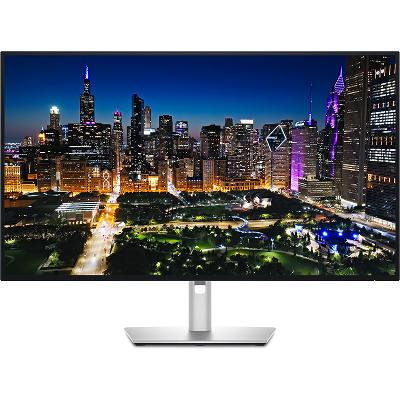
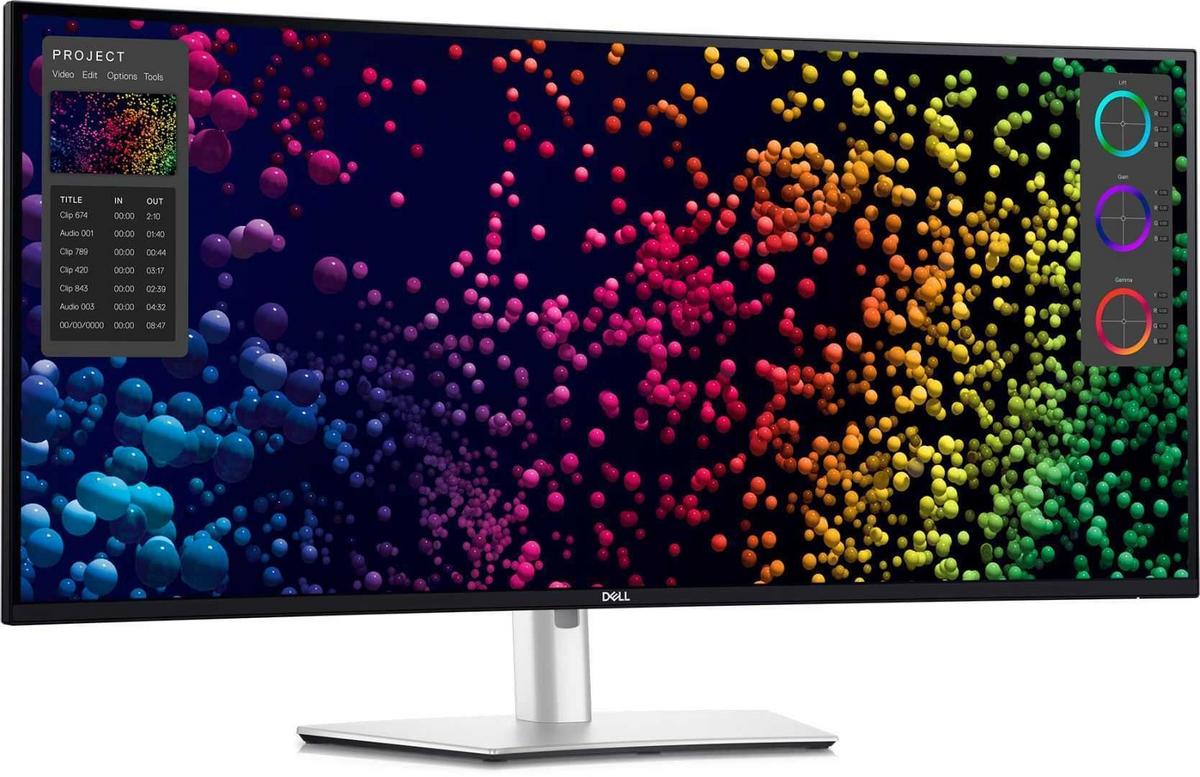
Dell UltraSharp 40 Curved Thunderbolt™ Hub Monitor - U4025QWThis monitor offers a 120Hz refresh rate, providing a smoother visual experience with less flicker and seamless scrolling. Additionally, the built-in Ambient Light Sensor optimizes brightness and color temperature based on your surroundings. With 99% DCI-P3 and Display P3 color coverage, you’ll see true-to-life colors. The IPS Black panel technology ensures deeper blacks, and the Internal Multi-Stream Transport (iMST) allows you to partition your display as if there were two 2560x2160 physical monitors. 5 ms. Screen Size: 40 inches Resolution: 5120 x 2160 (WUHD) Panel Type: IPS Black Refresh Rate: 120Hz Contrast Ratio: 2000:1 Color Coverage: 99% DCI-P3 and Display P3 Brightness: 600 cd/m² Speakers: Integrated 2 x 9W stereo speakers Connectivity Ports: 1 x HDMI 2.1 (supports up to 5K2K 5120 x 2160 at 120Hz, HDR, VRR) 1 x DisplayPort 1.4 (HDCP 2.3, supports up to 5120 x 2160 at 120Hz, HDR, DSC) 1 x Thunderbolt 41. Security lock slot (based on Kensington Security Slot™) 2. Power connector 3. HDMI 2.1 4. DisplayPort 1.4 5. Thunderbolt™ 4 downstream port (15W) for daisy chaining 6. Thunderbolt™ 4 upstream port (Extended Power Range 140W) 7. USB Type-C upstream port (SuperSpeed USB 10 Gbps, USB 3.2 Gen 2) 8. 3x USB Type-A downstream port (SuperSpeed USB 10 Gbps, USB 3.2 Gen 2) 9. Audio Line-out 10. USB Type-A downstream port (SuperSpeed 10 Gbps, USB 3.2 Gen 2) 11. RJ45 port 12. Stand lock 13. 2 x USB Type-C downstream port (SuperSpeed USB 10 Gbps, USB 3.2 Gen2) with power charging (15W) 14. USB Type-A downstream port (SuperSpeed USB 10 Gbps, USB 3.2 Gen 2) with BC1.2 power charging 15. Speakers Included Cables 1. Power cable 2. DisplayPort 1.4 cable - 1.8 m 3. USB Type-A to USB Type-C Gen 2 cable - 1 m 4. Thunderbolt™ 4 active cable - 1.5 m 5. HDMI 2.1 cable - 1.8 m
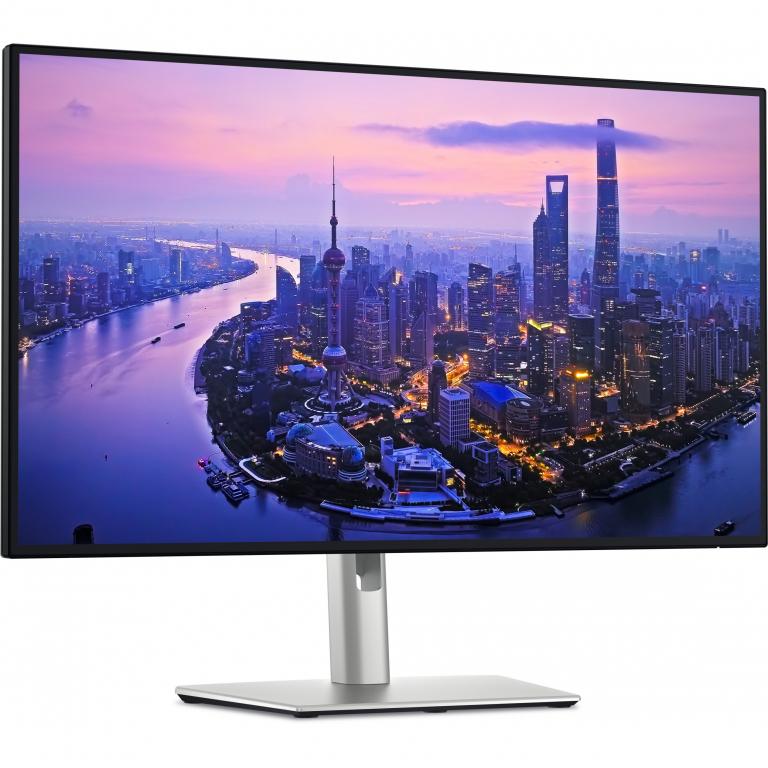
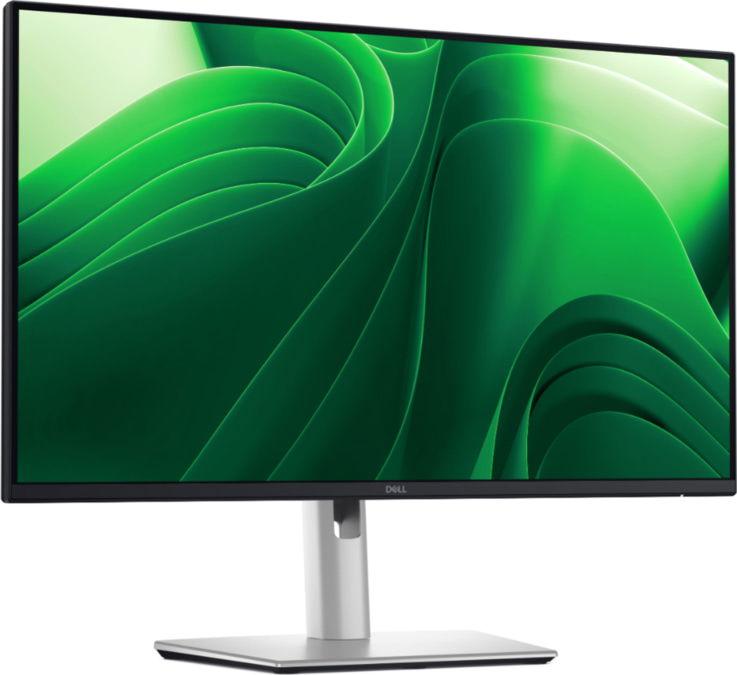
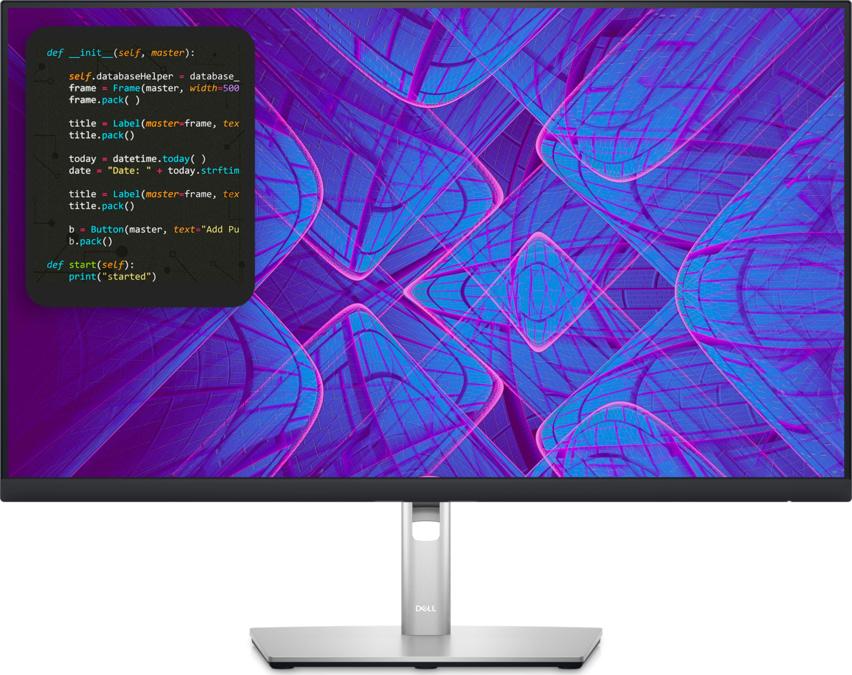
The Dell Pro 24 Plus QHD USB-C Hub Monitor P2425DE is designed for those seeking productivity and versatility in their work environment. With a 23.8-inch viewable display, this monitor provides a native resolution of 2560 x 1440 for clarity and detail. The anti-glare screen and wide viewing angles ensure that content remains vibrant and easy to read from any position in the room. Additionally, the monitor incorporates features such as Dell Easy Arrange for multitasking efficiency and ComfortView Plus for reduced blue light emission, crucial for reducing eye strain during long work hours. Equipped with a USB 3.2 Gen 1/USB-C hub, the P2425DE allows for seamless connectivity and power delivery of up to 90 watts, making it suitable for charging compatible devices directly from the monitor. Its sleek design with a 3-sided bezel-less display optimizes screen real estate, perfect for multi-monitor setups. Adjustability features, such as height, swivel, pivot, and tilt options, provide comfort and ergonomic benefits for users of all types. EPEAT Gold and ENERGY STAR certifications further underscore its environmental responsibility, ensuring a sustainable choice without compromising performance.
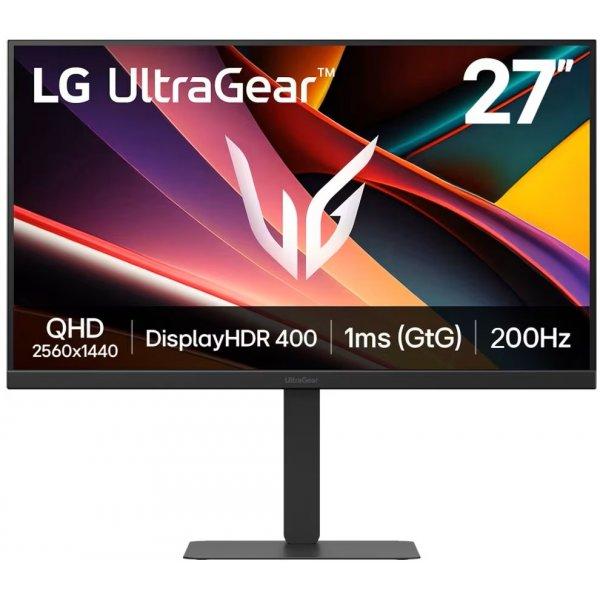
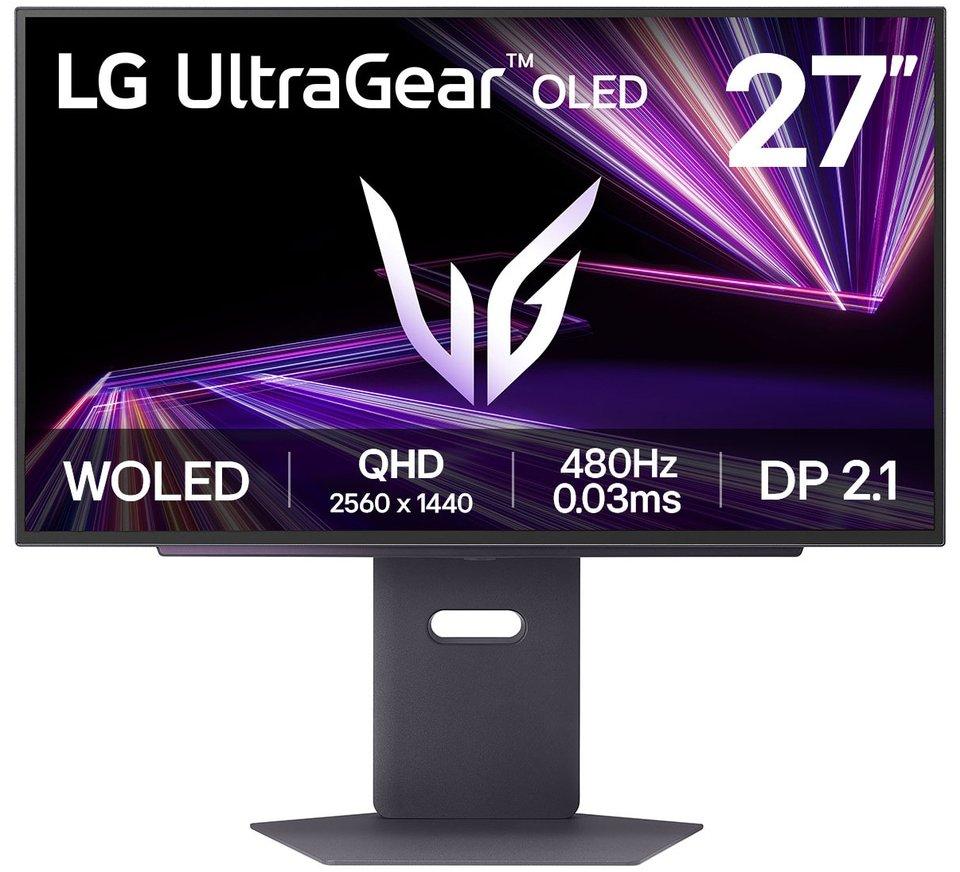
Vivid Color, Fast Response, Total Control The 27" UltraGear QHD (2560 x 1440) IPS gaming monitor delivers vivid VESA DisplayHDR 400, ultra-smooth 200Hz speed, and 1ms response time clarity. FreeSync Premium keeps gameplay tear-free. The sleek, slim design keeps you focused and in control.QHD Clarity, Bold Colors, and DisplayHDR 400 BrillianceBold QHD on a 27" IPS display with up to 99% sRGB color coverage. Experience deeper blacks, vibrant hues, and enhanced contrast with VESA DisplayHDR 400, delivering breathtaking detail and crisp visuals for captivating gaming and entertainment.Blazing 200Hz Speed. Every Frame Counts.Enjoy fluid, crystal-clear gameplay with a fast 200Hz native refresh rate. Minimized motion blur keeps every frame sharp, so you can stay locked in on the action.1ms Response (GtG) for Crisp Gameplay1ms Response Time (GtG) keeps fast-paced gameplay sharp by minimizing blur and ghosting. Whether you're tracking enemies or racing to the finish, every frame stays crisp—giving you the edge when it matters most.Ultimate Frame Sync: FreeSync PremiumSay goodbye to screen tearing and stutter. With AMD FreeSync Premium, this UltraGear monitor delivers ultra-smooth, tear-free visuals, giving you frame sync across PC and next-gen console gaming.Unlock Your Potential with Advanced Gaming Features- Dynamic Action Sync reduces input lag for real-time response.- Black Stabilizer brightens dark scenes to see what's hidden- FPS Counter shows your real-time frame rate- Crosshair enhances precision for deadly accuracyCustomize Your Screen View with the Switch AppThe Switch app transforms your screen into a multitasking hub for work, gaming, and streaming. Effortlessly split the screen into up to 6 sections, customize display layouts, or launch video calls with a single hotkey.Battlestation Upgrade Adjustable to Gamer SpecsGo big with the narrow bezel, 27" IPS screen. UltraGear's sleek, slim design offers adjustable height, tilt, swivel, and pivot control for your ideal view.Crisp QHD clarity, deep blacks, and DisplayHDR 400 provide breathtaking gaming visualsEnjoy fluid, fast blur-free gameplay with a 200Hz refresh rate1ms Response Time (GtG) for sharper, cleaner fast-moving gameplaySeamless frame sync with FreeSync Premium and G-SYNC for stutter-free gaming.Advanced gaming features unlock your in-game potentialLG Switch app splits your screen, customizes layouts, and streamlines work and playSleek 27" slim virtually borderless design with adjustable height, tilt, swivel, and pivot
Apple Studio Display XDR on 27-tolline 5K Retina XDR monitor, mis pakub erakordset heledust, kontrasti ja värvitäpsust. Mini-LED taustvalgustus, 120 Hz värskendussagedus ja lai värviruum teevad sellest tugeva tööriista video, foto, disaini ja mängude jaoks. • 27" 5K Retina XDR ekraan • Kuni 2000 niti HDR heledus • 120 Hz ja Adaptive Sync • Thunderbolt 5 ja USB-C ühendused • Tilt and height statiiviga saab kohandada kallet ja kõrgust vastavalt oma soovile Studio Display XDR, Standard Glass, 27 ", 5K, 16:9, 120 Hz, 5120 x 2880 pixels, 2000 cd/m², Silver
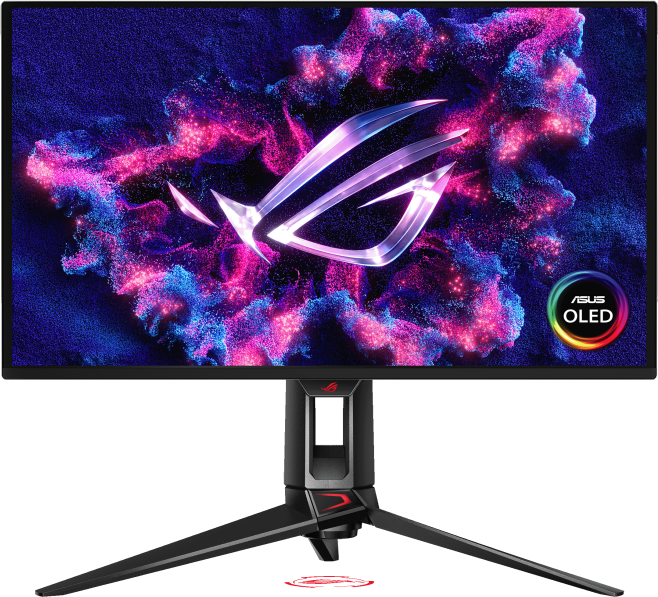
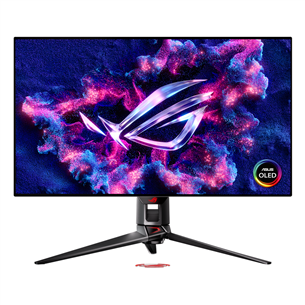
ROG Swift OLED PG27UCDM gaming monitor ― 27-inch (26.5-inch viewable) 4K QD-OLED panel, 240Hz, 0.03ms (GTG), OLED Anti-Flicker 2.0, custom heatsink, OLED Care Pro, Neo Proximity Sensor, G-SYNC® compatible, VESA DisplayHDR™ 400 True Black, uniform brightness, 99% DCI-P3, true 10-bit color, DisplayWidget Center, DisplayPort™ 2.1a UHBR20 (80Gbps full bandwidth) 26.5-inch 4K (3840 x 2160) QD-OLED gaming monitor with 240Hz refresh rate and 0.03ms ms response time Latest 4th-gen QD-OLED technology delivers sharper imagery and crystal-clear text, a longer lifespan over previous-gen OLEDs OLED Anti-Flicker 2.0 technology includes a new luminance compensation algorithm that reduces flicker by 20% compared to previous-gen panels, ensuring comfortable viewing New ASUS OLED Care Pro functions with Neo Proximity Sensor that precisely detects when the user is away, switching to a black screen to reduce the risk of burn-in Extensive connectivity options include DisplayPort™ 2.1a UHBR20 with full 80Gbps bandwidth, USB-C® (90W PD), HDMI® 2.1, and a tripod socket Dolby Vision® support, VESA DisplayHDR™ 400 True Black compliance, 99% DCI-P3 gamut, Ture true 10-bit color, and Delta E < 2 color difference for astonishing HDR performance, making it the monitor perfect for photo and video editing DisplayWidget Center allows users to easily access OLED Care Pro functions and adjust monitor settings using a mouse ROG Swift OLED PG27UCDM The ROG Swift OLED PG27UCDM is a 27-inch, 240Hz 4K gaming monitor that boasts the latest fourth-generation QD-OLED technology to deliver supersharp visuals and crisp text. The cutting-edge QD-OLED panel offers greater longevity compared to previous OLED technologies and minimal flicker―even when frame rates fluctuate. With the addition of the Neo Proximity Sensor in the new ROG OLED Care Pro suite, the monitor transitions to a black screen when no user is detected, guarding against burn-in. Built-in DisplayPort™ 2.1a UHBR20 provides a full 80Gbps bandwidth to support uncompressed 4K visuals at a stunning 240Hz to elevate viewing experiences to the next level.4th Gen QD-OLED TechnologyHigh 166ppi Sharp imagery & textOLED Anti-Flicker 2.0 20% Less Flicker*Extreme Low Motion Blur Incredible Motion Clarity27-inch 4K240HzDISPLAYPORT 2.1a 80 GbpsCUSTOM HEATSINKASUS OLED Care ProNeo Proximity Sensor99% DCI-P3 DELTA E < 20.03 ms response timeVESA Certified DisplayHDR: true black 400UNIFORM BRIGHTNESSDISPLAYWIDGET CENTERDolby Vision3-year warranty4th Gen QD-OLED TechnologySupersharp Imagery & Text: The latest-generation QD-OLED panel boasts an amazing 166ppi pixel density to deliver optimal visuals and incredibly-clear text for viewing experiences that are second to none.Incredible Motion Clarity: Exclusive ASUS Extreme Low Motion Blur technology reduces ghosting and motion blur.Advantages of OLED technology: The latest ASUS OLED panels offer extremely high contrast ratios to deliver the darkest black hues as well as the most vivid colors, helping create immersive visuals for gaming and for creative endeavors. Plus, an astounding 0.03 ms gray-to-gray response time ensures supersmooth, low-latency visuals.ROG OLED Anti-Flicker 2.0 New ROG OLED Anti-Flicker 2.0 technology minimizes onscreen flicker by up to 20% compared to previous-generation panels, enabling comfortable gaming experiences.Luminance Compensation Algorithm: The advanced luminance compensation algorithm dynamically boosts pixel brightness during refresh rate fluctuations to ensure more consistent visuals without increasing input lag or compromising refresh rates.Refresh Rate Cap: This feature caps the monitor refresh rate to reduce onscreen flicker. The three presets (High / Mid / Off) have been upgraded, enabling each to cover a wider refresh rate range to suit individual preferences.ASUS OLED CARE PRONew ASUS OLED Care Pro technology provides a full set of customizable monitor settings to protect the OLED panel and ensure longevity. Plus, it includes the new Neo Proximity Sensor that detects your distance from the monitor and transitions to a black image when you’re away to safeguard the panel from burn-in. All settings can be easily managed via DisplayWidget Center.Neo Proximity Sensor The built-in Neo Proximity Sensor precisely detects your distance from the monitor. When you step away, the monitor transitions to a black image to protect against panel burn-in, and instantly restores onscreen content when you return. Detection distance can be customized to suit personal preference, ensuring maximum convenience and protection.Automatically Transition to Black Image Customize Detection Distance PIXEL CLEANING: Recalibrates the screen when the monitor has been active for several hours―a process that takes just a few minutes and activates automatically when the monitor is turned offSCREEN MOVE: Pixel locations are slightly shifted periodically to help prevent burn-in, and users can choose between several movement levels .BOUNDARY DETECTION: Dynamically detects the boundary of the black bars and reduces the brightness and also slightly shifts the pixel of the near borders.WORRY-FREE OLED MONITORROG OLED monitors are engineered to deliver stunning visuals for years to come. An innovative custom heatsink and a unique internal airflow improve cooling and reduce the risk of burn-in.3 Year WarranrtyUNLOCK THE FUTURE WITH DISPLAYPORT 2.1aThe PG27UCDM features the future-ready DisplayPort 2.1a UHBR20 with full 80Gbps bandwidth, supporting 4K at 240Hz or 8K at 60Hz visuals without compression while offering improved data-transmission efficiency. Additionally, the PG27UCDM includes USB-C® with 90-watt Power Delivery, HDMI® 2.1 ports and a USB hub to accommodate a wide array of multimedia devices.HDMI 2.1: 48Gbps, Full BandwidthDisplayPort 2.1a: 80Gbps, Full BandwidthUSB-C: 90W PDPLAY IN ULTRAVIVID HDRThe PG27UCDM supports Dolby Vision® and HDR10 to deliver unmatched brightness, colors, and contrast. Both can be quickly turned on or off via the OSD menu, making PG27UCDM ideal when creating content or watching videos and movies.YOUR MONITOR, YOUR WAYThe PG27UCDM monitor is a versatile powerhouse designed to excel in gaming, streaming, and content creation. Its high refresh rate, low response time, and vivid colors deliver a seamless, immersive experience. The wide viewing angles and built-in tripod socket make it perfect for streaming, while its exceptional color accuracy and wide color gamut ensure professional-grade content creation.GAMINGSTREAMINGCONTENT CREATIONDISPLAYWIDGET CENTERTake your monitor to the next level with DisplayWidget Center, a powerful monitor management software designed to help you optimize, personalize, and fully utilize your display via a mouse — so there’s no need to access the OSD menu. Additionally, DisplayWidget Center notifies you of the latest firmware updates and includes a direct update option. You can also import or export display configurations for sharing.Customizable monitor settingsAuto Firmware Update NotificationMultiscreen ControlOLED ProtectionPLAY SMARTER WITH AI ASSISTANT The AI Assistant in PG27UCDM includes AI Visual, AI Crosshair, and AI Shadow Boost. These features leverage AI technology to help you practice more effectively to improve your gaming.AI Crosshair: Automatically changes the crosshair to a color that contrasts with the background, so it stands out for more accurate aim.AI Shadow Boost: Automatically enhances dark areas of the scene to make it easier to spot enemies hiding in dim areas of the map.AI Visual: Automatically detects what’s onscreen and adjusts to provide the best default or user-preset monitor settings through DisplayWidget Center.UNIFORM BRIGHTNESSSWhen activated, the ROG-exclusive Uniform Brightness* setting within the OSD menu decreases peak brightness to keep levels consistent for better viewing—even when changing the size of bright white windows. It also makes marathon gaming sessions much more comfortable on the eyes.ASPECT CONTROL RATIOFor competitive gamers who are more familiar with smaller 1080p monitors, the PG27UCDM can display a 4:3 aspect image in 1280 x 960 or 1024 x 768 resolutions. Alternatively, users can play on a pixel-perfect 24.5-inch, 2368 x 1332 image at a native 240Hz refresh rate.SMOOTH AND RESPONSIVE The PG27UCDM features AMD FreeSync™ Premium Pro technology and NVIDIA® G-SYNC® compatibility, ensuring supersmooth, tear-free visuals with low latency.IN-GAME ENHANCEMENTSGAMEPIUS: The ASUS-exclusive integrated GamePlus hotkey offers in-game enhancements. Co-developed with input from pro gamers, GamePlus enables you to practice and improve gaming skills with the ROG Gaming AI technology-enhanced Dynamic Crosshair.GAMEVISUAL: ASUS GameVisual technology offers seven pre-set display modes to optimize visuals for different types of content. This unique feature can be easily accessed using a hotkey or via the OSD settings menu.FLICKER-FREE TECHNOLOGY: TÜV Rheinland-certified ASUS Flicker-Free technology eliminates flicker, ensuring comfortable viewing experiences. This technology helps minimize eyestrain and other potential issues typically associated with extended hours of viewing.LOW BLUE LIGHT TECHNOLOGY: The new hardware-based ASUS Low Blue Light technology reduces potentially harmful high-energy blue-light emissions while offering color performance that’s better than monitors with software-based filtering solutions.ERGONONIC STANDThe specially designed hollowed-out stand offers tilt, swivel, pivot, and height adjustments to provide the ideal viewing position. The display is also VESA wall-mount-compatible.HEIGHT ADJUSTMENT: 0-110MMSWIVEL: -30°~ +30°PIOVT: -90°~ +90°TILT: -5°~ +20°
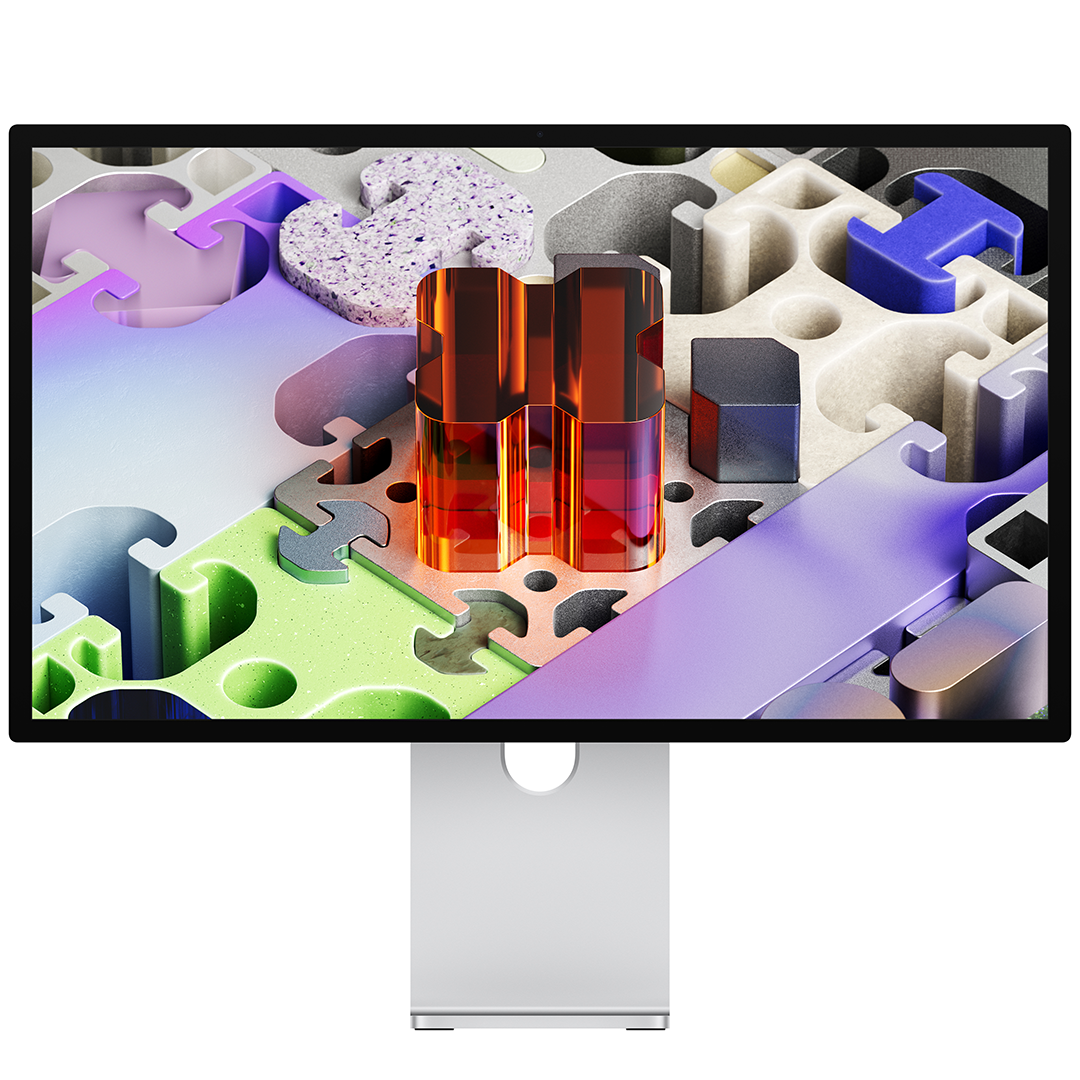
Apple Studio Display on 27-tolline 5K monitor, mis toob esile erakordsed detailid ja täpsed värvid. 14,7 miljonit pikslit, P3 värviruum ja 600-nitine heledus loovad selge pildi nii loometöös kui ka igapäevases kasutuses. • 27" 5K Retina ekraan (5120 × 2880) • 600 niti heledus ja 1 miljard värvi • 12 MP Center Stage kaamera • Kuue kõlariga Spatial Audio süsteem
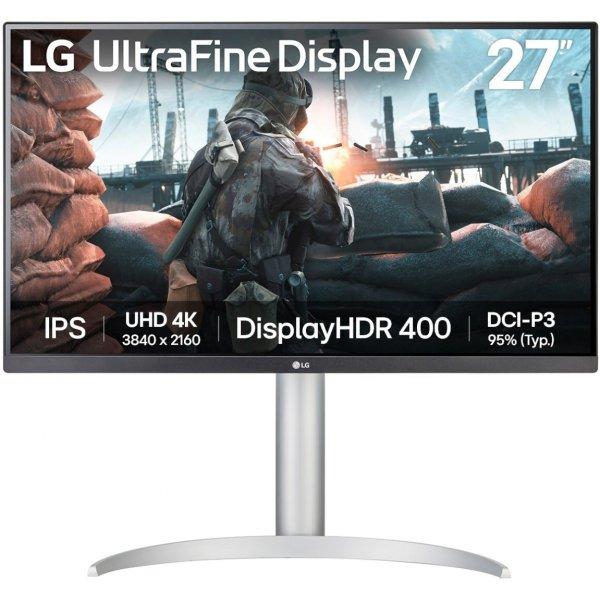
4K UHD The visual excellence demanded by professionals. UHD resolution (3840x2160) delivers even greater detail thanks to a higher pixel density on the display panel. Now you can immerse yourself in greater image detail and a larger screen workspace to bring your most complex ideas to life. HDR10 HDR10 delivers realistic colour reproduction, capturing both darker and brighter shades. By seeing a wider colour gamut and every nuance, youll rediscover the satisfaction of creating your projects. Wide viewing angle Thanks to this monitors ergonomic design, you can find the angle that offers you the greatest comfort. Simply tilt, swivel and adjust the screen height to achieve the optimal position and maximum functionality. Multiple ports With HDMI and DP ports, connecting peripherals is as simple as it gets. This incredible convenience not only simplifies setup but also boosts productivity. TÜV-Certified Smart Eye ProtectionTÜV-certified Smart Eye Protection, combined with Adaptice Picture technology, automatically adjusts brightness and color temperature to the surrounding environment, especially when working on projects late at night. Eye Saver and Less Screen Flickering protect your eyes from blue light and flickering.Samsung Display ManagerThe Samsung Display Manager app simplifies access to features such as split-screen configuration, brightness adjustment, KVM, PIP/PBP, and precise color calibration. Simply click the desktop menu to access advanced display control options at your fingertips. For business users, the MAPT (Mac Address Pass Through) feature enables asset managers to reliably identify and track network-connected devices.
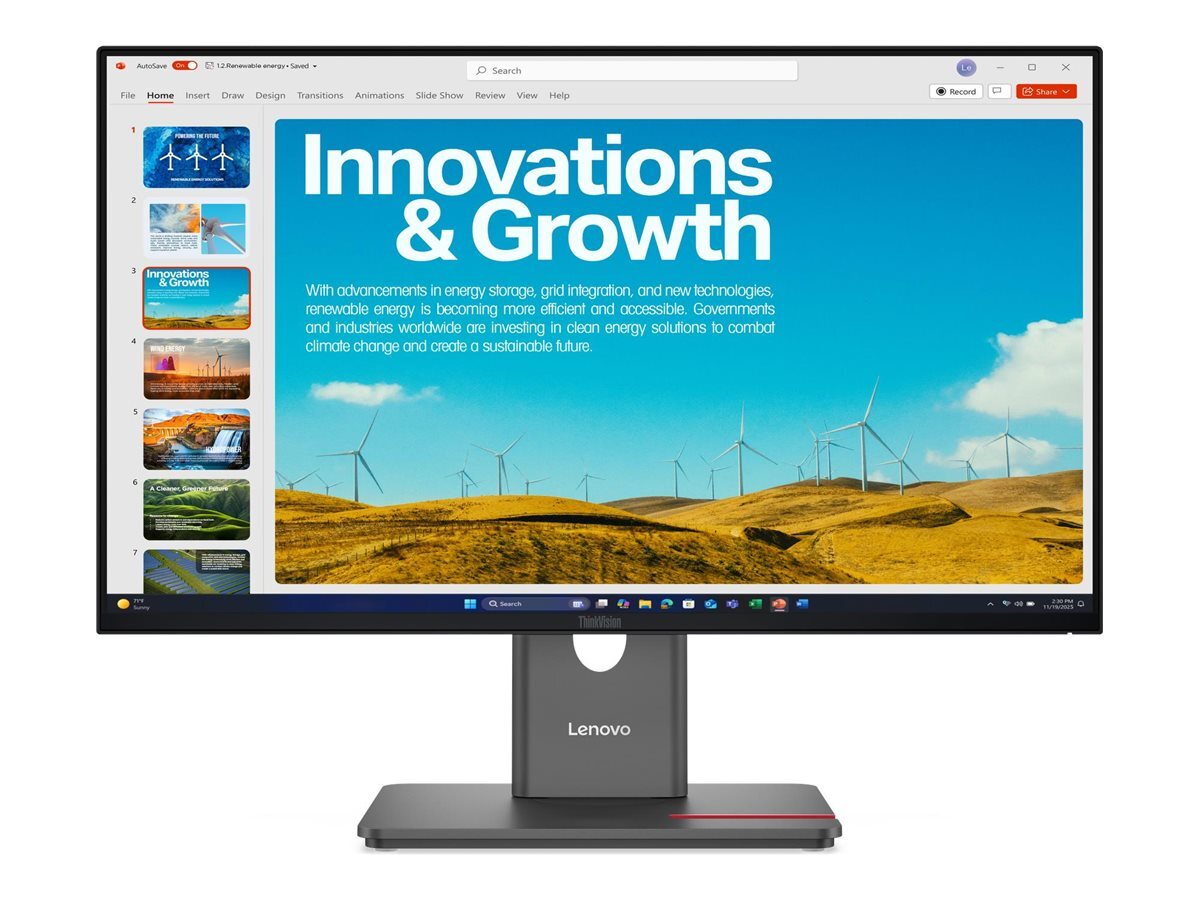
The Lenovo ThinkVision T34WD-40 is designed for users who value ample workspace and smooth multitasking. The Lenovo ThinkVision T34WD-40 is a 34" curved monitor that offers an exceptional viewing experience and boosts productivity. The wide 21:9 aspect ratio and 3440x1440 WQHD resolution deliver sharp and vibrant visuals, perfect for both work and entertainment. The 1500R curvature adds depth and enhances the viewing angle, providing increased comfort during long working sessions. The monitor's dynamic 48?120 Hz refresh rate automatically adjusts according to the content. This ensures smooth and fluid motion in fast-paced scenes, while offering energy-efficient performance when the image is more static. Versatile connections such as USB-C, HDMI, and DisplayPort ensure excellent compatibility with various devices. The USB-C port provides up to 100W power delivery, allowing for quick and efficient charging of connected devices. The monitor's height adjustment and tilt features enable a comfortable and ergonomic working position throughout the day. The display meets the strictest international environmental and energy efficiency standards, such as ENERGY STAR, TCO 10.0 and EPEAT Gold. The innovative Lenovo Display Fleet Manager (LDFM) software provides IT management with efficient tools for device control and firmware updates. Key Features: Display size: 34" Resolution: 3440 x 1440 WQHD Panel type: VA Aspect ratio: 21:9 Curvature: 1500R Refresh rate: 48?120 Hz Brightness: 300 cd/m² Contrast ratio: 3000:1 Response time: 6ms (Typical), 4ms (Extreme) Color gamut: 99% sRGB, 99% BT.709 Color depth: 8-bit Ports: HDMI 2.1 TMDS, DP 1.4 (HBR2), USB-C 3.2 Gen1 (DP 1.4 Alt Mode), USB-C 3.2 Gen1 (15W PD, data only), 3xUSB-A 3.2 Gen1, RJ45 USB-C charging power: max. 100W (PD 3.0) Power consumption (Typ/Max): 30W / 200W Viewing angle (horizontal/vertical): 178° / 178° Tilt: -5° / 23.5° Swivel: -45° / 45° Height adjustment: 155mm VESA mount capability 100x100mm Kensington Lock slot 2.5 x 6mm Lenovo ThinkColour and Display Fleet Manager Includes USB-C (1.8m) and DP cables (1.8m) Weight: 9.2kg with stand, 6.4kg without stand Three-year replacement warranty Environmental and Energy Certifications ENERGY STAR® Certified, TCO 10, TCO Edge 2.1, EU Energy Efficiency Level (Level-E), EPEAT? Gold Ergonomics Certifications Eyesafe® Display 2.0, TÜV Low Blue Light (Hardware solution), TÜV Rheinland® Flicker Free, TÜV Rheinland Eye Comfort (5 Stars)
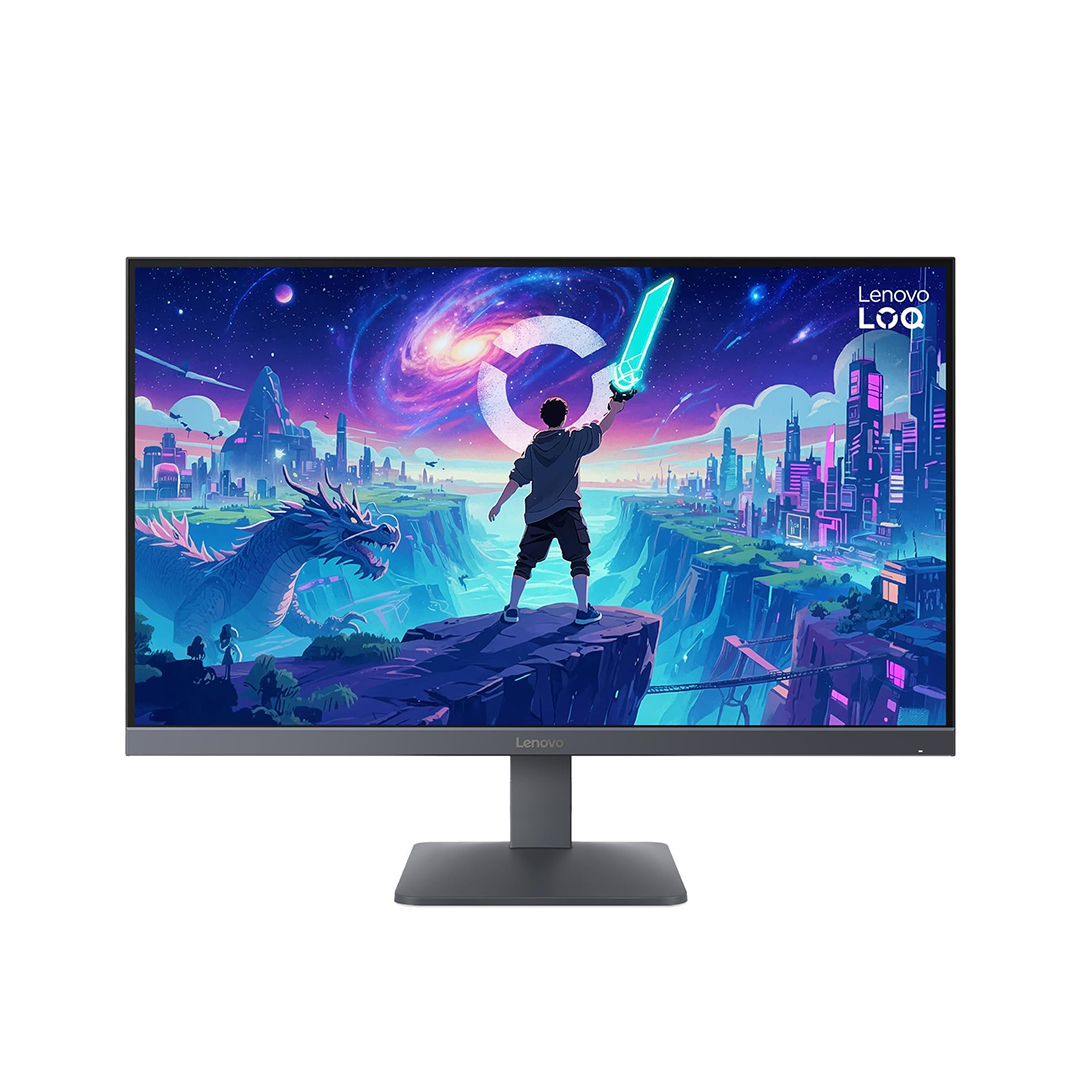
Lenovo LOQ 27Q-10 on 27-tolline mängumonitor, mis pakub teravat pilti ja väga sujuvat liikumist. Kiire reageerimine ja elavad värvid annavad eelise nii mängudes kui igapäevases kasutuses. • 180 Hz värskendussagedus • 0,5 ms reageerimisaeg • QHD resolutsioon • HDR10 tugi ja 99% sRGB värvid • AMD FreeSync ja Adaptive Sync 2560 x 1440 pikselit | 300 cd/m²
Slim design. Excellent performance. Introducing QMC, the slimmest display in Samsung UHD Signage. It adds elegance to your business while maximizing space. Its improved internals and intuitive home screen UX make it easy to use. Companies across industries can achieve growth with QMC's efficiency and innovation. Ultra Slim Depth The unrivaled, ultra-thin 28.5mm thickness makes QMC the thinnest option in Samsung's UHD series. QMC optimizes space with an elegant design that perfectly suits your business. Even frame The frames are even and uniform on all four sides of the display, with the same thickness and dimensions. The new, even bezel design prevents any visual problems when the display is in portrait mode. Centered VESA holes The central arrangement of VESA holes on the back of the monitor evenly distributes its weight, ensuring safe installation. By moving the VESA holes to the center, users can place the display in portrait mode without accidentally tilting it. Dynamic Crystal Color Each image is more immersive with billions of color shades. Dynamic Crystal Color provides realistic variations, allowing customers to see every subtle detail. Quantum Processor Lite 4K Samsung's industry-leading video processing technology enhances every element of your content for clarity and consistency. Intelligent UHD upscaling technology, powered by Samsung Quantum Processor Lite 4K, upscales lower video resolution to UHD for professional image quality. No reflections QMC displays feature reliable, glare-free panels that provide improved visibility from any angle, at any time of day. Non-reflective displays enable companies to provide accurate information in critical locations such as airports and train stations. Homemade UI QMC offers greater functionality with an improved home screen user interface. Popular categories such as Favorites, Sources and Settings are displayed on the same screen for convenient access. The Favorites folder gives users quick and easy access to frequently used features with just one click. Smartview+ SmartView+ enables wireless screen sharing without cable connections, ensuring easy collaboration. Users can now enable screen sharing at the start of a meeting, allowing the meeting admin to quickly switch between screens with a single click. Intelligent calibration Ensure complete brand consistency across every display in every location. Using the Samsung mobile app, Smart Calibration ensures each display is properly calibrated, presenting brand logos and other materials in the exact colors required. Professional modes Built-in professional modes give you more options in specific industries. Director Mode minimizes post-processing, tailoring content to the director's original intent. Medical teams can view medical images, such as X-rays, in simulation mode, in DICOM-compliant grayscale. Samsung VXT Samsung VXT CMS is a cloud-based solution that combines content management and remote device management, enabling users to remotely manage hardware settings and troubleshoot issues while easily creating and deploying content without the need for prior training.
Lenovo L27-4e pakub sujuvat ja selget pilti 100 Hz värskendusega ning kolmest küljest raamita disainiga. Sinine valgus on vähendatud ilma värve moonutamata, et saaksid vaadata kauem ja mugavamalt. • 99% sRGB katvus • 1500:1 kontrastisuhe • HDMI ja VGA • Kallutusjalg ja VESA kinnitus • Paberpakend, vähem plastikut 1920 x 1080 pixels Full HD 300 nits
Slim design. Stunning performance. Introducing QBC, the thinnest display in the Samsung UHD Signage lineup. It brings elegance to business while maximizing space. Improved internals and an intuitive home screen user interface make it easy to use. Businesses across a variety of industries can achieve growth with QBC's performance and design innovations. Maximum effect in minimum space QBC's unrivaled 28.5mm ultra-slim design makes it the thinnest model in Samsung's UHD series. QBC optimizes space with an elegant design that blends seamlessly with your business. Clean graphics in landscape or portrait mode. Even the frame The frames are consistent and even on all four sides of the display, have the same thickness and dimensions. The new, even frame design prevents any visual problems when the display is in portrait mode. Safe and even installation. Centered VESA holes The central location of the VESA holes on the back of the display evenly distributes its weight, ensuring a secure installation. By moving the VESA holes inward, users can set the display to portrait mode without unintentionally tilting the display. Lifelike color, born in pure condition with fine crystal. Dynamic crystal color Each image is more immersive with billions of color shades. Dynamic Crystal Color provides realistic variations, allowing customers to notice every subtlety. Watch realistic color tones in powerful 4K resolution. 4K Crystal Processor Samsung's industry-leading video processing technology enhances every piece of content for clarity and consistency. Intelligent UHD upscaling technology, powered by Samsung's Quantum Lite 4K processor, upscales lower resolution video to UHD for professional image quality. Connect conveniently. UI home page QBC offers greater usability with an improved home screen interface. Popular categories such as Favorites, Sources and Settings are displayed on the same screen for convenient accessibility. The Favorites folder gives users quick and easy access to frequently used features with just one click. Simplified calibration between screens using the mobile app. Intelligent calibration Ensure complete brand consistency across every display and location. Using the Samsung mobile app, Smart Calibration ensures that each display is calibrated correctly, displaying brand logos and other advertising materials in the exact colors required. Enhance professional environments with specialized tools. Professional modes Built-in professional modes provide more opportunities in specific industries. Director Mode minimizes post-processing, tailoring content to the director's original intent. Medical teams can simulate medical images such as X-rays in DICOM simulation mode, meeting full DICOM grayscale standards. Change the way you manage your display. Samsung VXT Samsung VXT CMS is a cloud-based solution that combines content management and remote device management capabilities, enabling users to remotely manage hardware settings and troubleshoot issues, while easily creating and deploying content without the need for prior training.
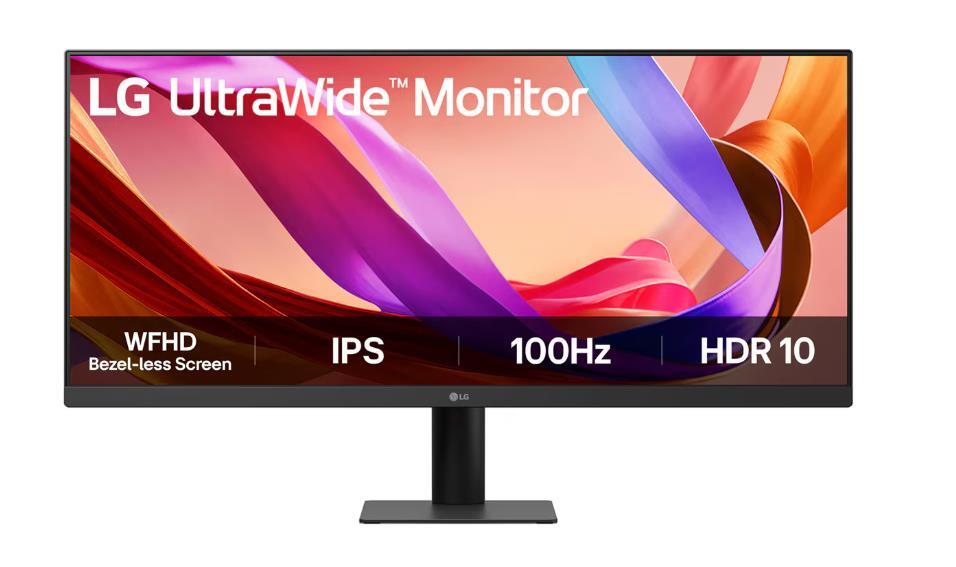
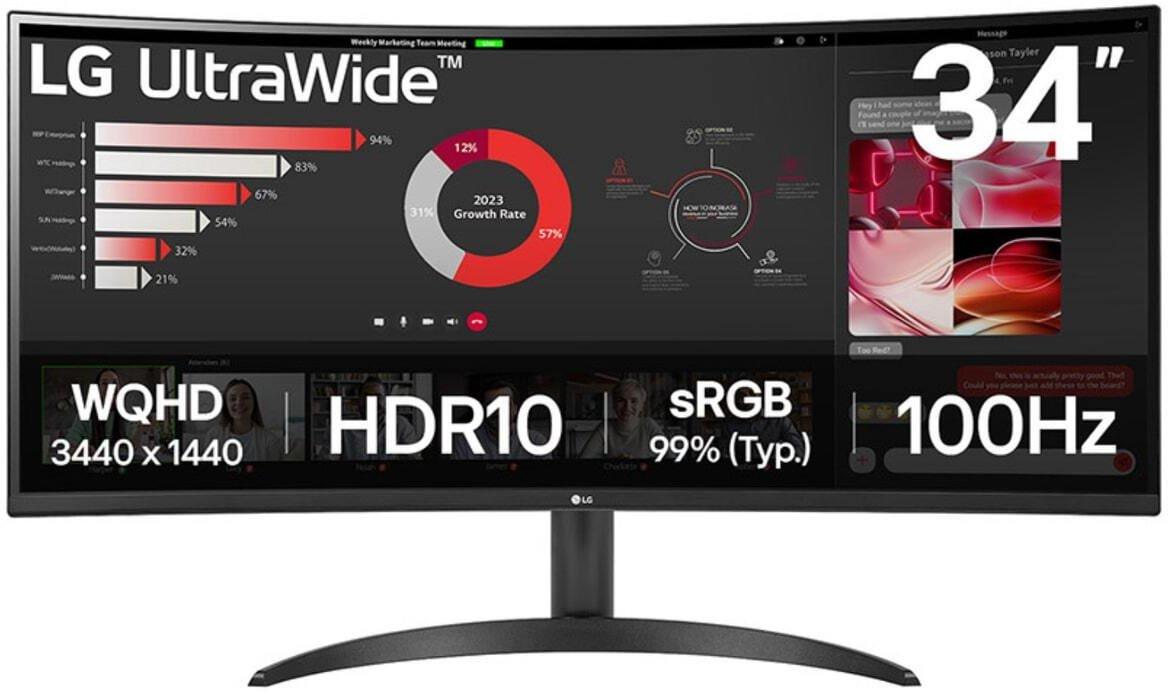
The LG UltraWide 34WR50QK-B 34-inch monitor offers an immersive viewing experience with its 21:9 aspect ratio and a resolution of 3440 x 1440. The curved screen design enhances depth perception, making it ideal for gaming and multitasking. This monitor utilizes TFT active matrix technology and features an image brightness of 300 cd/m² and a contrast ratio of 3000:1, ensuring vibrant and lifelike images across a wide viewing angle. Whether working on intricate designs or enjoying movies, the 178-degree horizontal and vertical viewing angles provide stunning visuals from virtually any position. Additional features include Flicker Safe and Reader Mode to help reduce eye strain during extended use. The monitor also incorporates Smart Energy Saving technology for efficient power consumption. With the DAS Mode for dynamic action sync and Black Stabilizer for enhanced visibility in dark scenes, this monitor caters to gamers and professionals alike. It comes equipped with HDMI and DisplayPort connectivity, along with an ergonomic stand that supports tilt adjustments for comfortable viewing angles. QHD 21:9 100 Hz 5 ms 3440 x 1440 pixels 240 cd/m² HDMI ports quantity 2