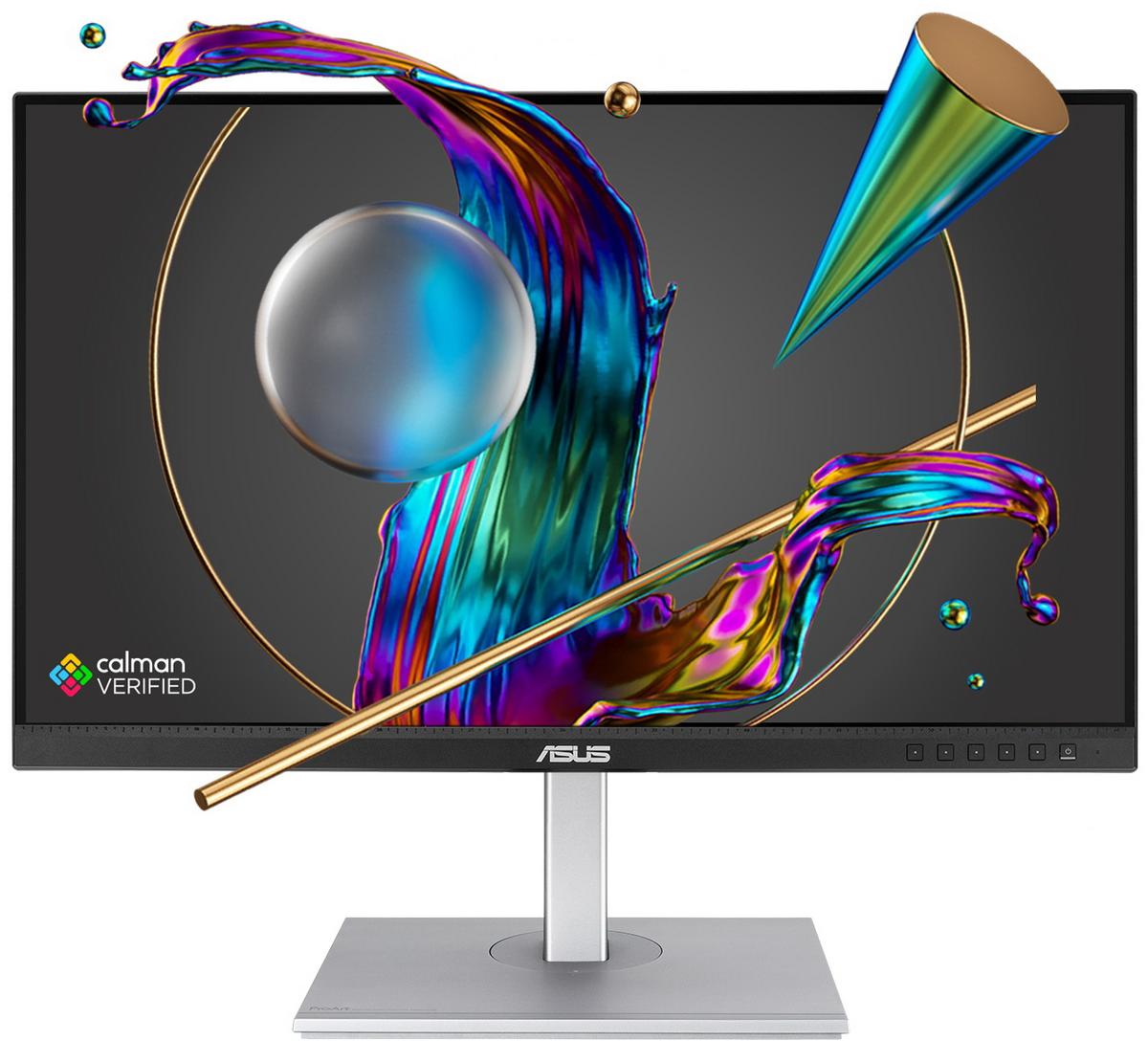
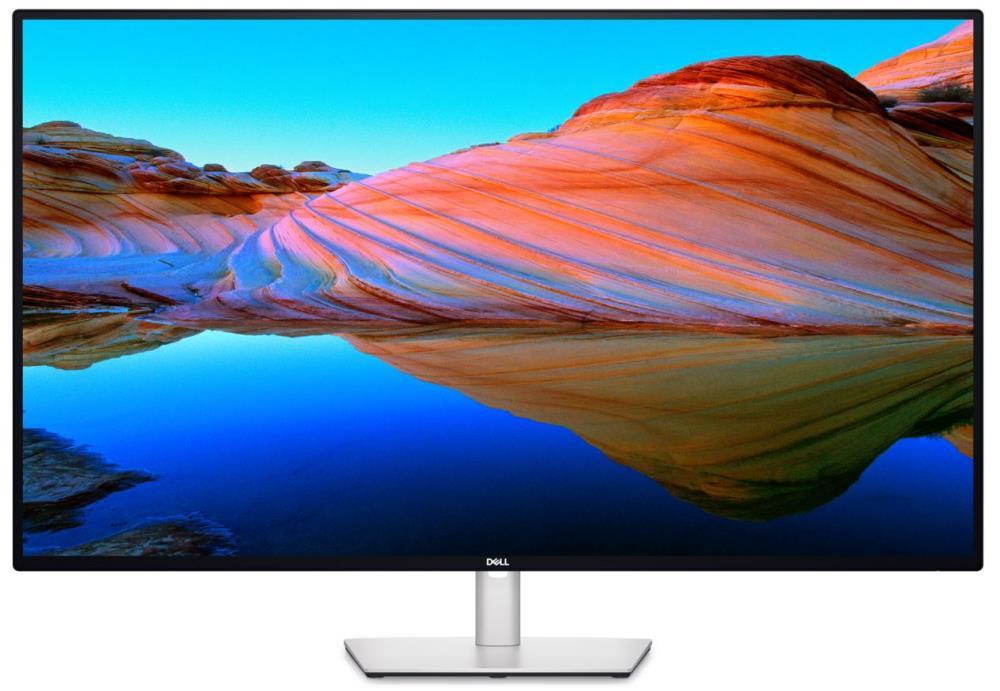
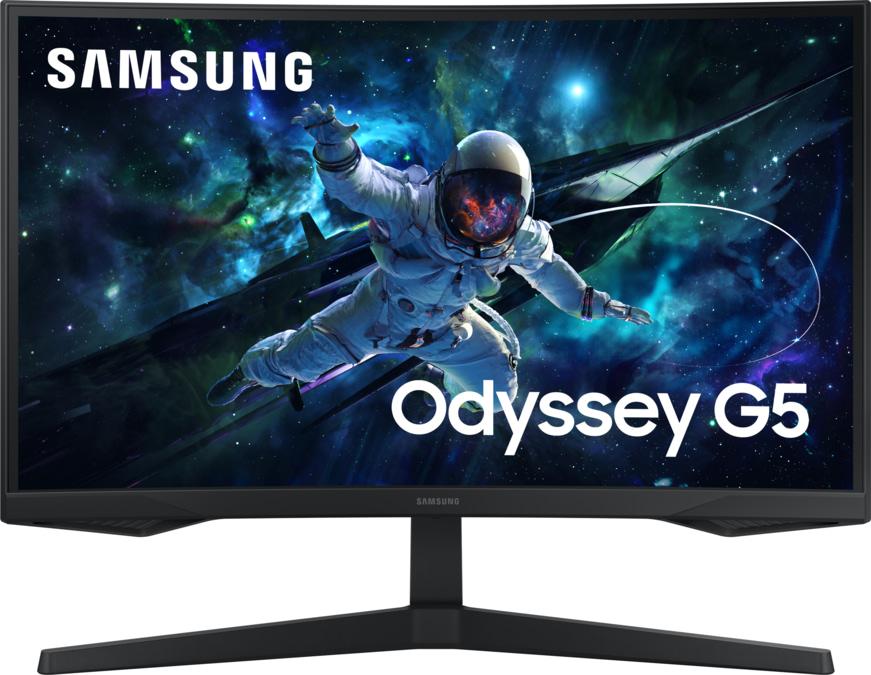
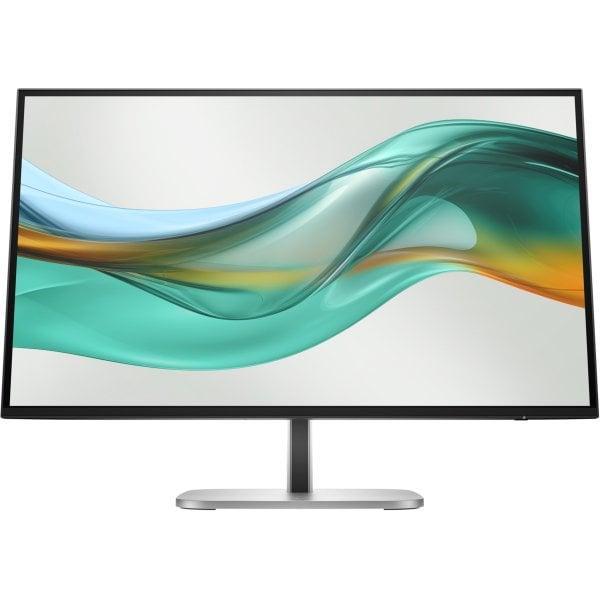
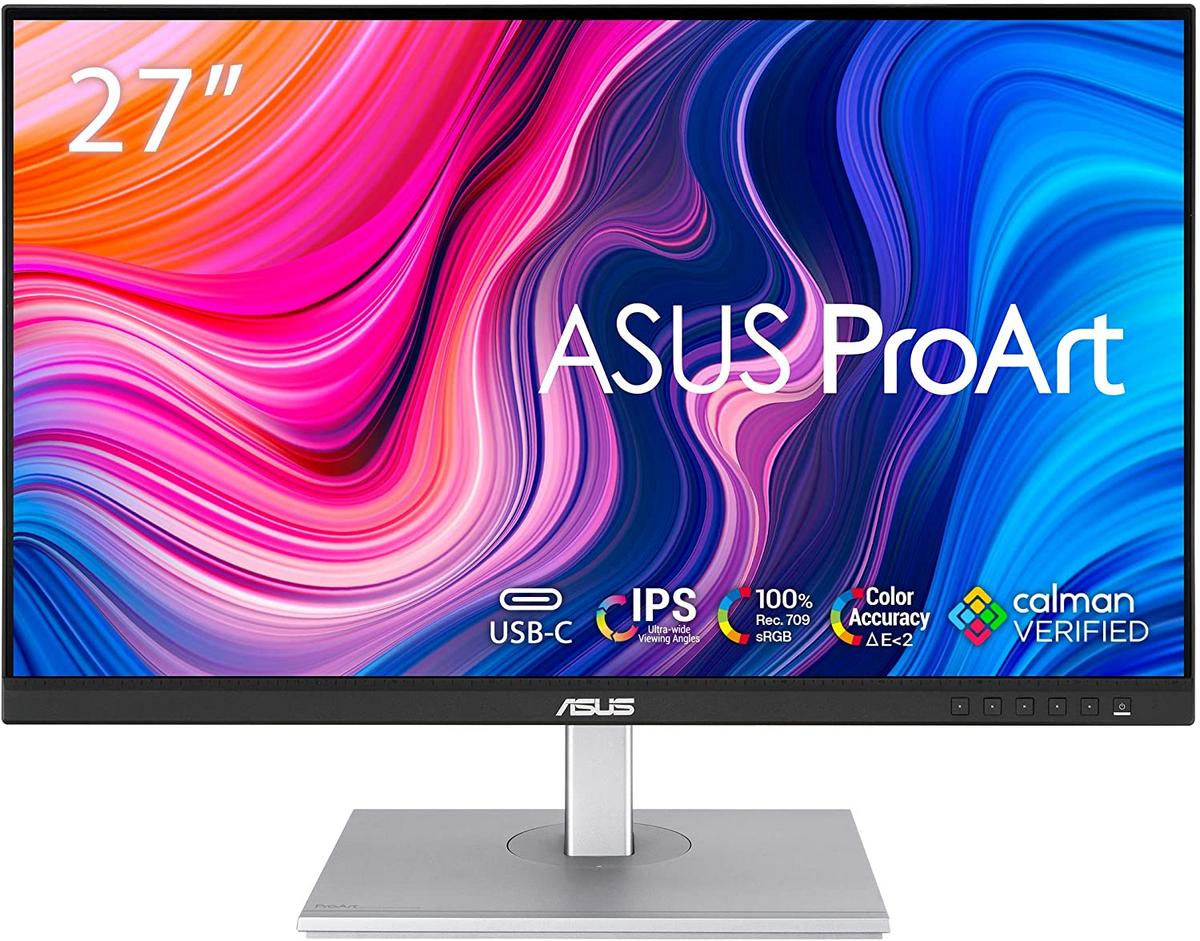
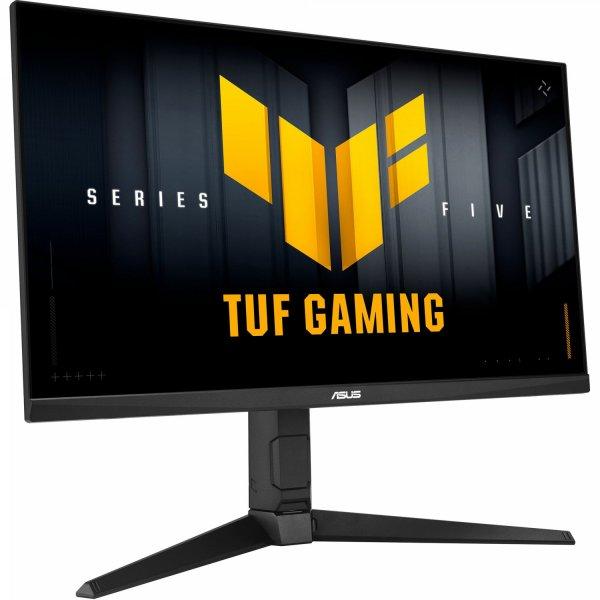
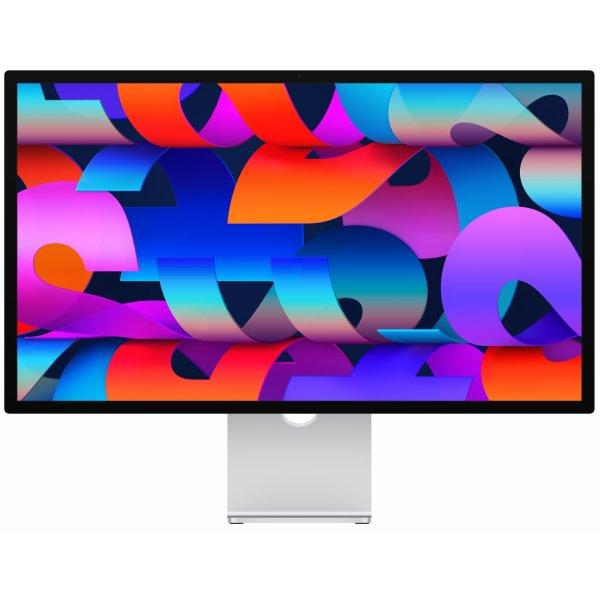
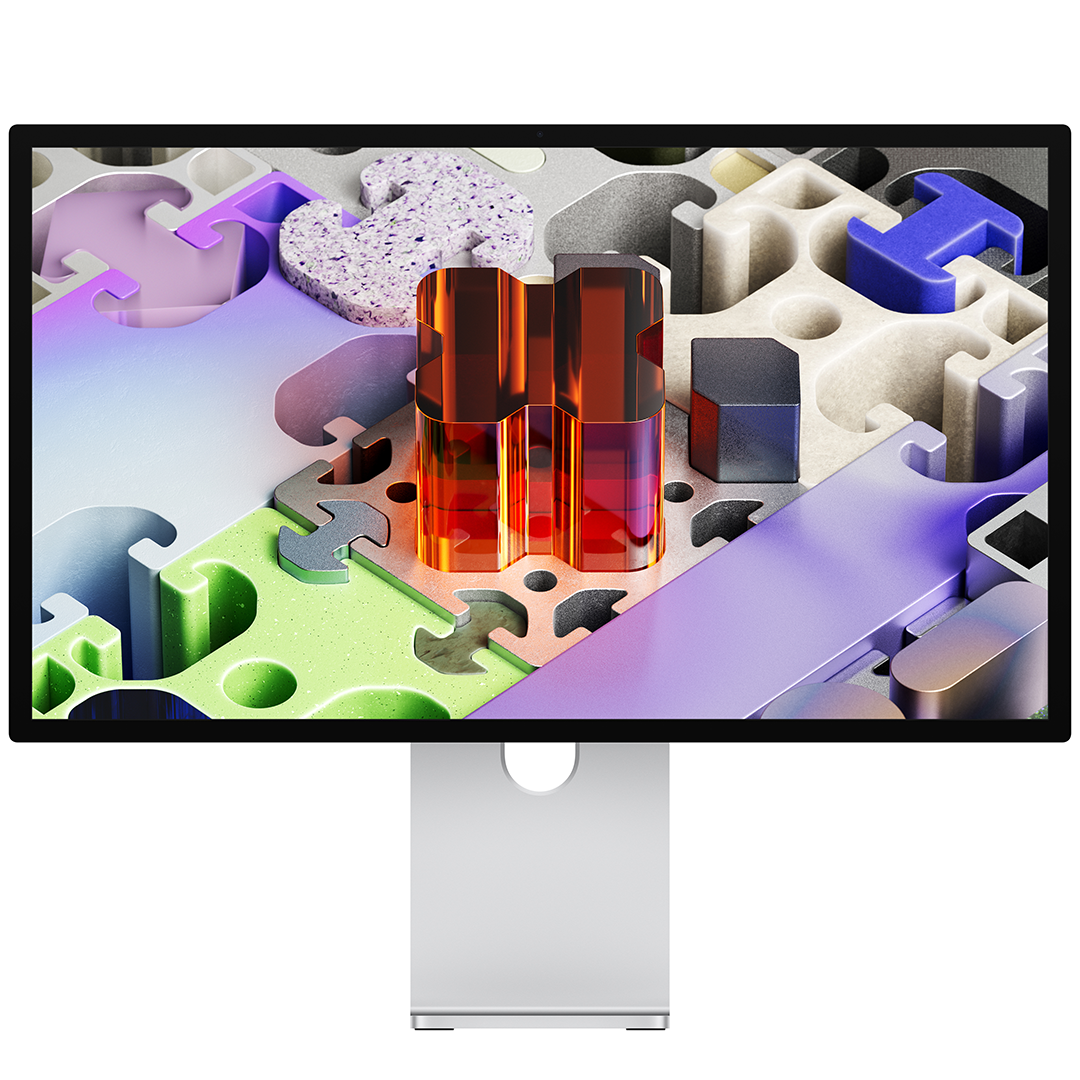
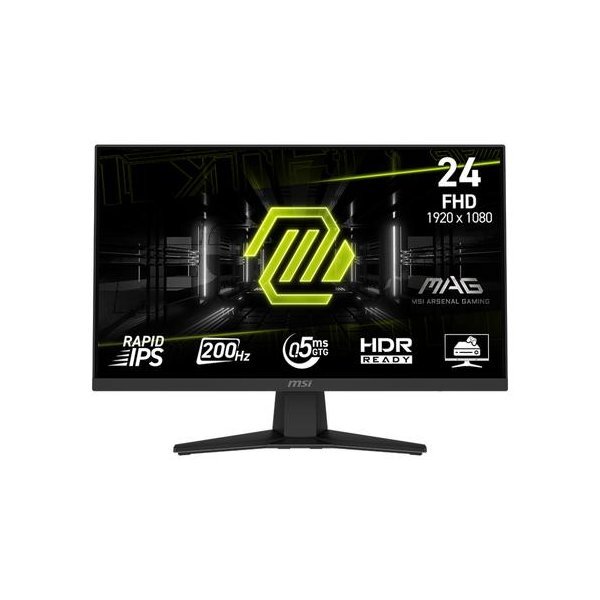
Apple Studio Display XDR on 27-tolline 5K Retina XDR monitor, mis pakub erakordset heledust, kontrasti ja värvitäpsust. Mini-LED taustvalgustus, 120 Hz värskendussagedus ja lai värviruum teevad sellest tugeva tööriista video, foto, disaini ja mängude jaoks. • 27" 5K Retina XDR ekraan • Kuni 2000 niti HDR heledus • 120 Hz ja Adaptive Sync • Thunderbolt 5 ja USB-C ühendused • Tilt and height statiiviga saab kohandada kallet ja kõrgust vastavalt oma soovile Studio Display XDR, Standard Glass, 27 ", 5K, 16:9, 120 Hz, 5120 x 2880 pixels, 2000 cd/m², Silver
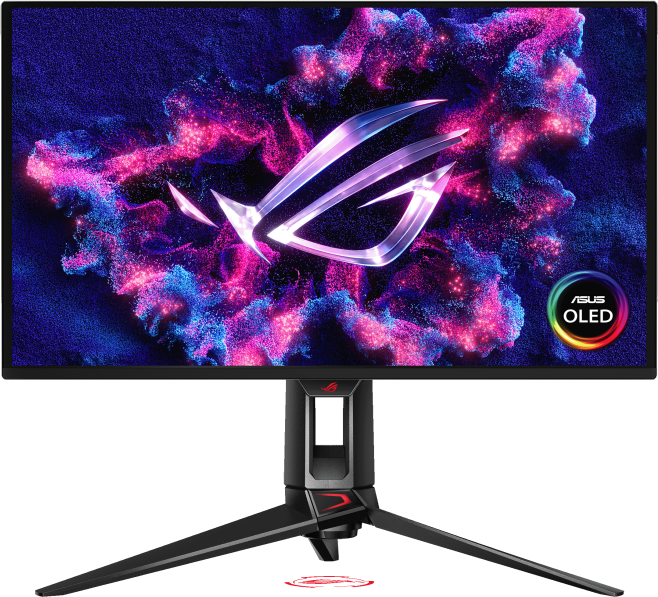
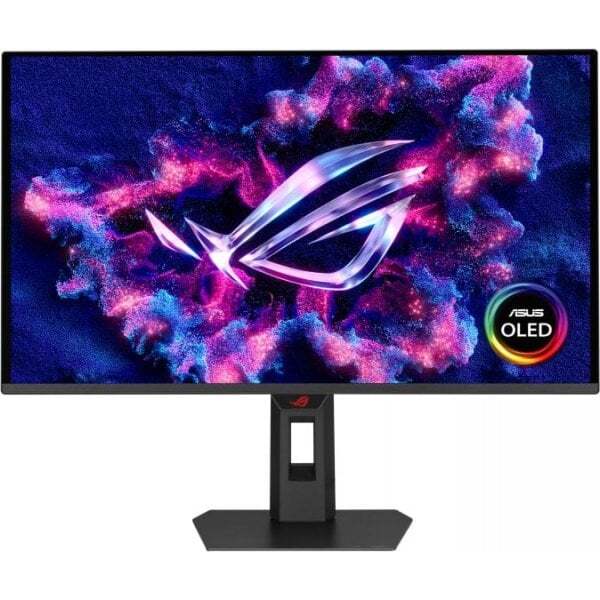
ROG Swift OLED PG27UCDM gaming monitor ― 27-inch (26.5-inch viewable) 4K QD-OLED panel, 240Hz, 0.03ms (GTG), OLED Anti-Flicker 2.0, custom heatsink, OLED Care Pro, Neo Proximity Sensor, G-SYNC® compatible, VESA DisplayHDR™ 400 True Black, uniform brightness, 99% DCI-P3, true 10-bit color, DisplayWidget Center, DisplayPort™ 2.1a UHBR20 (80Gbps full bandwidth) 26.5-inch 4K (3840 x 2160) QD-OLED gaming monitor with 240Hz refresh rate and 0.03ms ms response time Latest 4th-gen QD-OLED technology delivers sharper imagery and crystal-clear text, a longer lifespan over previous-gen OLEDs OLED Anti-Flicker 2.0 technology includes a new luminance compensation algorithm that reduces flicker by 20% compared to previous-gen panels, ensuring comfortable viewing New ASUS OLED Care Pro functions with Neo Proximity Sensor that precisely detects when the user is away, switching to a black screen to reduce the risk of burn-in Extensive connectivity options include DisplayPort™ 2.1a UHBR20 with full 80Gbps bandwidth, USB-C® (90W PD), HDMI® 2.1, and a tripod socket Dolby Vision® support, VESA DisplayHDR™ 400 True Black compliance, 99% DCI-P3 gamut, Ture true 10-bit color, and Delta E < 2 color difference for astonishing HDR performance, making it the monitor perfect for photo and video editing DisplayWidget Center allows users to easily access OLED Care Pro functions and adjust monitor settings using a mouse ROG Swift OLED PG27UCDM The ROG Swift OLED PG27UCDM is a 27-inch, 240Hz 4K gaming monitor that boasts the latest fourth-generation QD-OLED technology to deliver supersharp visuals and crisp text. The cutting-edge QD-OLED panel offers greater longevity compared to previous OLED technologies and minimal flicker―even when frame rates fluctuate. With the addition of the Neo Proximity Sensor in the new ROG OLED Care Pro suite, the monitor transitions to a black screen when no user is detected, guarding against burn-in. Built-in DisplayPort™ 2.1a UHBR20 provides a full 80Gbps bandwidth to support uncompressed 4K visuals at a stunning 240Hz to elevate viewing experiences to the next level.4th Gen QD-OLED TechnologyHigh 166ppi Sharp imagery & textOLED Anti-Flicker 2.0 20% Less Flicker*Extreme Low Motion Blur Incredible Motion Clarity27-inch 4K240HzDISPLAYPORT 2.1a 80 GbpsCUSTOM HEATSINKASUS OLED Care ProNeo Proximity Sensor99% DCI-P3 DELTA E < 20.03 ms response timeVESA Certified DisplayHDR: true black 400UNIFORM BRIGHTNESSDISPLAYWIDGET CENTERDolby Vision3-year warranty4th Gen QD-OLED TechnologySupersharp Imagery & Text: The latest-generation QD-OLED panel boasts an amazing 166ppi pixel density to deliver optimal visuals and incredibly-clear text for viewing experiences that are second to none.Incredible Motion Clarity: Exclusive ASUS Extreme Low Motion Blur technology reduces ghosting and motion blur.Advantages of OLED technology: The latest ASUS OLED panels offer extremely high contrast ratios to deliver the darkest black hues as well as the most vivid colors, helping create immersive visuals for gaming and for creative endeavors. Plus, an astounding 0.03 ms gray-to-gray response time ensures supersmooth, low-latency visuals.ROG OLED Anti-Flicker 2.0 New ROG OLED Anti-Flicker 2.0 technology minimizes onscreen flicker by up to 20% compared to previous-generation panels, enabling comfortable gaming experiences.Luminance Compensation Algorithm: The advanced luminance compensation algorithm dynamically boosts pixel brightness during refresh rate fluctuations to ensure more consistent visuals without increasing input lag or compromising refresh rates.Refresh Rate Cap: This feature caps the monitor refresh rate to reduce onscreen flicker. The three presets (High / Mid / Off) have been upgraded, enabling each to cover a wider refresh rate range to suit individual preferences.ASUS OLED CARE PRONew ASUS OLED Care Pro technology provides a full set of customizable monitor settings to protect the OLED panel and ensure longevity. Plus, it includes the new Neo Proximity Sensor that detects your distance from the monitor and transitions to a black image when you’re away to safeguard the panel from burn-in. All settings can be easily managed via DisplayWidget Center.Neo Proximity Sensor The built-in Neo Proximity Sensor precisely detects your distance from the monitor. When you step away, the monitor transitions to a black image to protect against panel burn-in, and instantly restores onscreen content when you return. Detection distance can be customized to suit personal preference, ensuring maximum convenience and protection.Automatically Transition to Black Image Customize Detection Distance PIXEL CLEANING: Recalibrates the screen when the monitor has been active for several hours―a process that takes just a few minutes and activates automatically when the monitor is turned offSCREEN MOVE: Pixel locations are slightly shifted periodically to help prevent burn-in, and users can choose between several movement levels .BOUNDARY DETECTION: Dynamically detects the boundary of the black bars and reduces the brightness and also slightly shifts the pixel of the near borders.WORRY-FREE OLED MONITORROG OLED monitors are engineered to deliver stunning visuals for years to come. An innovative custom heatsink and a unique internal airflow improve cooling and reduce the risk of burn-in.3 Year WarranrtyUNLOCK THE FUTURE WITH DISPLAYPORT 2.1aThe PG27UCDM features the future-ready DisplayPort 2.1a UHBR20 with full 80Gbps bandwidth, supporting 4K at 240Hz or 8K at 60Hz visuals without compression while offering improved data-transmission efficiency. Additionally, the PG27UCDM includes USB-C® with 90-watt Power Delivery, HDMI® 2.1 ports and a USB hub to accommodate a wide array of multimedia devices.HDMI 2.1: 48Gbps, Full BandwidthDisplayPort 2.1a: 80Gbps, Full BandwidthUSB-C: 90W PDPLAY IN ULTRAVIVID HDRThe PG27UCDM supports Dolby Vision® and HDR10 to deliver unmatched brightness, colors, and contrast. Both can be quickly turned on or off via the OSD menu, making PG27UCDM ideal when creating content or watching videos and movies.YOUR MONITOR, YOUR WAYThe PG27UCDM monitor is a versatile powerhouse designed to excel in gaming, streaming, and content creation. Its high refresh rate, low response time, and vivid colors deliver a seamless, immersive experience. The wide viewing angles and built-in tripod socket make it perfect for streaming, while its exceptional color accuracy and wide color gamut ensure professional-grade content creation.GAMINGSTREAMINGCONTENT CREATIONDISPLAYWIDGET CENTERTake your monitor to the next level with DisplayWidget Center, a powerful monitor management software designed to help you optimize, personalize, and fully utilize your display via a mouse — so there’s no need to access the OSD menu. Additionally, DisplayWidget Center notifies you of the latest firmware updates and includes a direct update option. You can also import or export display configurations for sharing.Customizable monitor settingsAuto Firmware Update NotificationMultiscreen ControlOLED ProtectionPLAY SMARTER WITH AI ASSISTANT The AI Assistant in PG27UCDM includes AI Visual, AI Crosshair, and AI Shadow Boost. These features leverage AI technology to help you practice more effectively to improve your gaming.AI Crosshair: Automatically changes the crosshair to a color that contrasts with the background, so it stands out for more accurate aim.AI Shadow Boost: Automatically enhances dark areas of the scene to make it easier to spot enemies hiding in dim areas of the map.AI Visual: Automatically detects what’s onscreen and adjusts to provide the best default or user-preset monitor settings through DisplayWidget Center.UNIFORM BRIGHTNESSSWhen activated, the ROG-exclusive Uniform Brightness* setting within the OSD menu decreases peak brightness to keep levels consistent for better viewing—even when changing the size of bright white windows. It also makes marathon gaming sessions much more comfortable on the eyes.ASPECT CONTROL RATIOFor competitive gamers who are more familiar with smaller 1080p monitors, the PG27UCDM can display a 4:3 aspect image in 1280 x 960 or 1024 x 768 resolutions. Alternatively, users can play on a pixel-perfect 24.5-inch, 2368 x 1332 image at a native 240Hz refresh rate.SMOOTH AND RESPONSIVE The PG27UCDM features AMD FreeSync™ Premium Pro technology and NVIDIA® G-SYNC® compatibility, ensuring supersmooth, tear-free visuals with low latency.IN-GAME ENHANCEMENTSGAMEPIUS: The ASUS-exclusive integrated GamePlus hotkey offers in-game enhancements. Co-developed with input from pro gamers, GamePlus enables you to practice and improve gaming skills with the ROG Gaming AI technology-enhanced Dynamic Crosshair.GAMEVISUAL: ASUS GameVisual technology offers seven pre-set display modes to optimize visuals for different types of content. This unique feature can be easily accessed using a hotkey or via the OSD settings menu.FLICKER-FREE TECHNOLOGY: TÜV Rheinland-certified ASUS Flicker-Free technology eliminates flicker, ensuring comfortable viewing experiences. This technology helps minimize eyestrain and other potential issues typically associated with extended hours of viewing.LOW BLUE LIGHT TECHNOLOGY: The new hardware-based ASUS Low Blue Light technology reduces potentially harmful high-energy blue-light emissions while offering color performance that’s better than monitors with software-based filtering solutions.ERGONONIC STANDThe specially designed hollowed-out stand offers tilt, swivel, pivot, and height adjustments to provide the ideal viewing position. The display is also VESA wall-mount-compatible.HEIGHT ADJUSTMENT: 0-110MMSWIVEL: -30°~ +30°PIOVT: -90°~ +90°TILT: -5°~ +20°
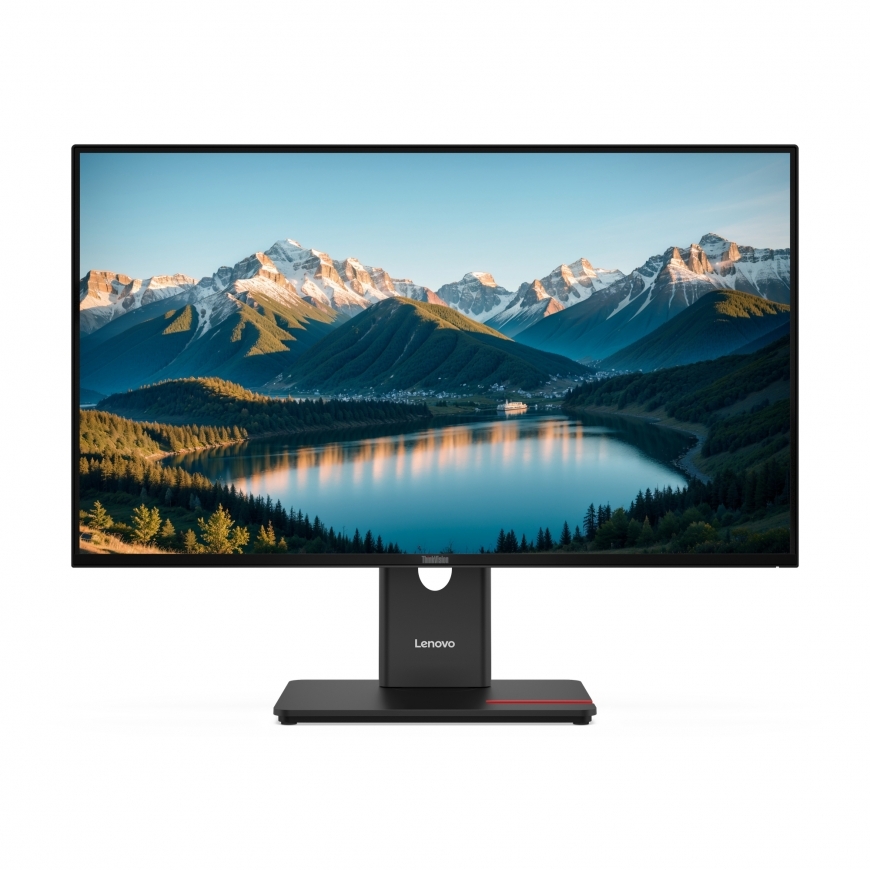
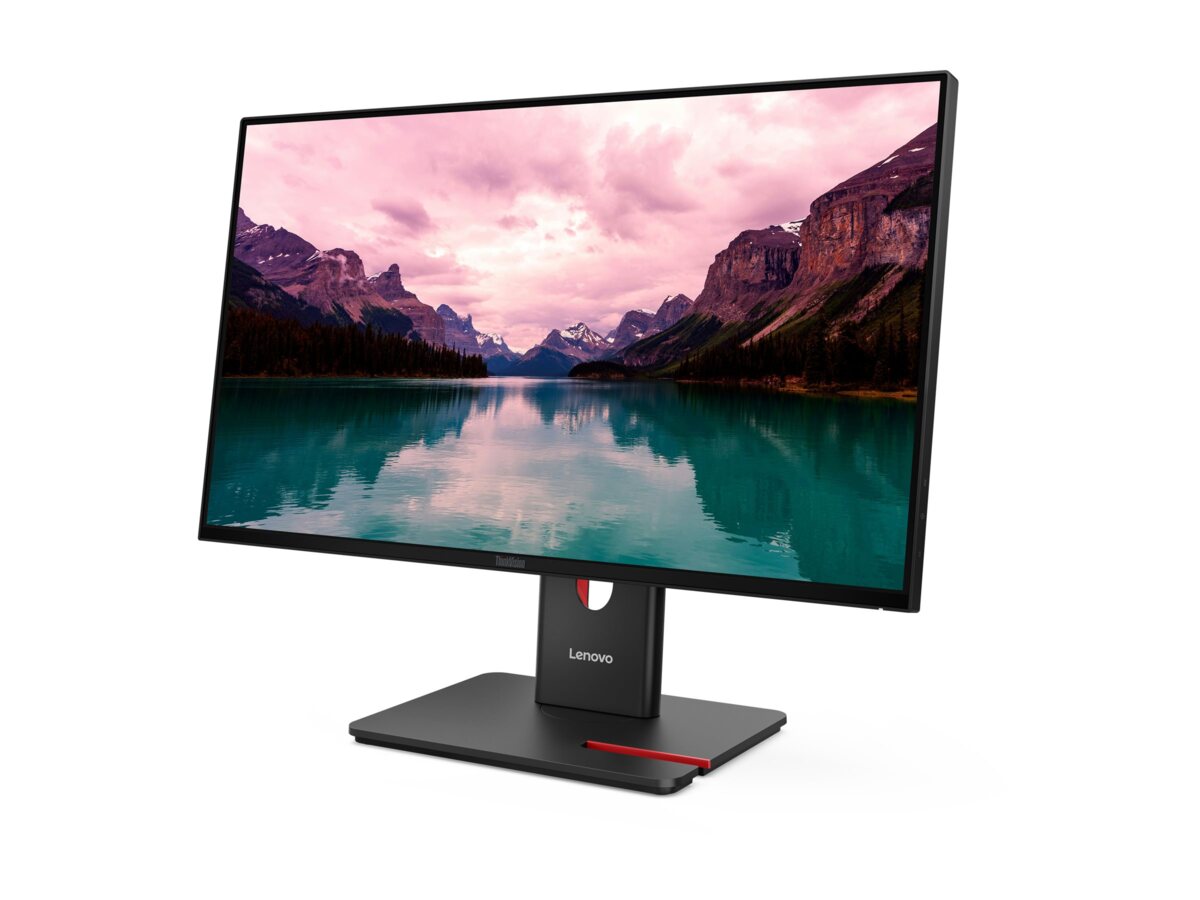
ThinkVision T27Q-40 impresses users who value sharp image quality and usability. The ThinkVision T27Q-40 delivers a crisp 27" IPS QHD display, where details stand out and colors appear naturally accurate. Natural Low Blue Light technology protects your eyes without distorting color fidelity. The screen?s 48?120 Hz dynamic refresh rate adjusts automatically and efficiently based on content: smooth motion in fast-paced scenes, and reduced rate during static content to save energy. With versatile connectivity, ergonomic adjustments, and clear visuals, this monitor is a reliable choice for both office and home environments. The display pairs seamlessly with Lenovo's T27QD-40 as a secondary monitor. The monitor meets the most stringent international standards for environmental and energy efficiency, including ENERGY STAR, TCO 10.0, EDGE and EPEAT Gold. The innovative Lenovo Display Fleet Manager (LDFM) software provides IT admins with powerful tools for device management and firmware updates. Key Features: Display size: 27" Resolution: 2560x1440 QHD Panel type: IPS Aspect ratio: 16:9 Refresh rate: 48?120 Hz Brightness: 350 cd/m² Contrast ratio: 1500:1 Response time: 6ms (Typical), 4ms (Extreme) Color gamut: 99% sRGB, 99% BT.709 Color depth: 8-bit Ports: HDMI 2.1 TMDS, DP 1.4 (HBR2), 3x USB-A 3.2 Gen1, USB-C 3.2 Gen1 (15W PD, data only), USB-B 3.2 Gen1 Power consumption (Typ/Max): 17W / 90W Viewing angle (horizontal/vertical): 178° / 178° Tilt: -5° / 23.5° Swivel: -45° / 45° Height adjustment: 155mm Pivot: -90° / 90° VESA mount capability 100x100mm Kensington Lock slot 2.5 x 6mm Lenovo ThinkColour and Display Fleet Manager Includes HDMI (1.8m) and USB-A to USB-B cables (1.8m) Weight: 6.5kg with stand, 4.3kg without stand Three-year replacement warranty Environmental and Energy Certifications ENERGY STAR® Certified, TCO 10.0, TCO Edge 2.1, EPEAT? Gold, RoHS, EU Energy Efficiency Level (Level-D) Ergonomics Certifications Eyesafe® Display 2.0, TÜV Low Blue Light (Hardware solution), TÜV Rheinland® Flicker Free, TÜV Low Blue Light, TÜV Rheinland Eye Comfort 3.0 (5 Stars)
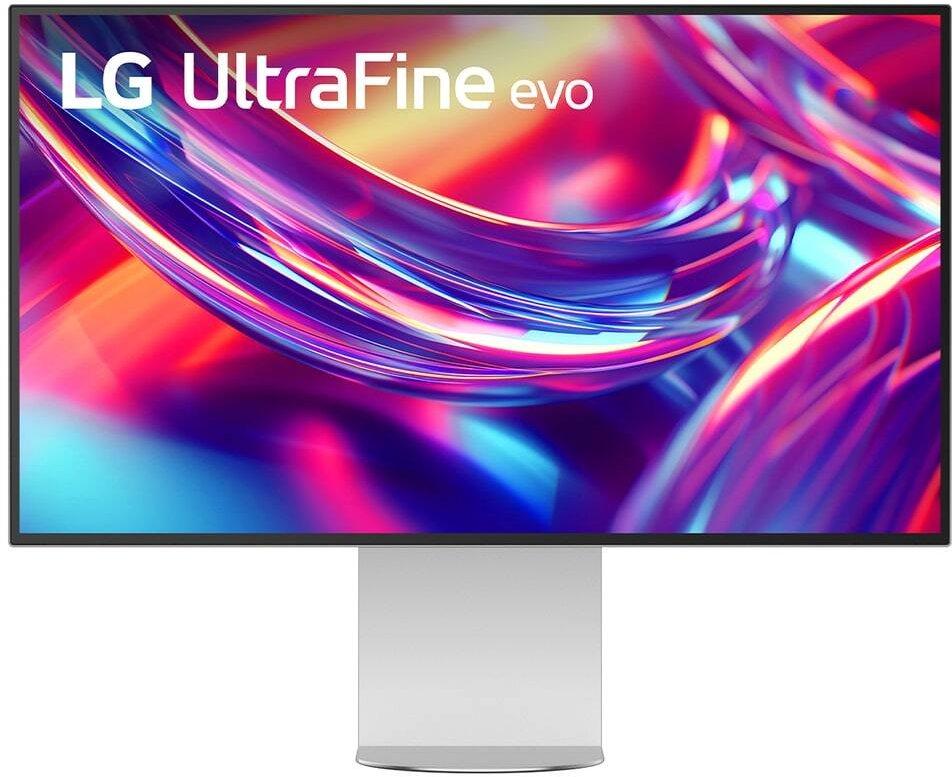
The World’s First 6K Monitor with Thunderbolt™ 5 Crafted for creatives who demand more, the LG UltraFine™ evo brings 6K clarity, stunning clarity, and rich color to every frame. With Thunderbolt™ 5 and seamless Mac and Windows compatibility, it's the display your ideas deserve—and your tools demand.6K Resolution and 224 PPI Ultra-High Pixel DensityWith 6K resolution (6144 × 3456) and a razor-sharp 224 PPI, the LG UltraFine™ evo packs over 21 million pixels into a 32" panel—delivering 156% more pixels than standard 4K. UltraFine™ evo has has more working pixels in every inch—allowing you to view full-resolution content while keeping creative tools and editing interfaces clearly visible, sharp, and distortion-free.Performance and Precision for Creative ProsWhether you’re editing 6K video, retouching photos, sculpting in 3D, designing responsive web layouts, or training AI visuals—the Mac and Windows compatible UltraFine™ evo display supports your craft with immaculate color and impeccable visual fidelity.Next-gen compatibility, powered by Thunderbolt™ 5Thunderbolt™ 5 empowers creators, editors, and AI professionals with ultra-fast transfer speeds- 2x faster than Thunderbolt™ 4, along with 6K daisy chaining support, and DisplayPort 2.1—all via one cable. With 96W power delivery, Mac and Windows support, Thunderbolt™ 5 bridges future-ready workflows with maximum scalability and efficiency.Daisy Chain Your Creative WorkflowConnect multiple monitors with a single cable using Daisy Chain support—ideal for multitasking across design software, editing timelines, and reference materials. This streamlined setup reduces desk clutter and boosts productivity, giving creative professionals the expansive workspace they need.Versatile Connectivity for Pro-Level SetupsCompatible with both Mac and Windows, the LG UltraFine™ evo 6K monitor transforms into a powerful workstation hub with Thunderbolt™ 5, HDMI, DisplayPort 2.1 (UHBR 13.5 DSC), and USB Type-C ports—giving you seamless access to devices, drives, and displays.Studio Mode: Easy color tuning compatible with Mac computersBuilt for Mac compatibility, Studio Mode2 offers three calibrated color presets that fine-tune your UltraFine evo 6K display for a more consistent, unified viewing experience. It adjusts subtle tone variations, helping ensure your screen stays consistent with your creative intent—from edge to edge.High-PPI Clarity Compatible with Mac CreatorsWith 224 pixels per inch, UltraFine evo 6K delivers incredibly sharp visuals on a larger screen—ideal for photo editing, design, and precision work. Whether you're retouching images or rendering graphics, experience Mac-optimized clarity that brings every detail into focus.Mac-compatible Controls with M-ControlAdjust your display with ease using your Mac keyboard. With M-Control4 support, UltraFine evo 6K lets you fine-tune brightness and volume right from your keys—no on-screen menu diving.DisplayHDR™ 600: Visual Nuance UnlockedVESA DisplayHDR™ 600 produces brilliant highlights, crisp contrast, and vibrant color accuracy—revealing every detail in your scene. Perfect for color grading, photo retouching, and 3D rendering where precision and realism matter most.Professional color mastery, pixel by pixelFor creators who demand precision and accuracy, the UltraFine™ evo displays up to 99.5% Adobe RGB, 98% DCI-P3, and Real 10-bit color depth. Expect ultra-smooth tonal transitions, deeper HDR detail, and consistent results from screen to print.Nano IPS Black with 2000:1 Contrast: Deeps Blacks & Rich ShadowsNano IPS Black delivers up to a 2000:1 contrast ratio for deeper blacks, richer detailed shadows, and astounding detail—helping creative professionals maintain visual clarity, tonal depth, and consistent color expression across the screen.Eye Comfort certified by TÜV RheinlandWith TÜV Rheinland Eye Comfort certification5, UltraFine™ evo 6K provides a more comfortable viewing experience even during long hours of work or media consumption.Ergonomic Adjustability with Virtually Borderless DesignThe 4-sided, virtually borderless display maximizes screen space while the ergonomic stand allows tilt, height, pivot, and 90° rotation. Ideal for creative pros and multitaskers viewing large docs, coding, or setting up a streamlined multi-monitor workspace.Intuitive Screen Adjustments for Creative Workflows with LG SwitchLG Switch app6 streamlines your display setup so you can focus on creating. Use the picture wizard to fine-tune brightness and image quality for photo editing or color grading. Instantly launch video calls and organize windows across 11 flexible on-screen layouts.Built-In Sound for Streamlined Studio SetupsIntegrated audio simplifies your workspace by eliminating the need for external speakers—ideal for video playback, remote meetings, and creative reviews. Designed to support your workflow with clear, reliable sound right from the display. 32” 6K Nano IPS Black and 224 PPI delivers ultra-clear, high-contrast visuals Thunderbolt 5: One cable. Ultra-fast speed, power, and flexibility Work smarter with Thunderbolt 5, DisplayPort 2.1, HDMI, and USB-C connectivity VESA DisplayHDR™ 600 unlocks bright, deep, dynamic visuals Color gamut with up to 98% DCI-P3 and 99.5% Adobe RGB coverage Nano IPS Black with 2000:1 contrast reveals deeper blacks and sharper shadows Mac compatibility: Studio Mode² presets + Mac keyboard control made easy⁴ Tilt, pivot, rotate & height adjust—on a 4-side, virtually borderless display
14"/ 35.6cm, Resolution 1920x1080, 16: 9, 157dpi, Brightness 250cd / m², Contrast 700: 1 (static), not specified (dynamic), Response time 5ms (GtG), not specified (MPRT), Viewing angle 178 ° / 178 °, Panel IPS, Shape straight (flat), Matt coating (non-glare), Backlight white LED, flicker-free, blue light filter, FRC unknown, Color space not specified (sRGB), not specified (Adobe RGB), not specified (DCI-P3), not specified (REC 709), Refresh rate 60Hz, Signal frequency not specified (horizontal), not specified (vertical), Connections 1x USB-C with DisplayPort, Color black (display frame), gray (lower cover), black (base), black (back), Power consumption not specified (maximum), 7W (typical), not specified (energy label), 0W (standby), Annual consumption 10.22kWh, Energy efficiency class A +, Power supply USB-C, Screen-to-body ratio 79.9% (calculated), Dimensions (WxHxD) not specified (with pedestal), 325x208x11mm (without pedestal), Weight not specified (with pedestal), 590g (without pedestal), Special features mechanical buttons, automatic image rotation, folding mechanism, 90LM0631-B01170
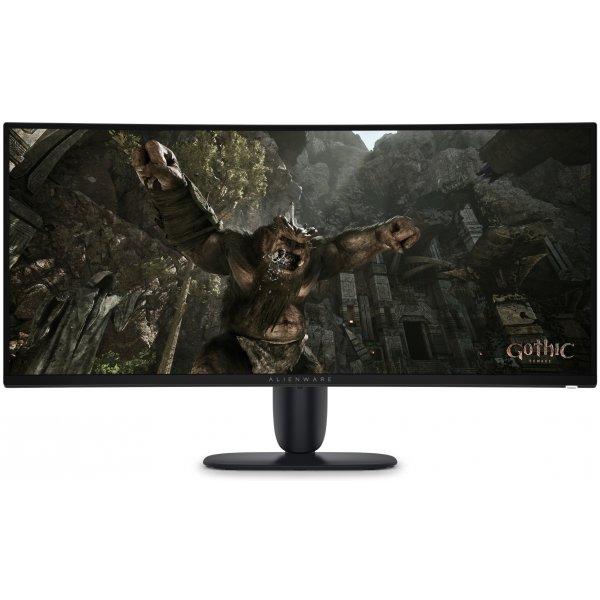
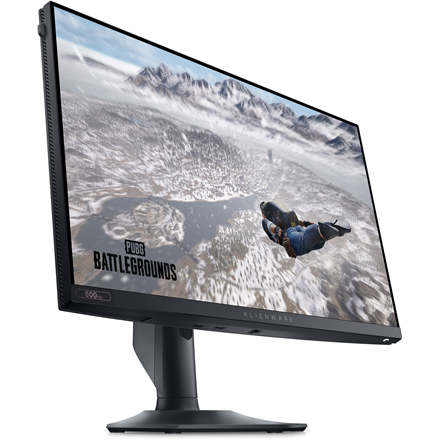
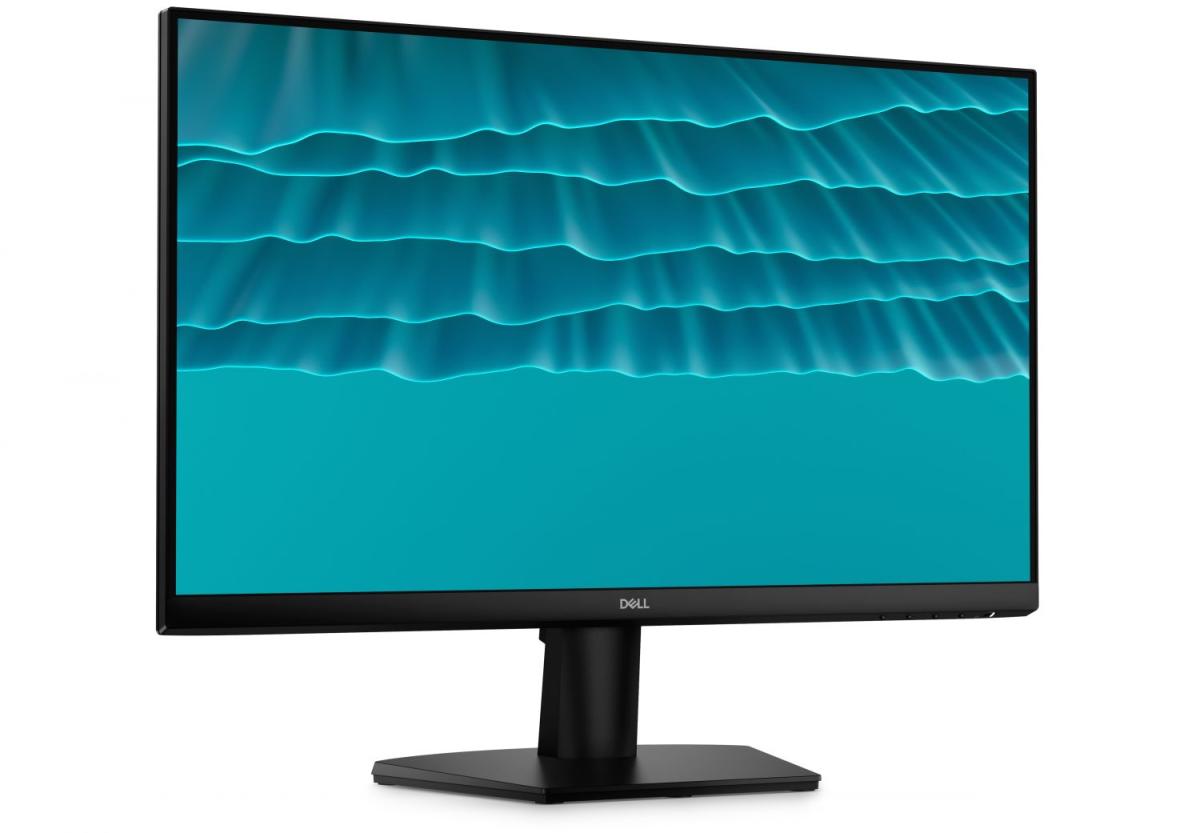
Dell Alienware AW2524HF on 25-tolline mängumonitor, mis on loodud pakkuma erakordset mängukogemust tänu 500Hz värskendussagedusele ja 0.5ms reaktsiooniajale. See tagab sujuva ja katkestustevaba mängimise, tuues esile iga detaili. • AMD FreeSync™ Premium ja VESA Adaptive Sync • Fast IPS tehnoloogia tagab ühtlased värvid igast vaatenurgast • 99% sRGB värvikatvus ja ComfortView Plus sinise valguse filter • Esports-inspireeritud disain koos reguleeritava aluse ja kõrvaklappide hoidjaga
65" Diagonal class UL5Q-E Series LED-backlit LCD-screen - digital signage with integrated Pro:Idiom - webOS - 4K UHD (2160p) 3840 x 2160 - Direct LED 500 cd/m²
Das formschöne, schlichte Gehäuse des GW2790C LED-Monitors überzeugt genauso wie das leuchtstarke 144 Hz Panel und seine besonders konstante Bildwiedergabe. Mit 68,6 cm (27 Zoll) und schmalen Displayrändern ist der GW2790C bestens für Multi-Monitor-Anwendungen geeignet. Dank der verwendeten IPS-Technologie bleibt das Bild dabei auch aus großen Betrachtungswinkeln einwandfrei und ohne verwaschene Farben erkennbar. Um eine gesunde Arbeitsweise zu unterstützen, ist der GW2790C mit einem Blaulichtfilter und flimmerfreien LEDs ausgestattet, die zum einen die Ermüdung der Augen reduzieren und zum anderen eine Schädigung der Netzhaut verhindern. Ein neigbarer Standfuß, HDMI-, USB-C- und DisplayPort-Eingänge, Eye Comfort 3.0 und EyeSafe 2.0 sowie ein Kopfhörerausgang und Lautsprecher runden die Ausstattung des GW2790C ab.