Scotch Super 33+ on T1-klassi elektriteip. Mõeldud juhtmete ja kaablite elektriühenduste isoleerimiseks kuni 600V ja max 105°C. Omadused: • Väga hea mehaaniline vastupidavus, samuti niiskusele, kemikaalidele. UV-kindel. • Väga head elektrilised omadused Tehnilised andmed: (ASTM D1000): • Värv: must • Materjal: PVC • Paksus: 0,18 mm • Murdumiskindlus: 250 % 22 °C, 100 % -18°C • Kleepuvus: 794 g/25 mm, teras • Temperatuurivahemik: • Paigaldamine: min -18°C (CSA) • Pidevalt: max105°C (CSA), 80°C (UL510) • Tulekindlus: isesumbuv (UL510) • Läbilöögipinge: 8750 V • Sertifikaadid: UL 510, CSA, FI Paigaldamine. Scotch Super 33+ paigaldatakse samamoodi kui vinüülteipe üldiselt. Mähkige vähemalt kaks kihti 50% kattuvusega. Venitage veidi teipi enne mähkimist, et teip jääks tihedalt vastu isoleeritavat pinda. Viimast kihti mitte venitada, see väldib teibi lahtikerimist. Valige sobiv teibi tüüp vastavalt ümbritsevale temperatuurile. Tavatingimustes võib kasutada ka odavamat T2 klassi elektriteipi Scotch 710 või T3 klassi Temflex 1500. Raskemates tingimustes kasutage paksemat Scotch Super 88 elektriteipi.
Features and Benefits Built-in 2-port Ethernet switch for daisy-chain topologies Free support of Moxa’s push-based Active OPC Server Lite - Seamlessly connect to any SCADA system - Save 80% on network bandwidth - I/O response that’s seven times faster User-defined Modbus/TCP addressing I/O peer-to-peer function MXIO programming library for Windows and WinCE VB/VC.NET and Linux C APIs Web configuration with Import/Export function Wide temperature models (-40 to 75°C) are available Introduction Daisy-chained Ethernet I/O Connection A new daisy-chained Ethernet I/O concept is now available. The ioLogik E1240 industrial Ethernet remote I/O has two embedded Ethernet switch ports that allow information to flow to another local Ethernet device or connect to the next ioLogik in the daisy-chain. Applications such as factory automation, security and surveillance systems, and tunnel monitoring, can make use of daisy-chained Ethernet for building multi-drop I/O networks over standard Ethernet cables. Many industrial automation users are familiar with the multi-drop configuration typically used in fieldbus applications. The daisy-chain function on the Ethernet remote I/O ioLogik E1240 not only increases the connection between machines and panels, but also lowers the cost of buying separate Ethernet switches, and at the same time reduces labor fees and cabling by a large percentage. For example, if a production facility contains 700 stations (20 points per station), the wiring cost reduction can reach 15% of the total implementation cost.Saving Time and Wiring Costs with Peer-to-Peer CommunicationsIn remote automation applications, the control room and sensors are often far removed, making wiring over long distances a constant challenge. With peer-to-peer networking, users may now map a pair of ioLogik E1200 series modules so that input values will be directly transferred to output channels, greatly simplifying the wiring process and reducing wiring costs.User-definable Modbus/TCP Addressing for Painless Upgrading of Existing SystemsFor Modbus devices that are controlled and detected by fixed addresses, users need to spend a vast amount of time researching and verifying the configurations. Users need to locate each device’s networking details like I/O channels, or vendor-defined addresses to enable the initial or start address of a SCADA system or PLC. The ioLogik E1200, with user-definable Modbus/TCP addressing, offers greater flexibility, and setup is easy. Instead of worrying about individual devices, users simply configure the function and address map to fit their needs.
Optimized for Smooth VoIP and Data Exchange The ZyXEL GS-105B v3 5-Port Desktop Gigabit Ethernet Switch connects network devices and the home network at blazing Gigabit speed. The newly designed QoS ports guarantee smooth transfer for bandwidth-intensive applications such as VoIP and data communications. Compact, sturdy switch with alternative wall-mount design The GS-105B v3 fits any environment. Regardless of desktop or wall-mount installation, its sturdy, compact design provides more flexibility for wired home networks. Fast, reliable wired connectivity Without any manual configuration, the GS-105B v3 can boost data transfer speed for connected network devices such as IP phones, network storages, PCs and laptops to the network at blazing-fast Gigabit speed. Optimized for smooth VoIP and data exchange The GS-105B v3 has 3 QoS ports with an assigned high- and medium-priority mechanism to enhance the stability of VoIP and data exchange. Just connect network devices such as IP phones, PCs, laptops or network storages to the high-priority or medium-priority ports of your choice, you can then enjoy smooth VoIP communication and data transfer at the same time.
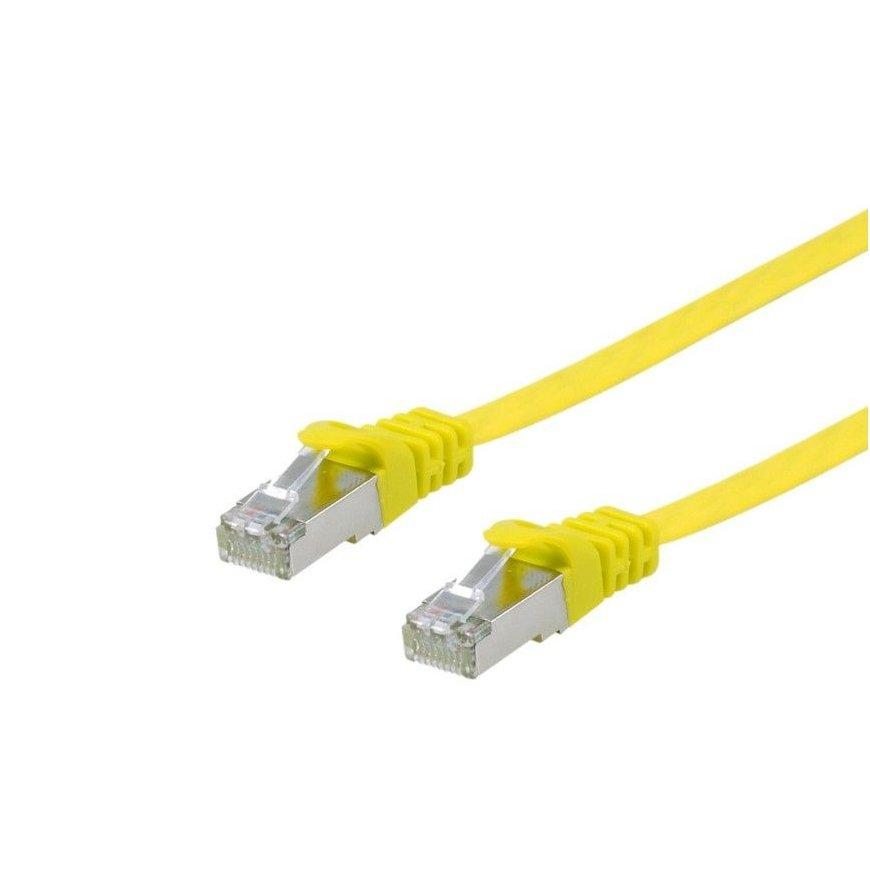
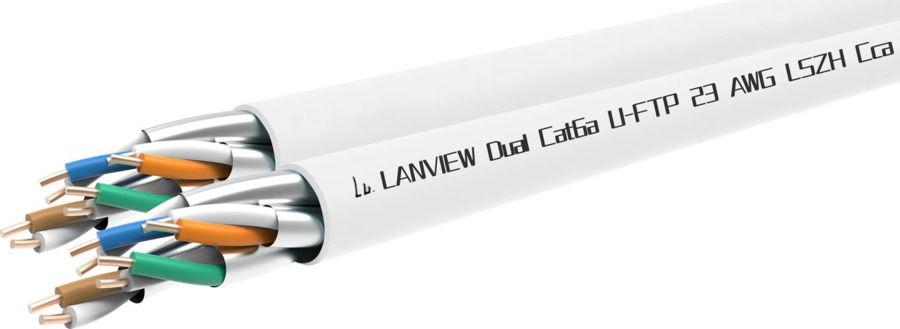
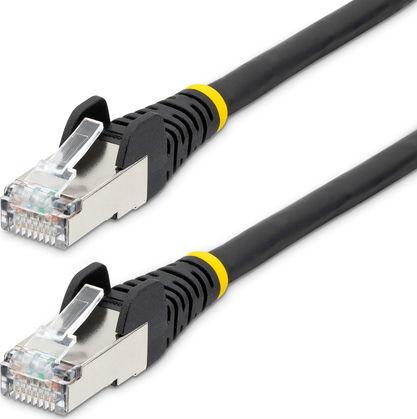
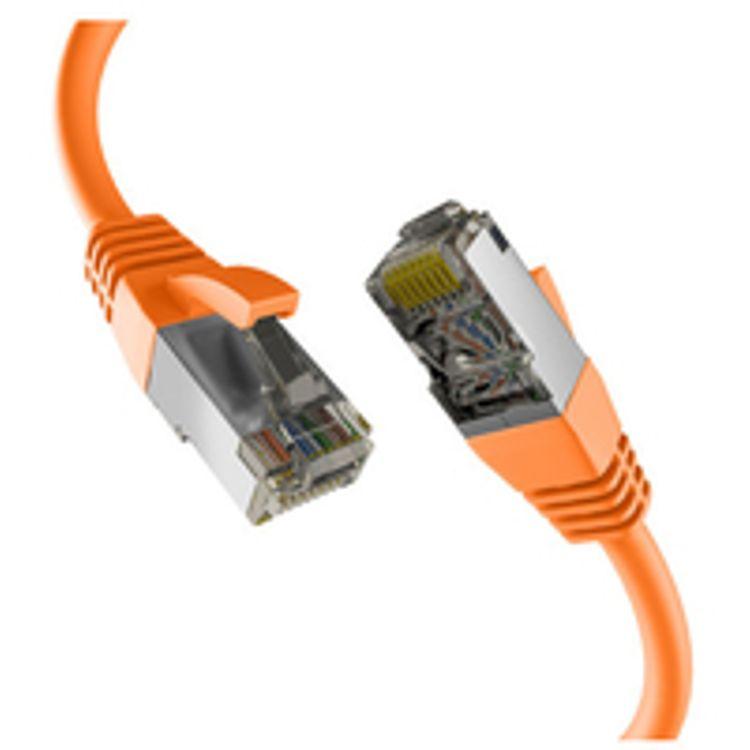
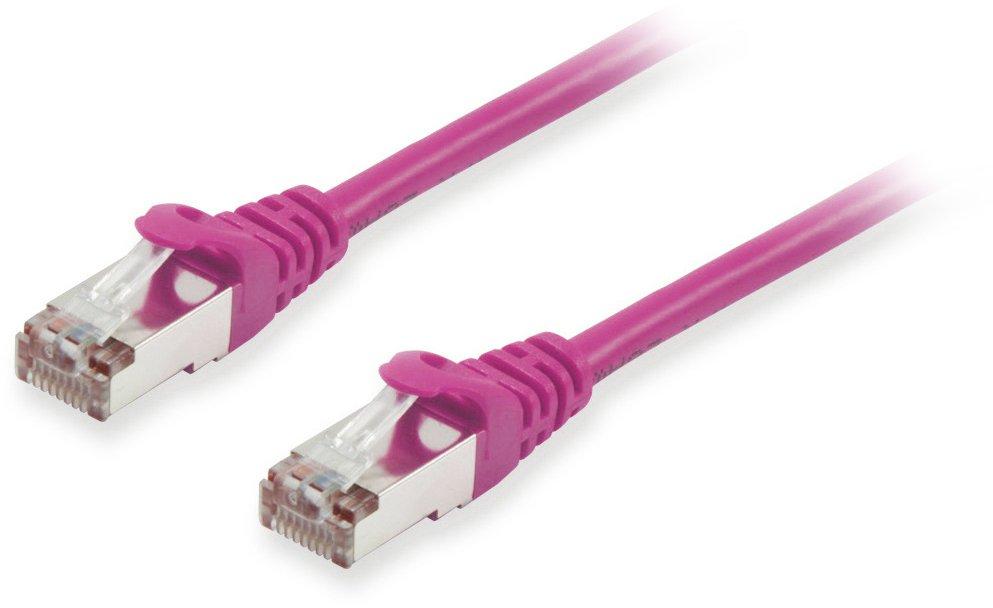
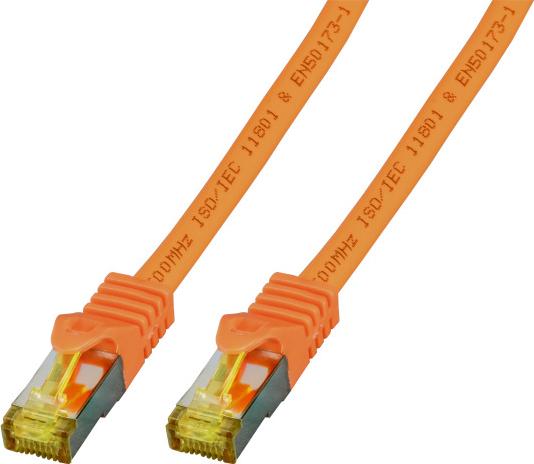
Product kirjeldus: kaabelxpert patch kaabel - 25 cm - punane Type: Patch kaabel - CAT 6a tehnoloogia: Shielded foiled twisted pair (SFTP) Shielding Material: Foil koos braid Wires per Cable: 8 wires Features: Halogen-free, molded, strain relief pikkus: 25 cm ühenduspesa: RJ-45 - male ühenduspesa (Second End): RJ-45 - male värv: Red Image värv Disclaimer: The displayed product image may be a different colour Manufacturer Warranty: Limited eluaegne garantii
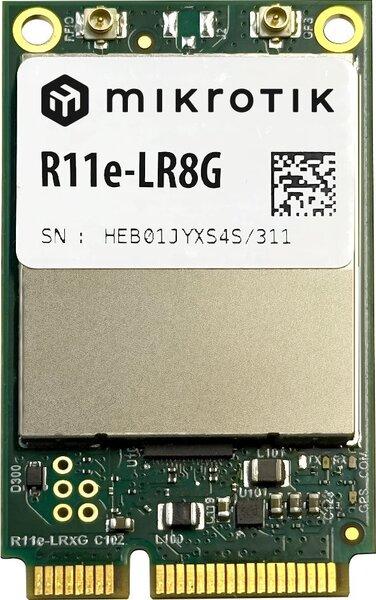
wAP LoRa9 kit – an out-of-the-box solution to use LoRaWAN gateway. This kit contains a pre-installed UDP packet forwarder to any public or private LoRa servers and an outdoor weatherproof wireless access point with 2.4 GHz WLAN interface and Ethernet port that could be used as a backend.This particular wAP form-factor has been tested in many other MikroTik products – it can deliver excellent and stable performance in almost any weather conditions.You can use the optional internal 2 dBi antenna or attach an external antenna. For extra network coverage we suggest adding MikroTik LoRa Antenna kit.Operates in 902-928 MHz frequency (used in United States Canada Mexico Australia Brazil many countries in Asia etc.)Functional and non-intrusive design astonishing durability and great value – that is the wAP LoRa8 kit the long-awaited LoRa solution for LoRa enthusiasts of any level.LoRa are ready to work with “The Things Network” - the famous open source infrastructure that provides free LoRaWAN network coverage and has tons of apps for your needs. With the help of “The Things Network” you can get started with the Internet of things within a day. And it is easily upgradable to enterprise-grade network “The Things Industries”.Cattle tracking smart irrigation level monitors for liquids smart pulse sensors and thermostats smart parking and so on – the possibilities are endless. And the setup is so easy anyone can learn it. There is a large community of developers and enthusiasts all around the globe – you will never be alone with your questions and ideas regarding the LoRaWAN network. No need to reinvent the wheel – join “The Things Network” to save time and energy with smart solutions!
Input/Output Interface Digital Input Channels 6 Isolation 3k VDC or 2k Vrms Relay Channels 6 Buttons Reset button Digital Inputs Connector Screw-fastened Euroblock terminal Counter Frequency 250 Hz Digital Filtering Time Interval Software configurable Dry Contact On: short to GND Off: open I/O Mode DI or event counter Points per COM 6 channels Sensor Type Dry contact Wet contact (NPN or PNP) Wet Contact (DI to COM) On: 10 to 30 VDC Off: 0 to 3 VDC Relays Breakdown Voltage 500 VAC Connector Screw-fastened Euroblock terminal Contact Current Rating Resistive load: 5 A @ 30 VDC, 250 VAC, 110 VAC Contact Resistance 100 milli-ohms (max.) Electrical Endurance 100,000 operations @ 5 A resistive load Initial Insulation Resistance 1,000 mega-ohms (min.) @ 500 VDC Mechanical Endurance 5,000,000 operations Pulse Output Frequency 0.3 Type Form A (N.O.) power relay Note Ambient humidity must be non-condensing and remain between 5 and 95%. The relays may malfunction when operating in high condensation environments below 0°C. Ethernet Interface 10/100BaseT(X) Ports (RJ45 connector) 2, 1 MAC address (Ethernet bypass) Magnetic Isolation Protection 1.5 kV (built-in) Ethernet Software Features Configuration Options Web Console (HTTP), Windows Utility (ioSearch) Industrial Protocols EtherNet/IP Adapter, Modbus TCP Server (Slave), Moxa AOPC (Active Tag), MXIO Library Management BOOTP, RESTful API, DHCP Client, HTTP, IPv4, TCP/IP, UDP, SNMPv1 Trap, SNMPv1/v2c MIB Device Settings MIB Security Access control list LED Interface LED Indicators Power, Ready, Port 1, Port 2 Modbus TCP Functions Supported 1, 2, 3, 4, 5, 6, 15, 16, 23 Mode Server (Slave) Max. No. of Client Connections 10 EtherNet/IP Mode Adapter Max. No. of Scanner Connections 9 (for read-only), 1 (for read/write) Power Parameters Power Connector Screw-fastened Euroblock terminal No. of Power Inputs 1
The MGate 5118 industrial protocol gateways support the SAE J1939 protocol, which is based on CAN bus (Controller Area Network). SAE J1939 is used to implement communication and diagnostics among vehicle components, diesel engine generators, and compression engines, and is suitable for the heavy-duty truck industry and backup power systems. It is now common to use an engine control unit (ECU) to control these kinds of devices, and more and more applications are using PLCs for process automation to monitor the status of J1939 devices connected behind the ECU. The MGate 5118 gateways support the conversion of J1939 data to Modbus RTU/ASCII/TCP, EtherNet/IP, or PROFINET protocols to support most PLC applications. Devices that support the J1939 protocol can be monitored and controlled by PLCs and SCADA systems that use the Modbus RTU/ASCII/TCP, EtherNet/IP, and PROFINET protocols. With the MGate 5118, you can use the same gateway in a variety of PLC environments. Key-in-Free J1939 Command The J1939 protocol is designed to retrieve a wide range of data from CAN-J1939 devices. To eliminate the need to key in all J1939 commands into the gateway by hand, MGate 5118 gateways can auto detect the output commands used by the CAN device. With a single click in the web console, all of the output commands from your CAN device will be detected by the gateway automatically. The commands will be displayed in the web console’s command list, and then can be further modified by the user if needed. The MGate 5118 gateways make it much easier for users to connect PLCs with CAN devices. A Variety of Maintenance Functions The MGate 5118 gateways support a web console for easy configuration and maintenance, and the built-in traffic monitor function monitors J1939 protocol traffic, allowing users to monitor the status of connected CAN devices, including error count, packet count, and bus-offline. The traffic monitor function can also be used to troubleshoot CAN devices. The diagnostics tool helps users to check CAN device settings and indicates CAN device availability by reading the J1939 network address. In addition, the MGate 5118 gateways have a built-in Live List function for when two or more J1939 devices are connected to the same CAN bus. This function shows the PGN and address of packets transmitted from each device, giving users the ability to gage the loading of the CAN bus. To detect loose cables, the MGate 5118 gateways support status monitoring and fault protection functions. The status monitoring function notifies a PLC when the cable between the gateway and CAN device is loose. In addition, the fault protection function executes actions predefined by the user when the cable between the gateway and PLC is loose. Converts J1939 to Modbus, PROFINET, or EtherNet/IP Supports Modbus RTU/ASCII/TCP master/client and slave/server Supports EtherNet/IP Adapter Supports PROFINET IO device Supports J1939 protocol Effortless configuration via web-based wizard Built-in Ethernet cascading for easy wiring Embedded traffic monitoring/diagnostic information for easy troubleshooting microSD card for configuration backup/duplication and event logs Status monitoring and fault protection for easy maintenance CAN bus and serial port with 2 kV isolation protection -40 to 75°C wide operating temperature models available Security features based on IEC 62443
The AdderView DDX30 is a new breed of high performance KVM Matrix that provides powerful functionality inside a small, compact form factor. Featuring Adder’s trusted lossless KVM extension technology with flexi-port switching capability, the DDX enables multiple users to access multiple computers located safely and securely inside your server room. 30 configurable user/computer ports Multi-view thumbnail on-screen display Lossless HD video in real-time Extension distance of up to 50m from switch to user console USB for Keyboard, Mouse & Touchscreen ‘Zero U’ DVI, VGA and DisplayPort Computer Access Modules (CAMs) Product Codes DDX30 30 port KVM Matrix AdderView DDX30 is a flexible 30 port KVM Matrix which can be re-configured to match your requirements. Each port can be configured as a computer input or user output. Once configured, simply connect your Computer Access Modules (DDX CAM) and User stations (DDX USR). High density KVM Matrix The DDX range features ‘zero U’ computer access modules and a high density 1U KVM Matrix switch, ideal for installation in heavily populated server racks for small and medium sized applications. Lossless HD video support The DDX30 delivers lossless HD video at resolutions of up to 1920x1200 @60Hz providing a real-time, ‘at the PC’ experience. Frame rate matching makes this product ideal for applications using non standard refresh rates. Optimal USB technology DDX30 emulates a fully featured keyboard, mouse and touchscreen* to all computers, maintaining fast switching speeds and instant USB interaction. * Touchscreens need to be Windows 8 compliant. Multi-view on-screen thumbnail display for computer selection The unique multi-view OSD provides users with a live preview of permitted computers direct on their screen. Users can highlight their selection using a mouse cursor. Once highlighted, the user has the ability to choose from 4 different connection modes. Access permissions Each user station can be granted different access permissions on a per computer basis. Once computer access is permitted, administrators can select which levels of control will be available, allowing users to choose between View only, Shared, Exclusive or Private connection modes. Exclusive and private connection modes The DDX30 enables users to work safely and securely with a choice of connection modes. In Exclusive mode, users have full KVM control while being able to share video content with other colleagues. By connecting in Private mode, users can work in privacy. Multi-head video support DDX30 transmitters & receivers can be grouped to form ‘Computers’ and ‘Consoles’ that support dual-head & quad-head connectivity. ‘Zero U’ Computer Access Modules (CAMs) Powered by USB, the digital computer access modules sit in-line and are ideal for racks with limited space. Modules are available in DVI, VGA and DisplayPort options. Secure web control interface System administrators can securely access the DDX30 management tools to configure system settings, set access privileges and control video connections. The interface is secured using HTTPS & administrators must login each time they connect. An API enables switch control from a 3rd party control system.