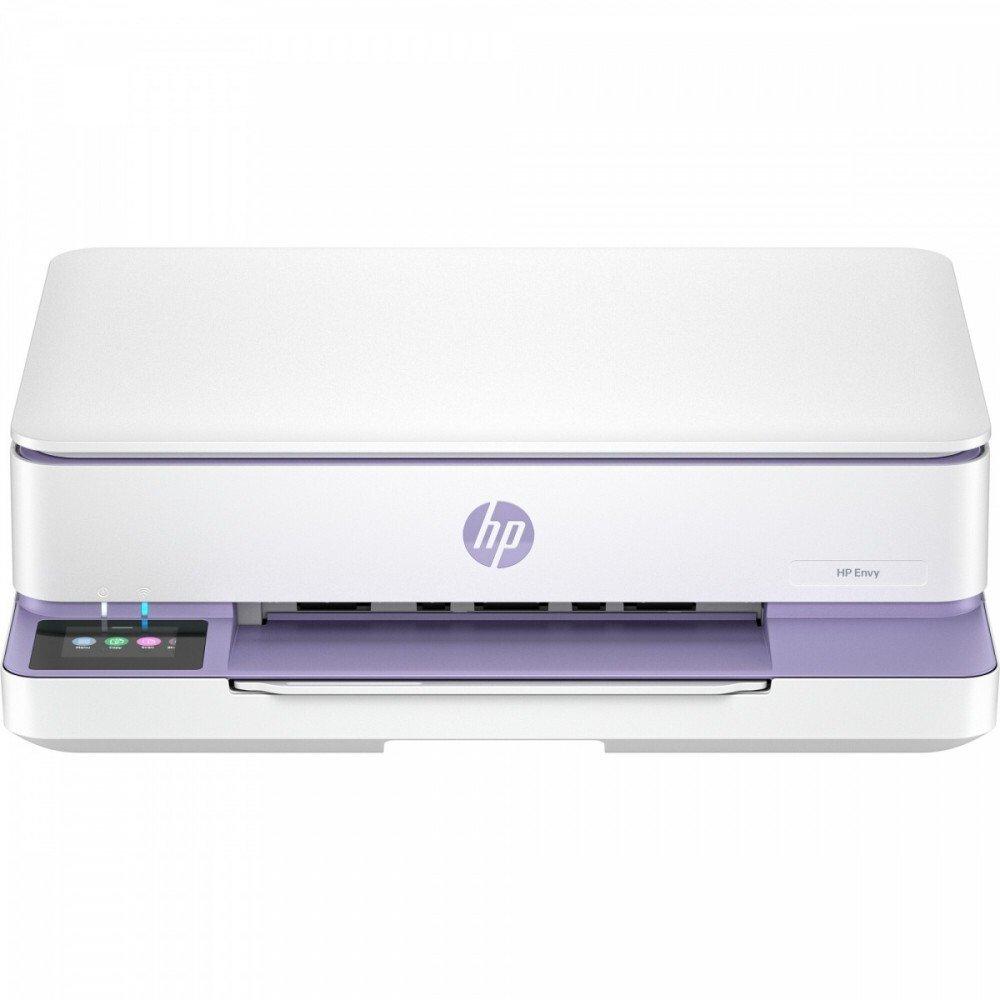
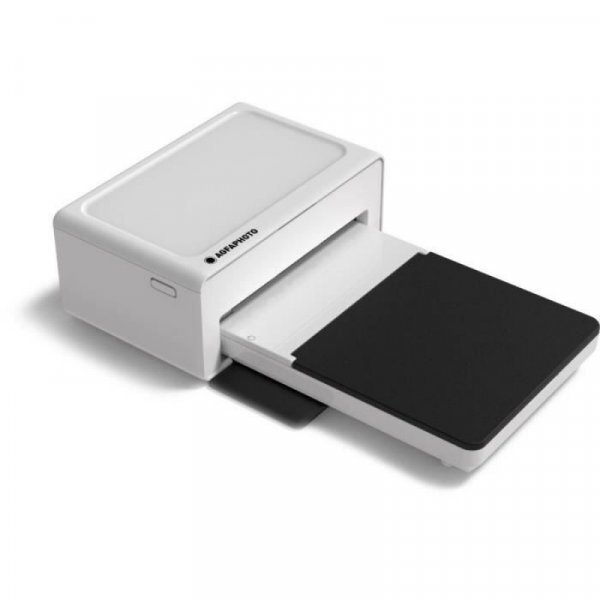
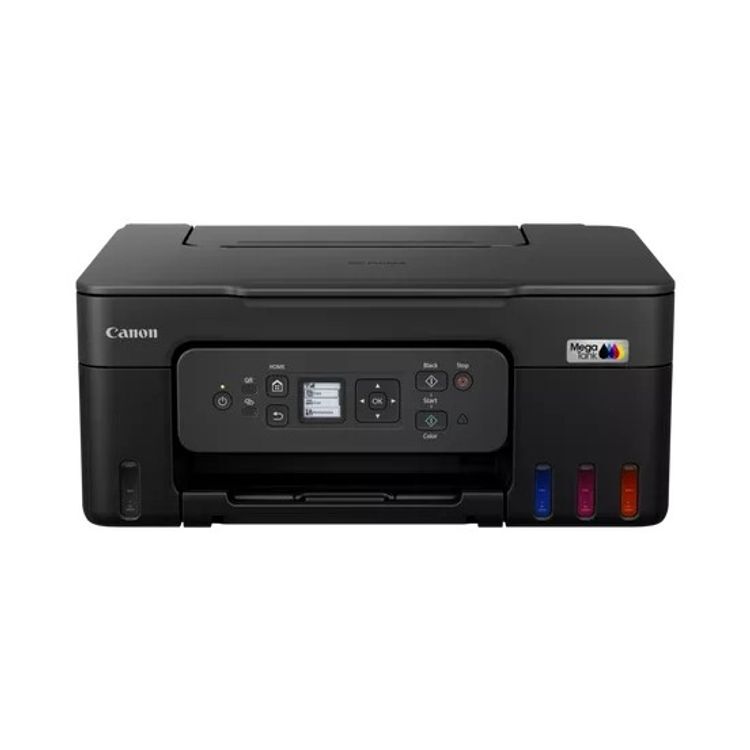
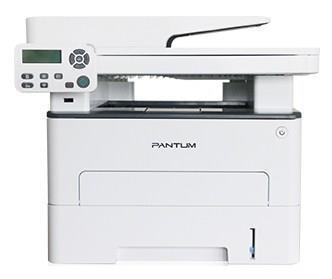
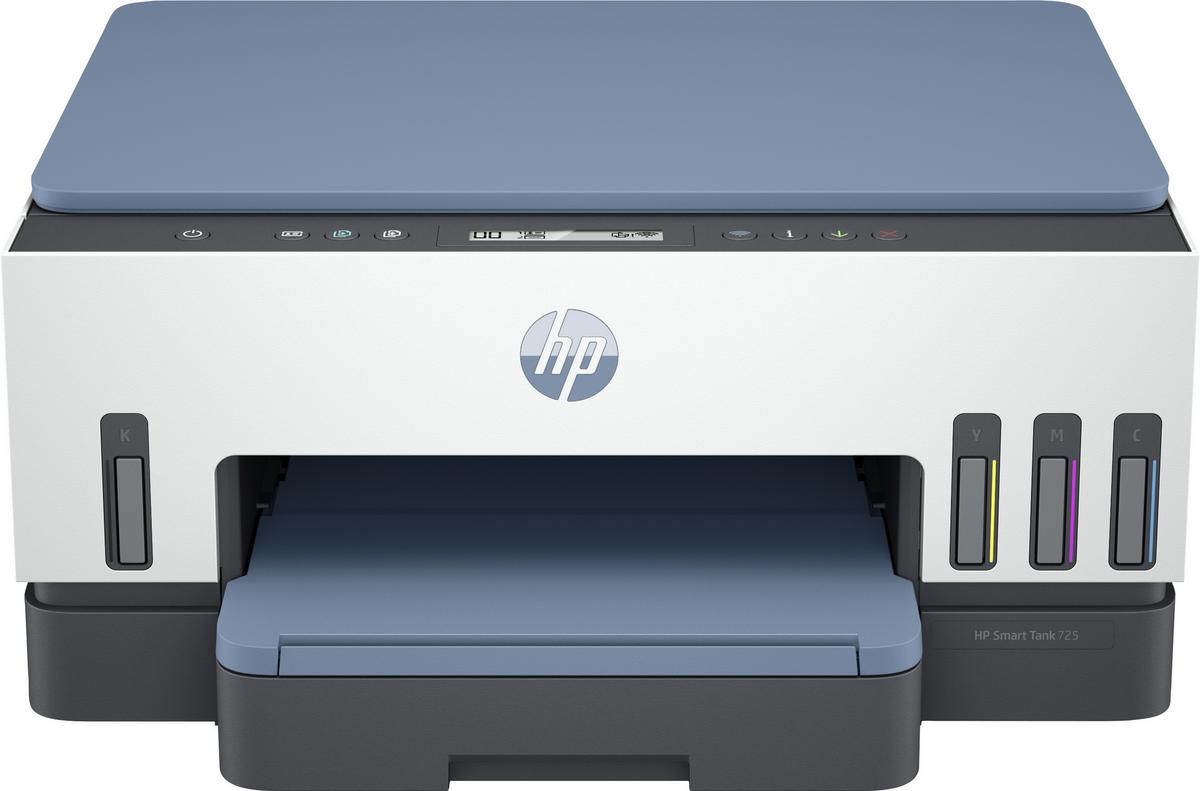
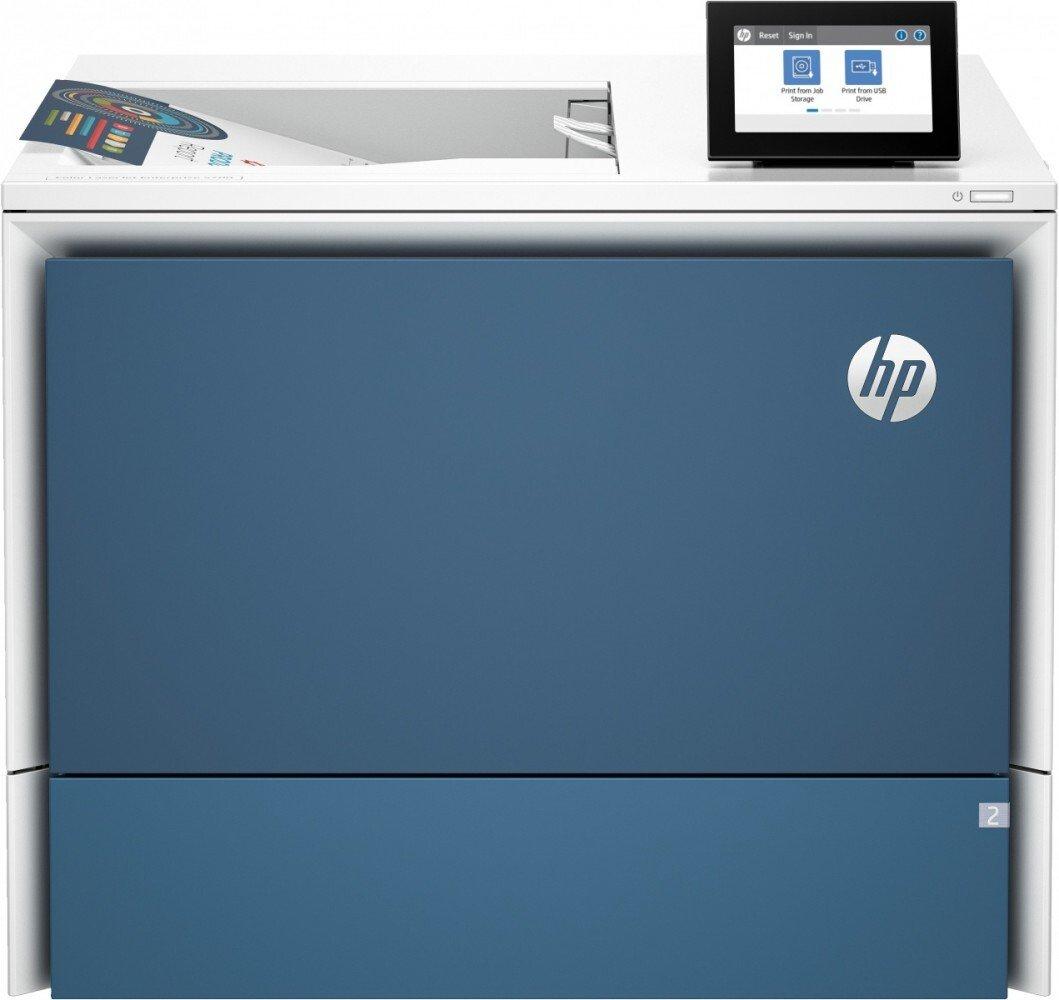
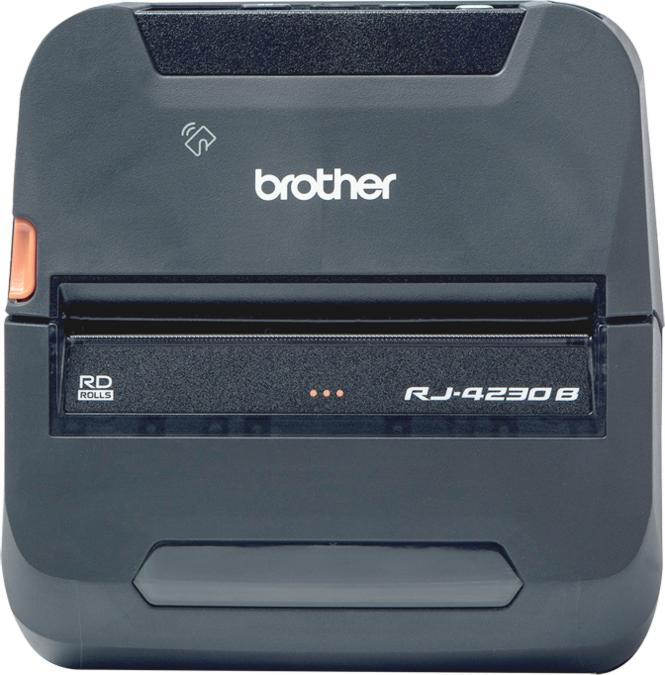
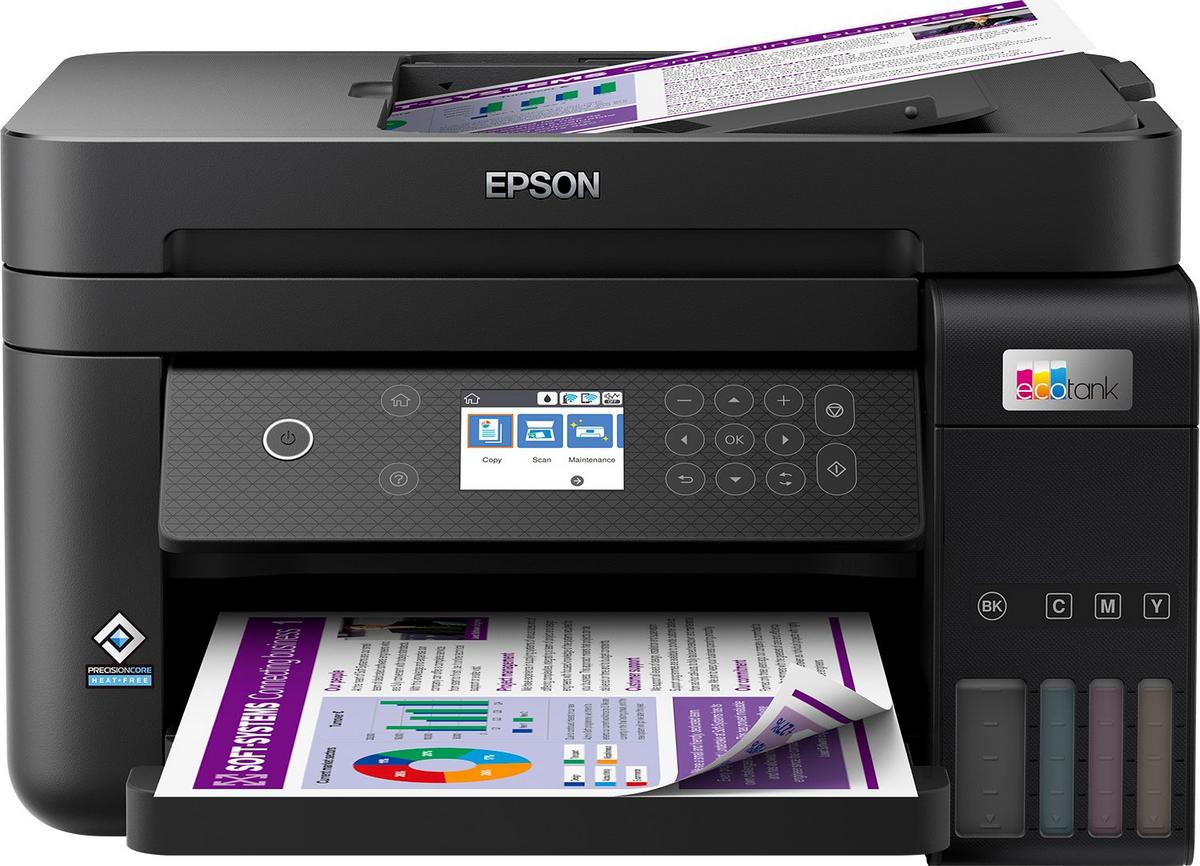
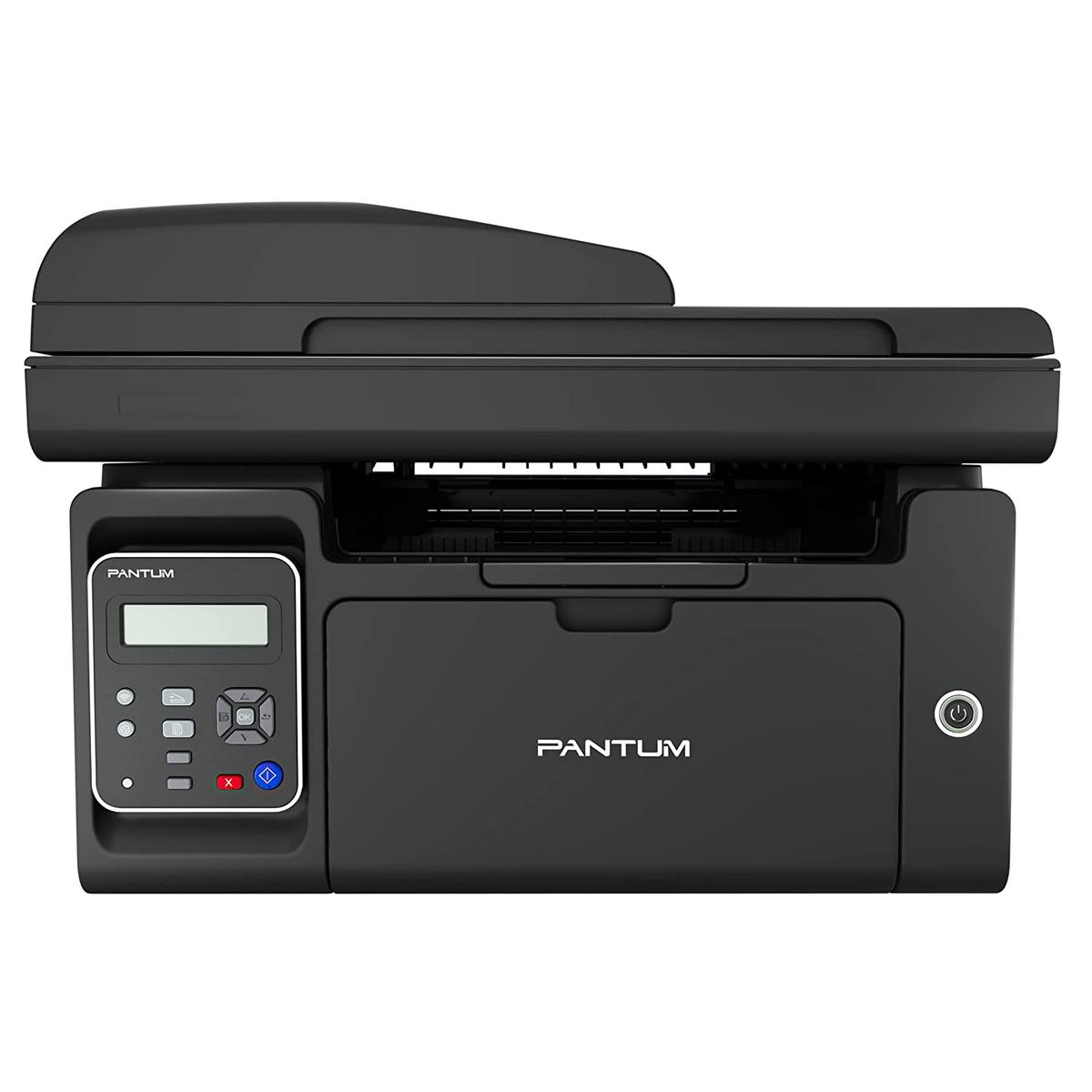
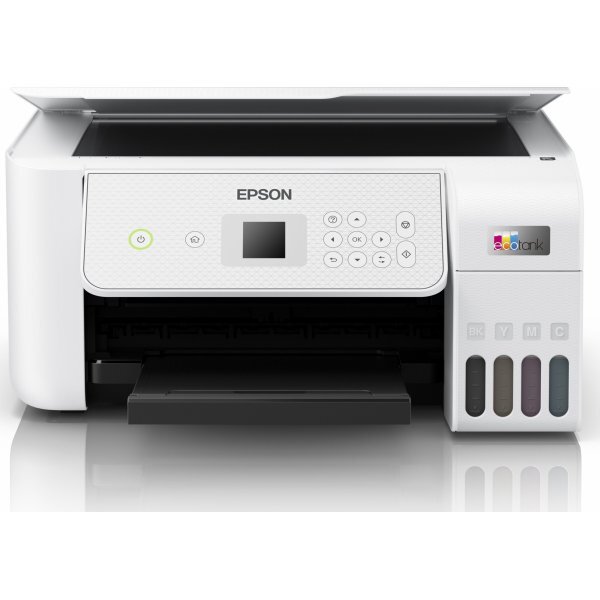
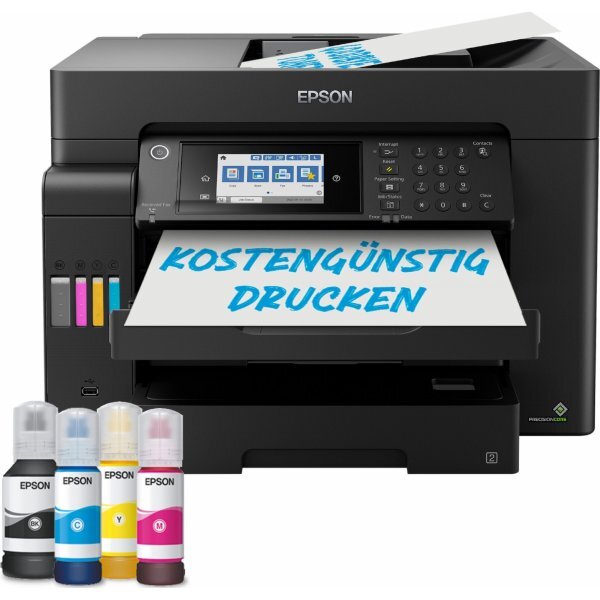
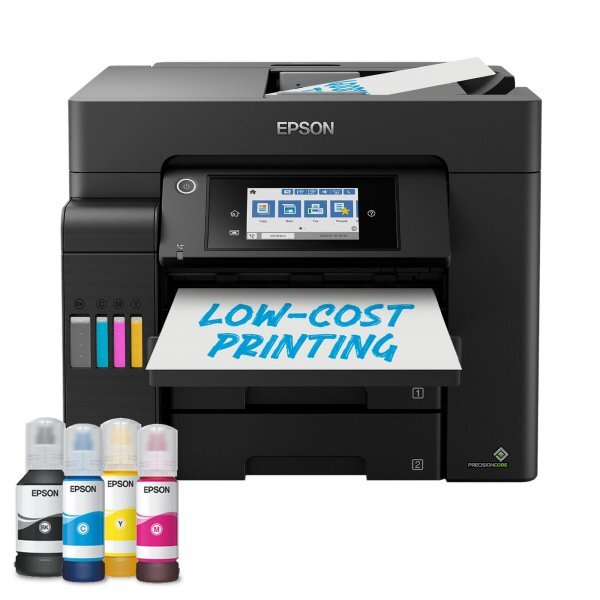
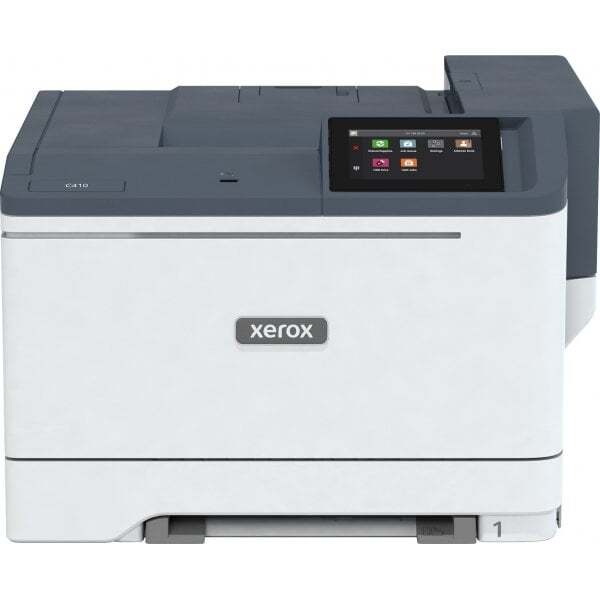
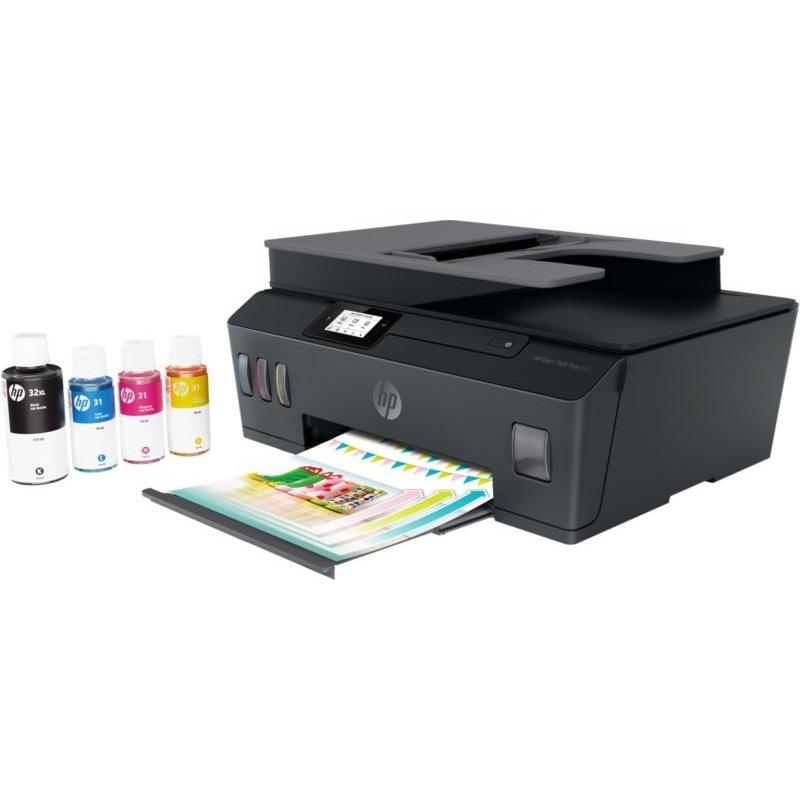
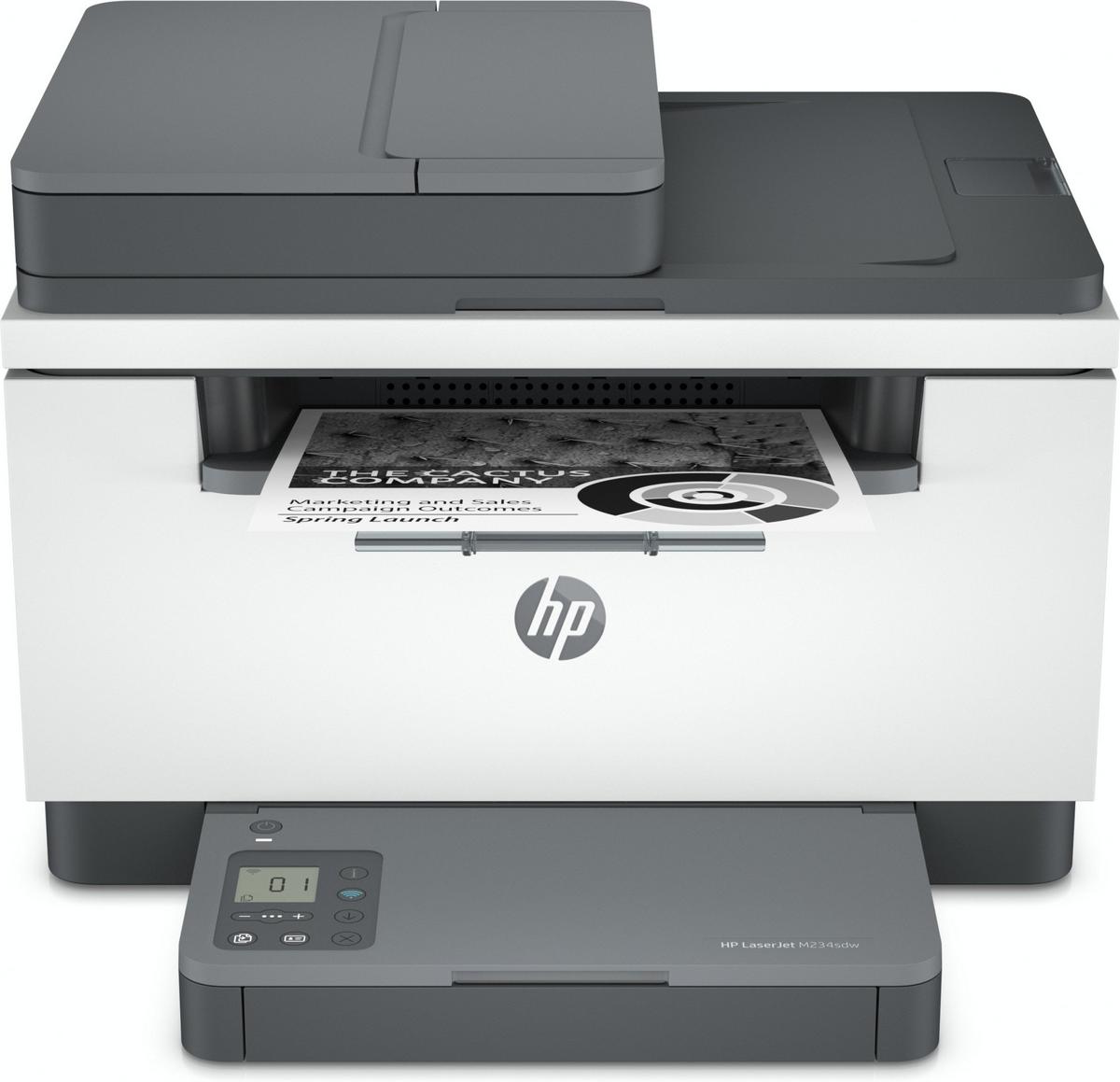
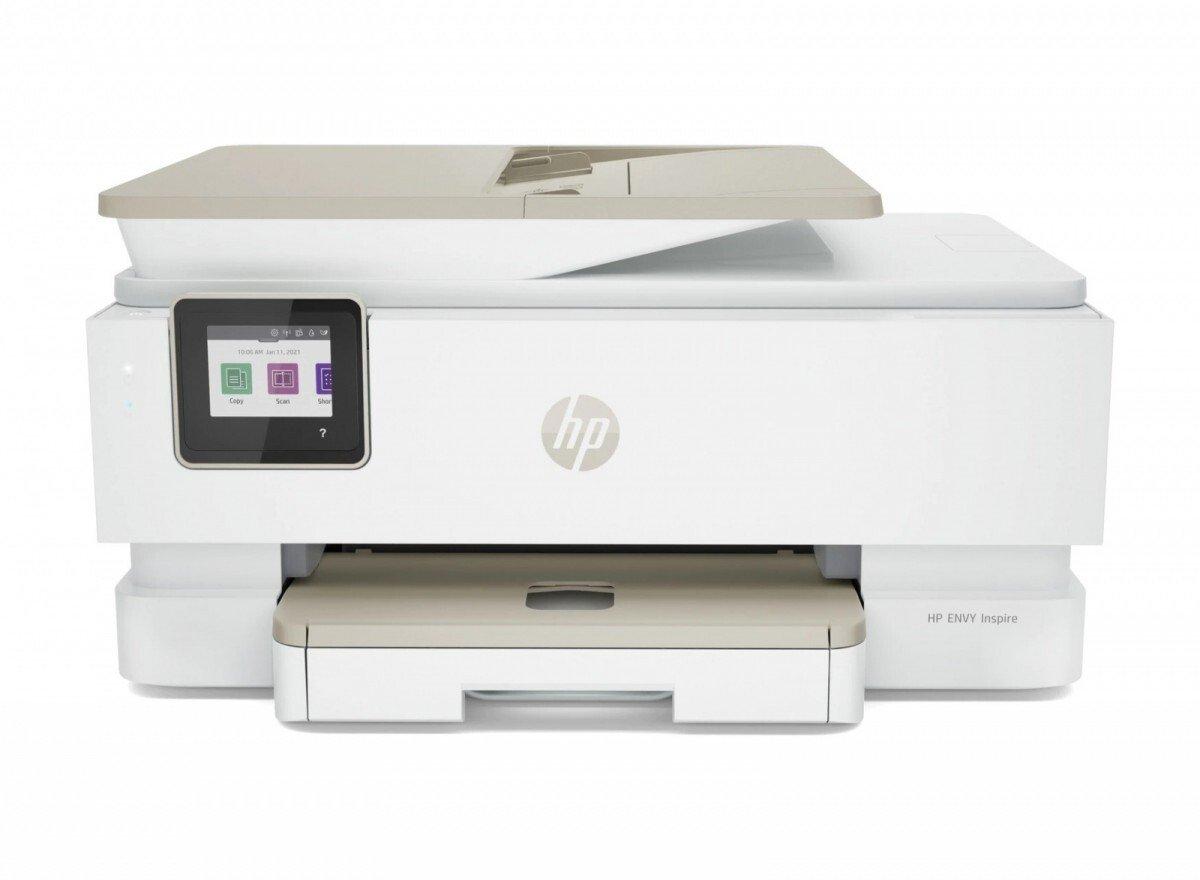
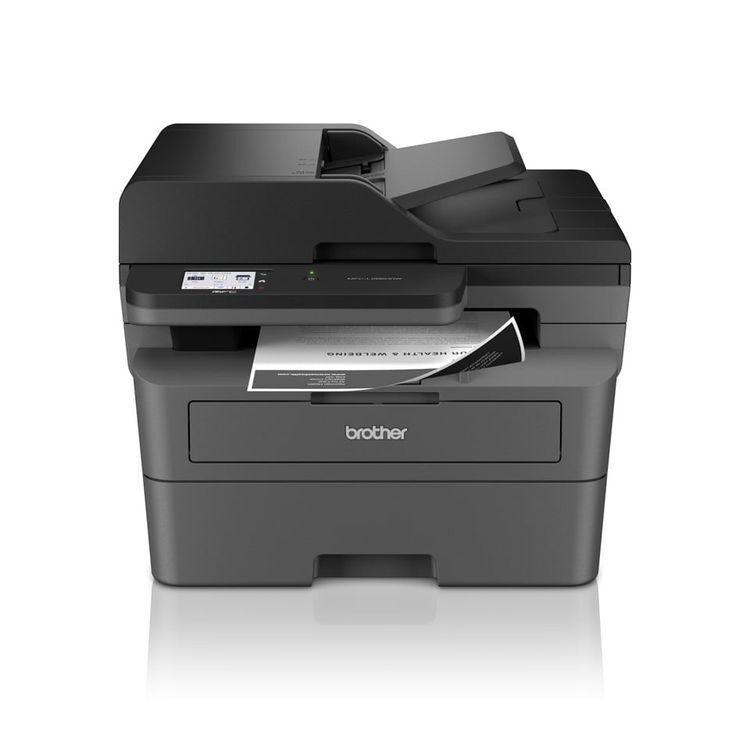
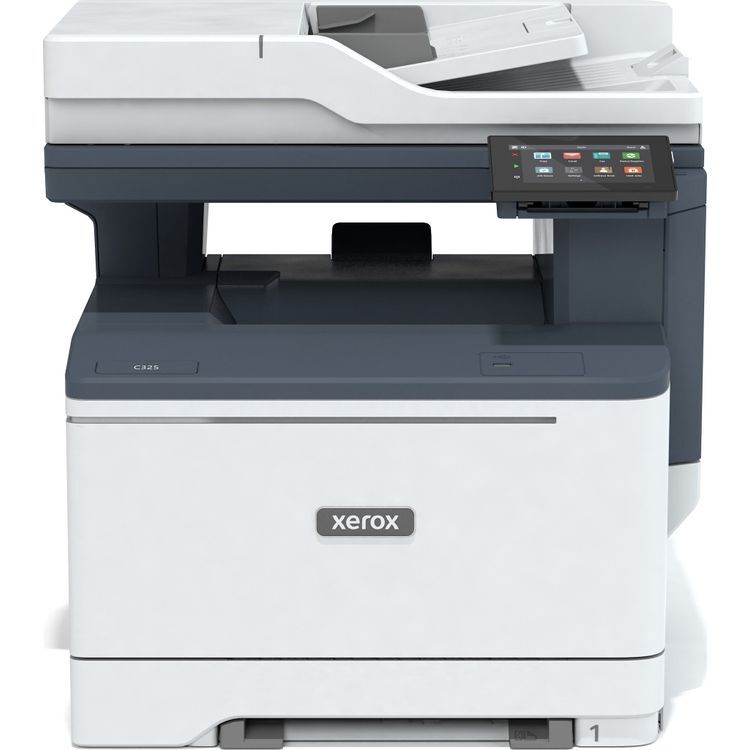
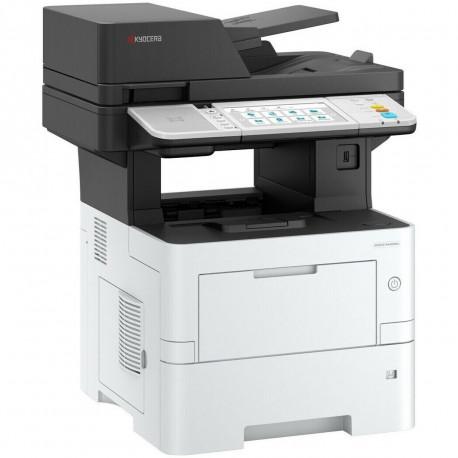
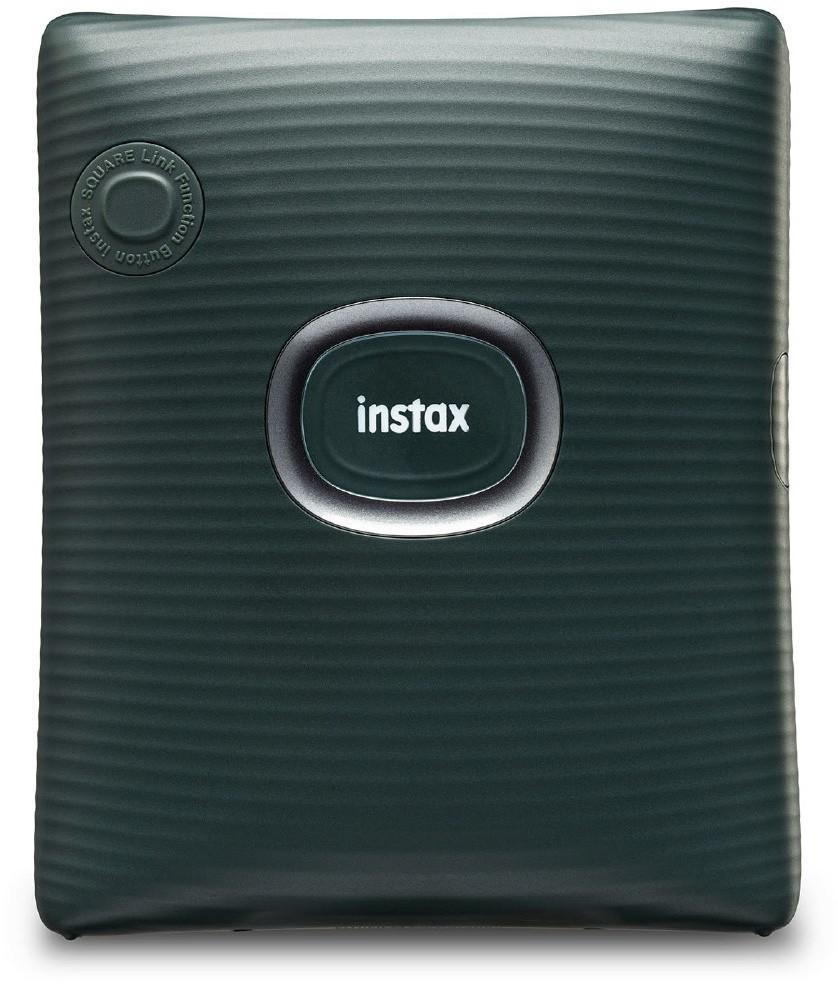
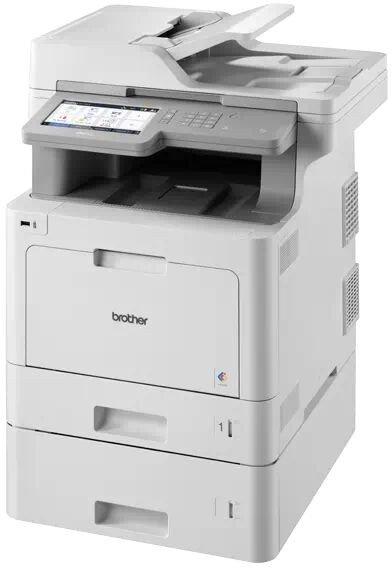
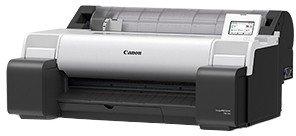
Ideal for home office printing, this productive multifunction printer supports print, copy, scan and fax with 5-color individual ink system and simple Wi-Fi, mobile and cloud connectivity options.
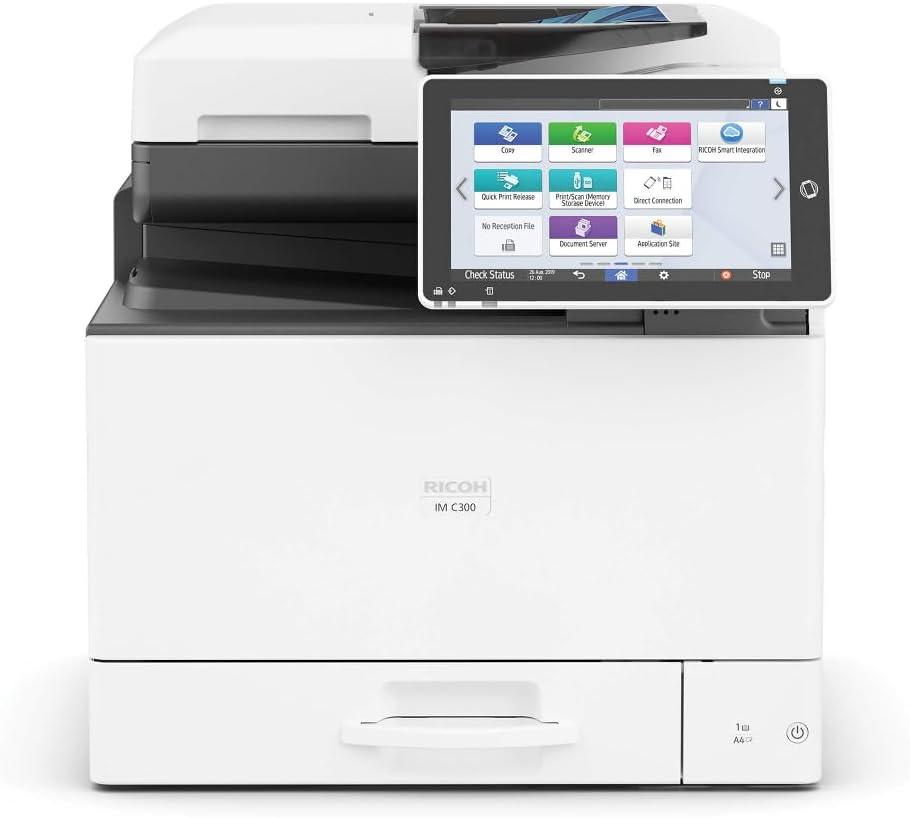
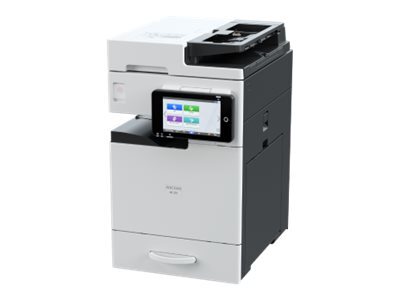
Discover the Ricoh IM 370, a versatile multifunction printer designed to streamline office workflows and enhance productivity. With its robust connectivity options, including Bluetooth, Gigabit Ethernet, USB 2.0, and Wi-Fi(n), this device ensures seamless integration into any office environment. Mobile printing capabilities with Apple AirPrint, Google Cloud Print, Mopria Print Service, and RICOH SmartDeviceConnector allow for easy printing from smartphones and tablets, offering the flexibility needed in today's fast-paced world.The Ricoh IM 370 excels in performance, featuring a first copy out time of just 4.7 seconds and a maximum copying speed of 37 pages per minute. Its automatic duplexing function not only saves time but also paper, contributing to a more sustainable office. The 7-inch color touchscreen offers an intuitive interface, making operation straightforward and efficient.Handling a wide range of document and media types, from envelopes and labels to colored and letterheaded paper, this device is equipped to meet diverse business needs. With a maximum media capacity of 2100 sheets and advanced scanning capabilities, the Ricoh IM 370 ensures your office can tackle any task with ease. Its security features, including Trusted Platform Module (TPM) and versatile scan-to options, provide peace of mind by safeguarding sensitive information.
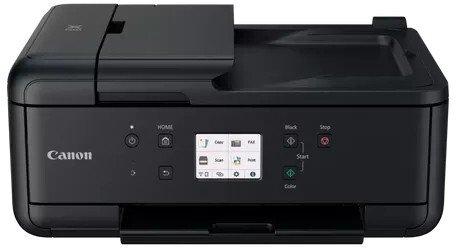
Canon PIXMA 6708C009. Värv, Prindikassettide arv: 4, Maksimaalne käidutsükkel: 8100 lehekülge kuu kohta. Maksimaalne resolutsioon: 4800 x 1200 DPI. Maksimaalne ISO A-seeria paberi suurus: A4. Printimiskiirus (must-valge, ...
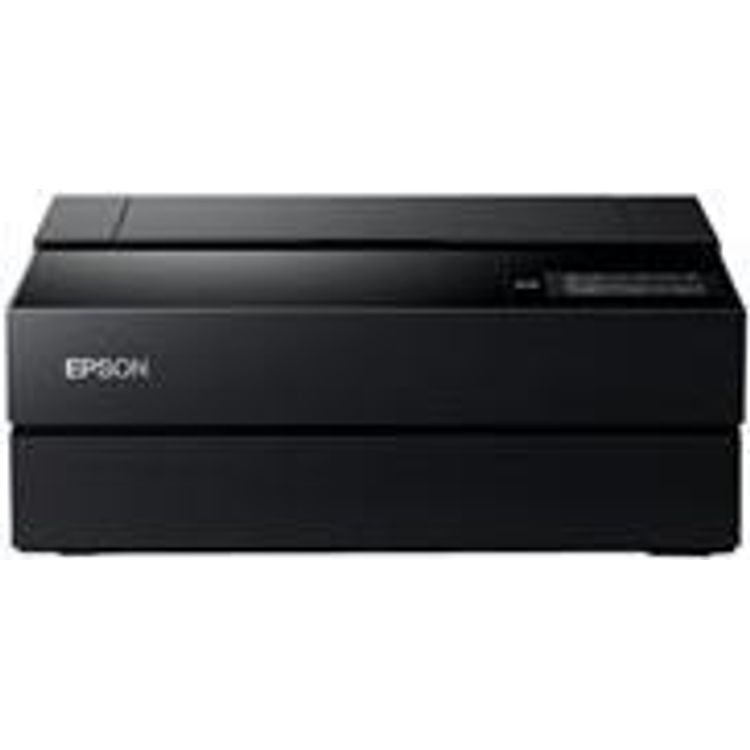
A3+ formaadi värviline tindi-fotoprinter; 10 eraldi vahetatavat tindikassetti (UltraChrome Pro 10); USB 2.0 jadaliides ja 10/100BaseTX sisemine printserver
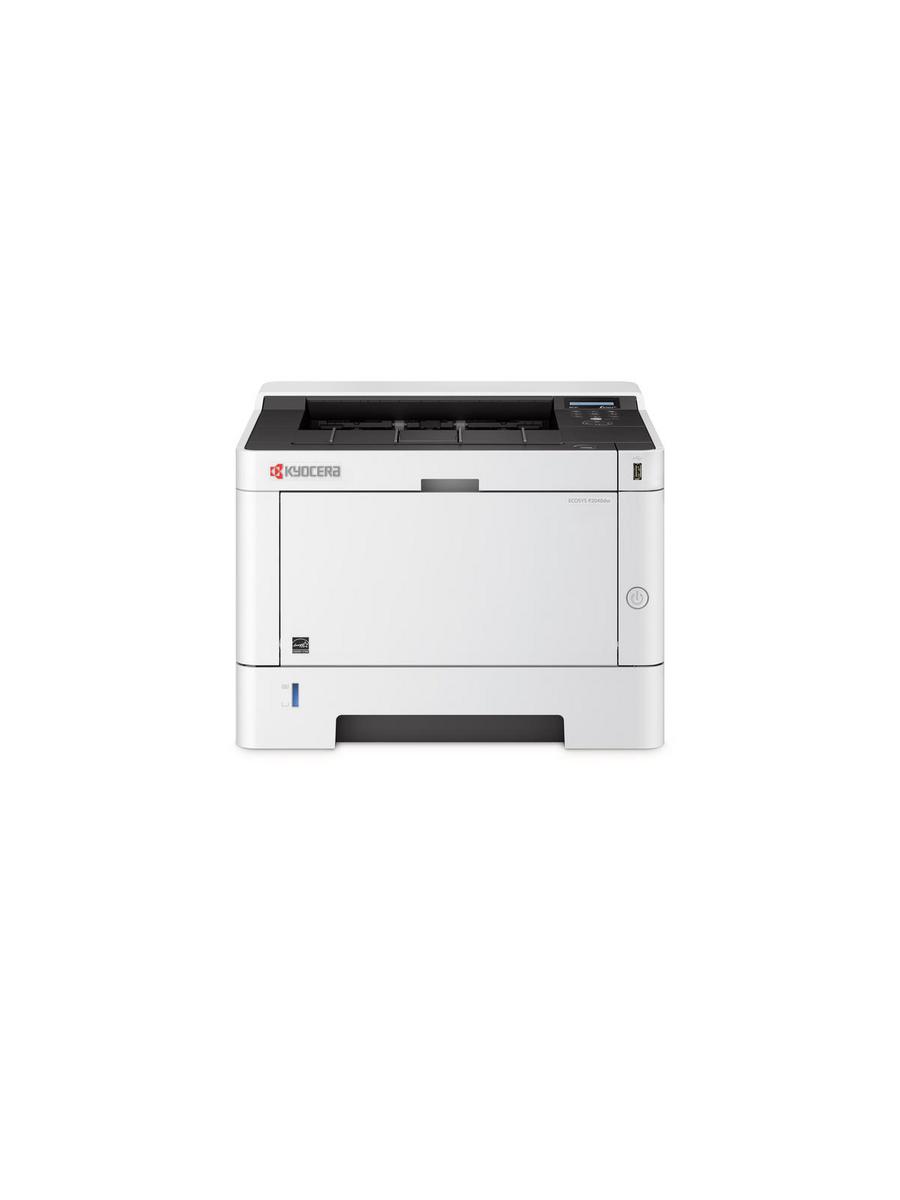
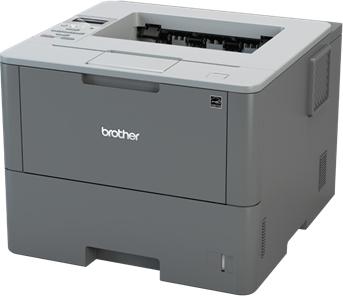
The P2040 devices sport a very short time to first print and an enhanced print speed. They benefit your workflow with many features, such as standard duplex and network functionality and a higher paper capacity.
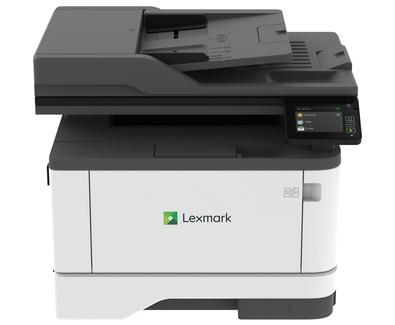
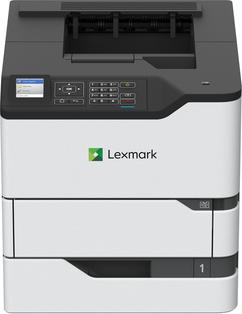
This highly configurable all-in-one printer delivers capabilities that empowers you to do much more than ever before. This premium printer is designed to be tailored to meet your specific workflow and document management needs whilst providing a very competitive total cost of ownership. Advanced color printing technology is guaranteed to make the right impression when it counts, with vibrant, professional color prints and accurate digital documents.
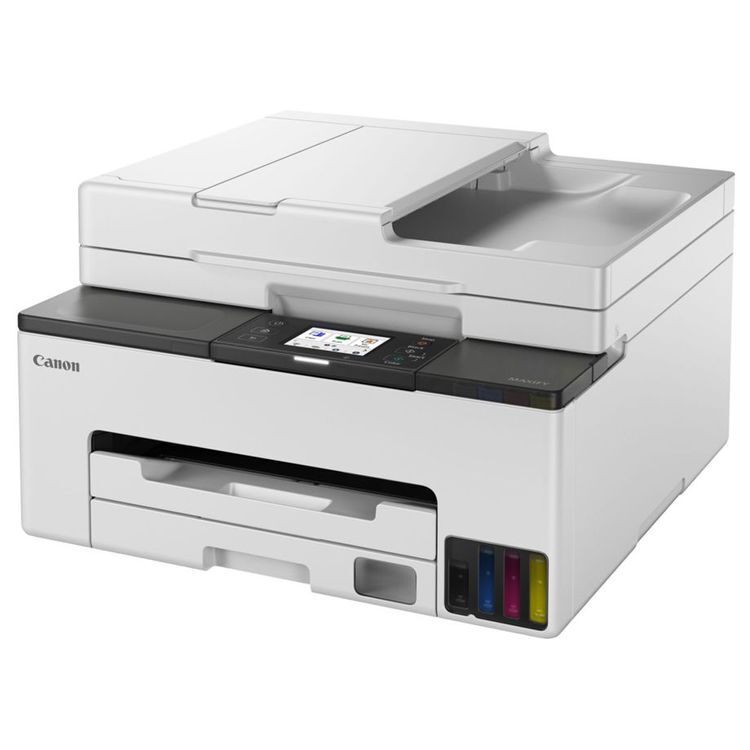
Canon MAXIFY GX5550. Värv, Prindikassettide arv: 4, Maksimaalne käidutsükkel: 45000 lehekülge kuu kohta. Maksimaalne resolutsioon: 600 x 1200 DPI. Maksimaalne ISO A-seeria paberi suurus: A4. Kahepoolne printimine. Ekraan: LCD. ...
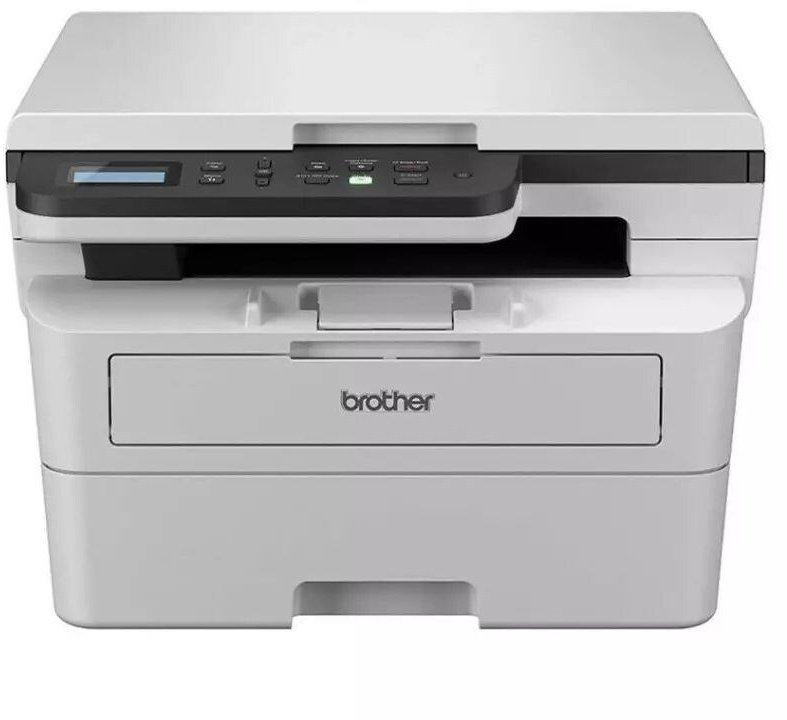
The Brother DCP-L3515CDW is a multifunction printer designed to meet the demands of modern offices. Offering high-quality color printing, efficient scanning, and flexible connectivity options, this device ensures seamless integration into your workflow. With automatic duplexing, it promotes efficient use of resources, while its support for a wide range of media sizes and types caters to all your printing needs. Security is a priority, with advanced protocols in place to protect your data. Additionally, its compliance with environmental standards makes it a responsible choice for eco-conscious businesses. Whether you're printing, scanning, or copying, the Brother DCP-L3515CDW is engineered to deliver reliability and quality.
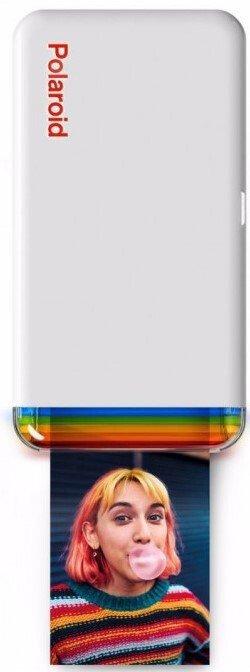
Say hello to the next generation of image printing Polaroid Hi-Print uses dye-sublimation technology to give you beautiful, life-like prints to surround yourself with. Get all the quality you'd expect from a photography brand with all the freedom to create when inspiration strikes.Seriously good printing… for those not-so-serious ideas. Turn your favorite screenshots, memes, or moments into a high-quality print that won’t fade over time.Do more than just printGet creative with your content using the free Polaroid Hi-Print mobile app.Make every idea stickPolaroid Hi-Print prints on self-adhesive photo paper. Print, peel, and stick images on your laptop, phone, or on the back of someone you love.Create with free mobile appMake the unreal, real with the free Polaroid Hi-Print app. Add stickers, filters, and text to build a world that's uniquely yours.Fits in your pocketDon't be fooled by the built-in rainbow. This printer may be cute, but its portable shape is designed to fit into your life.Polaroid Hi-Print (Gen 2) is now made from 30% recycled materials.
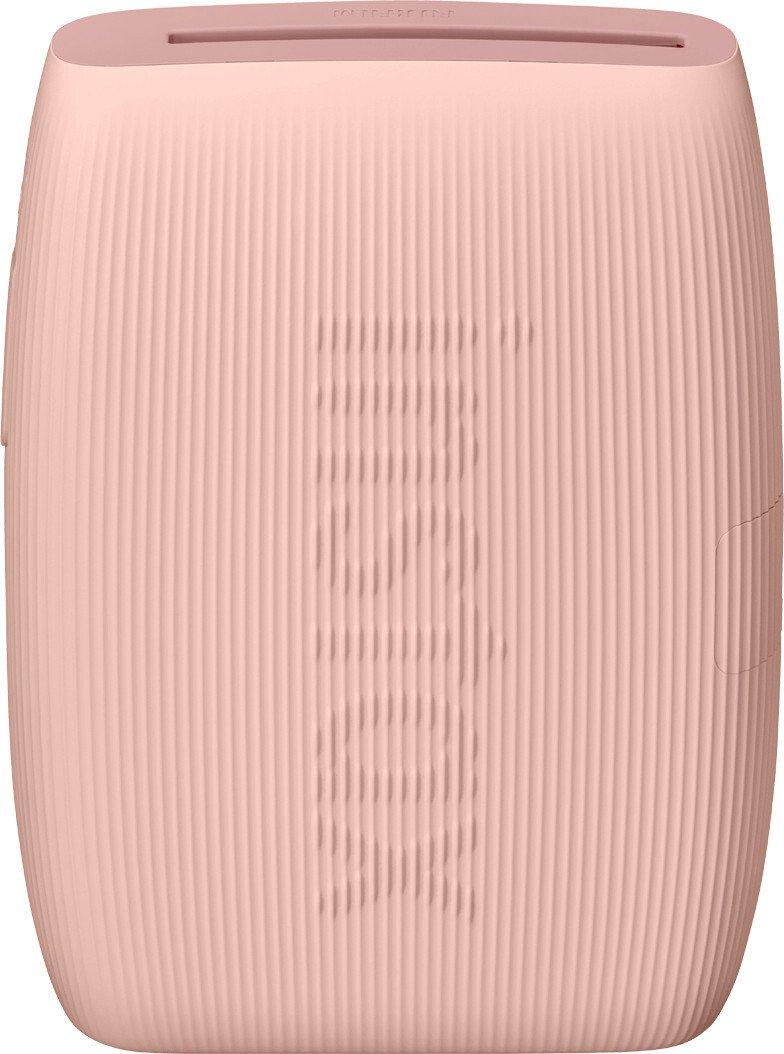
Bring fun to life with the instax mini Link 3™ photo printer. Transform your everyday moments into colorful instax™ mini photos and print photos on the spot.Print from your phoneWorking in harmony with your smartphone, that's what the instax mini Link 3™ photo printer does. Effortlessly transform your coolest photos into tangible memories. Hot off the press or already in your gallery for a while: print to keep your memories alive.instax AiR Studio™With the in-app instax AiR Studio™, add in-the-moment augmented reality effects as you take photos. Then save up to 20 of your creations to print later, or shoot a video to share online later. It's your studio, you decide!Remote live viewUse 'Remote live view' to share a live video feed with the person taking the photo. Even record video as you shoot!shutter buttonUse the printer's power button as a shutter release! Zoom in & out with ease, then press the power button to take the shot.Create in-the-moment collages with Click to Collage modeTake photos at 3-second intervals and recreate the photobooth experience!FramesYou can adjust your frame during or after taking your picture. The wide range of frames available includes seasonal options, which are updated regularly!Choose your own lookDecide for yourself what print quality you want. Choose Natural Mode for a classic and unfiltered look. Go for Rich Mode and bring the colors to life.Motion controlWant to print the photo you just printed again? Before you turn off your instax mini Link 3™, turn it upside down and press the power button for one second. Magic? No! The instax mini Link 3™ will simply print another one for you!DesignBeautifully textured and easy to hold, the instax mini Link 3™ is designed to go wherever your phone goes. So print from the couch or on the go, the Link 3 is ready.
Bring fun to life with the instax mini Link 3™ photo printer. Transform your everyday moments into colorful instax™ mini photos and print photos on the spot.Print from your phoneWorking in harmony with your smartphone, that's what the instax mini Link 3™ photo printer does. Effortlessly transform your coolest photos into tangible memories. Hot off the press or already in your gallery for a while: print to keep your memories alive.instax AiR Studio™With the in-app instax AiR Studio™, add in-the-moment augmented reality effects as you take photos. Then save up to 20 of your creations to print later, or shoot a video to share online later. It's your studio, you decide!Remote live viewUse 'Remote live view' to share a live video feed with the person taking the photo. Even record video as you shoot!shutter buttonUse the printer's power button as a shutter release! Zoom in & out with ease, then press the power button to take the shot.Create in-the-moment collages with Click to Collage modeTake photos at 3-second intervals and recreate the photobooth experience!FramesYou can adjust your frame during or after taking your picture. The wide range of frames available includes seasonal options, which are updated regularly!Choose your own lookDecide for yourself what print quality you want. Choose Natural Mode for a classic and unfiltered look. Go for Rich Mode and bring the colors to life.Motion controlWant to print the photo you just printed again? Before you turn off your instax mini Link 3™, turn it upside down and press the power button for one second. Magic? No! The instax mini Link 3™ will simply print another one for you!DesignBeautifully textured and easy to hold, the instax mini Link 3™ is designed to go wherever your phone goes. So print from the couch or on the go, the Link 3 is ready.
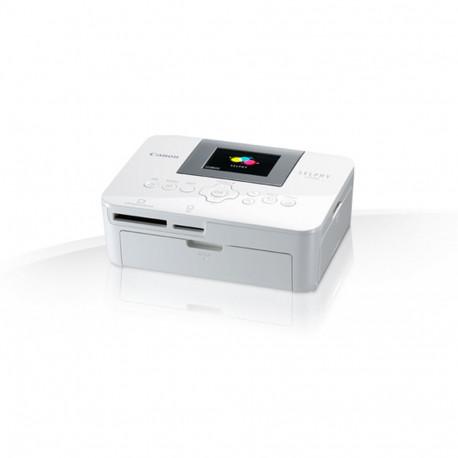
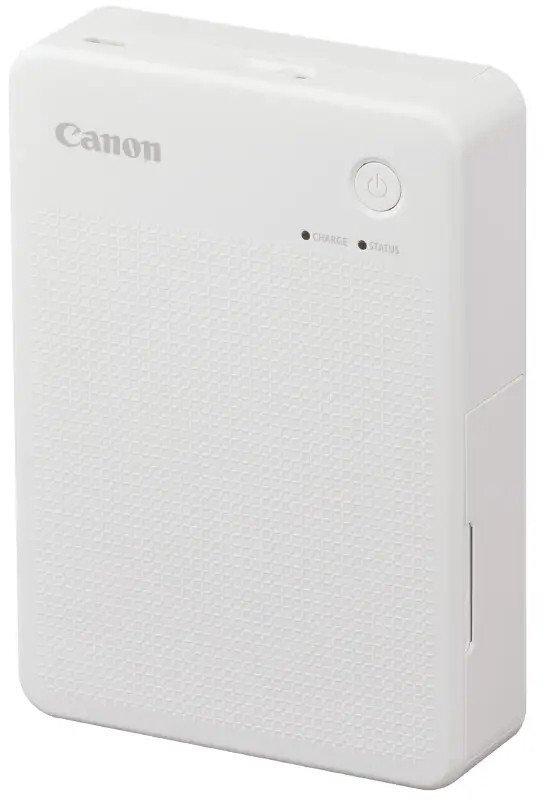
Effortlessly print, collect and share your cherished memories wherever you are with this portable and versatile Wi-Fi photo printer.Premium prints on the moveEnjoy versatile creativity with this modern, portable printer that produces images in two different sizes for scrapbooks, pinboards or whatever your needs. Get high quality, durable prints from your smart device thanks to innovative printing and wireless connectivity, so you can focus on unleashing your imagination.Versatile printing in two sizesFind the right fit for your creative project with a mobile photo printer compatible with two different paper sizes. Make square and card size prints with XS-20L and XC-20L / XC-60L.Personalise, peel and stickAdd a unique finishing touch to your arts and crafts projects – two different sizes of sticker-backed photo paper mean it’s easier than ever to add a personal flourish.Beautiful results that last a lifetimePreserve memories with dye sublimation printing, which transfers dye to paper via three passes of cyan, yellow and magenta. An overcoat is added so they’ll last up to 100 years.Print whenever and wherever you areCanon SELPHY QX20 fits in a handbag or backpack, with a built-in battery for portable printing. Create vibrant prints of your special memories at a moment’s notice thanks to Wi-Fi connectivity.Get creative with the SELPHY Photo Layout appPrint via Canon’s free app and enjoy adding artistic touches such as stamps, filters, borders and text. The latest update includes collages, frames and customisable borders.Portable photo printing as stylish as you areChoose the colour that suits you most with either Sand White, Terracotta Red or Dark Grey, while a modern square-stitched texture on the body offers sleek printing on the move.
Revolutionize your print and scan experience with the DCP-J1200W, which is designed for the modern day user. A multifunction printer offering print, copy and scan functionality with wireless connectivity, you can fully operate this printer from your mobile device. By downloading Brother Mobile Connect to iOS or Android you can manage your printing device from anywhere.