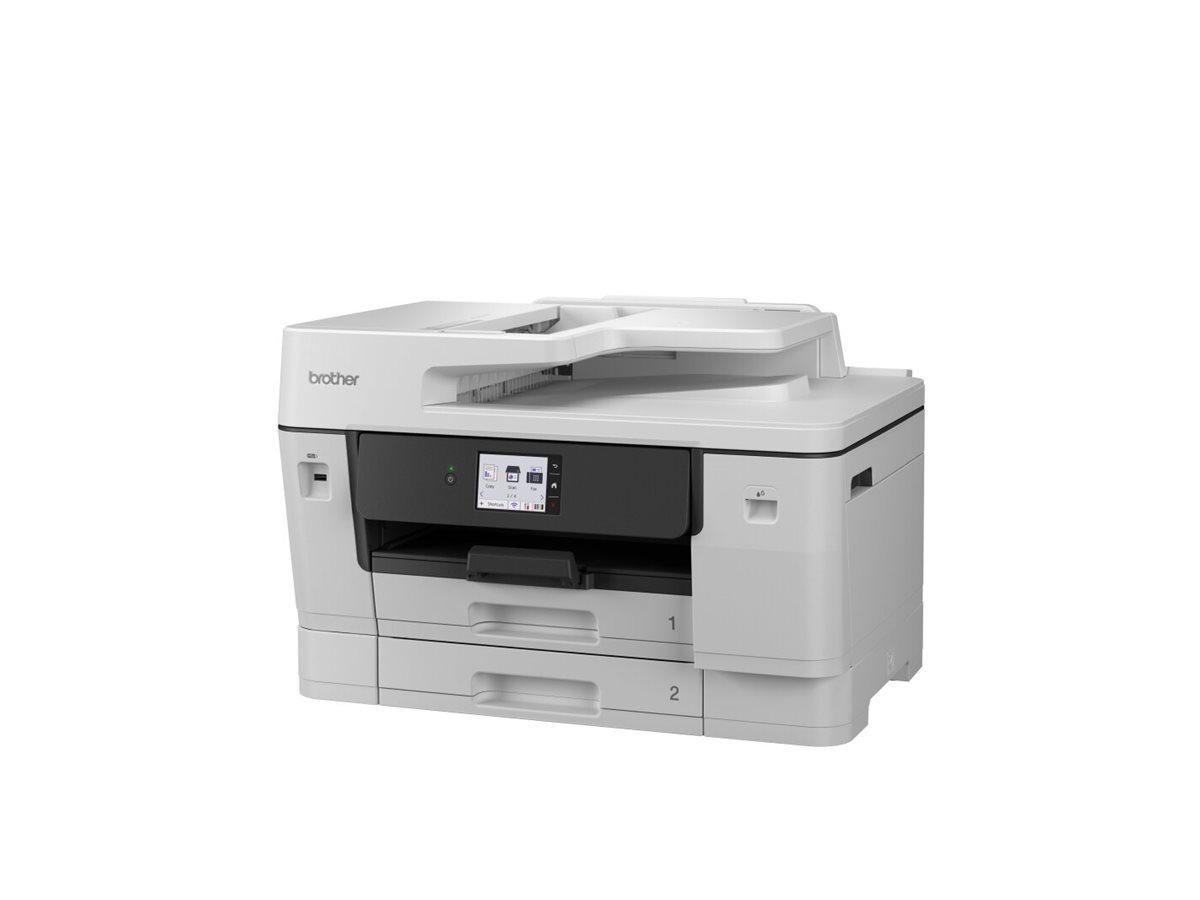
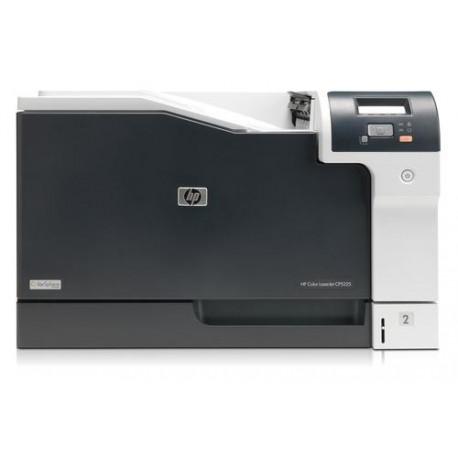
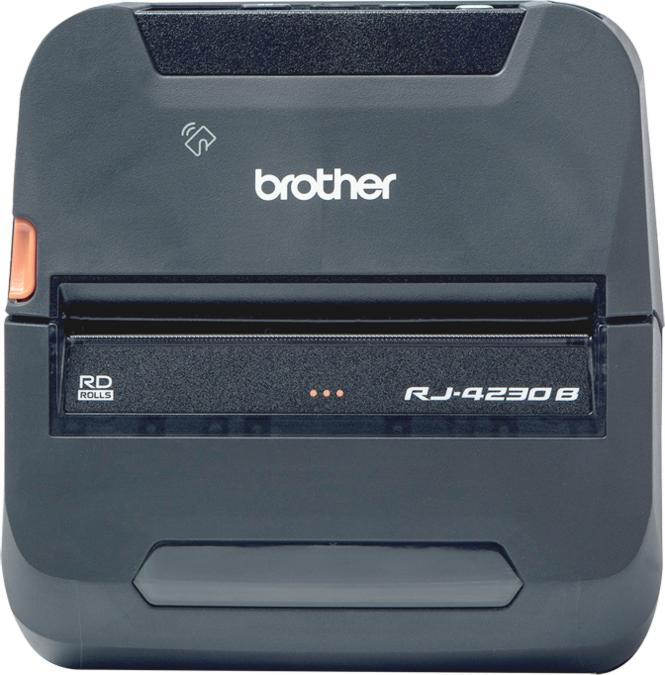
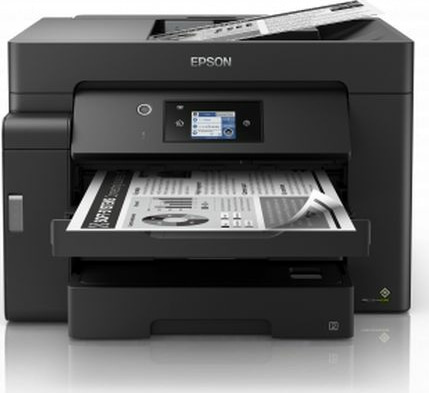
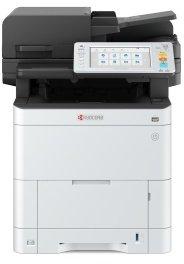
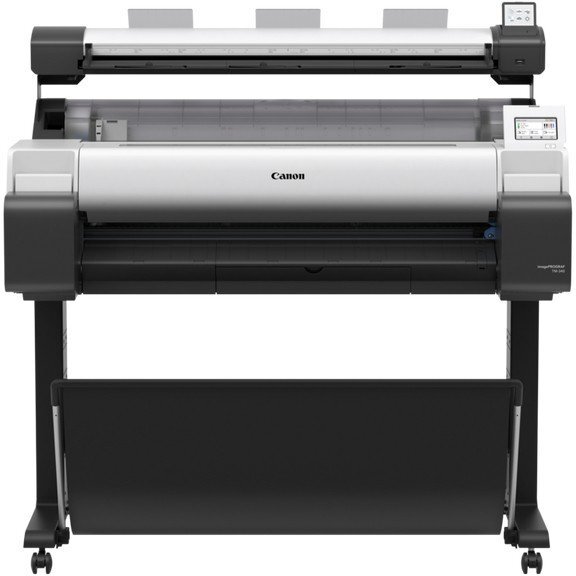
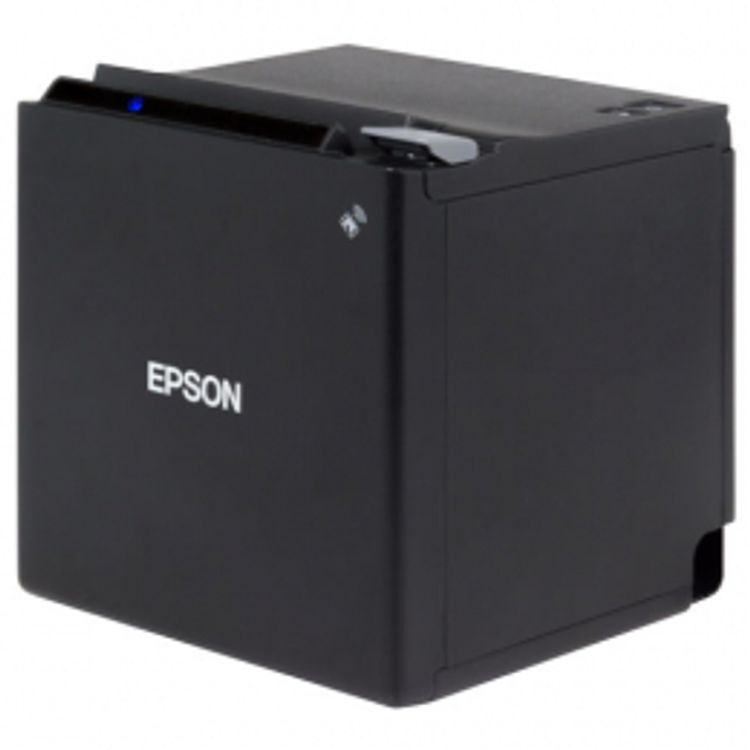
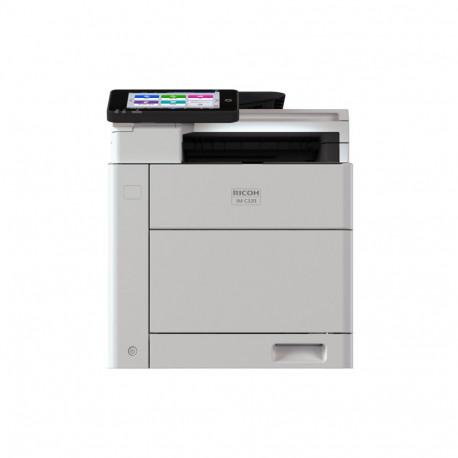
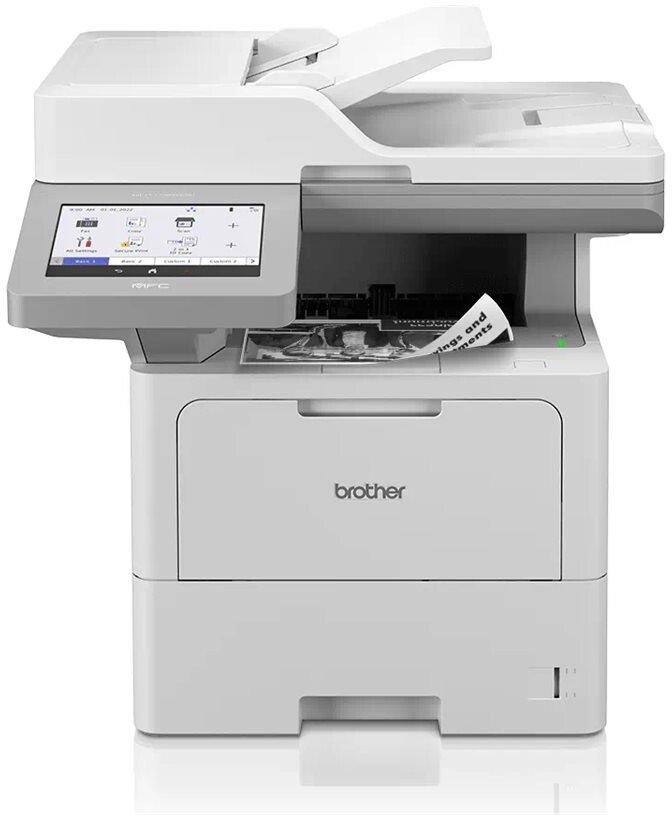
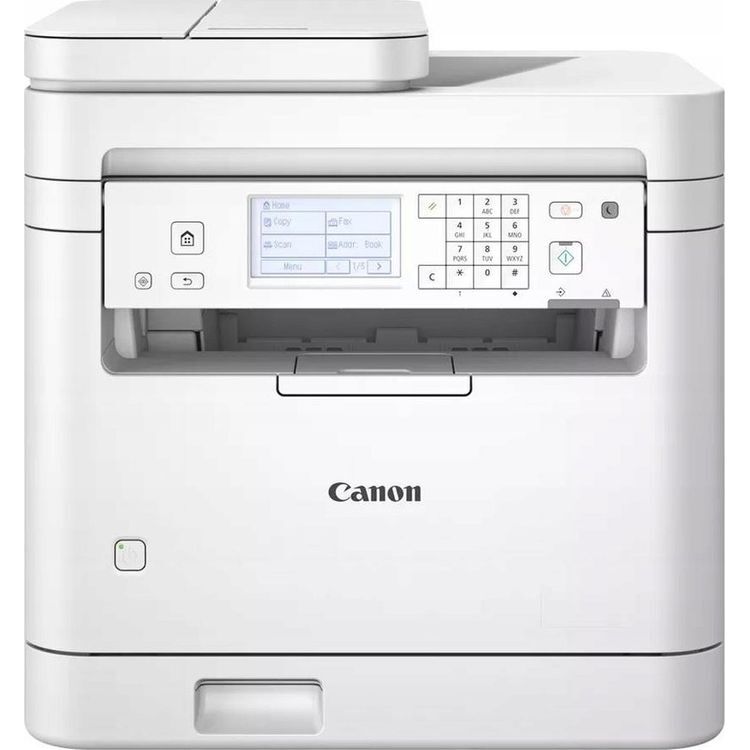
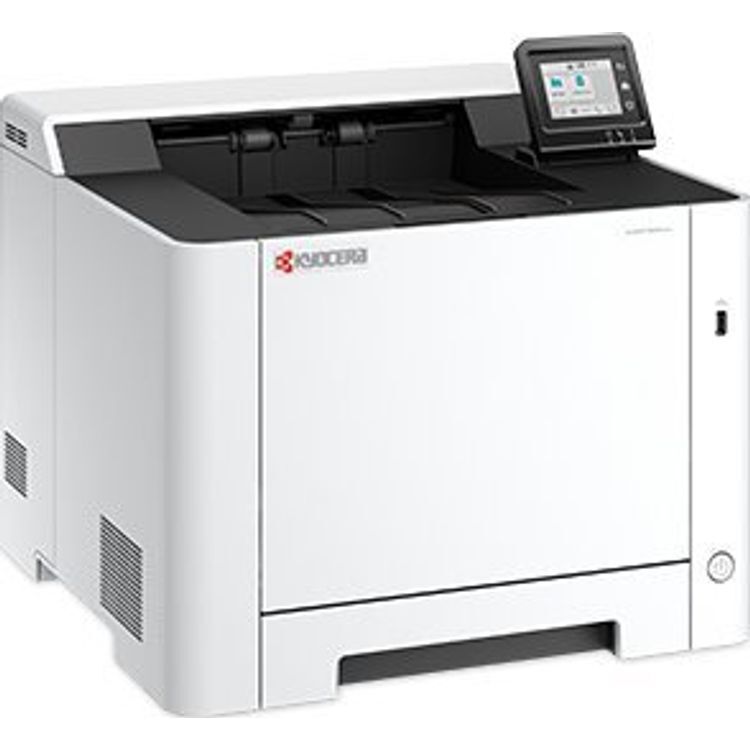
The ECOSYS MA3500cifx from Kyocera is an efficient all-round solution for small and medium-sized workgroups. This color laser multifunction printer prints up to 35 pages per minute and also has a powerful scanner and copier with a 100-sheet feeder. There is also a powerful fax interface. The operating concept is impressive with a pivoting touchscreen on the front and a wide range of security functions are integrated. The device can be integrated into existing work structures via LAN and also supports direct printing from mobile devices with iOS or Android. Thanks to support for Kyocera's HyPAS, users can use their own Java applications and further optimize work processes, for example using customized menu displays or special key assignments. type multifunction printer color gray/black EAN 0632983071847 Manufacturer No. 1102Z33NL0 ECOSYS MA series Connections 1x RJ-45, 1x telephone/fax connection, 1x USB-B 2.0, 1x USB host formats A4, A5, A6 Media Laser glossy paper, plain paper Emulations PCL 6 (5c, XL), KPDL 3 (PostScript 3 compatible), PDF Direct Print 2.0, XPS/Open XPS Direct Print operation function keys Display 17.8 cm (7") touchscreen, continuously tiltable from 0-90° Toner consumables: TK-5370K black (up to 7000 pages), TK-5370C cyan, TK-5370M magenta, TK-5370Y yellow (each up to 5000 pages) Ink/Toner Cartridge Storage Compatible Windows 8, Windows 10, Windows 11, Windows 2012 Server, Windows 2016 Server, Windows 2019 Server Memory occupied 1,536 MB standby 19 watts memory card reader SD, SDHC Trays Paper Tray 1: 250 sheets printer print area 210 x 297 mm Fax memory up to 256 pages Copier maximum copies 999 Scanner scanning area 210 x 297 mm Power supply Mains voltage AC 220 - 240 V (50Hz) Feature duplex unit (printing), Apple AirPrint, Mopria certified, processor: ARM Cortex-A9 dual core (1.2 GHz). Printing functions: proof and hold, N-Up printing (printing multiple pages on one sheet), Internet printing IPP 1.0, email printing, WSD print, toner saving mode, AirPrint, Mopria, Kyocera Print Service Plugin, Microsoft Universal Print. Security: Confidential printing" with PIN code query, encrypted PDF direct printing, security watermark, restriction of user group through user login management, IP filter, port number restriction, integrated cost center management for up to 100 cost centers. The paper tray has a "tray full" sensor. Adjustable media sizes: 70 mm x 140 mm - 216 x 356 mm (universal feed), 105 mm x 140 mm - 216 mm x 356 mm (paper cassette), 105 mm x 148 mm - 216 mm x 356 mm (original feed), 210 mm x 488 mm - 216 mm x 1,220 mm (banner), 105 mm x 148 mm - 216 mm x 356 mm (duplex printing). Supported media weights: 50 - 120 g/m2 (document feeder), 60 - 220 g/m2 (multipurpose tray and paper cassette), 136 - 163 g/m2 (banner), 60 - 163 g/m2 (duplex printing). Copy functions: Multiple copies from memory, electronic sorting, detection of originals with bent corners, "Skip blank pages", duplex copy, "Prevent bleed-through", edge erase. Scan functions: Scan to email, Scan to FTP, Scan to PC (SMB), TWAIN, WIA, WSD scan, Scan to USB host, eSCL support (AirPrint, Mopria Scan, Chrome OS). Supported file types: PDF, PDF/A-1a/b, PDF/A-2a/b/u, highly compressed PDF, encrypted PDF, JPEG, TIFF, (Open) XPS. File separation, scan preview, detection of originals with bent corners, "Skip blank pages", "Avoid bleed-through", edge erase, multiple scan, banner scan (max. 300 dpi, B&W, max. 216 mm x 915 mm). c Additional information The device supports Mac OS X 10.9 or higher and Chrome OS. The SD/SDHC card slot is intended for fonts, macros, overlays, job box functions and HyPAS applications. Note DVD with driver, software and user manual not included. Computer with Internet connection required to download drivers, software and manual. To use the HyPAS functions, an SD/SDHC card or a hard drive is required (neither included in delivery). Accessories available Toner black for 3,500 pages, toner cyan, magenta, yellow for 2,500 pages each, waste toner container, quick guide, safety instructions, power cable, fax cable Dimensions Device Width: 48 cm x Height: 57.5 cm x Depth/Length: 57.8 cm Weight 39 kg
Professional solution for your companyReceipt printers are essential in department stores, grocery stores, restaurants, supermarkets and all other places where receipt printing is necessary. If quality is crucial in your work, it is a sign that you need a trouble-free device. Qoltec printers will help you significantly increase your work efficiency, regardless of whether you provide consumer services in a large shopping center or run a small hairdressing salon. Thanks to the use of the highest quality materials, they are durable and ready to work in all conditions.Bet on qualityQoltec receipt printer is the perfect solution wherever the speed and precision of printing a large number of receipts are important. Additionally, our product offers:maximum print speed of 250 mm/s, signaling the operating status - thanks to the built-in LED diode, a connector RJ-11 that will allow you to connect a cash drawer, low operating costs - printing ribbon is cheap and readily available, built-in guillotine - two-sided incision of the receipt guarantees trouble-free tearing of the paper without damaging the printout Thermal print outThanks to the direct printing method, which is highly sensitive to temperature, the device doesnt require ink or toner. Printouts are made immediately by heating the paper placed inside the printer.
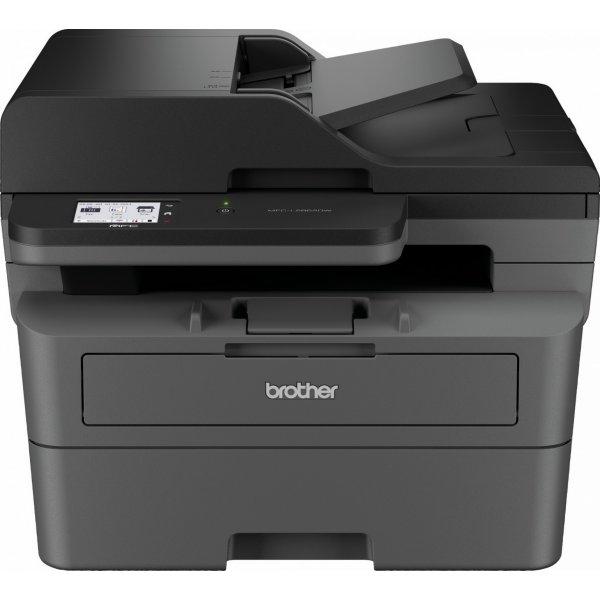
The Brother MFC-L6910DN is a multifunctional device designed to meet the demands of modern workplaces. With its robust security features, including AES encryption and secure print, it ensures the confidentiality and integrity of your documents. This printer offers versatile connectivity options, such as Gigabit Ethernet, NFC, and Wi-Fi Direct, facilitating easy integration into any network. Achieve professional-quality prints with a maximum resolution of 1200 x 1200 DPI, making it perfect for producing crisp, clear documents. Its ability to handle a wide range of media types and sizes allows for flexible printing solutions, from envelopes to thick paper. Additionally, the MFC-L6910DN is committed to environmental sustainability, boasting ENERGY STAR certification, Blue Angel compliance, and the Nordic Swan Ecolabel. This makes it an ideal choice for eco-conscious businesses looking to minimize their environmental impact while maintaining high productivity.
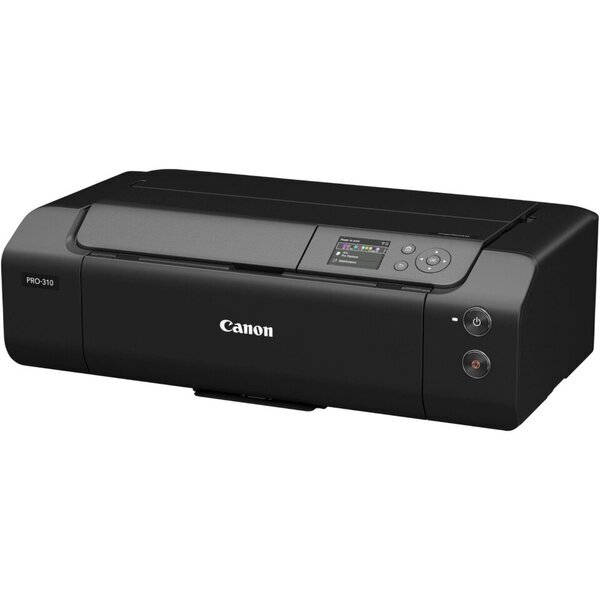
Canon imagePROGRAF PRO-310. Värv, Prindikassettide arv: 10. Maksimaalne resolutsioon: 4800 x 2400 DPI. Maksimaalne ISO A-seeria paberi suurus: A3+. Ekraan: LCD. WiFi. Toote värv: Must
KYOCERA ECOSYS PA2101cwx. Printimistehnoloogia: Laser, Värv. Maksimaalne käidutsükkel: 100000 lehekülge kuu kohta. Maksimaalne resolutsioon: 1200 x 1200 DPI. Maksimaalne ISO A-seeria paberi suurus: A4. Printimiskiirus (must-valge, ...
This highly configurable all-in-one printer delivers capabilities that empowers you to do much more than ever before. This premium printer is designed to be tailored to meet your specific workflow and document management needs whilst providing a very competitive total cost of ownership. Advanced color printing technology is guaranteed to make the right impression when it counts, with vibrant, professional color prints and accurate digital documents.
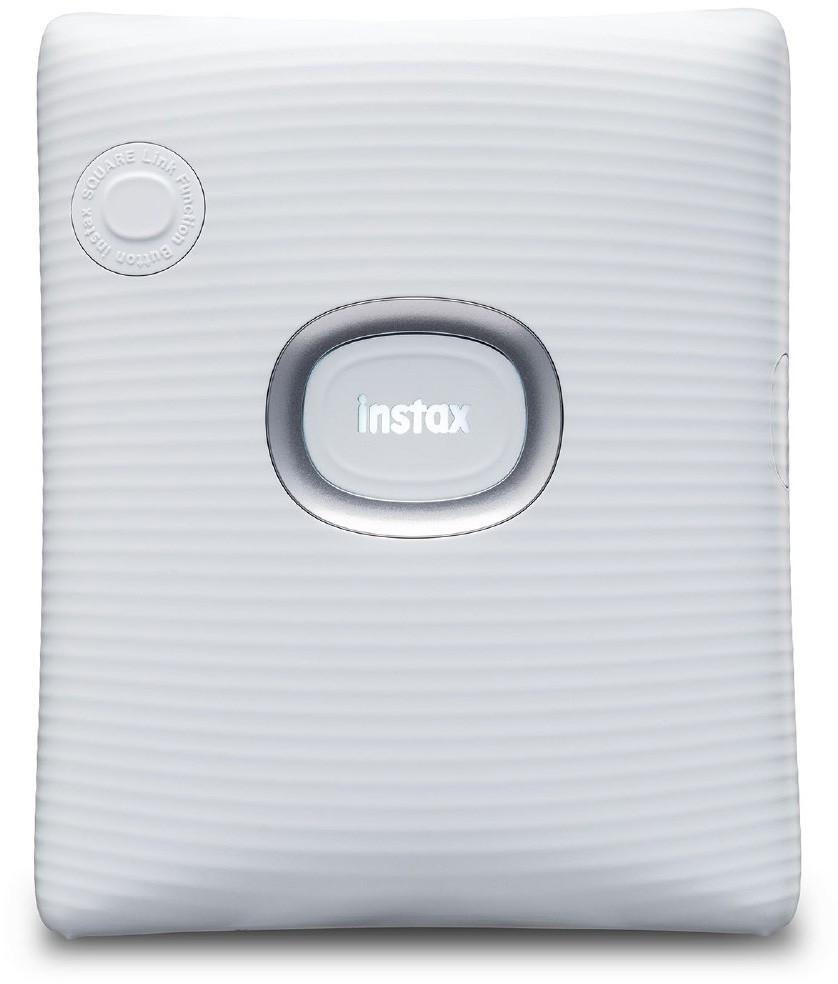
Print and design photos directly from your smartphone via Bluetooth. With the attractive Fujifilm Instax Square Link photo printer, you can print all your favorite photos and even take a screenshot directly from a video.A new option - the Square Link smartphone application!Bring your pictures to life with the free downloadable Instax SQUARE Link smartphone app, adding QR-code-enabled AR effects to your prints. Or share your photos with friends via INSTAX Connect™.AR print modesUse the endless possibilities of AR Print. It allows you to illustrate your photos with floating effects. You can choose between five different effects, including, for example, adding text, a drawing or a photo. In this way, a QR code is added to the printed image, which, when scanned, shows the effect added to the image. The first INSTAX mode that adds an extra touch to your shots by simply scanning a QR code with your smartphone.Endless possibilitiesPhoto-in-photo mode or eye-catching photo edges or scribbling on a photo? Endlessly different possibilities for designing your prints.Instax ConnectInstax Connect lets you send and receive photos. Add a comment to the photo and share it on your social media, via text message or email. More than 6000 stickers available in the app.Fast printingFujifilm Instax Mini Link 2 prints a photo in just 12 seconds (after sending the image from your smartphone). Print photos from your smartphone via Bluetooth Uses Fujifilm Instax Square papers Paper size: 86 × 72 mm Photo size: 62 × 62 mm Bluetooth 4.2 connection Print time: image save - photo output: about 12 seconds Built-in lithium-ion battery Charging time: about 90 minutes
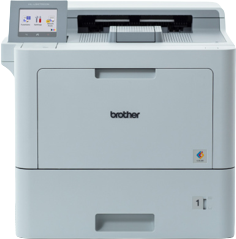
The Brother HL-L9470CDN is a high-performance workgroup printer designed to meet the demands of modern businesses. Offering both wired and wireless connectivity options, including Gigabit Ethernet, NFC, and USB interfaces, it ensures seamless integration into any office setup. This printer is not only versatile in its connectivity but also in its printing capabilities. With support for a wide variety of media types and sizes, it can handle everything from standard documents to envelopes and glossy paper, making it perfect for diverse printing needs.Equipped with laser technology, the HL-L9470CDN achieves high-quality color and B/W printing at resolutions up to 2400 x 600 DPI. This ensures that every printout, from detailed reports to vibrant presentations, is produced with exceptional clarity and professionalism. Moreover, its eco-friendly certifications from Blue Angel and Nordic Swan Ecolabel highlight Brother's commitment to sustainability, offering businesses a responsible choice for their printing needs.Security is a priority for businesses, and the HL-L9470CDN addresses this with robust security features, including 802.1x, IP filtering, LDAP, SSL, and Secure Print. These features safeguard sensitive information and ensure that documents remain confidential. With a recommended monthly volume of 15,000 pages and efficient automatic duplexing, this printer is built to handle high-volume printing tasks with ease, making it an invaluable asset for busy offices.
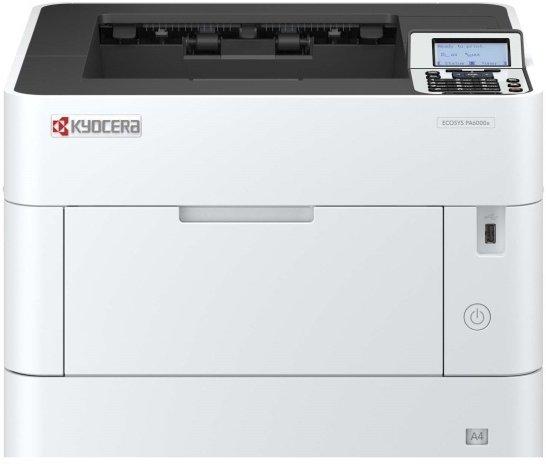
The Kyocera ECOSYS PA6000X is a robust workgroup printer designed to meet the demands of high-volume printing environments. With a remarkable printing speed of up to 60 pages per minute and a high resolution of 1200 x 1200 DPI, it delivers fast, high-quality outputs that can significantly enhance workplace productivity. This printer supports a broad spectrum of media sizes and types, making it incredibly versatile for any printing task. From legal documents to heavy-duty materials, the PA6000X handles it all with ease. Additionally, it boasts advanced connectivity options, including Apple AirPrint, Kyocera Mobile Print, Mopria Print Service, and wireless direct printing, offering convenience in printing from various devices. Its energy-efficient design not only reduces operational costs but also supports your organization's sustainability goals by minimizing power consumption during sleep mode. The Kyocera ECOSYS PA6000X is the perfect solution for businesses looking for reliability, quality, and eco-friendly printing solutions.
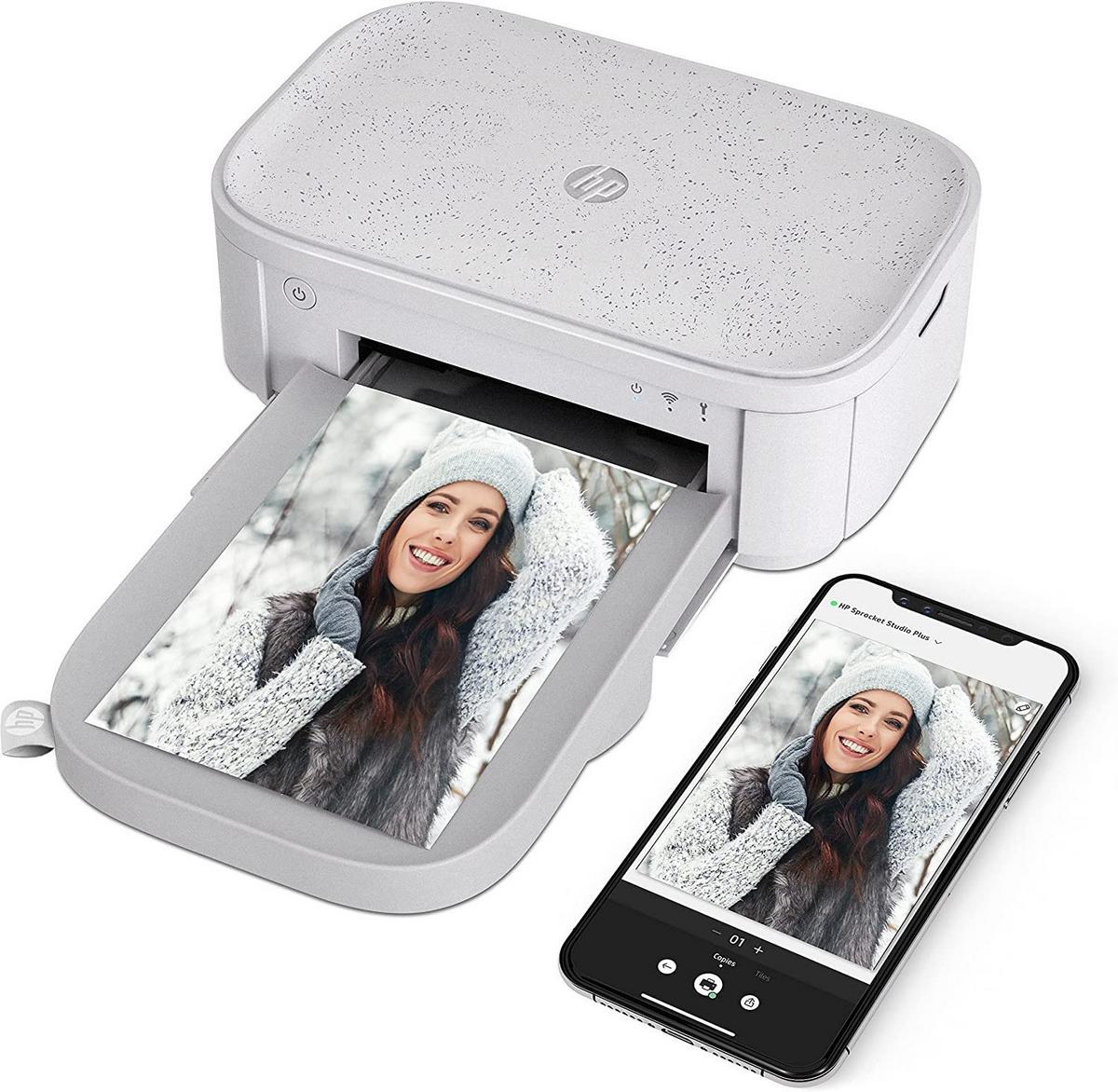
Your own personal photo labSprocket Studio wakes instantly from sleep mode. Quickly print with the HP Sprocket app using Bluetooth. Use the HP Sprocket app to print your favorite social media photos. Download the HP Sprocket app to customize your photos before you print them—frames, stickers, and more. Optional portable power bank makes your Sprocket Studio ready for any event.Hassle-free photo creationsUse the HP Sprocket app to get helpful templates for building photo albums, cards, collages, and more. Print as many or as few photos as you like—whatever you need for your photo creation. View photos from your event in one place with HP Sprocket app.Photo prints that last as long as your memoriesPrint bright, glossy photos that are smudge-proof, instantly dry, water-resistant, and tear-resistant. Scan your Sprocket Studio and Sprocket photos to unlock content in augmented reality. Create a shared album with Google Photos, so it's seamless to add photos and print.[1]Get everything you need to print high-quality photos with HP Sprocket Studio Cartridges and Photo Paper.Only compatible with HP Sprocket Studio Plus Photo Paper and Cartridges!Included: HP photo printer Sprocket Studio Plus 100 × 150 mm photo paper 10 sheets Ink cartridge AC adapter & power cable
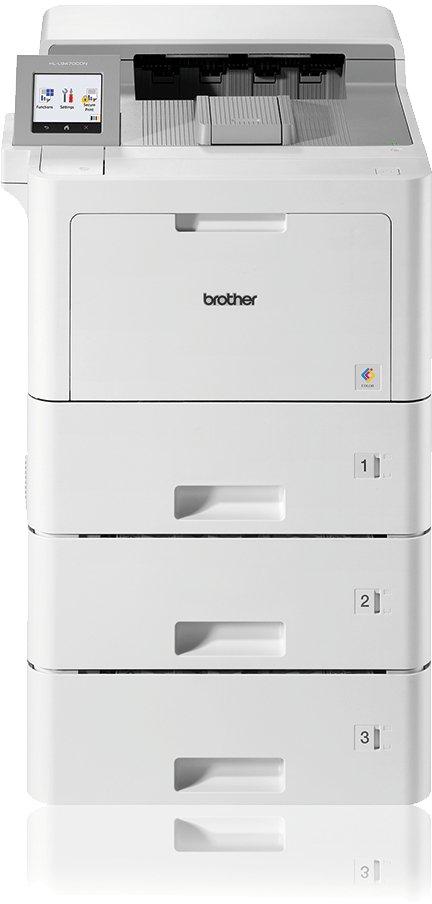
The high inbox toner considerably reduces print spend, together with robust build quality and excellent glossy print quality makes the HL-L9470CDNTT the ideal print partner for your business. With the simple, modern design comes impressive expansion options including a mailbox for sorting documents, staple finisher and additional paper trays adapting to your specific needs.
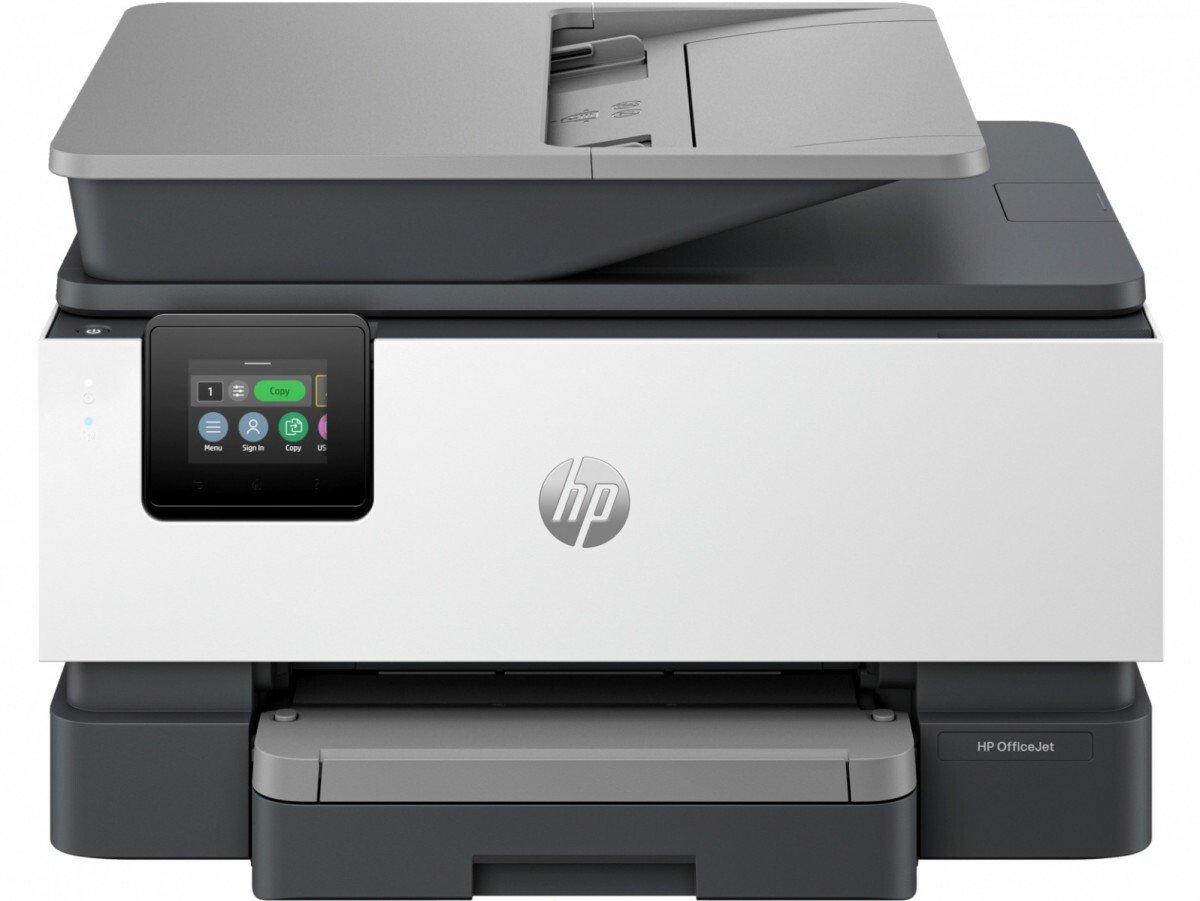
HP OfficeJet Pro 9125e all-in-one Print professional documents Experience a professional-grade business color inkjet printer from the industry leader, combined with the easiest-to-use printing app. From budgets to reports, enjoy easy cloud sharing and printing across multiple devices. Empower your team with powerful performance Choose an HP OfficeJet Pro printer equipped with a 250-sheet tray and be prepared to handle large amounts of printing materials. Always ready to print. Forget about running out of mascara. With an Instant Ink subscription, you can get your ink delivered straight to your door before it runs out. Our best technology to keep you connected and safe Stay connected with reliable dual-band Wi-Fi with self-healing that automatically re-connects. Designed with the environment in mind, using 40% recycled plastic Choose printers made from at least 40% recycled plastic.
Laserprinter | USB 2.0 | Windows 7 | Linux | MacOS | Windows 2000 | Windows XP | Windows Vista | Paberi formaat A4/210 C- 297 | Resolutsioon 600x1200 dpi | Esimese lehe trükikiirus 7.8 sekundit | Printimiskiirus (lk/minutis) 18 | Mälu (RAM) 64MB | Kulutarvik(ud): must kassett 725 | Töökoormus 8000 lk / kuus | Koopiamasin | Skänner
• Tint 1200 x 2400 DPI Värv • A2 (420 x 594 mm) Printimisvärvid: Must, Tsüaan, Magenta, Matt must, Fotomust, Punane, Kollane • USB port Ethernet LAN WiFi Epson SureColor SC-T7700D, Tint, 1200 x 2400 DPI, ESC/P-R, HP-GL/2, PDF 1.7, PostScript 3, Must, Tsüaan, Magenta, Matt must, Fotomust, Punane, Kollane, 120 pph, A2 (420 x 594 mm)
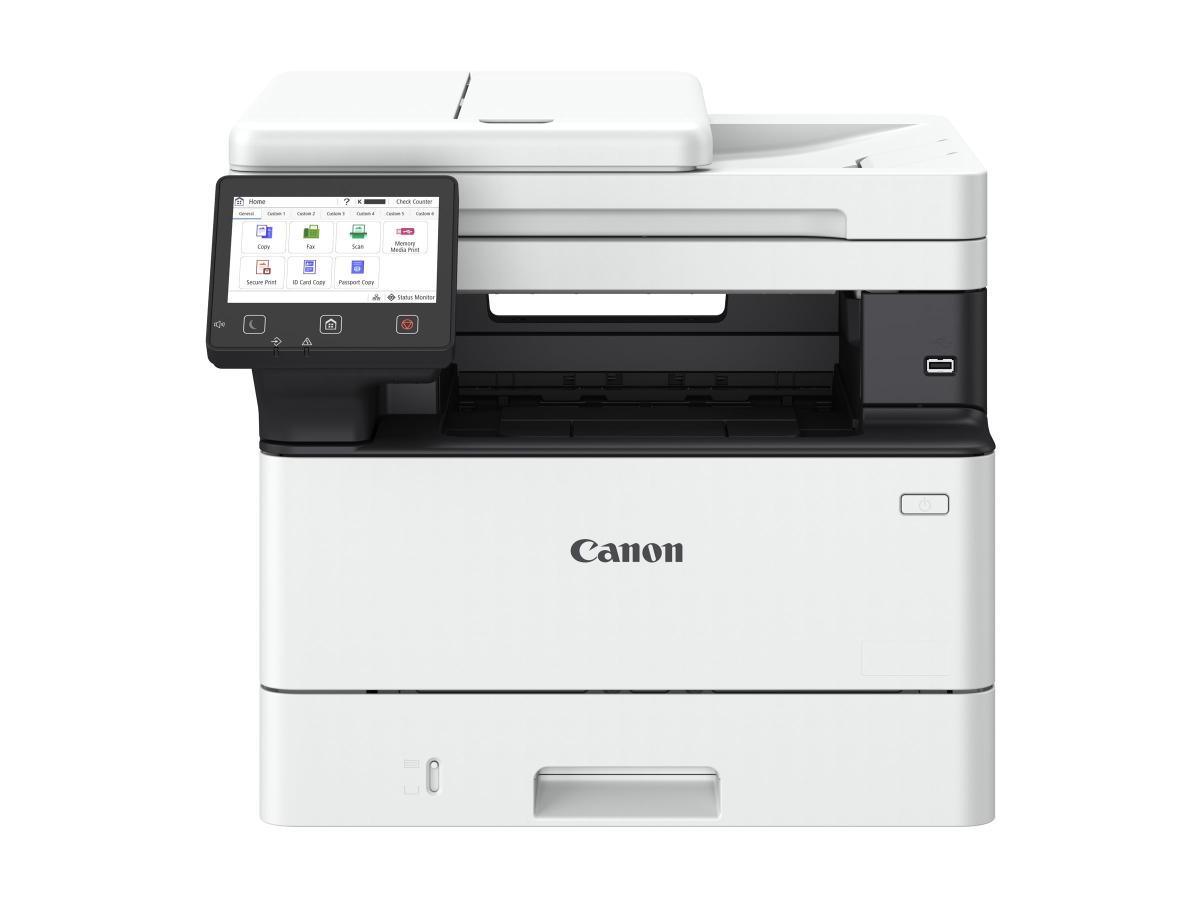
The Canon i-SENSYS MF461dw II is a compact black & white laser printer designed for high-productivity offices. It delivers fast duplex printing at up to 36 ppm and high-speed scanning up to 100 ipm, ensuring professional results. Advanced 360° security safeguards data, while the 5-inch touchscreen offers intuitive control. With quick setup, smart scanning, flexible workflows, QR code support, and eco-conscious design, it provides reliable, efficient, and sustainable performance. Designed to handle demanding workloads, this black & white laser printer delivers fast print speeds at up to 36 ppm and scanning at 100 ipm, with duplex capability and rapid warm-up to keep work moving Produce crisp, high-quality black & white documents that meet business standards for clarity and reliability From large reports to small items like cheques and receipts, the device is built to scan a variety of formats with speed and accuracy with PDF/A support, the international standard for secure, long-term digital storage Protect sensitive information with ease using the Security Navigator, which makes applying the right settings fast, simple, and accessible to all. Advanced features include password strengthening, SMB 3.1.1, WPA3, OAuth 2.0, and SIEM support while PDF/A compatibility secures long-term archiving Get immediate assistance through QR codes on the interface, linking directly to online guides and troubleshooting resources The intuitive 5-inch interface is consistent across Canon devices, making operation seamless in fleet environments Save time with the Master set up which automatically downloads and installs software
Printing speed:33ppm Connection method:USB+NET+WIFI Basic function:Print?Copy?Scan Special function: - 3in1 Multi-function: Print, Scan, Copy -3.5 inch touch screen -Easy one-step driver installation -Low printing cost: Drum and Toner separation,supply 1.5K/3K/6K optional capacity Toner cartridge and 12K Drum unit -Automatic duplex -support 5G WIFI Laser M7310DW, USB 2.0 WiFi, Windows 11 Windows 10, Windows 8 Windows 7, Linux Windows XP, Windows Vista Paper size A4/210 C- 297, Paper input 250 sheets Paper output 150 sheets, Resolution 6000x1200 dpi First print 8.5 sec, Print speed PPM 33 Memory (RAM) 512MB, Duty Cycle 60000 Pages/month Copy, Scan Dimensions 415 x 360 x 352mm
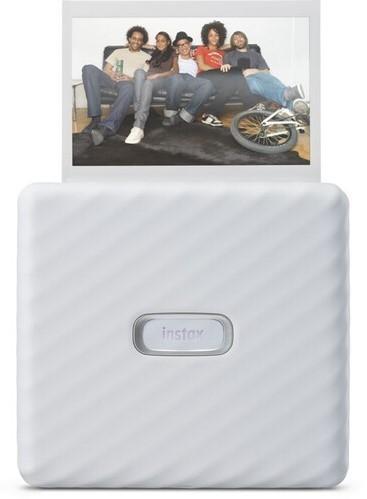
Instax Link Wide is a wide-format photo printer that creates the largest photos in the Instax product range, packed with mandatory features for endless fun and creativity. In addition to the photo printer, the set also includes a convenient wrist strap and a special stand.Fun, simple and creative printsNot only does the Instax Link Wide allow you to capture everything in a photo, but the free downloadable Instax Mini Wide smart app also adds a whole new dimension. Connect your smartphone to the printer wirelessly via Bluetooth and add text to photos, resize, apply a filter, play with contrast, and more. Just slide the photo on your smartphone up and print it. In addition, you can choose between two image color modes – Instax-Rich mode for rich colors and Instax-Natural mode for natural image quality. Personalize your photos and choose from over 30 editable templates to create greeting cards, invitations, and more. Apply a QR code to your photo to link to a URL, listen to recorded sounds, and view secret messages and locations – just scan the QR code with your smartphone.Sketch, edit, and customizeAnd that's not all! Get creative with Sketch, Edit & Print to import text and sketches when customizing your photos. With Collage Print, you can add multiple images to create fun collages. You can also choose from more than 1600 stickers to add to your photo in the app. Print photos from your smartphone via Bluetooth Uses Fujifilm Instax Wide papers Paper size: 86 × 108 mm Photo size: 62 × 99 mm Bluetooth 4.2 connection Print time: save image - photo output: about 12 seconds Built-in lithium-ion battery Approx. 100 prints (a full charge, depending on usage conditions) Convenient wrist strap and stand included