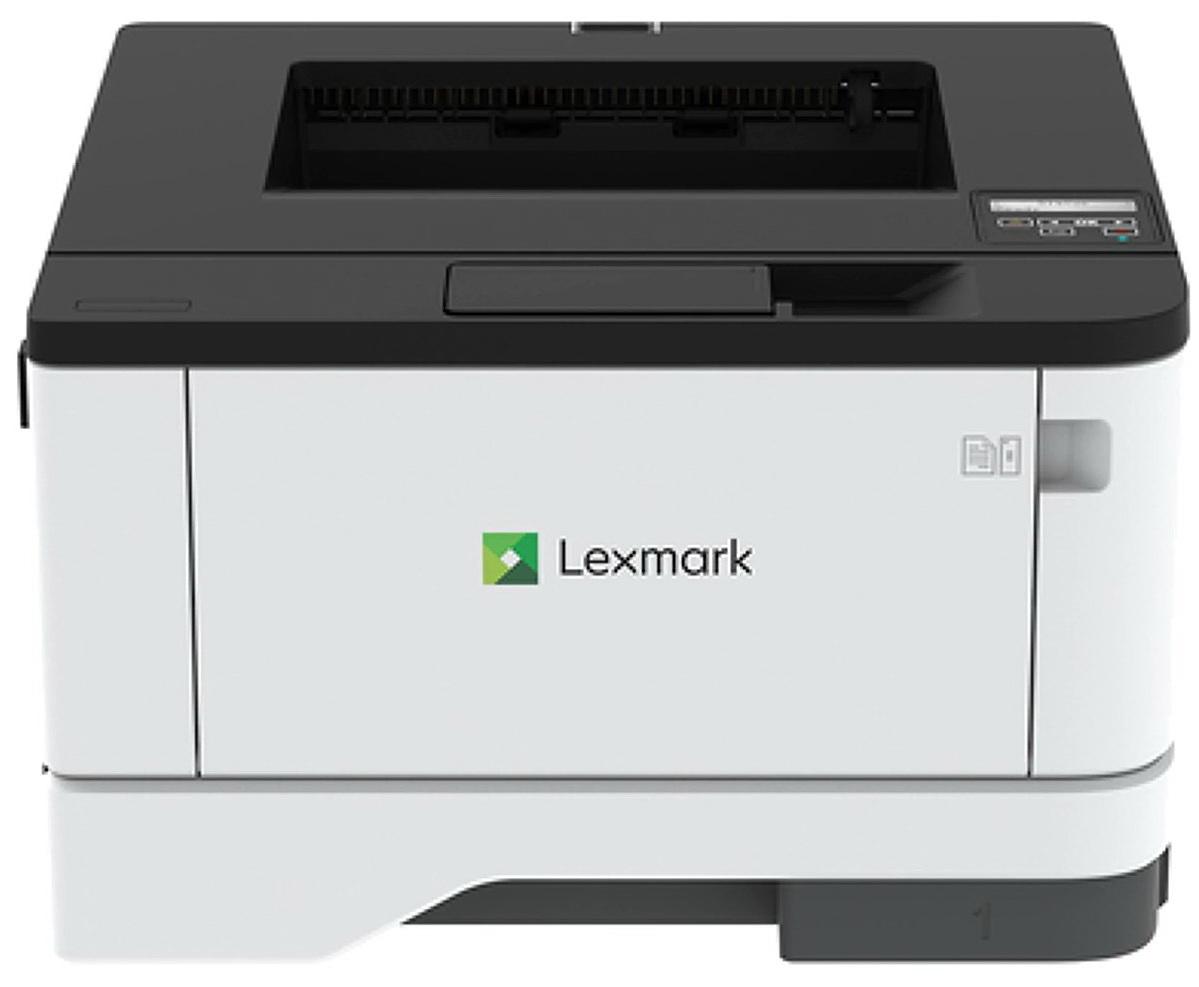
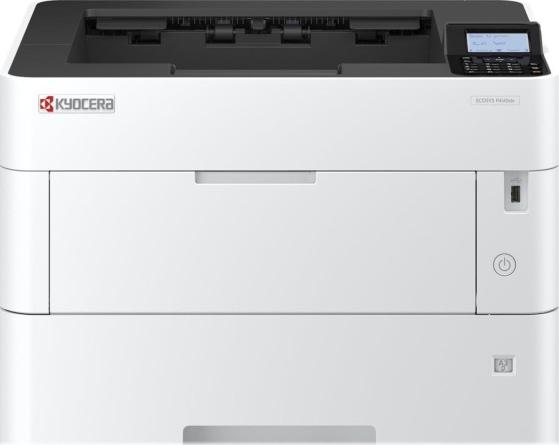
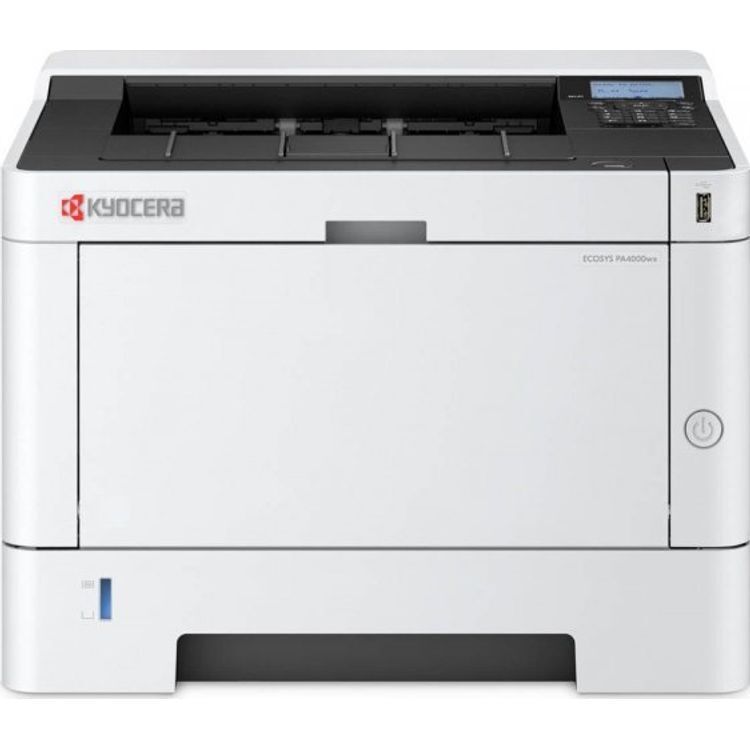
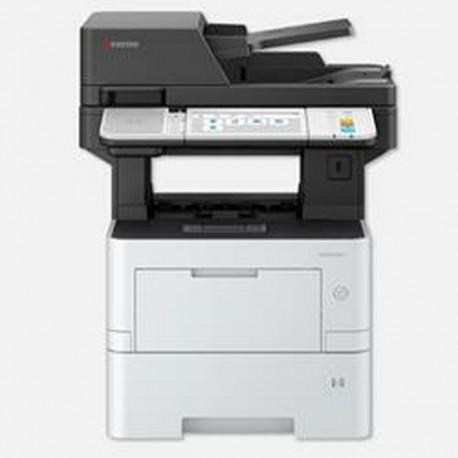
The Kyocera ECOSYS P4140dn is a robust workgroup printer designed to meet the demands of high-volume printing with efficiency and reliability. It combines fast printing speeds, high-quality outputs, and advanced connectivity features to provide a seamless printing experience. With the capability to print up to 40 pages per minute and a first print out time of just 6.3 seconds, it minimizes wait times and maximizes productivity.This printer not only excels in performance but also in environmental sustainability. The ECOSYS technology ensures long-life use and lower operating costs, making it an eco-friendly choice for any office. Its comprehensive media handling capabilities and automatic duplexing feature support a variety of printing tasks, from daily reports to professional documents, on a wide range of paper sizes. Whether you're looking to improve your workgroup's efficiency or reduce your environmental footprint, the Kyocera ECOSYS P4140dn is equipped to meet your needs.
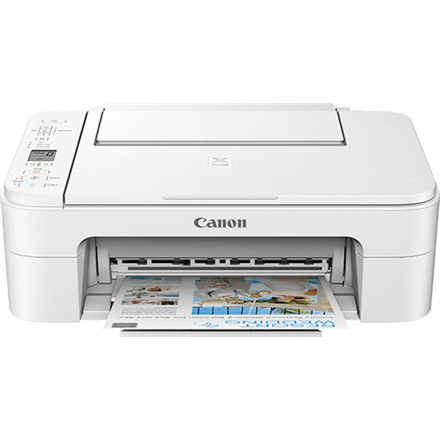
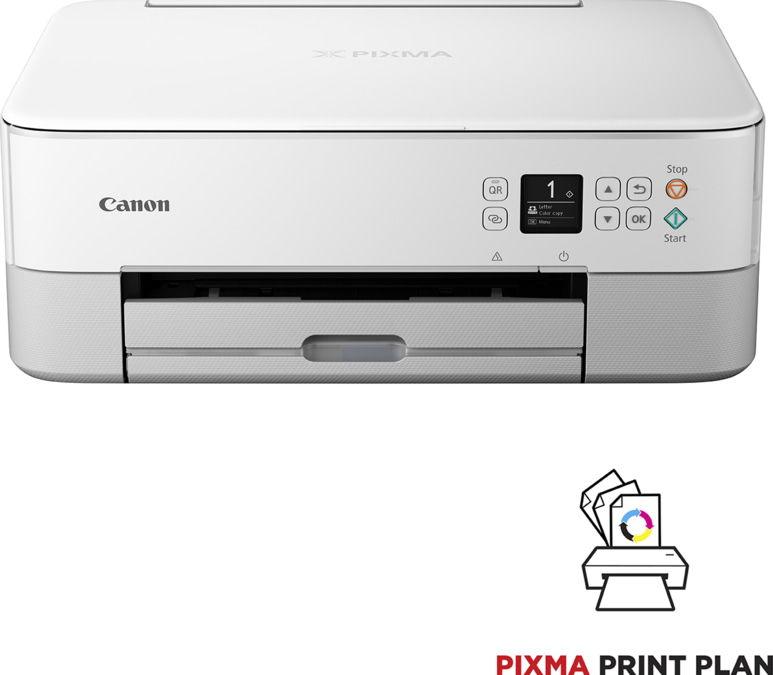
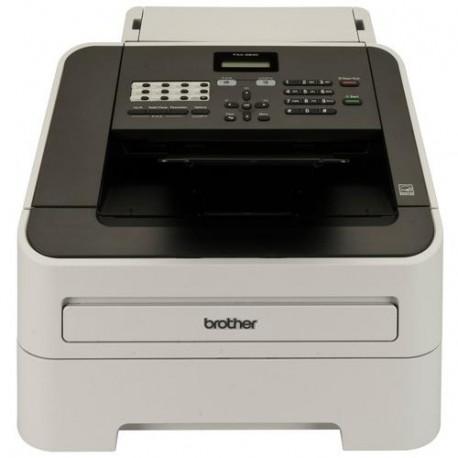
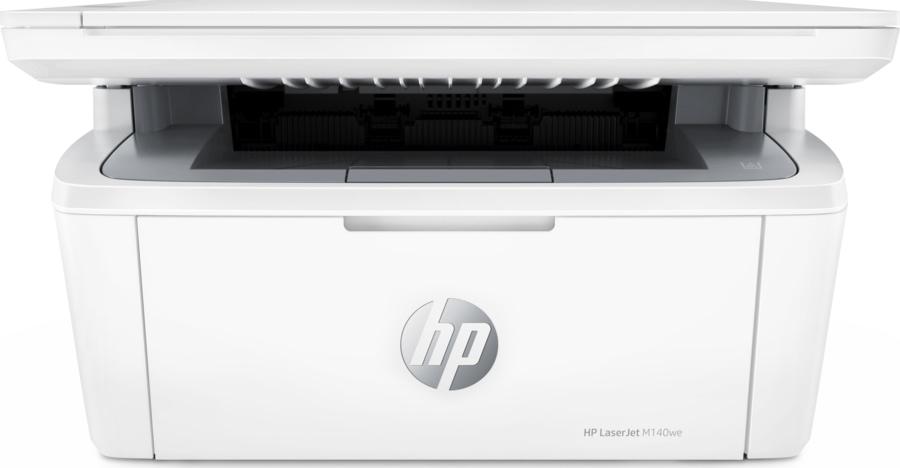
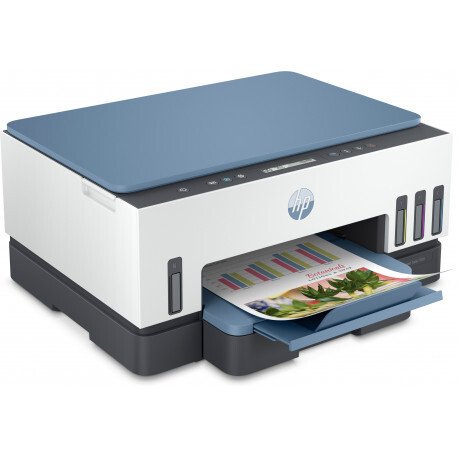
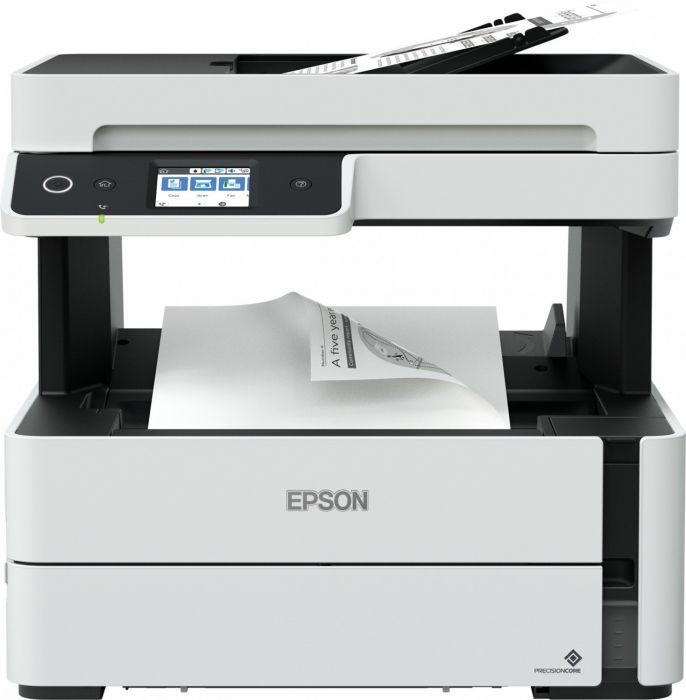
Printimine, kopeerimine, skaneerimine; Kiire USB 2.0; WiFi; Bluetooth LE; Automaatne kahepoolne printimine; Traadita printimine ja mobiilne printimine; 250-leheline paberikassett
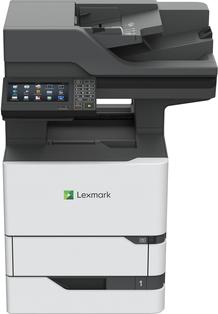
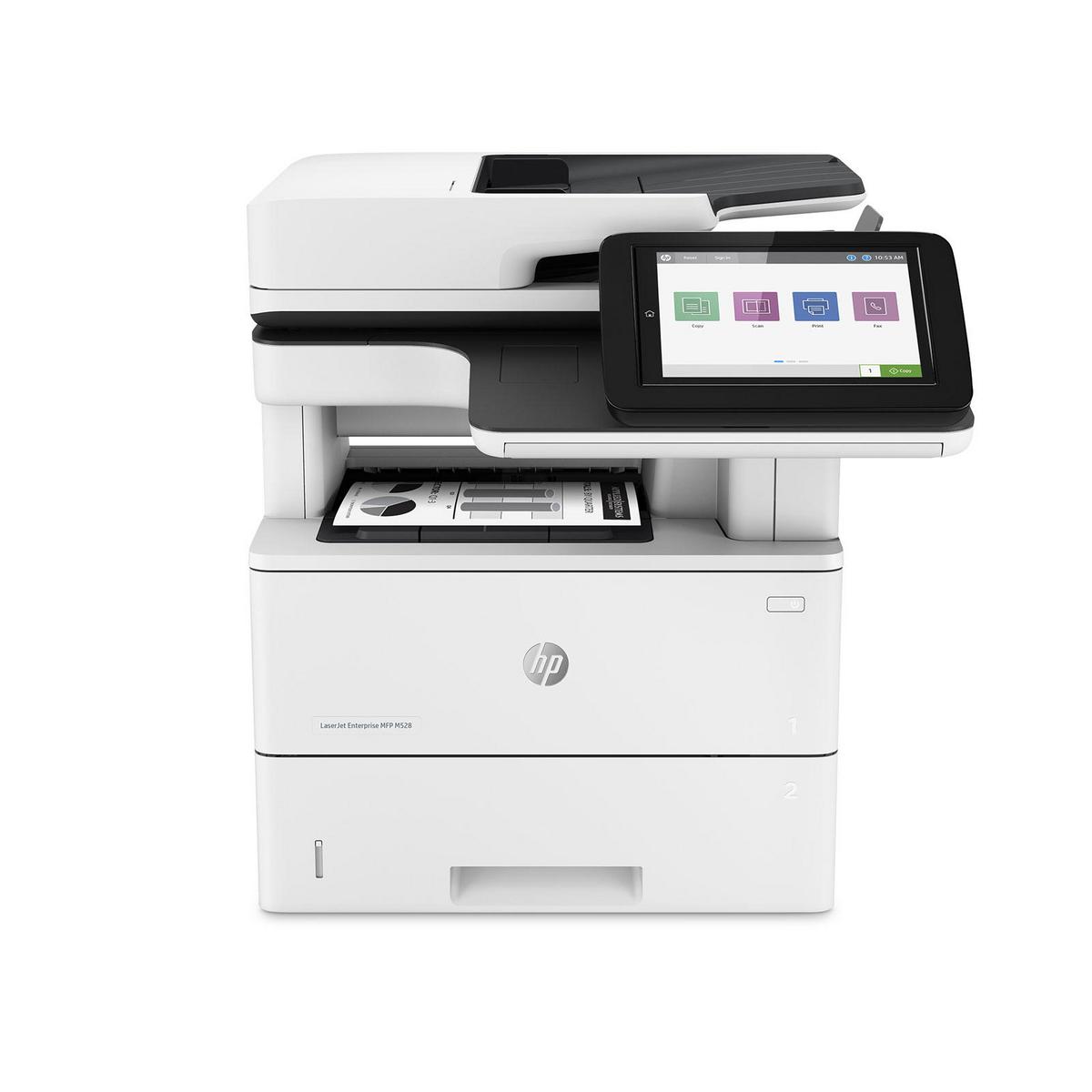
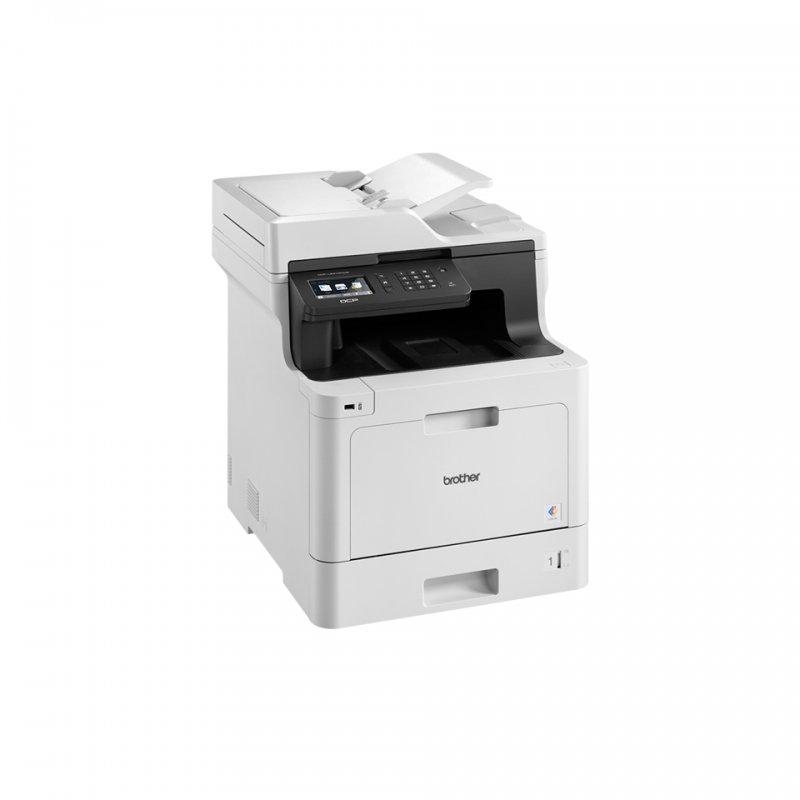
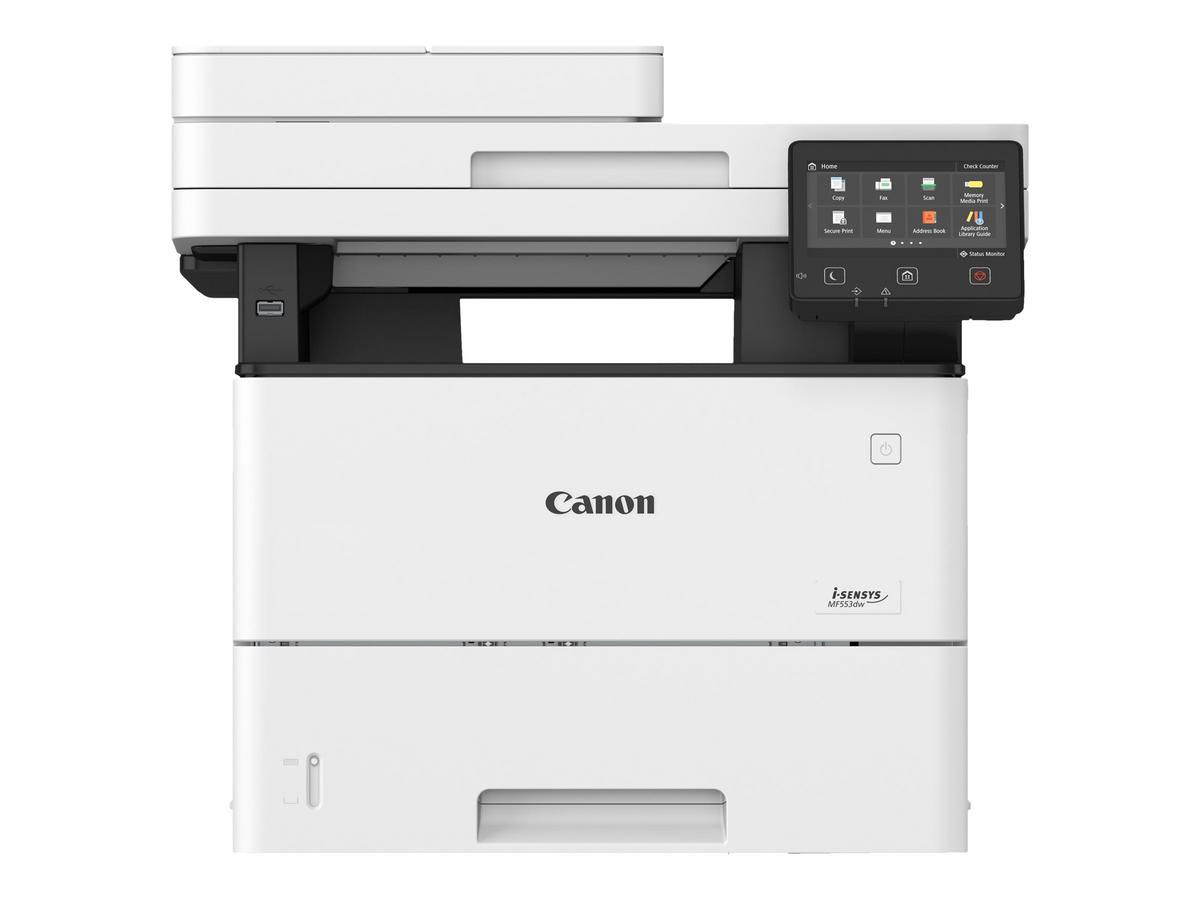
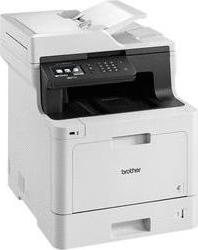
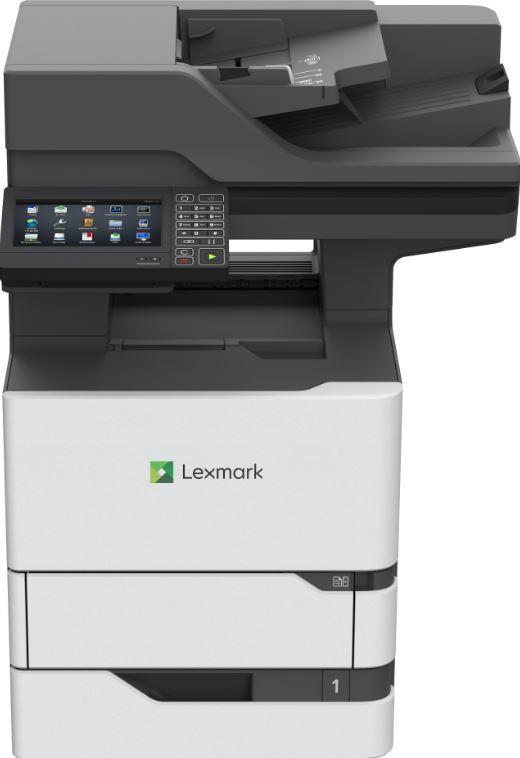
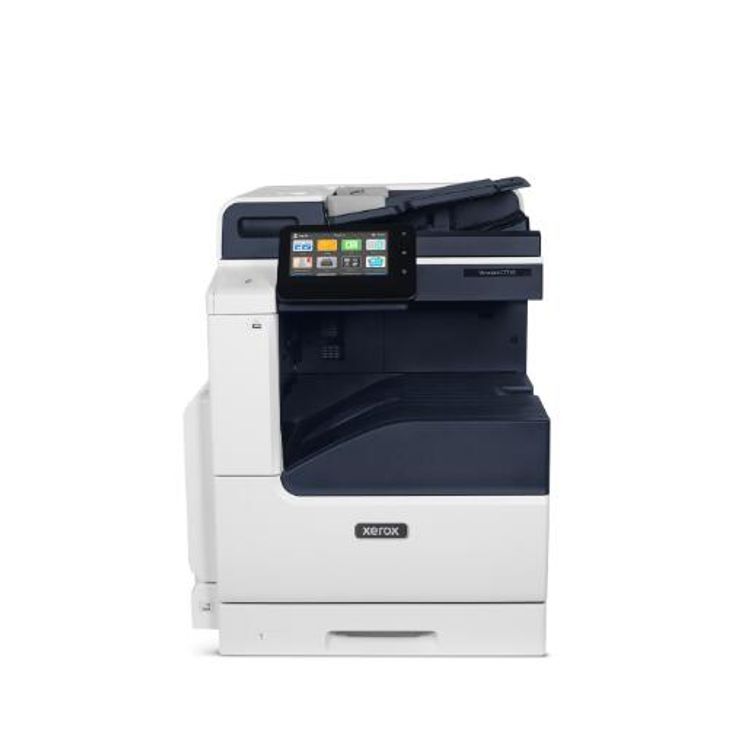
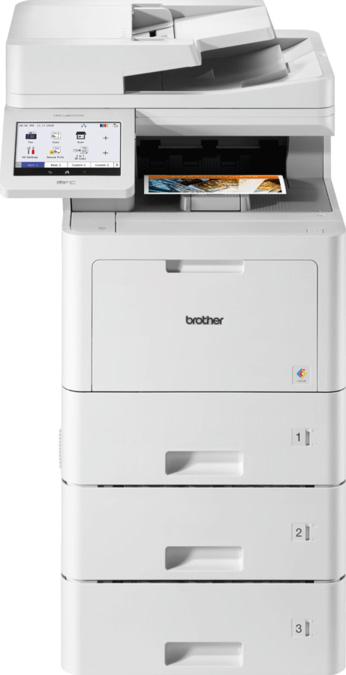
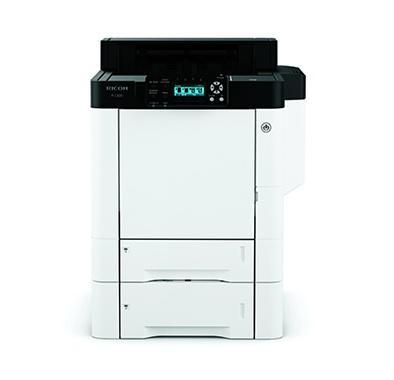
This highly configurable all-in-one printer delivers capabilities that empowers you to do much more than ever before. This premium printer is designed to be tailored to meet your specific workflow and document management needs whilst providing a very competitive total cost of ownership. Advanced color printing technology is guaranteed to make the right impression when it counts, with vibrant, professional color prints and accurate digital documents.
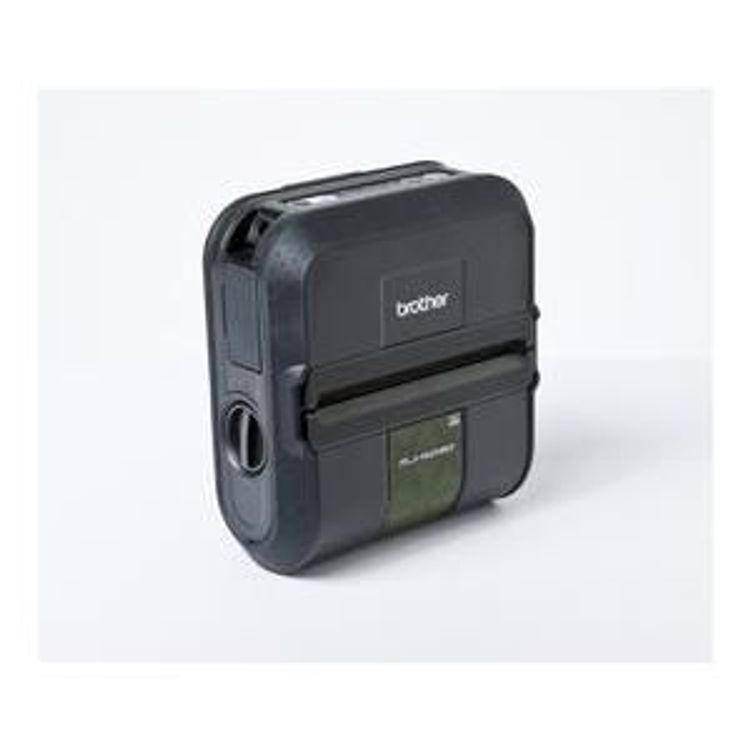
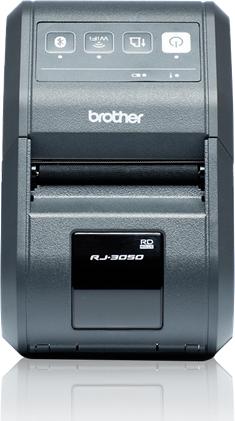
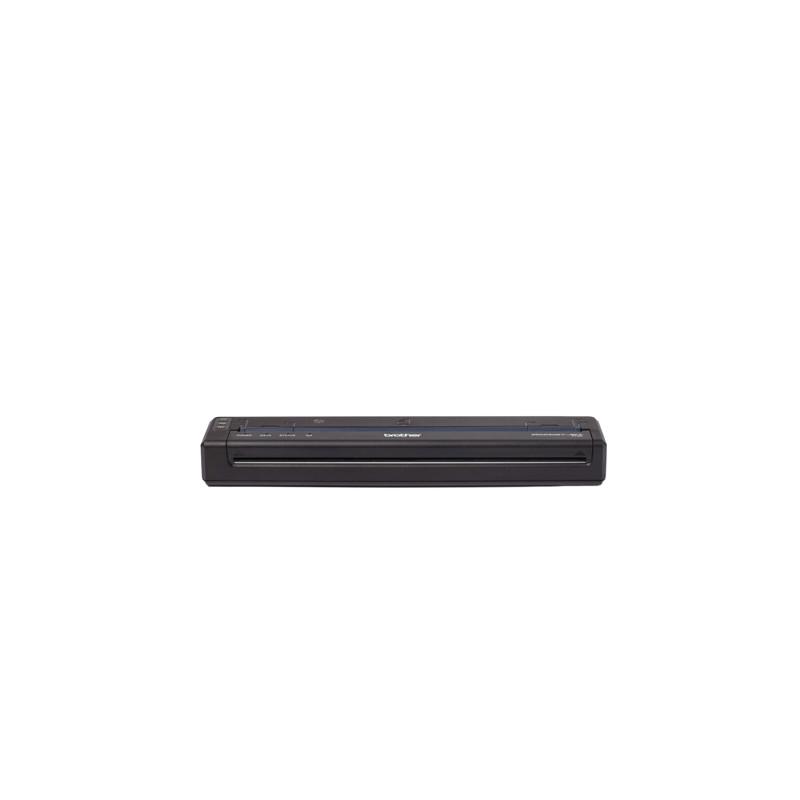
The Brother PocketJet 8, model PJ-883, offers exceptional mobile printing capabilities. With robust connectivity options including Bluetooth 5.2 LE, USB-C, and Wi-Fi(n), it integrates smoothly into any work environment, whether in the office or on the road. This printer supports a broad spectrum of barcode printing, accommodating everything from QR codes to Code 128, making it a versatile choice for the retail, logistics, and healthcare sectors.The PJ-883 is designed with portability in mind. Its compact size and ability to print up to 13.5 pages per minute ensure that productivity is maintained, regardless of location. Capable of handling a variety of media sizes including A4 and Legal, the PJ-883 is equipped to manage tasks ranging from legal documents and reports to labels. Focused on performance, flexibility, and convenience, the Brother PocketJet 8 caters to professionals seeking a reliable mobile printing solution.
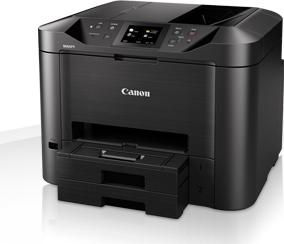
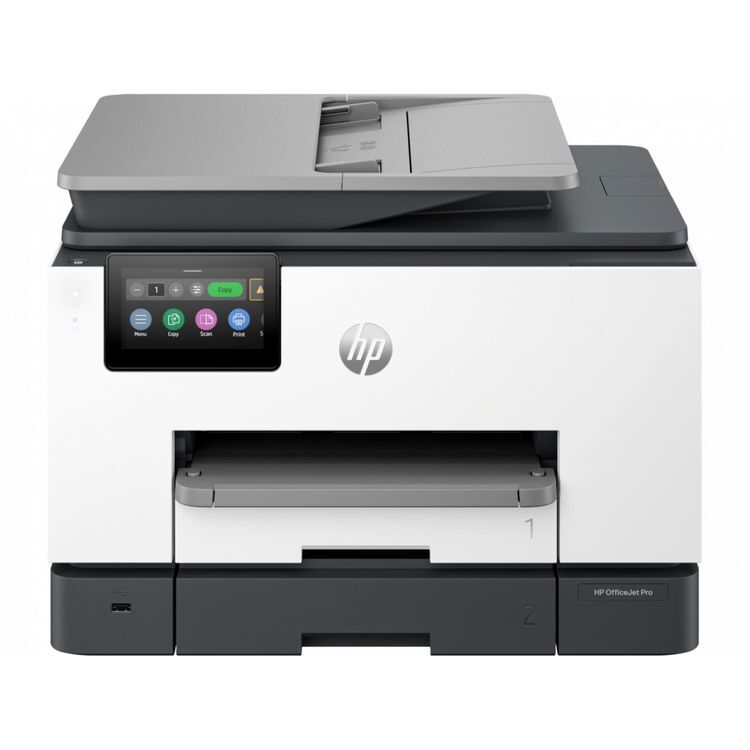
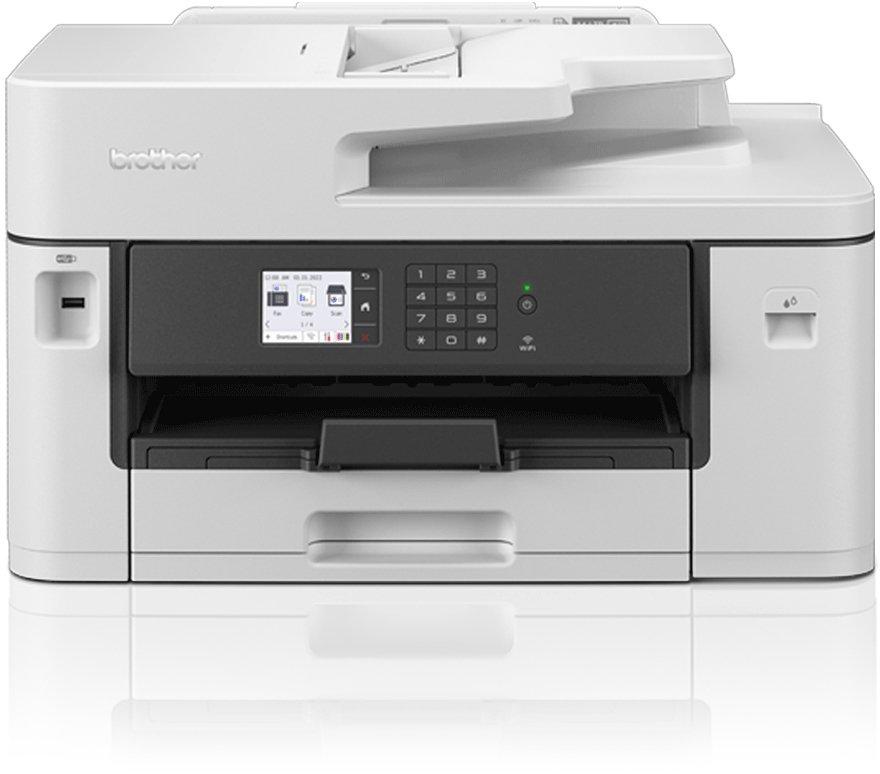
Discover the Brother MFC-J5345DW, a versatile and efficient multifunction office machine designed to meet the demands of modern workplaces. With its comprehensive connectivity options including Wi-Fi, LAN, and USB 2.0, this device ensures seamless integration into any network. The MFC-J5345DW also prioritizes security with features like AES and IPsec to protect sensitive information.Productivity is at the core of this device, offering fast printing speeds up to 28 ppm in both black and white and color, alongside automatic duplexing to save time and paper. The inclusion of a 250-sheet input tray and a 50-sheet automatic document feeder (ADF) simplifies handling of large printing tasks, making it an ideal choice for busy offices. Moreover, its support for a wide range of media sizes and types, including A3 and Ledger, enhances its versatility.The Brother MFC-J5345DW stands out with its color touch screen display, providing an intuitive interface for all operations. Whether you're printing, scanning, copying, or faxing, this multifunction device is designed to boost efficiency and productivity in any setting.
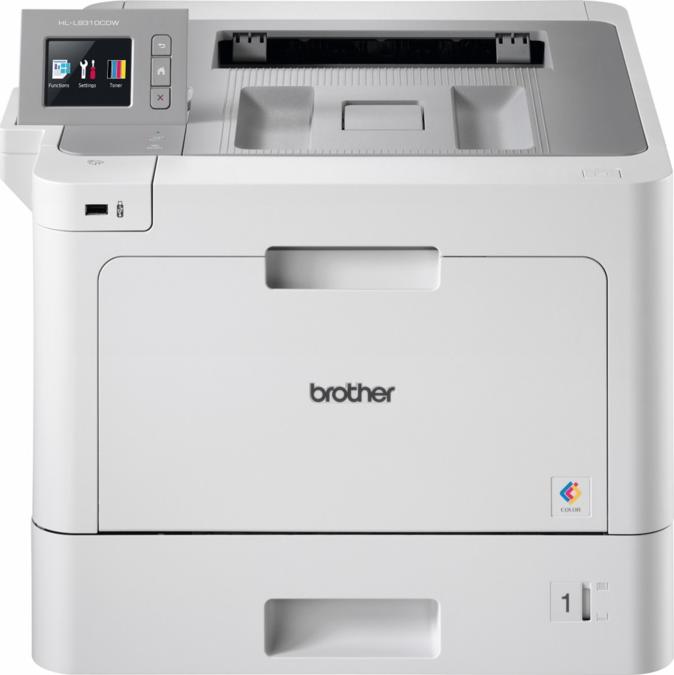
The Brother HL-L2400DWE laser printer is a robust solution for any office or workgroup needing reliable, high-quality monochrome printing. It combines efficiency and versatility with its 30 ppm printing speed and automatic duplexing feature, making it perfect for fast-paced work environments. The printer supports a wide range of media sizes and types, ensuring flexibility for all printing needs. With advanced connectivity options including USB 2.0, Wi-Fi, and Brother Mobile Connect, it offers seamless integration into existing networks while ensuring secure document handling with its comprehensive security features. Additionally, its eco-friendly design, certified by ENERGY STAR and Blue Angel, highlights its low power consumption and quiet operation, making it an ideal choice for environmentally conscious businesses looking to minimize their carbon footprint without sacrificing performance.
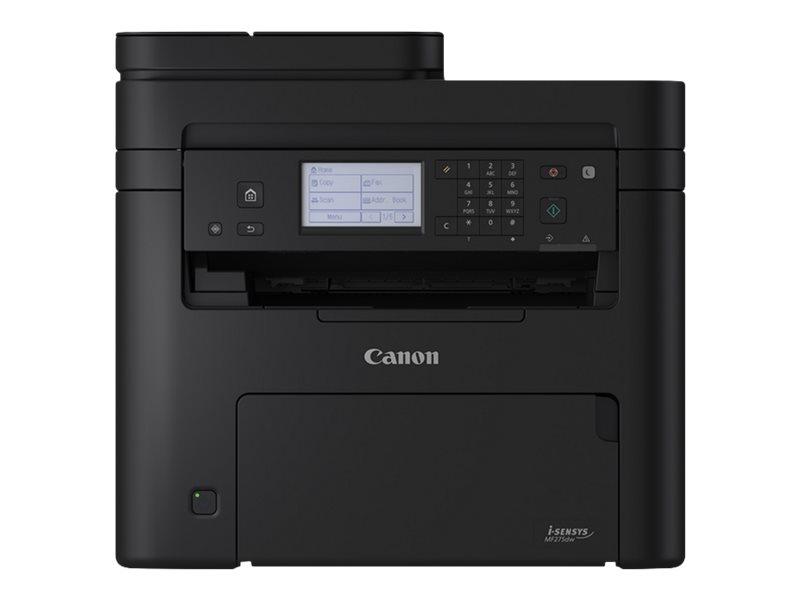
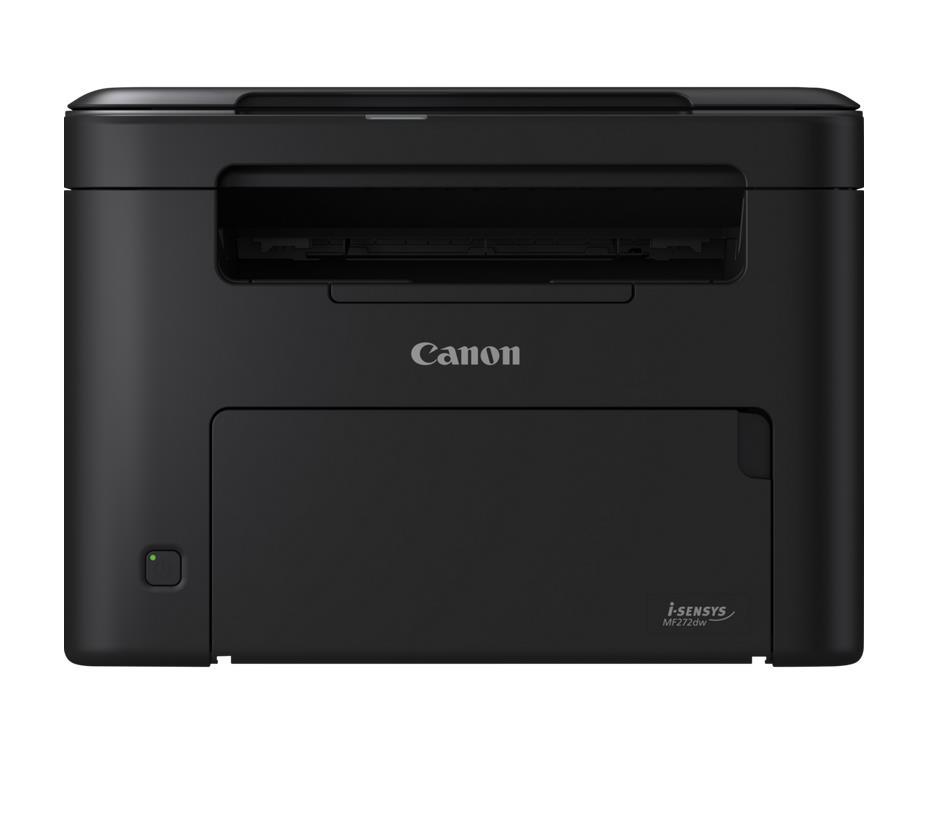
Streamline printing processes and enhance efficiency at home or in small offices with speedy and reliable mono multifunction laser printers. Laser i-SENSYS MF272dw, USB 2.0 WiFi, ETH Windows 11, Windows 10 Windows 8, Linux MacOS, Paper size A4/210 C- 297 Paper input 150 sheets, Paper output 50 sheets Resolution 2400x600 dpi, First print 5.4 sec Print speed PPM 29, Memory (RAM) 256MB Duty Cycle 20000 Pages/month, Copy Scan, Network W-LAN 802.11b/g/n Device colour Black, Dimensions W/Trays 372 mm x 320 mm x 271 mm; Installation Space: 372 mm x 598 mm x 526 mm