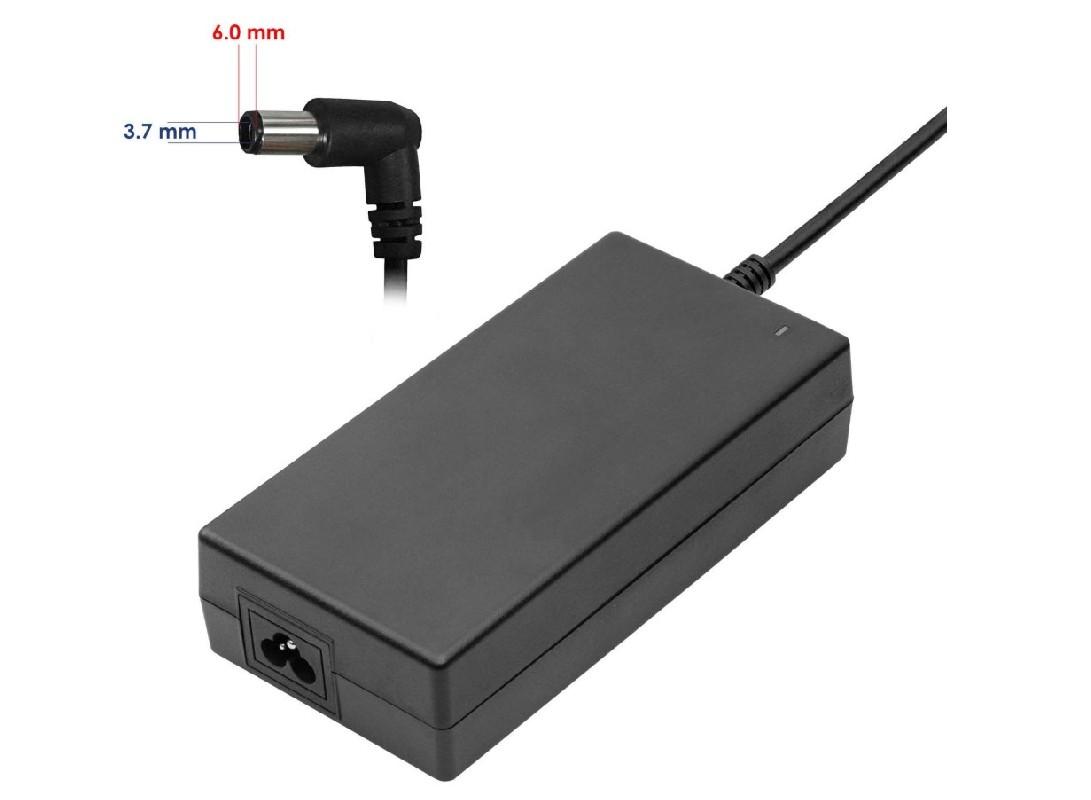
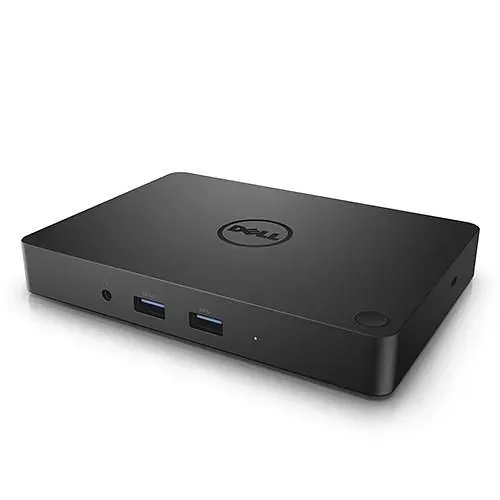
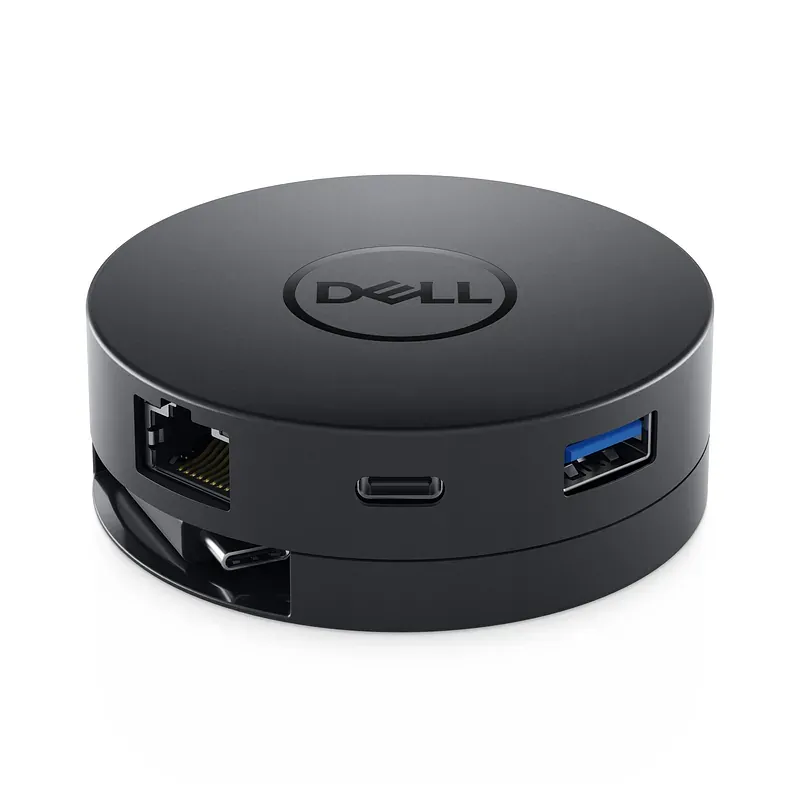
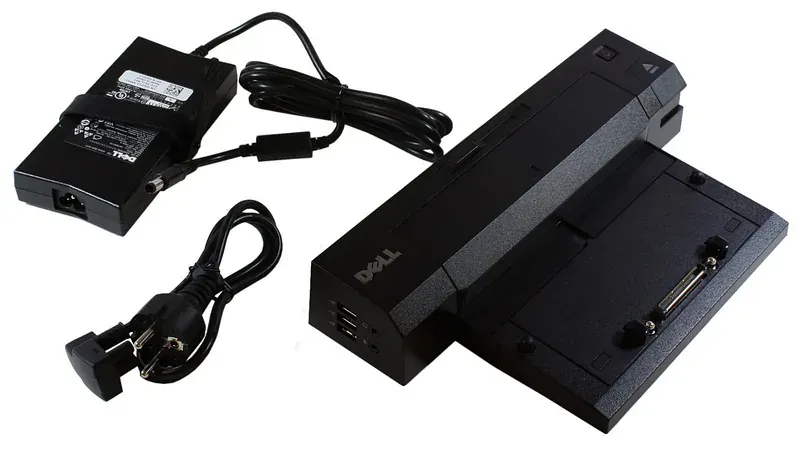
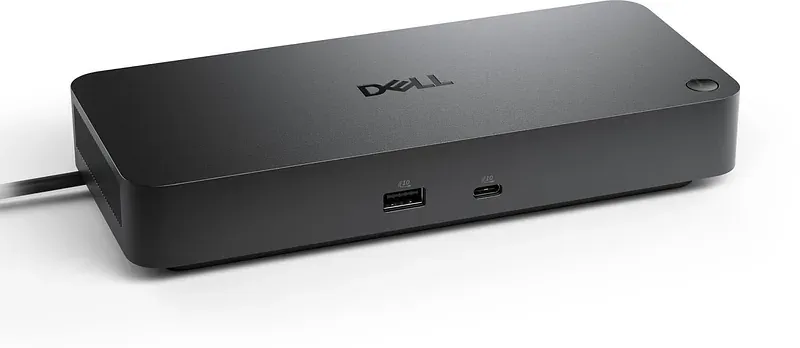
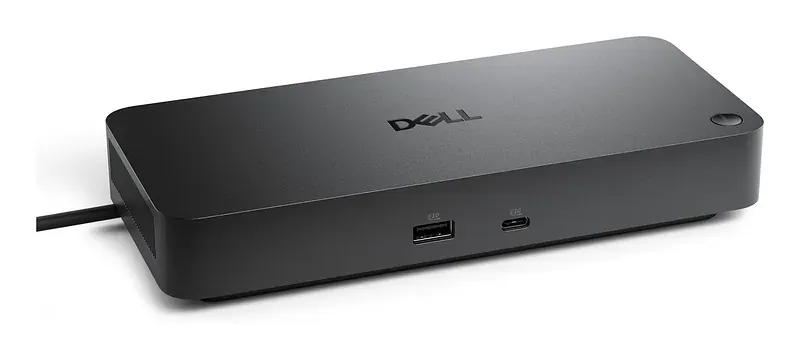
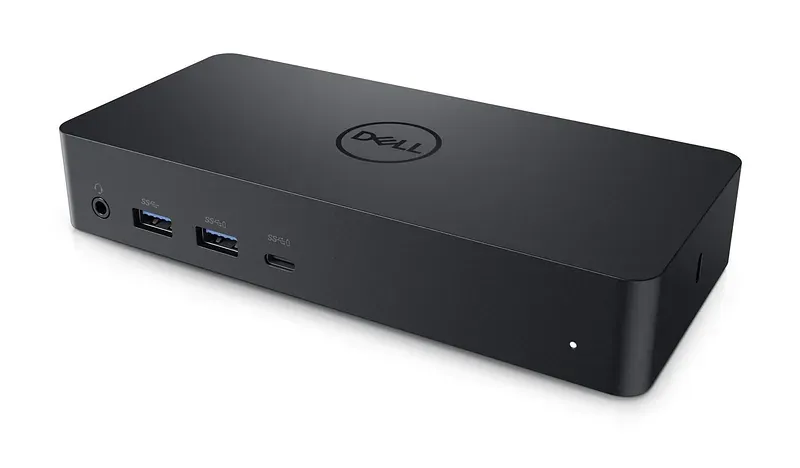
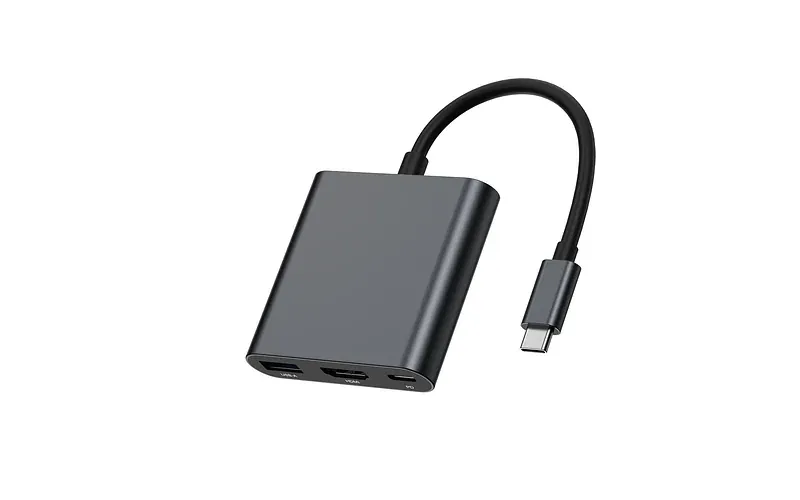
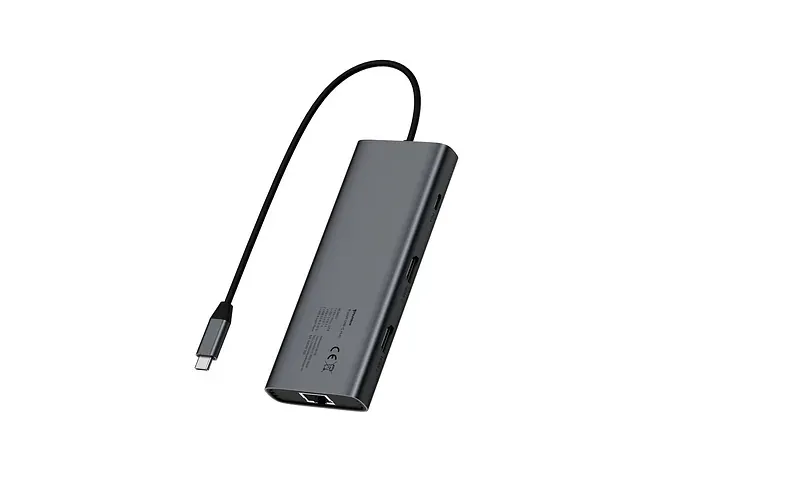
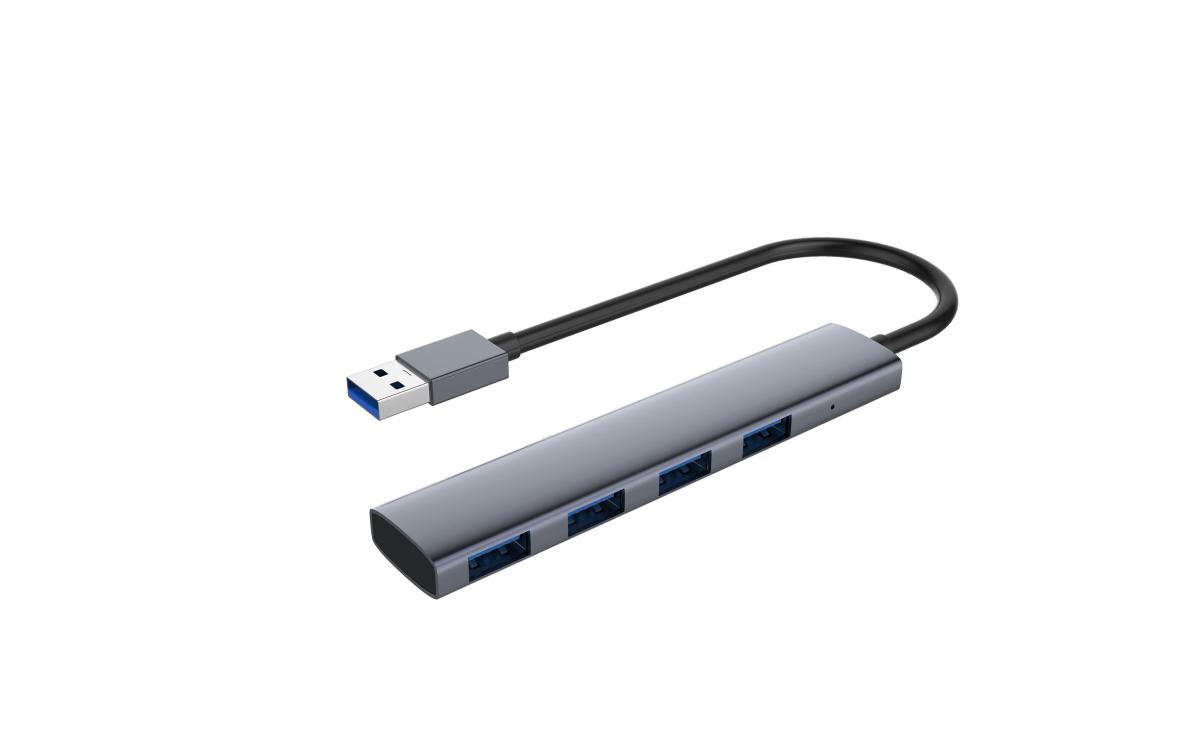
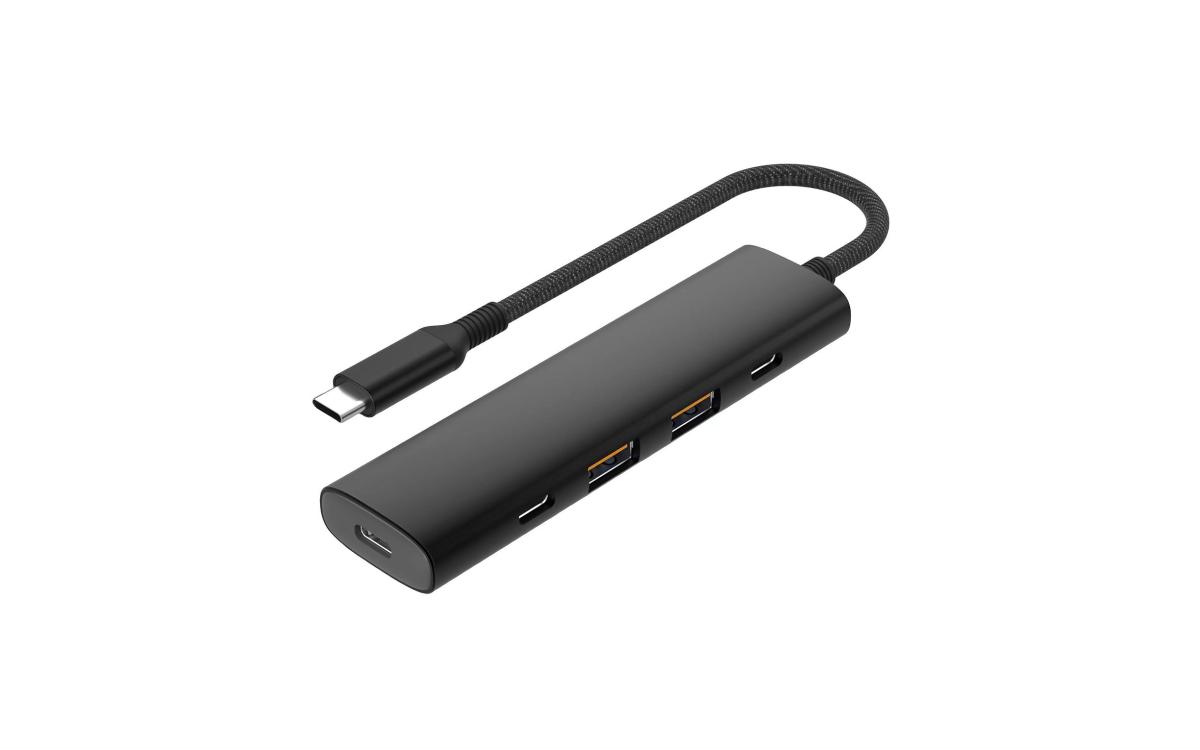
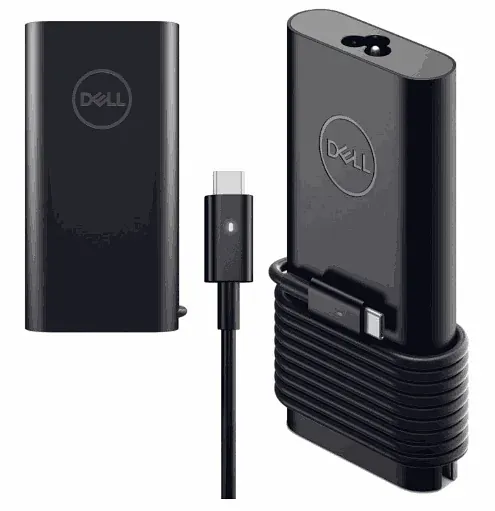
• Juhtmega ühendatud • Ethernet LAN 10,100,1000 Mbit/s • Kaabliluku pesa DELL 452-BCCX, Juhtmega ühendatud, 10,100,1000 Mbit/s, Must, Dell, DC (alalisvool), Windows 10 Education, Windows 10 Education x64, Windows 10 Enterprise, Windows 10 Enterprise x64,...
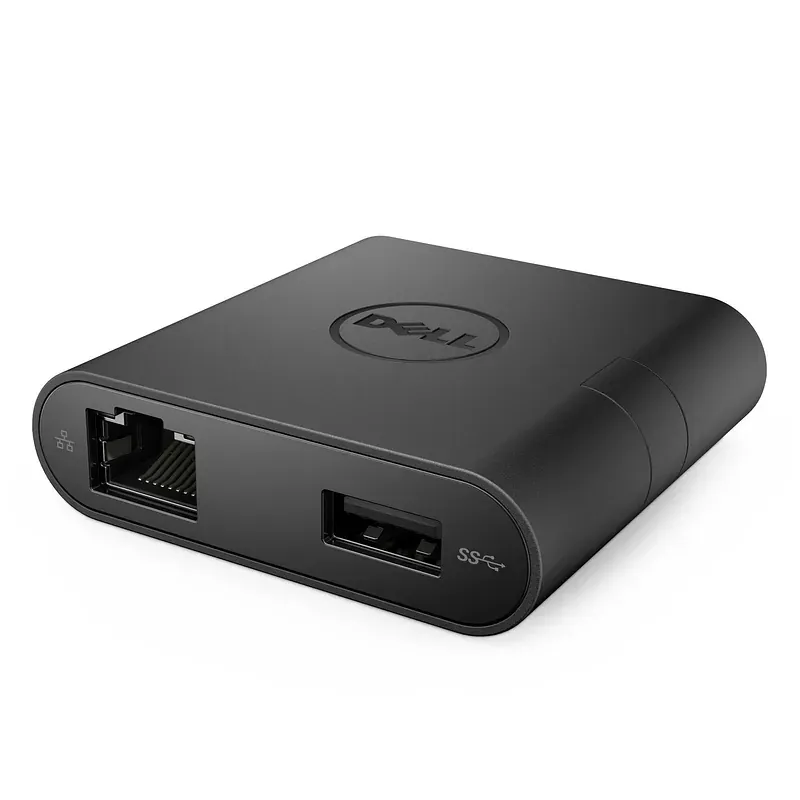
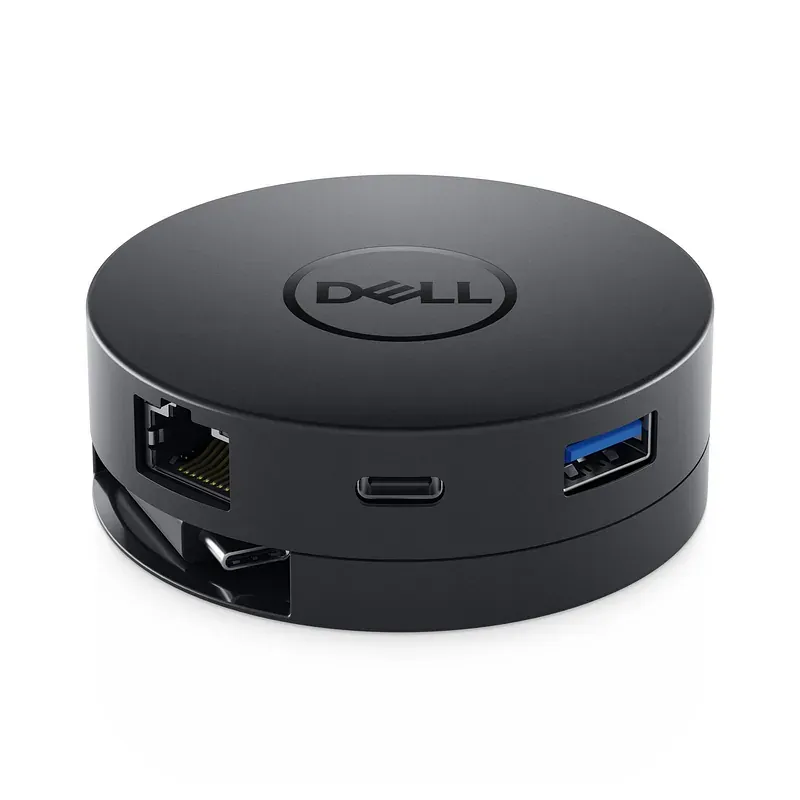
• Juhtmega ühendatud • Hostiliides: USB 3.2 Gen 2 (3.1 Gen 2) Type-C • Ethernet LAN 10,100,1000 Mbit/s Wake-on-LAN valmidus • Isehäälestuv DELL DA300, Juhtmega ühendatud, USB 3.2 Gen 2 (3.1 Gen 2) Type-C, 10,100,1000 Mbit/s, Must, 3840 x 2160 pikslit, Dell
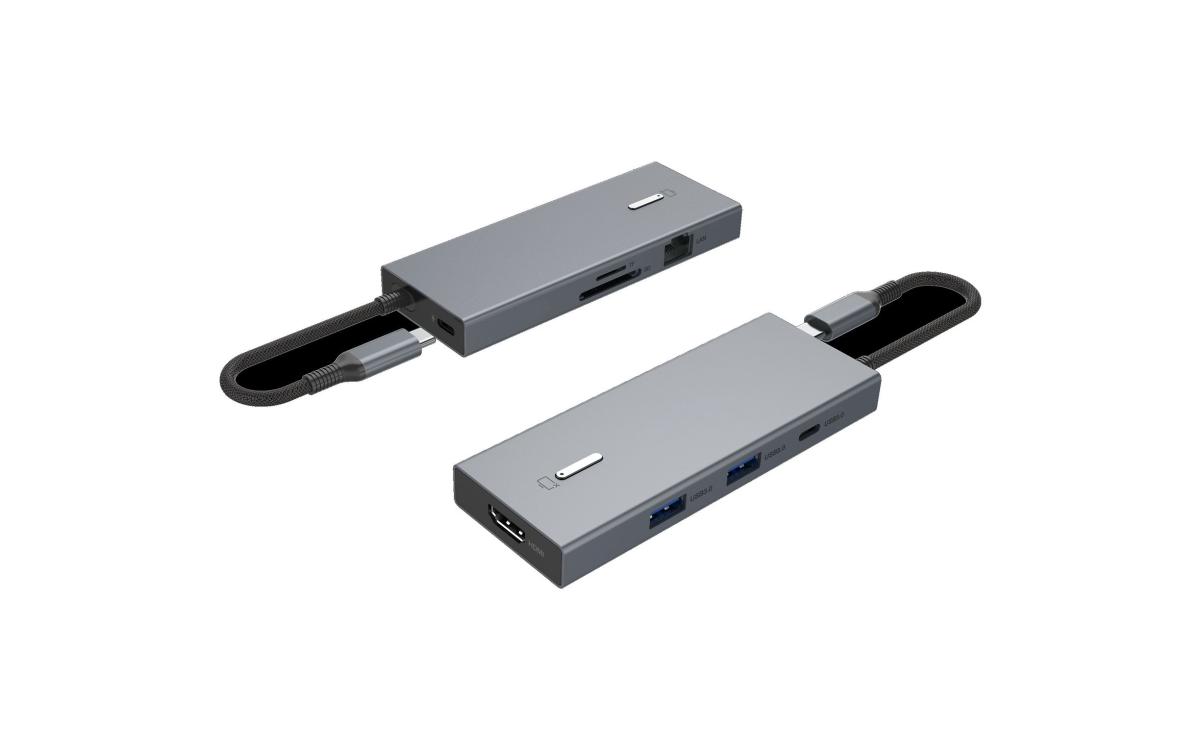
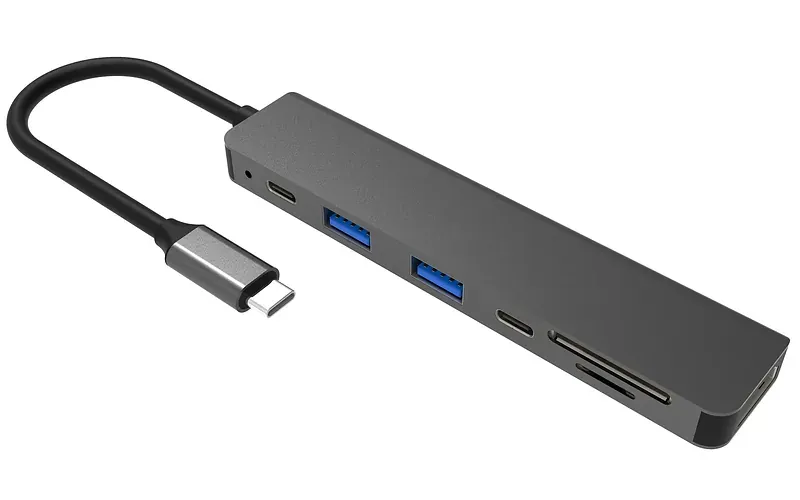
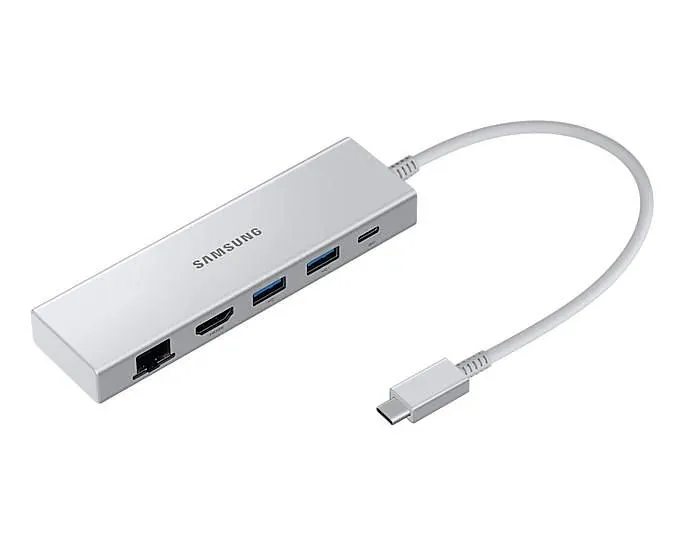
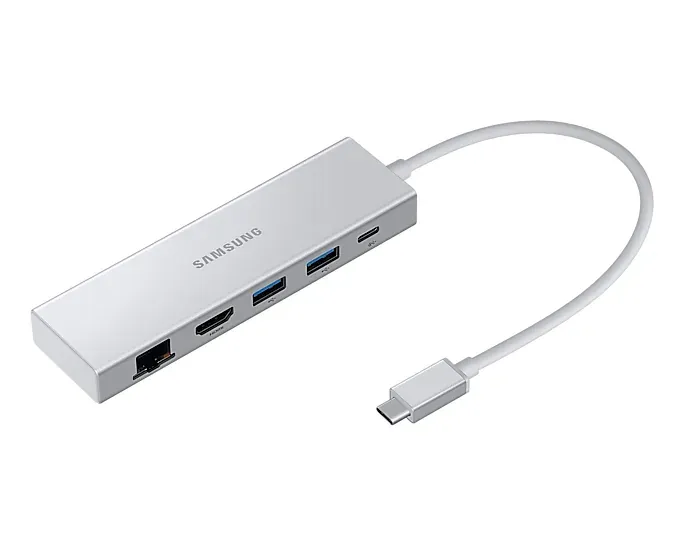
USB-C PD läbivool 100 W võimsusega • HDMI 2.0 ühendus, hubil on sisse/välja lüliti HDMI pordile • 1 x USB-C port ja 2 x USB-A porti • Gigabit Ethernet port (1000M) • Mälukaardi lugejad TF- ja SD-mälukaartidele
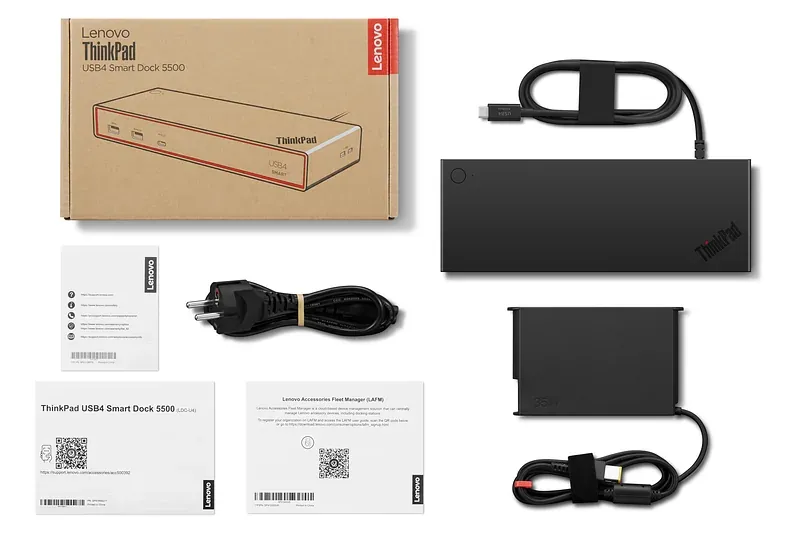
• Juhtmega ühendatud • Hostiliides: USB4 • USB Power Delivery • Ethernet LAN 1000 Mbit/s • Kaabliluku pesa Lenovo ThinkPad USB4 Smart Dock 5500 with 135W Adapter, Juhtmega ühendatud, USB4, 100 W, 1000 Mbit/s, Must, Eclipse Black
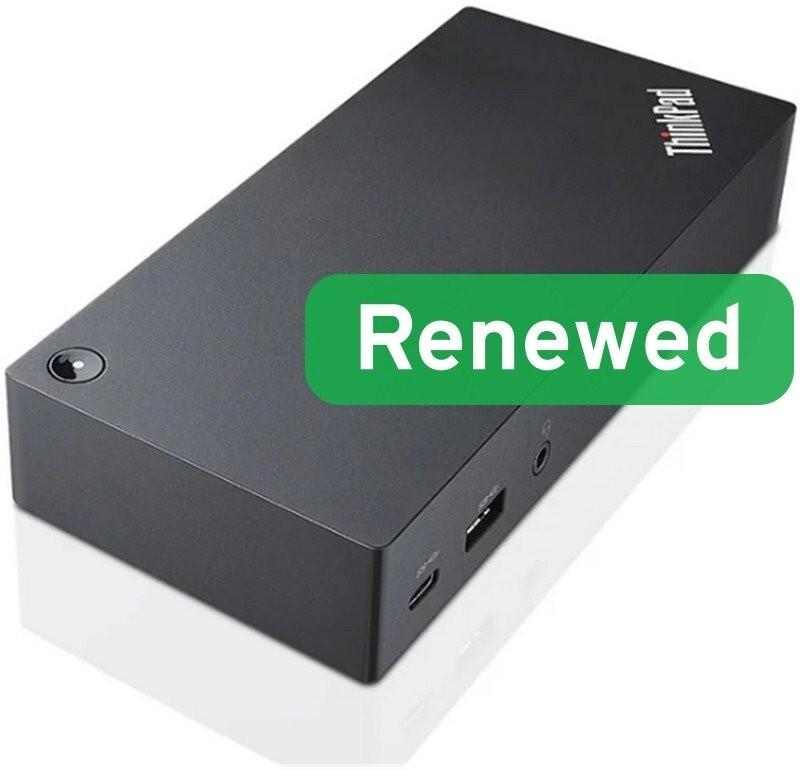
Lenovo understands that modern businesses depend on a wide variety of PCs and even brands to meet their business needs. To make this easier, ThinkPad USB-C Dock Gen 2 (40AS) is compatible with Lenovo notebooks as well as notebooks from HP and Dell. ****: DISCLAIMER: Lenovo USB-C & Thunderbolt Docks function with notebooks that support industry-standard USB-C Alt-Mode or Thunderbolt protocols through their Type C port. Lenovo USB-C and Thunderbolt Docks support additional features, such as MAC address passthrough, WOL, and mirrored power button, on most Lenovo ThinkPad notebooks, but such features may not be available on certain other Lenovo notebooks or non-Lenovo branded notebook systems.For more information on non-Lenovo systems, click the following:Dock Guidelines and Troubleshooting when connected to Non-Lenovo systemsThinkPad and Lenovo Docks: Industry Standard CompatibilityFeaturesBroad Compatibility: The Lenovo docking station is compatible with Lenovo and non-Lenovo notebooks to expand data, power, and video.One connection, no limitations: Think of all the time you’d save if you could connect all your peripherals at once, transfer USB data at 10 Gbps speeds, and have access to a stable, stress-free wired network connection.Jaw-dropping 4K or multiple displays*: The days of being limited by your notebook’s capabilities are over. Now you can experience two vivid 4K screens or triple 1080p displays.Ready for your command: Completely control your ThinkPad systems with PXE Boot, System Wake-on-LAN from sleep mode, hibernate mode, and power-off mode. It also supports passing the ThinkPad MAC address through the dock. These features are supported on selected ThinkPad notebooks.Supported by the Lenovo Dock Manager, an advanced solution that automatically manages docking, as well as providing firmware updates, device queries, and analytics on all Lenovo Smart Docks.Compatible with Lenovo Docking Station Mounting Kit (4XF0S99497)Note: The dock has the ability to support DisplayPort™ 1.4 and HDMI™ 2.0 for a maximum of 2 x 4K @ 60 Hz displays, but the actual video output depends on the system’s output.
Align and secure the computer for proper connection to the docking stationConnect and release the computer when you press the connect buttonDocking connector for notebookSecures and releases the computerSlide out to release the computerAC present: aqua white, Dock connected: white, two RJ45 LEDs: amber/greenDesigned exclusively for ultraslim HP EliteBook Notebook PCs, the HP UltraSlim Docking Station expands display, network, and device connectivity so you can be more productive throughout the day—all through a simple one-click slide-in side dockDisplayPort and VGA ports deliver legacy and future compatibility with your choice of video devices and an Ethernet/LAN port keeps you onlineHeadphone and microphone jacks support your multimedia and videoconferencing requirements