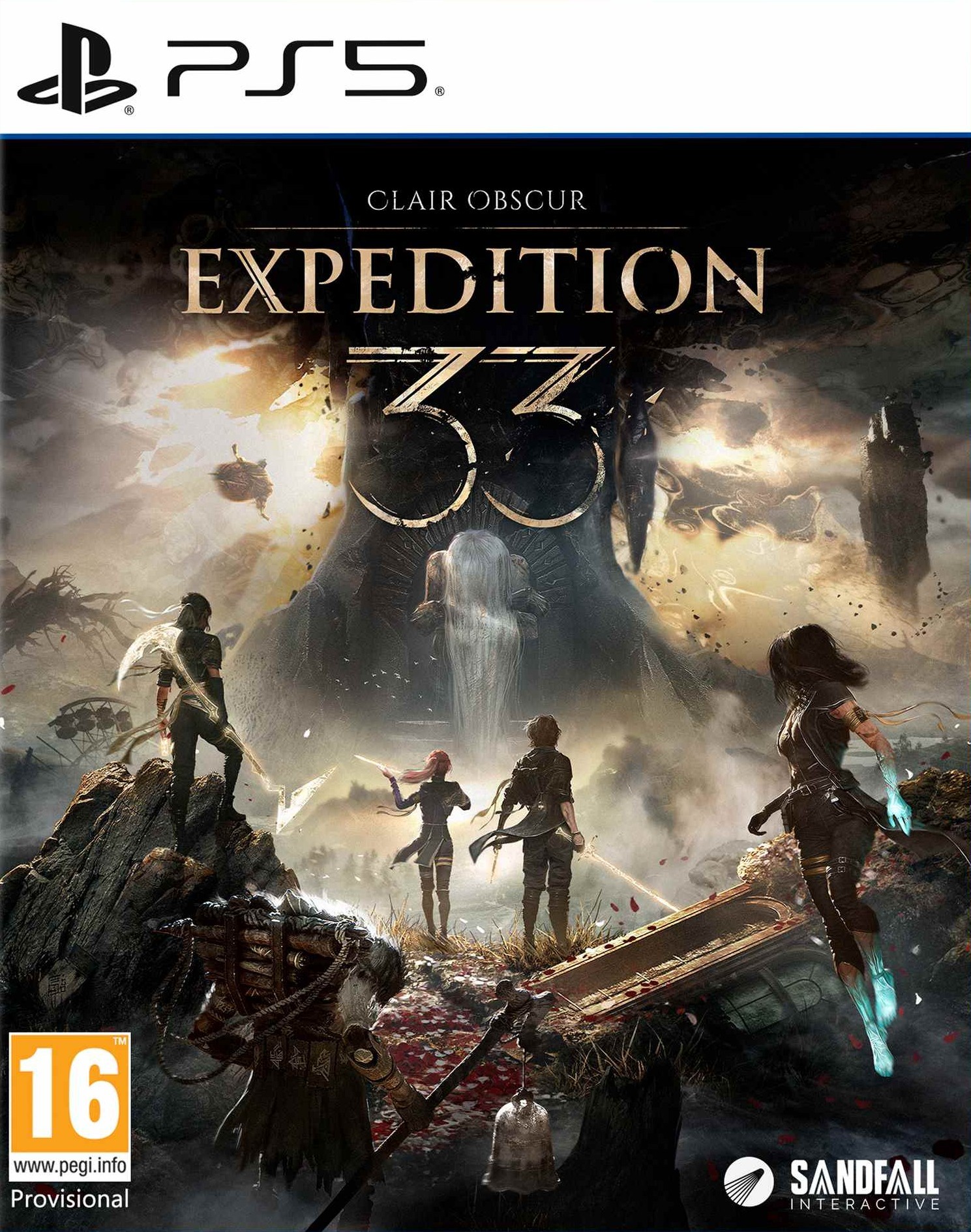
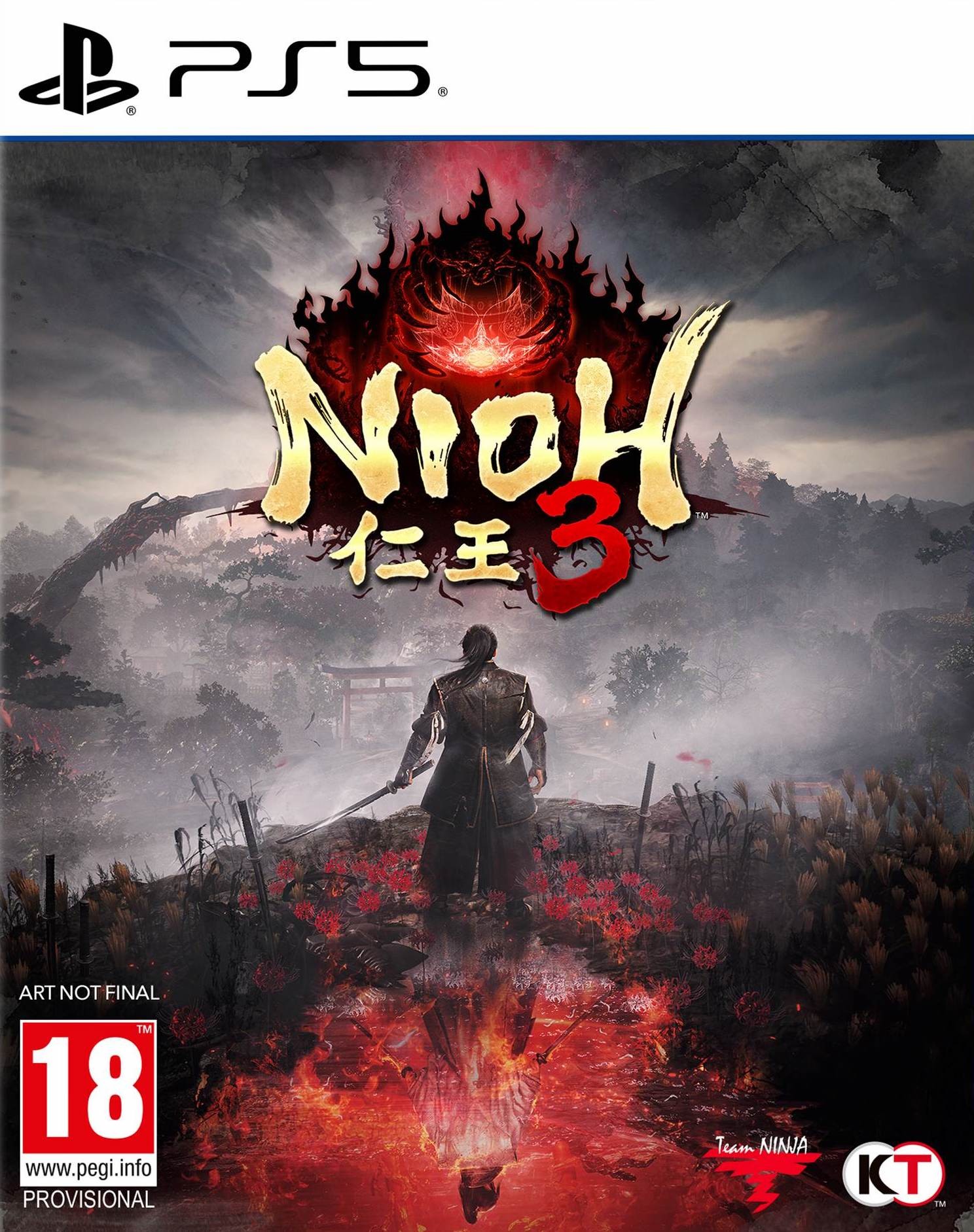
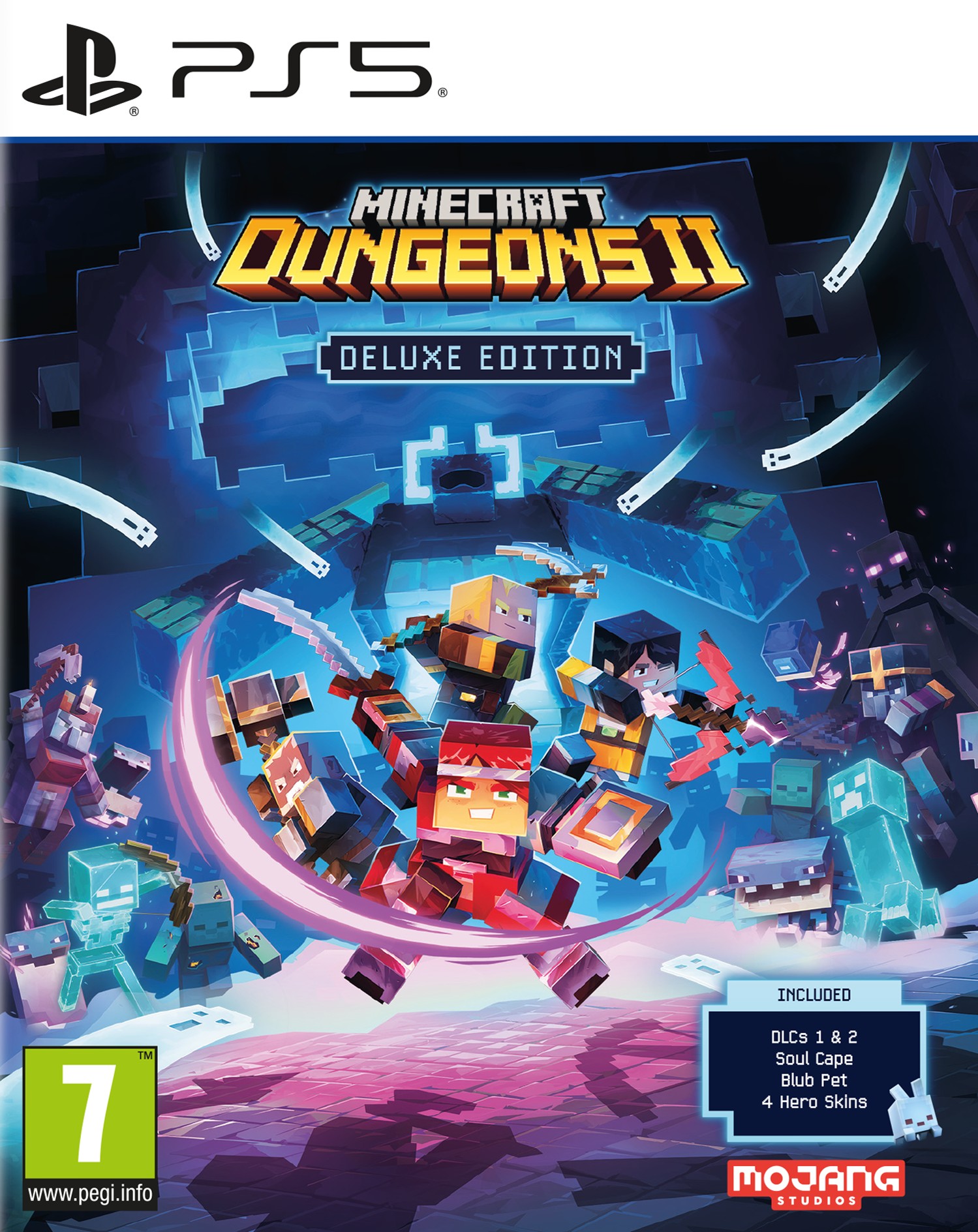
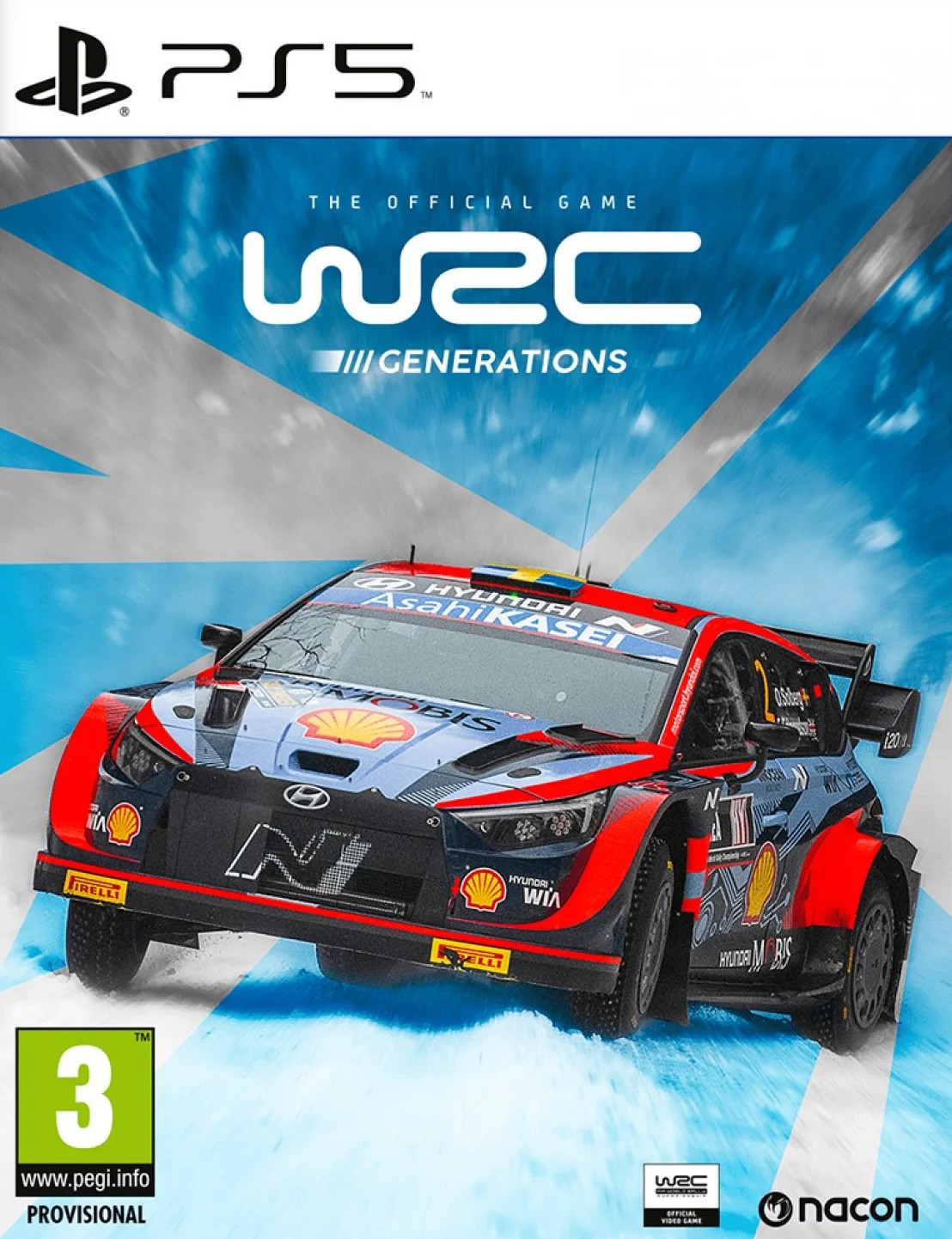
Sony Sackboy: A Big Adventure. Mängu versioon: Standard, Platvorm: PlayStation 5, PEGI-reiting: 7, Arendaja: Sony Interactive Entertainment, Väljalaskekuupäev: 12/11/2020
Keep your DualSense controller charged and ready for gaming with the officially licensed PowerA USB Charging Cable for PlayStation 5. This 10ft cable is perfect for charging your controller while your PlayStation 5 console is on standby or even while you play. Made with high-quality connectors, this USB Charging Cable was designed to last. Works with DualSense controllers 10ft Cable with velcro-strap Standard USB to USB-C Officially licensed for PlayStation 5 Two-year limited warranty - visit PowerA.com/Support
Sa ei taha enam kunagi sõita rallit lihtsalt klaviatuuril või konsooli puldiga. Logitech G29 on disainitud uusimate mängude jaoks PlayStation 5, PlayStation 4, PlayStation 3 ja arvuti peal, pakkudes kasutajale täpsust ja võimalikult reaalset sõidukogemust.
Sa ei taha enam kunagi sõita rallit lihtsalt klaviatuuril või konsooli puldiga. G29 on disainitud uusimate mängude jaoks PlayStation 5, PlayStation 4, PlayStation 3 ja arvuti peal, pakkudes kasutajale täpsust ja võimalikult reaalset sõidukogemust. Komplektis on kaasas käigukang Logitech Driving Force Shifter.
Tootekood: PS5DCNOVPINKPlayStation other accessories
Made by PlayStation: The only console covers made by PlayStation for PS5 that are designed to deliver the quality level you know and trust. Easy to Use: Just remove your white PlayStation 5 console covers and click your new covers into place. How to remove and replace the PS5™ console cover The top PS5 console cover has a PlayStation Logo. Step 1 Turn off your PS5 console. Remove all cables and devices from your PS5 console. Wait a while for your PS5 console to cool down. Step 2 Place your PS5 console on a flat surface with a protective covering and remove the base. Step 3 Position your PS5 console so that the PS logo is facing up and the power button is facing away from you. Step 4 Grip the bottom left corner of the cover and remove it by slightly pulling up and to your right. The cover lifts away. Step 5 Attach the new top cover by sliding it on from right to left. You'll hear a click when the cover is secured. Step 6 Connect the AC power cord, cables and base, and then turn on the power. Or, to attach a new bottom cover, follow the steps below. the steps below. The bottom PS5 console cover doesn't have a PlayStation Logo. Step 1 Turn off your PS5 console. Then remove all cables and devices from your PS5 console. Wait a while for your PS5 console to cool down. Step 2 Place your PS5 console on a flat surface with a protective covering and remove the base. Step 3 Position your PS5 console so that the PS logo is facing down and the power button is facing towards you. Step 4 Grip the top left corner of the cover and remove it by slightly pulling up and to your right. The cover lifts away. Step 5 Attach the new bottom cover by sliding it on from right to left. You'll hear a click when the cover is secured. Step 6 Connect the AC power cord, cables and base, and then turn on the power.
Tootekood: PS5SLIMKRBPlayStation other accessories
PS5 Slim Console Cover – Hyperpop Collection Refresh your PlayStation®5 Slim console with the bold and expressive Hyperpop Collection cover. Designed to match the vibrant Hyperpop aesthetic, this official console cover brings striking colors and modern style to your gaming setup. Created specifically for the PS5 Slim model, the cover fits seamlessly onto your console, replacing the original outer panels without affecting performance, airflow, or connectivity. Precision engineering ensures a perfect fit and a clean, factory-quality finish. The Hyperpop Collection cover allows you to personalize your PS5 Slim while keeping the console protected and visually unique. Installation is quick and simple, making it easy to swap styles whenever you want a fresh look. Official PlayStation® console cover Designed exclusively for PS5 Slim Bold Hyperpop Collection design Precise fit with no impact on ventilation Easy to install and remove
Tootekood: PS5SLIMKTRPlayStation other accessories
PS5 Slim Console Cover – Hyperpop Collection Refresh your PlayStation®5 Slim console with the bold and expressive Hyperpop Collection cover. Designed to match the vibrant Hyperpop aesthetic, this official console cover brings striking colors and modern style to your gaming setup. Created specifically for the PS5 Slim model, the cover fits seamlessly onto your console, replacing the original outer panels without affecting performance, airflow, or connectivity. Precision engineering ensures a perfect fit and a clean, factory-quality finish. The Hyperpop Collection cover allows you to personalize your PS5 Slim while keeping the console protected and visually unique. Installation is quick and simple, making it easy to swap styles whenever you want a fresh look. Official PlayStation® console cover Designed exclusively for PS5 Slim Bold Hyperpop Collection design Precise fit with no impact on ventilation Easy to install and remove
Tootekood: PS5SCCCHPRLPlayStation other accessories
Made by PlayStation: The only console covers made by PlayStation for PS5 that are designed to deliver the quality level you know and trust. Easy to Use: Just remove your white PlayStation 5 console covers and click your new covers into place. How to remove and replace the PS5™ console cover The top PS5 console cover has a PlayStation Logo. Step 1 Turn off your PS5 console. Remove all cables and devices from your PS5 console. Wait a while for your PS5 console to cool down. Step 2 Place your PS5 console on a flat surface with a protective covering and remove the base. Step 3 Position your PS5 console so that the PS logo is facing up and the power button is facing away from you. Step 4 Grip the bottom left corner of the cover and remove it by slightly pulling up and to your right. The cover lifts away. Step 5 Attach the new top cover by sliding it on from right to left. You'll hear a click when the cover is secured. Step 6 Connect the AC power cord, cables and base, and then turn on the power. Or, to attach a new bottom cover, follow the steps below. the steps below. The bottom PS5 console cover doesn't have a PlayStation Logo. Step 1 Turn off your PS5 console. Then remove all cables and devices from your PS5 console. Wait a while for your PS5 console to cool down. Step 2 Place your PS5 console on a flat surface with a protective covering and remove the base. Step 3 Position your PS5 console so that the PS logo is facing down and the power button is facing towards you. Step 4 Grip the top left corner of the cover and remove it by slightly pulling up and to your right. The cover lifts away. Step 5 Attach the new bottom cover by sliding it on from right to left. You'll hear a click when the cover is secured. Step 6 Connect the AC power cord, cables and base, and then turn on the power.
Tootekood: PS5SCCMBKGTIN: 711719582373PlayStation other accessories
Made by PlayStation: The only console covers made by PlayStation for PS5 that are designed to deliver the quality level you know and trust. Easy to Use: Just remove your white PlayStation 5 console covers and click your new covers into place. How to remove and replace the PS5™ console cover The top PS5 console cover has a PlayStation Logo. Step 1 Turn off your PS5 console. Remove all cables and devices from your PS5 console. Wait a while for your PS5 console to cool down. Step 2 Place your PS5 console on a flat surface with a protective covering and remove the base. Step 3 Position your PS5 console so that the PS logo is facing up and the power button is facing away from you. Step 4 Grip the bottom left corner of the cover and remove it by slightly pulling up and to your right. The cover lifts away. Step 5 Attach the new top cover by sliding it on from right to left. You'll hear a click when the cover is secured. Step 6 Connect the AC power cord, cables and base, and then turn on the power. Or, to attach a new bottom cover, follow the steps below. the steps below. The bottom PS5 console cover doesn't have a PlayStation Logo. Step 1 Turn off your PS5 console. Then remove all cables and devices from your PS5 console. Wait a while for your PS5 console to cool down. Step 2 Place your PS5 console on a flat surface with a protective covering and remove the base. Step 3 Position your PS5 console so that the PS logo is facing down and the power button is facing towards you. Step 4 Grip the top left corner of the cover and remove it by slightly pulling up and to your right. The cover lifts away. Step 5 Attach the new bottom cover by sliding it on from right to left. You'll hear a click when the cover is secured. Step 6 Connect the AC power cord, cables and base, and then turn on the power.
Tootekood: PS5SCCCHPRLRPlayStation other accessories
Made by PlayStation: The only console covers made by PlayStation for PS5 that are designed to deliver the quality level you know and trust. Easy to Use: Just remove your white PlayStation 5 console covers and click your new covers into place. How to remove and replace the PS5™ console cover The top PS5 console cover has a PlayStation Logo. Step 1 Turn off your PS5 console. Remove all cables and devices from your PS5 console. Wait a while for your PS5 console to cool down. Step 2 Place your PS5 console on a flat surface with a protective covering and remove the base. Step 3 Position your PS5 console so that the PS logo is facing up and the power button is facing away from you. Step 4 Grip the bottom left corner of the cover and remove it by slightly pulling up and to your right. The cover lifts away. Step 5 Attach the new top cover by sliding it on from right to left. You'll hear a click when the cover is secured. Step 6 Connect the AC power cord, cables and base, and then turn on the power. Or, to attach a new bottom cover, follow the steps below. the steps below. The bottom PS5 console cover doesn't have a PlayStation Logo. Step 1 Turn off your PS5 console. Then remove all cables and devices from your PS5 console. Wait a while for your PS5 console to cool down. Step 2 Place your PS5 console on a flat surface with a protective covering and remove the base. Step 3 Position your PS5 console so that the PS logo is facing down and the power button is facing towards you. Step 4 Grip the top left corner of the cover and remove it by slightly pulling up and to your right. The cover lifts away. Step 5 Attach the new bottom cover by sliding it on from right to left. You'll hear a click when the cover is secured. Step 6 Connect the AC power cord, cables and base, and then turn on the power.
• Juhtmevaba PlayStation 5 mängupult • Ergonoomiline juhtkangide- ja nuppude asetus • Integreeritud kõlar, mikrofon ja kõrvaklapipesa • Hõlpsalt laetav USB-C kaudu • Vibratsiooni- ja valgusefektid <p>Tootepildid on illustreeriva tähendusega. Tegelik toote värv võib pisut erineda pildil olevast.</p>
<p>Meelelahutus ühe nupuvajutusega. </p> <p> Intuitiivne multimeediumi ja teleri juhtseadmetega paigutus võimaldab meelelahutust PlayStation®5 konsoolil mugavalt juhtida. Lihtsustage seadistust võimalusega PS5™ konsool otse sisse lülitada ja helitugevuse ning toite sätteid ühilduvas teleris kohandada.</p>
Meelelahutus ühe nupuvajutusega. Intuitiivne multimeediumi ja teleri juhtseadmetega paigutus võimaldab meelelahutust PlayStation®5 konsoolil mugavalt juhtida. Lihtsustage seadistust võimalusega PS5™ konsool otse sisse lülitada ja helitugevuse ning toite sätteid ühilduvas teleris kohandada.
Tootekood: PS4REVILLGEGTIN: 5055060902585PS4 games
New Content in theWinters' Expansion ・Third Person Mode - Allows you to enjoy the main game from a third-person perspective.・The Mercenaries Additional Orders - Adds new playable characters and stages.・Shadows of Rose - Introduces a new story with Ethan's daughter Rose as the protagonist. Features A New Chapter in the Resident Evil Storyline Latest Console Technology Popular Resident Evil Features Familiar Faces and New Foes Evolution of Combat 25th Anniversary Celebration Bonus Play Across Generations Resident Evil Village Product Description Experience survival horror like never before in Resident Evil Village, the eighth major installment in the genre-defining Resident Evil franchise. Set a few years after the horrifying events in the critically acclaimed Resident Evil 7 biohazard, the all-new storyline brings Ethan Winters to a remote snow-capped village filled with a diverse cast of terrifying enemies. After a devastating encounter with Resident Evil series hero Chris Redfield, Ethan pursues him in search of answers but finds himself in an entirely new nightmare. Modern console technology paired with Capcom’s proprietary RE Engine delivers a visceral experience combining pulse-pounding action with signature survival horror gameplay synonymous with the Resident Evil series. Harnessing the newest console technology, Resident Evil Village delivers stunning graphics and advanced technology on PlayStation 5 and Xbox Series X S. New gameplay features harken back to fan-favorite elements from previous Resident Evil games while new mechanics offer more depth to the action during combat. Receive Resident Evil Re:Verse, the new title celebrating 25 years of Resident Evil, for free when you purchase Resident Evil Village! If you purchase Resident Evil Village on the PlayStation®5, then the version of Resident Evil Re:Verse will be for the PlayStation®4, and if you purchase Village on the Xbox Series X, you will receive the Xbox One version of Re:Verse. Resident Evil Re:Verse is an online-only multiplayer title. The PlayStation®4 and PlayStation®5 versions require a PlayStation®Plus membership, and the Xbox One and Xbox Series X versions require an Xbox Live Gold membership in order to play. Details of the operational period for Resident Evil Re:Verse, including commencement of availability and any potential announcements relating to the end of service, can be found on the official website. Please note that, depending on the timing of your purchase of Resident Evil Village, Resident Evil Re:Verse may already no longer be available, and/or the title may become available through other means in the future. Product codes are included with the physical version of Resident Evil Village. If you purchase the digital version, content can be downloaded from the online store the game was purchased from. Product codes will become invalid if the content is no longer available.
Tootekood: PS4REVILLSTGTIN: 5055060901946PS4 games
Features A New Chapter in the Resident Evil Storyline Latest Console Technology Popular Resident Evil Features Familiar Faces and New Foes Evolution of Combat 25 th Anniversary Celebration Bonus Play Across Generations Resident Evil Village Product Description Experience survival horror like never before in Resident Evil Village, the eighth major installment in the genre-defining Resident Evil franchise. Set a few years after the horrifying events in the critically acclaimed Resident Evil 7 biohazard, the all-new storyline brings Ethan Winters to a remote snow-capped village filled with a diverse cast of terrifying enemies. After a devastating encounter with Resident Evil series hero Chris Redfield, Ethan pursues him in search of answers but finds himself in an entirely new nightmare. Modern console technology paired with Capcom’s proprietary RE Engine deliver a visceral experience combining pulse-pounding action with signature survival horror gameplay synonymous with the Resident Evil series. Harnessing the newest console technology, Resident Evil Village delivers stunning graphics and advanced technology on PlayStation 5 and Xbox Series X S. New gameplay features harken back to fan-favorite elements from previous Resident Evil games while new mechanics offer more depth to the action during combat. Receive Resident Evil Re:Verse, the new title celebrating 25 years of Resident Evil, for free when you purchase Resident Evil Village! If you purchase Resident Evil Village on the PlayStation®5, then the version of Resident Evil Re:Verse will be for the PlayStation®4, and if you purchase Village on the Xbox Series X, you will receive the Xbox One version of Re:Verse. Resident Evil Re:Verse is an online-only multiplayer title. The PlayStation®4 and PlayStation®5 versions require a PlayStation®Plus membership, and the Xbox One and Xbox Series X versions require an Xbox Live Gold membership in order to play. Details of the operational period for Resident Evil Re:Verse, including commencement of availability and any potential announcements relating to the end of service, can be found on the official website. Please note that, depending on the timing of your purchase of Resident Evil Village, Resident Evil Re:Verse may already no longer be available, and/or the title may become available through other means in the future. Product codes are included with the physical version of Resident Evil Village. If you purchase the digital version, content can be downloaded from the online store the game was purchased from. Product codes will become invalid if the content is no longer available.
RIG R5 PRO HS – Professional Wired Gaming Headset Next-Level Immersion with Graphene DriversStep into a new dimension of gaming audio. The R5 PRO HS features 40 mm graphene-coated drivers that deliver crystal-clear highs, rich mids, and powerful lows with less than 0.5% distortion. Every detail comes through with stunning accuracy—optimized for PlayStation® Tempest 3D AudioTech, so you can track every footstep, reload, or distant explosion with absolute precision.Custom Comfort. Personalized Style.Your headset, your way. Thanks to the magnetic Snap+Lock system, you can instantly swap out modular plates and ear cushions to match your style. Memory foam padding on the headband and ear cushions keeps you comfortable through the longest gaming marathons, while flat-folding earcups make the R5 PRO HS easy to carry anywhere. Lightweight, adjustable, and built for all-day play.TECHNICAL SPECIFICATIONS Official PlayStation® licensed wired headset 40 mm graphene drivers for ultra-precise, high-quality sound (<0.5% THD) Optimized for Tempest 3D AudioTech on PlayStation® Flip-to-mute microphone for crystal-clear voice chat (50 Hz – 15 kHz) On-ear volume controls for quick adjustments Snap+Lock magnetic customization: swap plates & cushions instantly Memory foam comfort on headband and ear cushions Lightweight, fold-flat earcups for portability Universal 3.5 mm jack — PlayStation®5, PlayStation®4, PC & mobile ready
Eemaldatav, 28 cm diaameetriga ülimalt autentne rool koos tugevdatud raamistiku ja kummist kattematerjaliga pakuvad enneolematut kogemust! Rooli keskele on paigutatud ametlik Gran Turismo logo, seal on 13 erinevat nuppu (2 tagumisel küljel )ja ka D-Pad. Samuti on see varustatud ka PlayStationi-, Share- ja Options-nupuga, et kasutada seda mugavalt ka puldi asemel. Komplektis on ka 100% metallist struktuuriga pedaalid, millel saad reguleerida gaasi- ja siduripedaali kõrgust ja asukohta. Toimivad ka PlayStation 5 konsoolidega!
<p>Eemaldatav, 28 cm diaameetriga ülimalt autentne rool koos tugevdatud raamistiku ja kummist kattematerjaliga pakuvad enneolematut kogemust! Rooli keskele on paigutatud ametlik Gran Turismo logo, seal on 13 erinevat nuppu (2 tagumisel küljel )ja ka D-Pad. Samuti on see varustatud ka PlayStationi-, Share- ja Options-nupuga, et kasutada seda mugavalt ka puldi asemel.<br /><br />Komplektis on ka 100% metallist struktuuriga pedaalid, millel saad reguleerida gaasi- ja siduripedaali kõrgust ja asukohta.<br /><br /><strong>Toimivad ka PlayStation 5 konsoolidega!</strong></p>
Samsung 9100 PRO 4000 GB SSD form factor M.2 2280 Solid-state drive interface PCIe 5.0x4 Read speed 14800 MB/s |

GTIN: 8806095811659Kõvakettad (SSD)
Baanbrekende PCIe® 5.0 performance<br />Haal het maximale uit PCIe® 5.0. De 9100 PRO biedt sequentiële lees-/schrijfsnelheden van tot maar liefst 14.800/13.400 MB/s, dat is twee keer sneller dan die van de 990 PRO. Laat de grenzen van Gen4 achterwege met random lees-/schrijfsnelheden tot wel 2200K/2600K IOPS, alleen mogelijk met Gen5.<br /><br />Iedere taak, optimaal synchroon<br />Turbosnelheid. De ultrahoge random lees-/schrijfsnelheden bieden razendsnelle synchrone verwerking voor talloze gefragmenteerde gegevens, met een snelheid tot wel 2200K/2600K IOPS. Profiteer van een uitstekende output en razendsnel laden van zware games, veeleisende taken en zelfs AI-applicaties.<br /><br />Razendsnel creëren met AI<br />Intelligentie tilt je prestaties naar een hoger niveau. Verleg je grenzen op het werk en speel met de AI PC en AI contentgeneratie, aangedreven door de vliegensvlugge random lees-/schrijfsnelheden van de 9100 PRO tot wel 2.200K/2.600K IOPS. Het resultaat? Snel laden, soepel gamen en naadloos werken.<br /><br />Win van al je tegenstanders<br />Gamen zonder grenzen. Bundel je krachten met de 9100 PRO met Heatsink op pc, laptop of PlayStation® 5 en geniet van ongekende prestaties met de nieuwste PCIe® 5.0 interfaces. Ga voor de overwinning en geef jezelf een voorsprong om je tegenstanders te verslaan en de macht te grijpen. Iedere toepassing, ieder apparaat.<br /><br />Buitengewoon efficiënte temperatuurregeling<br />Ongestoorde topprestaties. De geavanceerde 5nm stroomarchitectuur zorgt voor 49% meer energie-efficiëntie ten opzichte van de 990 PRO. Dankzij de uitstekende temperatuurregeling blijf je in je flow en kun je zelfs de zwaarste programma's draaien met het maximale vermogen van PCIe® 5.0.<br /><br />Slank ontwerp. Naadloze compatibliteit.<br />Supercompact en compatibel. De 9100 PRO met Heatsink van slechts 8,8 mmT is ongelooflijk compact en is compatibel met PlayStation® 5, pc's en laptops en voldoet aan de PCI-SIG® D8-norm. Laat je niet van de wijs brengen door zijn compacte formaat. De M.2 biedt ultieme ontwerpflexibiliteit en staat garant voor hoge snelheden en geweldige prestaties.<br /><br />Altijd uitzonderlijk<br />Vergroot je voorsprong. Vlieg door videobewerking, 3D-kunst en zelfs lange streamingsessies met de nieuwste PCIe® 5.0 interfaces. Ervaar altijd en overal geavanceerde prestaties, op elk apparaat. Kies de opslag die je nodig hebt, met een uitgebreide capaciteit tot 8 TB.<br /><br />Samsung Magician-software<br />Ontdek de magische kracht van je SSD. Samsung Magician-software is een pakket van optimaliseringstools en geeft je altijd de beste SSD-prestaties. Het is een veilige en eenvoudige manier om al je gegevens te migreren voor een Samsung SSD-upgrade. Bescherm waardevolle gegevens, houd de staat van je monitordriver in de gaten en ontvang de nieuwste firmware-updates.<br /><br />Breng innovaties tot leven<br />Het NAND-flashgeheugen van Samsung vormt al decennialang de basis voor revolutionaire technologieën die ons dagelijks leven op alle vlakken veranderd hebben. Dit NAND-flashgeheugen is ook de basis van onze SSD's voor klanten en is hiermee de volgende toonaangevende ontwikkeling.<br /><br />Tweakers Ultimate<br />Eindelijk een echte Gen5-drive<br /><br />TechFi<br />Een enorme stap vooruit met PCI-Express 5.0 én 4.0<br /><br />PC-Active<br />9100 PRO SSD voor de pro<br /><br />Technology Insider<br />Letterlijk en figuurlijk een coole PCI-Express 5.0-ssd<br /><br />PCIe® 5.0 Performance<br />Max 14.800/13.400 MB/s sequentiële snelheden, twee keer sneller dan 990 PRO.<br /><br />Uitgebreide ervaring<br />Superveel capaciteit met uitzonderlijke compatibiliteit.<br /><br />Innovatieve kracht en temperatuurregeling<br />Het vermogen is maar liefst 49% efficiënter met geavanceerde temperatuurregeling.<p>Haal het maximale uit PCIe® 5.0. De 9100 PRO biedt sequentiële lees-/schrijfsnelheden van tot maar liefst 14.800/13.400 MB/s, dat is twee keer sneller dan die van de 990 PRO. Laat de grenzen van Gen4 achterwege met random lees-/schrijfsnelheden tot wel 2200K/2600K IOPS, alleen mogelijk met Gen5.</p><p>Turbosnelheid. De ultrahoge random lees-/schrijfsnelheden bieden razendsnelle synchrone verwerking voor talloze gefragmenteerde gegevens, met een snelheid tot wel 2200K/2600K IOPS. Profiteer van een uitstekende output en razendsnel laden van zware games, veeleisende taken en zelfs AI-applicaties.</p><p>Intelligentie tilt je prestaties naar een hoger niveau. Verleg je grenzen op het werk en speel met de AI PC en AI contentgeneratie, aangedreven door de vliegensvlugge random lees-/schrijfsnelheden van de 9100 PRO tot wel 2.200K/2.600K IOPS. Het resultaat? Snel laden, soepel gamen en naadloos werken.</p><p>Gamen zonder grenzen. Bundel je krachten met de 9100 PRO met Heatsink op pc, laptop of PlayStation® 5 en geniet van ongekende prestaties met de nieuwste PCIe® 5.0 interfaces. Ga voor de overwinning en geef jezelf een voorsprong om je tegenstanders te verslaan en de macht te grijpen. Iedere toepassing, ieder apparaat.</p><p>Ongestoorde topprestaties. De geavanceerde 5nm stroomarchitectuur zorgt voor 49% meer energie-efficiëntie ten opzichte van de 990 PRO. Dankzij de uitstekende temperatuurregeling blijf je in je flow en kun je zelfs de zwaarste programma's draaien met het maximale vermogen van PCIe® 5.0.</p><p>Supercompact en compatibel. De 9100 PRO met Heatsink van slechts 8,8 mmT is ongelooflijk compact en is compatibel met PlayStation® 5, pc's en laptops en voldoet aan de PCI-SIG® D8-norm. Laat je niet van de wijs brengen door zijn compacte formaat. De M.2 biedt ultieme ontwerpflexibiliteit en staat garant voor hoge snelheden en geweldige prestaties.</p><p>Vergroot je voorsprong. Vlieg door videobewerking, 3D-kunst en zelfs lange streamingsessies met de nieuwste PCIe® 5.0 interfaces. Ervaar altijd en overal geavanceerde prestaties, op elk apparaat. Kies de opslag die je nodig hebt, met een uitgebreide capaciteit tot 8 TB.</p><p>Ontdek de magische kracht van je SSD. Samsung Magician-software is een pakket van optimaliseringstools en geeft je altijd de beste SSD-prestaties. Het is een veilige en eenvoudige manier om al je gegevens te migreren voor een Samsung SSD-upgrade. Bescherm waardevolle gegevens, houd de staat van je monitordriver in de gaten en ontvang de nieuwste firmware-updates.</p><p>Het NAND-flashgeheugen van Samsung vormt al decennialang de basis voor revolutionaire technologieën die ons dagelijks leven op alle vlakken veranderd hebben. Dit NAND-flashgeheugen is ook de basis van onze SSD's voor klanten en is hiermee de volgende toonaangevende ontwikkeling.</p><p>Eindelijk een echte Gen5-drive</p><p>Een enorme stap vooruit met PCI-Express 5.0 én 4.0</p><p>9100 PRO SSD voor de pro</p><p>Letterlijk en figuurlijk een coole PCI-Express 5.0-ssd</p><p>Max 14.800/13.400 MB/s sequentiële snelheden, twee keer sneller dan 990 PRO.</p><p>Superveel capaciteit met uitzonderlijke compatibiliteit.</p><p>Het vermogen is maar liefst 49% efficiënter met geavanceerde temperatuurregeling.</p>
Tootekood: MZ-VAP8T0CWGTIN: 8806095811642Solid State Drives (SSD)
Breakthrough PCIe 5.0 performance Push PCIe 5.0 performance to the max. 9100 PRO with Heatsink achieves lightning-fast sequential read/write speeds up to 14,800/13,400 MB/s, two times faster than 990 PRO. Leave Gen4 limits behind with random read/write speeds up to 2,200K/2,600K IOPS, only possible by Gen5. Every task, powerfully parallel Speed past productivity limits. Exhilarating random read/write speeds enable ultra-fast parallel processing for countless fragmented data, at up to 2,200K/2,600K IOPS. Experience superior output and instant loads for huge games, high-performance tasks, and even AI applications. Create with AI in an instant Intelligence redefines performance. Defy your limits in work and play with an on-board AI PC and AI content generation, fuelled by 9100 PRO with Heatsink’s exhilarating random read/write speeds up to 2,200K/2,600K IOPS. Swift loads, smooth gameplay, seamless performance. Conquer any game instantly Boundless gaming freedom. Join forces with the 9100 PRO with Heatsink on PC, laptop, or PlayStation 5, and experience otherworldly performance with the latest PCIe 5.0 interfaces. Equip yourself with the ultimate winning edge to devastate opponents and reign supreme. Any arena, any device. Extraordinary thermal efficiency Peak performance, uninterrupted. The advanced 5nm controller power architecture enhances power efficiency up to 49% over 990 PRO. Exceptional thermal control ensures nothing disrupts your flow, so you can keep the most demanding programs running with the max possible power of PCIe 5.0. Slim build. Seamless fit. Super slim fit. 9100 PRO with Heatsink boasts an incredibly thin 8.8mmT body, compatible with PlayStation 5, PC, and on laptops, meeting PCI-SIG D8 specs. Overcome space limits and get ultimate design flexibility to build your most efficient, high-performance system, with the compact M.2 form factor. Secure every victory Lock in every win with astronomical 8TB capacity. 9100 PRO with Heatsink delivers unthinkably vast space to expand your ever-growing game library. Break free from storage constraints, save every title, and never delete a favorite again. Samsung Magician software Make your SSD work like magic. Samsung Magician software's optimization tools ensure the best SSD performance. It's a safe and easy way to migrate all your data for a Samsung SSD upgrade. Protect valuable data, monitor drive health, and get the latest firmware updates. Bringing innovations to life For decades, Samsung’s NAND flash memory has powered groundbreaking technologies that have changed every part of our daily lives. This NAND flash technology also powers our consumer SSDs, making room for the next big push of innovation.