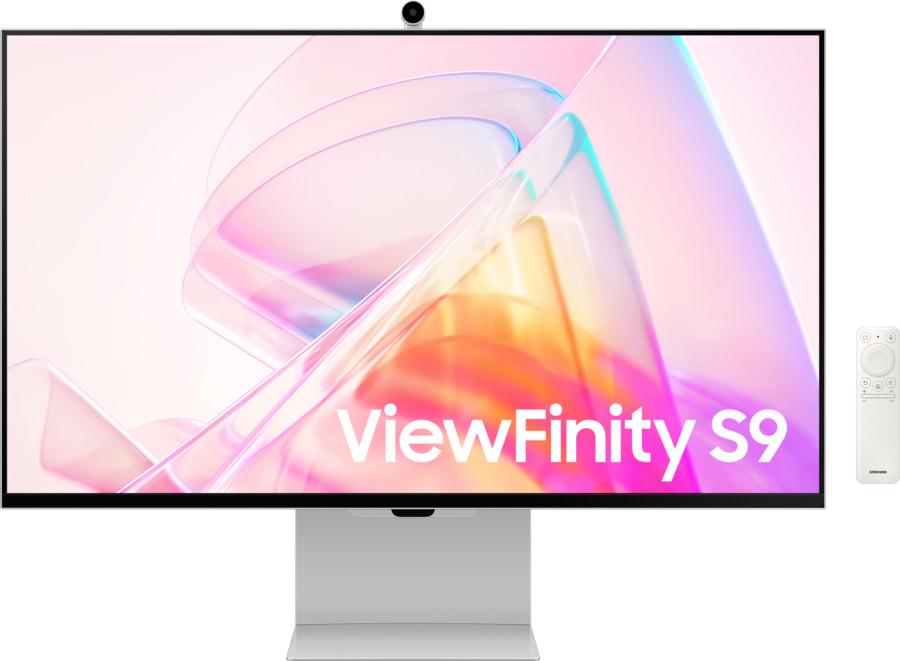
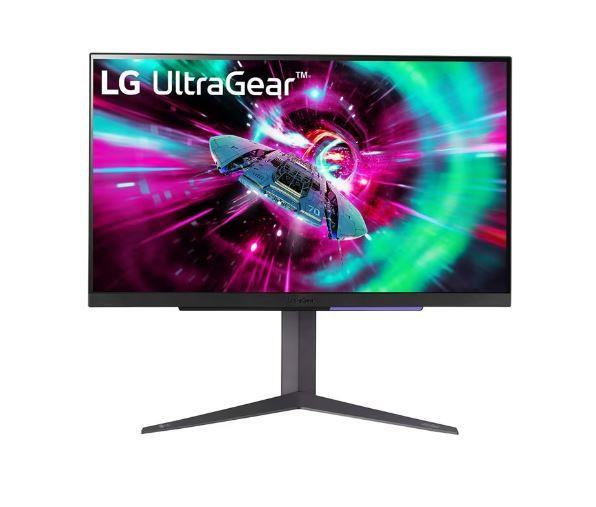
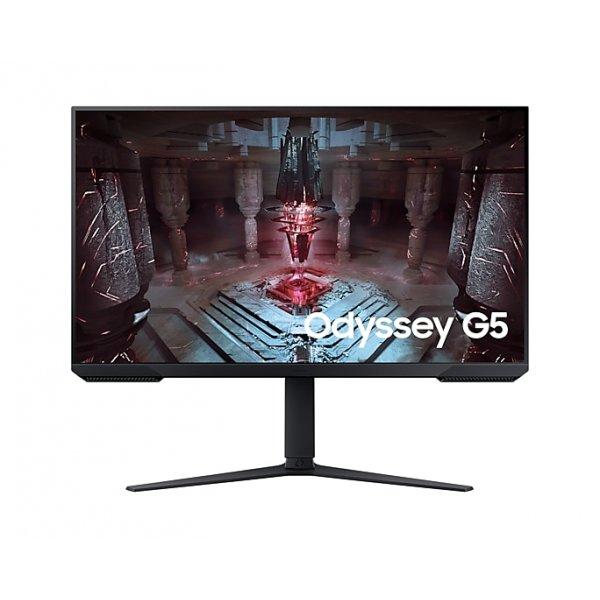
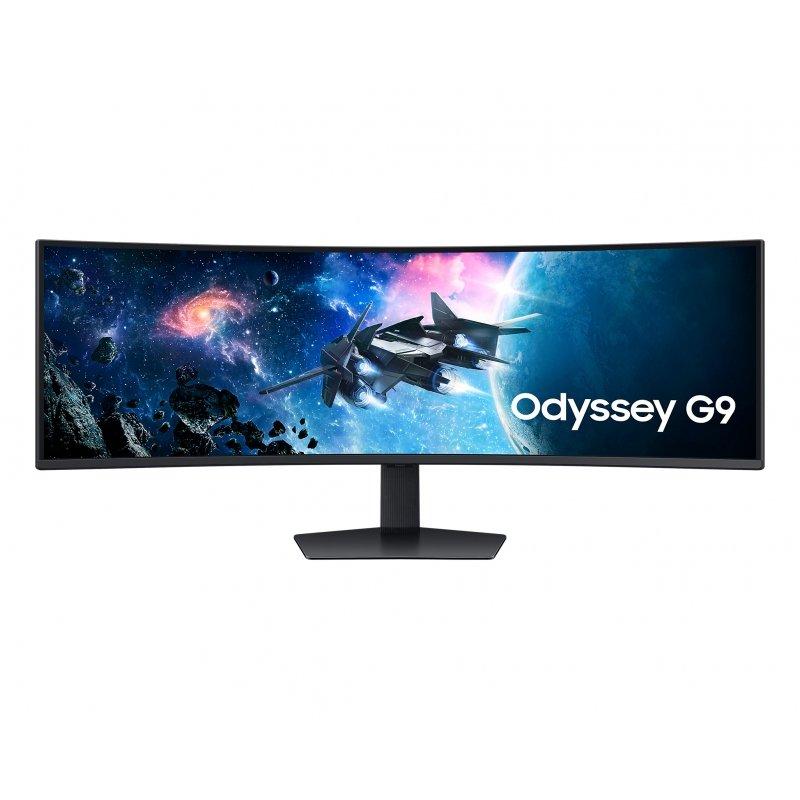
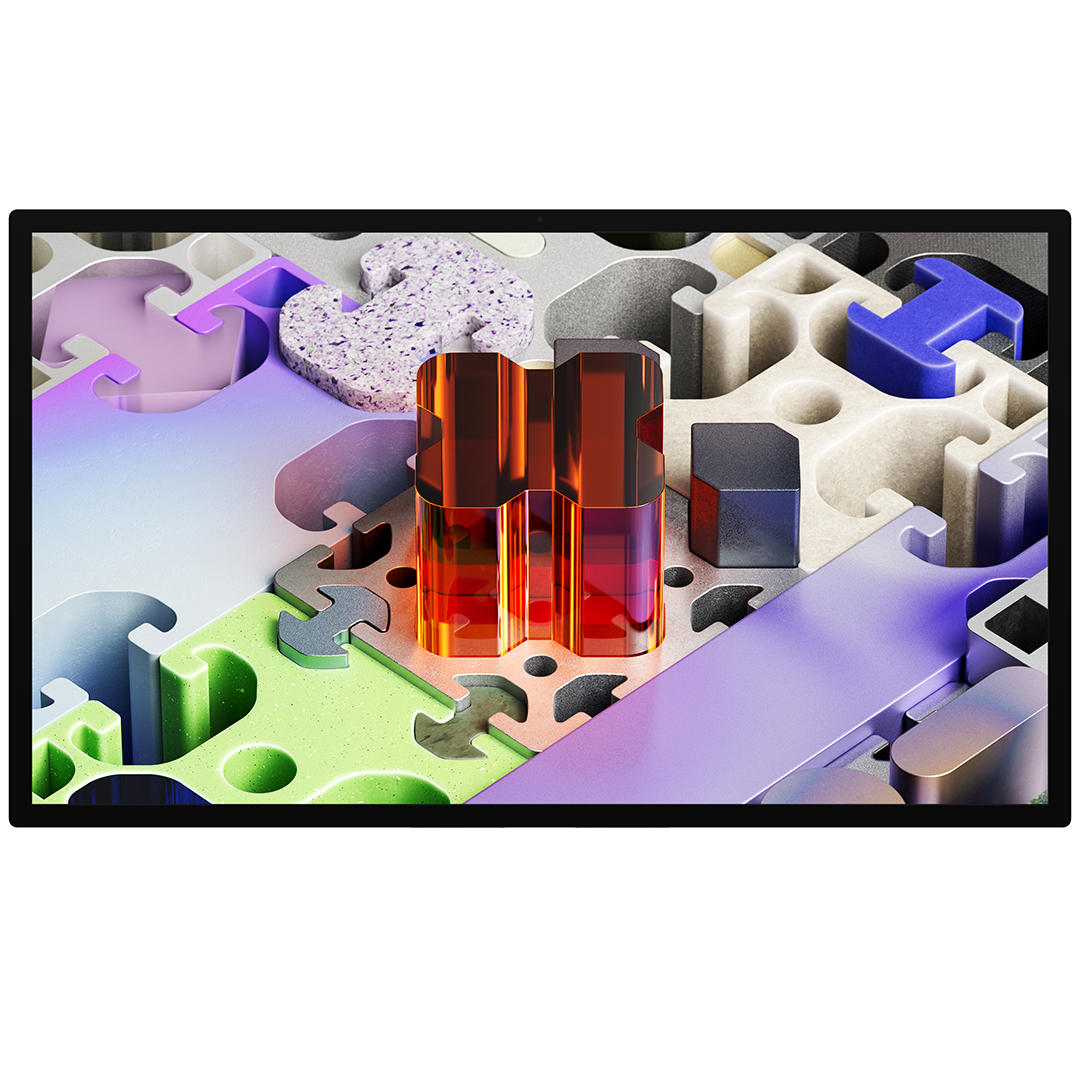
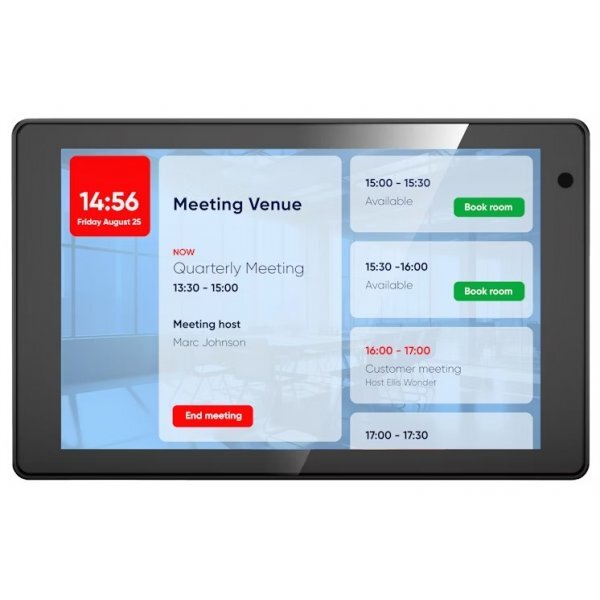
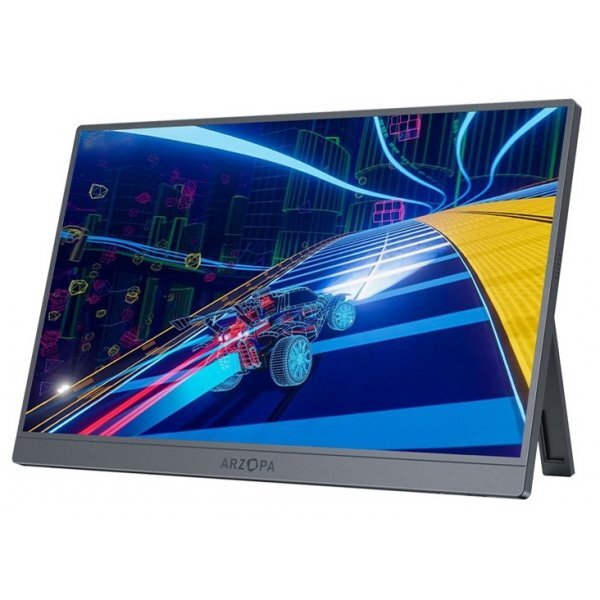
Apple Studio Display XDR on 27-tolline 5K Retina XDR monitor, mis pakub erakordset heledust, kontrasti ja värvitäpsust. Mini-LED taustvalgustus, 120 Hz värskendussagedus ja lai värviruum teevad sellest tugeva tööriista video, foto, disaini ja mängude jaoks. • 27" 5K Retina XDR ekraan • Kuni 2000 niti HDR heledus • 120 Hz ja Adaptive Sync • Thunderbolt 5 ja USB-C ühendused • VESA 100x100 adapteriga saab kinnitada monitori sobivale statiivile, komplektis puudub jalg 27" 5120 x 2880 (5K) Thunderbolt 5 120Hz
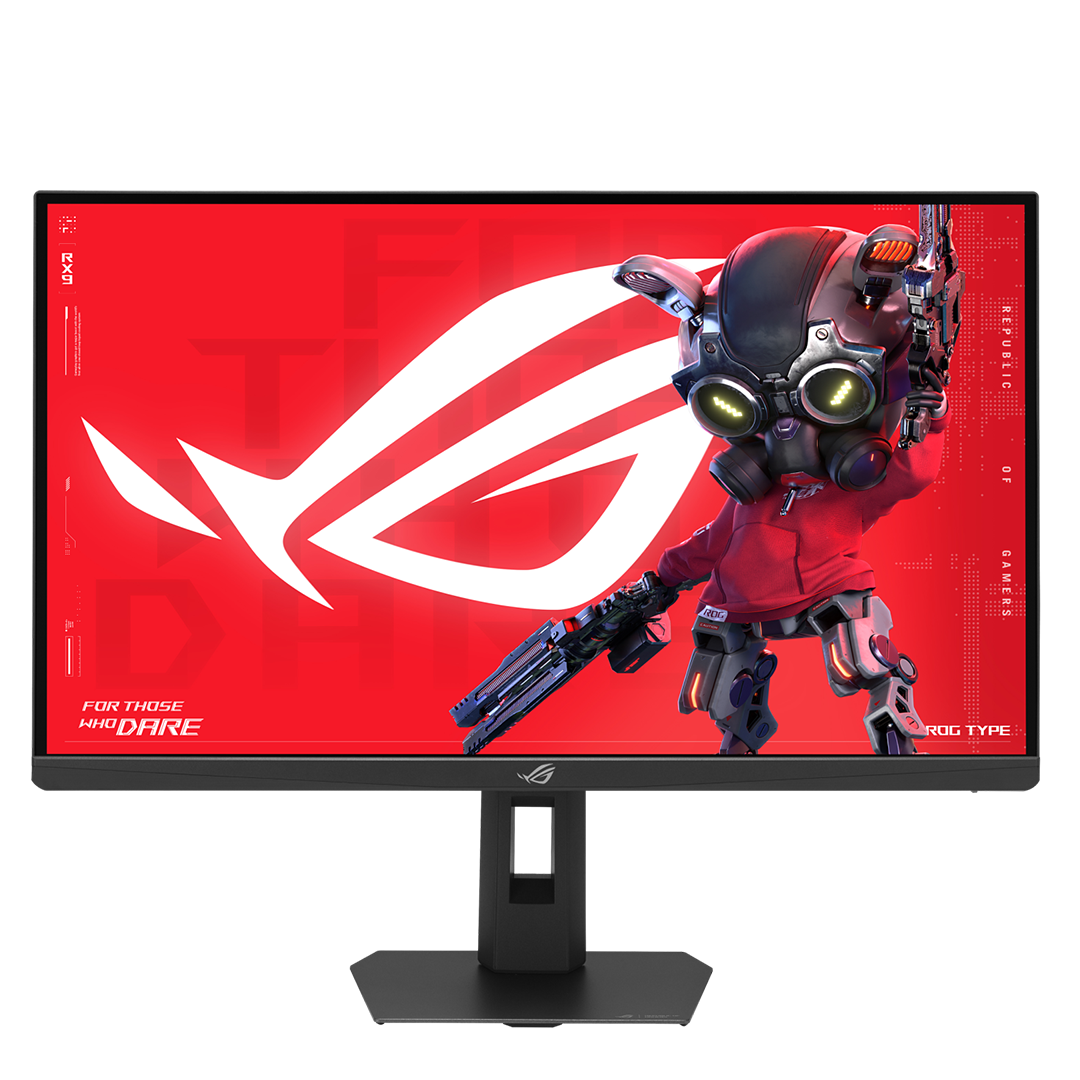
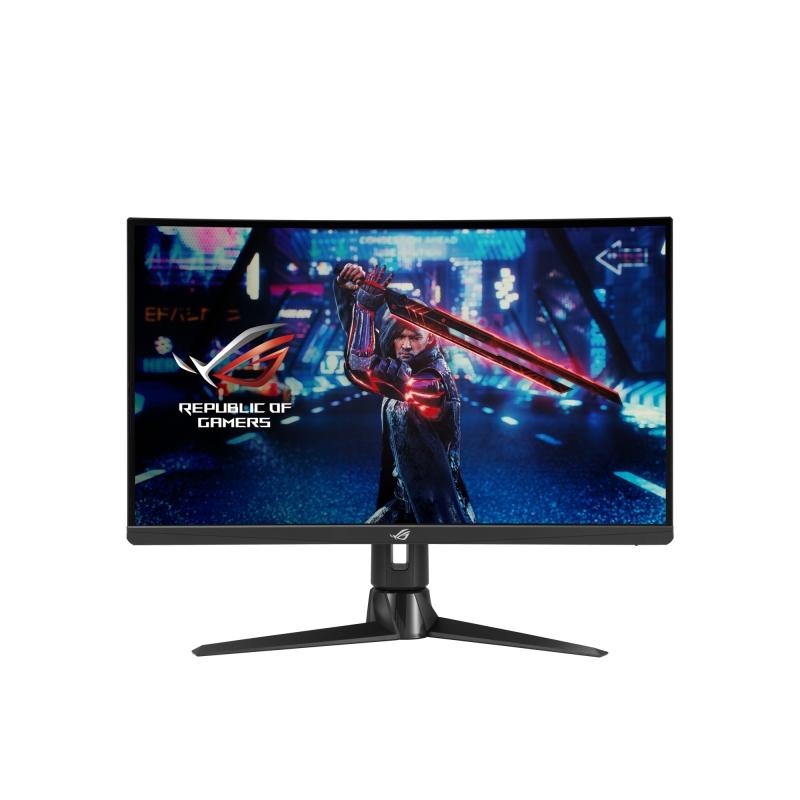
ROG Strix XG27AQNGV on ideaalne e-spordi monitor kiiretempoliste FPS-mängude jaoks. See QHD (2560 × 1440) ekraan kasutab Ultrafast IPS-paneelitehnoloogiat, mis toetab 360Hz värskendussagedust, ning NVIDIA® G-SYNC® protsessor koos G-SYNC Pulsar tehnoloogiaga tagab parima liikumisteravuse. Seda täiendab sujuv G-SYNC Variable Refresh Rate, mis võimaldab rebimisteta immersiooni koos väga täpsete värvide ja madala latentsusega HDR-iga. • 27" QHD (2560×1440) Ultrafast IPS-paneel • Kuni 360Hz värskendussagedus • 1 ms GTG reageerimisaeg • Ühilduv NVIDIA® G-SYNC® Pulsar tehnoloogiaga • HDR-tugi kontrasti parandamiseks
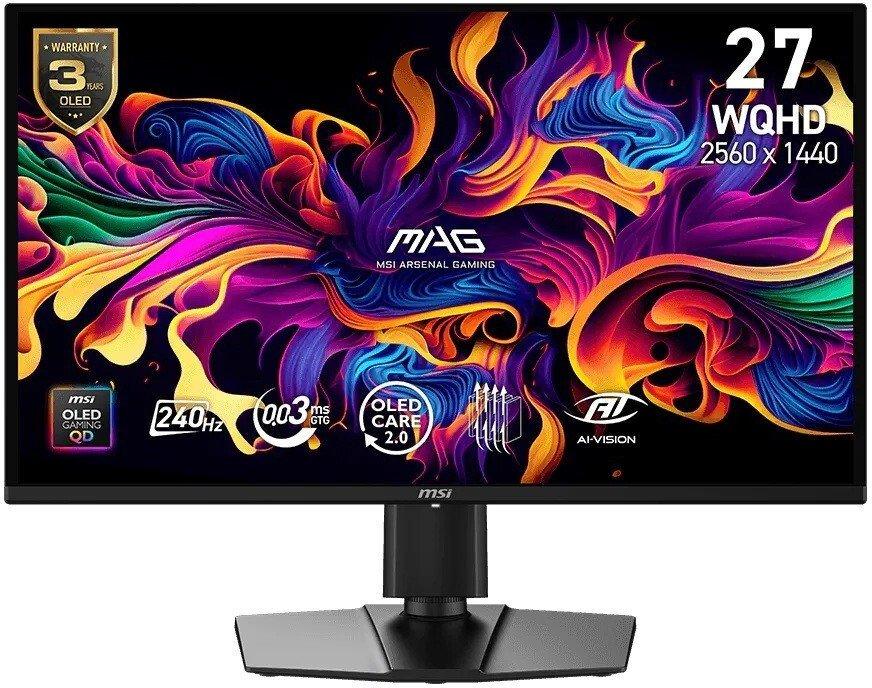
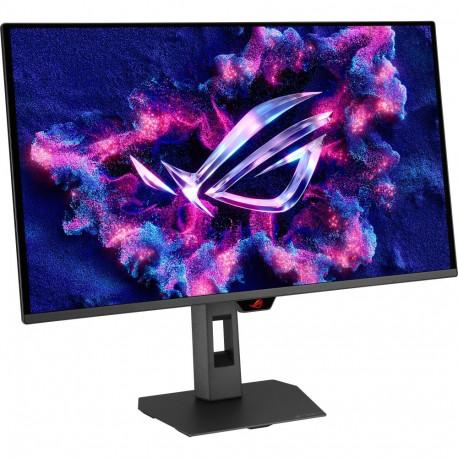
ROG Strix OLED XG27UQDMS on tipptasemel 27-tolline 4K mängumonitor, mis kasutab Tandem QD-OLED tehnoloogiat, et pakkuda erakordset pilti ja ülisujuvat jõudlust. 240 Hz värskendussagedus, ülikiire reageerimine ja nutikas OLED-kaitse loovad kaasahaarava ja usaldusväärse mängukogemuse. • 27" 4K Tandem QD-OLED paneel • 240 Hz värskendussagedus, 0,03 ms GTG reageerimisaeg • VESA DisplayHDR™ 400 True Black • 99% DCI-P3, tõeline 10-bit värv, Delta E < 2 • ASUS OLED Care Pro koos lähedussensoriga • ROG Gaming AI ja DisplayWidget Center Panel Type :
QD-OLED Panel Technology : Tandem QD-OLED Resolution : 3840x2160
• 94 cm (37") LCD VA • 4K Ultra HD 3840 x 2160 pikslit 16:9 • 165 Hz 1 ms 3000:1 • AMD FreeSync Võbelust ärahoidev tehnoloogia • F 39 kWh 39 W Samsung G75F, 94 cm (37"), 3840 x 2160 pikslit, 4K Ultra HD, LCD, 1 ms, Must
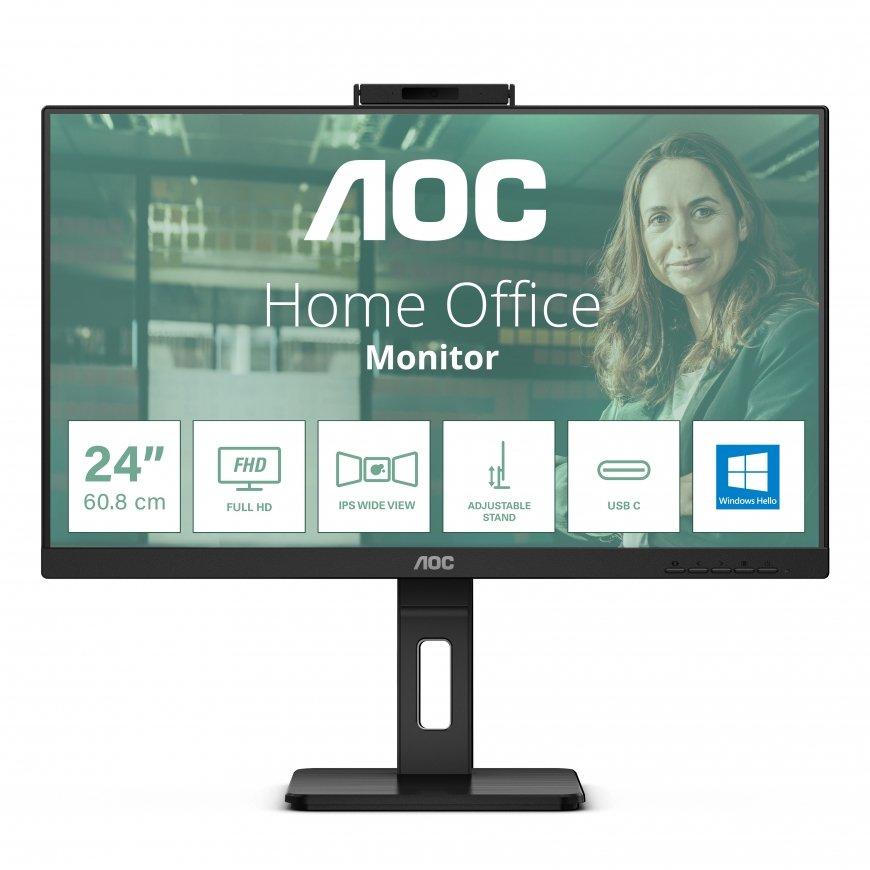
The AOC 24P3CW is a 23.8" flat-screen IPS monitor with a three-sided bezel design that has everything you need to get the most out of your workday. Enjoy enhanced Full HD (1920 x 1080) resolution for crisp, vivid colours and realistic picture quality, in addition to 300-nit brightness and generous 178/178° wide viewing angles. To ensure smooth remote collaboration, this monitor features two built-in 5W + 5W speakers for high-quality sound and a 5MP integrated webcam supporting Windows Hello . Monitor 24P3CW is ready to boost your productivity with USB-C supporting Power Delivery up to 65W, data transfer and DP-alt mode. Connectivity of this monitor is enhanced with USB Hub, RJ-45 & DP-out. To ensure the most efficient power consumption, an array of environmental certifications including EPA, TCO, and EPEAT complete this monitor.
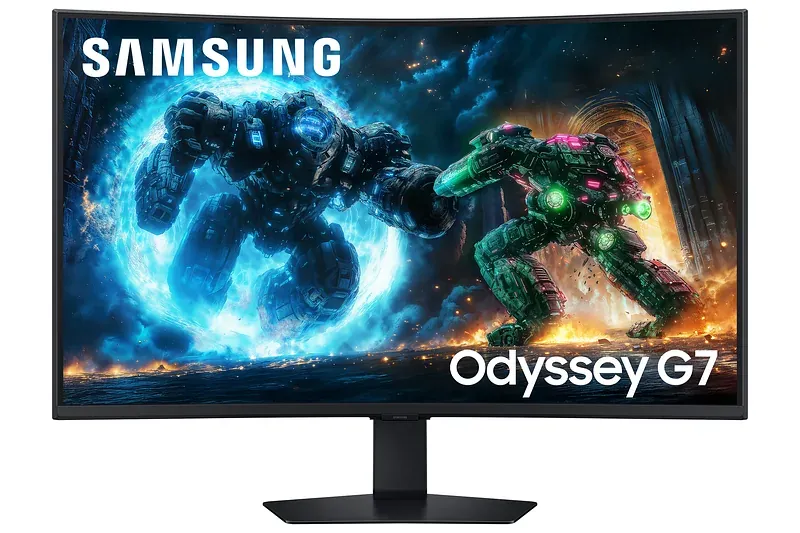
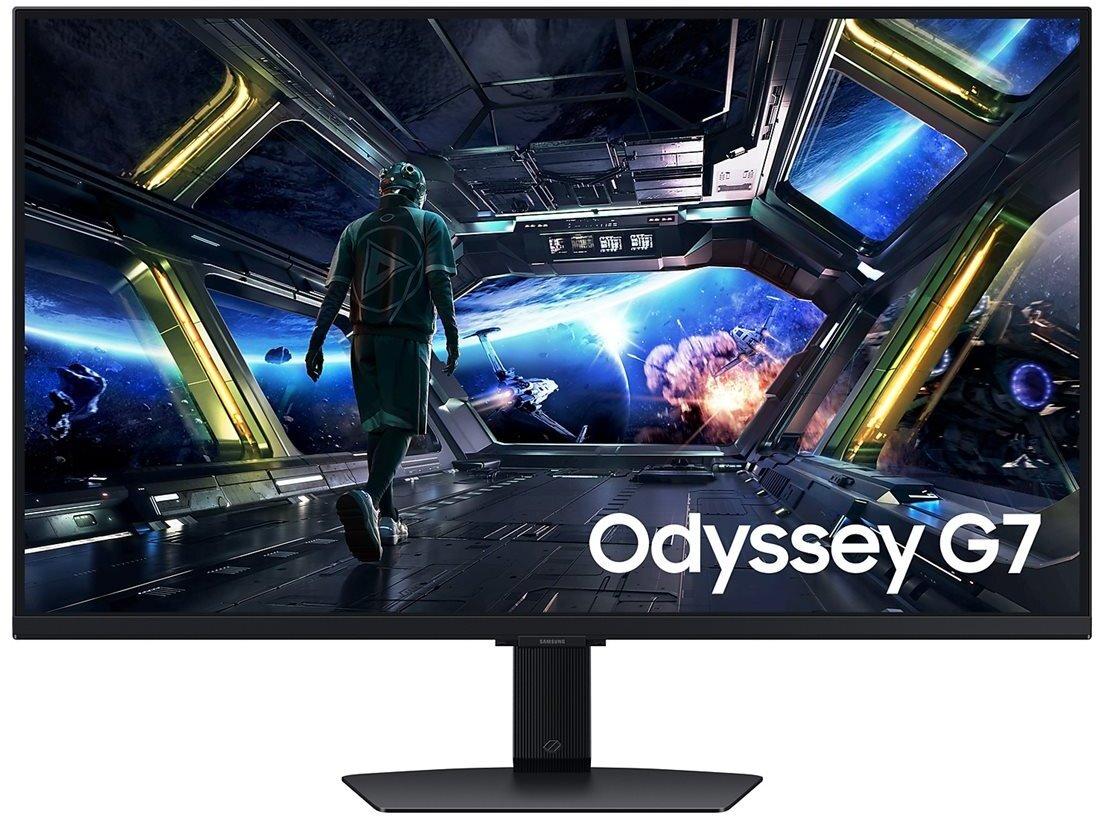
The Samsung Odyssey G7 S32DG702EU offers a 32-inch display with a native resolution of 3840 x 2160, bringing visuals to life with vibrant clarity. This desktop monitor supports a V-Sync rate of 144 Hz and features a response time of 1 ms, making it suitable for gaming and multimedia use. The integration of Adaptive-Sync Technology, AMD FreeSync Premium, ensures smooth gameplay, while the flicker-free panel and Eye Saver Mode enhance visual comfort during extended viewing sessions.Connectivity is streamlined with built-in Wi-Fi, Bluetooth 5.2, and a USB 3.0 hub, providing versatile options for peripheral connections. The vivid color reproduction is further enhanced by supporting 1 billion colors and a 99% sRGB color gamut. With features like MultiView, Game Bar 2.0, and Smart Calibration, it caters to gamers and professionals seeking precision and quality in their work. Elevate your viewing experience with this comprehensive and adaptable display.